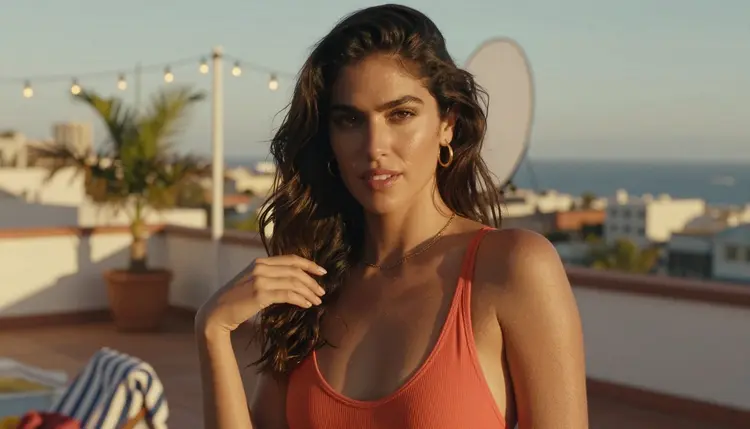
A thumbnail has about half a second to do its job. Before a caption gets read, before a bio gets checked, a thumb has already decided whether to stop scrolling or keep moving, and that call gets made entirely by what sits inside the frame. For a creator selling access to intimate or spicy content, that one image is doing more of the selling than the rest of the page combined, and a flat, generic shot loses to a confident, well lit one almost every time.
This guide walks through building a thumbnail that actually earns the tap: which Picasso IA models are confirmed to generate this kind of content without a filter stepping in, the five steps that turn a rough idea into a frame worth clicking, the styles that read well across different platforms, and the rules every image on this site follows no matter how it is styled.
A thumbnail is not a portrait, and treating it like one is the most common reason a good idea produces a flat result. A portrait can take its time. A thumbnail has to read instantly, at a small size, often next to a dozen competing images, so the choices that matter are the ones that survive being shrunk: a clear silhouette, one obvious focal point and a mood that comes through even when the fine detail does not.
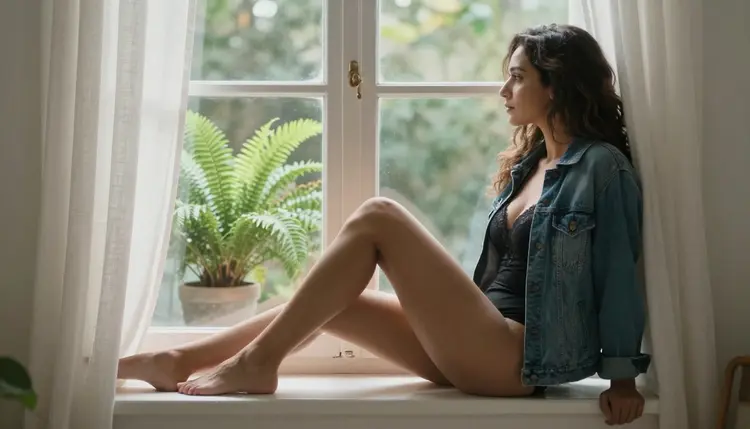
Eye contact and a confident pose carry more weight than an elaborate scene. A viewer scrolling past dozens of tiles responds to a face looking back at them long before they register the wardrobe or the background, so the pose and the gaze are the first two decisions worth making, not the last. Warm, directional light, like the kind a bedroom window gives late in the day, does the rest of the work by shaping the frame instead of flattening it.

Wardrobe should suggest rather than spell out everything at once. An open robe over cream lingerie by a sunlit window, like the example above, gives a viewer a clear idea of the mood without answering every question the full piece is supposed to answer, and that gap is exactly what makes someone tap through instead of moving on.
Picasso IA does not apply the same filter to every model in its catalog. Most of the site's models add a safety layer somewhere in the generation pipeline, and a suggestive prompt sent to one of them comes back rejected no matter how it is worded. Six models are confirmed to generate this kind of content directly: Seedream 4.5, Qwen Image 2, Recraft V4.1 Pro, Picasso Image Editor Pro, Picasso Video and LTX 2.3 Pro. Seedream 4.5 is the primary pick for this guide, since its photoreal detail and skin rendering hold up even after a thumbnail gets cropped down and compressed by a platform.
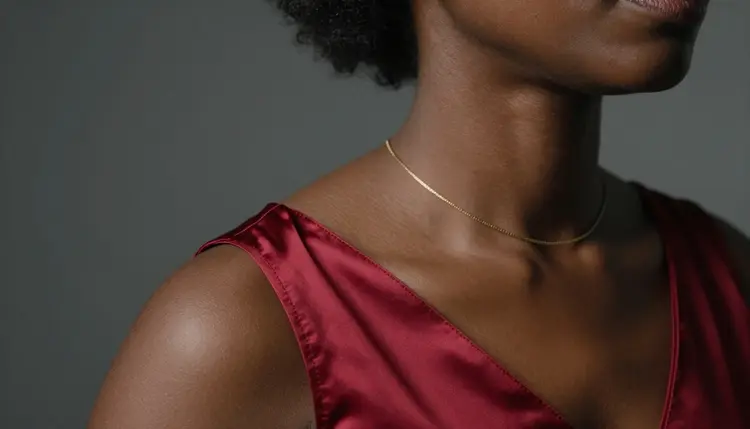
A tight crop, like the collarbone detail above in a red satin slip, is a thumbnail move Seedream 4.5 handles particularly well, since the model keeps fabric texture and skin tone consistent even when the frame is mostly negative space around one small, deliberate detail.
Newer releases such as Seedream 5 Lite and Seedream 5 Pro are worth trying as an alternative once they land in the toolkit, but neither is confirmed uncensored yet, so treat anything they produce as a test rather than a guarantee, and fall back to Seedream 4.5 the moment a result gets rejected. The same caution applies to Seedance 2.5 and to any third-party model not listed above: alternative, not confirmed.
None of this depends on a long prompt or a trick phrase. It comes down to five decisions, made in order, before the generate button gets pressed.
- Pick Seedream 4.5 as your base model. Open the toolkit and start with Seedream 4.5 for its photoreal detail, since it is the model most consistently confirmed to render this kind of prompt without getting filtered.
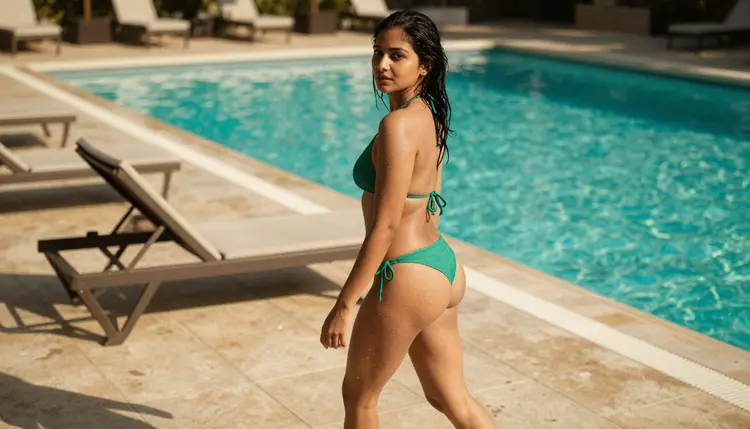
- Name the wardrobe and the setting in one sentence. A single concrete pairing, such as a green bikini beside a sunlit pool, gives the model something specific to build instead of a mood it has to guess at.
- Choose one pose and a direct or over-the-shoulder gaze. A thumbnail lives or dies on the first half second, and a clear gaze toward the camera reads faster than an elaborate pose ever will.
- Light for warmth, not for realism alone. Golden hour, warm window light or a soft studio glow all read as inviting at thumbnail size, while flat, even lighting tends to look clinical once the image shrinks.
- Crop and sharpen with Picasso Image Editor Pro. Once a generation is close, send it to Picasso Image Editor Pro to tighten the crop and fix one detail rather than regenerating the whole scene from a new prompt.
Different platforms reward slightly different thumbnail styles, and Seedream 4.5 handles all of them without changing the underlying approach, only the wardrobe and the setting named in the prompt.
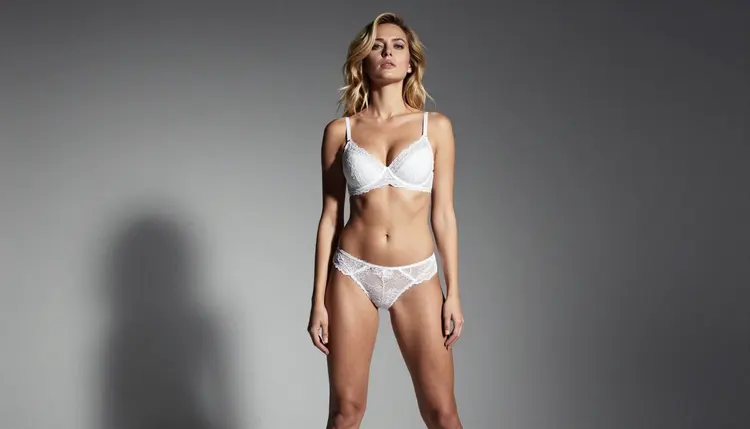
A plain studio backdrop, like the grey one above behind white lingerie, keeps every bit of attention on the pose and the gaze, which makes it a strong choice for a profile grid where the thumbnail sits next to several others and needs to stand out through confidence rather than a busy scene.

An overhead angle over silk sheets reads as more intimate and works well for a preview meant to feel like a candid moment rather than a staged shot, and Seedream 4.5 keeps the fabric folds and the light consistent from that unusual camera position, which is not something every photoreal model handles cleanly.
A poolside or outdoor setting, a plain studio backdrop and a bedroom scene each send a different signal before a viewer reads a single word of copy, so picking the setting first, before writing the rest of the prompt, keeps the whole thumbnail aimed at one clear mood instead of several competing ones.
Showing too much at once. A thumbnail that answers every question the full piece was supposed to answer gives a viewer no reason to tap through, so leaving one thing suggested rather than shown outright almost always converts better.
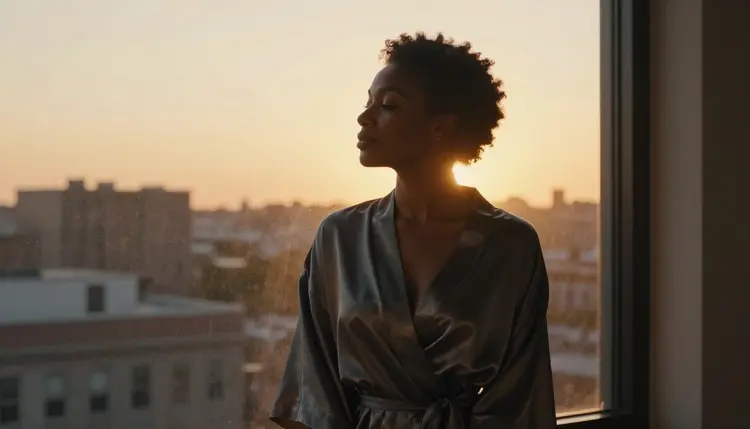
A silhouette against a sunset window, like the one above, is a useful reminder that a thumbnail can sell mood and shape alone, without a single sharp detail, and it often outperforms a more literal shot precisely because it leaves something to the imagination.
Skipping the crop test. A frame that looks great full size can lose its focal point entirely once shrunk to a small tile, so checking the composition at thumbnail size, not just at full resolution, catches problems a full screen preview hides.
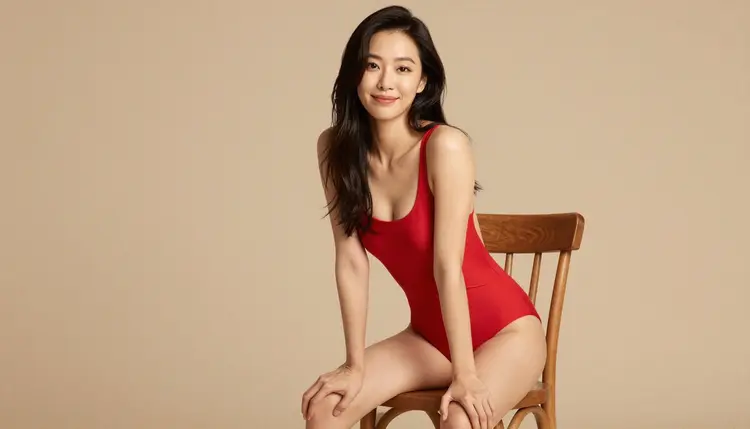
Avoiding eye contact with the camera. A gaze that drifts off frame, unlike the bold, direct look above in a red swimsuit, reads as passive and gets scrolled past far more often than a face that looks straight back at the viewer.
Mismatching the mood of the thumbnail and the content behind it. A thumbnail promising one tone and delivering another erodes trust fast, so the wardrobe, light and pose chosen for the thumbnail should genuinely match what a subscriber finds on the other side of the tap.
Everything on this page, and everything the six confirmed models generate, has to stay fictional and adult, 18+ only, with no exceptions carved out for a thumbnail just because it is small or cropped tight. Every person in a generated image has to be an invented adult, described from imagination rather than copied from someone real, and nothing in a prompt should describe a figure who could read as a minor, however the wording gets dressed up.

Do not name a real person, describe a real face or body, or use any prompt aimed at recreating someone who exists outside the model's imagination, with or without their consent. None of the six confirmed models change that boundary. They only change whether a suggestive prompt gets filtered before it reaches generation, nothing about who is allowed to appear in the result. Privacy works the same way it does everywhere else on Picasso IA: what gets generated stays private by default, never published, browsed or shared unless the person who made it chooses to do that themselves.
Which model should I start with for a content thumbnail?
Start with Seedream 4.5. It is the primary confirmed uncensored model for this kind of image, and its photoreal detail holds up well once a thumbnail gets cropped and compressed by a platform.
Why does a thumbnail need different prompt choices than a full image?
A thumbnail is viewed small and fast, so a clear silhouette, one focal point and a confident gaze matter more than the fine detail a larger image can afford to include, and the prompt should be written with that small, quick read in mind.
Should a thumbnail reveal more or less than the content it is selling?
Less, generally. A thumbnail that already answers every question the full piece was meant to answer gives a viewer no reason to tap through, so leaving one clear thing suggested rather than fully shown tends to convert better.
Can Recraft V4.1 Pro make an illustrated thumbnail instead of a photo?
Yes. Recraft V4.1 Pro is one of the six confirmed uncensored models and leans toward a stylized, digital art look, which works well for a thumbnail meant to stand out from photoreal ones nearby on the same page.
How do I fix one detail in a thumbnail without starting over?
Send the result to Picasso Image Editor Pro. It edits an existing image directly, so a hand, a fold of fabric or a crop can be corrected without rebuilding the whole prompt from the beginning.
What crop or framing works best for a small thumbnail tile?
A tight crop centered on the face and upper body tends to read best at small sizes, since a wide, busy scene loses its focal point once the image shrinks down to a grid tile.
Can these same steps be used to make a moving thumbnail or a preview clip?
Yes. Picasso Video and LTX 2.3 Pro follow a similar structure of subject, wardrobe, light and setting, with a small camera movement or gesture added on top, rather than a completely different kind of prompt.
Is it safe to generate the same face repeatedly across different thumbnails?
Yes, as long as the face stays a fictional, invented one and is never built to resemble a specific real person. Reusing a consistent fictional look across a set of thumbnails is a normal creative choice, not a rule concern by itself.
Can I put a real person's face into a thumbnail?
No. Every figure generated through Picasso IA's confirmed models has to be a fictional, invented adult, 18+ only, never the likeness of a real, identifiable person and never anyone who could read as underage, regardless of how the prompt is worded.
Is it free to try Seedream 4.5 before subscribing?
New accounts on Picasso IA start with free credits that work across the whole catalog, including the six confirmed uncensored models, so a thumbnail idea can be tested on Seedream 4.5 before deciding on a plan. Current plans are listed on pricing.