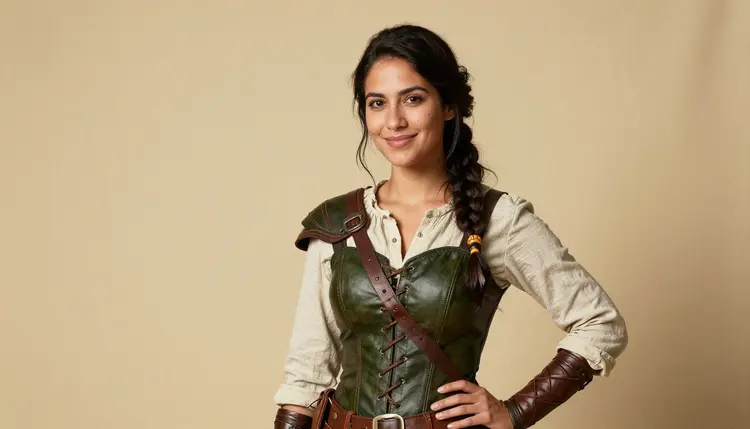
A convention badge holder is a tiny stage. For three days it rides on a lanyard at chest height, seen by everyone who passes in the hallway, and a lot of congoers fill it with their own character instead of a selfie. Turning a fictional character into a badge-ready portrait, confident, a little flirty, with a personality that reads in one glance, is exactly the kind of prompt a lot of general-purpose AI models flinch at before they ever get to the pose. Picasso IA runs six models with no content filter for adult prompts, and one of them, Recraft V4.1 Pro, is built for illustrated character work rather than photorealism, which makes it the natural starting point for badge art.
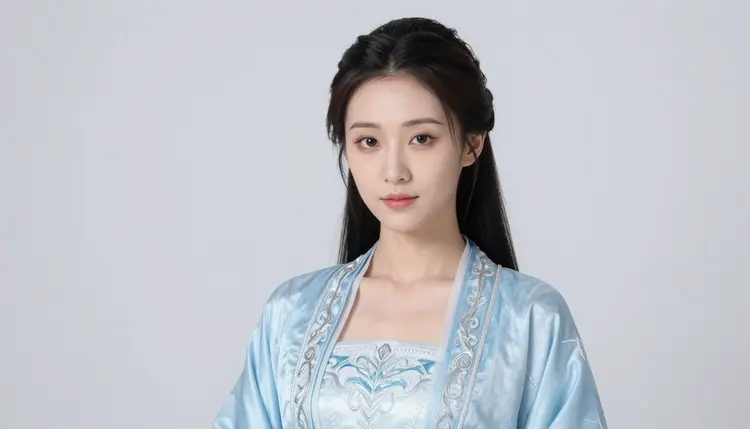
This page covers what a badge portrait actually needs, a tight crop, a strong single pose, a design that survives being shrunk to a few centimeters, which of the six confirmed models fits that brief, and the five steps from a character idea to a print-ready file.
One line before anything else, since it governs every example below: every character shown here is a fictional adult, eighteen or older, invented for the prompt. No real person's likeness, no public figure, and nothing that reads as a minor, in any costume or style.
A badge portrait lives under different rules than a full illustration. It gets read at arm's length by a stranger walking past a table, so the composition has to survive being shrunk to badge size: one character, one clear pose, a silhouette and color story that still reads once the fine linework disappears. Recraft V4.1 Pro handles that constraint well because it is built as an illustration and design engine, flat color, confident ink line, a comic or pin-up sensibility, rather than a photorealism engine, and it is one of only six models across the catalog confirmed to generate adult content with no content filter.
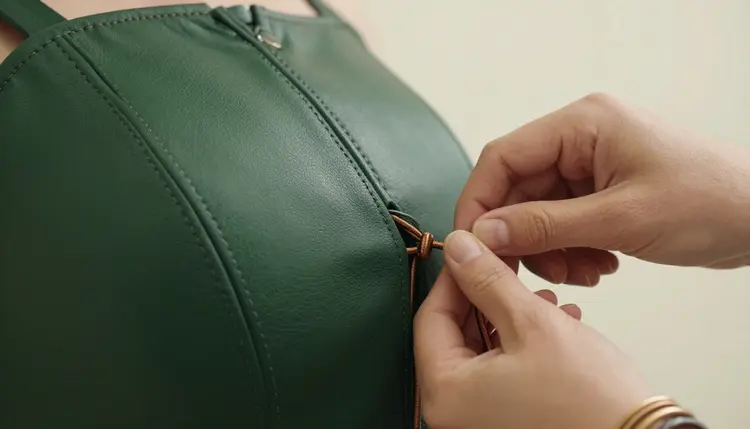
A costume detail like laced cording or a buckle matters in a full illustration but often disappears once the same art gets cropped to badge size, so it is worth generating the full character first and deciding the crop afterward rather than building the prompt around a close detail from the start.
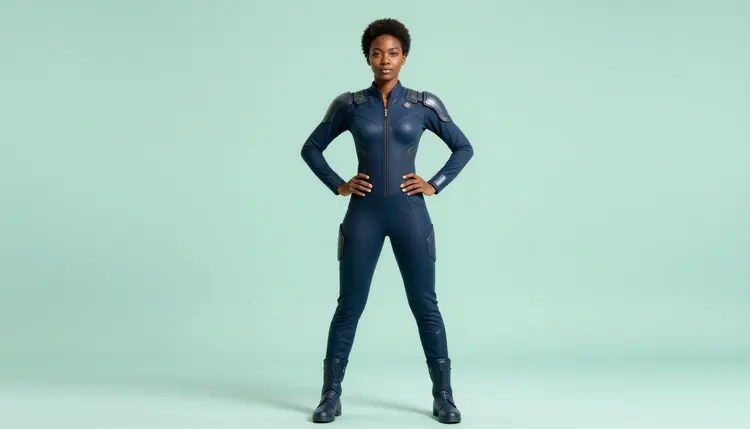
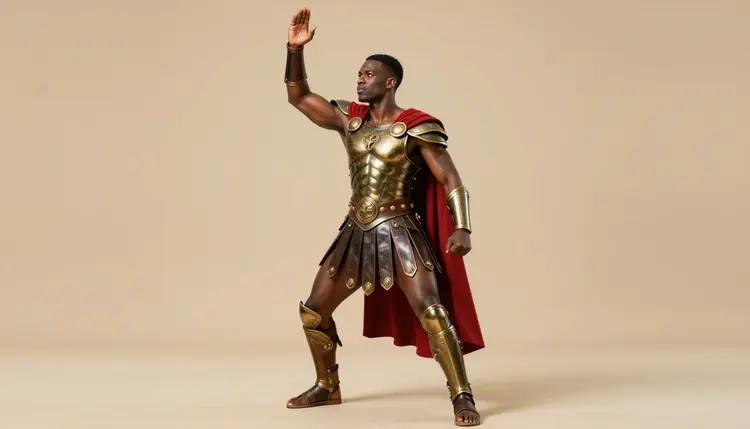
Most badge portraits start life as a full-body reference like this one, generated to settle the costume, the pose and the color palette, and only then get cropped down to the headshot or bust framing that actually goes in the badge holder. That two-step order, full character first, badge crop second, keeps the proportions and the costume details consistent instead of guessing at them inside a tight frame from the first prompt.
Recraft V4.1 Pro is the lead pick for illustrated badge work, but it is not the only option. A badge that wants a photoreal, convention-photo finish instead of a drawn one is a job for Seedream 4.5, and a costume with several pieces that all need to survive one generation together, armor, cape and hair color at once, tends to hold together better on Qwen Image 2. Picasso Image Editor Pro fixes a hand or a prop on the piece that is already closest to right before it gets cropped and exported. All of it sits inside the toolkit, next to the full catalog.
Six models in the catalog run with no content filter on adult prompts, six out of hundreds, not the whole catalog. Most models here, including several well-known names, are tuned for a general audience and screen a spicy badge prompt before it ever renders.
| Model | Type | Best for badge art | Try it |
|---|
| Recraft V4.1 Pro | Image | Illustrated badge portraits, comic and anime finish | Recraft V4.1 Pro |
| Seedream 4.5 | Image | Photoreal badge portraits, skin, fabric, studio light | Seedream 4.5 |
| Qwen Image 2 | Image | Multi-piece costumes that need to hold together | Qwen Image 2 |
| Picasso Image Editor Pro | Image editor | Fixing a hand or prop before the badge crop | Picasso Image Editor Pro |
| Picasso Video | Video | A short badge-reveal clip for social posting | Picasso Video |
| LTX 2.3 Pro | Video | Cinematic motion from a finished badge design | LTX 2.3 Pro |
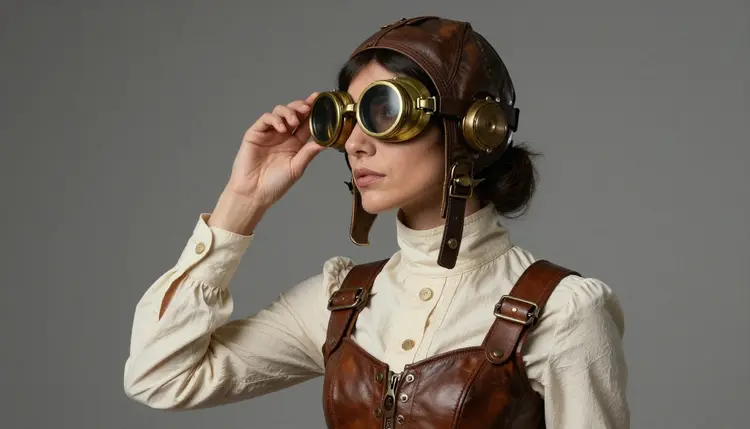
Four of the six draw or edit still images and two generate video. Recraft V4.1 Pro carries the most weight for badge work since illustrated character art is what it is built for, but the other five cover what it is not the right tool for: a photoreal finish, a multi-piece costume, or a short clip once the badge design is done.
Getting from a character idea to a finished badge portrait follows the same five-step loop regardless of which model opens it.
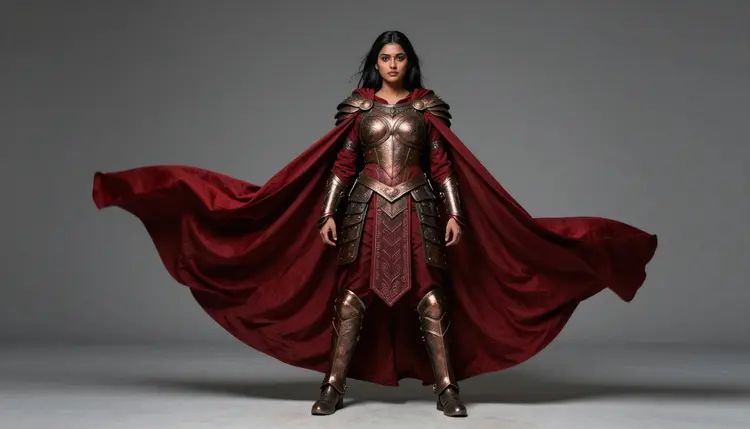
- Write the character brief, not just a pose. Name the outfit, the color scheme, the hair, the expression and any prop; a fictional adult warrior in bronze armor with a crimson cape, silver hair, confident stance, comic ink line style, is a complete brief on its own.
- Pick the model that matches the finish. Recraft V4.1 Pro for an illustrated badge, Seedream 4.5 for a photoreal one, Qwen Image 2 when the costume has several pieces that all need to appear together.
- Generate a full character first, not a pre-cropped headshot. A handful of full-body variants shows whether the costume, color and pose all came through before any cropping decision gets made.
- Adjust one detail at a time. Keep the closest result, change the pose, the color or a single prop, and generate again rather than rewriting the whole brief; three or four rounds is a normal distance to a keeper.
- Crop to badge shape and finish with an edit pass. Send the winning image to Picasso Image Editor Pro to fix a hand or straighten a prop, then crop to the bust or headshot framing a badge holder actually needs and export at print resolution.
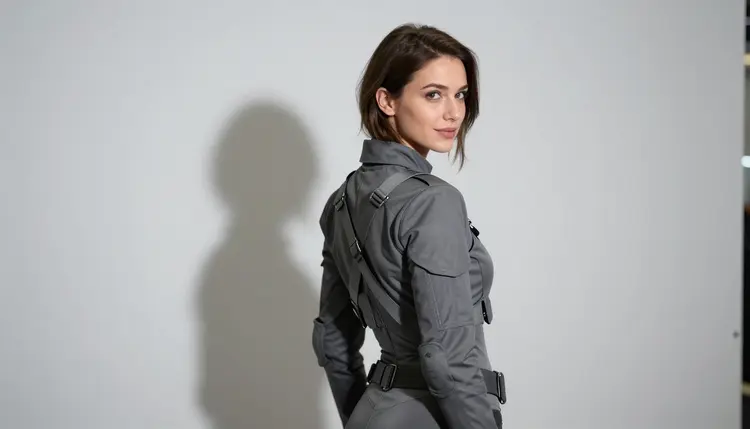
A badge only has a fraction of a second to register with a stranger, so the strongest ones commit to one clear idea instead of packing in every costume detail at once. A single expressive pose, like a glance over the shoulder rather than a static front-facing stand, reads faster than a busy full-body composition once it is shrunk down, and a simple, high-contrast background keeps the character itself as the only thing competing for attention.
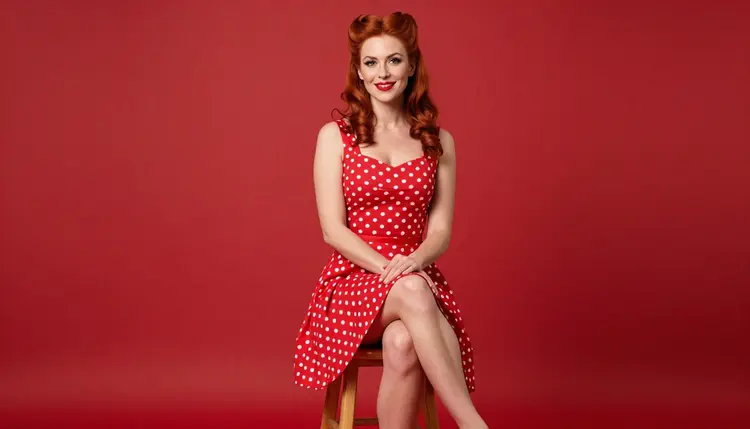
Color does a lot of the identification work at badge size, so picking two or three colors that repeat across the outfit, the hair and an accent, the way this pin-up palette repeats red and cream, makes a character recognizable across a convention floor even before anyone reads the name printed under it. That is also why the illustrated finish Recraft V4.1 Pro produces tends to outperform a photoreal one at badge scale: flat color blocks and a clean line survive shrinking better than fine photographic detail does.
Badge art on Picasso IA runs under the same short set of rules as every other adult generation on the platform, and the convention setting does not change any of them.
This is 18+ content: every character is a fictional adult, eighteen or older, invented for the prompt. No real person's likeness without consent, including a real congoer's face, no public figures, and nothing involving a minor or anyone made to look like one, regardless of a costume's source material.
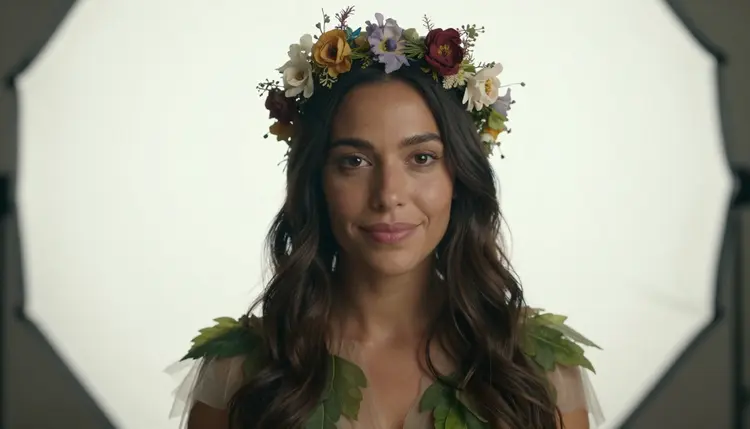
Generations are private by default. A badge portrait made here stays in your own account and is never posted to a public feed or shown to other users, and what you do with the exported file afterward, printing it, sharing it or keeping it, is entirely your call.
An uncensored model is not a flawless one. Hands, props and layered costume pieces are some of the harder details for any image model to render cleanly, filtered or not, so check those before calling a badge design finished, not only the overall pose.
Generating badge art spends credits the same way any other generation on Picasso IA does, and a single illustration sits toward the cheap end of what an image costs. A short badge-reveal clip through Picasso Video or LTX 2.3 Pro costs more than a still image, worth knowing before turning a finished portrait into motion. New accounts start with free credits, enough to test a character brief across a couple of models and run a full edit pass before spending anything further. Current plans and exact prices live on the pricing page, kept there since they change more often than this page does.
Which model should I use for an NSFW convention badge portrait?
Start with Recraft V4.1 Pro for an illustrated badge, comic panel, or pin-up style piece; it is built for drawn character work rather than photorealism, and it is one of six models confirmed to run with no content filter on adult prompts. Reach for Seedream 4.5 instead for a photoreal finish, or Qwen Image 2 when the costume has several specific pieces that all need to survive one generation together.
Does Recraft V4.1 Pro really have no content filter for spicy badge prompts?
Yes. Recraft V4.1 Pro is one of six models across the catalog confirmed to generate adult content with no content filter. Most other models, including several well-known names, are not on that confirmed list and may refuse a spicy badge prompt outright, even one built around a fictional adult character.
What size or crop should a convention badge portrait use?
Generate the full character first, then crop to a bust or headshot framing once the pose and costume are settled; most badge holders read best as a tight portrait rather than a full-body shot squeezed down small. Cropping after the fact, instead of prompting for a pre-cropped headshot, keeps the proportions consistent and leaves room to pick the strongest framing from a full batch.
Can a finished badge portrait be turned into a short video?
Yes. Picasso Video and LTX 2.3 Pro are both confirmed filter-free and both generate video, so a badge character that started as a Recraft V4.1 Pro illustration can move into either one and come out as a short reveal clip instead of staying a still image. Both live inside the toolkit with the four image models above.
Does Nano Banana or another well-known model generate this kind of NSFW art?
Nano Banana is not on the confirmed list, and like most models built for a broad audience it applies a safety layer that can flag and refuse an adult badge prompt. The same applies to other familiar names like Seedance, Sora, Veo, Kling, GPT Image 1 and DALL-E 3; none are confirmed filter-free, and any of them can refuse a prompt the six confirmed models would generate.
What happens if a model refuses my badge prompt?
The generation stops and a Content Not Supported by This Model message takes the image's place, and the app recommends switching to one of the six confirmed models, carrying the original prompt over. The fix is switching models and running the same prompt again, not reworking the description with euphemisms to sneak past the filter that just refused it.
Can I make badge art of a real congoer or a celebrity?
No. A real person's likeness needs explicit consent, and public figures are excluded entirely; both are refused by the models and forbidden under the platform's terms. This includes uploading a real photo of a congoer into Picasso Image Editor Pro for an edit, since the edit is still built on that likeness. Every character on this page and in the app's badge prompts is a fictional adult, invented, not a real person.
How do I write a prompt so the character reads well at badge size?
Name the specific parts rather than a general theme: two or three exact colors, the hair, the expression, and one clear prop or accent. A brief like bronze armor, crimson cape, silver hair, confident stance gives the model something concrete to build, and picking a small, repeating color palette matters more at badge size than it does in a full illustration, since color is what a passerby registers first.
Are my badge generations kept private?
Yes, generations are private by default on Picasso IA. A badge portrait stays in your own account rather than appearing in any public feed or being visible to other users, and nothing is shared or posted anywhere unless the file is exported and shared by the person who made it.
How much does a badge portrait cost, and are there free credits?
A single badge illustration sits toward the cheap end of what any image generation costs on Picasso IA; a video clip through Picasso Video or LTX 2.3 Pro costs more than a still image. New accounts start with free credits, enough to test a character brief across a couple of models and run a full edit pass before spending anything further. Exact current prices are on the pricing page, since plans change more often than this article does.
Recraft V4.1 Pro is already sitting in the toolkit with the rest of the full catalog. Open it, describe the character in one line, and generate the first badge portrait on the free credits that come with a new account.