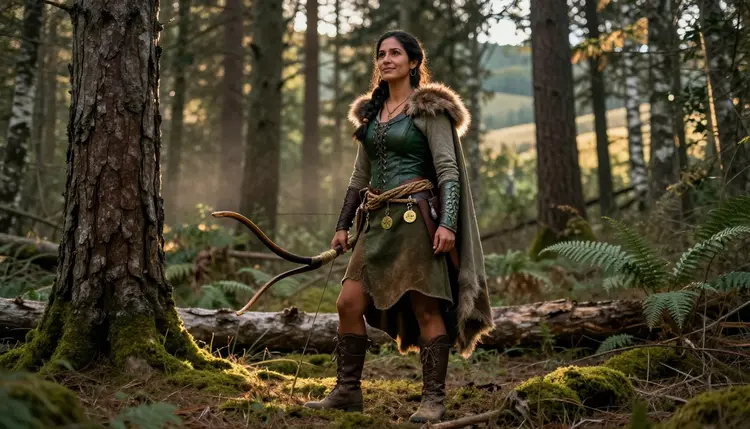
A game companion is never just one look. The same character might need to read as a hardened warrior in one scene, a hooded scout in the next, and something closer to intimate in a third, and most AI image tools flatten every class into the same generic fantasy figure or block the prompt outright the moment it turns adult. Building a custom companion that actually holds its identity across armor, robes and camp scenes takes a model built for range, not just one good pose.
Picasso IA runs a catalog of hundreds of models, and only six of them are confirmed to generate an adult scene directly instead of rejecting it. For a companion that has to move between a warrior's plate, a druid's robes and a scout's leathers without losing what makes them recognizable, the one that matters here is Qwen Image 2, it holds a photoreal, flexible look across wildly different gear and settings, which is exactly what a companion character with more than one class or mood needs.
This page walks through the confirmed models, a five step process for prompting your own companion, and the rules that keep the whole thing fictional and adult, so nothing here relies on real photos, real people or a character younger than the adult every companion here already is.
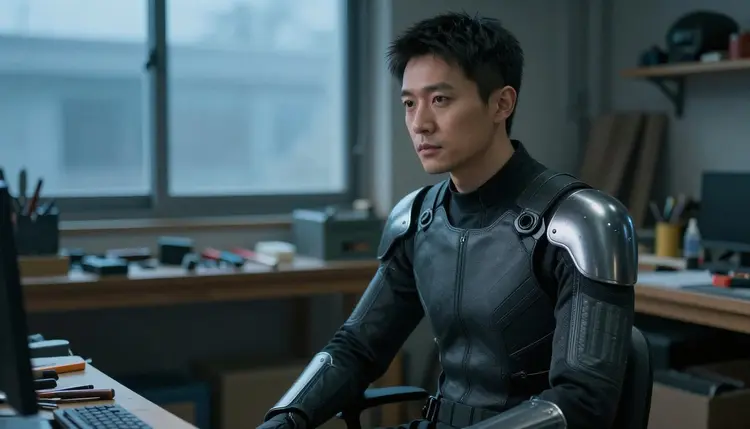
A stock fantasy pinup is not your companion. The specific plating on a knight's shoulder, the exact wood grain of a druid's amulet, the particular cut of a scout's vest, none of that survives a one line prompt, and most people trying to build a companion end up with an image that could belong to any game rather than the one they are actually making. The fix is not a better model alone, it is describing the companion the way a concept artist would brief it, class, build, gear and the one or two details that make them unmistakably a specific character instead of a placeholder.
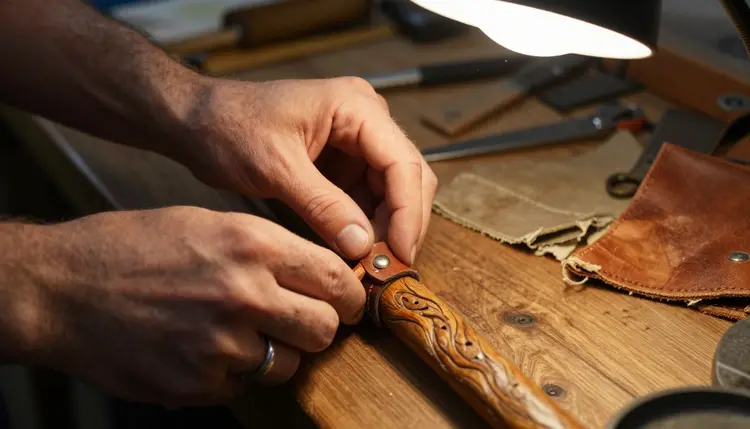
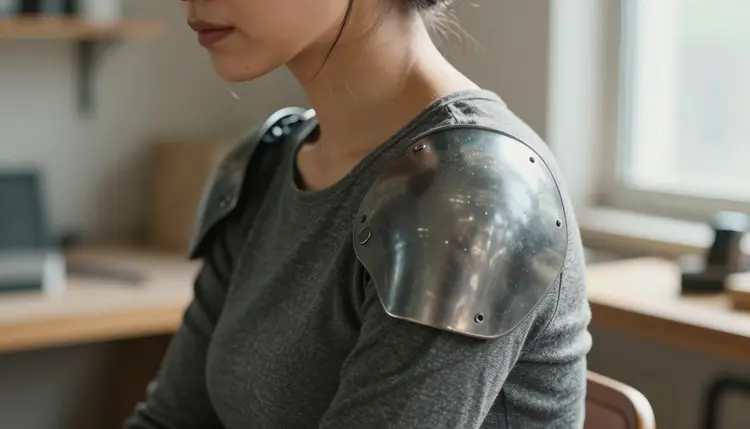
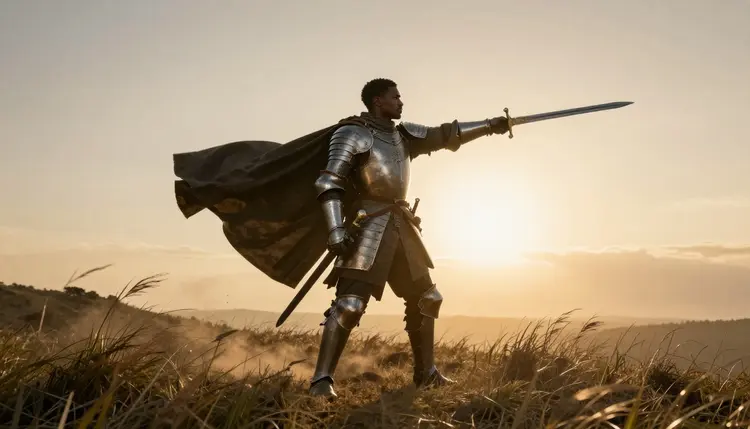
Qwen Image 2 earns the primary spot here specifically because a companion rarely stays in one outfit. A tech suit in a workshop, a staff bound in leather straps, a knight's plate at sunset, each of these reads as a different genre of art, and a model that renders all of them with the same photoreal consistency is worth more than one that excels at a single style and struggles outside it. That range is also what lets a companion be reused across a whole story, a calm establishing shot, a tense field scene, a quiet moment by a fire, all from the same underlying description.
Turning an idea for a companion into a finished NSFW image comes down to five repeatable steps, the same five whether the class is a knight, a druid or a scout.
- Pick the Flexible Model. Open the toolkit and choose Qwen Image 2, the confirmed uncensored model built to hold up across armor, robes and scout gear alike without rejecting the prompt.
- Describe Your Companion in Detail. Write their class, build, outfit and one signature prop, a staff, a hawk, an amulet, before describing the pose, so the result reads as your companion and not a generic fantasy figure.
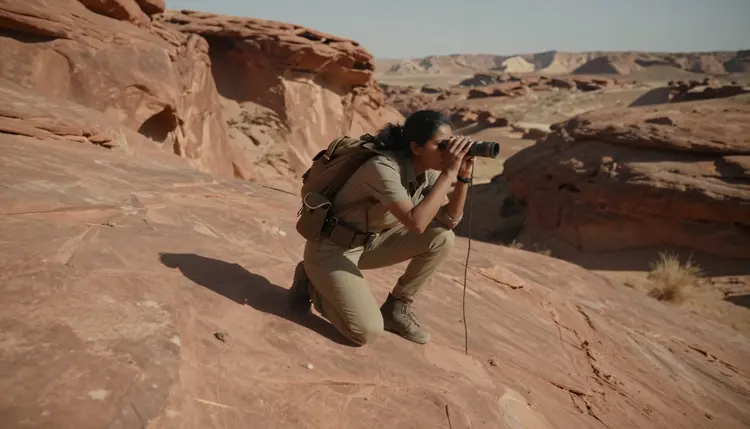
- Set the Scene and Camera Angle. Name the setting, a workshop, a desert canyon, a misty forest, and the camera angle, close up, crouched or waist up, since a vague scene produces a vague companion.
- Generate and Review the Details. Run the prompt and check the armor seams, hands and any prop first, since those are what a companion's gear is most likely to blur or merge together.
- Refine with the Image Editor. Send the result to Picasso Image Editor Pro if one detail, a strap, a shoulder plate or a feather, needs a fix instead of restarting the whole prompt from scratch.
A companion built this way holds up in a misty forest at dawn as easily as a sunlit desert canyon, because the description driving the render never changes, only the scene around it does.
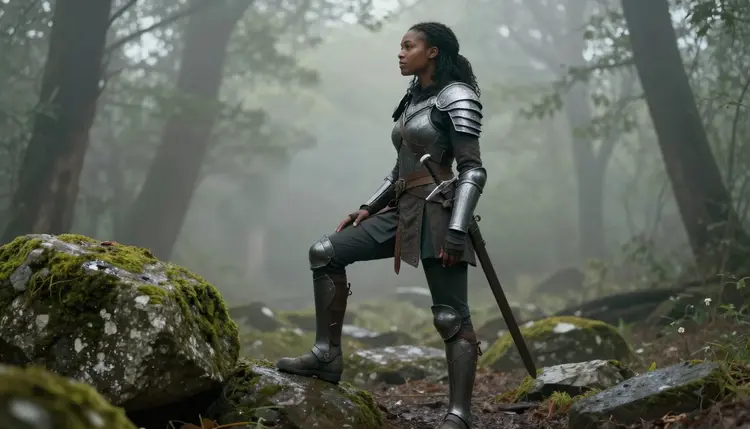
Not every model in Picasso IA's catalog generates adult content, and treating an unconfirmed one as filter free wastes a prompt and a generation. Six models across the whole catalog are confirmed to render NSFW scenes directly, without a safety filter stepping in, and for a companion that shifts between classes, three of them matter most.
Qwen Image 2 is the primary pick for a custom game companion specifically, since its flexibility across gear and setting is what keeps a multi-class companion feeling like one character instead of several unrelated renders. Seedream 4.5 is the model to reach for if a companion needs an even more grounded, camera-like look for a single scene. Recraft V4.1 Pro is the one to try if the companion belongs in a painted, stylized world instead of a photoreal one. Every other model in the catalog, however capable it is at everything else, is not confirmed to behave the same way with an adult prompt and should be treated as filtered until proven otherwise.
Picasso Video and LTX 2.3 Pro extend the same confirmed list to motion, so a finished companion portrait can become a short scene, a cloak shifting in wind, firelight flickering on an amulet, built from the same description that made the original image.
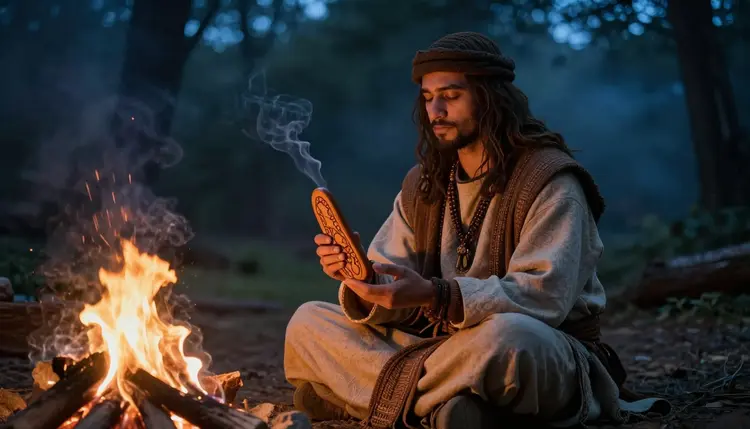
The fastest way to lose a companion's identity in a prompt is to describe the scene before the character. Lead with who they are, then place them somewhere, not the other way around.
Gear reads best when named piece by piece rather than summarized in one word. Armor alone renders differently every time, while naming the plating, the strap work, the boots and how the fabric sits underneath gives Qwen Image 2 something specific to hold onto across multiple generations of the same companion.
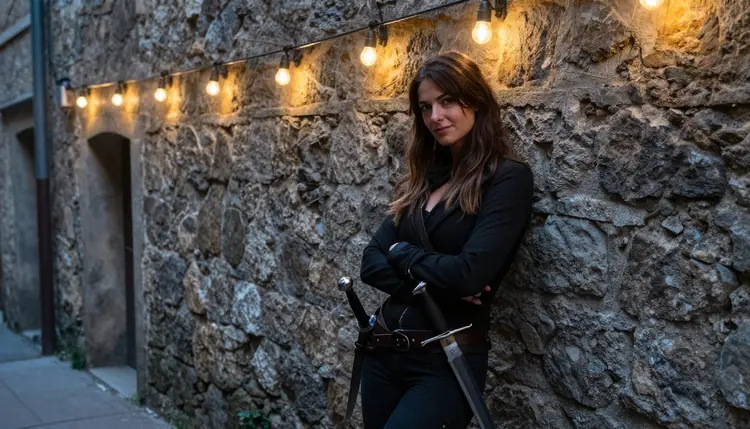
Camera angle changes the read of a scene more than almost anything else in the prompt. A crouched shot in a desert canyon reads as alert and watchful, a companion leaning against a wall under string lights reads as an off duty, flirty moment, and a close portrait by firelight reads as intimate without needing more than the angle itself to say so.
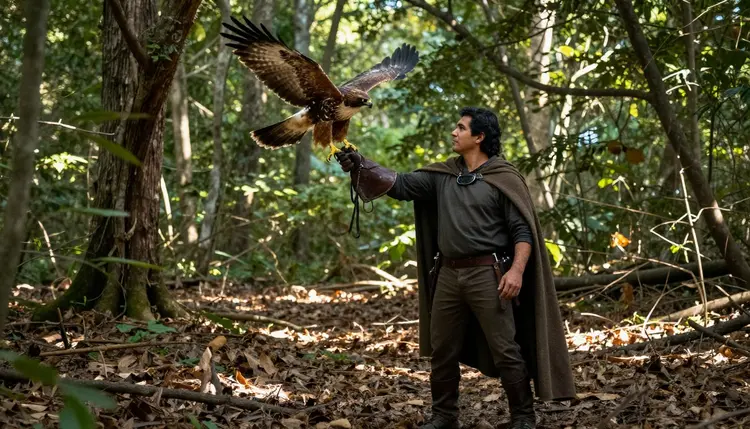
A companion's signature prop, a hawk on a glove, a staff, an amulet, is worth naming every time even when it barely shows in frame, since that one detail does more to sell a recognizable character than several extra lines describing the outfit around it.
This is 18+ content, and everything generated through it has to stay that way. Every companion rendered here is a fictional adult, invented for a game or a story, never a minor regardless of how the class or backstory is written, and never the likeness of a real, identifiable person without that person's consent. This is not a limit layered on top of the six confirmed models, it is the actual boundary of what companion art on Picasso IA is for, art of an invented character, not a way to render someone real.
Generations stay private by default. What gets made is tied to the account that made it, not posted or shared anywhere on the site, so testing different looks for the same companion is not something other players or visitors ever see.
Picasso IA runs on a shared credit system across its whole catalog, including the six confirmed models used for adult content. New accounts start with free credits, enough to test Qwen Image 2 against Seedream 4.5 on the same companion description before settling on a style. Image and video models draw credits at different rates, and for some models the resolution or length selected changes the cost, so current numbers and what each plan includes live on pricing rather than being repeated here.
There is no separate paywall for adult content specifically. The six confirmed models sit in the same catalog and cost structure as the hundreds of other models on the site, they simply do not reject an adult prompt the way an unconfirmed one does.
Can I generate NSFW art of my own custom game companion?
Yes, as long as the companion is a fictional adult, this is 18+ content, and not the likeness of a real person. Qwen Image 2 is the confirmed model built for exactly this kind of range, and the five steps above cover how to describe a companion so the result actually looks like them.
Which model handles the most companion classes without breaking consistency?
Qwen Image 2. Its photoreal, flexible output holds up across armor, robes, scout gear and everything in between, and it is one of six models across the catalog confirmed to generate adult scenes directly.
Can I use a reference image or an earlier render to guide a new companion?
Picasso Image Editor Pro, one of the six confirmed models, edits an existing image directly, so a reference portrait or an earlier generation of the same companion can be adjusted instead of starting a fresh prompt from nothing.
Do I need to redescribe my companion's gear in every single prompt?
Yes, the physical details, armor style, build, signature prop, hair, need repeating in every prompt for the same companion to stay consistent across a workshop scene, a forest scene or anything else generated afterward.
Can I put two different companions in the same scene?
Yes. Describe each companion separately before describing what they are doing together, the same approach used for any two figure scene, and generate with Qwen Image 2 or Seedream 4.5, both confirmed to handle two characters in one frame.
Is it possible to keep the same companion's face consistent across many images?
Consistency comes from repeating the same detailed description, not from a setting that locks a face. The more specific the recurring details, a particular scar, a hair color, a jaw shape, the closer each new generation lands to the last one.
Can a companion portrait become a short video instead of a still image?
Yes. Picasso Video and LTX 2.3 Pro are the two confirmed models for adult motion, and both work from the same kind of description used to build a still portrait, so a finished companion image can be reworked into a short moving scene.
What happens if I try a model that is not one of the six confirmed?
It applies its own safety filter and rejects the prompt. Picasso IA shows a message explaining the content is not supported by that model and offers to switch to one of the six confirmed models, carrying the same prompt over.
Is my companion art private, or can other people using the site see it?
Generations stay tied to the account that made them and are private by default, not posted or shared anywhere on the site, so testing different versions of a companion is not visible to other players or visitors.
Can I try this before paying for a subscription?
Yes. New accounts start with free credits that work across the catalog, including the six confirmed models, so Qwen Image 2 can be tested on a companion description before deciding whether to subscribe. Current plans are listed on pricing.