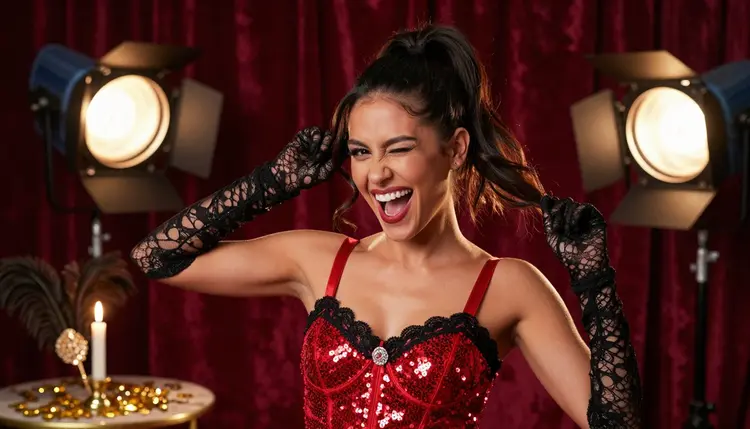
A Discord server's emote panel says more about it than the rules channel ever will, and a generic emoji pack rarely lands the inside joke, the mod's signature wink, or the exact face a raid boss pulls right before the loot drops. Custom art fixes that, but most image tools either refuse anything flirty outright or hand back a face so soft and generic it stops reading the moment it shrinks to a 128 pixel icon.
Picasso IA runs a catalog of hundreds of models, and only six of them are confirmed to generate adult content with no content filter standing in the way. For a punchy, illustrated emote, the one that matters most is Recraft V4.1 Pro. Its bold line, flat color and expression first style hold up at icon size in a way a photoreal render usually does not, closer to how a good emote pack already looks on most servers.
This page covers the five steps from an expression idea to an exported emote, the six confirmed models, how to design a face that still reads once it shrinks, and the rules that keep every emote a fictional adult and nothing else.
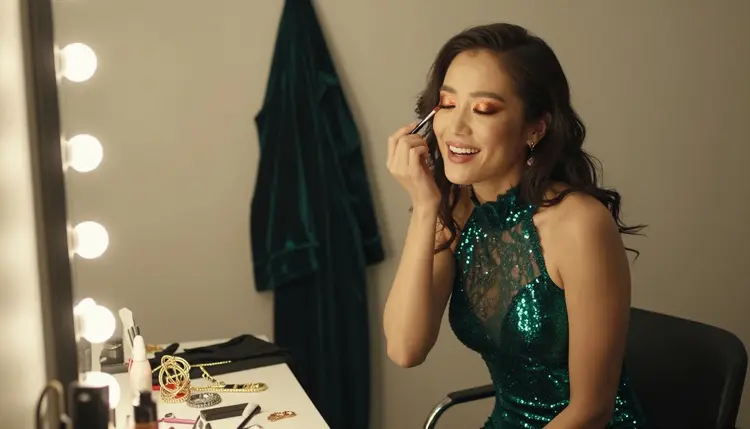
A stock emoji pack is built for every server at once, so it fits none of them exactly. A custom emote built around your server's own running joke, a member's nickname, or the reaction your mod team spams during a chaotic raid night reads as yours the moment it lands in the picker, and a flirty or suggestive version of that same joke is something almost no general purpose emoji set offers at all.
Recraft V4.1 Pro earns the lead spot here because emote art and illustration are close cousins. Both need a clear silhouette, a readable expression, and color that holds together at a small size, and that is exactly the register Recraft V4.1 Pro renders in by default rather than something forced onto a photoreal engine after the fact.
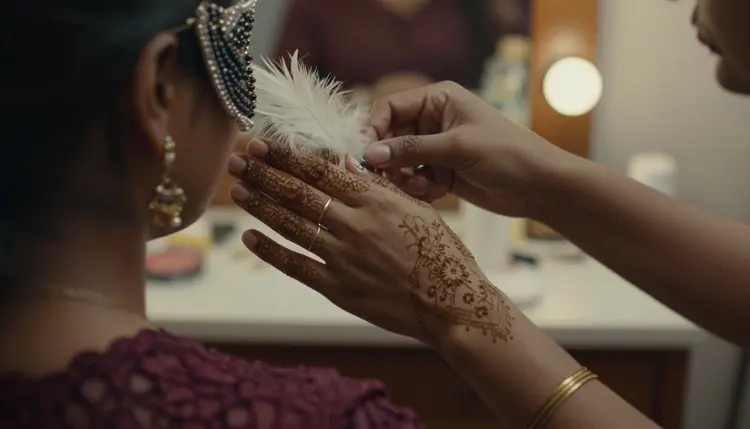
A detail like a mask, a feather trim or a costume accessory stays legible at icon size because the model draws it as a shape first and a texture second, which matters once the art gets cropped down to a square barely larger than a thumbnail.
Turning an expression idea into an emote your server can actually use comes down to five repeatable steps.
- Pick Recraft V4.1 Pro. Open the toolkit and choose it as the model, since its illustrated, expression first style is confirmed to render adult scenes without rejecting the prompt.
- Describe the Face and the Expression First. Name the exact expression, a wink, a pout, a wide laugh, before the outfit or the setting, since the expression is the one part a shrunk emote has to carry on its own.
- Keep the Crop Tight. Ask for a close portrait or a head and shoulders framing rather than a full scene, so nothing important sits near the edge where a Discord crop can cut it off.
- Generate a Batch and Check It Small. Shrink a few results down on screen to roughly emote size before picking a favorite, since a face that reads well full size can turn muddy once it shrinks.
- Refine and Export the Final Emote. Send the winning image to Picasso Image Editor Pro to clean up an edge or simplify a busy background, then crop and export it at the size your server uses.
A set built this way, the same character run through a handful of different expressions, tends to feel like an actual emote pack rather than five unrelated images stitched together.
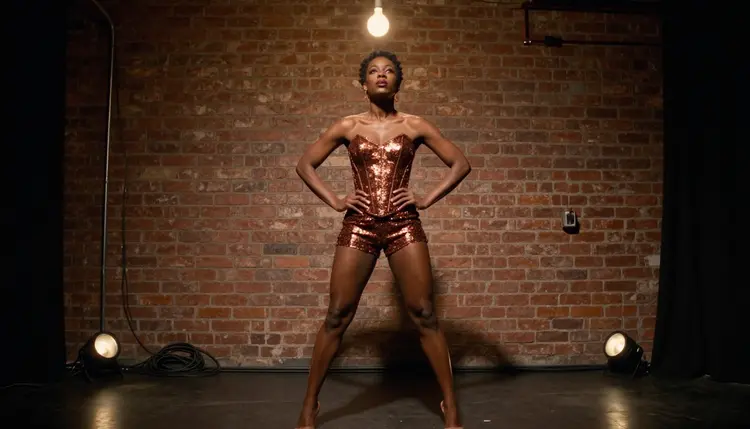
Not every model in Picasso IA's catalog draws adult content, and treating an unconfirmed one as filter free just wastes a prompt and a generation. Six models across the whole catalog are confirmed to render NSFW scenes directly, and for emote work specifically, three of them matter most.
Recraft V4.1 Pro is the primary pick for an illustrated emote, since its flat color and bold line survive a small crop the way a photoreal render rarely does. Seedream 4.5 and Qwen Image 2 are the two to reach for if a photoreal face is wanted instead, closer to a stylized selfie than a drawn icon.
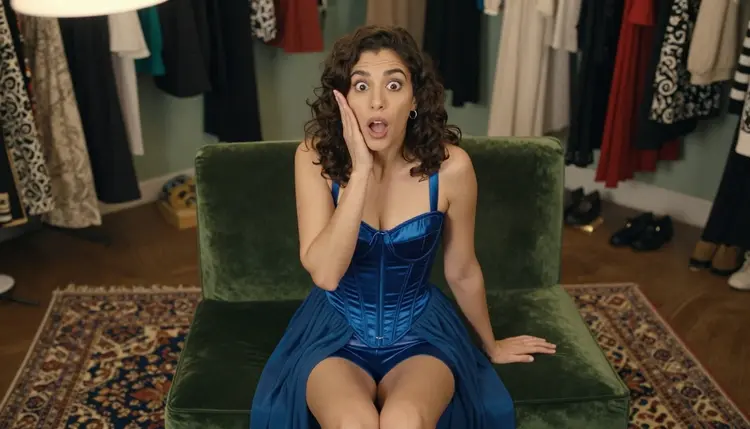
Every other model in the catalog, however good it is at everything else, is not confirmed to behave the same way with a flirty or suggestive prompt and should be treated as filtered until proven otherwise. Picasso Video and LTX 2.3 Pro extend the same confirmed list to motion, useful past the static emote itself if a member wants a short animated sticker of the same expression for elsewhere on the server.
An emote lives or dies on one thing: a strong silhouette and a single clear expression, since almost nothing else survives the shrink to icon size. A busy background, a second figure, or a subtle expression all read fine full size and then disappear entirely once the art sits next to a message in the chat log.
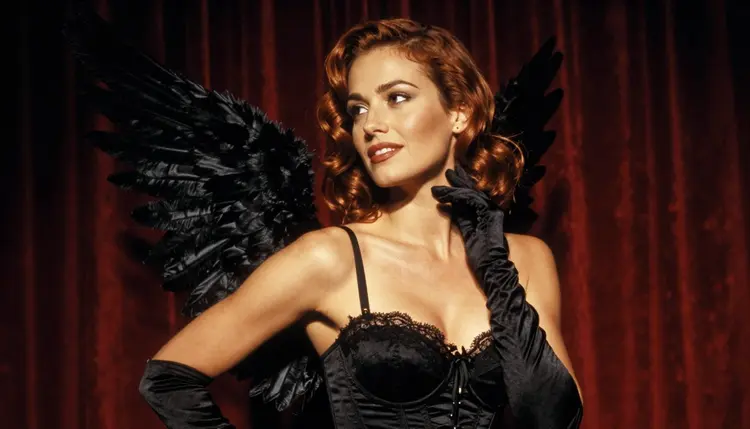
A profile crop, like a side view rather than a straight on face, reads as a distinct pose from a front facing one, which is a useful way to give a pack two or three emotes of the same character without them all looking interchangeable in the picker.
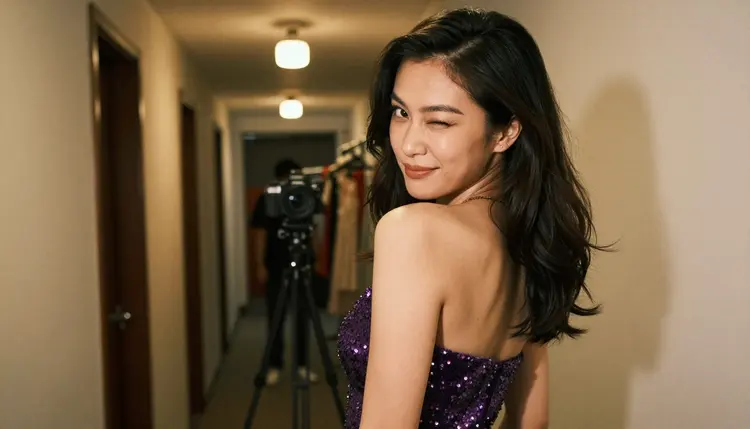
A wink is one of the most requested single expressions for any emote pack, and it is also one of the easiest for the model to read from a short prompt, a playful wink glancing back over the shoulder does most of the work on its own.
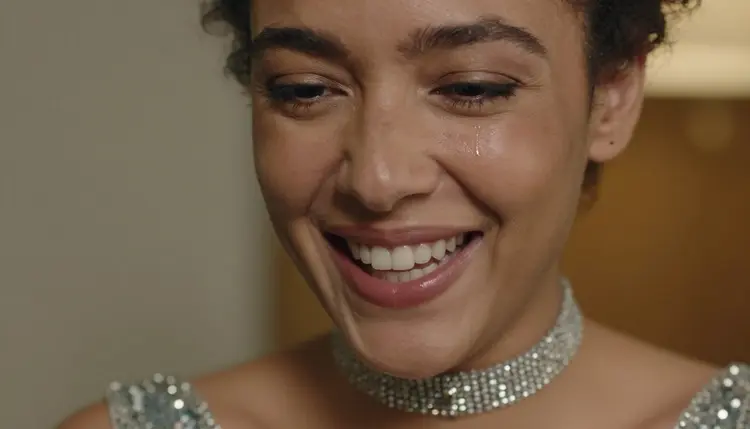
An extreme close-up crop, cutting in tight on just the face, works especially well for a laughing or a dying-of-laughter reaction, one of the most used categories in almost any server's emote pack, since the joke lands from the eyes and the mouth alone.
This is 18+ content, and every character in it, however small the final art ends up, has to stay a fictional adult, invented for the server and never a minor regardless of how young or stylized a face is drawn, and never the likeness of a real, identifiable person without that person's consent. A member's face, a streamer's face or a public figure's face does not belong in this kind of emote, however well meant the tribute is.
Generations stay private by default, tied to the account that made them rather than posted anywhere on the site, so testing a handful of expressions before settling on the final five or six for the pack is not something other members or visitors ever see.
Picasso IA runs on one shared credit system across the whole catalog, including the six confirmed models used here. New accounts start with free credits, enough to test Recraft V4.1 Pro against Seedream 4.5 on the same expression before deciding which one fits the server's pack, and to run a full edit pass afterward.
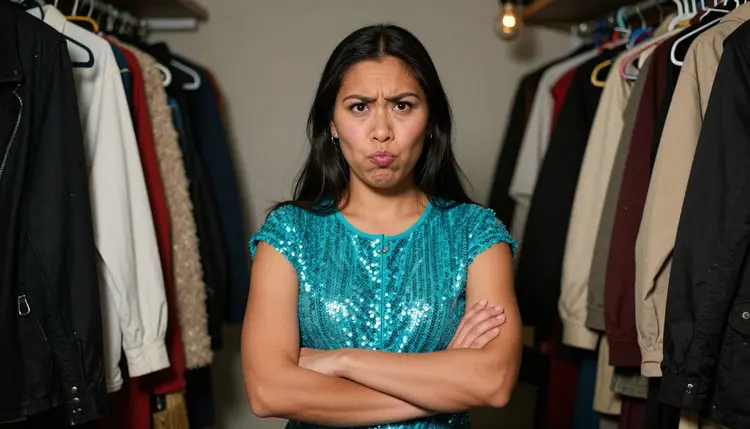
A pouting or unimpressed face is just as common a request as a wink or a laugh, and testing several expression variants in one batch costs less than committing to a single generation and hoping the crop works.
There is no separate paywall for adult content specifically. The six confirmed models sit in the same catalog and cost structure as the hundreds of other models on the site, they simply do not reject a flirty or suggestive prompt the way an unconfirmed one does. Current plans and exact prices live on the pricing page, kept there since they change more often than this page does.
Can I really create adult emotes for my Discord server?
Yes. Recraft V4.1 Pro is confirmed to generate adult content with no content filter, so a flirty or suggestive expression prompt renders instead of getting refused. The five steps above cover how to describe the expression so the result still reads once it shrinks down to emote size.
Which Picasso IA model is best for a custom emote?
Recraft V4.1 Pro. Its illustrated, expression first style holds a clear silhouette and bold color at a small crop far better than a photoreal render does, and it is one of six models across the catalog confirmed to run with no content filter.
Does Recraft V4.1 Pro actually have no content filter?
Yes. It is one of six models across the catalog confirmed to generate adult content directly. Most other models, including several well known names, are not on that confirmed list and can refuse a flirty prompt outright.
How do I make sure the expression still reads at emote size?
Keep the crop tight, a close portrait or a head and shoulders framing, and shrink a few results down on screen to roughly emote size before picking a favorite. A face that reads well full size can turn muddy once it shrinks, so checking it small is the step people skip most.
Can I use a photo of a real person, like a streamer or a friend, as the emote's face?
No. Every emote made through Picasso IA has to be a fictional adult, this is 18+ content, and a real person's likeness needs explicit consent that a prompt alone can never provide. Public figures are excluded entirely, regardless of how the emote is meant.
What happens if a model refuses my emote prompt?
The generation stops and a message explains the content is not supported by that model, then offers to switch to one of the six confirmed models, carrying the same prompt over. Switching models is the fix, not rewording the prompt to slip past the filter that just refused it.
Can a finished emote become a short animated sticker instead of a static image?
Yes. Picasso Video and LTX 2.3 Pro are both confirmed filter free and both generate video, so a finished emote's expression can be reworked into a short looping clip for use as an animated sticker elsewhere on the server.
Does the emote come out with a transparent background?
Recraft V4.1 Pro renders against whatever background the prompt describes, so asking for a plain or solid colored background makes it far easier to cut out afterward. Picasso Image Editor Pro can then clean up the edge before the final crop and export.
Is my emote generation private, or can other server members see it?
Generations stay tied to the account that made them and are private by default, not posted or shared anywhere on the site, so testing several expressions before settling on a final pack is not visible to anyone else.
How much does a set of custom emotes cost, and are there free credits?
A single illustrated emote sits toward the cheap end of what any image generation costs on Picasso IA. New accounts start with free credits, enough to test a handful of expressions across Recraft V4.1 Pro and Seedream 4.5 before spending anything further. Current plans are listed on pricing.