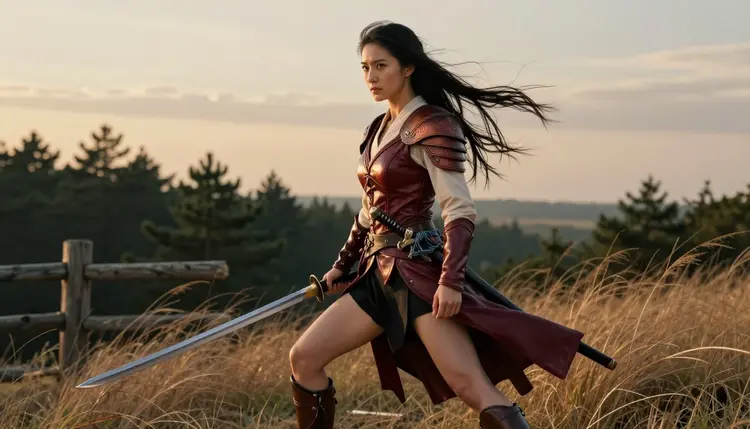
A light novel illustration has one job: sell a single character in one instantly readable outfit, whether that is a color frontispiece, a cover, or a spot illustration tucked between chapters. The costume carries the story, an archer's laced vambrace, a shoulder plate held by an ornate buckle, a gown that moves with the pose, and most general AI illustration models flinch the moment that same character turns intimate or the scene reads as anything beyond a chaste cover shot.
Recraft V4.1 Pro is Picasso IA's confirmed uncensored model for illustrated art, and it is built for exactly this kind of work: an anime-adjacent illustrated finish, costume detail rendered down to the buckle and the stitch, and no filter stepping in once a prompt turns adult. This page covers the workflow for one fictional character across a full set of illustrations, the choices that keep that character looking like the same person from the cover to the last spot art, and the fictional, adults only rules that sit underneath all of it.
Picasso IA runs 488 models in the full catalog, and only six are confirmed to draw an adult illustration directly instead of refusing it. Most models carry a safety filter that treats an adult prompt as a reason to stop, no matter how clearly the page is framed as a fictional character in a fictional story. A light novel illustration adds a second requirement on top of that: the result has to read as illustrated art, anime-adjacent line and color, not a photograph standing in for one, and that narrows the real options further still.
Recraft V4.1 Pro is the model built for this combination. It renders an illustrated finish with confident line, flat and gradient color, and the kind of costume detail a light novel cover depends on, down to a buckle, a strap or the fold of a cape, and it draws an adult illustration the first time a prompt describes one.
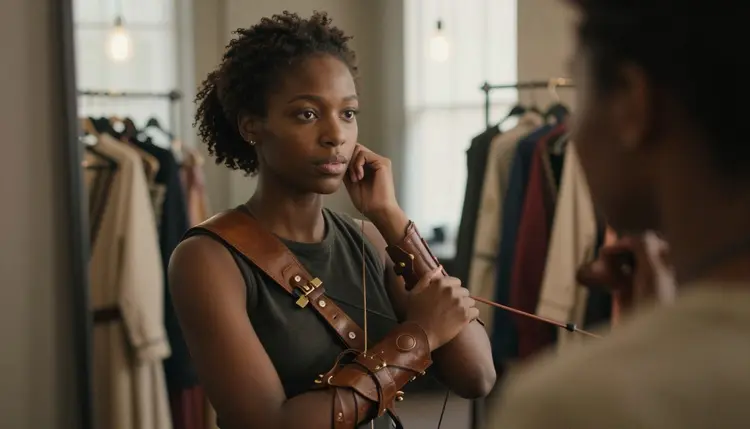
Getting a costume right starts with naming its parts rather than describing an outfit in general terms. A vambrace, a pauldron, a bodice lace, a cloak clasp: naming the actual piece and the material it is made from gives Recraft V4.1 Pro something concrete to render, and it is the difference between a costume that reads as designed and one that reads as generic fantasy wear.
The other five confirmed models cover different ground. Seedream 4.5 and Qwen Image 2 lean photoreal rather than illustrated, Picasso Image Editor Pro edits an existing illustration instead of drawing a new one, and Picasso Video and LTX 2.3 Pro carry the same uncensored idea into motion for a trailer or a teaser.
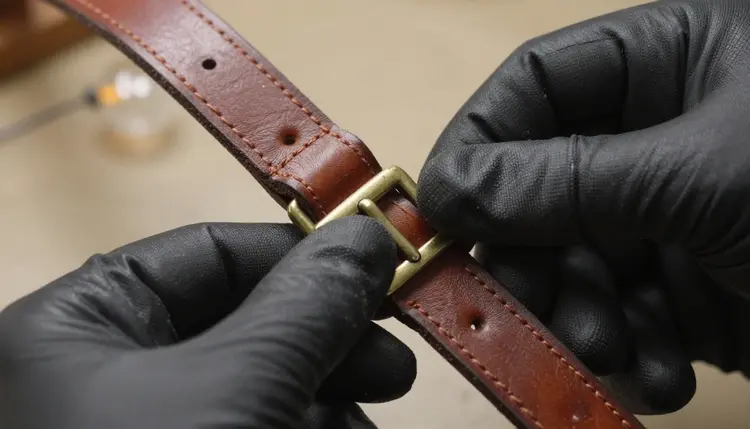
That same attention to a single buckle or a single lace is what separates a light novel illustration from a generic portrait, and it is the reason Recraft V4.1 Pro is the model worth opening first for this kind of page.
Turning a character brief into a finished set of illustrations, cover, frontispiece and spot art, comes down to five steps that repeat for every new piece.
- Open Recraft V4.1 Pro in the toolkit. Select it from the toolkit before writing a single prompt, since it is the confirmed model for an illustrated, uncensored piece.
- Write one fixed character and costume description. Lock hair, build, face and every named costume piece into a short description and reuse that exact wording for every illustration, so the character does not drift from the cover to the last spot art.
- Prompt one scene at a time. Describe the setting, the pose and the camera angle for a single illustration instead of an entire chapter's worth at once, since a focused prompt reads more accurately than a crowded one.
- Generate the full set with the same model. Keep the cover, the frontispiece and every spot illustration on Recraft V4.1 Pro so the linework and the costume detail stay consistent across the whole set.
- Fix a drifting illustration with the image editor, not a redraw. Send a piece that lost the character's look to Picasso Image Editor Pro instead of regenerating it from scratch, since editing keeps the rest of the illustration intact.
A light novel rarely needs one illustration, it needs a set: a cover, a frontispiece, and a handful of spot illustrations scattered through the chapters, and every one of them has to be recognizably the same fictional character. That is the real difficulty here, not any single striking image on its own.
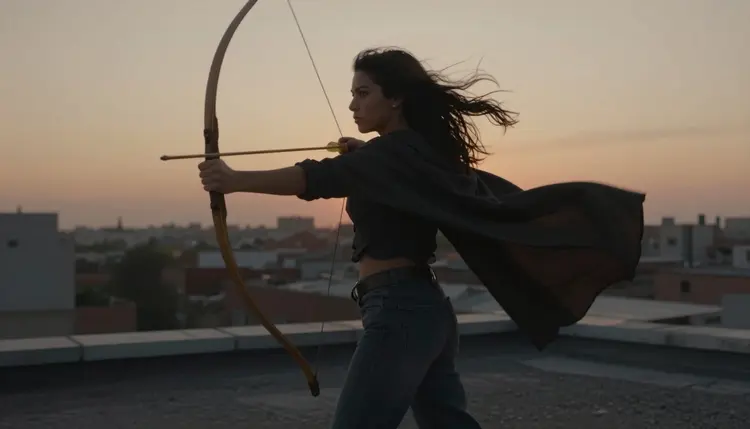
Writing a fixed character block once, then pasting it unchanged into every prompt for that character, is the habit that matters most. Do not paraphrase the description scene to scene, even when it feels repetitive: the model treats every generation as independent, and a reworded description reads as a different person to it. Hair color and length, eye color, build, and every named costume piece, a laced vambrace, a cloak clasp, a specific weapon, should stay worded exactly the same whether the character is drawing a bow at dusk or standing still in daylight.
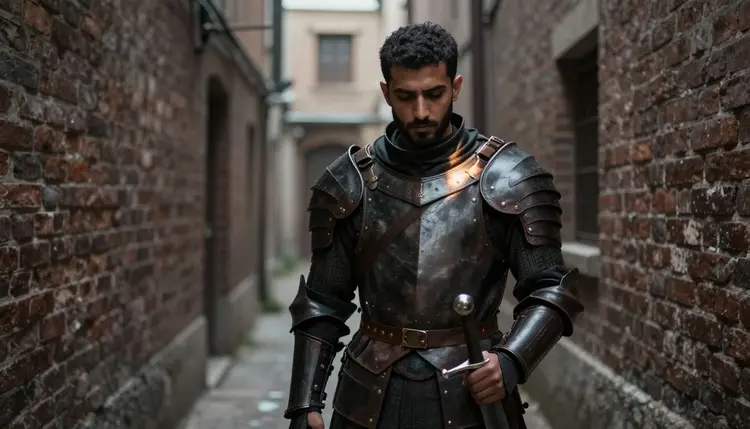
The same rule holds for a male lead in dark leather armor as it does for an archer in a cape: the fixed description is what carries a character from a wide rooftop shot into a tight alley scene without the reader noticing a swap. Lighting and setting can change freely, the character block underneath the prompt should not.
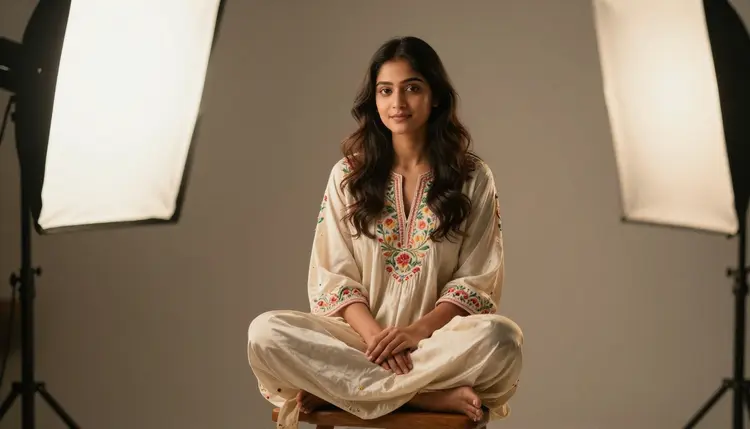
A quiet spot illustration, a character simply sitting in an embroidered gown between two chapters, needs the same fixed description as an action cover. When an illustration still drifts off model, generating it again from the same prompt rarely fixes it. Picasso Image Editor Pro edits the piece that already exists instead of replacing it, which is the more reliable way to correct one feature, a hairstyle, an expression, a costume detail, without disturbing everything else that illustration already got right.
A set of illustrations reads as intentional when the shots vary, a wide cover composition next to a close, quiet spot piece, rather than when every image repeats the same medium shot from the last one.
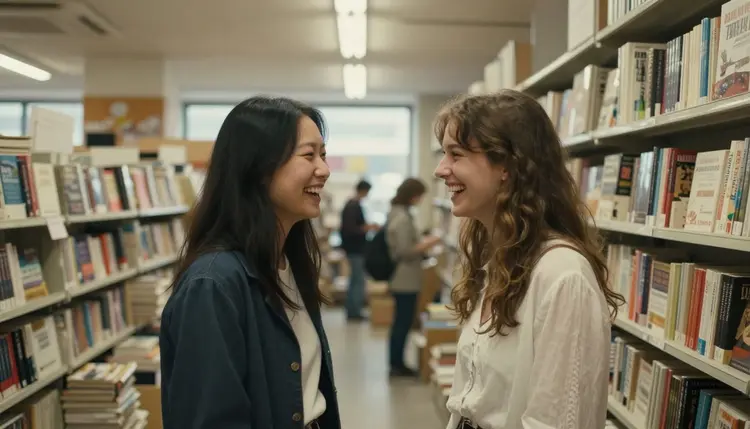
A warm, candid moment between two characters, a shared laugh between tall shelves, earns its place in a set as much as a dramatic action pose does, and naming the specific beat in the prompt, a shared laugh, a quiet glance, a hand on a shoulder, reads more clearly than a generic pairing of two figures.
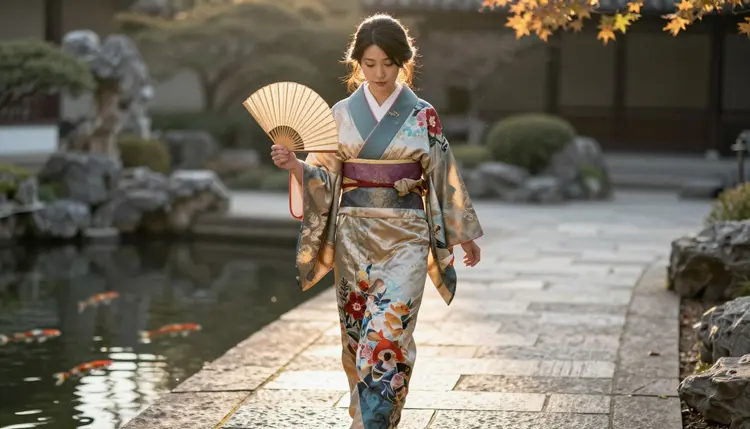
Lighting is worth naming directly in the prompt too rather than left to guesswork: golden hour along a garden path reads as warm and reflective, while a blue hour rooftop reads as tense or resolute, and Recraft V4.1 Pro carries that mood through the costume and the background rather than only the character's face.
Every illustration made on Picasso IA is 18+ and adults only, without exception. A fictional light novel setting is not an exemption from that line, it is the format this page is built around.
Every character has to be invented: written from a description, never the likeness of a real, identifiable person used without their consent, and never drawn or worded in a way that reads as a minor, regardless of the story or the art style around them.
Generations stay private by default. An illustration made through Picasso IA is visible only to the account that made it unless that account chooses to publish or share it, and nothing about drawing an adult scene changes that default.
Picasso IA runs one credit system across the whole catalog, Recraft V4.1 Pro and the other five confirmed models included. New accounts start with free credits, enough to test a costume description or two before committing credits to a full set.
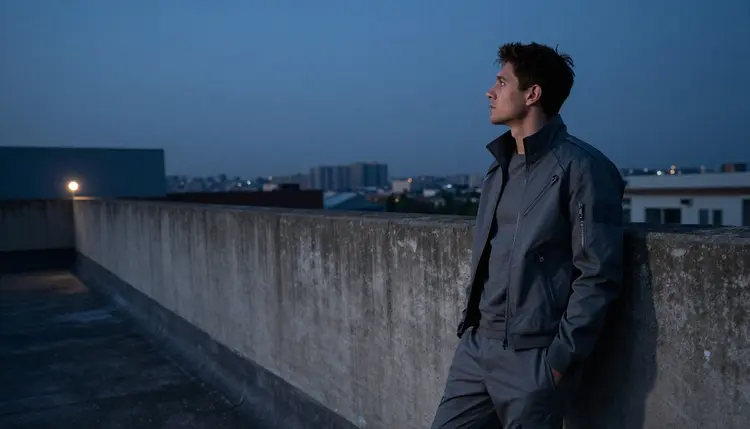
Image models draw down credits at different rates, and some cost more at a higher resolution, so a quick, low-resolution test, even a single portrait against a plain background, is a cheap way to check a character block before spending credits on a full cover-quality illustration. Current numbers for every tier live on pricing rather than here, since they change more often than this page does.
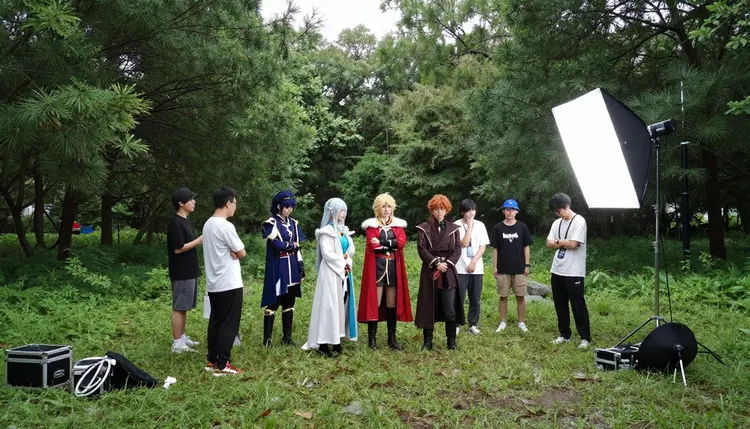
Putting together a full set, a cover, a frontispiece and several spot illustrations, is closer to running a small photo shoot than generating one lucky image, and it costs credits across each attempt the same way any other model on Picasso IA does. There is no separate paywall for adult content specifically: Recraft V4.1 Pro and the other five confirmed models sit in the same catalog and cost the same credits as everything else, and they simply do not reject an adult prompt the way most of the other 482 models do.
Can I generate NSFW light novel illustrations on Picasso IA?
Yes. Recraft V4.1 Pro is a confirmed uncensored model built for illustrated art, and it draws an adult illustration directly from a prompt without a safety filter stepping in, as long as every character in it is fictional and adult.
Which model is best for light novel style NSFW art?
Recraft V4.1 Pro. It renders an anime-adjacent illustrated finish with confident line and costume detail, and it is one of only six models on the whole catalog confirmed to generate adult content without a filter blocking the prompt.
How do I keep one character looking the same across a full set of illustrations?
Write a fixed description once, hair, build, face and every named costume piece, and paste that exact wording into every prompt for that character, whether it is the cover or a small spot illustration deep in a chapter. A reworded description reads as a different person to the model even when a human reader would not notice the difference.
What happens if I send an adult illustration prompt to a model that is not confirmed?
The model applies its own safety filter and refuses the prompt. Picasso IA shows a message explaining that the content is not supported by that model and points toward the six confirmed models instead, carrying the same prompt over so nothing needs to be retyped.
Can I edit one illustration instead of regenerating the whole set?
Yes. Picasso Image Editor Pro is one of the six confirmed models and edits an existing illustration directly, so a hairstyle, an expression or a costume detail that drifted off model can be corrected without touching the rest of the piece.
Is it okay to base a light novel character on a real person?
No. Every character made through Picasso IA has to be a fictional adult, invented from a written description, never the likeness of a real, identifiable person and never anyone who could read as a minor. That fictional, adults only rule applies to every illustration on this page and to this answer as well.
How many illustrations can I generate before it gets expensive?
That depends on resolution and how many pieces a set needs, since image models draw down credits at different rates. New accounts start with free credits, which is usually enough to test a character block before committing to a full set, and current tiers are listed on pricing.
Can I turn a finished illustration into a short teaser video?
Yes. Picasso Video and LTX 2.3 Pro are the two confirmed models for adult motion, and either one can take an illustration drawn as a still image and turn it into a short moving teaser without a filter blocking the adult content.
Will my light novel illustrations be public by default?
No. Generations on Picasso IA stay private by default and are visible only to the account that made them. Nothing gets published or shared anywhere else unless that account chooses to do it.
Do I need special prompt wording to avoid getting blocked?
No, and that is not a supported approach on Picasso IA. If a model blocks an adult prompt, the fix is switching to Recraft V4.1 Pro or one of the other five confirmed models, not disguising or rewording the same prompt to try to slip past a filter on a model that was never built for this.