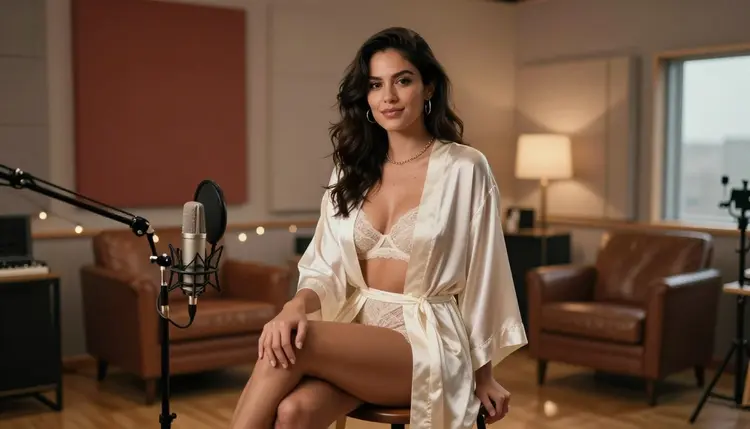
A podcast cover has one job before anyone ever presses play: stop the scroll in a grid a few inches wide. A flat headshot rarely does that on its own, but a portrait with mood, a microphone, and a hint of intimacy reads instantly, and that is exactly the register a lot of spicy or after-dark shows want on their cover art. Seedream 4.5 is one of six models on Picasso IA confirmed to run with no content filter, and its photorealistic, editorial instinct suits a host portrait like this better than a plain, filtered headshot ever could.
This page covers why the model fits the job, the design choices that make a cover actually work at thumbnail size, a five-step process for generating one, and the rules every fictional adult host in the frame has to follow.
Most of the 488 models in the Picasso IA catalog apply a content filter, and a portrait built around a robe, a microphone, and a suggestive glance is exactly the kind of prompt that filter is built to catch. Try it on a filtered model and the app shows a Content Not Supported by This Model message, then carries the prompt over to a model that will actually run it. Seedream 4.5 is one of those alternatives, confirmed filter-free: a mature host portrait runs the same way any other prompt does.
It shares that filter-free status with five other models, and each covers different ground for a cover shoot. Qwen Image 2 is the open-source pick for a prompt stacking several details, wardrobe, prop, light, in one line. Recraft V4.1 Pro suits a drawn or illustrated cover instead of a photoreal one. Picasso Image Editor Pro touches up a finished cover afterward, useful for fixing a hand on the mic. Picasso Video and LTX 2.3 Pro turn a chosen cover into a short teaser clip. Seedream 4.5 is the one to reach for first when the brief needs a photographic, editorial portrait rather than an illustration. See the full catalog for everything else the app offers.
A podcast cover gets judged at thumbnail size first, sitting in a grid next to a dozen other shows, long before anyone opens an episode. That changes what a good prompt should ask for compared to a general intimate portrait: one subject, not a cluttered scene, a clear head-and-shoulders or half-body framing with room around it, and a single light source strong enough to still read as a mood once the image shrinks to a small square icon.
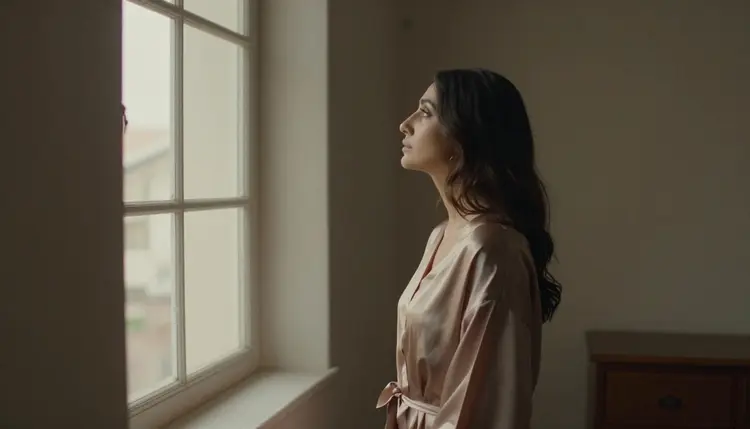
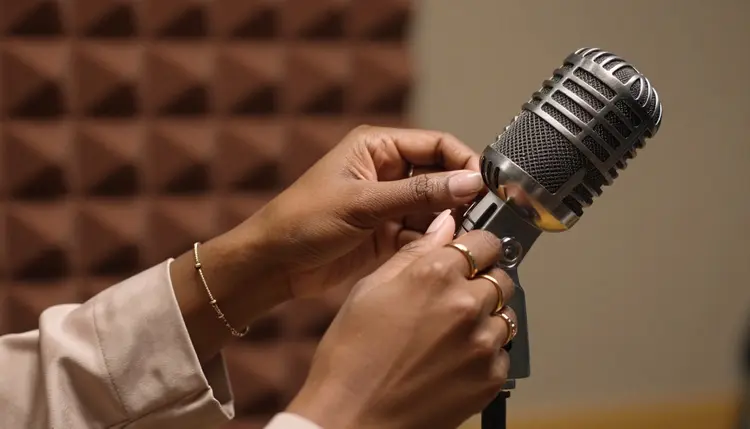
A microphone earns its place as the one prop that tells a viewer what kind of image this is before they read a single word of the title. A vintage-style mic, a boom arm, acoustic foam panels in the background: any one of these turns a portrait into a cover on its own. Warm, directional light, morning sun through a studio window, a single lamp, a golden-hour glow, reads better at a glance than flat, even lighting, and it also keeps the image on the tasteful, suggestive side rather than the flatly posed side.
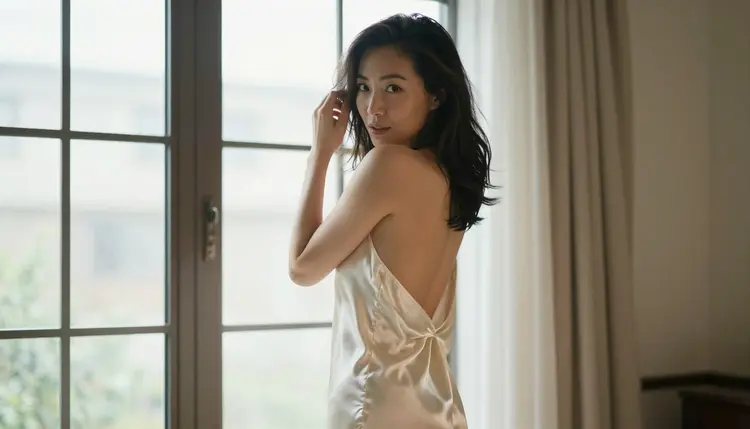
Leave room, too. A cover eventually carries a show title and maybe a host name, added afterward in a design tool rather than by the image model itself, so a composition with negative space to one side or above the subject's head works better than a tight, centered crop with nothing to spare.
Turning a portrait into something that reads as a cover, and not just a nice photo, takes a little planning before the first generation, but the process itself stays short.
- Describe the Host as One Fixed Fictional Adult. Give the character a hair color, a build, and one distinguishing detail up front, so every version generated for the cover stays the same invented person instead of drifting between attempts.
- Name the Microphone and the Studio as Part of the Scene. Mention a mic style, a backdrop like acoustic panels or a sunlit window, and one light source in the same sentence as the host, so the model reads it as a recording studio rather than a plain portrait.
- Open the Toolkit and Select Seedream 4.5. Picking the filter-free model before writing the prompt avoids wasting a first generation on a model that refuses the brief outright.
- Ask for a Composition With Room to Spare. Request a head-and-shoulders or half-body framing with clear space to one side, so there is somewhere for a title and a logo to sit later without covering the host's face.
- Generate a Batch and Check It at Thumbnail Size. Shrink each result down before picking a favorite, since a pose or expression that reads well full-size can go flat or unclear once it is a small square icon in a directory.
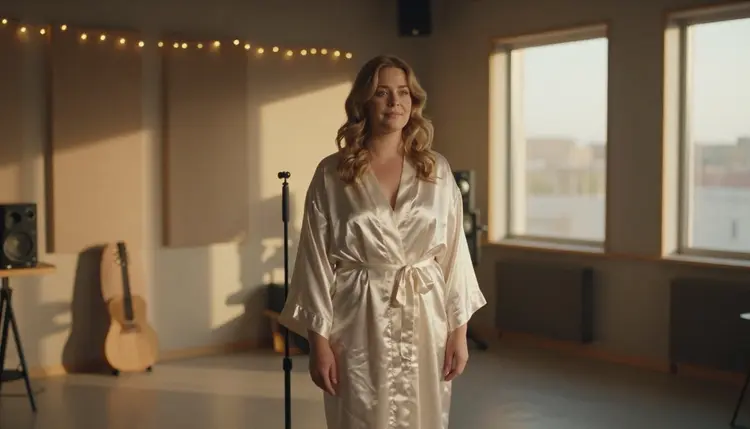
Wardrobe carries more of the mood than pose does for this format. A robe in ivory or bronze silk, a lace top, an unbuttoned shirt: naming the fabric and the color gives the model something concrete to render, and it reads as intimate and tasteful rather than plain. A vague word like alluring describes an effect, not a garment, and leaves the actual look to chance.
Direction of gaze matters more here than in a general portrait. A host glancing back over one shoulder, or looking just past the camera toward a window, keeps eye contact ambiguous enough to feel candid rather than posed square-on, and that slight turn of the head also tends to read best once the image is small.
A short reference table for prompting a cover:
| Say this | Instead of this | Why it helps |
|---|
| a fictional woman in an ivory silk robe, gold rings, seated by a vintage mic | an attractive podcast host | gives the model a concrete wardrobe and prop instead of a vague mood |
| glancing back over one shoulder toward a sunlit window | looking straight at the camera | reads as candid rather than posed, and holds up better shrunk to a thumbnail |
| head-and-shoulders framing with clear space to the left | close-up portrait | leaves room for a title and logo added afterward |
| warm morning light through a studio window | soft lighting | gives the model a specific, directional light source instead of a flat one |
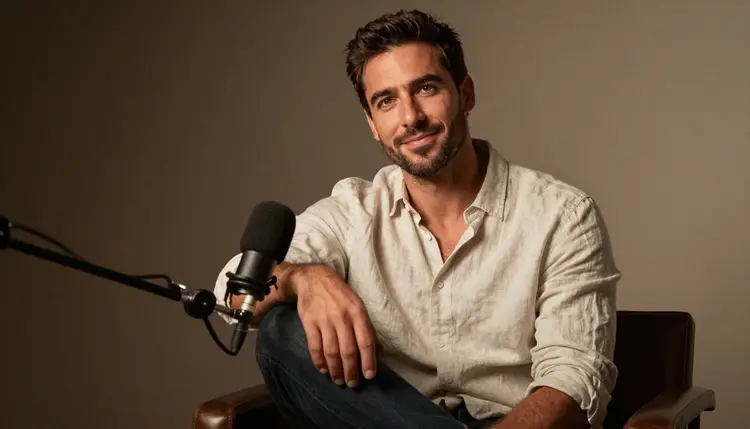
A cover does not have to feature a woman only. A male host in an unbuttoned shirt beside the same style of mic reads exactly as well, and the same wardrobe-plus-prop-plus-light approach applies regardless of who is in frame.
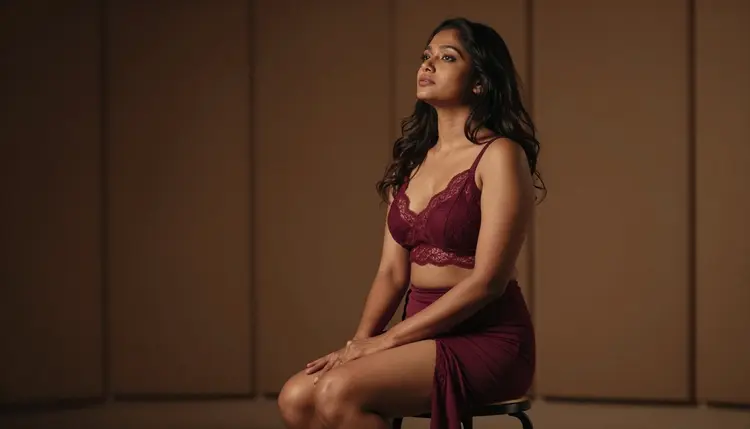
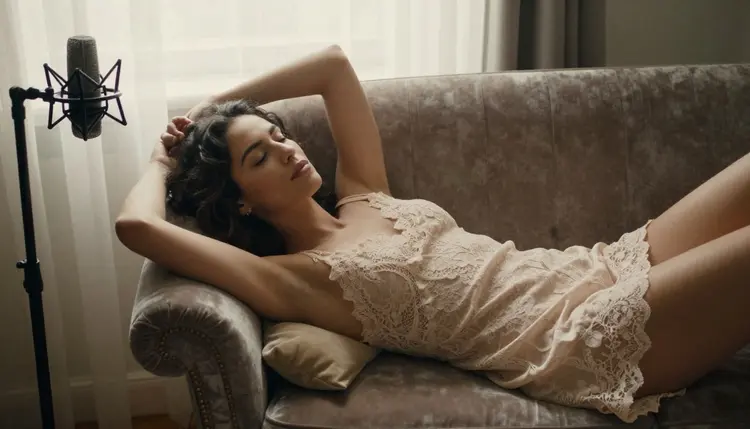
A more reclined, editorial pose fits a slower, more atmospheric show better than a punchy, upright one; the same rules on wardrobe, prop, and light still decide whether it reads as a cover rather than a random photo.
Every cover generated here is for adults, eighteen and over, and the host in it must be entirely fictional: an invented person, not a real podcaster, not a public figure, and never built to resemble a real person without their consent. No character that reads as a minor, in any wardrobe or style. Prompts that cross these lines are refused, and attempting them violates the platform's terms.
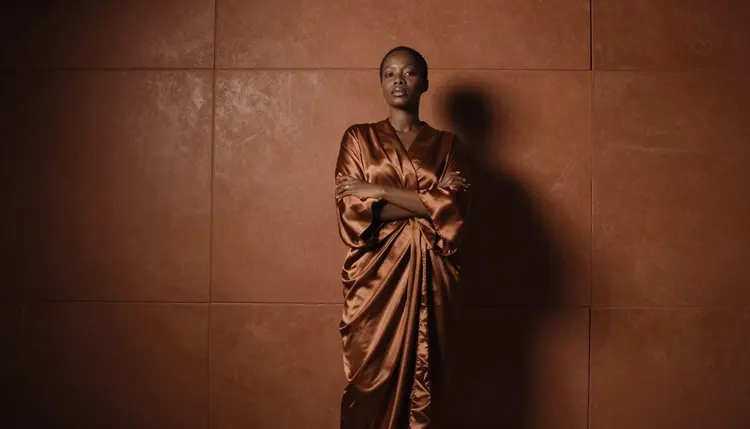
Seedream 4.5 running with no content filter changes what kind of adult content it will render, not who it can be rendered of; the rule against real people and minors applies on every model in the catalog, filtered or not.
Generations on Picasso IA stay private by default, visible only in your own account unless you choose to download or share them, so testing a few cover directions before settling on one does not put anything on public view. What you publish afterward is still governed by local law and by the rules of whatever platform hosts the finished show.
Generations on Picasso IA are paid for with credits spent per image, not a separate subscription tier for each model. A new account starts with free credits, enough to run the five-step process above across a handful of prompts before deciding whether to buy more. Image generations sit toward the cheap end of what the app offers, well below the cost of a video generation.
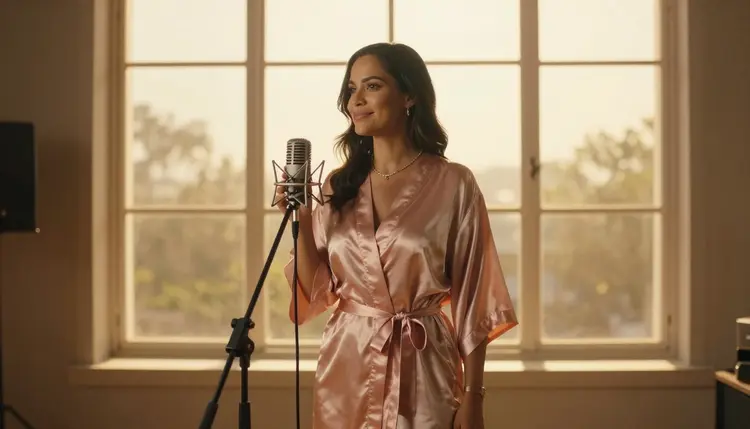
Exact credit amounts and plan pricing change as the catalog evolves, so current numbers live on the pricing page rather than printed here where they would go stale. Comparing a small batch at thumbnail size, and adjusting one variable, the wardrobe, the light, the pose, is the efficient way to land on a cover worth keeping.
Does Seedream 4.5 really generate a NSFW podcast cover with no content filter?
Yes. Seedream 4.5 is one of six models on Picasso IA confirmed to run with no content filter, alongside Qwen Image 2, Recraft V4.1 Pro, Picasso Image Editor Pro, Picasso Video, and LTX 2.3 Pro. A host portrait built around a robe, a mic, and a suggestive glance runs the same way any other prompt does, and every host generated must still be a fictional adult, eighteen and over.
What image size or shape works best for a podcast cover?
Most platforms display a podcast cover as a square, though the exact pixel size varies by app. Generate the portrait with room around the subject rather than a tight crop, then crop it to a square afterward in a design tool; asking for a head-and-shoulders or half-body framing with clear space on one side gives you the most to work with.
Can I reuse the same fictional host across multiple episode covers?
Yes. Keep the character's hair, build, and one distinguishing detail written the same way in every prompt, and vary only the pose, the wardrobe color, or the light. Reusing that fixed description is what keeps a whole season of covers looking like the same host instead of a different person each week.
What props make a portrait read as a podcast cover instead of a generic portrait?
A microphone is the single strongest signal: a vintage-style mic, a boom arm, or acoustic foam panels in the background all do it on their own. Studio details like a stool, a chaise, or a window with directional light add mood without competing with the mic for attention.
Should a podcast cover be a photograph or an illustrated style?
Either works, but they call for different models. Seedream 4.5 is the filter-free pick for a photographic, editorial look, while Recraft V4.1 Pro is the better starting point for a drawn or illustrated cover. Pick the one that matches the show's existing branding rather than mixing styles across episodes.
Can the host in the cover be a man instead of a woman?
Yes. The same approach, a fixed wardrobe, a mic as the anchor prop, and directional light, works the same way for a male host as it does for a female one, and nothing about the format favors one gender over the other.
Where should I leave space for the show's title and logo?
Ask for the subject positioned to one side rather than dead center, with the rest of the frame left comparatively plain. That negative space is where a title and a host name get added afterward in a design tool; the image model itself should not be asked to render any text.
Can I edit a finished cover afterward to fix one detail?
Yes. If a hand on the mic or a fold of fabric comes out wrong in an otherwise good result, Picasso Image Editor Pro can adjust just that area with a plain instruction instead of regenerating the whole cover from scratch. It also runs with no content filter, so an adult cover can be edited the same way it was generated.
Can a podcast cover become a short teaser clip?
Yes, as a separate step. Picasso Video can animate a finished cover into a short clip, and LTX 2.3 Pro generates cinematic video directly from a prompt; both run with no content filter. Settling on a still cover first is the more efficient order, since an image generation costs less than a video one.
Is creating a NSFW podcast cover free to start on Picasso IA?
New accounts start with free credits, enough to try several wardrobe, light, and pose combinations before anything needs to be purchased. Beyond that, generations are paid for with credits rather than a flat subscription per model. Current numbers live on the pricing page rather than stated here.