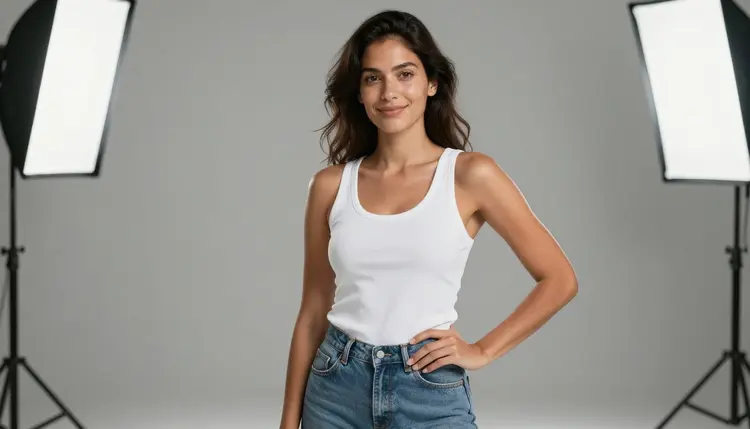
A print-on-demand store lives or dies on its product photos, and a swimwear, loungewear or streetwear drop with a cropped tank, a low neckline or a bikini top runs into a strange wall on most AI image generators: the model reads the prompt as NSFW and refuses it, even though nothing in the shot is explicit. Seedream 4.5 is one of six models on Picasso IA confirmed to run with no content filter, and its photorealistic, studio-lit output treats a mockup shoot like an actual product photo, not a flagged request.
This page covers why the model fits a print-on-demand brief, what actually makes a mockup catalog work across a real product line rather than one lucky shot, a five-step process for generating a full set, and the rules every fictional model in frame has to follow.
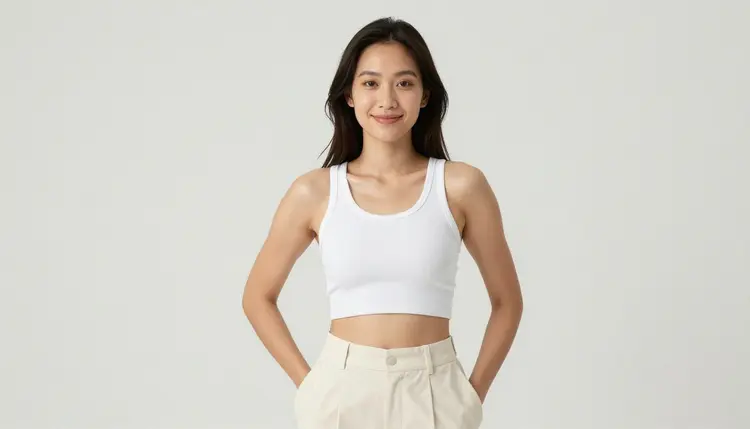
Most of the 488 models in the Picasso IA catalog run a content filter, and a mockup prompt built around a ribbed crop top, a bikini set or a fitted tank with a low neckline is exactly the kind of request that filter is tuned to catch, flirty rather than explicit, but flagged all the same. Try it on a filtered model and the app returns a Content Not Supported by This Model message, then offers to carry the prompt to one that will actually run it. Seedream 4.5 is one of those alternatives, confirmed filter-free, so a suggestive apparel mockup generates the same way a plain t-shirt flat lay does.
It shares that filter-free status with five other models, each useful at a different stage of building a storefront. Qwen Image 2 is the open-source pick for a prompt stacking several details, garment, pose, backdrop color, in one line, useful once a drop has more than a couple of SKUs to describe. Recraft V4.1 Pro suits a flat, illustrated style instead of a photographic one, closer to a graphic than a photo shoot. Picasso Image Editor Pro touches up a finished mockup afterward, useful for fixing a hem or a strap that rendered wrong. Picasso Video and LTX 2.3 Pro turn a still mockup into a short clip for a product page or a social post. Seedream 4.5 is the one to reach for first when the brief calls for a photographic result that could pass for a real studio shoot. See the full catalog for everything else the app offers.
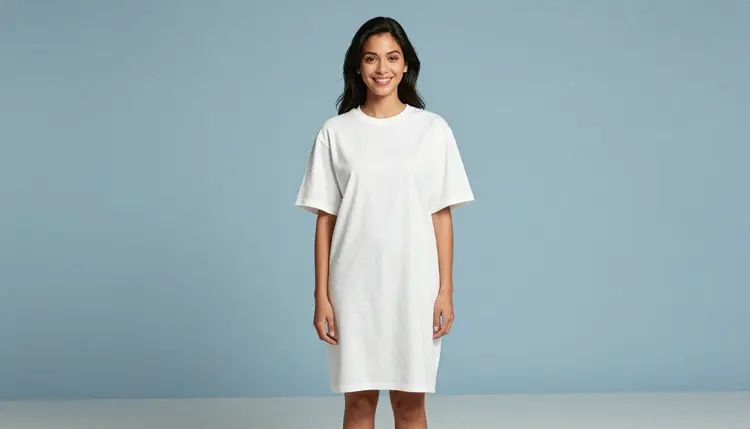
A print-on-demand catalog almost never sells off one photo. It needs a model whose look stays fixed across every garment in a drop, or a small, deliberately varied cast across two or three body types, so the storefront reads as one considered line instead of a random pile of portraits. Deciding that once, before the first prompt, saves redoing an entire collection because the third product suddenly looks like a different person wearing it.
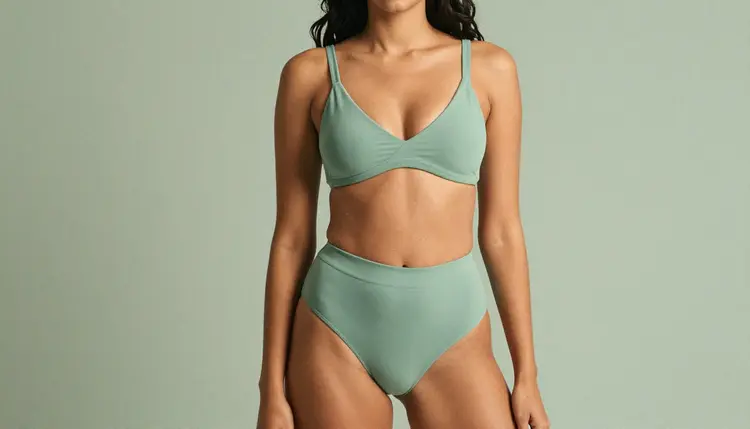
Backdrop choice does more work than most sellers expect. A plain, uncluttered studio background keeps the eye on the garment and the print, which is the actual product being sold. Matching or complementing the backdrop to the piece itself, a sage bikini against a sage wall, a dusty pink tank against a dusty pink sweep, makes a collection page feel curated rather than assembled from spare parts.
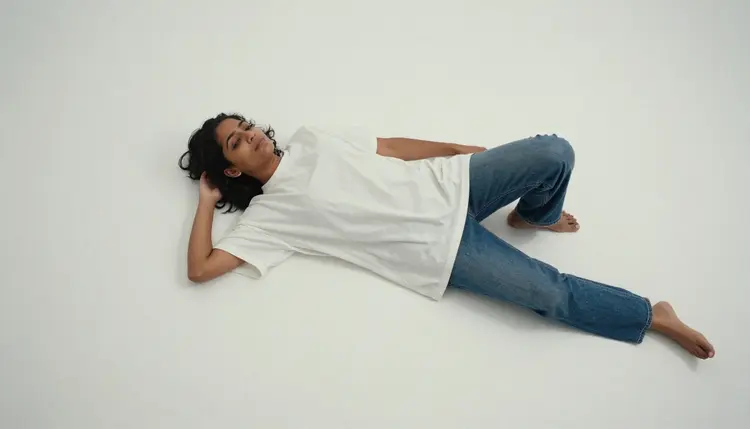
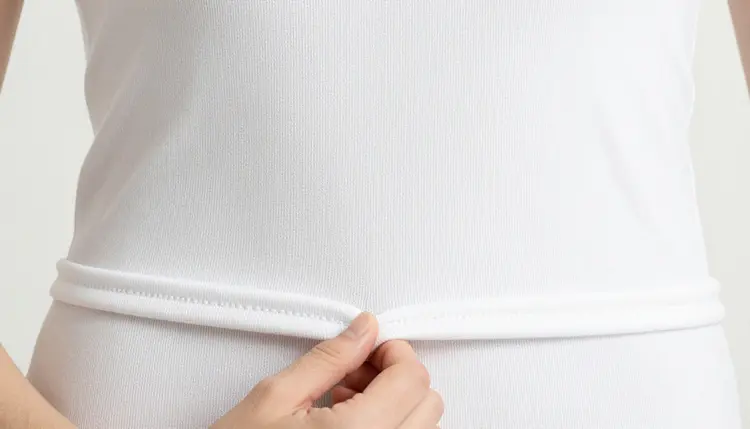
Angle variety is what actually helps a buyer decide. One straight, front-facing shot works for the main listing image. A closer detail shot on the fabric, the hem or the print itself shows texture a full-body frame cannot. A third shot with a bit of movement or a candid pose gives a sense of how the garment actually drapes and moves on a body, not just how it hangs still. Three angles per SKU, repeated the same way across a drop, is what turns a handful of images into an actual catalog.
Building a usable set, rather than one nice image, takes a bit of planning up front and stays quick from there.
- Lock the Fictional Model's Look. Write down a hair color, build and skin tone once, and reuse that exact description in every prompt for the drop, so every garment reads as the same invented person wearing the line.
- Describe the Garment Exactly as It Will Print. Name the fabric, cut, fit and color precisely, ribbed cotton, a boxy crew neck, a fitted tank, matching what the actual product will be, since a vague description makes a pretty image that is useless as a listing photo.
- Open the Toolkit and Select Seedream 4.5. Picking the filter-free model before writing the prompt avoids spending a first generation on a model that rejects the brief outright.
- Generate Three Angles per Garment. Run the same fixed model and garment through a straight front shot, a close detail shot, and a shot with some movement, so the listing has what a buyer actually needs to judge fit.
- Batch the Set Against One Matching Backdrop. Keep the studio background the same, or color-matched to the piece, across the whole drop, so the storefront reads as one shoot instead of five unrelated sessions.
Fabric and fit carry more of a mockup's usefulness than pose does. Ribbed cotton, a boxy oversized cut, a fitted tank with a scooped neckline: naming the material and the cut gives the model something exact to render, and a specific fabric description reads as a real product shot rather than a generic pose. A vague phrase like a sexy top describes a feeling, not a garment, and leaves the actual fit to chance.
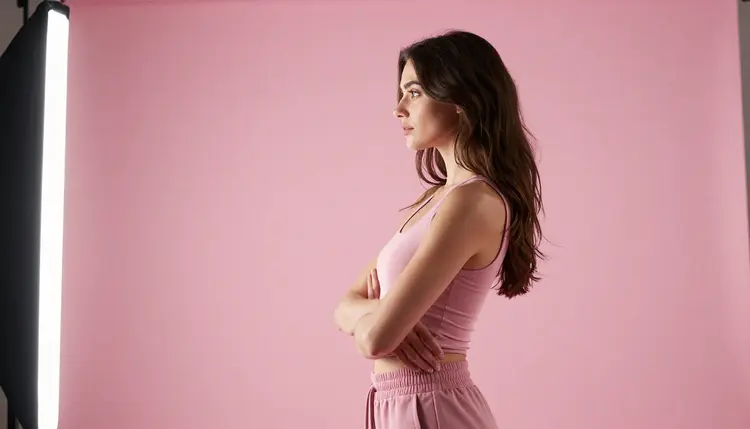
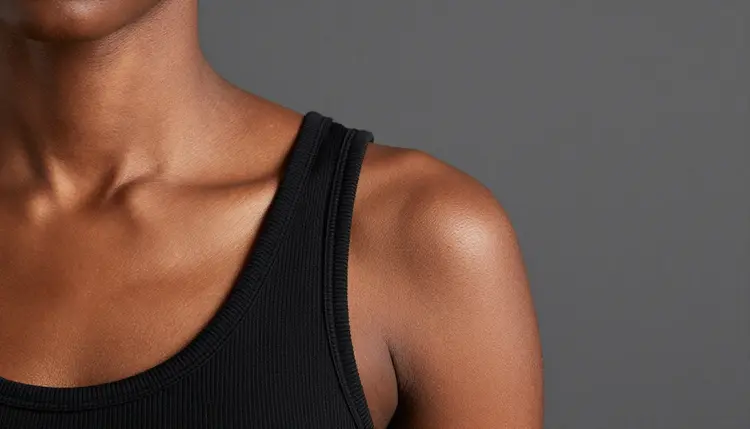
Camera distance decides what a shot is useful for. A full-body, front-facing frame is the main listing image. A close crop on the shoulder, collarbone or hem shows fabric texture a wide shot cannot. Deciding which one a given prompt needs, before writing it, keeps a set from turning into five images that are all the same distance and none of them the detail shot a listing actually needs.
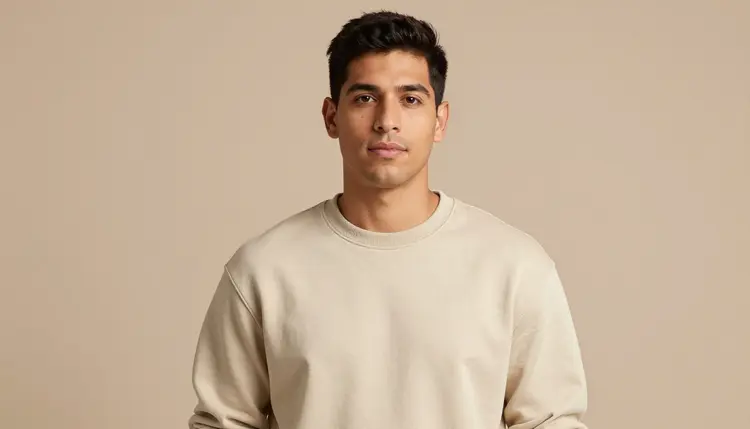
A print-on-demand line does not have to feature one gender only. A man in a plain crewneck sweatshirt reads exactly as well for a mockup as a woman in a cropped tank, and the same fabric-plus-fit-plus-backdrop approach applies regardless of who is wearing the piece. Mixing body types and a mid-stride or candid pose across a drop tells a more honest sizing story than five identical stiff poses in a row.
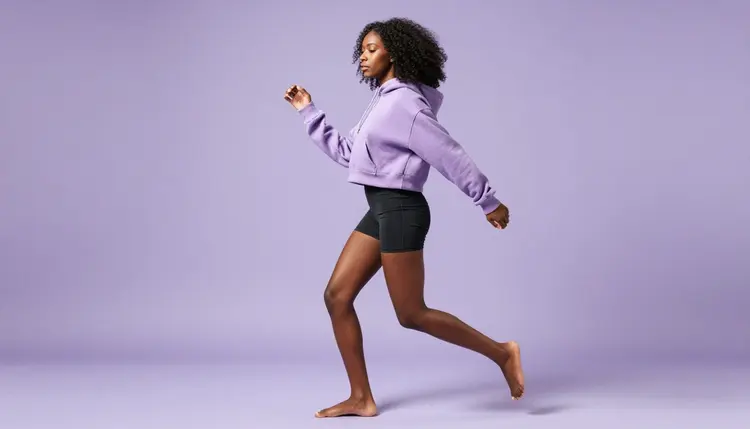
A short reference table for prompting a mockup:
| Say this | Instead of this | Why it helps |
|---|
| a fictional woman in a ribbed white crop top against a plain white backdrop | a sexy top on a model | names the exact garment and background instead of leaving both to chance |
| close-up on the shoulder and collarbone in a black ribbed tank | a hot close-up | gives the model a specific framing and fabric to render |
| a fitted tank against a dusty pink backdrop, side profile | a flattering photo | matches backdrop to garment color and states the exact angle |
| mid-stride in a cropped hoodie and shorts against lavender | an athletic shot | describes the actual pose and setting instead of a mood word |
Every model generated here is for adults, eighteen and over, and has to be entirely fictional: an invented person, not a real model, not a public figure, and never built to resemble a real person without their consent. No character that reads as a minor, in any garment or pose. Prompts that cross these lines are refused, and attempting them violates the platform's terms.
Seedream 4.5 running with no content filter changes what kind of apparel mockup it will render, not who it can be rendered of. The rule against real people and minors applies on every model in the catalog, filtered or not. Generations on Picasso IA stay private by default, visible only in your own account unless you choose to download or share them, so testing several looks before settling on a final catalog does not put anything on public view. Whatever gets listed afterward on an actual storefront is still governed by local law and by the content policy of whatever print-on-demand or payment partner fulfills the order, separate from what Picasso IA itself allows a model to generate.
Generations on Picasso IA are paid for with credits spent per image, not a separate subscription tier for each model. A new account starts with free credits, enough to run the five-step process above across a handful of garments before deciding whether to buy more. Image generations sit toward the cheap end of what the app offers, well below the cost of a video generation.
Exact credit amounts and plan pricing change as the catalog evolves, so current numbers live on the pricing page rather than printed here where they would go stale. Locking the model's look once, then batching a whole drop against a matching backdrop, is the efficient way to build a catalog without burning credits on retakes.
Does Seedream 4.5 really generate NSFW print-on-demand mockups with no content filter?
Yes. Seedream 4.5 is one of six models on Picasso IA confirmed to run with no content filter, alongside Qwen Image 2, Recraft V4.1 Pro, Picasso Image Editor Pro, Picasso Video and LTX 2.3 Pro. A mockup built around a cropped tank, a bikini set or a low neckline runs the same way any other prompt does, and every model generated must still be a fictional adult, eighteen and over.
Can I actually use these mockups to sell a print-on-demand product?
Yes, that is what the format is built for. The images work as listing photos for a real storefront, but what gets published still has to follow local law and the content policy of whatever print-on-demand or payment partner fulfills the order, since that is separate from what Picasso IA allows a model to generate.
Do I still need a real model or photographer for my apparel line?
Not for the mockup stage. A fixed fictional model's look reused across a whole drop replaces a photo shoot for the listing images themselves, though a seller may still want real photos for other parts of a brand, packaging or a physical popup, that a generated image is not meant to cover.
Which models are confirmed to run with no content filter on Picasso IA?
Only six across the entire 488 model catalog: Seedream 4.5, Qwen Image 2, Recraft V4.1 Pro, Picasso Image Editor Pro, Picasso Video and LTX 2.3 Pro. Every other model, regardless of how capable it is for other tasks, is not confirmed to behave the same way with a suggestive apparel prompt.
What happens if I send a mockup prompt to a model that isn't on that list?
The model applies its own filter and refuses the prompt. Picasso IA shows a message explaining the content is not supported by that model and suggests switching to one of the six confirmed models, carrying the same prompt over so it does not need to be retyped.
Can the model in the mockup be a man instead of a woman?
Yes. The same fabric, fit and backdrop approach works the same way for a male model as it does for a female one, and a plain crewneck or a boxy tee reads just as well for a mockup regardless of who is wearing it.
How many angles should I generate per garment?
Three tends to cover what a listing actually needs: one straight front-facing shot for the main image, one close detail shot on the fabric or hem, and one shot with some movement or a candid pose to show how the piece drapes on a body.
Can I edit a finished mockup afterward to fix one detail?
Yes. If a hem, a strap or a fold of fabric renders wrong in an otherwise good shot, Picasso Image Editor Pro can adjust just that area with a plain instruction instead of regenerating the whole mockup from scratch. It also runs with no content filter, so a suggestive mockup can be edited the same way it was generated.
Can a mockup become a short video for social media?
Yes, as a separate step. Picasso Video can animate a finished mockup into a short clip, and LTX 2.3 Pro generates cinematic video directly from a prompt, both run with no content filter. Settling on a still image first is the more efficient order, since an image generation costs less than a video one.
Is creating a NSFW print-on-demand mockup free to start on Picasso IA?
New accounts start with free credits, enough to try several garments, angles and backdrop colors before anything needs to be purchased. Beyond that, generations are paid for with credits rather than a flat subscription per model. Current numbers live on the pricing page rather than stated here.