Ecchi is the playful, suggestive corner of anime: flirty outfits, satin ribbons, thigh-high socks, a glance back over the shoulder and a smile that says more than the picture does. It is teasing rather than explicit, and that restraint is exactly what makes it fun to draw. This page shows how to generate the look with Picasso IA, using Recraft V4.1 Pro as the main model, and how to carry the same outfit into photoreal cosplay frames when you want a real-camera feel.
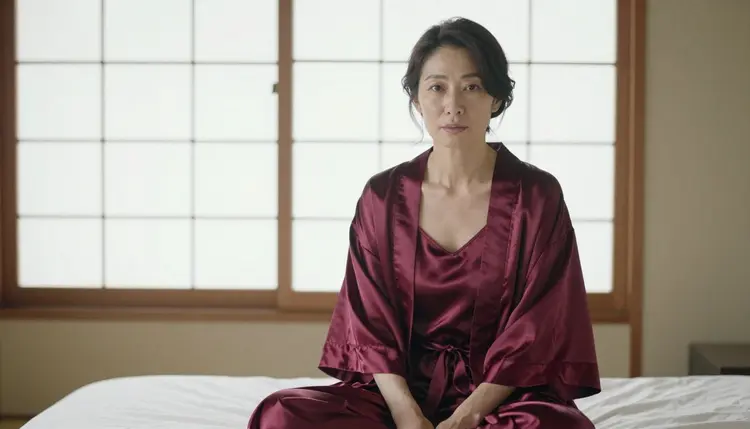
Everything here is for adults and about fictional adult characters. The anime feeling comes in through wardrobe, props, set and light: a a maroon knit cardigan tied at the waist, a cherry blossom branch in a vase, a sunlit apartment with paper sliding doors. You decide how far the mood goes, and it stays suggestive from the first prompt to the last.
Ecchi art lives on small, readable details. A ribbon that sits exactly where the eye expects it, a sock hem with a clean edge, a hair clip, a blush on the cheek, a pose that is a little too casual to be accidental. A drawn style needs a model that respects shapes, outlines and flat areas of color, and that is where Recraft V4.1 Pro earns its place. In the catalog it is listed for print-ready images at 2K and described as strong on illustration and design, which is the skill set an anime-inspired picture asks for.
Recraft V4.1 Pro is also one of the six models Picasso IA marks as confirmed for adult prompts. Confirmed means the team ran adult prompts against that exact model again and again and watched it generate instead of reject. It is not a published setting from the model's maker, who can change it at any time, and this page explains what confirmed means in more detail. For you, the practical result is simple: a suggestive anime prompt is a normal request here.
Three things decide whether an ecchi image reads well. The first is the silhouette of the outfit: a two-piece in white and blush pink satin, a cropped cardigan sliding off one shoulder, a short robe tied with an obi bow. The second is the props, because ribbons, hair bows, a cat-ear headband or a bell on a choker say "anime" faster than any art-style keyword. The third is the light. Soft window light from the left keeps the skin and fabric gentle, while a golden backlight gives the frame the warm glow of an afternoon scene.
Write the drawn look in plain words as well. Phrases such as clean line art, soft cel shading, pastel palette and flat background shapes tell the model how the picture should be rendered, and the wardrobe and setting tell it what the picture is about. If you prefer a photographic take on the same outfit, the same prompt can go to Seedream 4.5, which makes 4K images from text and is also confirmed. Many people generate both versions and keep the one that matches their idea.
Six models in the catalog are confirmed for adult prompts. Three of them make or edit images and matter most for this look. The other three make video, and they are useful when you want the finished scene to move. Here is how each one fits an ecchi project.
| Model | Best for | Format |
|---|
| Recraft V4.1 Pro | Drawn, illustrated ecchi art with clean shapes | Image, 2K, print-ready |
| Seedream 4.5 | Photoreal cosplay frames of the same outfit | Image, 4K |
| Picasso Image Editor Pro | Changing one detail on a picture you already have | Image edit, marked unlimited |
| LTX 2.3 Pro | A short clip written from text | Video, 4K |
| Picasso IA Video | Animating a finished image or writing a clip | Video from text or image, marked unlimited |
| Seedance 2.5 Lite | Quick motion tests of a scene | Video, up to 10 seconds, marked unlimited |
Beyond these six, the catalog holds hundreds of other models. Qwen Image 2, Seedream 5, Nano Banana and Flux are some names you may know, and all of them are untested for adult prompts: worth a try, not confirmed either way. If you want to see how an anime-focused page handles one of them, there is a separate guide to anime images with Qwen Image 2. When a model you tried does not accept a prompt, move to a confirmed one and keep the text as it is.
The process is short. You need an account, a clear idea of the outfit and the room, and a few minutes to review what comes back. These five steps take you from an empty prompt box to a finished picture.
- Open the toolkit and pick the model. Go to the toolkit, choose Recraft V4.1 Pro for a drawn look, or Seedream 4.5 if you want a photoreal cosplay frame.
- Describe wardrobe and setting. Name the outfit piece by piece (satin two-piece, ribbons, thigh-high socks), then the room: tatami floor, paper doors, a blossom branch in a vase.
- Set the light and mood. Add one light source and one feeling, for example golden hour backlight with a playful, teasing mood, or soft window light from the left with a calm, shy mood.
- Generate and review. Look at the hands, the folds of the fabric, the face and the ribbons before anything else, because those are the places where small errors hide.
- Refine or switch model. Fix one detail with Picasso Image Editor Pro, or run the same text on another confirmed model and compare the two results.
When a model accepts several images at once, each attached picture gets an @1, @2 badge in the toolkit. You can then write something like "the outfit from @1 in the room from @2" and Picasso IA translates the reference into the syntax that model understands. Only models that take several inputs show the badges.
These ideas work as starting points. Copy one, change the wardrobe or the room to your own taste, and keep the adults-only promise in every line: each character is a fictional adult, written as a woman or a man, never anyone who could read as a minor.
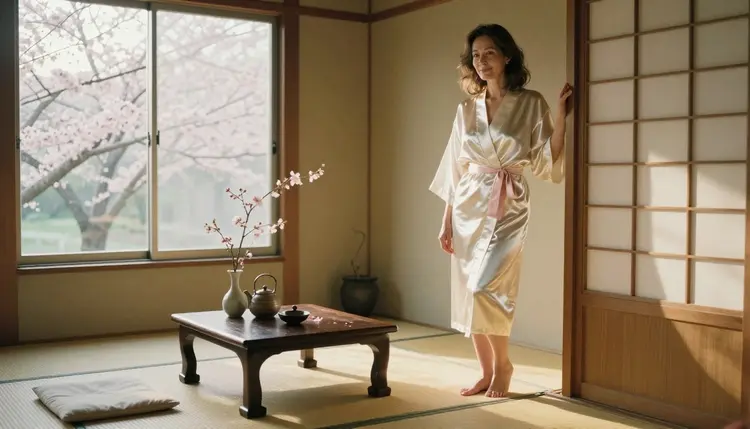
Sunlit apartment. An adult woman in her mid thirties in a white and blush pink satin two-piece with ribbons and white thigh-high socks, standing in a Japanese-style living room with tatami flooring, shoji doors and a low wooden table. A cherry blossom branch stands in a vase by the window. Golden hour backlight, wide frame on a 24mm lens, warm film grain.
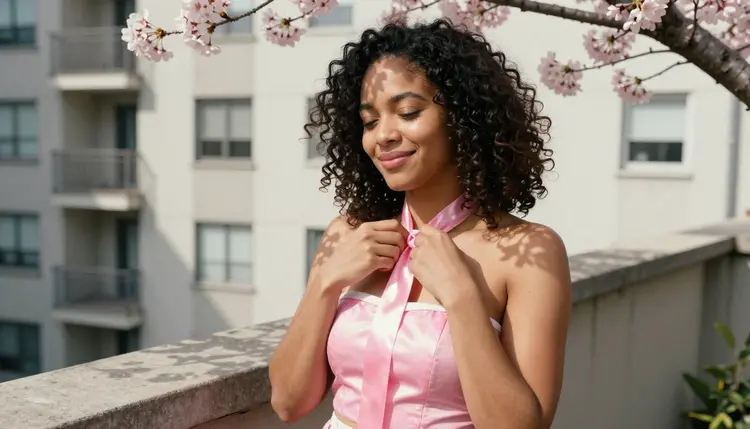
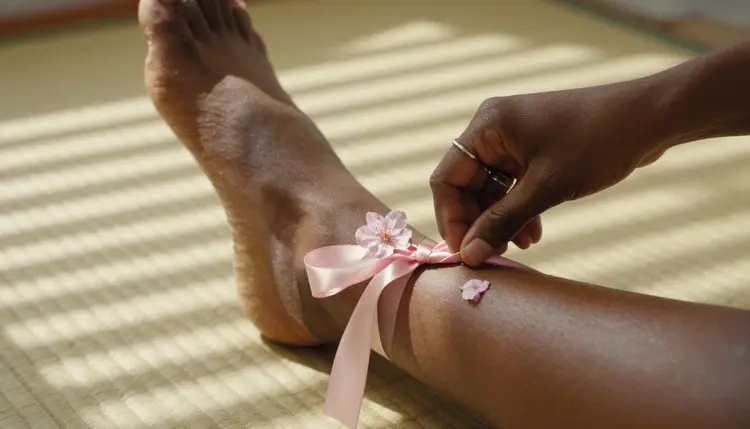
Ribbon detail. A close shot of an adult woman's hands tying a pale pink satin ribbon on a thigh-high sock, one blossom petal resting on her wrist. Hard morning sun falling through blinds draws stripes across the fabric. A 135mm lens keeps the background soft and the knot sharp.
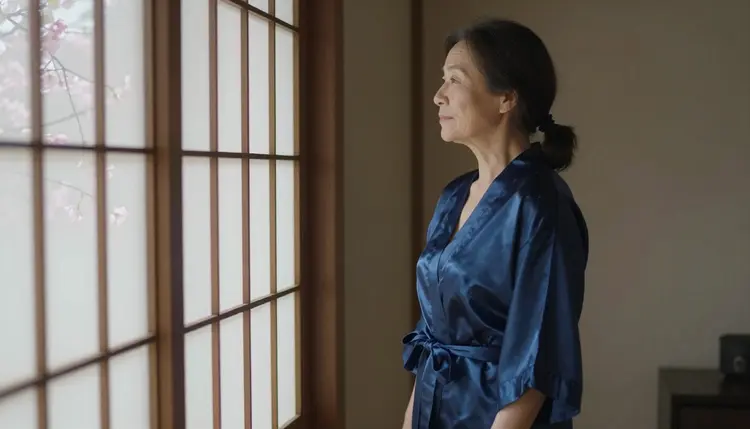
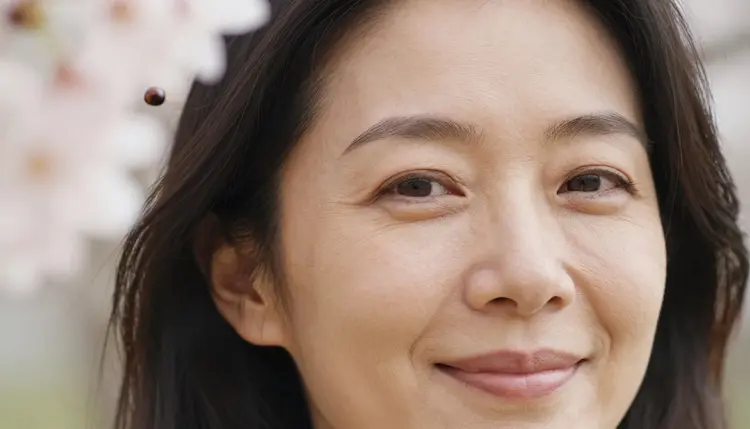
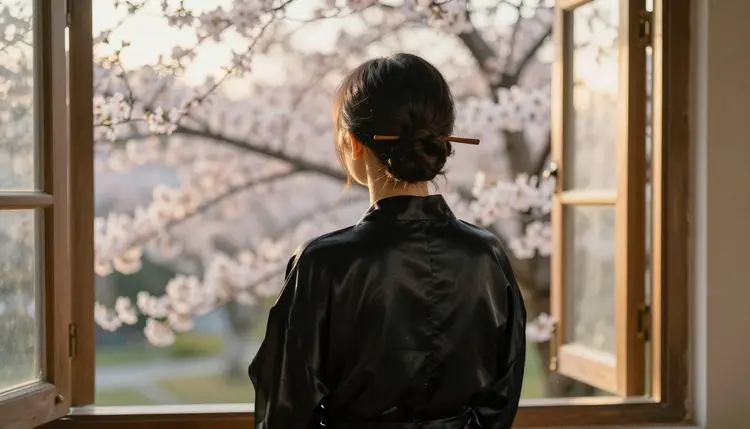
Teasing close-up. A tight portrait of an adult woman in her forties with a small wooden hairpin in her hair, a warm natural smile, a blossom branch at the edge of the frame. Late-afternoon side light, 135mm, shallow focus. Nothing else is needed: the expression carries the whole picture.
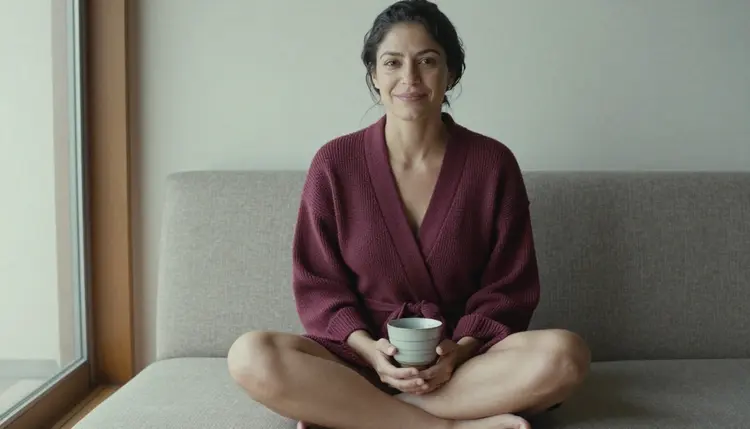
Tea on the low sofa. An adult woman in her early thirties sitting cross-legged on a low sofa in a bright Japanese-style apartment, ribboned two-piece, both hands around a teacup. Soft window light from the left, 70mm, a wide environmental portrait where the room matters as much as she does.
Drawn cat-ear look. For Recraft V4.1 Pro: an adult woman in her late twenties with a cat-ear headband, a bell on a thin choker and an oversized knit cardigan sliding off one shoulder. Clean line art, soft cel shading, a pastel palette of cream, peach and lavender, a plain bedroom wall behind her. This is the most openly anime prompt of the set, and the style words do the work.
Summer robe. An adult man or woman in a short cotton robe tied with a bright obi bow, standing on a wooden veranda at dusk with paper lanterns in the background. Warm lantern light, a candid three-quarter walking pose. For a wallpaper-ready crop, read the guide to Seedream 4.5 wallpaper art.
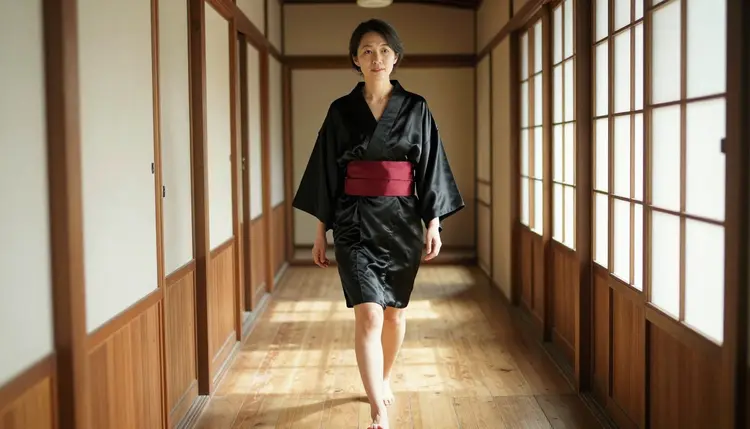
Barefoot in the hallway. A candid three-quarter shot of an adult woman in her late thirties walking barefoot along a sunlit wooden hallway in a short black satin robe with a deep red obi, glancing ahead. Dappled window light, 85mm. It is a good prompt to try on both Recraft V4.1 Pro and Seedream 4.5, because the pose reads in a drawing and in a photograph.
Overhead futon. An overhead angle of an adult woman in her late twenties lying on a white futon scattered with cherry blossom petals, blush satin two-piece, soft diffused daylight as if from a studio softbox, 85mm. The petals give the frame a pattern, and the satin gives it a gentle shine.
This section is short because the rules are simple. Picasso IA is for adults only. Use it if you are 18 or older, and treat every prompt as something an adult will read and write.
Every character you create must be a fictional adult. Do not use the name or likeness of a real person, a celebrity or anyone you know, and do not write a character who could read as a minor. Describe grown women and men, and write the age plainly in the prompt.
Your generations are private by default. What you create is tied to your account and is not published or shown to other people. Keep that privacy in mind when you share a result yourself, and respect the people and the rules of any place you share it.
A new account can try a few generations for free on selected models: Picasso IA Image, Picasso Image Editor Pro, Picasso IA Video and Seedance 2.5 Lite. It is a small free trial on selected models, not a free pass across the whole catalog. Plans, prices and what each generation costs are explained on the pricing page, where credits are described by model and by options such as resolution or duration. Models with the infinity tag in the catalog do not spend credits on plans that include unlimited generation.
Recraft V4.1 Pro and Seedream 4.5 are not on the free trial list, so they spend credits. A sensible order is to test your wardrobe and light ideas on a model you can try for free, then move the finished prompt to Recraft V4.1 Pro for the drawn version.
If you want to go deeper into the style, two sibling pages are worth opening: NSFW anime with Recraft V4.1 Pro walks through the model on its own, and the best AI generators for NSFW anime compares options for the wider category. For art outside anime, see the best NSFW art generators.
You can also browse the full catalog and try models that are not on the confirmed list. They are untested for adult prompts, which means nobody has promised you a result either way. Treat them as experiments: keep your prompt in the clipboard, run it, and look at the picture before you decide anything.
Which models are confirmed for ecchi anime art?
Six models are confirmed for adult prompts: Seedream 4.5, Recraft V4.1 Pro and Picasso Image Editor Pro for images, and LTX 2.3 Pro, Picasso IA Video and Seedance 2.5 Lite for video. For a drawn ecchi look, Recraft V4.1 Pro is the first one to open. Every other model in the catalog is untested.
Why use Recraft V4.1 Pro for this look?
The catalog lists it for print-ready images at 2K and describes it as strong on illustration and design. Ecchi art is an illustrated style built on clean shapes and wardrobe details, so a model that handles illustration well is a natural fit. It is also confirmed for adult prompts, so you can write suggestive wardrobe in plain words.
How should I word an ecchi prompt?
Start with the character as an adult woman or man and give an age range such as early thirties. Then list the outfit piece by piece, the room, one light source and one mood. Add style words like clean line art or soft cel shading for a drawn picture, or a lens and film grain for a photographic one. Keep it concrete and short.
Can I put two characters in one scene?
Yes, as long as both are described as fictional adults. Write each one with their own outfit and position, and say how they relate in the frame, for example sitting side by side on a balcony. The guide to Seedream 4.5 couples art covers how to structure a scene with two people and keep the mood romantic.
What happens when a model refuses a prompt?
Picasso IA shows a message titled "Content Not Supported by This Model". It recommends models that accept adult prompts and carries your prompt over, so you do not retype anything. You can pick one of the suggestions and generate again with the same text, then compare the result with your first idea.
Are the characters adults and fictional?
Yes, always. Every character must be a fictional adult, never a real or identifiable person and never anyone who could read as a minor. Write ages that make this clear and avoid wardrobe or features that suggest otherwise. The service is for adults only, and the same rule applies to every prompt on this page.
Is what I create private?
Generations are private by default. What you create is tied to your account and is not published or shown to others. You choose whether to share a picture, and if you do, you are responsible for where it goes and for following the rules of that place.
Can I turn an ecchi image into a video?
Yes. Picasso IA Video takes text or an image, so you can animate a finished picture, and LTX 2.3 Pro makes 4K video from text. Describe a small motion such as a ribbon moving in a breeze or a head turning toward the window, and keep the same wardrobe and light words.
How do I change one detail without redoing the picture?
Open the image in Picasso Image Editor Pro and describe the change: a different ribbon color, a corrected hand, a new background branch. It edits an existing picture, it is confirmed for adult prompts and it carries the unlimited tag in the catalog, so small fixes are a good use of it.
Can I try this before paying?
A new account gets a small free trial on selected models: Picasso IA Image, Picasso Image Editor Pro, Picasso IA Video and Seedance 2.5 Lite. It does not cover the whole catalog. Open the pricing page to see how plans and credits work, and test your outfit and light ideas on the trial models first.