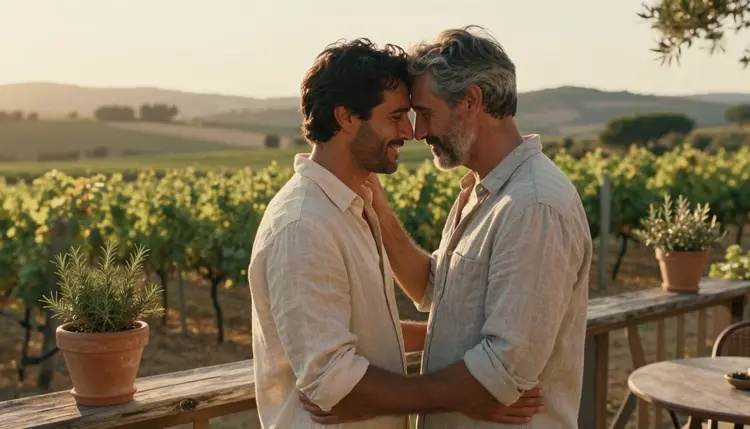
Two men falling into an easy, believable closeness is a harder scene to prompt than it looks. Ask most AI image models for a romantic couple and the result either strips out any real warmth between the two figures or renders something that reads as staged, two men placed side by side rather than a couple who actually reach for each other. Picasso IA runs a catalog of hundreds of models, and only six of them are confirmed to generate adult content directly instead of blocking the prompt.
For a tender, photoreal male couple scene specifically, the model that matters here is Seedream 4.5. It holds skin tone, natural light and the small physical details, a hand finding another hand, a shoulder leaning in, a held gaze, that make two people read as a couple rather than two models posed together for a shoot.
This page covers how to prompt that closeness so it actually lands, the six confirmed uncensored models behind it, and the fictional adult rules that shape everything generated through them.
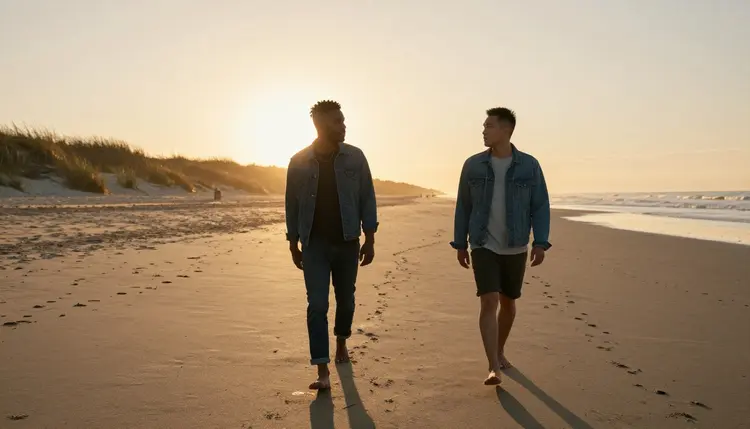
A couple scene lives or dies on small physical cues, not on how much skin the prompt describes. Two men standing near each other read as strangers. Two men whose hands are already touching, whose weight leans slightly toward each other, whose eyes are on one another instead of the camera, read as a couple in the first second a viewer looks at the image. Seedream 4.5 renders those cues convincingly because it is confirmed to generate the full range of an intimate scene rather than stopping short at a safe middle distance between two figures.
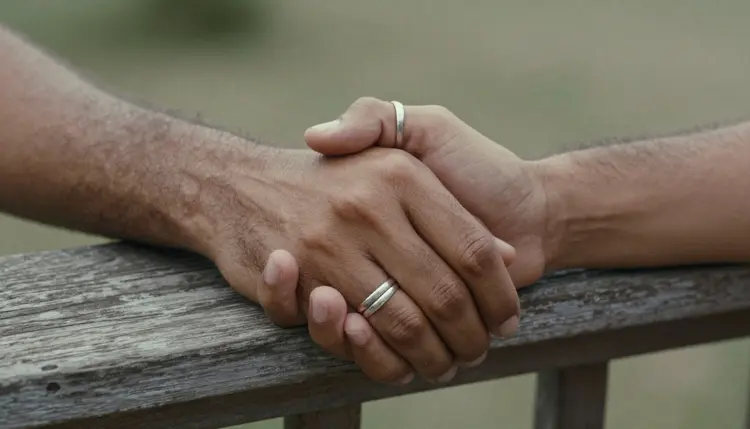
That is also why the rings in the image above do more work than a caption ever could. A detail like matching rings, a shared jacket, a hand resting on a lower back, tells the model and the eventual viewer that this is a couple with a history, not two figures who happened to land in the same frame. Naming one or two details like that in a prompt is worth more than a long list of physical descriptions with no relationship between them.
Getting a convincing couple scene out of a prompt comes down to five repeatable steps, whether the setting is a beach at sunset or a kitchen counter.
- Pick the Confirmed Model. Open the toolkit and select Seedream 4.5, the photoreal model confirmed to generate an intimate two person scene without rejecting the prompt.
- Describe Both Men Individually. Give each man his own build, hair and age before describing what the two of them are doing together, so the model keeps them as two distinct people instead of blending their features.
- Name the Setting and the Distance Between Them. Describe the location and how close the two men stand or sit, since distance and posture say more about the relationship than any other detail in the prompt.
- Generate and Check the Points of Contact. Run the prompt and look closely at hands, shoulders and the places where the two bodies meet, since those are the first details to blur or merge when two figures share a frame.
- Refine with the Image Editor if Needed. Send the result to Picasso Image Editor Pro if one figure needs a small fix instead of regenerating the whole scene from the start.
A scene built this way holds up whether the two men are walking a beach at golden hour or sitting still on a porch, because the relationship in the prompt never changes, only the setting around it does.
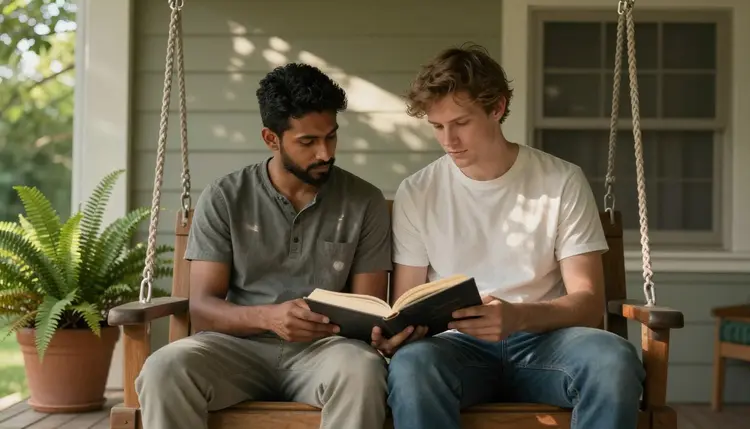
Not every model in Picasso IA's catalog will generate adult content, and sending a couple scene to one that is not confirmed just wastes a prompt. Six models across the entire catalog are confirmed to generate NSFW scenes directly, without a safety filter stepping in, and for a photoreal male couple scene specifically, Seedream 4.5 is the one to start with.
Seedream 4.5 is pinned here because it handles the specific combination a male couple scene needs, natural skin tone across two figures, believable light, and physical contact that does not collapse into a blurred mess where two bodies meet. Qwen Image 2 is worth trying as a second photoreal option, and Recraft V4.1 Pro renders the same kind of scene as an illustration instead of a photograph, for anyone who prefers that look. Every other model in the catalog, whatever else it is good at, is not confirmed to behave the same way with an adult prompt and is best treated as untested for this kind of scene rather than assumed to work.
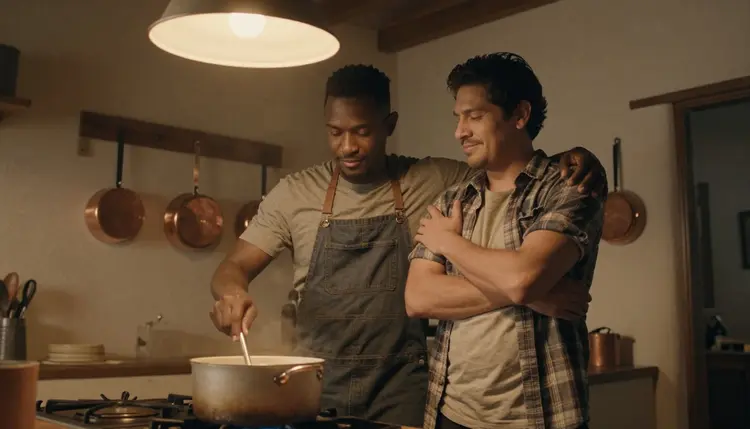
Picasso Video and LTX 2.3 Pro extend the same confirmed list to motion, so a couple scene generated as a still image, two men cooking dinner together, one arm wrapped around the other, can become a short moving scene built from the same description.
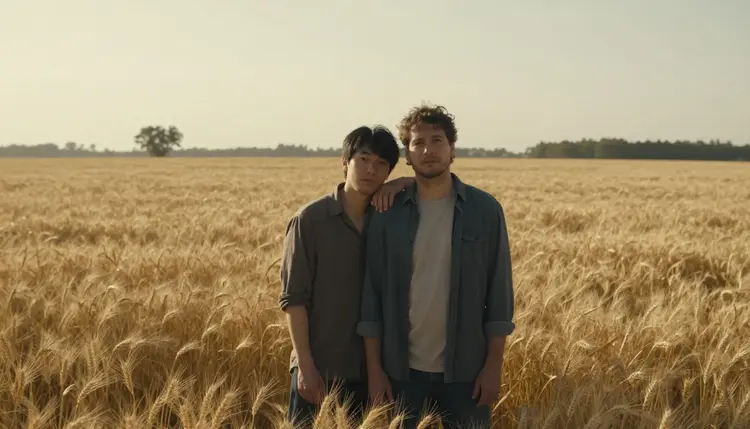
Setting does more for a couple scene than most prompts give it credit for. A wheat field at sunset, a porch swing, a kitchen counter, each one changes what the closeness between two men reads as, quiet and private, easy and domestic, warm and unhurried, before a single physical detail is even described.
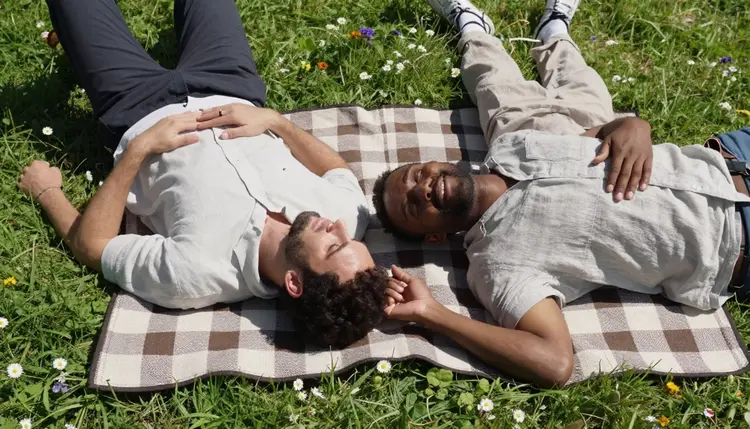
Distance and camera angle carry just as much weight. Two men lying close together on a blanket, fingers already laced in the grass, reads as an established, comfortable couple in a way that two men standing apart at a polite distance never will. A close, low angle sells intimacy, while a wider shot of two figures walking together sells a relationship that has settled into an easy rhythm.
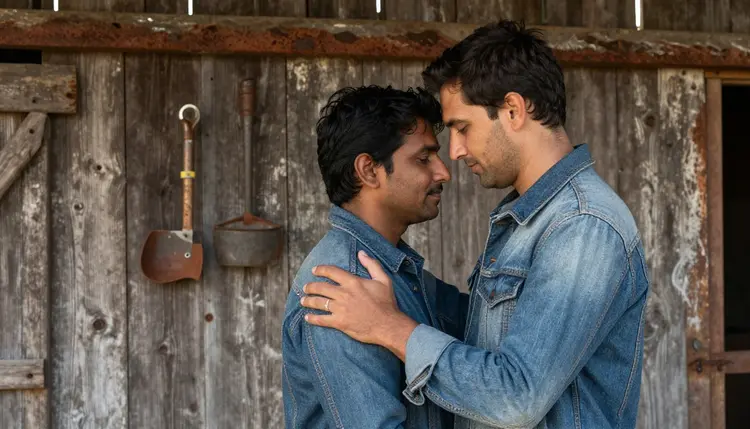
A forehead to forehead embrace is a good example of how little explicit detail a scene needs to read as deeply intimate. No more skin than a normal photograph would show, no explicit act described, just two men close enough that their foreheads touch beside a weathered barn, and the warmth of the scene comes entirely from that one piece of body language.
This is 18+ content, and every scene generated through it has to stay that way. Both men in any couple scene are fictional adults, invented for the prompt, never a minor regardless of how the description is worded, and never the likeness of a real, identifiable person without that person's own consent. That is not a limit layered on top of the six confirmed models, it is the actual boundary of what couple art on Picasso IA is for.
Generations stay private by default. What gets made is tied to the account that made it, not posted or shared anywhere on the site, so testing different scenes or settings for the same couple is never visible to anyone else using Picasso IA.
Picasso IA runs on a shared credit system across its whole catalog, including the six confirmed models used for adult content. New accounts start with free credits, enough to test Seedream 4.5 on a couple scene before deciding whether the style fits. Image and video models draw credits at different rates, and for some models the resolution or length selected changes the cost, so current numbers and what each plan includes live on pricing rather than being repeated here.
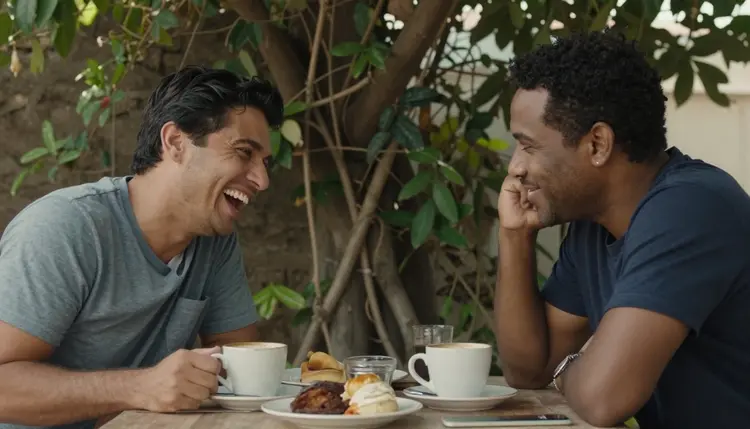
There is no separate paywall for adult content specifically. The six confirmed models sit in the same catalog and cost structure as every other model on the site, they simply do not reject a couple scene the way an unconfirmed one does.
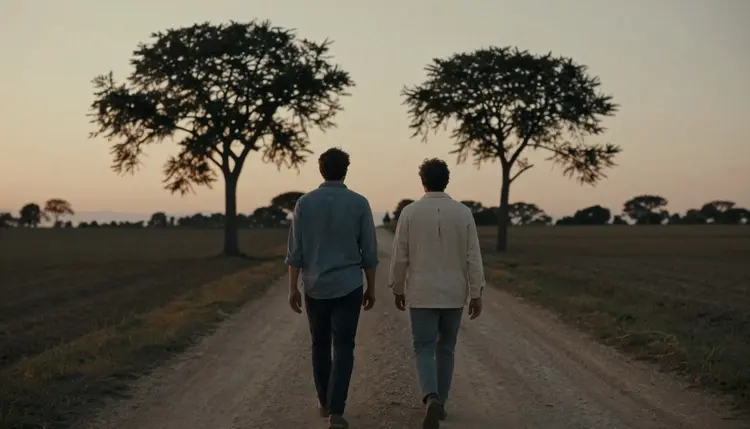
Can I generate NSFW art of a male couple on Picasso IA?
Yes, as long as both men are fictional adults, this is 18+ content, and neither is the likeness of a real person. Seedream 4.5 is the confirmed model built for this kind of photoreal couple scene, and the five steps above cover how to prompt it so the two figures read as a real couple.
Why does Seedream 4.5 work better than other models for this?
Seedream 4.5 is one of only six models across the catalog confirmed to generate adult content directly, and it specifically holds up well when two figures share a frame, skin tone, light and the points where two bodies touch stay consistent instead of blurring together.
Can I make the couple look illustrated instead of photoreal?
Yes. Recraft V4.1 Pro is also confirmed and renders the same kind of couple scene as an illustration rather than a photograph, for anyone who prefers that look over Seedream 4.5's photoreal finish.
What happens if I send a couple prompt to a model that is not one of the six confirmed?
It applies its own safety filter and rejects the prompt. Picasso IA shows a message explaining the content is not supported by that model and offers to switch to one of the six confirmed models, carrying the same prompt over.
How do I keep both men looking distinct instead of blending together?
Describe each man's build, hair and age separately before describing what they are doing together, and repeat the detail again if it matters later, since a shared description with no separation is the most common reason two figures blend into one.
Can a couple scene become a short video instead of a still image?
Yes. Picasso Video and LTX 2.3 Pro are the two confirmed models for adult motion, and both work from the same kind of description used for a still image, so a finished couple scene can be reworked into a short moving one.
Can I use Picasso Image Editor Pro to fix just one part of the scene?
Yes. Picasso Image Editor Pro is one of the six confirmed models and edits an existing image directly, so a hand or a face that needs adjusting can be fixed without regenerating the whole scene.
Is my generated couple art private, or can other people on the site see it?
Generations stay tied to the account that made them and are private by default, not posted or shared anywhere on the site, so testing different scenes for the same couple is never visible to other people using Picasso IA.
Is there a free way to try this before subscribing?
Yes. New accounts start with free credits that work across the catalog, including the six confirmed models, so Seedream 4.5 can be tested on a couple scene before deciding whether to subscribe. Current plans are listed on pricing.
Do outdoor scenes like a beach or a wheat field need a different prompt style than something indoors?
The core approach stays the same, describe both men, then the setting and the distance between them, but outdoor scenes benefit from naming the light directly, sunset, golden hour, dusk, since that one detail does more to set the mood than several lines describing the location itself.