A corner office at golden hour, a blazer with one button undone, a glance back over a shoulder on the way out the door: office glamour borrows the confidence of a boardroom and the intimacy of a portrait session, and it is a genre most image models flinch at the moment a jacket comes off or a pose turns suggestive. Seedream 4.5 is one of six models on Picasso IA confirmed to run with no content filter, and its photorealistic, editorial rendering treats a tailored blazer, a glass-walled office, and window light the way a real fashion shoot would, not a sanitized stock photo.
This page covers why the model fits an office glamour brief, what actually makes the genre work as photography rather than a costume gimmick, a five-step process for generating a shot worth keeping, and the rules every fictional adult in frame has to follow.

Most of the 488 models in the Picasso IA catalog run a content filter, and office glamour sits squarely in what that filter is built to catch: a blazer worn with nothing underneath, a skirt hiked to sit on a desk, a top button undone past what a dress code allows. Try a prompt like that on a filtered model and the app returns a Content Not Supported by This Model message, then offers to carry the same prompt to a model that will actually run it. Seedream 4.5 is one of those alternatives, confirmed filter-free, so a suggestive office scene generates the same way a plain headshot does, no rewording, no softening a phrase to sneak it past anything.
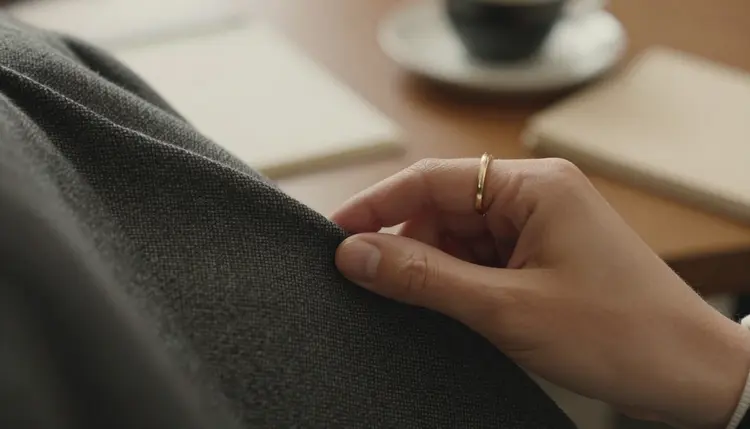
It shares that filter-free status with five other models, each suited to a different part of an office glamour shoot. Qwen Image 2 is the open-source pick when a prompt stacks several details at once, the blazer, the desk, the light, the pose, all in one line. Recraft V4.1 Pro suits an illustrated or comic-style office scene rather than a photographic one. Picasso Image Editor Pro touches up a shot after the fact, useful for fixing a hand around a coffee cup or straightening a collar. Picasso Video and LTX 2.3 Pro turn a still into a short walking or turning clip. Seedream 4.5 is the one to reach for first when the brief calls for a photograph, a corner office, a glass wall, a blazer that hangs and creases like real wool. See the full catalog for everything else the app offers.
Office glamour reads as glamour, not as a costume photo, when the workplace details stay convincing even as the pose turns suggestive: a laptop actually open on the desk, a lanyard or an ID badge, blinds cutting the light into stripes across a wall. Strip those details out and the same pose in a blank room reads as generic pin-up rather than as a specific, confident person who happens to run that office.
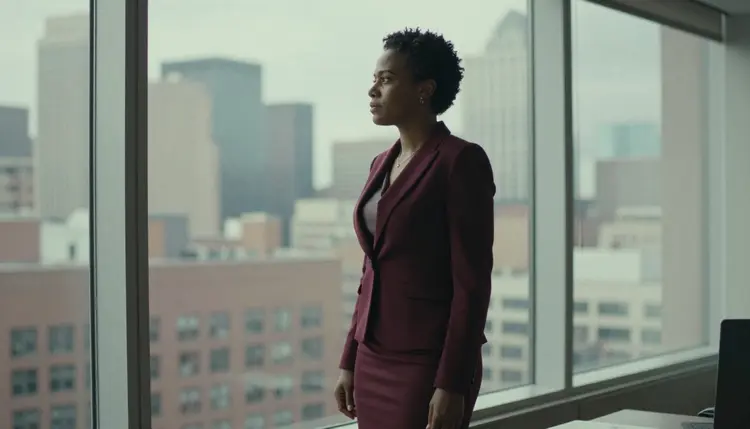
Wardrobe carries most of the genre's identity. A fitted blazer, a pencil skirt, a silk blouse with one extra button open, a loosened tie: these read as office glamour precisely because they are a controlled departure from a strict uniform rather than a costume built from nothing. Naming the exact garment and how it is worn, undone, rolled up, slightly off one shoulder, gives Seedream 4.5 something concrete to render, and a specific description holds together under a close look in a way a vague one does not.
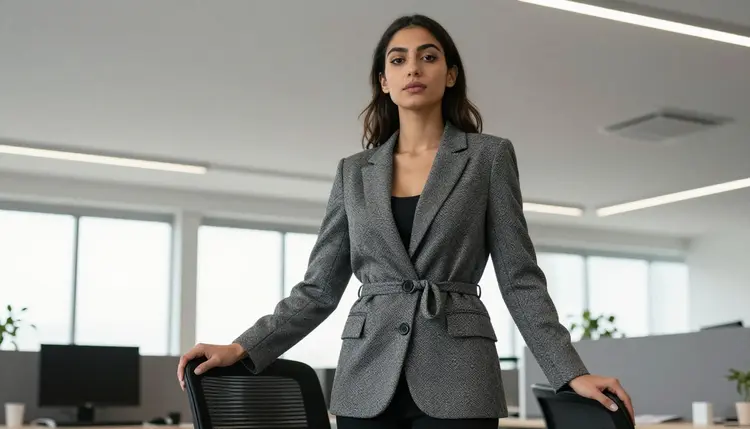
Setting does the rest of the work. A corner office with floor-to-ceiling glass, a boardroom table at the end of the day, a quiet corridor after everyone else has left, a lobby lit by late sun: each one carries its own light and its own implied story, and naming one clearly beats a vague word like professional every time. Consistency across a set matters too, since the same office, the same light, and the same wardrobe language repeated across a few frames reads as one confident shoot rather than a pile of unrelated portraits.
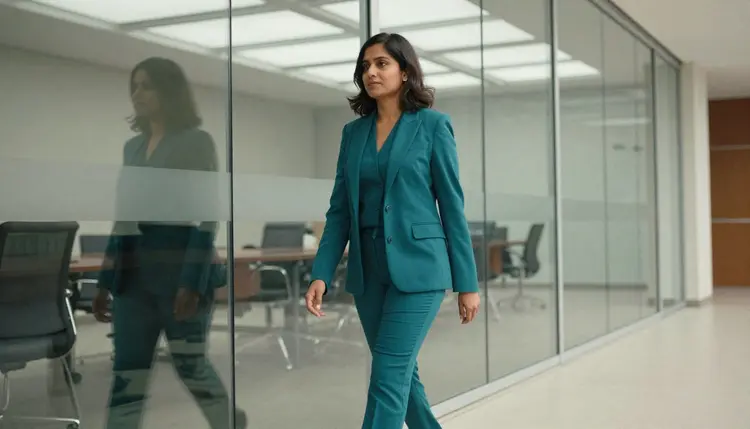
The path from a blank prompt box to an office glamour shot worth keeping is short, and it stays the same loop whether this is a first generation or a fiftieth.
- Describe the Character as a Fictional Adult First. Give the subject an invented name in your own head, an age well past eighteen, and a build and hair color, so the whole prompt is anchored to one specific person rather than a generic figure.
- Name the Wardrobe and Exactly How It Is Worn. A fitted blazer with the top button undone, a silk blouse untucked, a loosened tie: state the garment and the small departure from a strict uniform, since that detail is what separates office glamour from either a plain headshot or a costume photo.
- Open the toolkit and Select Seedream 4.5. Picking the filter-free model before writing the prompt avoids wasting a first generation on a model that simply refuses an office glamour brief.
- Set the Scene With the Office and Its Light. A corner office at golden hour, a boardroom after hours, a corridor lit by overhead fluorescents: naming the room and its light source together grounds the whole image far more than either one alone.
- Generate a Batch and Review It Closely. Compare a handful of results as a set, then zoom into hands, badge text, and blazer seams before saving one, since those details are where an otherwise strong office glamour image tends to fall apart.
Fabric does more work than pose in this genre. Wool, silk, a starched cotton shirt, a leather portfolio under one arm: naming the material gives Seedream 4.5 something exact to render, how wool creases at the elbow, how silk catches a window's light differently than cotton does. A vague word like sexy describes a feeling, not a garment, and leaves the actual look to chance.

Direct the pose the way a photographer would on set: seated at a desk with a hand under the chin, perched on the desk's edge, walking mid-stride down a corridor, leaning against a doorway with arms crossed. A specific, directed pose reads as confident and editorial, while a vague instruction tends to produce something stiff or generic. Camera distance matters just as much: a close shot on a hand and a lapel reads as intimate, a wider shot down a sunlit corridor reads as cinematic, and deciding which register a given image needs before writing the prompt keeps a set from feeling scattered.
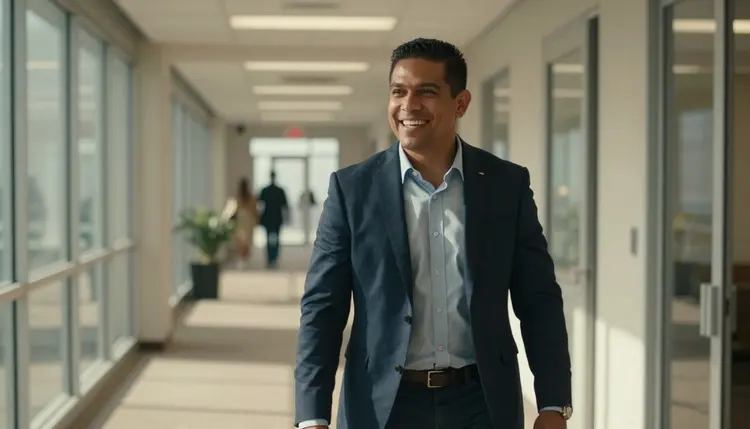
A quick reference for swapping vague language for something Seedream 4.5 can actually render:
| Say this | Instead of this | Why it helps |
|---|
| a fictional woman in a burgundy blazer, top button undone, gazing out a window | a hot office photo | gives the model a garment, a state of undress, and a setting instead of a vague mood |
| perched on the edge of a desk, looking up, soft window light | a sexy desk pose | names the exact pose and light source instead of leaving both to chance |
| leaning against a doorway, arms crossed, tie loosened | a confident businessman | gives the model a concrete pose, a garment detail, and a setting |
| walking mid-stride down a sunlit corridor, laughing | a candid office shot | reads as cinematic and specific rather than staged and generic |
Office glamour does not have to feature a woman only. A man in a tailored suit with his tie loosened, sleeves rolled to the forearm, or a blazer slung over one shoulder on the way out reads exactly as well for the genre, and the same wardrobe-plus-setting-plus-light approach applies regardless of who is in frame. A shared office setting, the same corridor or the same glass-walled meeting room, also works well for a fictional pair rather than a single subject, as long as both remain clearly fictional adults.
Every image generated here is for adults, eighteen and over, and every subject in an office glamour scene must be a fictional adult character. No real person's likeness, with or without a claimed resemblance, and no public figure at all, meaning no prompt built around a specific colleague, executive, or celebrity. No character that reads as a minor, in any wardrobe or setting. Prompts that cross these lines are refused, and attempting them violates the platform's terms.

Seedream 4.5 running with no content filter changes what kind of adult content it will render, not whose likeness it can be used to generate. The rule against real people and minors holds on every model in the catalog, filtered or not, and an office setting does not make a real coworker's likeness any more permissible than it would be in any other genre.
Generations on Picasso IA stay private by default, visible only in your own account unless you choose to download or share them, so trying out a few wardrobe and setting combinations before settling on one does not put anything on public view. What gets shared afterward is still governed by local law and by the rules of whatever platform it lands on.
Generations on Picasso IA are paid for with credits spent per image, not a separate subscription tier for each model. A new account starts with free credits, enough to run the five-step process above across a handful of wardrobe and setting combinations before deciding whether to buy more. Image generations sit toward the cheap end of what the app offers, well below the cost of a video generation.
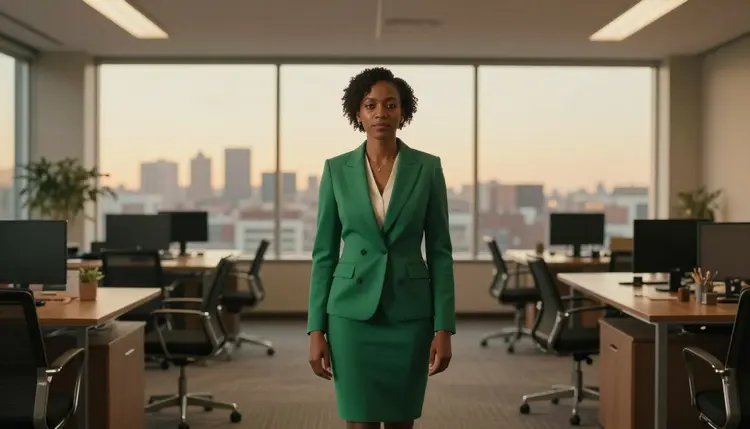
Exact credit amounts and plan pricing change as the catalog evolves, so current numbers live on the pricing page rather than printed here where they would go stale. Naming the wardrobe, the setting, and the light together in one prompt, then comparing a small batch before iterating, is the efficient way to spend credits on Seedream 4.5 or any other model in the catalog.
Does Seedream 4.5 really generate NSFW office glamour photos with no content filter?
Yes. Seedream 4.5 is one of six models on Picasso IA confirmed to run with no content filter, alongside Qwen Image 2, Recraft V4.1 Pro, Picasso Image Editor Pro, Picasso Video, and LTX 2.3 Pro. An office glamour prompt, an undone blazer button, a skirt on a desk edge, runs the same way any other prompt does, and every subject generated must still be a fictional adult, eighteen and over.
Why does an office setting work so well for NSFW glamour photography?
An office gives the model concrete, convincing details to anchor a pose to, a desk, a blazer, blinds cutting the light, a badge on a lanyard, and those details are what separate a confident glamour shot from a generic pin-up in a blank room. Seedream 4.5's photographic, hyper-realistic style is well suited to rendering that specific kind of everyday texture.
What should the character wear for a strong office glamour photo?
A fitted blazer, a silk blouse, a pencil skirt, or a tailored suit, each with one small, named departure from a strict uniform, a top button undone, sleeves rolled up, a tie loosened, tends to read as office glamour far better than either a fully buttoned-up outfit or a costume with no office logic to it at all.
Is Seedream 4.5 free to use on Picasso IA?
New accounts start with free credits, which cover several generations before anything needs to be purchased. Beyond that, generations are paid for with credits rather than a flat subscription per model, and how far a given amount of credits goes depends on current pricing, kept up to date on the pricing page rather than stated here.
Can I generate a real person or a celebrity in an office glamour scene?
No. Every subject on this page must be a fictional adult character. A real person's likeness, including a specific coworker, an executive, a celebrity, or any other public figure, is not permitted, with or without a claimed resemblance, and prompts that attempt it are refused and violate the platform's terms regardless of which model is running.
What if I want an illustrated office glamour style instead of a photo?
Seedream 4.5 leans toward photographic realism even when a prompt asks for a drawn look, so it is not the right tool for that brief. Recraft V4.1 Pro is built for illustration and stylized art, and it is also filter free, which makes it the better pick for a comic-style or painted office scene rather than a photographic one.
Why do hands or badge details sometimes look wrong in my generated image?
Hands, jewelry, and small text like a badge or a lanyard are difficult for every image model, filtered or not, and Seedream 4.5 is no exception. The fix is usually a simpler pose, fewer hands visible in frame, or a closer look at a batch of results before picking a winner, and checking those small details before saving is worth doing on every generation.
Can men be the subject of an office glamour photo too?
Yes. A tailored suit with a loosened tie, sleeves rolled to the forearm, or a blazer slung over one shoulder reads just as well for the genre as it does for a female subject, and the same wardrobe-plus-setting-plus-light approach applies regardless of who is in frame.
Can I edit an office glamour image after generating it?
Yes. Once an image is close but not quite right, Picasso Image Editor Pro can adjust it directly, fixing a hand around a coffee cup or straightening a badge, with a plain instruction instead of a fresh generation from scratch. It also runs with no content filter, so an office glamour image can be edited the same way it was generated.
Can an office glamour photo become a video?
Yes, through a separate step. Picasso Video can take a still image and animate it into a short walking or turning clip, and LTX 2.3 Pro generates cinematic video directly from a prompt; both run with no content filter. Settling on a still image first is the more efficient order, since an image generation costs less than a video one.