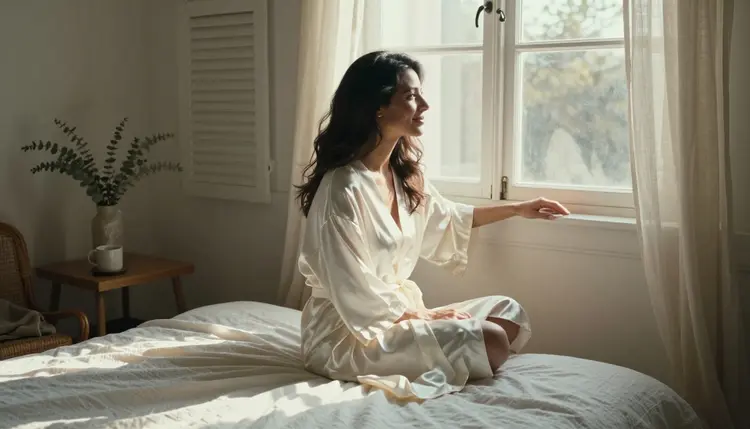
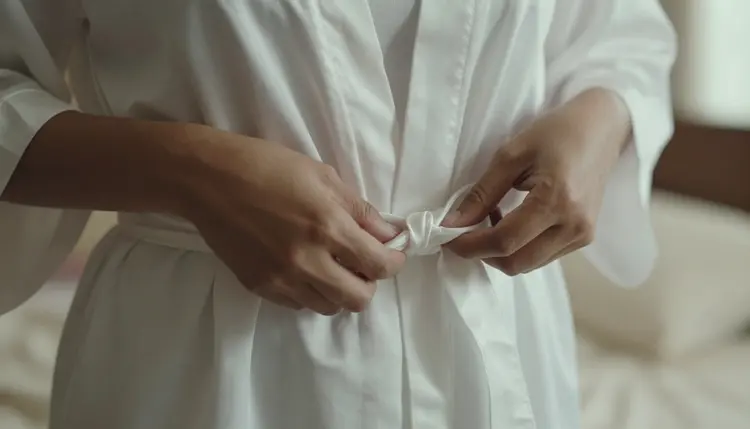
A silk robe does more work than almost any other wardrobe choice in intimate photography: it drapes, catches light, and reveals or conceals with a single tug on the belt, which is exactly why loungewear and boudoir photographers reach for it again and again. Seedream 4.5 is one of six models on Picasso IA confirmed to run with no content filter, and its photorealistic rendering treats a silk robe the way a real photographer would: the sheen catches the window light, the fabric folds where a body actually bends, and a belt knot looks tied rather than painted on.
This page covers why Seedream 4.5 is the strongest pick for this kind of shoot, what actually makes a silk robe photo read as intimate rather than flat, a five step process from a bare prompt to a finished set, and the rules every fictional adult in frame has to follow.
Most of the 488 models in the Picasso IA catalog run a content filter, and a robe photo built around an open collar, a loosened belt, or a bare shoulder is exactly the kind of prompt that filter exists to catch. Try it on a filtered model and the app returns a Content Not Supported by This Model message, then offers to carry the same prompt to a model that will actually run it. Seedream 4.5 is one of those alternatives, confirmed filter free, so an intimate robe prompt generates the same way a plain portrait does.
Seedream 4.5 shares that filter free status with five other models, each suited to a different part of a robe shoot. Qwen Image 2 is the open source pick when a prompt stacks several details, the robe color, the room, the light, and a prop, in one line. Recraft V4.1 Pro suits a drawn or illustrated take instead of a photoreal one, closer to a fashion sketch than a photograph. Picasso Image Editor Pro touches up a finished photo afterward, useful for fixing a stray fold or a belt knot. Picasso Video and LTX 2.3 Pro turn a still robe photo into a short clip, a robe swaying as someone turns toward a window. Seedream 4.5 stays the one to reach for first when the brief calls for a photographic, skin and fabric result rather than an illustration. See the full catalog for everything else the app offers.
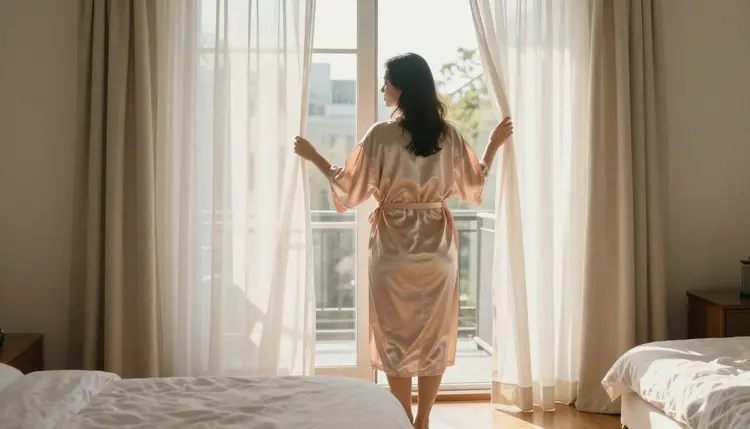
A silk robe photo lives or dies on light and fabric, more than on pose. Morning window light, soft and slightly warm, is the classic choice: it catches the sheen of silk without flattening it, and it reads as candid rather than staged, like a moment caught rather than a shoot set up. A single bedside lamp or a hallway light works for an evening version of the same idea, casting a warmer, more intimate tone.
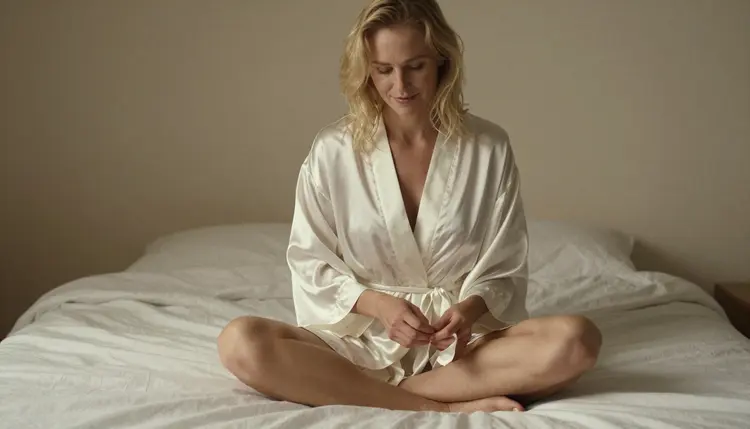
Camera angle changes the mood as much as light does. A low angle from the foot of the bed reads as intimate and close. An aerial view looking straight down at someone reclining reads as calm and unposed, almost like a candid snapshot rather than a portrait. Mixing angles across a set, rather than repeating the same eye level shot, is what makes a series of robe photos feel like a real morning rather than five takes of one pose.
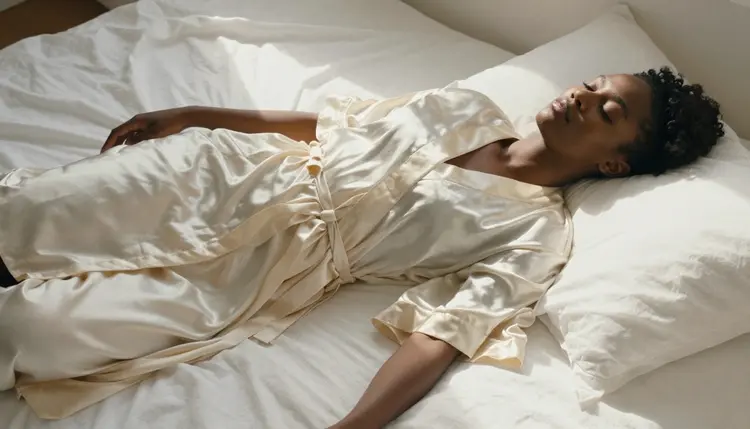
The robe itself should stay the one fixed variable worth naming precisely: the color, whether it is silk or satin, and how it is tied or left open at the collar. Everything else, the room, the light, the angle, can change from one generation to the next without breaking the set, as long as the robe reads the same way across all of them.
Turning a robe concept into a finished photo, rather than one lucky generation, takes a short amount of planning before the first prompt, and the process itself stays quick.
- Describe the Robe and the Fabric. Name the color, the material such as silk or satin, and how it falls or ties, since fabric detail is what separates a flat description from a photoreal render.
- Set the Scene and the Light. Choose one location, a sunlit window, a bedroom, a balcony, and one light source, since Seedream 4.5 renders a named light source far better than a vague mood word.
- Open the Toolkit and Select Seedream 4.5. Picking the filter free model before writing the prompt avoids wasting a generation on a model that refuses an intimate robe prompt outright.
- Generate a Small Batch and Compare Poses. Run the same prompt three or four times and keep the version where the fabric folds and the pose both read naturally, since a single generation rarely nails both at once.
- Finish with an Edit Pass if Needed. Send the strongest result to Picasso Image Editor Pro to fix a stray fold, a hand, or a belt knot, then download the finished photo.
Material and light do more for a robe photo than a pose description ever will. Silk catches light differently than satin or cotton, so naming the fabric, not just the color, gives the model something exact to render. A vague word like spicy describes a feeling, not a fabric, and leaves the actual look to chance.
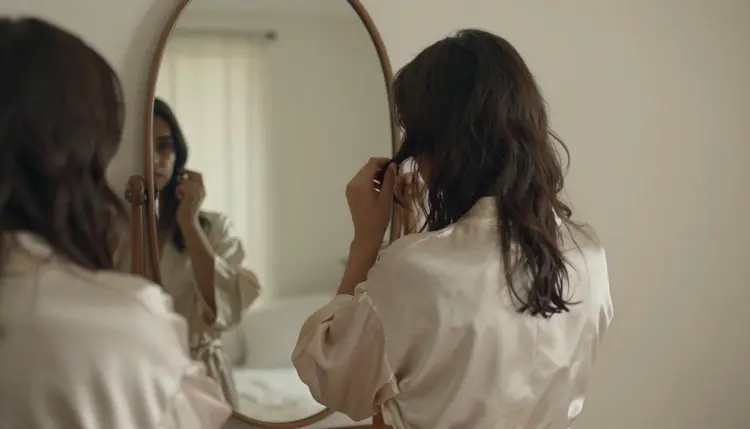
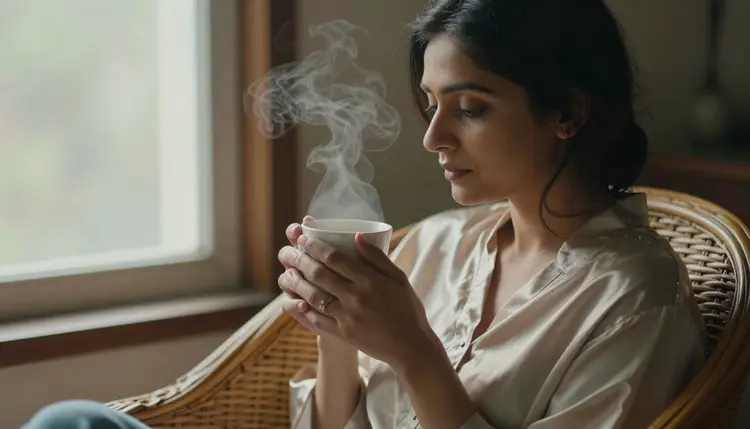
Small, everyday gestures read as more intimate than a posed stare at the camera: tucking hair behind an ear while checking a mirror, tying a belt, holding a coffee cup with both hands. These small actions give Seedream 4.5 something to build a natural pose around instead of a stiff, front facing stance.
A short reference table for prompting a robe photo:
| Say this | Instead of this | Why it helps |
|---|
| an ivory silk robe, loosely tied, catching morning window light | a spicy robe photo | names the fabric, the tie, and the light instead of leaving all three to chance |
| low angle from the foot of the bed, sitting cross legged | a hot pose | gives the model a specific camera position and posture |
| reflected in a mirror, tucking hair behind one ear | a flirty look | describes a real gesture instead of a vague expression |
| holding a coffee cup with both hands, wicker chair, soft daylight | a cozy morning photo | grounds the scene in a real prop, seat, and light source |
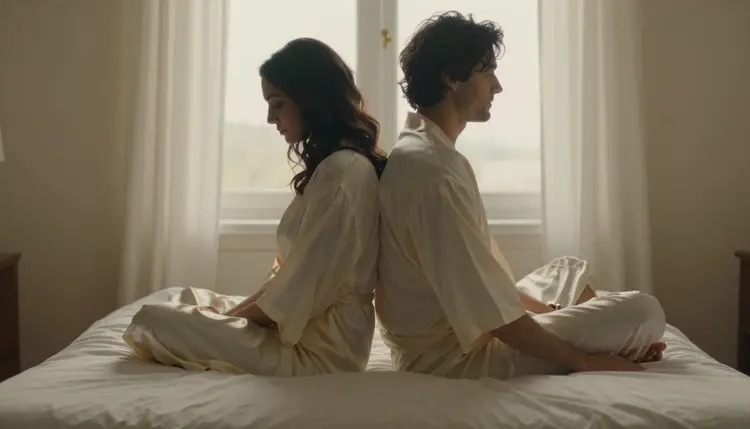
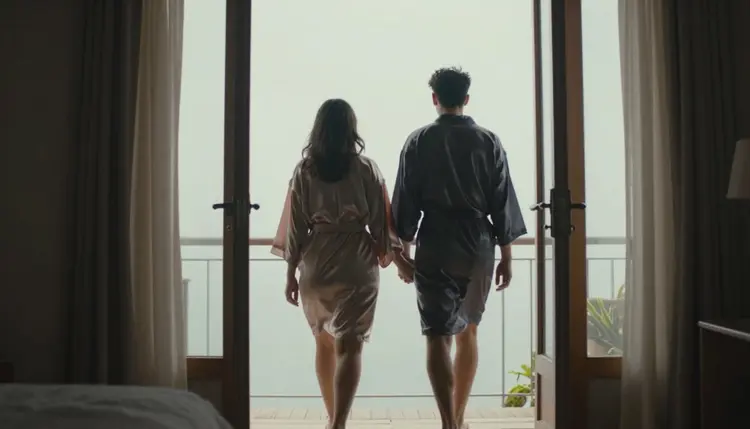
A robe photo does not have to feature a woman alone. A man in a dark silk robe leaning in a sunlit doorway reads just as well, and a matching set built around two fictional adults in robes, a couple rather than one subject, works the same way: name both robes, the room, and the light, and Seedream 4.5 renders both figures with the same fabric detail it gives one.
Every photo generated here is for adults, eighteen and over, and every person in frame must be entirely fictional: an invented character, not a real photo subject, not a public figure, and never built to resemble a real person without their consent. No character that reads as a minor, in any robe, pose, or lighting. Prompts that cross these lines are refused, and attempting them violates the platform's terms.

That rule holds regardless of who is in frame or how many people. A solo portrait and a matching couple set follow the exact same standard: both people, if there are two, must be fictional adults, and a robe photo of a couple is not exempt from the consent and minor rules just because two invented characters share the frame instead of one.
Seedream 4.5 running with no content filter changes what kind of intimate content it will render, not who it can be rendered of. Generations on Picasso IA stay private by default, visible only in your own account unless you choose to download or share them, so testing a few robe looks before settling on a final set does not put anything on public view. What gets shared afterward is still governed by local law and by the rules of whatever platform it is posted to.
Generations on Picasso IA are paid for with credits spent per image, not a separate subscription tier for each model. A single silk robe photo sits toward the cheap end of what the app charges for an image, and a short video clip through Picasso Video or LTX 2.3 Pro costs more than a still photo. New accounts start with free credits, enough to run the five step process above across a couple of looks and one edit pass before anything needs to be purchased.
Exact credit amounts and plan pricing change as the catalog grows, so current numbers live on the pricing page rather than printed here where they would go stale. Naming the robe, the room, and the light precisely, then comparing a small batch before picking a favorite, is the efficient way to land on a set worth keeping.
Does Seedream 4.5 really generate NSFW silk robe photos with no content filter?
Yes. Seedream 4.5 is one of six models on Picasso IA confirmed to run with no content filter, alongside Qwen Image 2, Recraft V4.1 Pro, Picasso Image Editor Pro, Picasso Video, and LTX 2.3 Pro. A robe photo built around an open collar or a loosened belt runs the same way any other prompt does, and every person generated must still be a fictional adult, eighteen and over.
What makes Seedream 4.5 better than another model for a silk robe photo?
Seedream 4.5 is built for photorealistic, editorial rendering, so it handles fabric sheen, folds, and skin tone the way a real camera would rather than smoothing them into an illustration. That matters specifically for silk, since the fabric's light catching quality is most of what sells the photo as intimate rather than flat.
Can I describe the exact color and material of the robe?
Yes, and doing so is what actually improves the result. Naming the color, whether it is silk or satin, and how it ties or falls open gives the model something concrete to render, instead of leaving the fabric to a generic guess that can come out as a plain bathrobe instead of the intended look.
Does this work for a man in a silk robe, not just a woman?
Yes. A man in a dark silk robe reads exactly as well as a woman in a lighter one, and the same approach, naming the robe, the room, and the light, applies regardless of who is in frame. Every subject, whatever their gender, must still be a fictional adult.
Can I generate a couple wearing matching robes together?
Yes. Naming both robes, the room, and the light in one prompt lets Seedream 4.5 render two figures together with the same fabric detail it gives one. Both people in a couple photo must still be fictional adults, and the same consent and minor rules apply exactly as they do to a solo portrait.
What camera angle works best for a silk robe photo?
There is no single best angle, and mixing them across a set is what makes the results feel like a real morning rather than repeated takes of one pose. A low angle from the foot of the bed reads as intimate, while an aerial view of someone reclining reads as calm and candid.
Can I edit a finished robe photo afterward to fix a detail?
Yes. If a fold of fabric or a belt knot comes out wrong in an otherwise good result, Picasso Image Editor Pro can adjust just that area with a plain instruction instead of regenerating the whole photo from scratch. It also runs with no content filter, so an intimate photo can be edited the same way it was generated.
Can a silk robe photo be turned into a short video?
Yes, as a separate step. Picasso Video can animate a finished photo into a short clip, and LTX 2.3 Pro generates cinematic video directly from a prompt, a robe swaying as someone turns toward the light. Both run with no content filter, and settling on a still photo first is the more efficient order since an image generation costs less than a video one.
Are my generations private, and who can see them?
Generations on Picasso IA stay private by default and are visible only in your own account unless you choose to download or share them. Every character shown across a robe set must still be a fictional adult, eighteen and over, and what gets shared afterward is governed by local law and by whatever platform it is posted to.
Is generating silk robe photos free to start on Picasso IA?
New accounts start with free credits, enough to try a few robe, room, and light combinations before anything needs to be purchased. Beyond that, generations are paid for with credits rather than a flat subscription per model, and current numbers live on the pricing page rather than stated here.