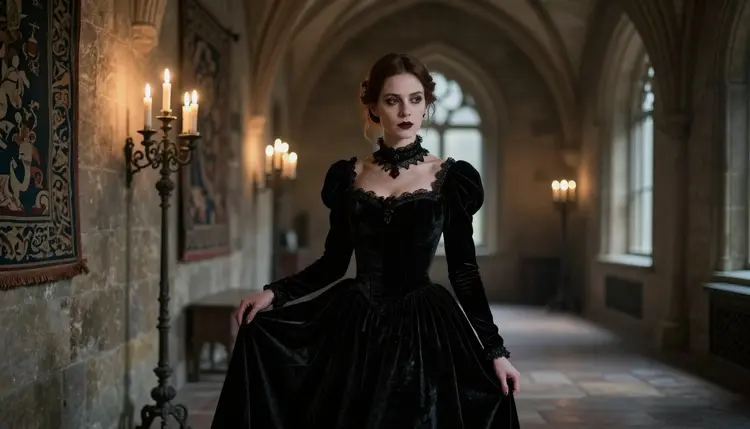
Vampire romance sits in an odd spot for AI image generators. The aesthetic itself is tame, candlelight, velvet, a stone castle corridor, but the moment a prompt adds a lace gown, a bared shoulder or an embrace between two characters, a filtered model tends to flag the whole request rather than judge what it actually shows. Recraft V4.1 Pro is one of six models on Picasso IA confirmed to generate NSFW content with no safety filter standing in the way, which means a gothic, adult prompt runs the same way any other prompt does.
This page focuses on the vampire angle specifically: how to get period castle detail, candlelit skin tones and velvet wardrobe out of Recraft V4.1 Pro, what the model is actually good at versus where a different filter-free model fits better, and the five steps to a first result. New accounts start with free credits, so you can try it before spending anything.
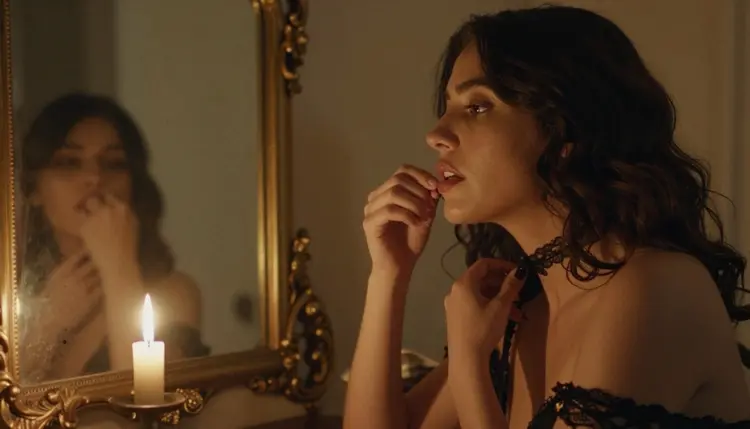
Most of the catalog on Picasso IA runs a content filter tuned to block adult prompts, and that filter does not read intent, it reads keywords and composition. A prompt for a vampire countess in a lace gown, standing close to another character in a candlelit room, has enough adult signal in it that a filtered model may refuse it outright, even though nothing about the scene is explicit. Recraft V4.1 Pro skips that step. It is one of six models on the platform confirmed filter-free: Seedream 4.5, Qwen Image 2, Recraft V4.1 Pro, Picasso Image Editor Pro, Picasso Video and LTX 2.3 Pro. Everything else in the catalog, including well known names like Nano Banana, Nano Banana Pro, Seedream 5 Pro, Sora 2, Veo 3.1 and Kling, is not confirmed filter-free, so a gothic romance prompt is more likely to hit a wall there.
When a filtered model does refuse a prompt, the toolkit shows a "Content Not Supported by This Model" message and carries the prompt forward, so switching to Recraft V4.1 Pro takes a couple of clicks rather than retyping the whole thing. That matters for a theme like this one, since vampire art leans on wardrobe and proximity, a corset, a cloak, two characters close together in a stone hallway, that a filter can misread even in a fully clothed, suggestive scene.
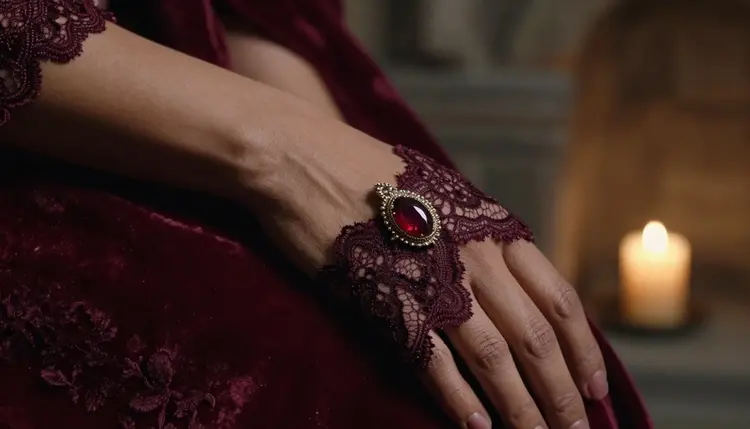
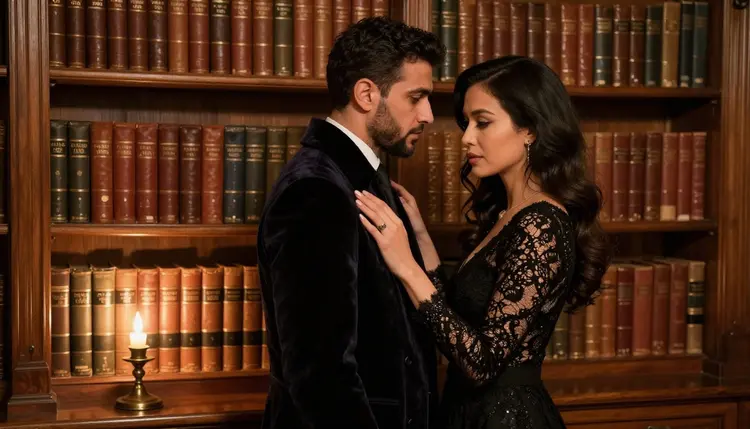
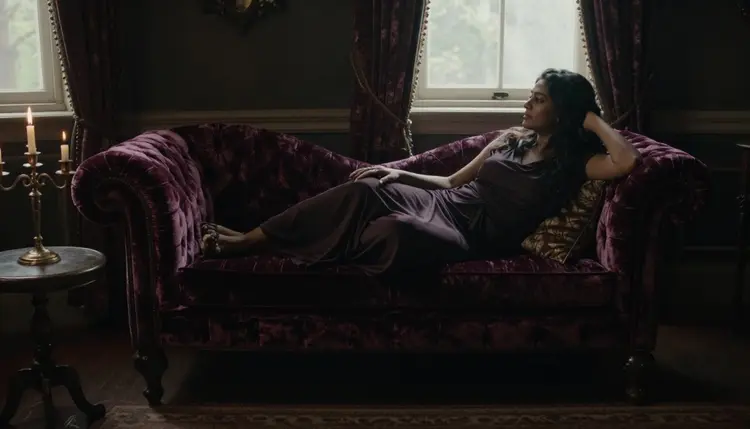
Recraft V4.1 Pro reads style and material language well, which is most of what a vampire scene depends on. Velvet, lace, brocade and garnet catch light differently, and the model renders that difference when you name the material directly rather than leaving it as a generic "gothic outfit." The same goes for the setting: a torchlit stone staircase, a candlelit parlor, an arched castle window at night all come out with the texture and shadow depth that sells a period castle rather than a plain dark room.
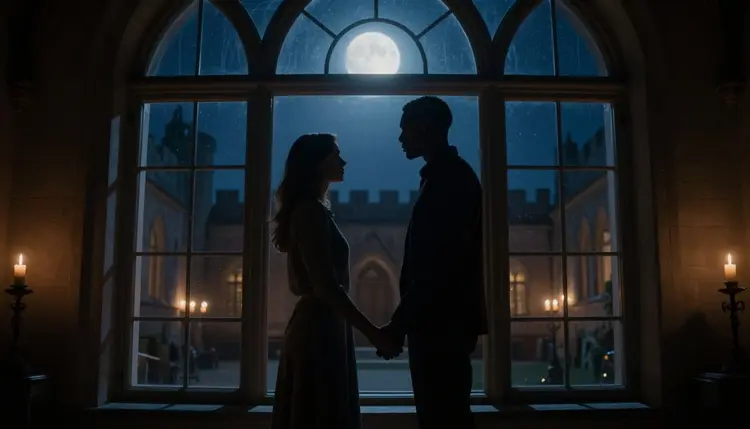
It also handles a second figure in the frame without losing the wardrobe detail on either character, which is useful for a scene built around two vampire characters rather than one. A quiet embrace, a shared glance across a library table, a couple standing together at a window: Recraft keeps the pose readable and the clothing consistent on both figures instead of blurring the second character into the background.
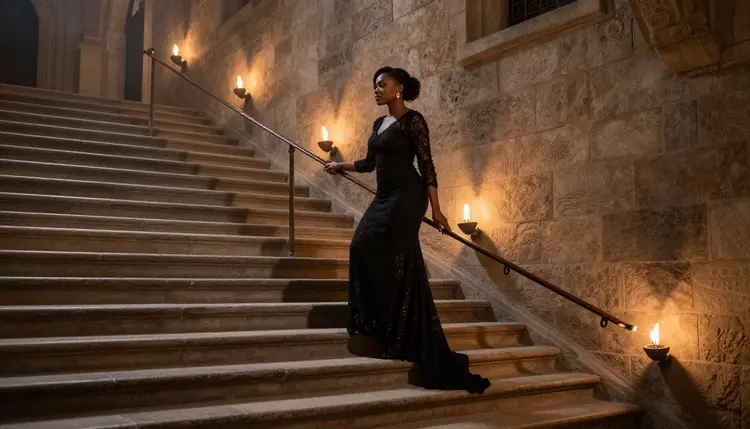
Where it is less at home is a fully photoreal, handheld camera look. Recraft still leans toward a composed, illustrated finish even at its most realistic settings, closer to a film still than a candid photograph. If a photoreal vampire portrait with true film grain and shallow depth of field is the goal, Seedream 4.5 or Qwen Image 2 are the other confirmed filter-free options and lean further toward photography. Every one of these models, Recraft included, is restricted to fictional adult characters only.
Getting a first vampire scene out of Recraft V4.1 Pro takes a few minutes from a blank account.
- Create an account and claim your free credits. Sign up on Picasso IA to get a starting credit balance, no card required to try your first generations.
- Open the toolkit and select Recraft V4.1 Pro. Search the model by name in the toolkit, or find it in the full catalog under text to image.
- Write a scene-specific prompt. Describe the character, adult and fictional, the wardrobe material, the setting and the lighting in one clear prompt: a lace gown, a stone corridor, torchlight or candlelight.
- Generate and review the result. Run the prompt, then check the wardrobe texture, the pose and the castle setting against what you had in mind, and note anything that reads flat or generic.
- Refine or save. Adjust one detail, a fabric, a light source, a pose, and regenerate. Small, specific edits move the result more than a full rewrite.
Each generation draws from your credit balance, and because Recraft does not apply a content filter, an adult vampire prompt runs the same way a general prompt does, with no refusal screen to work around.
Name the material, not just the garment. "Black lace gown" or "velvet coat" gives Recraft something concrete to render, where "gothic outfit" leaves the fabric and texture to guesswork.
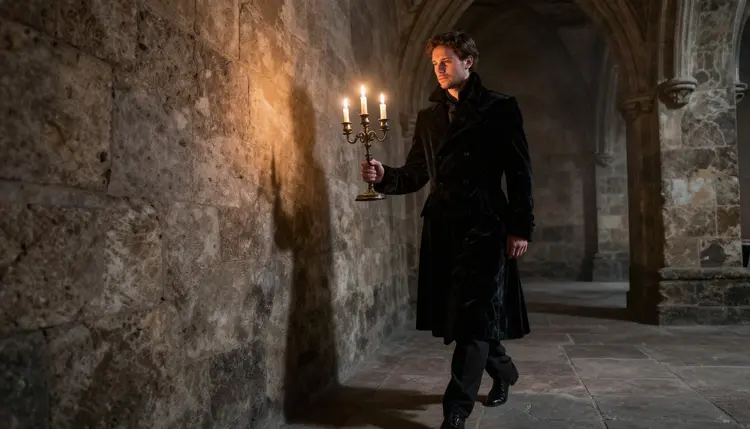
Set the light source deliberately. Candlelight, torchlight and moonlight through an arched window each cast a different color and shadow, and naming the source pulls the whole scene toward it instead of a flat, evenly lit render.
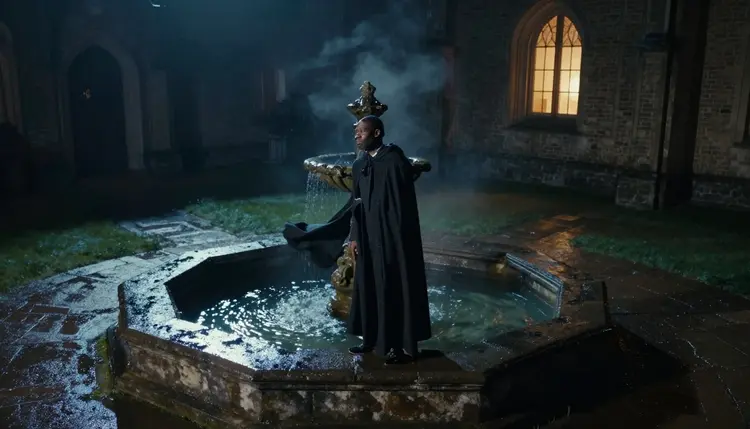
Anchor the setting in period detail. A stone staircase, a castle parlor, a courtyard fountain or a library reading table give Recraft a place to put the character rather than an empty backdrop, and the model responds well to that kind of concrete set dressing.
Describe proximity plainly for a two-character scene. "A quiet embrace" or "standing close together at a window" tells Recraft how near the characters are without needing anything more explicit than that.
Separate who from where. A prompt that clearly splits the character and wardrobe from the setting and light tends to render cleaner than one long run-on sentence trying to do both at once.
Iterate in small steps. If a gown reads too plain or the light is too even, change that one element and regenerate rather than rewriting the whole prompt.
Write plainly. Recraft V4.1 Pro is filter-free, so there is no need to soften or disguise a prompt. Describe the wardrobe, the pose and the setting directly and let the wording do its job.
Every model on Picasso IA, Recraft V4.1 Pro included, is restricted to adults generating fictional characters only. That rule does not bend for a gothic or period theme.
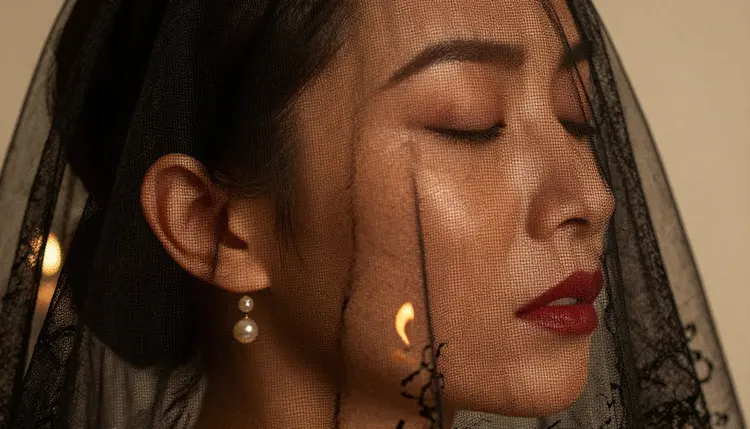
Every character generated must read unmistakably as an adult, and nothing that could be read as a minor is permitted, in any style, on any model. Every character is a fictional invention: no real person, public figure or celebrity likeness, whether the prompt asks for a modern look or a centuries-old countess. This is an 18+ platform for adults only, and every account confirms that before generating.
Generations stay private by default. What you create is tied to your account, not published or shared anywhere on the platform without you choosing to. If a different model refuses a vampire prompt on account of its filter, the answer is switching to a confirmed filter-free model like Recraft V4.1 Pro through the toolkit, not rewording the prompt to sneak past that model's filter. Accounts that violate these limits are subject to enforcement.
New accounts start with free credits, enough to try Recraft V4.1 Pro on a vampire scene before spending anything. Each generation draws from your credit balance, and a subscription or a top-up unlocks a larger allowance for ongoing use.
Full plan details and credit amounts are on pricing. The same balance works across the full catalog, including the platform's other confirmed filter-free models if a more photoreal look fits your scene better, and its text to video model, Picasso Video, for turning a finished vampire character into motion. There is no separate signup or extra tier for this kind of generation. Recraft V4.1 Pro sits in the same catalog and draws from the same credits as every other model; the only difference is that an adult prompt runs without a refusal screen.
Is Recraft V4.1 Pro really uncensored for vampire art?
Yes. Recraft V4.1 Pro is one of six models on Picasso IA confirmed to generate content, adult content included, with no safety filter blocking the prompt. A gothic or vampire scene runs the same way a general prompt does.
Why does a vampire prompt get flagged on other models?
Filtered models read keywords and proximity between characters rather than intent, so a corset, a cloak or two characters embracing can trip a filter even in a fully clothed scene. A confirmed filter-free model like Recraft V4.1 Pro skips that step entirely.
What wardrobe terms work best for a vampire look?
Specific material words help most: lace gown, velvet coat, brocade, garnet jewelry and a cloak read clearly to Recraft, where a vague "gothic outfit" leaves the fabric and finish to guesswork.
Can Recraft V4.1 Pro render two characters in one vampire scene?
Yes. It keeps wardrobe and pose consistent across two figures, which suits an embrace, a shared glance or a couple standing together, without the second character losing detail.
Does Recraft V4.1 Pro produce a photoreal result or an illustrated one?
It leans toward a composed, film-still finish rather than a fully candid photograph. For a more photoreal vampire portrait, Seedream 4.5 or Qwen Image 2, the platform's other confirmed filter-free models, lean further toward photography.
What happens if a different model refuses my vampire prompt?
The toolkit shows a "Content Not Supported by This Model" message and carries your prompt forward, so you can try it on Recraft V4.1 Pro or another filter-free model without retyping anything.
Can I generate a real person as a vampire character?
No. Every model on Picasso IA, Recraft V4.1 Pro included, is restricted to fictional adult characters only. A real person's likeness, a public figure or a celebrity is not permitted, regardless of the style requested.
Do I need a subscription to try this?
No. New accounts get free credits that can be spent on Recraft V4.1 Pro or any other model, so you can test a vampire scene before deciding whether to subscribe or buy more credits.
Is what I generate private?
Yes, generations are tied to your account by default and are not shared or published anywhere on the platform without your choice. This is an 18+ platform, and every character generated is a fictional adult.
Where can I see the other confirmed filter-free models?
The full catalog lists every model on the platform, including the other confirmed filter-free options: Qwen Image 2, Seedream 4.5, Picasso Image Editor Pro, Picasso Video and LTX 2.3 Pro, alongside the general text to image and text to video lineup.