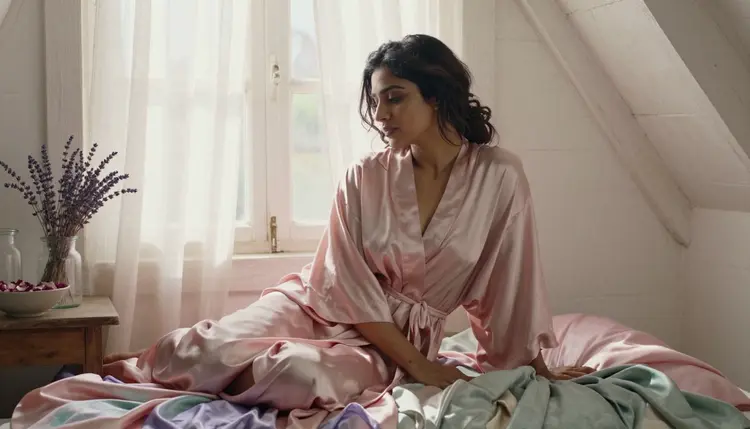
Watercolor has a pull a straight photograph does not: soft edges, bleeding pigment, the grain of paper showing faintly through skin and fabric alike. Getting that mood onto an intimate portrait usually means either painting it by hand, brush stroke by brush stroke, or fighting a content filter that blocks the scene before the wash even gets applied. Seedream 4.5 is the model built for both problems at once.
On Picasso IA, Seedream 4.5 is one of six models confirmed to run with no content filter, and its photographic base is exactly what gives a watercolor prompt something real to paint over: the fold of a robe, the give of a velvet chaise, the wet shine of a tiled bathtub, rather than the flat shapes a purely illustrated model tends to produce. That photographic grounding, softened by pigment and paper grain, is the whole appeal of a watercolor mood done right.
This page covers why Seedream 4.5 is the pick for this look, a handful of scenes worth trying, five steps from a blank prompt to a finished portrait, how to keep the result reading as a watercolor painting instead of a cartoon, and the rules that apply to every image it makes. Every subject on this page is a fictional adult character, eighteen and over.
Most of the 488 models in the Picasso IA catalog carry a content filter that rejects an intimate portrait outright, watercolor styling or not. When that happens the app shows a message saying the content is not supported by that model and carries the prompt over to one that will actually run it, so nothing typed gets lost. Seedream 4.5 is confirmed filter free, and a watercolor portrait prompt runs on it exactly like any other prompt, no rewording, no softened phrasing needed to sneak past a filter that simply is not there.
Six models share that confirmed status, and each one suits a different part of the catalog.
Recraft V4.1 Pro is worth naming here specifically because it is easy to reach for the wrong tool. Recraft renders a scene as an illustration, flat color, clean line, closer to digital art than to paint on paper. A watercolor portrait wants the opposite instinct: a photographic base that a wash of color sits over, pigment pooling at the edge of a fold, paper grain showing faintly through a skin tone. That is what Seedream 4.5 gives, and it is why this page pins that one model rather than treating the six confirmed options as interchangeable. Everything else in the catalog, hundreds of other models with well known names among them, is not confirmed to behave the same way with an intimate prompt and should be treated as filtered until proven otherwise. A newer release like Seedream 5 Lite is untested for this specific use and worth trying only once it has been checked against a prompt like the ones below, not assumed to match Seedream 4.5 on filtering.
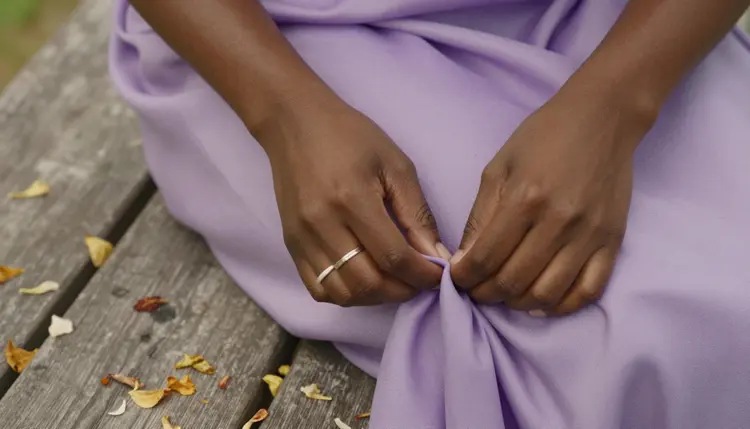
That close attention to fabric is not incidental. A watercolor portrait lives or dies on how it handles folds, the place where pigment naturally pools and paper texture shows through most. Seedream 4.5 renders silk, velvet and linen with enough specificity that a watercolor prompt has real material to soften, rather than starting from a flat shape with nothing underneath it.
A watercolor portrait is rarely one static pose against an empty background, it usually implies a small domestic scene: a chair, a window, a mirror, something for the light to fall across and the pigment to pool around. A few settings that hold up well on Seedream 4.5:

A chaise longue in a pastel room gives a reclining pose somewhere natural to rest, and gives the color wash a soft, rounded surface, velvet under watercolor light, to sit across without fighting straight lines or hard furniture edges.

An overhead angle on pastel linen sheets is a harder shot for most models, since the perspective flattens the usual cues a portrait relies on, but Seedream 4.5 holds the fabric folds and the soft light convincingly even from directly above, which is exactly where a watercolor wash reads most naturally, pooling gently along every crease.
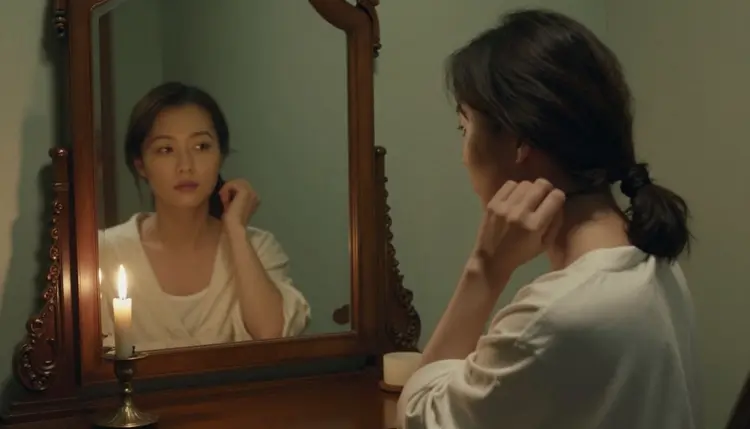
A candlelit vanity mirror adds a second light source and a reflection to manage, both of which a watercolor treatment handles gracefully, since soft edges and bleeding light are already part of the mood rather than a flaw to hide behind a sharper render.
Getting from a blank prompt box to a finished watercolor portrait follows the same short loop every time, whether this is a first attempt or a fiftieth.
- Open the toolkit and pick Seedream 4.5. Select it from the text to image options before typing anything, so the first generation actually runs instead of getting refused by a model that was never meant to handle this kind of scene.
- Describe the scene before the style. Name the fictional adult subject, the setting, the pose and the light first, a woman at a window, a chaise longue, a candlelit mirror, since a watercolor wash needs a concrete scene underneath it to soften.
- Name the watercolor mood explicitly. Add the actual texture words, loose watercolor wash, bleeding pigment, visible paper grain, soft diffused edges, so the model leans toward paint on paper rather than a flat illustrated look.
- Generate a small batch and compare. A handful of variants from one prompt shows how the model read the brief, a tight batch means the wording landed, a scattered one usually means the scene or the light needs to be more specific.
- Refine one detail at a time. Keep the closest result and adjust a single variable, the fabric, the pose, the strength of the wash, rather than rewriting the whole prompt from the start.
The single biggest mistake in a watercolor prompt is reaching for words that describe an illustration instead of a painting technique. Anime, cel shaded, vector, flat color and line art all push Seedream 4.5 toward a stylized, illustrated result, which is a different genre entirely and one Recraft V4.1 Pro already covers better. A watercolor mood is a texture and a light quality layered over a photographic scene, not a change of art form.
Reach instead for words that describe the medium itself: loose watercolor wash, bleeding pigment, visible paper grain, soft diffused edges, translucent color, a faint bloom where two washes meet. Pair those with a specific, concrete scene, the robe, the window, the fabric, and the model has both a real subject to render and a clear texture to apply over it, which is the combination that keeps a result reading as paint rather than as a cartoon.
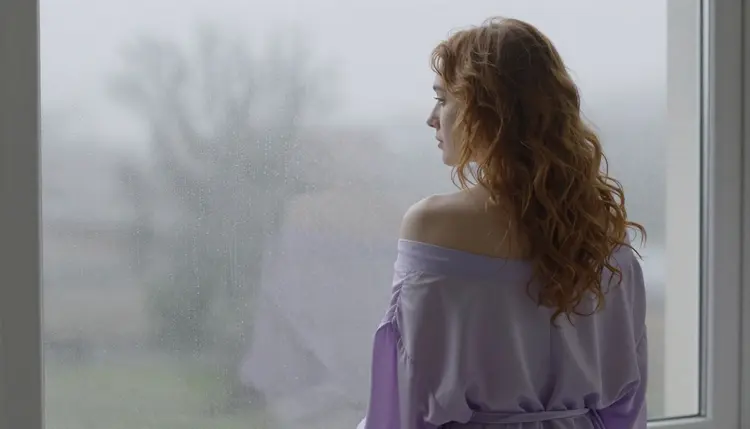
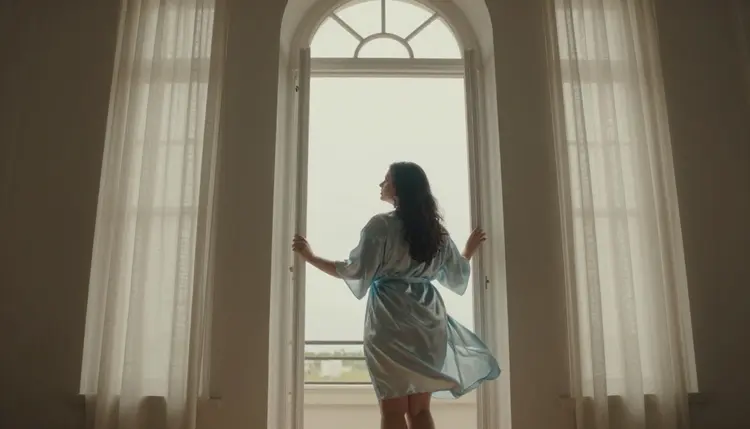
Backlight and window scenes are particularly forgiving for this mood, since a watercolor wash naturally softens a silhouette instead of sharpening it, and a robe draping off a shoulder gives the pigment a natural place to pool and bleed at the fold.
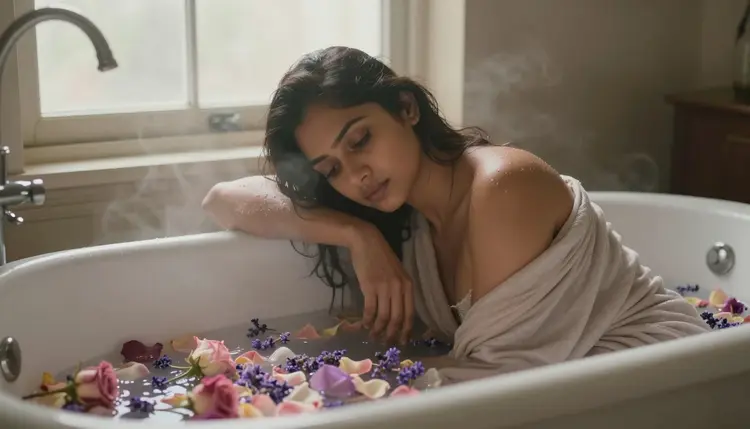
Water itself is one of the easiest subjects to render in a convincing watercolor wash, since the medium and the subject share the same logic, so a tiled bathtub scattered with petals tends to need very little extra wording to read as paint, just naming the water, the tile and the petals is often enough.
Every subject on this page must be a fictional adult character, eighteen and over, and that applies to a soft watercolor portrait exactly as it applies to any other style on the site. No real person's likeness, with or without a claimed resemblance, and no public figure at all. No minor, and no character built or worded to look like one, regardless of how gentle or painterly the rendering is. Prompts that cross these lines are refused, and attempting them violates the platform's terms.
Seedream 4.5 having no content filter does not loosen any of this. Removing the filter that blocks adult content in general is a separate thing from the rules about whose likeness can be generated and how old a character must read as, and those rules hold no matter which of the six confirmed models is running the prompt.
Generations stay private by default. What is created is tied to the account that made it, never posted anywhere or shown to other users unless shared on purpose. Deciding what to do with a finished image afterward, including whether it can be posted anywhere else, is governed by local law and by the rules of wherever it might land, not by anything this page can settle on a reader's behalf.
Generations on Picasso IA are paid for with credits, spent per image rather than through a separate subscription tier for every model in the catalog. A new account starts with free credits, enough room to try the loop above, a handful of watercolor prompts and a couple of rounds of refinement, before deciding whether to buy more.

Exact credit amounts and plan pricing shift as the catalog grows, so current numbers live on the pricing page rather than being printed here where they would go stale fast. What stays true regardless of the number on any given week: a small batch compared side by side, refined one variable at a time, is the efficient way to spend credits on a watercolor portrait, on Seedream 4.5 or on any other model in the catalog.
Does Seedream 4.5 really generate NSFW watercolor portraits with no filter?
Yes. Seedream 4.5 is one of six models on Picasso IA confirmed to run with no content filter, alongside Qwen Image 2, Recraft V4.1 Pro, Picasso Image Editor Pro, Picasso Video and LTX 2.3 Pro. A watercolor portrait prompt runs on it the same way any other prompt does, with nothing to reword or disguise to get past a filter that is not applied to it.
Why is Seedream 4.5 the pick for a watercolor mood instead of Recraft V4.1 Pro?
Recraft V4.1 Pro is built for illustration, flat color and clean line, closer to digital art than to paint. A watercolor portrait wants a photographic base that a wash of pigment sits over, folds, light and skin rendered with real specificity underneath the softness, and that photographic grounding is what Seedream 4.5 provides.
How do I stop my watercolor prompt from turning into an illustration?
Drop words like anime, cel shaded, vector, flat color and line art, since those describe an illustration style rather than a painting texture. Use words that describe the medium itself instead, loose watercolor wash, bleeding pigment, visible paper grain, soft diffused edges, paired with a concrete, photographic scene underneath.
Can I generate a real person or a celebrity as a watercolor portrait?
No. Every subject on this page must be a fictional adult character, eighteen and over. A real person's likeness, including a celebrity or any other public figure, is not permitted in any style, watercolor included, and prompts that attempt it are refused and violate the platform's terms.
Is Seedream 4.5 free to use on Picasso IA?
New accounts start with free credits, which cover several watercolor generations before anything needs to be purchased. Beyond that, generations are paid for with credits rather than a flat subscription per model, and current numbers are kept up to date on the pricing page rather than stated here.
What about newer models like Seedream 5 or Seedance 2.5 for this style?
They are not on the confirmed list. Seedream 5 Lite, Seedance 2.5 and similar newer releases are untested for filter free adult generation and worth trying on their own merits, but none of them can be called uncensored or filter free here. Only the six confirmed models, Seedream 4.5 among them, carry that status.
How many generations should I expect before I get a keeper?
There is no fixed number, but three or four rounds of generating a small batch, keeping the closest result and changing one variable is a normal distance to something worth keeping. A single very long prompt trying to nail everything at once is usually harder for the model to satisfy than a shorter prompt refined over a few rounds.
Can I edit a watercolor portrait after generating it?
Yes. Picasso Image Editor Pro is one of the six confirmed models and edits an existing image directly, so a detail that is close but not quite right, a fold of fabric, a light source, can be adjusted there instead of regenerating the whole scene from scratch.
Can a watercolor portrait become a video?
Yes, through a separate step. Picasso Video animates a still image into a short clip built from that exact frame, and LTX 2.3 Pro generates motion directly from a prompt, both with no content filter. Settling on a still watercolor portrait first is the efficient order, since a round of image generation costs less than a round of video.
Is this legal, and what rules apply to every watercolor generation?
Picasso IA's adult generation is built for fictional characters only, eighteen and over, and every image made through Seedream 4.5 or any of the other five confirmed models has to follow that rule regardless of style. Responsibility for how a finished image is used, stored or shared afterward still sits with the person who generated it.