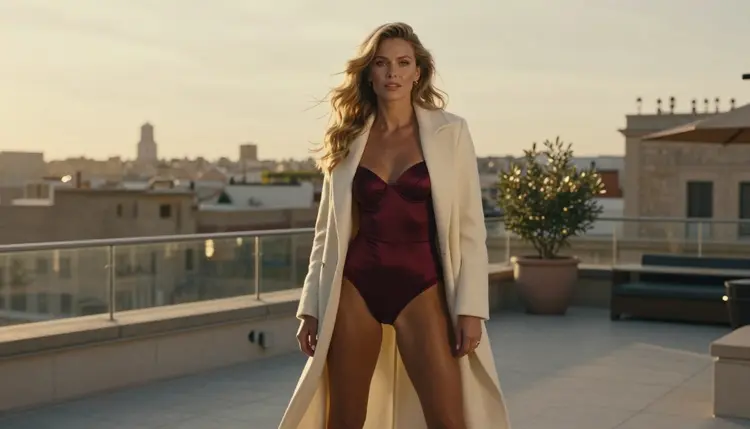
Higgsfield is an AI video creation platform, and a lot of people use it for cinematic clips with moving cameras. If you make adult glamour scenes, though, you may reach a point where your prompt does not go through, or where the way the platform is organized does not match how you like to work. This page is for that moment. It explains how to rebuild the same kind of job, a moody adult scene with a camera that moves through a hotel corridor, across a rooftop or around a loft, using Picasso IA and models that have been tested with adult prompts.
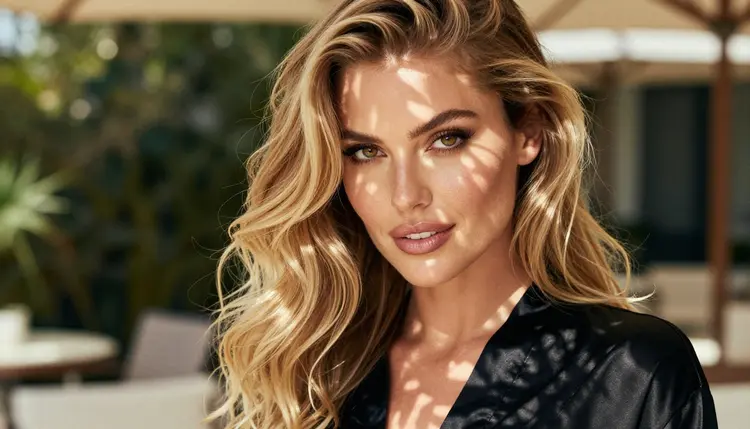
Everything here is provocative but never explicit. The characters are fictional adults, the wardrobe is satin, silk and tailored coats, and the mood comes from light and movement rather than from anything graphic. Picasso IA is not affiliated with Higgsfield, and nothing on this page speaks for it.
People look for another tool for ordinary reasons. A prompt that mentions lingerie, a robe or a boudoir setting may be stopped by the filters of any platform, and each platform sets its own rules. If its filters stop a prompt you wrote with care, the sensible move is to check its current rules, because they can change, and then decide whether to keep adjusting your wording or try a different tool.
Higgsfield is, in plain terms, an AI video creation platform. We do not describe its features, its limits or its policies here, because they are its own to publish and they change. If you want its own account of what it allows, read its published guidelines.
Other reasons are more practical than policy. You may want images and video in the same place, so that a still you like can become a clip without exporting files between apps. You may want to pick the model yourself instead of using whatever the platform chooses for you. You may want your generations to stay private by default. Or you may simply want to compare the same prompt on two systems and keep the better clip.
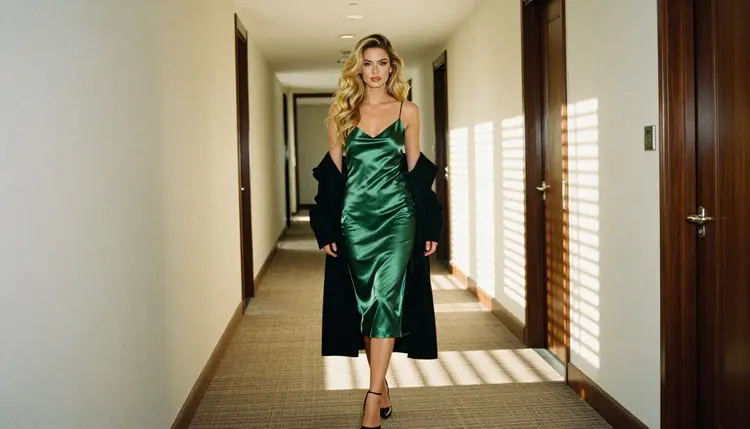
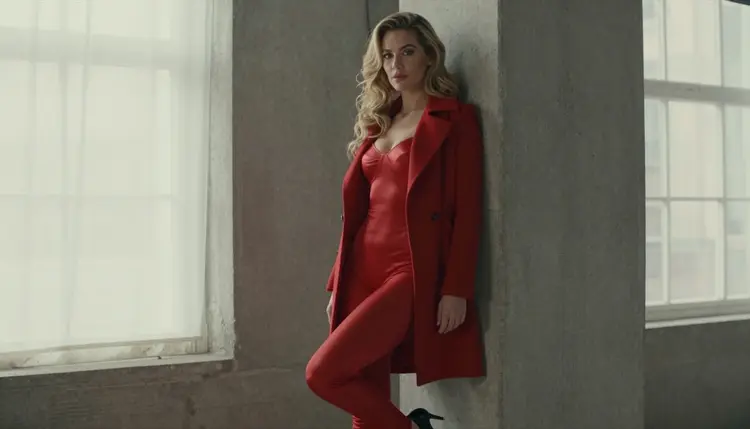
A cinematic adult scene has a few parts that matter more than the rest: a believable setting, one character who stays recognizable, light that makes sense and a camera move that is slow enough to read. A hotel corridor with morning sun through blinds, a rooftop at golden hour, a concrete loft with tall windows. None of this needs anything explicit. It needs clear instructions and a model that will actually render them.
Picasso IA is a browser app for AI image and video generation, so there is nothing to install. You work in the toolkit, where you choose a model, write a prompt, attach reference images if the model accepts them and generate. The catalog holds hundreds of models, and you can browse it in the full catalog. Picasso IA makes pictures and videos of fictional characters. It is not a chat companion, and it does not hold conversations in character.
The app keeps its own list of models it has confirmed with adult prompts. Confirmed means Picasso IA tested adult prompts against that exact model repeatedly and watched it generate instead of reject. It is not a published setting of the model's maker, who can change it at any time. The page on what confirmed means explains the term in full.
Models with the infinity tag do not spend credits on the plans that include unlimited generation. The details sit on the pricing page. A new account can also try a small free trial on selected models, which include Picasso IA Video and Seedance 2.5 Lite.
If a model cannot accept your prompt, the app shows a message titled "Content Not Supported by This Model". It recommends models that accept adult prompts and carries your prompt over, so you do not retype anything. That removes most of the friction of switching.

Every other model in the catalog is untested. That means worth a try, not confirmed either way. Seedance 2.5 from ByteDance, Qwen Image 2 and Picasso Video (Pruna P-Video) are in that group, and so are many others. If you like one of them, run your prompt and see what comes back. Do not assume anything about an untested model, in either direction.
For a comparison that goes beyond adult prompts, there is a separate page: Picasso IA vs Higgsfield.
The job is the same whichever tool you use: an idea, a first frame, a motion and a few rounds of refinement. Here is how it maps onto Picasso IA.
- Bring the character idea. Write one paragraph about your fictional adult: hair, makeup, build, and one wardrobe piece such as an emerald satin slip or a burgundy corset top under a blazer. Keep it the same in every prompt so the character stays recognizable.
- Pick the model. For a clip straight from text, start with Picasso IA Video or Seedance 2.5 Lite. For a 4K result, try LTX 2.3 Pro. If you want a still to start from, use Seedream 4.5.
- Describe wardrobe, light and pose. Name the fabric, the setting, the time of day and the lens. Then add one camera instruction, for example a slow push in or a walk toward the camera. One move per clip reads better than three.
- Generate and refine. Run the prompt, watch the clip, and change one thing at a time: the light, the pose or the camera move. If a model refuses, accept the suggested model and keep your prompt.
- Extend to video. Take your best still, attach it as a reference in the toolkit and animate it with a model that accepts image input. Then cut several short clips together in your own editor.
Most of what you know from other video tools carries over, because the craft is the same. A strong prompt still names the setting, the light and one action. A short clip still works better than a long one. A good reference frame still saves time, and a calm camera move still looks more expensive than a busy one.
Consistency across shots is the part that takes the most care. In Picasso IA you can attach images in the toolkit, and each one gets an @1 or @2 badge that you can mention in the prompt. Picasso IA translates that reference into the syntax each model understands. Only models that accept several inputs show the badges, so check the model page before you plan a multi shot sequence around them.
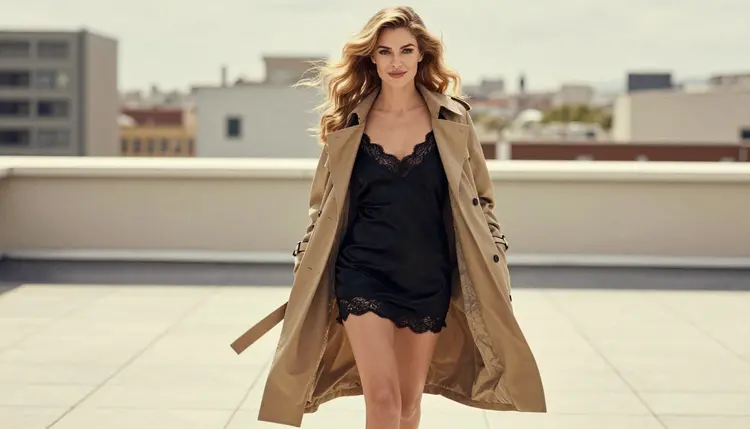
A workflow that begins with a still helps here. Generate the character once with Seedream 4.5, fix small details such as a strap or a hem with Picasso Image Editor Pro, and then use that image as the first frame of each clip. The same woman, the same coat, a different corridor.
What does not carry over is anything specific to another platform: its interface, its presets, its project structure. You will work in the toolkit instead, with its own layout. Picasso IA also does not do chat. If you were looking for a companion that talks, this is not that product.
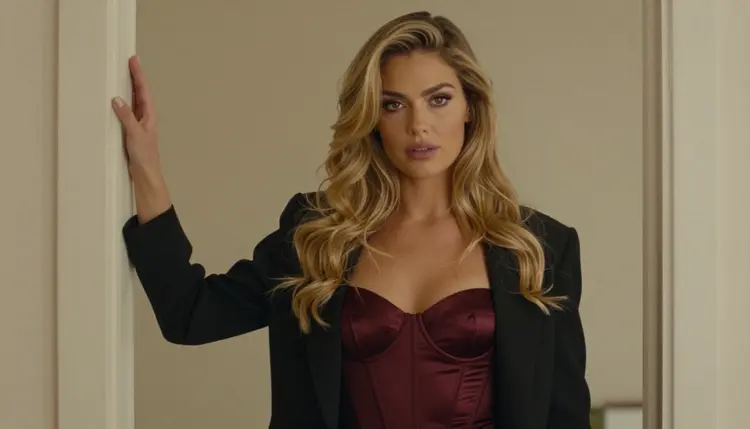
Clip length depends on the model. Seedance 2.5 Lite is listed up to 10 seconds, and you should read the model page for what each other model offers rather than assume. For longer scenes, plan several short clips and join them, with the same character and the same wardrobe in each prompt.
Audio is another place where models differ. Some listings mention sound and some do not, so read the title and description on each model page. If you need a soundtrack, a separate audio step in your own editor is the safest plan.
Picasso IA is for adults only. The adult prompts and the models tested with them are for people who are 18 or older, and nobody else should use this page or those models for this kind of content.
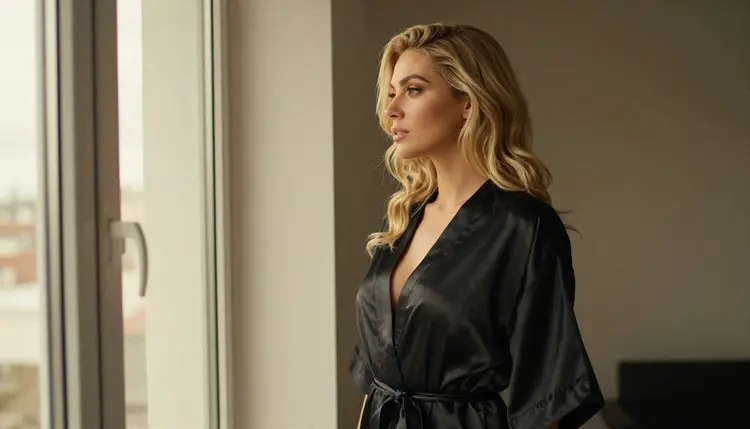
Every character is a fictional adult. Never use a real or identifiable person, never a celebrity, and never anyone who could read as a minor. Describe your character as a woman or a man with a clear adult look, and keep wardrobe and setting in the glamour, boudoir and swimwear range.
Your generations are private by default. What you create is tied to your account and is not published or shown to others. What you do with a clip after you download it is your responsibility, so follow the rules of any site where you share it.

An honest comparison has to say where the other tool wins. If you already work in Higgsfield, your projects are there, its workflow suits you and your prompts go through, there is no reason to move. A tool you know well is worth more than a new one that you have to learn.
Higgsfield may also be the better fit when your goal is a kind of video it is built around, and its own pages are the right place to read about that. Check its current rules and features there, not here, since we do not speak for it.
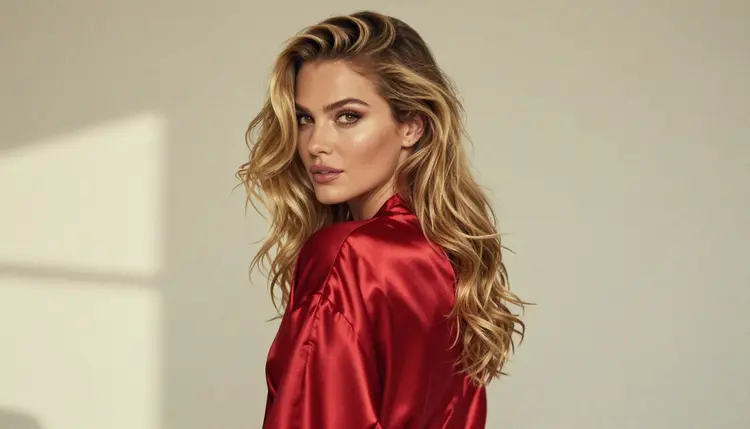
Picasso IA makes more sense when you want still images and video in one place, a choice of models you can switch between, and private generations by default. If that sounds right, try the small free trial on selected models, look at the pricing page for the rest, and read the full side by side in Picasso IA vs Higgsfield.
Related reading in the same section: SoulGen alternative for NSFW images and video, NSFW video with Seedance 2.5 and Sora 2 NSFW video.
What is Higgsfield?
Higgsfield is an AI video creation platform. Picasso IA is not affiliated with it, and we do not describe its features or policies here. For its current rules, read its own published guidelines, since they can change.
Why would I look for a Higgsfield alternative for adult video?
Common reasons are a prompt that does not go through, a wish to pick the model yourself, or wanting images and video in one place. If its filters stop a prompt, check its current rules and decide whether to adjust the wording or try another tool such as the toolkit.
Which Picasso IA models are confirmed for adult video?
Picasso IA Video, Seedance 2.5 Lite and LTX 2.3 Pro are the confirmed video models. Confirmed means Picasso IA tested adult prompts against each one repeatedly and watched it generate instead of reject. A model's maker can change its settings at any time.
Can I start a video from a still image?
Yes. Picasso IA Video takes text or an image, and you can attach a reference image in the toolkit. Make the still first with Seedream 4.5 if you want control over the first frame.
How long can a clip be?
It depends on the model. Seedance 2.5 Lite is listed up to 10 seconds. For the others, read the limits on the model page, and plan longer scenes as several short clips that you join in your own editor.
What happens if a model refuses my prompt?
The app shows a message titled "Content Not Supported by This Model". It recommends models that accept adult prompts and carries your prompt over, so you do not retype it. You can switch models and run the same prompt again.
Are untested models allowed for adult prompts?
Untested models are worth a try but are not confirmed either way. Picasso IA does not call them filtered or filter free. Browse the full catalog and run your prompt to see what happens.
Is Picasso IA a chat companion?
No. Picasso IA makes pictures and videos of fictional characters. It does not hold conversations or play a character in chat. If you need a talking companion, look at that category of product separately.
Is my content private, and who can use this?
Generations are private by default and tied to your account. The tools are for adults who are 18 or older, and every character must be a fictional adult: no real or identifiable person and no one who could read as a minor.
Can I try it before paying?
A new account can try a small free trial on selected models, including Picasso IA Video and Seedance 2.5 Lite. Plans and details are on the pricing page. Credits vary by model and by options such as resolution or duration.