If you came here looking for a SoulGen alternative for NSFW images and video, this page lays out what you can do in Picasso IA instead: portraits of a fictional adult woman, short cinematic clips, wardrobe and light you control, all from a browser with nothing to install. It is written for people who already know the kind of picture they want and need a place to make it. Everything below is about glamour, boudoir, lingerie, swimwear and suggestive mood, never anything explicit, and always about fictional adults.

You will find a plain comparison of the job, the confirmed models with links, a five step workflow you can copy, an honest list of what carries over and what does not, and a section on where SoulGen may simply suit you better. Picasso IA is not affiliated with SoulGen. We describe it only from what it says about itself, and its rules can change, so check its current rules before you rely on any detail.
People switch tools for ordinary reasons. A prompt about a satin robe and a hotel window may come back changed, a clip may not match the still you wanted, or the workflow may simply be built around something else than what you do. If its filters or its workflow do not fit your prompt, trying a second tool costs you very little, and that is the only assumption this page makes.
According to its official site, SoulGen presents itself as an all-in-one AI video generator that makes talking videos from images and text with lip-sync. The same site lists character creation, image editing and outpainting tools. That is a wide toolbox, and it explains why some people arrive at it for talking characters rather than for still glamour pictures. If your own goal is a still portrait, a boudoir scene or a short silent clip of the same woman, you are asking a narrower question, and a narrower tool can answer it well.
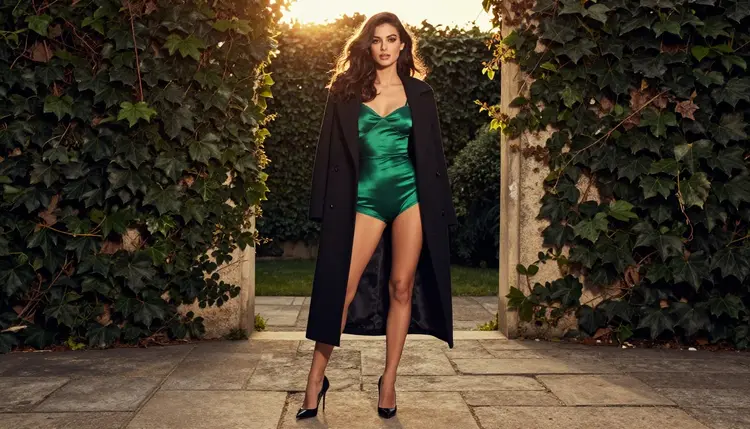
Picasso IA answers that narrower question. You write a prompt, choose a model, and get an image or a video of a fictional adult. The pictures on this page show one glamour model in different rooms and different light, which is what a consistent set looks like when the prompt keeps the same description from one frame to the next. Where a prompt does not fit one model, you switch to another from the same screen instead of starting over in a new app.
Three situations usually send readers to an alternative. The first is a style mismatch: you want photoreal film grain and the output looks like an illustration, or the reverse. The second is a format mismatch: you need a wide 16:9 frame, a print-ready file or a 4K still, and the tool offers something else. The third is a prompt that does not go through. In that third case the useful move is not to rephrase forever but to test the same idea on a model that accepts adult prompts, which is what the next section covers.
Picasso IA is a browser app for image and video generation, available in English, Spanish, Portuguese, French, Arabic and Hindi. The tool where you work is the toolkit, and the catalog behind it holds hundreds of models. For adult glamour work, six of them are confirmed in the app's own list. Confirmed means Picasso IA tested adult prompts against that exact model repeatedly and watched it generate instead of reject. It is not a published setting of the model's maker, who can change it at any time. The policy page that explains this in full is what confirmed means in the NSFW section.

Models marked with the infinity tag do not spend credits on the plans that include unlimited generation, and the details live on the pricing page. A new account can also try a small free trial on selected models, which include Picasso IA Image, Picasso Image Editor Pro, Picasso IA Video and Seedance 2.5 Lite. The trial does not cover the whole catalog, so check the model before you count on it.
When a model cannot take a prompt, the app does not leave you at a dead end. It shows a message titled "Content Not Supported by This Model", recommends models that accept adult prompts, and carries your prompt over so nothing is retyped. You pick one of the suggestions and keep going.
Every other model in the full catalog is untested for adult prompts: worth a try, not confirmed either way. That includes Qwen Image 2 and Picasso Video (Pruna P-Video), among many others. Treat them as experiments. If one gives you a result you like, good, but plan your main workflow around the six confirmed models above.
The steps below rebuild a typical glamour session: a fictional woman, a wardrobe, a lighting setup and a short clip. Use them as a template and swap the details for your own idea.
- Bring the character idea. Write one paragraph that describes the woman once: age in her late twenties or older, hair, eyes, makeup and build. Keep that paragraph and paste it into every prompt so the face stays recognizable.
- Pick the model. Open the toolkit and choose Seedream 4.5 for photoreal stills, Recraft V4.1 Pro for illustration or design, or a video model if you start from motion.
- Describe wardrobe, light and pose. Name opaque, fully lined fabric (satin robe, lace bodysuit, silk slip), the light (golden hour backlight, warm lamp, window light from the left), the lens (50mm f/1.4, 85mm f/1.8) and a calm pose. Specific beats poetic.
- Generate and refine. Run the prompt, look at the result, and change one thing at a time: the light first, then the pose, then the fabric. Use Picasso Image Editor Pro to fix details on a frame you already like.
- Extend to video. Feed the best still or a text prompt to Picasso IA Video, Seedance 2.5 Lite or LTX 2.3 Pro and ask for a slow, simple movement.
If you attach reference images in the toolkit, each one gets an @1, @2 badge and you can refer to it inside the prompt. Picasso IA translates that reference into the syntax each model understands. Only models that accept several inputs show the badges, so a text only model will not.
Some of what you do elsewhere moves over directly. The idea of a recurring character moves over: you describe her once and reuse the description. The idea of a still turned into a clip moves over too, because the video models in the table accept a prompt and, in the case of Picasso IA Video, a still image. Editing a picture you already own moves over through the editor model.
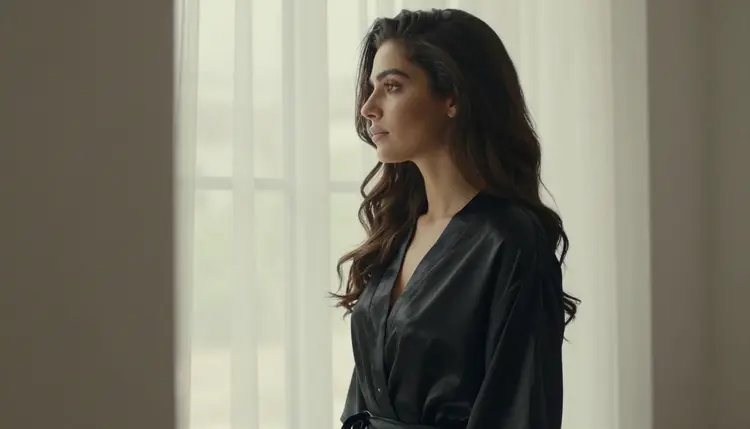
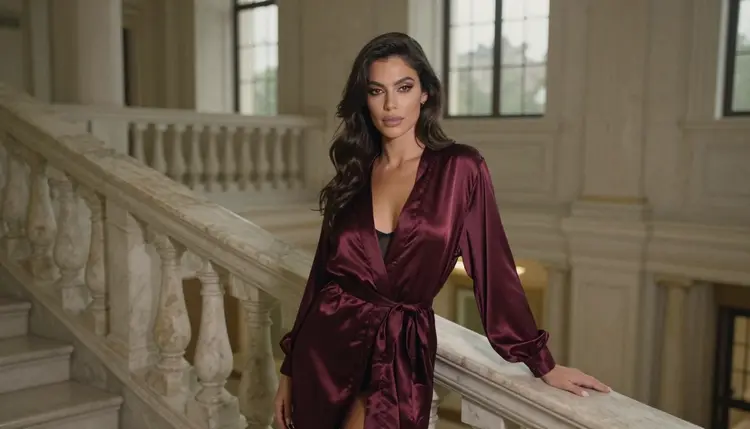
Consistency is the part that asks for care. Across a set of images, the same woman stays the same only when you keep the same words and the same lens language in each prompt. The set on this page was made that way: one description, a different room and a different light each time. You can rebuild the same effect, but expect to iterate a few times before the faces match closely.
Formats are another point. Picasso IA gives you 4K stills with Seedream 4.5, 2K print-ready art with Recraft V4.1 Pro, 4K video from text with LTX 2.3 Pro and clips up to 10 seconds with Seedance 2.5 Lite. Those are the figures the catalog lists, and we state nothing beyond them. Whether a given frame is 16:9, square or tall is something you set in the tool.

What does not carry over is anything outside pictures and clips. Picasso IA makes images and videos of fictional characters. It is not a chat companion, and it does not hold a conversation with a character. If the thing you want is talking with a persona, that is a different category of product. Likewise, SoulGen describes talking videos with lip-sync as a core feature on its official site, and we make no claim that Picasso IA reproduces that particular workflow. If lip-sync is the center of your project, read the next sections with that in mind.
This section is short on purpose. Picasso IA's adult pages are for adults: you must be 18 or older, and the whole section is built for people of that age. If you are not, this is not the place for you.
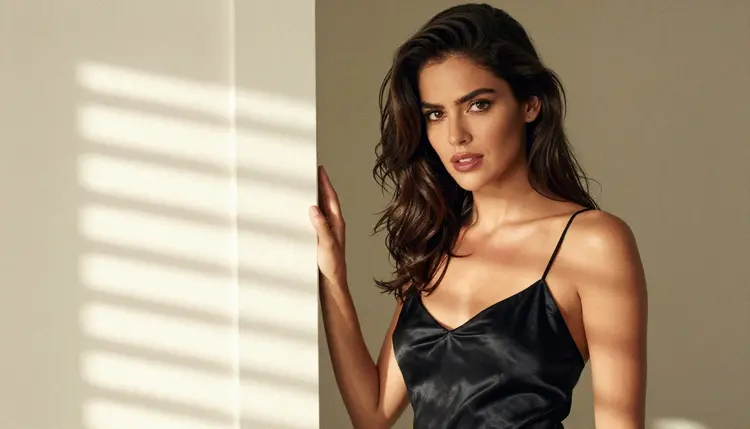
Every character is a fictional adult. We write and generate women and men who read as grown adults, never a real or identifiable person, never a celebrity, and never anyone who could read as a minor. Do not upload a photo of a real person to make adult content, and do not describe a real person in a prompt. The same rule applies to the pictures on this page: they show one invented glamour model.
What you generate is private by default. It is tied to your account and not published or shown to others. Sharing it is your decision, and you are responsible for following the law where you live and the rules of any site you post to. Keep the content provocative and tasteful: lingerie, swimwear, boudoir, implied intimacy, never explicit.

An honest comparison has to say where the other tool wins. According to its official site, SoulGen is built around talking videos made from images and text with lip-sync. If a character who speaks to the camera is what you need, that is the use it describes for itself, and you should look at it first. The same site lists character creation, image editing and outpainting tools in one place, so if you want those under one roof, that is also a fair reason to stay.
If your project is stills and short silent clips, the balance shifts toward Picasso IA, mostly because you can move between image, edit and video models without leaving the page. If you want to weigh the two products side by side, read the full Picasso IA versus SoulGen comparison. It sticks to what each product publishes about itself.

You can test Picasso IA without committing. A new account gets a small free trial on selected models, and the pricing page explains how credits and unlimited models work. For related reading in this section, see a Promptchan alternative for NSFW images, the guide to Seedream 4.5 NSFW images and the page on NSFW video with Seedance 2.5.
Is Picasso IA affiliated with SoulGen?
No. Picasso IA is not affiliated with SoulGen. This page describes SoulGen only from what its official site says about itself, and those details can change, so check its current rules and features before you decide.
What can I make in Picasso IA instead?
You can make images and short videos of fictional adult characters: portraits, boudoir scenes, swimwear and lingerie shoots, and slow cinematic clips. Start from the toolkit, pick a model, and describe wardrobe, light and pose in your prompt.
Which models are confirmed for adult prompts?
Six: Seedream 4.5, Recraft V4.1 Pro and Picasso Image Editor Pro for images, and LTX 2.3 Pro, Picasso IA Video and Seedance 2.5 Lite for video. Confirmed means Picasso IA tested adult prompts on each one repeatedly and watched it generate. Every other model is untested.
What happens if a model does not accept my prompt?
The app shows a message titled "Content Not Supported by This Model" and recommends models that accept adult prompts. Your prompt is carried over, so you do not retype it. Pick a suggestion and generate again.
Can I make talking videos with lip-sync?
SoulGen describes talking videos with lip-sync as a main feature on its official site. For Picasso IA, the models listed on this page produce images and clips from text or from a still. If lip-sync is essential, SoulGen is the better first stop.
Is there a free way to try it?
A new account can try a small free trial on selected models: Picasso IA Image, Picasso Image Editor Pro, Picasso IA Video and Seedance 2.5 Lite. Details are on the pricing page. The trial does not cover the whole catalog.
Can I keep the same woman across several images?
Yes, with care. Write one fixed description of the character and paste it into every prompt, then change only the room, the light or the outfit. You can also attach a reference image in the toolkit and call it with its @1 badge on models that accept several inputs.
Can I use a real person or a photo of someone I know?
No. Only fictional adults. Never a real or identifiable person, never a celebrity, and never anyone who could read as a minor. Adults only, 18+, and the content stays suggestive and tasteful, never explicit.
Who can see what I generate?
Generations are private by default. They are tied to your account and are not published or shown to others unless you choose to share them yourself.
Where can I compare the two products in more detail?
Read the Picasso IA versus SoulGen comparison. For other models you can test, browse the full catalog, and for a wider choice of confirmed video models see LTX 2.3 Pro.