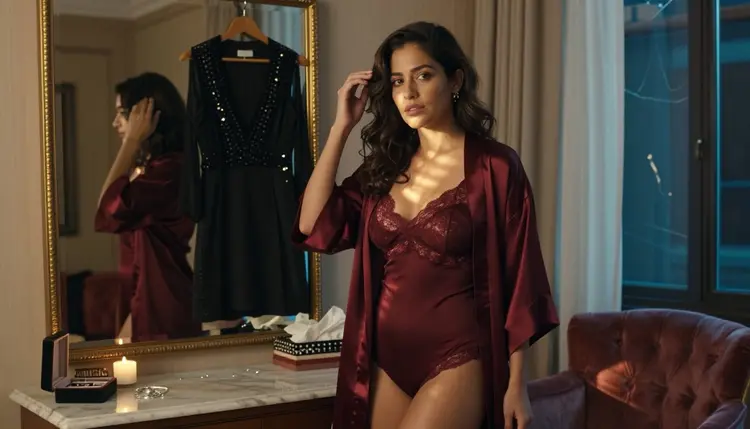
A video prompt that asks for an outfit change is really asking a model to hold one identity steady through two different sets of fabric, without warping a face, swapping a body type, or letting the first outfit bleed into the second for a few stray frames. Most attempts produce a jump cut, a flicker at the transition, or a dress that quietly changes color halfway through the clip. This page breaks the prompt down into the language that actually keeps clothing readable across a transition: what to name, in what order, and which of Picasso IA's confirmed uncensored models to send it to.
LTX 2.3 Pro is the model built for this kind of shot. It is one of six models on Picasso IA confirmed to generate adult motion without a content filter stepping in partway through, and it is the one to reach for when a scene needs a character to move from one outfit into another, or out of one entirely, inside a single continuous clip. Everything below, the five step prompt structure, the fabric and verb vocabulary, and the mistakes that break continuity, is written around getting a clean result out of it.
A still image only has to solve one outfit. A video has to solve two, plus the motion that joins them, while keeping the same face and the same proportions on screen the entire time. That is a harder problem than most prompts account for, and it is why a wardrobe change is one of the shots most likely to come back warped, frozen mid motion, or quietly wrong in the hands.
The fix starts with prompt order, not prompt length. Establish the starting outfit first, in enough detail that LTX 2.3 Pro has a fixed point to hold for the opening frames. Then name the change itself as one physical action rather than a vague instruction. Then close with the end state, described with the same level of detail as the opening line. A model given a start, a motion and an end has something to animate. A model given two outfits and no connecting action has to guess, and the guess is usually where the clip breaks.
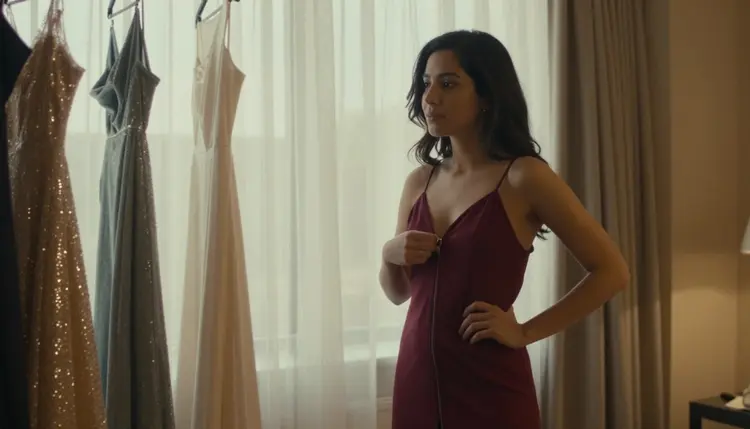
That guessing is visible in the kind of shot above: the starting garment, the exact motion of a zipper opening along the spine, and a background of hanging gowns that gives the frame something fixed to hold onto while the fabric moves. Naming all three, the outfit, the motion and the anchor, is most of what separates a clean transition from a blurred one.
Picasso IA runs roughly 490 models in the full catalog, and most of them apply a safety layer that rejects an adult prompt outright, video models more aggressively than image ones since a moving figure is harder to filter selectively than a single frame. Only six models on the entire site are confirmed to generate this kind of content directly, without that filter stepping in, and only two of the six handle motion at all.
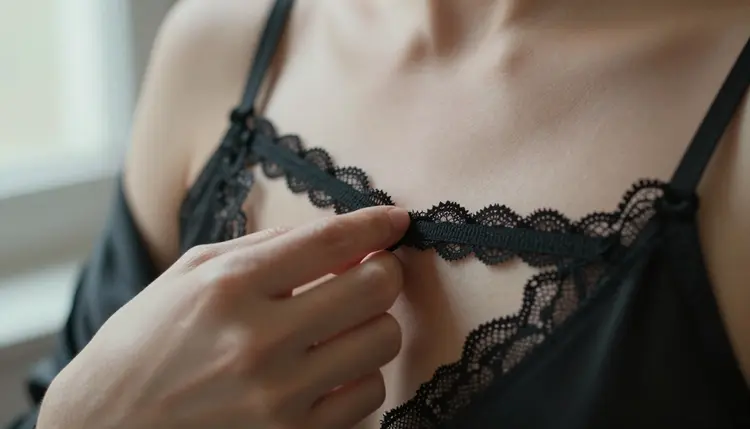
For an outfit change specifically, LTX 2.3 Pro is the confirmed model to reach for. It holds a character's face and proportions steady while a garment moves, which is the exact problem a clothing transition creates, and it does that without rejecting the prompt or softening the motion partway through. Picasso Video is the other confirmed video model and worth comparing on the same prompt, since it renders the same kind of transition with a slightly different pace and grain. Every other video model on the site, including well known names, is not confirmed to behave the same way with an adult prompt and should be treated as filtered until proven otherwise.
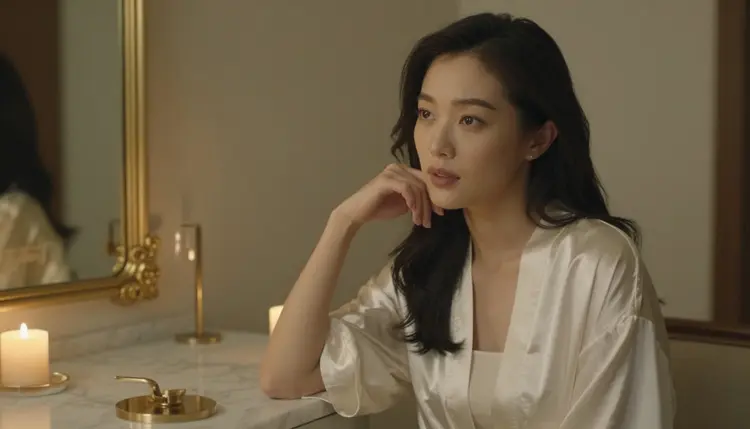
A still frame from an image model is a fast way to test a look before committing to a full clip. Generate one still with Seedream 4.5 or Recraft V4.1 Pro first, confirm the outfit and the pose read the way they should, then carry the same description into a motion prompt on LTX 2.3 Pro.
Getting a clean transition out of LTX 2.3 Pro comes down to structure more than length. Follow these five steps in order.
- Name the starting outfit in full. Describe the fabric, the color and how it sits on the body before anything moves, so the model has a fixed point to hold for the opening frames.
- Describe the change as one physical action. Use a single clear verb, unzip, slip off, step out of, drape, tie, so LTX 2.3 Pro animates one continuous motion instead of guessing at a jump between two static looks.
- Name the end state just as fully. Describe the second outfit, or the absence of the first, with the same level of detail as the opening line, so the clip has a defined destination rather than an implied one.
- Anchor the setting so it does not drift. Naming the room, the light and one fixed object, a window, a rack of hanging clothes, a mirror, gives the model something static to hold the shot against while the outfit itself moves.
- Generate on LTX 2.3 Pro and check the mid transition frame. Scrub to the middle of the clip specifically, since a clean opening and closing frame can still hide a warped hand or a flickering hem in between.
The difference between a prompt that reads as vague and one that renders cleanly is almost always the vocabulary, not the idea behind it. A spicy outfit change gives LTX 2.3 Pro nothing concrete to hold onto. A named material, a named garment and a named verb give it an actual motion to animate.
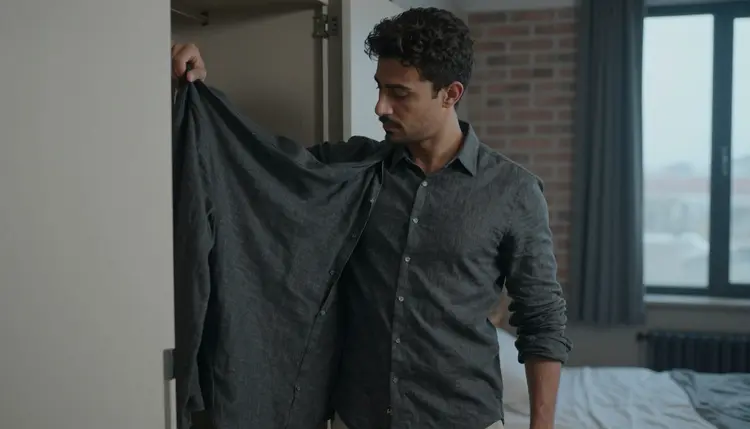
Fabric names carry more information than color alone. Silk and satin catch light and move loosely, so they read well in a slow reveal. Leather and denim hold their shape, so they suit a firmer, quicker motion. Lace and mesh are worth naming specifically when a layer underneath needs to stay visible through an outer garment, since a lace bralette renders a different result than just a top. The same logic holds for a male character: a gray cotton shirt held in the hand rather than worn reads as one clear, ordinary action the model can commit to, which is often stronger than an abstract line like getting undressed.
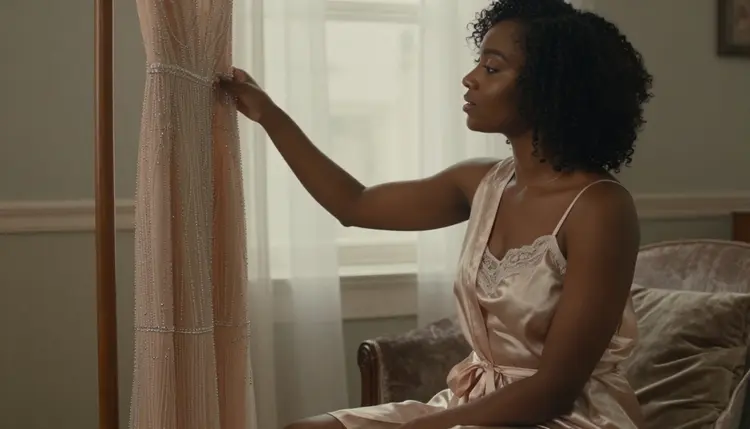
Verbs carry as much weight as fabric does. Unzip, unclasp, slip off, step out of, drape and reach for each describe one specific motion, and naming the exact one tells LTX 2.3 Pro what the hands are doing in that clip instead of leaving it to default to a generic undressing animation. Pair the verb with where it happens on the body, a strap at the shoulder, a zipper along the spine, a clasp at the back, so the motion has a location as well as an action, which is what keeps a hand from drifting or doubling mid clip.
Three mistakes account for most of the clips that come back broken. The first is writing both outfits into a single sentence with no verb connecting them, a woman in a red dress then a robe, which leaves LTX 2.3 Pro nothing to animate and it tends to blend the two garments into one confused result instead. The second is changing the setting partway through the description, a bedroom at the start and a balcony by the end, since the model tries to hold both backgrounds at once and the room itself starts to flicker. The third is skipping camera framing entirely: without a note on distance and angle, hands and faces are the first things to drift out of frame once the motion picks up.
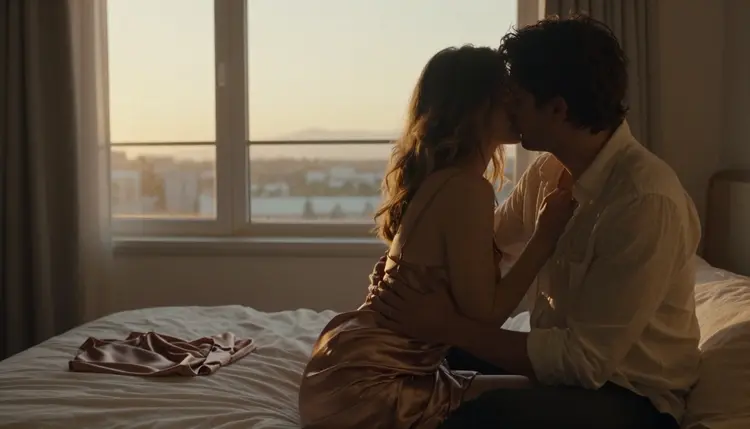
A strong closing line matters as much as the opening one. Naming where the clip settles, an embrace, a held pose, a moment of stillness once the motion stops, gives LTX 2.3 Pro a clear final frame to land on instead of trailing off mid transition.
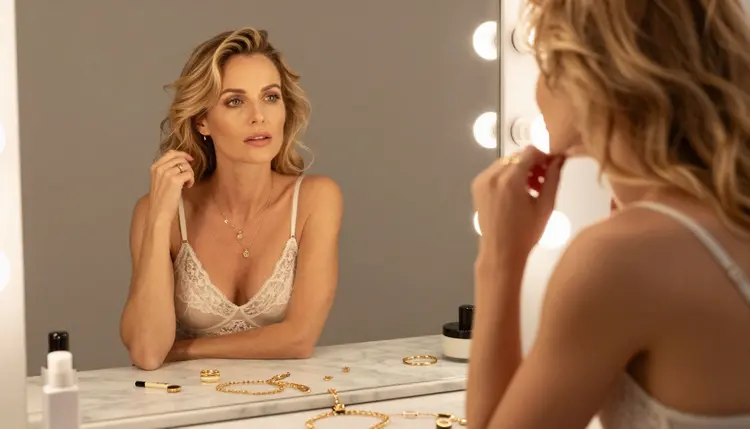
A quiet closing beat works just as well as a dramatic one. A detail shot at a vanity mirror, adjusting a strap or a piece of jewelry after the change, gives a clip a natural place to end without needing a second wardrobe change to justify the last few seconds.
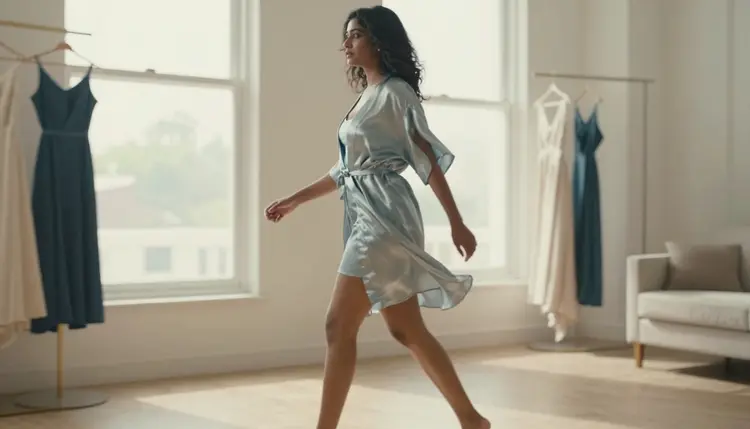
Motion can carry an ending too. A brisk walk past a row of hanging garments reads as purposeful rather than static, and naming the pace directly, briskly, slowly, mid stride, keeps the final seconds of a clip from settling into what looks like a freeze frame.
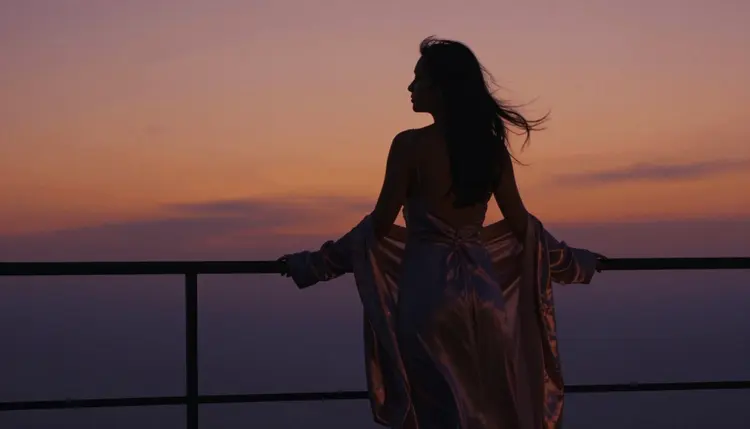
For a softer finish, a silhouette against strong backlight resolves the outfit into shape and motion rather than fine detail, which is a reliable way to close a clip once the wardrobe itself has already done its work earlier in the shot.
This page, and every prompt built from it, is for adults only. Picasso IA's confirmed uncensored models exist for adult creators describing adult scenes, and nothing on this page is written for, or intended for, anyone under eighteen.
Every character in an outfit change prompt has to be an invented adult. Never describe a real, identifiable person, never a public figure, and never use a fictional frame to describe someone who reads as underage regardless of the wording around them. LTX 2.3 Pro and the other five confirmed models do not change that boundary. They only change whether an adult prompt gets filtered before it renders, nothing more.
Generations are treated as private by default. What gets created through these models is not published or shared by Picasso IA on its own, and responsibility for how a result is stored, downloaded or shown to anyone else afterward stays with the person who generated it.
What makes LTX 2.3 Pro different from other video models for this kind of prompt?
LTX 2.3 Pro is one of only six models on Picasso IA confirmed to generate adult motion without a content filter stepping in, and it is built to hold a character's face and proportions steady while a garment moves, which is exactly what an outfit change prompt asks a model to do.
Can I describe a full outfit change inside a single video clip?
Yes. Name the starting outfit, the specific action that changes it, unzip, slip off, step out of, drape, and the end state in that order, and LTX 2.3 Pro animates one continuous motion instead of jumping between two static looks.
Why does my outfit change prompt keep producing a jump cut instead of a smooth transition?
A jump cut usually means the prompt described two outfits with no verb connecting them. Naming one specific physical action between the start and the end state gives the model an actual motion to render instead of two separate looks stitched together.
Is Picasso Video also confirmed for this kind of scene?
Yes. Picasso Video is the other of the two video models on Picasso IA confirmed to generate adult motion directly, and the same prompt structure used for LTX 2.3 Pro carries over to it, though the pace and grain of the result differ slightly between the two.
What happens if I send this kind of prompt to a video model that is not on the confirmed list?
The model applies its own filter and rejects the prompt. Picasso IA shows a message explaining the content is not supported by that model and offers to switch to LTX 2.3 Pro or Picasso Video with the same prompt carried over automatically.
Do I need to reword my prompt to get it past a filter?
No. If a model blocks the prompt, the fix is switching to one of the six confirmed models, not disguising or rewording the same idea to try to slip it past a filter on a model that was never built for adult content in the first place.
Can I test an outfit before committing to a full video generation?
Yes. Generating a single still with Seedream 4.5 or Recraft V4.1 Pro first is a fast way to confirm a fit and a pose read correctly before carrying the same description into a motion prompt on LTX 2.3 Pro.
Who is allowed to appear in a wardrobe change scene?
Only invented adult characters. Picasso IA's confirmed models are built for fictional subjects who are eighteen and over, never a real person's likeness and never anyone who could read as a minor regardless of how the prompt is worded.
Are the videos I generate private?
Yes, by default. Picasso IA does not publish or share what gets generated on its own. What happens to a result after it is downloaded, including whether it gets stored or shown to anyone else, is up to the person who created it.
Is there a free way to try an outfit change prompt before subscribing?
New accounts on Picasso IA start with free credits that work across the catalog, including LTX 2.3 Pro and Picasso Video, so a wardrobe change prompt can be tested before deciding on a plan. Current plans and what they include are listed on pricing.