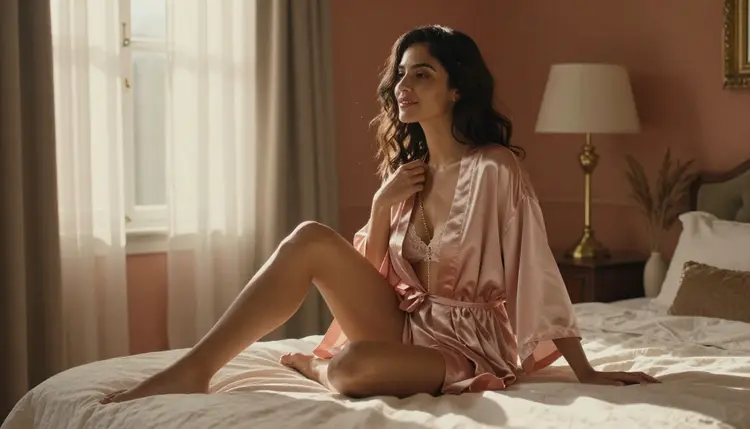
An NSFW photo that looked perfect in the generator can turn soft the moment you try to fix one small thing about it. Skin turns waxy, lace loses its thread pattern, and the fold of a robe smooths into a single flat shape. That is almost never a generation problem. It is an editing problem: a general-purpose editor repaints the whole frame to change one detail, and everything you liked about the original gets quietly redrawn along with it.
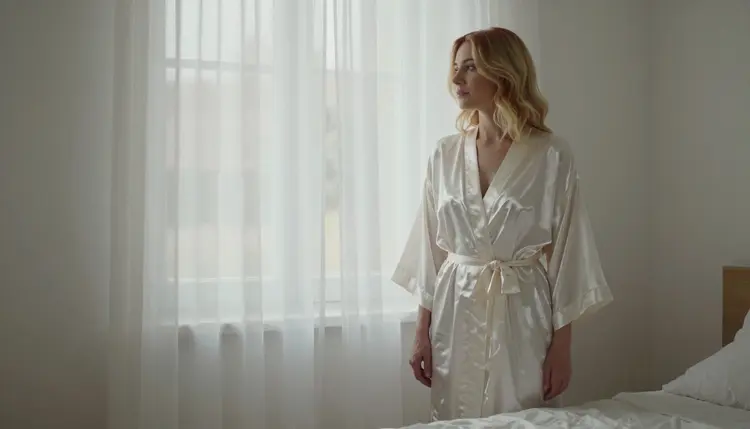
This guide is the five-step workflow we use with Picasso Image Editor Pro, the tool built for exactly this job: local, masked edits instead of a full repaint. Follow it and the part of the photo you are not editing stays exactly as sharp as it was before you touched it, skin texture, fabric grain and all.
Most editors were built to take a prompt and a source photo and return a new photo that roughly matches both. That works fine on a landscape or a product shot, where a slightly different shadow nobody will notice. On an intimate portrait, where a reader's eye goes straight to skin, fabric and light, "roughly matches" is exactly the problem. The model resamples every pixel in the frame, including the ones you already liked, and fine detail is the first thing to go because it carries the most information per pixel: skin texture, lace trim, loose hair, the grain of silk catching light.
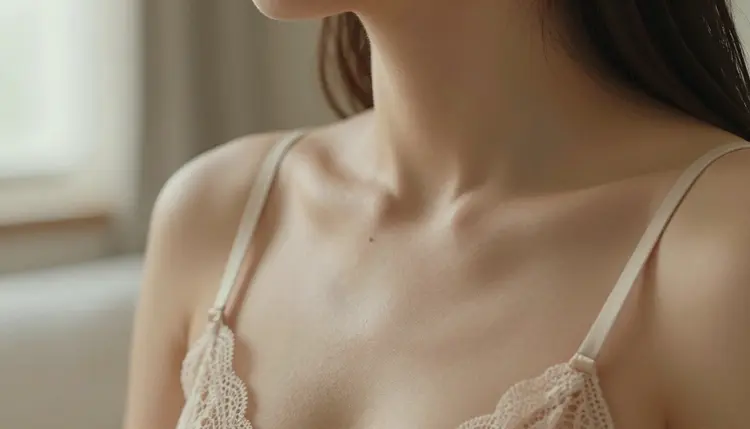
The tell is consistent once you know to look for it. A full-repaint edit softens skin into an airbrushed sheen, turns embroidery into a blur, and shifts the color temperature slightly across the entire frame, even when you only asked for one change, like a longer sleeve or a different backdrop. Lay the before and after side by side and the "untouched" two-thirds of the photo turns out not to be untouched at all, just redrawn closely enough that a quick glance misses it.
Picasso Image Editor Pro is confirmed uncensored, with no content filter standing between your prompt and the edit, and it is built as an edit-only tool. It does not generate a new scene from a blank prompt. It takes the photo you already have and changes only the region you mask, treating the rest of the frame as a locked reference instead of a suggestion to improve on. Skin two inches outside your mask boundary keeps its original texture, because the model never re-renders it in the first place.
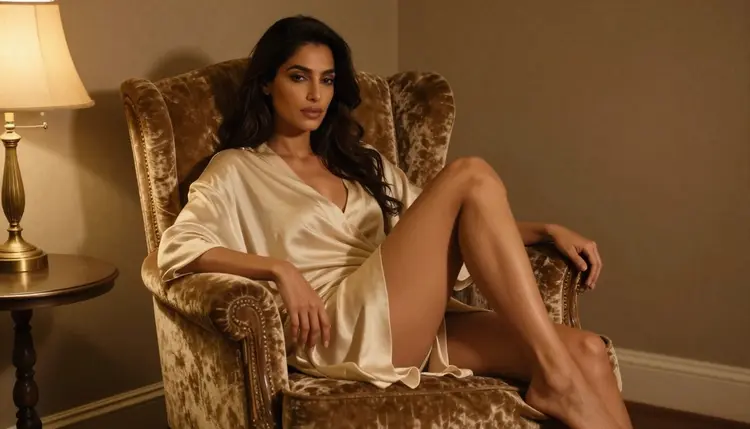
No content filter means you can ask for the kind of suggestive, flirty or fully adult edit a general-purpose editor would refuse outright: a robe falling open differently, lighting that reads more intimate, a cropped frame extended into a full-length shot. The mask boundary still holds the edit in place exactly the way it would on a tame request. Uncensored is not the same thing as uncontrolled, the model still respects the shape you drew and the reference pixels around it.
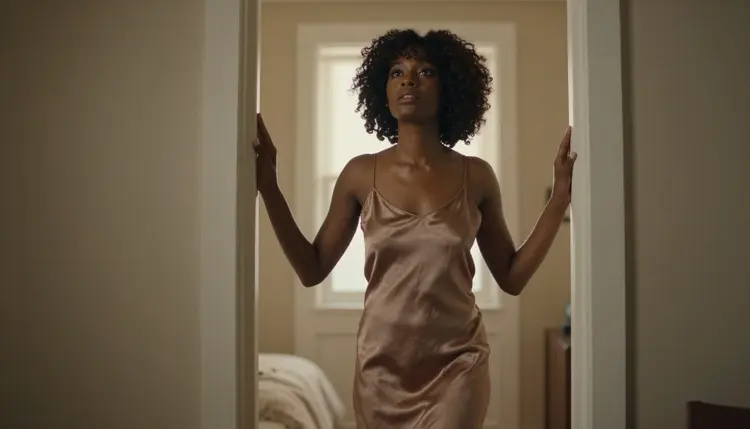
Work through these five steps in order and everything outside your mask will look exactly as sharp coming out as it did going in.
- Start From the Full-Resolution Original. Upload the source file straight from your generation history instead of a screenshot or a re-saved copy, because a compressed source caps how much detail any edit can recover.
- Mask Only the Area You Want to Change. Draw the mask tight around the robe, the hand or the background element you are editing, and leave everything else outside it so Picasso Image Editor Pro treats the rest of the frame as fixed reference instead of something to redraw.
- Match the Prompt to the Local Lighting. Describe the edit using the light already in the shot, window light, lamp glow, candle, instead of a generic lighting term, so the edited area blends into the shadows and highlights already around it.
- Edit in Small Passes, Not One Big Rewrite. Make one change, check the result at full size, then make the next one, because stacking several unrelated edits into a single prompt is what pushes an editor to quietly redraw more of the frame than you asked for.
- Upscale Last, Not First. Finish every masked edit at your working resolution, then run the upscale as the final pass, so you are sharpening a finished image instead of magnifying an editing artifact.
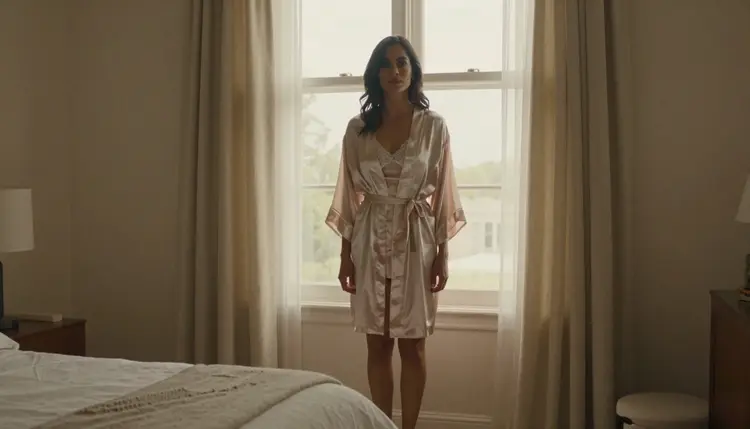
A few edit types come up constantly, and each has its own way of losing detail if you rush it. Skin retouching stays sharp when the mask covers only the blemish or the shine you are removing, not the whole face or figure; mask too broadly and pores flatten into one uniform tone. Swapping fabric, a robe for lingerie, satin for lace, holds its grain only if the prompt names the fabric outright; "different clothing" reads as flat plastic, while "ribbed silk robe, loose weave" comes back with actual thread structure. A background swap needs the subject masked tightly first, so hair and skin keep the faint contact shadow that makes them look like they belong in the new scene instead of pasted onto it.
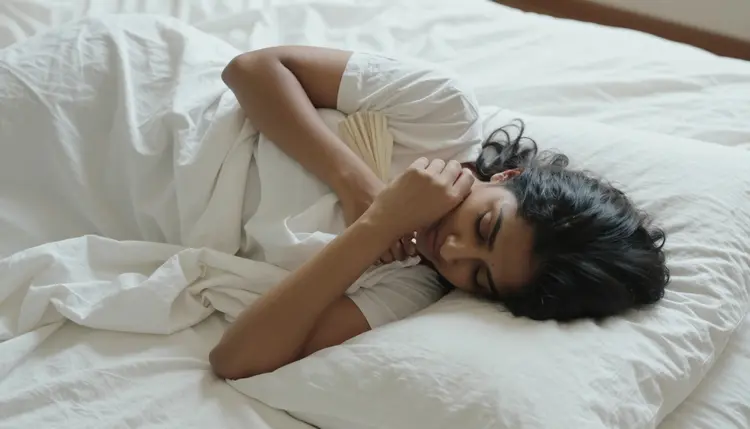
A hand or pose correction is the fussiest of the common edits, since the mask has to cover the whole limb, not just the finger that looks wrong, or the new hand will not match the arm it is attached to. Extending a cropped photo into a full-length shot asks the model to invent pixels that were never there, so keep the new area's light matched to the source and expect to run a second small pass once you see what it added. A relight, day to night, window light to lamp light, is the edit most likely to wash out fine texture, because shifting the direction of light changes every shadow that defines a fabric fold or a collarbone at once. Treat a relight as its own full pass rather than folding it into another edit, and check the fabric folds specifically before you move on.
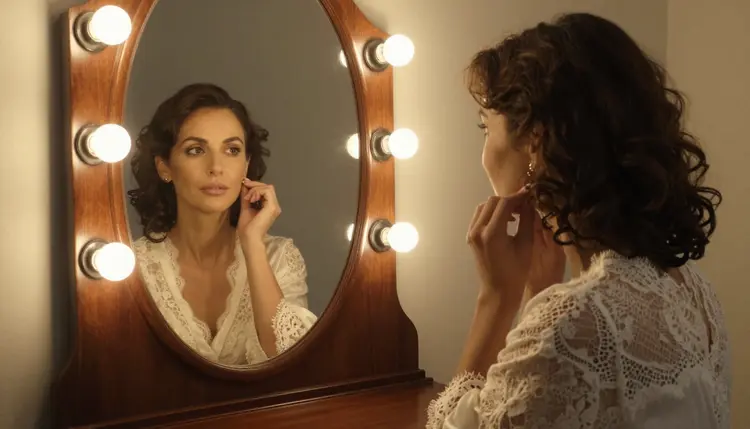
Picasso IA's NSFW tools are for adults, eighteen and over, only. Every figure you generate or edit here is fictional: we do not generate real people without their consent, and we do not generate minors under any circumstance, in any edit, ever, no matter how the source photo was framed or cropped. What you upload and edit stays tied to your account by default; nothing you generate here is added to a public gallery or shown to other users unless you choose to share it yourself.
If you still need to generate the source photo before you edit it, Seedream 4.5, Qwen Image 2 and Recraft V4.1 Pro are confirmed uncensored, with no content filter, and each gives Picasso Image Editor Pro a clean starting point: Seedream 4.5 for a photographic base, Qwen Image 2 when you want an anime-leaning look, Recraft V4.1 Pro for a more stylized, illustrated feel. Start there, settle on a still worth keeping, then bring it into Editor Pro for the fine work a first generation rarely gets exactly right on its own.
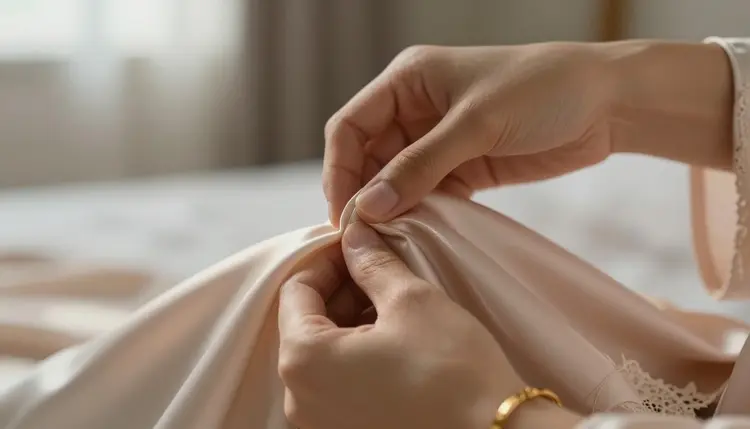
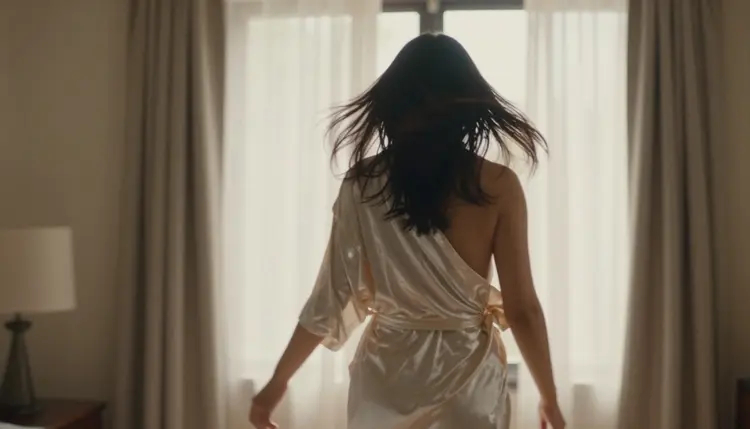
Once the edit is finished, Picasso Video and LTX 2.3 Pro are the confirmed uncensored options for carrying it into motion, a slow turn toward camera, hair catching a breeze, fabric settling, while keeping the same detail the edit preserved. Both read the finished, edited photo as their starting frame rather than reinterpreting it, so the sharp fabric and skin texture you worked to keep in the still carry over into the clip instead of being redrawn from scratch.
What is the best way to edit an NSFW photo without losing detail?
Mask only the exact area you are changing, describe the edit in terms of the light already in the shot, and make the change in a small, focused pass rather than one big rewrite; that combination is what keeps everything outside the mask exactly as sharp as the original.
Does Picasso Image Editor Pro have a content filter?
No. Picasso Image Editor Pro is confirmed uncensored, so a suggestive, flirty or fully adult edit request goes through the same way a tame one would, without a filter softening or blocking the result.
Can I edit a photo I generated with a different model?
Yes. Picasso Image Editor Pro works on any photo you upload, whether it came from Seedream 4.5, Qwen Image 2, Recraft V4.1 Pro or a photo you took yourself, as long as the file is sharp enough to give the mask something detailed to preserve.
Why does my edited photo look softer than the original?
The mask was probably drawn too loosely, or the prompt asked for more than one change at once; both push the model to repaint more of the frame than necessary, and the fix is to shrink the mask and split the edit into smaller passes.
How do I keep fabric texture from turning flat and plastic looking?
Name the fabric directly in the prompt, satin, lace, ribbed silk, instead of writing "clothing" or "outfit", because a named fabric gives the model a texture to reproduce instead of a shape to fill in.
Is there a limit to how many times I can edit the same photo?
No fixed limit exists, but each pass compounds the last one, so it is worth saving a copy of the sharp version before a fourth or fifth round of edits in case a later pass needs to start from an earlier, cleaner file.
Can I use Picasso Image Editor Pro to change only the lighting?
Yes, and it is worth treating as its own pass rather than combining it with another edit, since a relight changes every shadow in the frame at once and is easiest to check for lost fabric detail when nothing else moved in the same request.
What resolution should I upload before editing?
Upload the highest-resolution original your generation history has, ideally the file straight from the generator rather than a screenshot or a version that was already compressed for sharing, since a soft source caps how much detail any edit can bring back.
Are the people in NSFW edits on Picasso IA real?
No. Every figure in an NSFW generation or edit on Picasso IA is fictional and must be a fictional adult; the platform is eighteen and over only, and it does not generate real people without consent or minors under any circumstance.
Can I turn an edited photo into a video afterward?
Yes. Picasso Video and LTX 2.3 Pro are confirmed uncensored and both take a finished, edited photo as their starting frame, so the detail work you did in the still carries into the motion instead of being redrawn from scratch.