A hand that grows a sixth finger halfway through the clip. A face that drifts into someone else's face by frame ninety. A silk robe that clips straight through skin because the fabric never quite locked into place. NSFW AI video is a harder problem than a still image, and when a scene finally turns adult, the last thing anyone wants is watching the shot fall apart two seconds in.
This guide is about fixing exactly that, on the two models Picasso IA confirms generate NSFW video without a content filter standing in the way: Picasso Video and LTX 2.3 Pro. It walks through why motion breaks more than a single frame ever does, the glitches that show up most often, a five step process for fixing one once it happens, and the prompting habits that stop most of them before you ever press generate.
A still image only has to hold together once. A video has to hold the same face, the same body, the same set across dozens of frames in a row, while also introducing motion on top of all of it, and every handoff between one frame and the next is a chance for something to slip. That is the entire reason video generation is harder than image generation, adult or otherwise, and it is also why the six models Picasso IA confirms as filter free split four to two between stills and motion. Seedream 4.5, Qwen Image 2, Recraft V4.1 Pro and Picasso Image Editor Pro handle the image side. Picasso Video and LTX 2.3 Pro are the only two, out of 488 models in the full catalog, confirmed to generate adult motion directly instead of filtering the prompt out.

The frame above is a clean pull from a Picasso Video generation, and it is a useful reference for what a glitch free clip actually looks like: the robe holds its fold, the steam reads as steam rather than a smear, and nothing about the hand resting on the railing has drifted out of shape. That consistency across frames is the whole target, and it is worth having a mental picture of it before diagnosing what goes wrong.
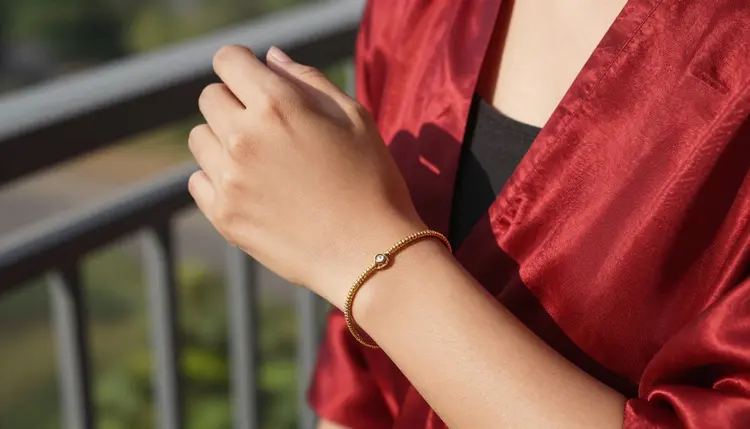
Hands are the fastest way to judge whether a clip is holding together, since they carry the most moving parts in the smallest area of the frame. A close, steady shot like the one above, where the bracelet keeps its shape and the fingers stay countable frame to frame, is what a clean generation on either Picasso Video or LTX 2.3 Pro should look like before you move on to the fix steps below.
Most NSFW video problems fall into a short list of repeat offenders, and knowing which one you are looking at is most of the fix.
Melting or extra fingers happen when a hand crosses in front of the body or another limb, since the model has to reconstruct the overlap on every frame and small errors compound across the clip. Face drift is the same idea applied to identity: a character's face can shift slightly frame by frame until, twenty or thirty frames in, it reads as a slightly different person. Background warp shows up most with detailed sets, water, foliage, patterned fabric, where the model redraws the texture each frame instead of holding it steady. Lighting flicker is a sudden jump in brightness or color temperature between frames that reads as a strobe rather than a smooth light source. Clothing clipping is fabric passing through skin instead of sitting on top of it, usually on looser garments like a robe or a gown rather than something fitted. Motion blur smearing turns fast movement into a streaky mess instead of a readable gesture, and it gets worse the faster the described motion is.
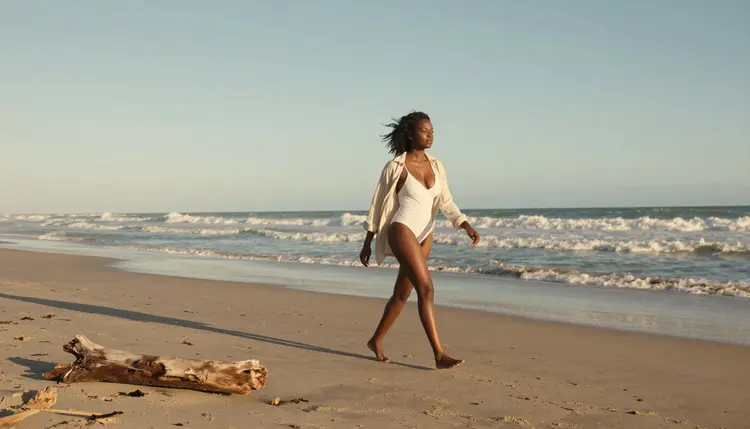
Walking cycles are one of the harder motions to hold clean, since both legs, the arms and the hair all move at once against a shifting background. The shot above is a steady walk with a simple shoreline behind it, which is exactly the kind of setup that keeps a walking cycle from breaking down into warped limbs.

By contrast, a mostly still pose like the one above, where the character is reclining rather than walking, gives the model far less motion to reconstruct per frame, and it is almost always the cleanest starting point when you are troubleshooting a glitch rather than chasing a specific action.
When a clip comes back with a visible glitch, work through these five steps in order rather than regenerating blind.
- Identify which glitch it is. Pause on the worst frame and name the problem specifically, a melting hand, a drifting face, a warped background, since the fix depends entirely on which one you are looking at.
- Simplify the prompt and regenerate. Cut anything not essential to the shot, a second character, a busy background, a fast camera move, and run the same prompt again, since a simpler scene gives the model fewer moving parts to keep consistent.
- Shorten the clip or isolate the motion. A shorter duration or a single clear action, a turn, a step, a glance, holds together far better than a long clip asking for several actions in sequence.
- Fix a single bad frame instead of the whole clip. If only one moment glitches, pull that frame and clean it up in Picasso Image Editor Pro rather than regenerating the entire video from scratch.
- Switch between Picasso Video and LTX 2.3 Pro if the glitch persists. The two models handle motion differently, so a scene that keeps breaking on one often holds together cleanly on the other with the exact same prompt.
Most of the glitches above are easier to avoid than to fix after the fact, and a handful of prompting habits account for most of the difference.
Describe one clear action instead of several. A prompt asking for a turn, then a step forward, then a hand raised in one continuous clip gives the model three separate handoffs to get right instead of one, and each handoff is a chance for something to slip.
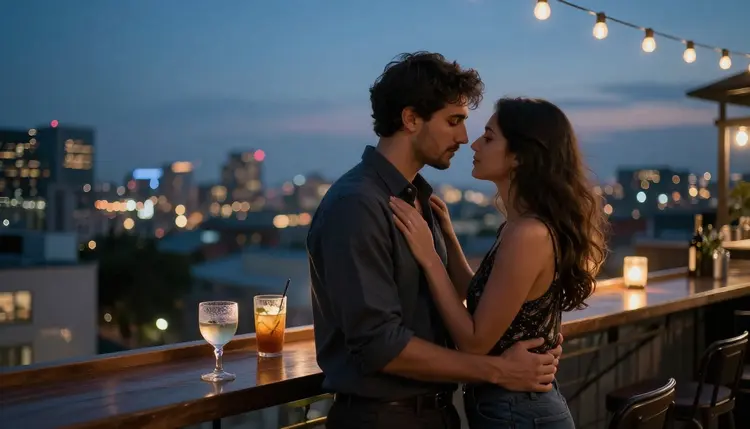
Two characters in close contact, like the rooftop scene above, are harder than a single figure for the same reason two characters are harder in a still image, more limbs, more overlap, more points where the model has to decide whose arm is whose. If a two character clip keeps glitching, try the same scene as a single character first to confirm the prompt itself holds up before adding the second person back in.

Keep the background simple when the motion is not. A plain studio backdrop, like the one above, removes one whole category of glitch, background warp, letting Picasso Video or LTX 2.3 Pro spend its effort on the character rather than reconstructing a detailed set every frame. Describe camera movement plainly too: a slow push in or a static shot holds together far better than a prompt asking for a sweeping pan and a zoom at once.
Every clip generated through Picasso Video or LTX 2.3 Pro has to stay within the same line the rest of Picasso IA's adult generation follows. Generation is for adults, 18 and older, generating adults, and every character in a video needs to read unmistakably as a fictional, adult person, never a real, identifiable individual, never a public figure, and never anyone who could be read as a minor no matter how the prompt is worded.
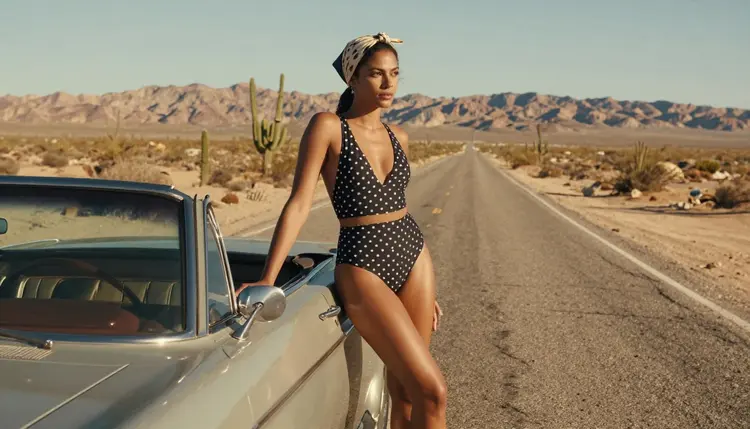
That line does not move because a scene is stylized, a period setting, a costume, a specific mood. Keep character descriptions invented, an original face, an original name if you are naming anyone, rather than referencing a real person even loosely, and never generate someone real without their own consent. Privacy works the same way it does everywhere else on the platform: what you generate stays tied to your account by default, and nothing is shared or published anywhere else automatically.
Picasso IA runs on one credit system across the whole catalog, and video generation draws down credits at its own rate, generally higher than a still image since it is rendering many frames instead of one. New accounts start with free credits, enough to test a short clip on Picasso Video or LTX 2.3 Pro and see how each one handles the same prompt before deciding which to lean on. Current numbers and plan tiers live on pricing rather than repeated here, since they change more often than this page does.
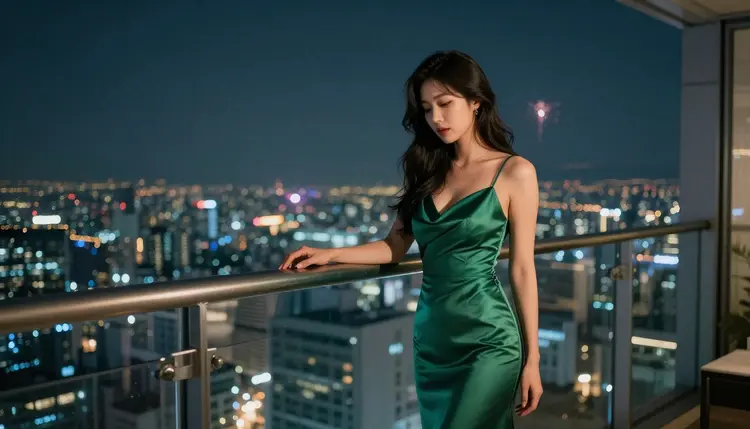
If video keeps glitching on a specific scene, it is often faster to nail the look as a still first. Seedream 4.5, Qwen Image 2 and Recraft V4.1 Pro are the three other confirmed filter free models, all for images, and getting the pose, wardrobe and lighting right on one of them before moving to video gives Picasso Video or LTX 2.3 Pro a much clearer target to animate.

Every other model in the 488 model catalog still applies its own safety filter to an adult prompt. If one of them rejects a video prompt, Picasso IA shows a message explaining the content is not supported and points toward Picasso Video or LTX 2.3 Pro instead, carrying the prompt over so nothing has to be retyped.
Why does NSFW AI video glitch more than a single image does?
A video has to hold the same face, body and set steady across dozens of frames while also generating motion, and every frame to frame handoff is a chance for something to drift, which is why video breaks in ways a still image never does.
What actually causes hands to melt or grow extra fingers in a clip?
It usually happens when a hand crosses in front of the body or another limb, since the model has to reconstruct that overlap fresh on every frame, and small errors in that reconstruction compound as the clip plays.
Why does a character's face sometimes change partway through a video?
This is face drift, a small shift in features from one frame to the next that becomes visible once enough frames have passed, and it shows up more on longer clips or ones asking for several actions in a row.
Does simply regenerating the same prompt usually fix a glitch?
Sometimes, but simplifying the prompt first, cutting a second character or a busy background, tends to fix it more reliably than regenerating the exact same prompt and hoping for a cleaner result.
Can I fix one bad frame without regenerating the whole clip?
Yes. If only a single moment glitches, pulling that frame into Picasso Image Editor Pro and cleaning it up directly is faster than regenerating the entire video from scratch.
Is Picasso Video or LTX 2.3 Pro better for avoiding glitches?
Neither is strictly better, they handle motion differently, so a scene that keeps glitching on one model will often hold together on the other with the same prompt, which is why switching is one of the five fix steps above.
Do two characters in one video glitch more than a single character?
Yes, generally. More limbs and more overlap between two bodies gives the model more chances to lose track of whose arm belongs to whom, so testing a scene as one character first is a reliable way to isolate the problem.
Does a shorter clip actually reduce the chance of an artifact?
Yes. A short clip built around one clear action holds together noticeably better than a long clip asking for several actions in sequence, since each additional action adds another frame to frame handoff.
Can I use a still image to plan a cleaner video generation?
Yes. Getting the pose, wardrobe and lighting right on a still image first, using one of the other confirmed filter free models, gives Picasso Video or LTX 2.3 Pro a clearer target to animate than starting from text alone.
Is this NSFW video generation limited to fictional adult characters only?
Yes. Picasso Video and LTX 2.3 Pro generate adult content for users 18 and older only, and every character has to read as a fictional adult, never a real person's likeness, a public figure or anyone who could be read as a minor.