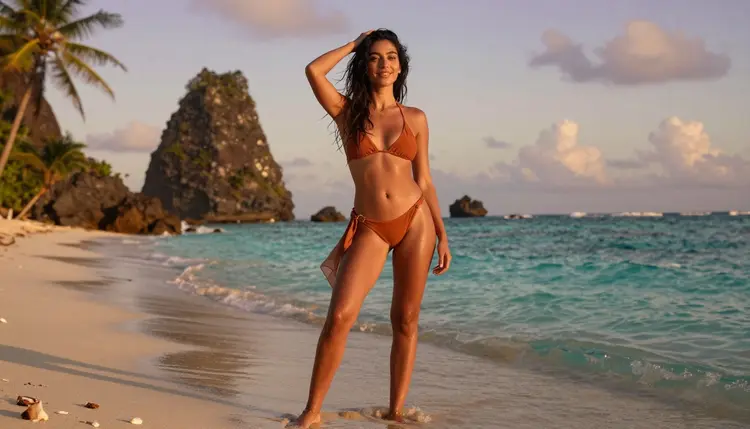
Most NSFW generators default to the same flat, gray backdrop no matter what you type, because the model was never asked to think about where a scene actually happens. That empty void is the fastest way to make an otherwise good image look like a stock render instead of a scene someone lived in. The fix is not a better pose or a sharper face, it is a background that does real work, a shoreline at sunrise, a rooftop at dusk, a forest path in the afternoon light.
Recraft V4.1 Pro is the model built for exactly this kind of scene building. It is one of six models confirmed on Picasso IA to generate adult content directly from a prompt, with no safety filter intercepting an intimate or suggestive description, and it happens to be unusually strong at rendering an environment with real depth, believable light and a sense of place instead of a flat backdrop pasted in behind the subject.
This page walks through five steps for building a custom background from scratch, three background types that work in almost any scene, the prompting habits that keep a background from looking generic, and the rules every scene on Picasso IA follows no matter which of the six confirmed models you use.
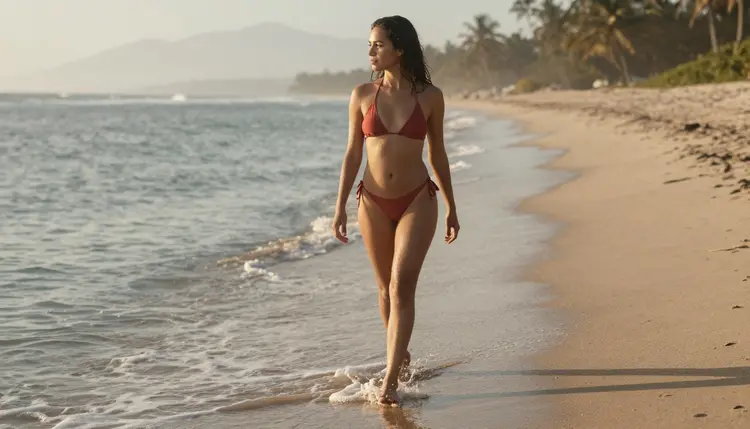
A subject standing in front of nothing reads as a test render, not a scene. The eye has nowhere to go once it finishes with the pose, so the whole image feels thinner than it needed to be, even when the pose and the lighting on the subject are both good. A background gives the eye a second thing to look at, a third thing to notice on a repeat look, and it is usually the single fastest way to make a generation feel like a moment rather than a swatch.
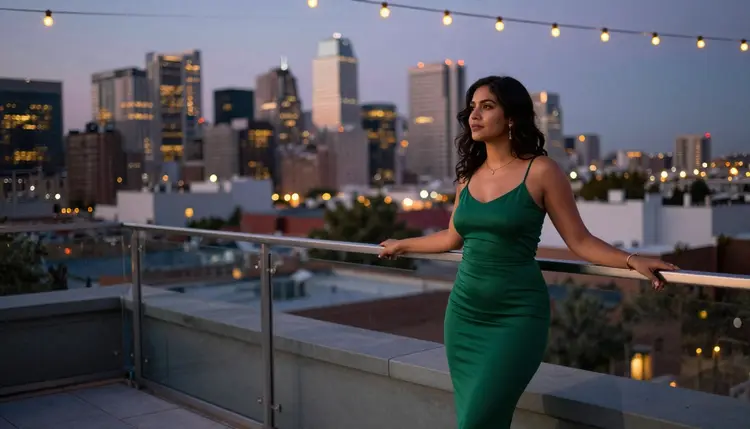
It also does quiet narrative work a pose alone cannot. A woman in an emerald dress on a rooftop at dusk tells a different story than the same dress on an empty white sweep, even though nothing about her pose changed. The skyline behind her implies a night out, a private moment before or after it, a city she belongs to. None of that comes from the subject description. All of it comes from four or five words about where she is standing.
Recraft V4.1 Pro is worth reaching for specifically because it treats the background as part of the composition rather than an afterthought behind the subject. Horizon lines land where they should, light sources are consistent between a subject and the world around her, and a named location, a beach, a rooftop, a forest, reads as that place rather than a vague suggestion of it. That consistency is what makes a custom background worth writing into the prompt at all, since a model that renders it as an approximation defeats the purpose of naming it in the first place.
Building a scene with a real background is a short, repeatable process once you know the order to put things in. Follow these five steps for your first custom background, then reuse the same structure every time you generate a new scene.
- Open Recraft V4.1 Pro in the Toolkit. Go to the toolkit and select Recraft V4.1 Pro from the image models, so your prompt reaches a confirmed uncensored model instead of one that might reject an intimate scene.
- Describe Your Subject Before the Setting. Write age as clearly adult, build, wardrobe and pose first, so the model has a fixed subject to place inside whatever background comes next.
- Name the Background Like a Real Place. Instead of an outdoor scene, write a sandy shoreline at sunrise or a rooftop terrace overlooking a city skyline at dusk, since a specific location produces a specific result.
- Match the Light to the Location and Hour. Golden sunrise light, a dusk skyline glow and dappled forest sun each behave differently, and naming the hour alongside the place keeps the two consistent with each other.
- Generate, Compare and Refine the Scene. Run the prompt, check that the background reads as a real place rather than a blur, and adjust the wording of the setting, not the model, if a second pass is needed.
Once a background works, save the exact wording you used for it. Reusing a background description across several subjects, or a subject description across several backgrounds, is the fastest way to build a small, consistent set of scenes instead of nine unrelated one off images.
A shoreline background does a lot with very little. Naming a swimsuit against a sandy beach at sunrise or sunset gives Recraft V4.1 Pro a strong horizon line and a natural light source to build the rest of the scene around, so even a simple standing pose reads as a real moment on a real beach instead of a cutout dropped onto sand. A silhouette works especially well here, since a low sun behind the subject does most of the mood on its own.
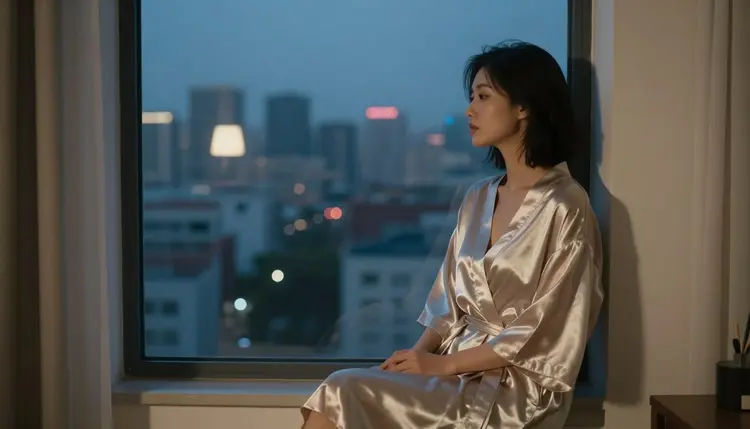
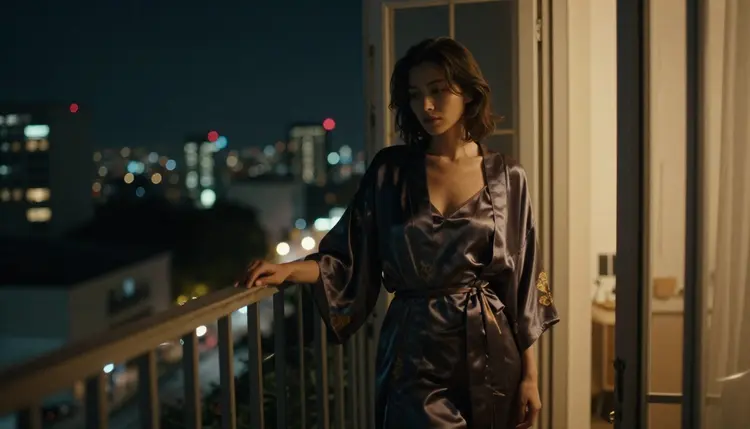
A rooftop or skyline background reads as intimate in a completely different way. A robe, a dress or bare shoulders against a wall of city lights implies privacy in the middle of a place that is anything but private, a contrast that a plain backdrop cannot offer. Naming the hour matters more here than almost anywhere else, since a rooftop at dusk, with the sky still holding color, looks nothing like the same rooftop after full dark with only window light and street glow to work with.
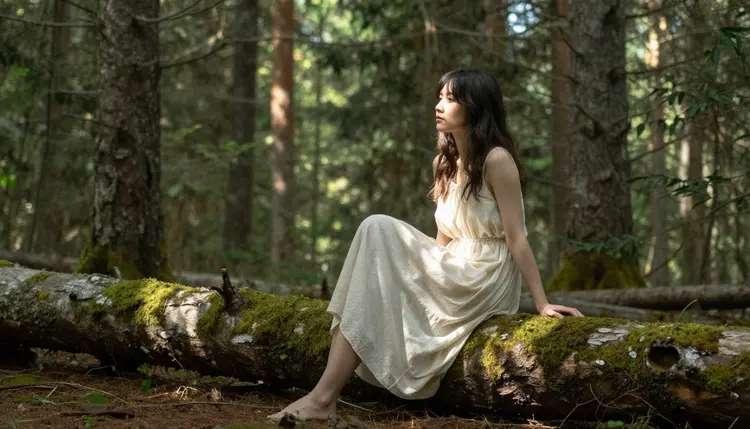
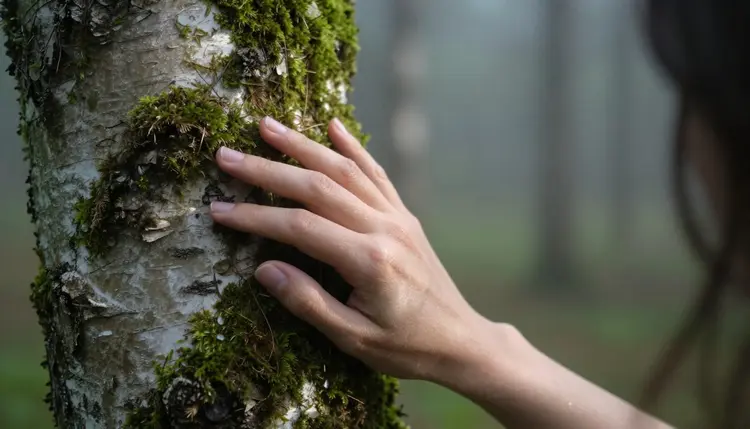
A forest background gives the softest, most filtered light of the three, and it rewards texture more than the other two do. Moss on a fallen log, dappled sun through a canopy and a dirt path curving out of frame all give Recraft V4.1 Pro something to render in detail around the subject, and that detail is what keeps a forest scene from reading as a flat wall of green.
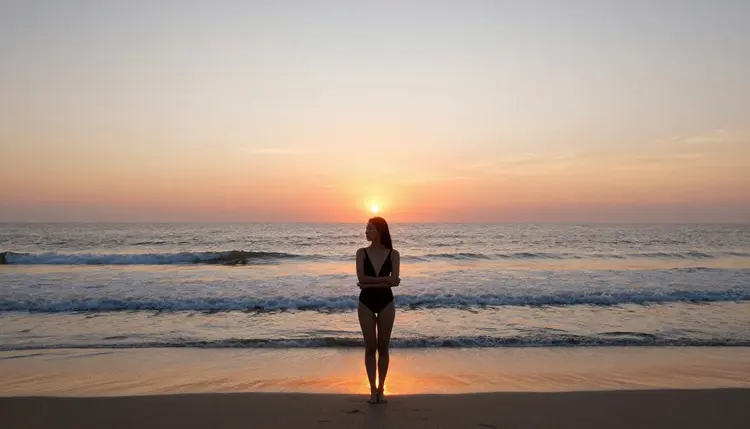
These three, beach, city and forest, cover most of what a custom background scene actually needs, an open horizon, a built environment and dense natural texture, and switching between them is mostly a matter of swapping four or five words in an otherwise identical prompt.
Write the background after the subject, never before it. Recraft V4.1 Pro weighs earlier words in a prompt more heavily, so opening with three sentences about the shoreline or the skyline before describing the person standing in it tends to push the subject into the background instead of the other way around.
Pick one detail that only that location has, rather than a generic label. Moss on a specific tree trunk does more work than the word forest on its own, just as a named skyline silhouette does more than the word city. That single concrete detail is usually what separates a background that looks like a real place from one that looks like a default setting the model reached for on its own.
Keep wardrobe and background in the same emotional register. A bright orange swimsuit on a sunlit beach towel reads as playful and relaxed, while a satin robe against a dim window at night reads as quiet and private. Mixing the two, a playful wardrobe against a moody background or the reverse, usually reads as a mistake rather than a deliberate choice, so let the two support the same mood instead of pulling in different directions.

Vary the distance, not just the location. A wide shot that shows the full beach or the full skyline sells the setting, while a closer shot on a balcony rail or a single lit window sells the mood. A short series that mixes both usually reads as a more complete scene than nine versions of the same medium shot with only the background swapped out.
If a specific background prompt keeps producing a flat or generic result on Recraft V4.1 Pro, try the same wording on Seedream 4.5 or Qwen Image 2, the other two confirmed uncensored image models, since each renders light and depth a little differently and one of the three usually matches what a given scene needs. If you already have a generation you like and only want to swap the setting behind the same subject, Picasso Image Editor Pro is the confirmed uncensored option built for editing an existing image rather than starting over.
This is 18+ content, and that applies to the subject in the scene, never to the setting behind her. Every character generated through Picasso IA has to be a fictional adult, invented for the scene, never a minor regardless of how a prompt is framed, and never the likeness of a real, identifiable person without that person's consent. A custom background does not change any of that. It changes where a fictional adult is standing, not who she is allowed to be.
Generations stay private by default. What you build, on a beach, a rooftop or a forest path, is tied to your own account rather than posted or shared anywhere on the site, so testing a dozen versions of the same background is not something other visitors ever see. That privacy holds across all six confirmed uncensored models, not just the one used for a still image.
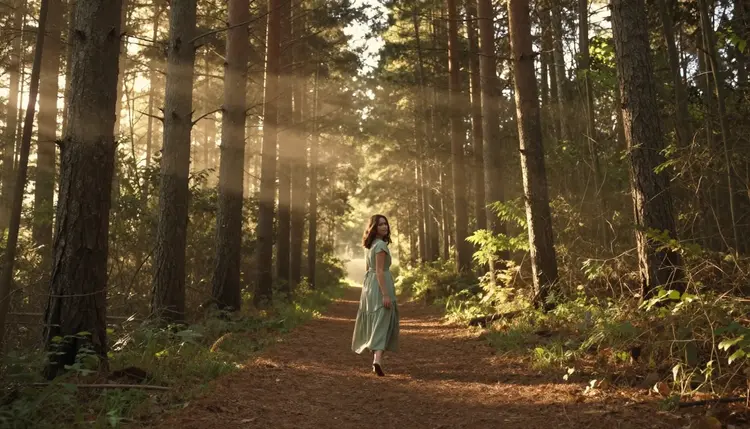
Recraft V4.1 Pro is billed per generation like every other model on Picasso IA, with the exact cost shown on the model page before you generate, so a longer or more detailed background prompt does not carry a hidden surcharge. New accounts start with free credits, enough to test a handful of backgrounds, beach, city and forest among them, before committing to a paid plan.
For a full breakdown of plans and what each tier includes, see pricing. If your project needs more than a single custom scene, from generating a fictional adult video in a matching setting to editing an existing background afterward, the full catalog lists every model on the platform alongside what it is built for.
Is Recraft V4.1 Pro really uncensored for this kind of scene?
Yes. Recraft V4.1 Pro is one of six models confirmed on Picasso IA to generate adult content directly from a prompt, background included, without a safety filter blocking or rejecting it. No model outside that confirmed group of six should be assumed to behave the same way.
Can I describe a real beach, city or forest by name?
You can describe the type of place, a sandy shoreline, a downtown skyline, a pine forest, in as much detail as you like. What matters is that every character standing in that setting is a fictional adult, since the rule is about who appears in the scene, not about how specific the background itself gets.
Why does my background look flat or generic even with a detailed prompt?
This usually happens when the background is described before the subject, or when the wording stays generic, such as outside or a nice view, instead of naming one concrete detail like a mossy log or a lit skyline. Reordering the prompt and adding one specific detail about the setting is the fastest fix.
Which model should I use if I want a photoreal background instead of an illustrated one?
Recraft V4.1 Pro leans toward a painterly, illustrated finish, so if a photoreal beach, rooftop or forest is the goal, try the same prompt on Seedream 4.5 or Qwen Image 2, the other two confirmed uncensored image models on Picasso IA.
Can I keep the same background across several generations?
Yes. Save the exact wording you used for the setting and reuse it while changing only the subject or the pose, which is what keeps a series of scenes visually consistent instead of drifting to a new background every time.
Can I swap the background on an image I already generated?
Yes. Picasso Image Editor Pro is the confirmed uncensored model built for editing an existing image, so a beach can become a rooftop, or a forest can become a beach, without regenerating the subject from a blank prompt.
What happens if a background prompt gets blocked on a different model?
If a model outside the confirmed six applies its own content filter and rejects the prompt, Picasso IA shows a message explaining the content is not supported by that model and offers to switch to one of the six confirmed uncensored models, carrying your prompt over automatically.
Can a custom background scene become a short video instead of a still image?
Yes. Picasso Video and LTX 2.3 Pro are the two confirmed uncensored video models, and both work from the same kind of background description used to build a still image.
Is my generated scene visible to other people on the site?
No. Every generation stays tied to the account that made it and is private by default, not posted or shared anywhere on Picasso IA, so testing several backgrounds behind the same fictional adult subject is never visible to other visitors.
Is there an age restriction on who can use this feature?
Yes, this feature is for adults only, and every character it generates must also be a fictional adult regardless of the background behind her. Generating anything that resembles a minor is never permitted, no matter how the background or the rest of the prompt is framed.