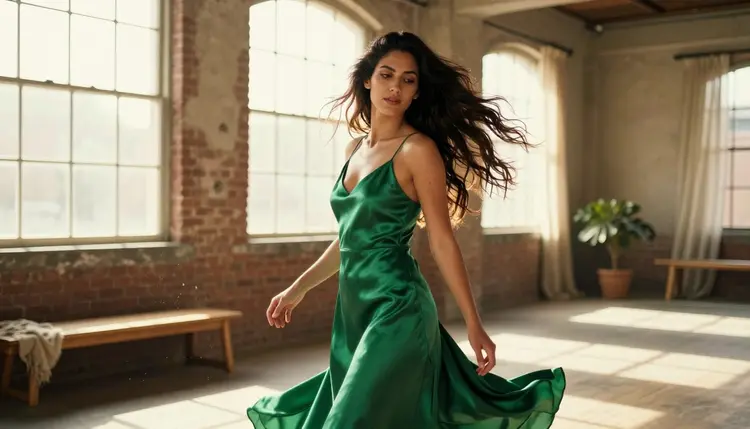
Slow motion is the effect that turns an ordinary clip into a cinematic one: silk catching the air a half second longer than it should, hair suspended mid-turn, a single droplet tracing a line down a cheek. It used to take a high-speed camera and a lighting rig to get that look. On Picasso IA it takes a text prompt and LTX 2.3 Pro, one of only six models confirmed to generate NSFW content with no content filter, and the one on the video side built specifically for continuous, cinematic camera work.
This page covers why LTX 2.3 Pro is the pick for a slow-motion scene, what actually makes a clip read as slow motion instead of footage that was simply played back slower, the five-step process from an idea to a finished render, prompting habits that keep fabric and hair physically believable, and the rules every fictional adult character in frame has to follow.
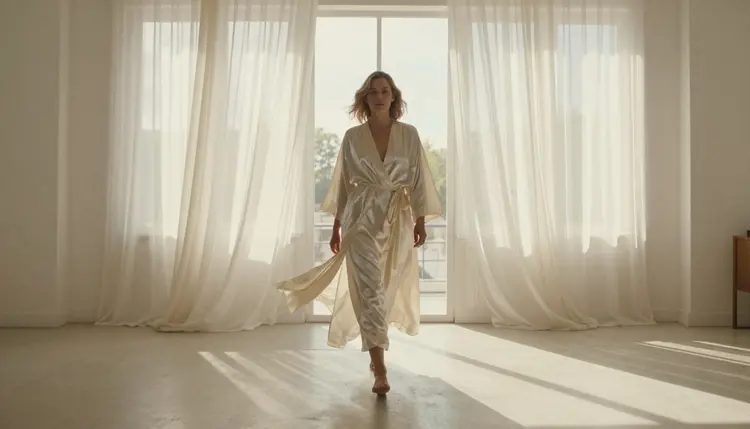
Slow motion is one of the harder things to ask a video model for, because it is not one frame that has to look right, it is dozens of frames that have to agree with each other: the same light, the same fold in the fabric, the same strand of hair, held and stretched across a longer clip than a normal shot would need. Most models on Picasso IA's 488-model catalog were never tuned for that kind of continuity, and even fewer will attempt an adult fictional scene at all. LTX 2.3 Pro clears both bars. It is one of six models across the whole catalog confirmed to run uncensored, with no content filter standing between a fictional adult prompt and the render, and it was built as a cinematic engine first, which is exactly what a convincing slow-motion shot needs.
The other confirmed option on the video side is Picasso Video, which is worth reaching for when a still image already exists and the goal is to animate it rather than generate a scene from a text prompt alone. For a slow-motion shot built from scratch, described in words rather than started from a photo, LTX 2.3 Pro is the stronger starting point. Both models live inside the toolkit next to the rest of the full catalog, alongside the confirmed uncensored image models, Seedream 4.5, Qwen Image 2, Recraft V4.1 Pro, and Picasso Image Editor Pro, in case a still frame needs a touch-up after the clip renders.
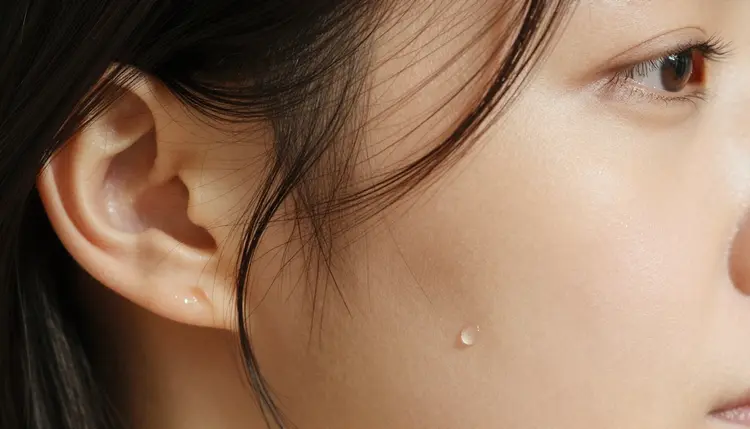
A clip that simply plays back at half speed still looks like a normal video, just slower. A clip that reads as genuine slow motion needs a detail on screen that visibly resists gravity and air for the length of the shot, which is why the classic slow-motion subjects are the ones that hang, drift, and settle: loose hair, a silk robe, a wide skirt, a droplet of water, a curtain caught by wind. Naming one of these in the prompt, rather than leaving the model to guess what should be moving, is what separates a shot that feels shot on a high-speed camera from one that just looks stretched.
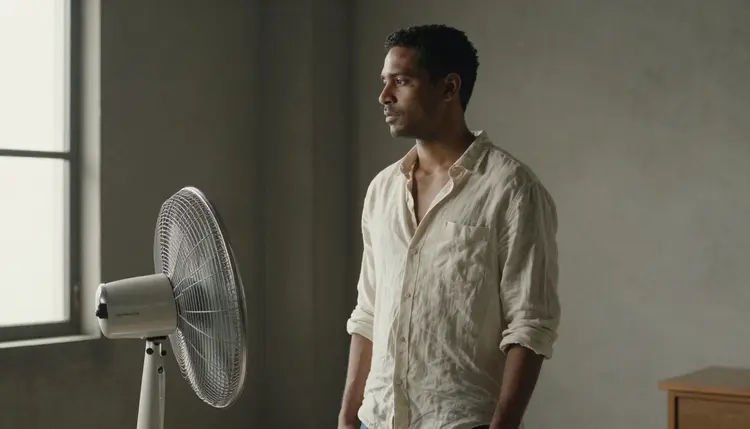
A motion source matters just as much as the fabric or hair itself. A subject standing still in slow motion has nothing to actually slow down, so the prompt needs an action: walking toward the camera, turning on a heel, spinning across a floor, or a practical source like an oscillating fan pushing air across a shirt or a curtain. An indoor fan is an easy, reliable way to get believable fabric motion into a scene that is not set outdoors, and it reads on screen exactly like a breeze would.
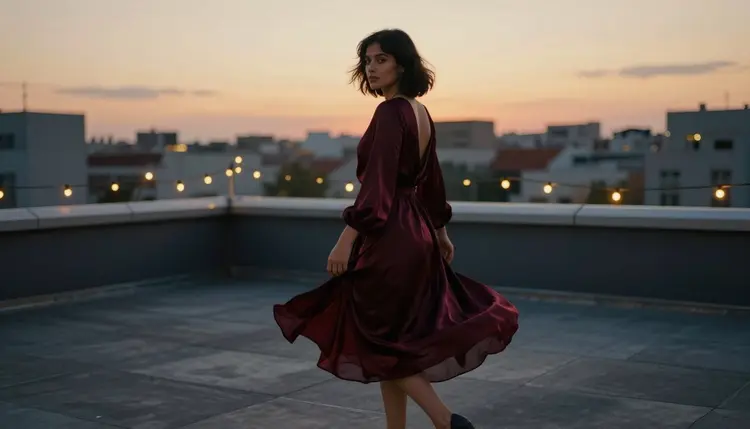
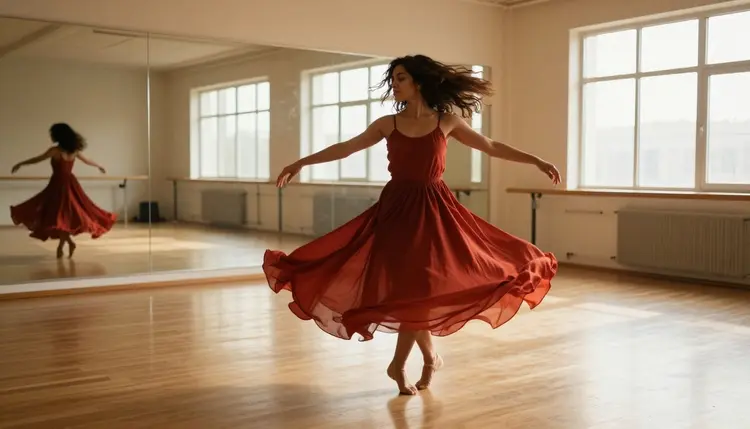
A turn or a spin is the other reliable motion source, and it does double duty: the body's rotation and the fabric's lag behind it are both visible at once, which is a lot of movement for one prompt to describe. A woman turning on a rooftop terrace at dusk, her gown a half beat behind her shoulders, or spinning across a mirrored studio floor with a skirt lifting outward, both read as slow motion the instant the fabric visibly trails the body instead of moving with it.
Getting from an idea to a finished slow-motion clip follows the same short loop every time, and it stays quick once the habit is set.
- Choose a Fabric or Detail That Moves in Air. Silk, loose hair, a flowing dress, or a droplet of water all catch light and hang in the frame the way a slow-motion camera loves, so build the scene around one of these instead of a static pose.
- Name the Motion Source in Plain Words. Say what is actually pushing the movement, a person walking, turning, or spinning, or a practical source like a fan or a breeze, since the words slow motion alone tell the model nothing about what should be in motion.
- Open the Toolkit and Select LTX 2.3 Pro. Choose text to video as the mode and pick LTX 2.3 Pro from the model list, one of six models confirmed to run uncensored on a fictional adult prompt.
- Set Duration and Resolution Before You Generate. Pick the clip length and output resolution in the generation panel, since a longer, higher-resolution slow-motion render costs more credits and the price updates live as the settings change.
- Review the Draft Frame by Frame and Refine One Detail. Watch the clip back slowly, check that the fabric, hair, and light stay consistent through the motion, and adjust one detail before generating again rather than rewriting the whole prompt.
A slow-motion prompt needs more physical detail than a still image prompt, since the model has to hold a consistent world across a longer stretch of frames, not just one composed shot. A few habits make a real difference in how convincing the result looks.
Say the words slow motion or slowed to a crawl directly in the prompt, right next to the detail that should be moving, rather than leaving it as a general mood for the whole scene. Pair a light source with the fabric: golden hour light through a window, or a single hard light from one side, both catch the edge of moving silk or hair in a way flat, even lighting does not.
| Say this | Instead of this | Why it helps |
|---|
| a fictional woman's silk robe drifting behind her in slow motion as she walks toward the camera | a woman walking slowly | names the fabric, the motion, and the pacing instead of leaving all three to chance |
| hair lifted by wind, a droplet of water tracing down her cheek, slow motion close-up | a close-up portrait | gives the model a specific moving detail instead of a static composition |
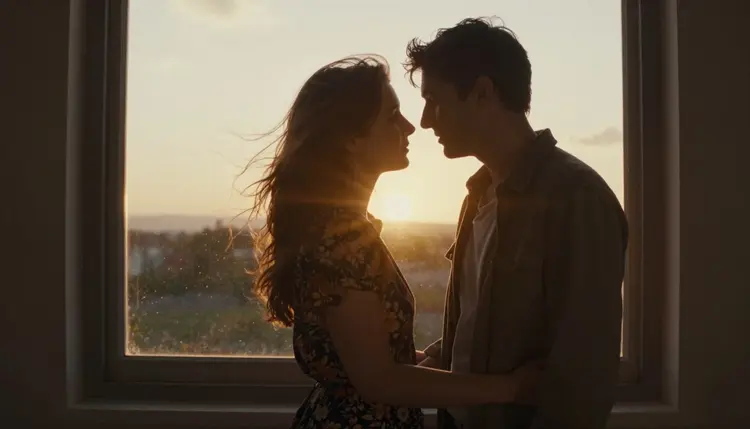
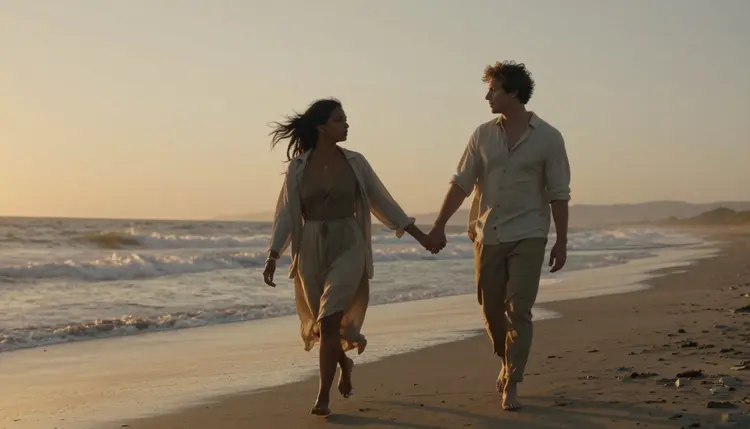
| a couple's hair and clothing caught by wind before a sunset window, slow motion, silhouette | a romantic sunset scene | names the exact source of motion and the lighting register together |
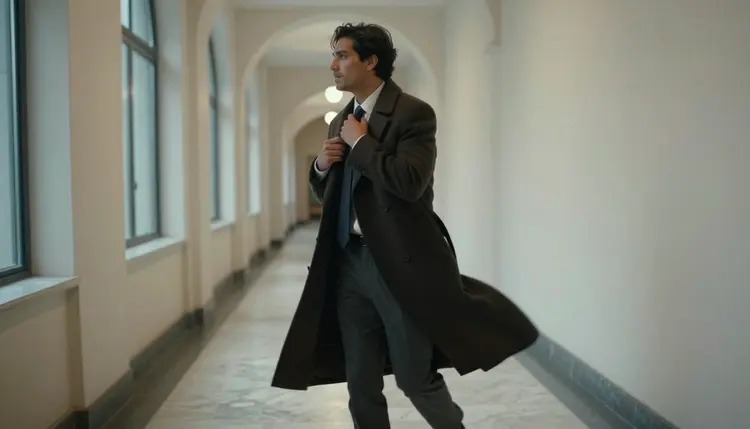
| a long coat flaring out behind a man striding down a marble hallway, slow motion | a man walking confidently | turns a generic action into a shot with a specific, visible motion cue |
Keep the scene to one clear action. A prompt asking for a walk, a turn, and a wind gust all at once tends to produce a confused result, where the model has to guess which motion actually matters. One action, one light source, one piece of moving fabric or hair, is a complete slow-motion brief on its own, and it is also the version most likely to render cleanly on the first try.
Iterate in small steps rather than rewriting the whole prompt between attempts. If the fabric motion is close but the timing feels off, change only the pacing word or the fan or wind reference and generate again, so it is clear which change actually fixed the shot.
Picasso IA is an adults-only platform, and every fictional character in a slow-motion scene has to be a fictional adult, eighteen or older. No real person's likeness without their consent, no public figures, and nothing that reads as a minor in any wardrobe, pose, or style. LTX 2.3 Pro running with no content filter changes what kind of fictional adult content it will attempt, not who it can ever be of, and that boundary applies on every model in the catalog, filtered or not.
Generations on Picasso IA stay private by default, visible only inside your own account unless you choose to download or share a clip yourself, so testing a scene across several drafts before landing on the timing that works does not put anything on public view. Once a finished clip leaves the app, what you can do with it is still governed by local law and by whatever platform you choose to post it on.
Video renders are paid for with the same credit balance as every other model on Picasso IA, and a slow-motion clip costs more than a still image the way any video generation does, scaling with the duration and resolution chosen in the generation panel. New accounts start with a batch of free credits, enough to test a couple of fabric and motion combinations with LTX 2.3 Pro before deciding whether to buy more.
A shorter, lower-resolution draft is the efficient way to check whether a prompt's fabric and motion actually hold together before committing credits to a longer, higher-resolution version. Exact current prices live on the pricing page rather than printed here, since packages and credit amounts change more often than this page does.
Does LTX 2.3 Pro really generate slow-motion NSFW video with no content filter?
Yes. LTX 2.3 Pro is one of six models on Picasso IA confirmed to run uncensored on fictional adult prompts, with no safety filter standing between the prompt and the render, as long as every character shown is a fictional adult, eighteen or older.
What actually makes a clip read as slow motion instead of a normal video played back slower?
A visible detail that resists gravity and air across the length of the shot, loose hair, a silk robe, a wide skirt, or a droplet of water, paired with a named motion source such as walking, turning, or a fan. Without one of those details, a prompt just produces a normal-speed clip rather than a genuine slow-motion shot.
Can I set the exact duration and resolution of the clip?
Yes. Duration and output resolution are both chosen in the generation panel before you submit, and the credit cost updates live as you adjust either setting, so the price is visible before you commit to a render.
Can I use a reference image to keep a character consistent across several slow-motion clips?
Yes, attaching a reference image alongside a text prompt is supported and tends to improve how consistent a character's face and wardrobe stay across multiple generations of the same fictional adult character.
What happens if I try a slow-motion prompt on a model that is not confirmed filter-free?
Most models on the catalog apply their own content filter tuned for a general audience, and a scene that reads as adult, even a purely fictional one, can get refused outright. Picasso IA shows a Content Not Supported by This Model message and offers to carry the prompt over to a confirmed model such as LTX 2.3 Pro instead.
Is Picasso Video also a good option for a slow-motion clip?
Picasso Video is the other confirmed uncensored video model on Picasso IA, and it is the stronger pick when a still image already exists and the goal is to animate it. For a slow-motion scene written from a text prompt with no starting image, LTX 2.3 Pro is generally the better fit.
Why does my slow-motion clip look choppy or blurry instead of smooth?
Cramming several actions into one prompt, a walk, a turn, and a wind gust together, tends to produce a confused, less stable result. Naming one clear action, one light source, and one moving fabric or hair detail is what actually produces a smooth, believable slow-motion render.
Can a slow-motion scene include more than one fictional character?
Yes, a couple embracing or walking together works the same way as a single character, as long as every person in the frame is a fictional adult, eighteen or older, with no real person's likeness involved.
How much does a slow-motion video cost, and are there free credits?
Cost scales with the duration and resolution selected, so a short, lower-resolution clip costs less than a long, high-resolution one, and the exact price shows before you generate. New accounts start with free credits, enough to test a couple of scenes before spending anything further, with current numbers kept on the pricing page.
Is generating a slow-motion NSFW video private?
Yes. Generations stay visible only inside your own account by default, and nothing is shared or posted publicly unless you choose to download or share it yourself.