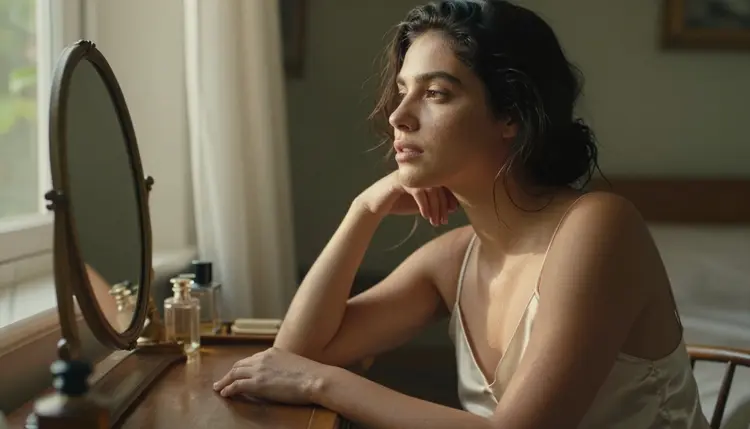
Ask most AI image models for a close portrait and the skin comes back looking like wax, too smooth, too even, no pores, no fine hair, as if a filter sat between the light and the shutter. That flattening is the single biggest tell that an image is AI made, and it shows up hardest exactly where NSFW content depends on looking real, on bare skin, close in, under real light.
Seedream 4.5 is the model built to avoid that flattening, and this guide is about getting the most out of it. Five concrete steps turn a flat, waxy result into one with visible pores, fine hair and real light falloff on skin, plus the prompt wording, the settings and the rules that keep every result fictional and adult by default.
Most models over smooth skin for the same reason a beauty filter does. Smooth reads as clean, and clean is the safer average across a training set of millions of images, so texture gets averaged away because that minimizes error across all of them rather than matching any one real photo. The result looks retouched even when nothing was retouched on purpose, flat highlights, no pore structure, hair that reads as a solid block of color instead of hundreds of separate strands.
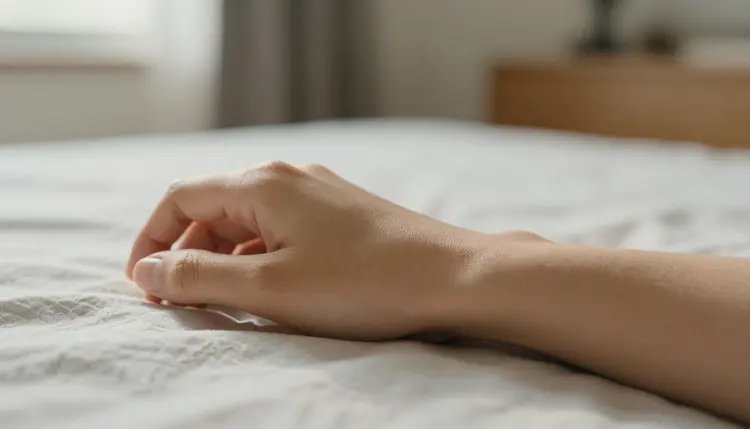
Seedream 4.5 handles this differently. It was trained and tuned specifically for photoreal output, which means its default reading of skin already carries more texture than a generalist model does, pores, faint veins, the slight unevenness of real tone rather than one flat shade across a whole limb. That baseline is why it is the primary model for this guide, everything below assumes Seedream 4.5 unless another model is named directly.
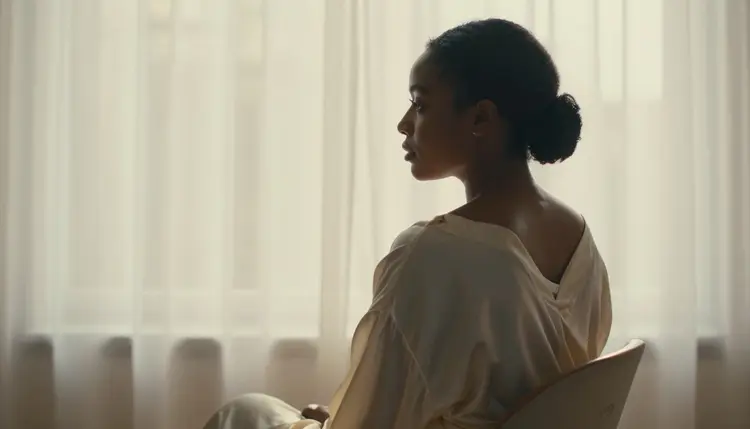
Light does as much work as the model does. A flat, shadowless prompt like good lighting or studio light gives Seedream 4.5 nothing to catch texture on, because texture is mostly shadow, the tiny variation across a pore or a strand of hair only reads when a light source is raking across it at an angle. Naming a direction and a quality of light, low sun through a window, a single lamp from the side, does more of the actual sharpening work than any technical setting in the interface.
Picasso IA filters most of its catalog for adult content, and only six models are confirmed not to reject a prompt like the ones in this guide, Seedream 4.5, Qwen Image 2, Recraft V4.1 Pro, Picasso Image Editor Pro, Picasso Video and LTX 2.3 Pro. Seedream 4.5 is the primary model for skin detail specifically, since it is tuned for photoreal texture rather than illustration or heavy stylization, but the other five have a role worth knowing before you start.
Qwen Image 2 can produce sharp skin too, but it rewards a denser, more literal prompt than Seedream 4.5 does, so treat it as a second option rather than a straight replacement. Recraft V4.1 Pro leans illustrated by default, so pushing it toward photoreal skin fights its natural style instead of working with it. Every other model in the catalog, including well known names outside this list, is untested for this kind of prompt and should not be assumed to behave the same way. Trying one is fine out of curiosity, but do not expect the same filter behavior the six confirmed models above are built to allow.
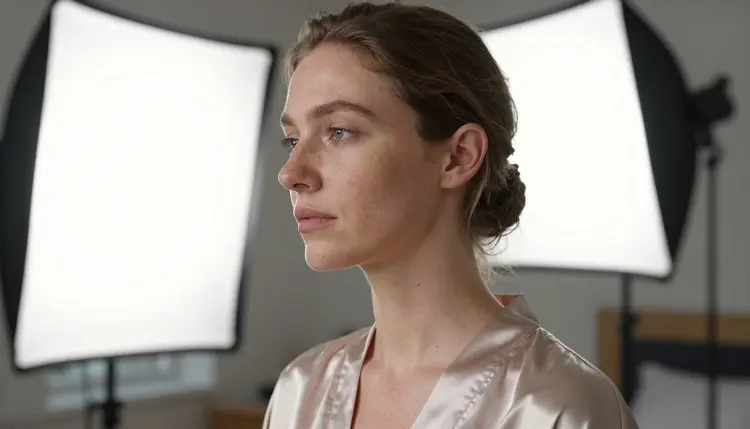
This is the kind of result Seedream 4.5 produces once a prompt names skin texture directly instead of leaving it to chance, visible pore structure along the cheek, a faint sheen at the collarbone, the soft catch light of an overcast window rather than one flat studio glow across the whole face.
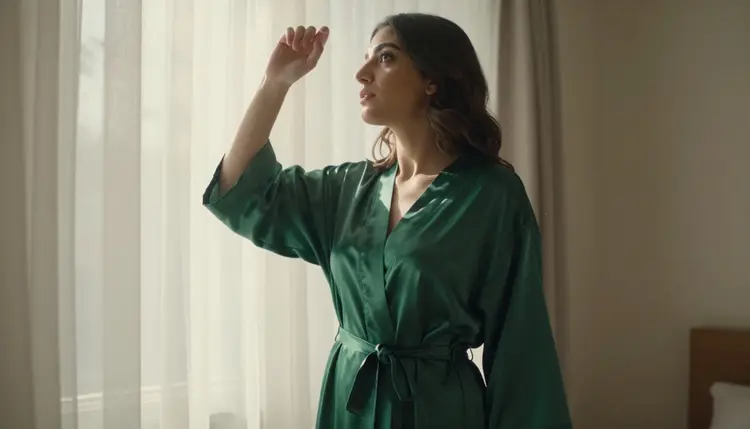
Recraft V4.1 Pro produces something different from the same idea, a cleaner, more graphic reading of the fabric and the light, which is the right call when the goal is a stylized look rather than a documentary one. Knowing which of the six models to reach for before writing a word saves a wasted generation more reliably than any prompt trick ever will.
None of this depends on a secret setting hidden somewhere in the interface. It comes down to five decisions, made in order, before the generate button gets pressed.
- Open Seedream 4.5 and set the highest resolution option. A model can only render texture that the output resolution has room for, and a low resolution generation blurs fine detail that no amount of prompt writing brings back afterward.
- Name the skin texture directly in the prompt. Words like visible pores, fine body hair, faint skin sheen and natural texture do real work, since a generic prompt defaults straight to the smooth average the model learned from its training data.
- State a real light source and its direction. Window light from the left, low afternoon sun, a single side lamp, each rakes across skin differently, and that raking angle is what makes texture visible to the model in the first place.
- Keep the framing close enough for detail to matter. A close up or a half body shot lets Seedream 4.5 spend more of the image on skin, while a wide, full scene shot spreads the same resolution across a much larger area and flattens texture by default.
- Fix one soft area with Picasso Image Editor Pro instead of starting over. If everything works except one blurred patch, a hand, a shoulder, a fold of fabric, editing that region directly keeps the parts that already looked right.
Four kinds of words do almost all of the work here, texture words, light words, a stated distance and a material word for anything skin is touching or wearing. Stacking two or three of them in one sentence outperforms a long list of separate mood adjectives almost every time, because each one gives Seedream 4.5 something concrete to render rather than a feeling to interpret.

Close in, texture words like visible pore detail, faint natural sheen and soft body hair give Seedream 4.5 something concrete to render on a knee or a forearm, rather than leaving it to default to the smoothest possible reading of the skin. Naming the surface next to it, cotton sheets, a wool throw, gives the model a second texture to contrast the skin against, and that contrast is part of what sharpens the read on both.

This is what a texture first prompt produces at true macro distance, individual pore structure, a faint natural sheen instead of an even matte finish, light catching the collarbone at an angle rather than flattening it into one flat tone. Getting this close only works when the framing instruction in the prompt matches it, close up, macro, tight crop, since a model left to guess the distance will usually default to a wider, safer shot.
Avoid vague finishing words like flawless or perfect skin. Both push the model straight back toward the smooth average this entire guide is trying to avoid, since a word like flawless has no texture in it at all, only the absence of one.
Everything this guide describes is adult content, 18 plus only, and every figure in every example has to be an invented, fictional adult, never a real, identifiable person and never anyone who could read as underage, however the prompt happens to be worded. That line does not move for any of the six confirmed models. Seedream 4.5 and the rest only change whether an adult prompt gets rejected before generation, never who or what is allowed to appear once it does.
Do not name a real person or describe a real face or body from memory. A model trained to render skin texture this well is not a tool for recreating someone who actually exists, and using it that way sits outside what Picasso IA supports, regardless of how the request gets framed.
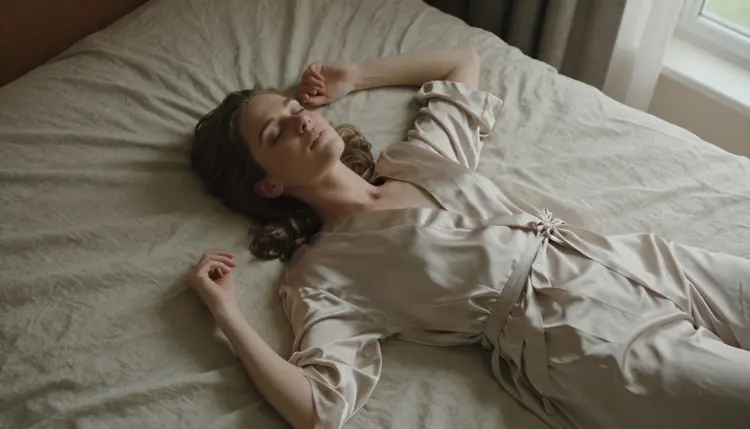
Privacy works the same way it does across the rest of Picasso IA. What gets generated stays private by default, nothing is published, browsed or shared with other users unless you choose to do that yourself.
Asking for flawless skin. Flawless is the opposite of textured, and the word pushes Seedream 4.5 straight back toward the smooth average this whole guide works against. Ask for texture, not perfection, and the result reads far more real.
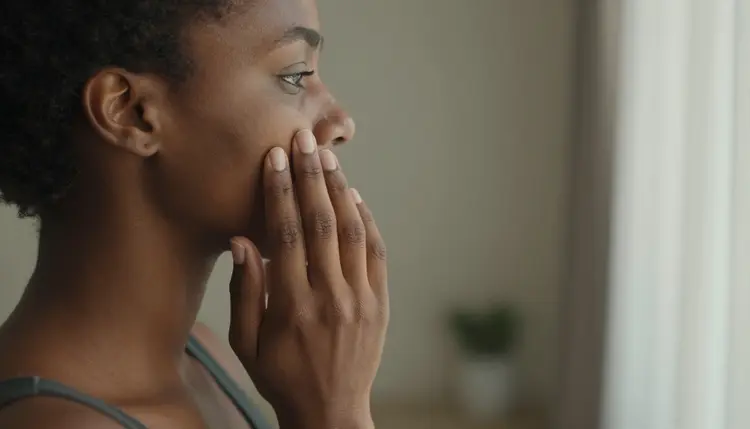
Framing too wide. A full body shot spreads the same resolution across far more surface area than a close up does, which is why a wide scene almost always looks softer than a tight one built from identical settings.
Skipping the light direction. Without one, Seedream 4.5 tends to default to a flat, even glow that barely models anything across the skin. A stated direction, from the left, from above, backlit through a curtain, does more of the sharpening work than any other single word in the prompt.
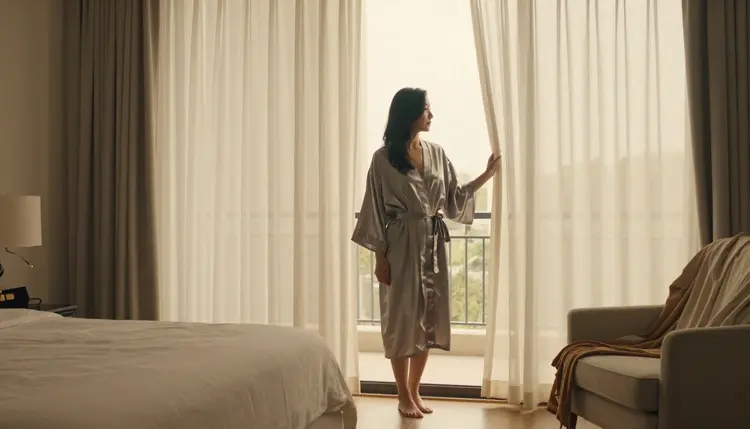
Regenerating from zero over one soft spot. If most of an image already looks right, sending it to Picasso Image Editor Pro to fix the one blurred patch keeps everything that worked and wastes far less time than starting over on a brand new prompt.
Why does Seedream 4.5 render sharper skin than most other models?
Seedream 4.5 was tuned specifically for photoreal output, so its default reading of skin already carries more texture than a generalist model, pores, fine hair, slight tonal variation, instead of the flat, retouched look most models deliver by default.
Do I need to write the word pores every time?
Not literally every time, but naming texture directly, visible pore detail, natural skin texture, faint sheen, works far better than leaving it implied, since a vague prompt defaults to the smooth average the model learned from its training data.
What resolution setting gives the sharpest skin detail?
Always the highest resolution option available for the generation. Texture needs pixels to exist in, and no editing pass afterward can fully recreate detail that was never rendered in the first place.
Is Qwen Image 2 also good for this kind of detail?
It is one of the six confirmed uncensored models and can produce sharp results, but it tends to reward a denser, more literal prompt than Seedream 4.5 does, so it is worth trying as a second option rather than the first one to reach for.
Why does my image still look plastic even with a detailed prompt?
Check the framing and the light direction before assuming the prompt failed. A wide shot spreads the same resolution across far more surface, and a prompt with no stated light source usually falls back to a flat, even glow that barely shows texture at all.
Can I fix one blurry area without regenerating the whole image?
Yes. Picasso Image Editor Pro edits an existing image directly, so a soft hand, shoulder or fold of fabric can be corrected on its own without rebuilding a prompt that mostly worked.
Is it allowed to describe a real person in one of these prompts?
No. Every figure generated through Picasso IA has to be a fictional, invented adult, 18 plus only, never the likeness of a real identifiable person and never anyone who could read as underage, regardless of how the prompt is worded.
Does the light direction matter more than the wording of the prompt?
They do different jobs, so both matter. Light gives the model something physical for texture to catch on, and wording tells it which texture to render, and skipping either one weakens the result the other was set up to produce.
Do these same techniques carry over to video?
Yes. Picasso Video and LTX 2.3 Pro read a very similar structure, texture, light direction and close framing, with motion or a camera move added on top rather than a completely different kind of prompt.
Is it free to try Seedream 4.5 before subscribing?
New accounts on Picasso IA start with free credits that work across the catalog, including the six confirmed uncensored models, so the same prompt can be tested on Seedream 4.5 before deciding on a plan. Current plans are listed on pricing.