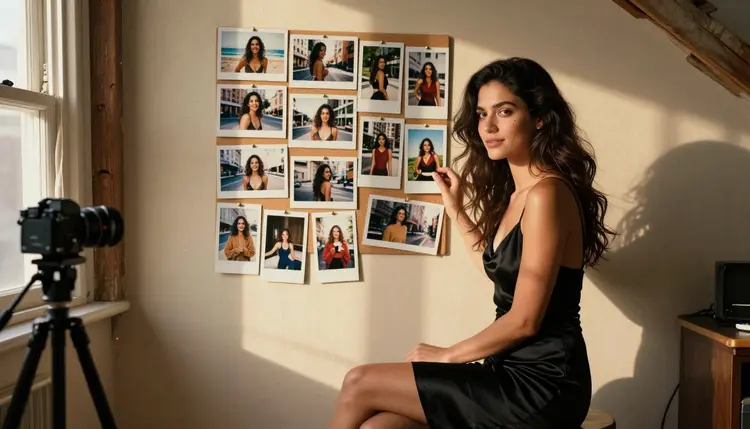
Generate the same fictional character in ten different NSFW scenes and by the fourth image she barely looks like the first. The eyes change shape, the jaw softens, a mole that sat on her left cheek moves to her right or disappears completely. Nothing is broken. This is just what happens when a model reads a text prompt fresh every single time.
This guide is a repeatable way to keep one fictional character's face steady across an entire set, built around Seedream 4.5, Picasso IA's primary confirmed uncensored model for this exact job. It also covers where Qwen Image 2 and Picasso Image Editor Pro fit around it, the five steps that make the difference, and the mistakes that quietly undo all of it.
Everything below stays inside Picasso IA's six confirmed uncensored models, so nothing here involves rewording a prompt to slip past a filter. The technique is the same whether the goal is a themed photo set, a short visual story, or a character carried into a moving scene.
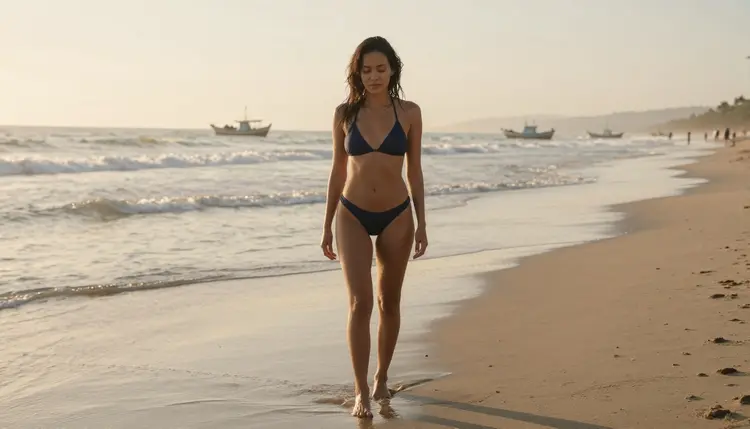
An image model does not remember the character from one generation to the next. Each prompt is read on its own, so unless something anchors identity, a reference image, a fixed physical description, or a reused seed, the model quietly reinterprets "her" from scratch every time the scene changes.
The more a scene changes, a new outfit, new lighting, a new pose, a new location, the more room the model has to also redraw the face without meaning to. A single standalone image never shows this, because there is nothing to compare it against. It only becomes visible once the same character needs to appear across three, five or ten scenes and the set stops reading as one person.
Photoreal models feel this more than illustrated ones, because a photoreal face is read at much higher fidelity, so small shifts in bone structure or skin tone are far more noticeable. That makes the fix matter more, not less, for the kind of realistic, mature work Seedream 4.5 is built for.
Picasso IA runs 488 models, but only six are confirmed to generate adult content directly, without a safety filter rejecting the prompt. These are the only six worth relying on for this kind of work, and Seedream 4.5 is the one best suited to holding a face steady.
For this specific job, Seedream 4.5 is the primary tool. It accepts a reference image alongside a text prompt and holds onto facial structure noticeably better than a text-only approach across changes in outfit, pose and setting. Qwen Image 2 is a solid alternative when a scene needs more flexible edits, and Picasso Image Editor Pro is the one to reach for afterward, to correct a single image that still drifted rather than regenerating the whole scene.
Every other model in the catalog, including well known names like Nano Banana, Seedance and Kling, is not confirmed to behave the same way with adult prompts and should be treated as filtered until proven otherwise. Sending this kind of prompt to one of them is more likely to get it rejected than to produce a usable, on-model face.
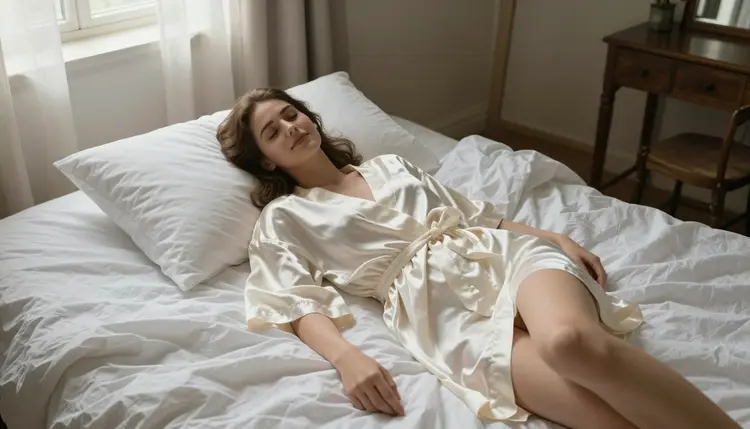
These five steps, in order, are what actually keeps a character recognizable across a whole set instead of just the first two images.
- Generate a reference face first. Create one clean, well-lit portrait of the character with Seedream 4.5 before anything else, and keep that exact image as the anchor for every scene that follows.
- Write one fixed physical description. Lock the exact wording for hair color and length, eye color, face shape, skin tone and any distinguishing mark, then reuse that same wording in every later prompt instead of rephrasing it each time.
- Feed the reference image back in. Use Seedream 4.5's image input, or Qwen Image 2 for a more flexible edit, with the reference photo alongside the new scene description, so the model has an actual face to match, not just words.
- Keep the seed and resolution constant where possible. Reusing the same seed and output size across a series gives the model less room to reinterpret the face cold on every single generation.
- Fix drift with the editor, not a full regenerate. When one image in the set still slips, send it to Picasso Image Editor Pro to correct the face directly instead of starting the whole scene over.
The reference image from step one is the single strongest anchor available, stronger than any amount of careful wording on its own. A model shown an actual face has far less to guess than a model given only adjectives, so treat that first portrait as the character sheet for the entire project, not a throwaway test generation.
When writing the fixed description from step two, be specific rather than atmospheric. "A woman with shoulder length auburn hair, green eyes, a straight nose and a small scar above her left eyebrow" gives the model something concrete to hold onto every time. A vaguer line like "an attractive woman with nice hair" leaves far more room for the face to shift scene to scene.
Vary only what is supposed to vary. The outfit, the setting, the pose and the lighting should change freely between images, that is the whole point of a themed set, but the face description itself should stay untouched, word for word, from the first prompt to the last.
Be careful with chaining. It is tempting to use the most recent output as the new reference for the next image, but any drift in that output carries forward and compounds. Keeping the original step-one portrait as the constant reference, rather than the latest result, is what actually holds the line across a long series.
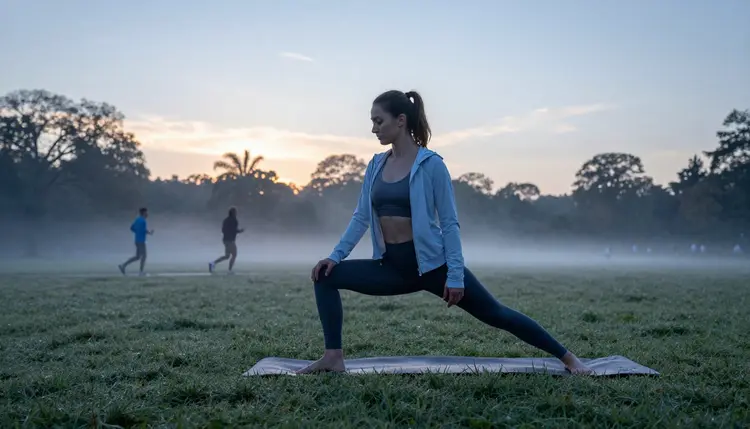
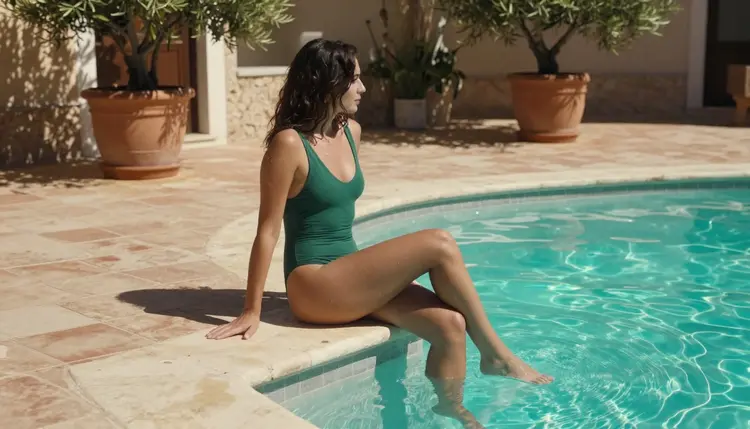
Rewriting the description each time is the most common one. Even small wording changes, swapping "auburn" for "reddish brown," or "green eyes" for "emerald eyes," shift how the model interprets the face, so the fixed description from step two needs to be copied, not rephrased from memory.
Skipping the reference image and relying on text alone across a long series is the second. Text carries a face reasonably well for two or three images and then drifts noticeably by the fourth or fifth, exactly the pattern this guide opened with.
Chaining edits from an already drifted image is the third, and it is the one that compounds fastest. Each further edit builds on whatever the previous one got wrong, so a small shift in image three becomes an unmistakable one by image six.
Switching models mid-series without a reason is the fourth. Seedream 4.5, Qwen Image 2 and Recraft V4.1 Pro each interpret a face slightly differently, so alternating between them inside one set reintroduces the exact drift this whole workflow exists to prevent.
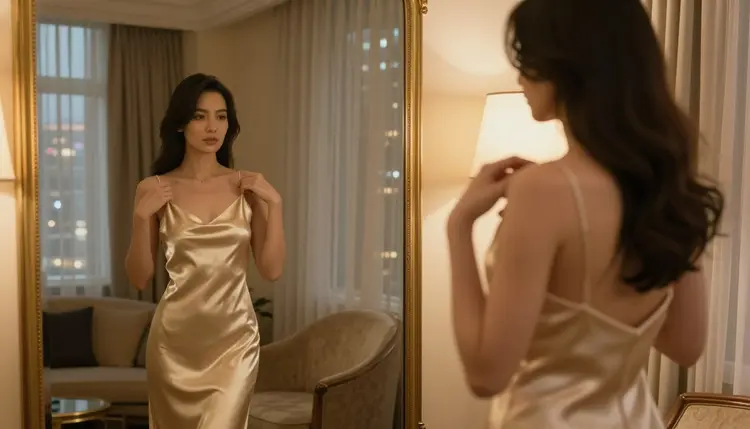

Every technique on this page assumes the character is invented from the start. The workflow keeps an imagined face recognizable across a set, it does not exist to reproduce, stand in for or imitate a real, identifiable person, and it must never be used to try to keep the "likeness" of a real individual consistent without that person's consent.
Generation through these six confirmed models is 18+ and adults-only. Every character has to be a fictional adult, described or drawn from a text prompt and a generated reference image, never a real person and never anyone who could be read as a minor regardless of how the prompt or the description is worded. There is no version of this technique that changes that boundary, it only ever applies to a face the model itself created.
Picasso IA also keeps generations private by default. A reference portrait built for a personal project is not published or shared anywhere by the platform, which matters for exactly this kind of recurring-character work, since the reference image tends to get reused and stored across many later prompts.
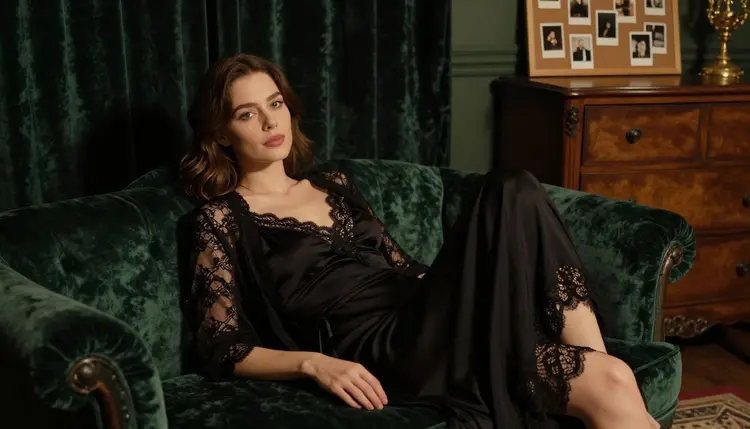
Why does my NSFW character's face change between generations?
Because an image model reads each prompt independently and does not remember earlier outputs. Without an anchor such as a reference image, a fixed description or a reused seed, it reinterprets the face from scratch every time the scene changes.
Which model is best for keeping a fictional character's face consistent?
Seedream 4.5 is the primary choice on Picasso IA, since it accepts a reference image alongside the text prompt and holds facial structure noticeably better across changes in outfit, pose and setting. Qwen Image 2 is a solid alternative for scenes that need more flexible edits.
Do I need a reference image, or can I do this with text alone?
A reference image is strongly recommended. Text alone can hold a face for two or three images before it starts to drift, while a reference photo fed back into Seedream 4.5 or Qwen Image 2 gives the model an actual face to match rather than only adjectives to guess from.
Can I use a photo of a real person as the reference face?
No. This workflow is for an invented, AI-generated reference face only. It must never be used to try to keep a real, identifiable person's likeness consistent, and every character produced through it has to be a fictional adult, never a real individual and never anyone who could be read as a minor.
What is a seed, and does reusing it really help?
A seed is the starting value a model uses to generate an image, and reusing the same one across a series reduces how much the model reinterprets the scene cold every time. It is a smaller factor than the reference image and the fixed description, but it helps, especially combined with a constant resolution.
How many reference images should I keep for one character?
One clean, well-lit portrait from step one is usually enough for an entire set, and it should stay the constant reference throughout rather than being swapped for a later result. Keeping a small folder with that original portrait alongside the fixed description text makes it easy to stay consistent across a long project.
What should I do if one image in a series still doesn't match?
Send that single image to Picasso Image Editor Pro and correct the face directly rather than regenerating the whole scene from scratch. This fixes the one image that slipped without risking new drift across the rest of the set.
Can this same character be carried into a video?
Yes. Picasso Video and LTX 2.3 Pro are the two confirmed models for adult motion, and both work from the same reference portrait and fixed description used for the still images, so a character built with Seedream 4.5 can carry over into a moving scene.
Is it against the rules to build a recurring fictional character this way?
No, as long as the character stays fictional and adult throughout. The rule that matters is that the reference face itself has to be invented or AI-generated, never a real person's likeness used without consent, and never anyone who could be read as a minor.
Is there a free way to test this before subscribing?
New accounts on Picasso IA start with free credits that work across the catalog, including Seedream 4.5, so the reference-image workflow can be tested on a small set before deciding whether to subscribe. Current plans are listed on pricing.