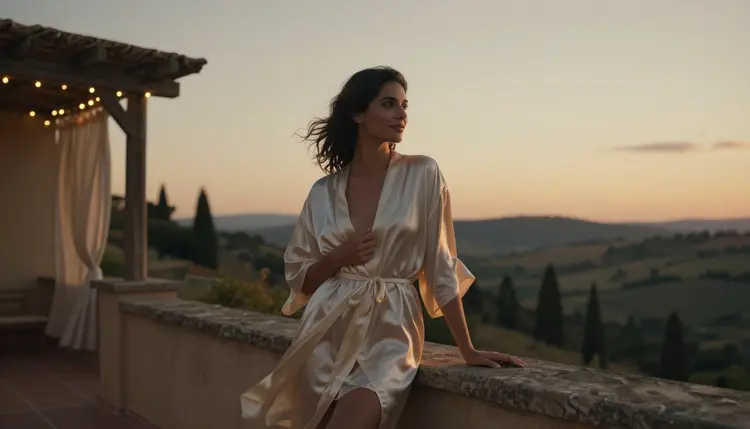
A spicy video prompt rarely fails because the model cannot render skin or motion. It fails because the scene has no mood: flat light, no setting, nothing happening before or after the one moment described. The result reads as a pose, not a scene, no matter how detailed the description of the two people in it is.
Picasso IA runs two confirmed, filter free models for adult motion: LTX 2.3 Pro and Picasso Video. Neither one requires a trick or a workaround to generate an intimate scene directly, but neither one invents the mood for you either. Lighting, setting and the small motion that happens around the main action are what turn a technically correct video into one that actually feels like something, and that work happens in the prompt, not in the model.
This page covers nine setting archetypes that read as mood on their own, a five step method for building a prompt around one of them, which models are actually confirmed for this kind of work, and the fictional adults only rules that apply to every scene generated through them.
Most people writing an adult video prompt describe the two figures and stop there: body, pose, one action. That is enough for a still image, where a single frame carries the whole idea, but a video model like LTX 2.3 Pro or Picasso Video renders several seconds of motion, and several seconds of nothing but a static pose looks obviously wrong. Mood is what fills that time. It is the light source, the room or the outdoor setting, the small gesture the camera catches before or after the main action, and the weather or sound implied even though the model never plays audio.
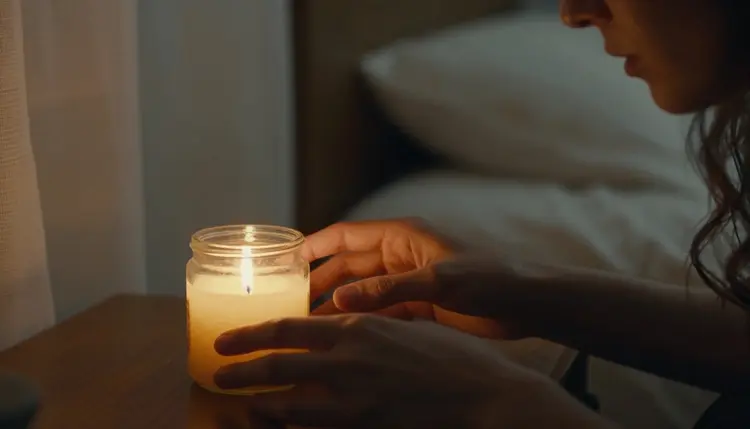
A bare prompt like "a couple in bed" gives the model almost nothing to build a scene from, so it defaults to flat lighting and a generic room. Add the setting and the light source instead: a single candle on a nightstand, the flame moving with the draft from an open window, one hand tracing the wax as it drips. That is still a short prompt, but now the model has a light source to render, a surface for shadows to fall on, and a small, specific motion to animate, three things a bare pose never gives it.
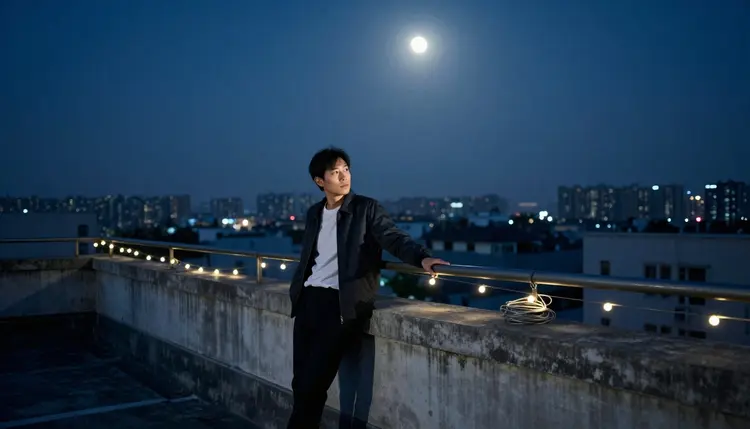
The same logic scales past a bedroom. A rooftop under moonlight, a rain streaked window at night, a fireplace in a cabin: each one comes with its own light, its own texture and its own reason for the camera to hold still for a few seconds. Naming the setting is often more useful to the result than adding another line describing the bodies in it.
Picasso IA's catalog runs past 480 models, and most of them apply a safety filter somewhere in the pipeline. Send an adult prompt to one of those and it gets rejected outright, mood and setting or not. Six models across the whole catalog are confirmed to generate this kind of content directly, without that filter stepping in, and two of them are built for motion.
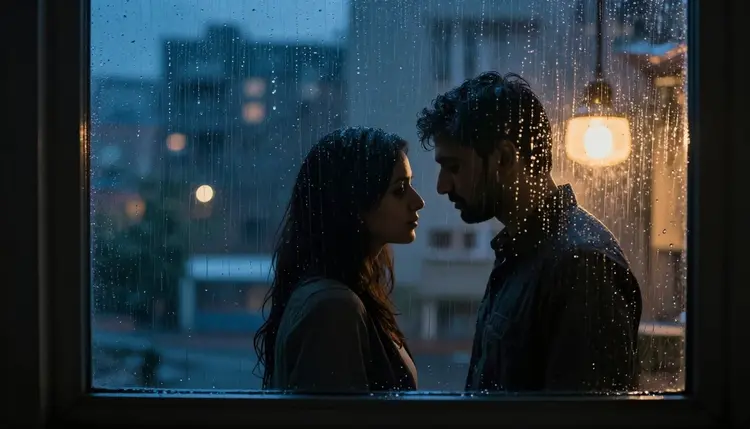
LTX 2.3 Pro and Picasso Video are the two to use for a mood driven scene like the rain streaked window above: both hold a setting steady across several seconds of motion instead of collapsing it back to a plain pose, and both read a lighting or weather cue in the prompt as something to actually render, not as decoration to ignore. A still image made first with Seedream 4.5 or Recraft V4.1 Pro is also a solid starting point when a specific setting needs to be locked in before it moves, since either one can be reworked into a motion prompt for LTX 2.3 Pro or Picasso Video afterward.
Every other model on the site, including well known names outside this list, is not confirmed to handle an adult prompt the same way, and a mood heavy setting will not change that. If a model filters the prompt, the fix is switching to one of these six, not disguising the description of the setting or the scene.
Building mood into a prompt is a short, repeatable process once the pieces are named in the right order. Follow these five steps.
- Pick a Setting Before a Pose. Choose the place first, a rooftop, a jazz bar, a foggy garden, before describing what the two people are doing, since the setting decides the light and the mood before the action does.
- Name the Light Source. State where the light comes from, a candle, moonlight, a fireplace, a streetlamp through rain, so the model has a real source to shade around instead of defaulting to flat, even light.
- Add One Small Motion. Give the camera something to catch besides the main action: a hand adjusting an earring, fog drifting past, a flame flickering, since that small motion is what keeps several seconds of video from looking like a frozen pose.
- Choose LTX 2.3 Pro or Picasso Video. Generate with one of the two confirmed video models, since both are built to hold a setting and a light source steady across motion instead of losing them after the first frame.
- Watch the First Result for Drift. Check whether the setting and light stay consistent through the clip, and if either one drifts partway through, add a second sentence pinning the light source and setting down more specifically before regenerating.
Some settings carry mood before any figure enters the frame at all, which makes them useful for an opening shot or a scene that starts wide and moves closer. A short list of settings worth having ready, matched to the kind of scene each one supports.
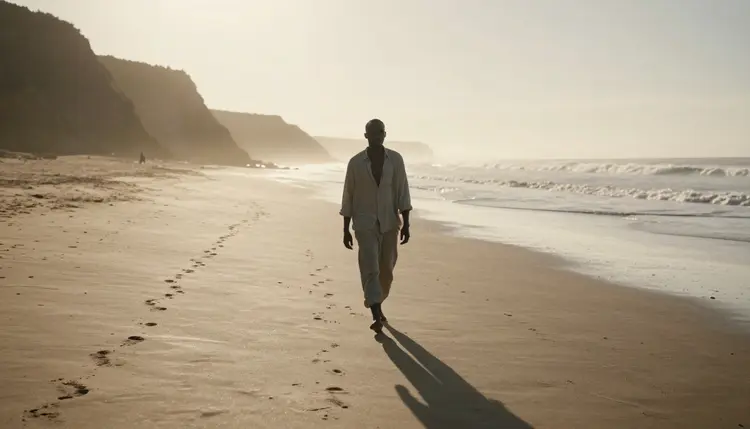
Golden hour, outdoors. A shoreline at sunset, low sun, long shadows, works as a solo establishing shot before a scene shifts to two people, and the warm light does most of the emotional work on its own.
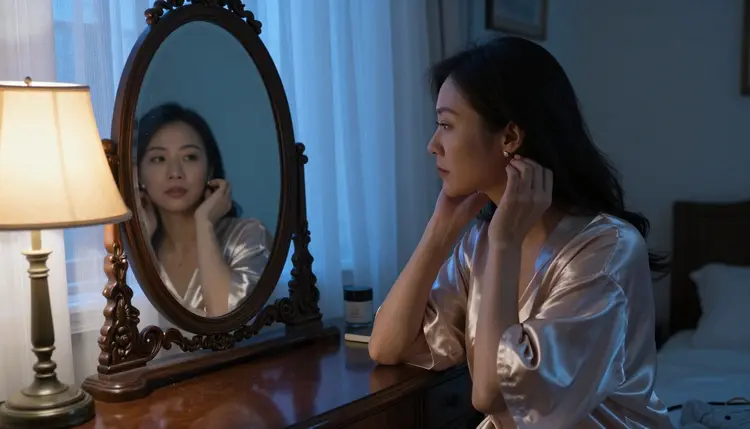
Blue evening light, indoors. A mirror lit by the last blue light before full dark reads as anticipation rather than the moment itself, useful for a prompt that wants to build toward a scene instead of starting in the middle of it.
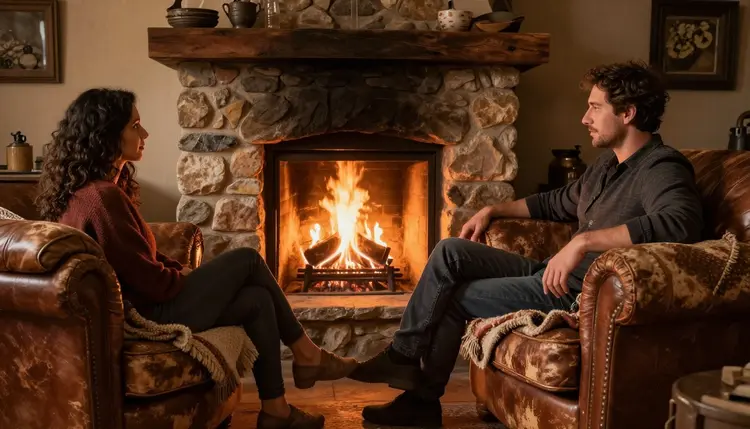
Firelight, close quarters. A stone fireplace in a cabin gives warm, moving, orange light on skin without naming a single bulb or lamp, and the flicker itself is the small motion a static pose is missing.
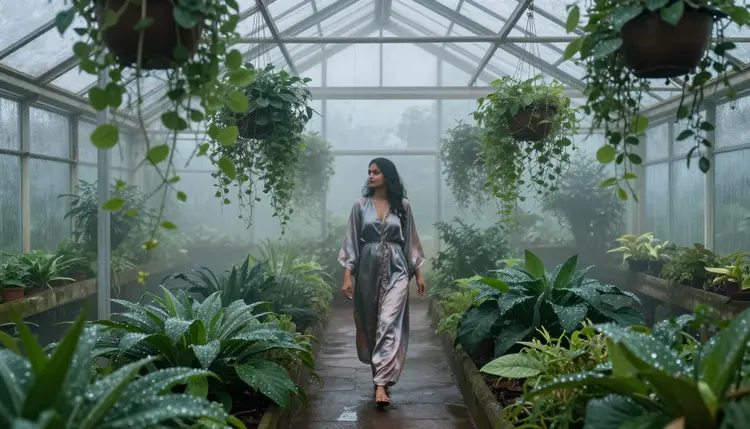
Fog, early morning. A greenhouse or garden at dawn, fog low across the ground, trades heat for stillness and works well for a slower, quieter scene rather than an urgent one.
Warm interior light, movement. A jazz bar or lounge, low amber light, two people close together while moving, gives the model a reason for physical closeness that exists before any other action starts.
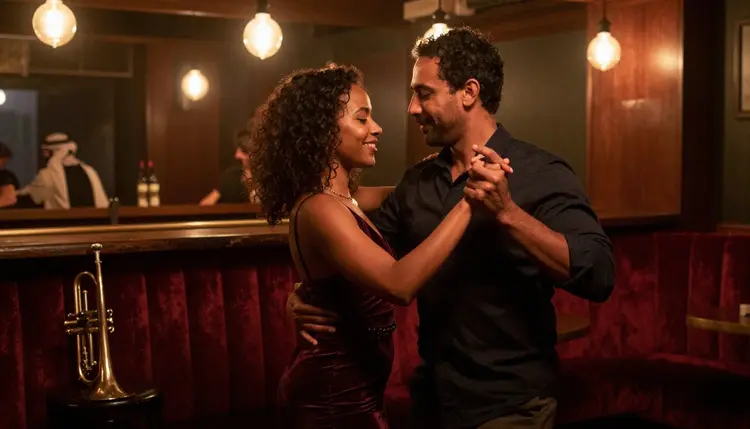
None of these settings need extra adjectives to work. Naming the setting, the light source and one small motion is enough for LTX 2.3 Pro or Picasso Video to build several seconds of consistent, moving atmosphere around it, which is the part a bare pose never provides on its own.
Every scene built with the steps above still has to follow the same rules as every other piece of adult content on Picasso IA. This generator is 18+ only, and every character in a scene, mood driven or not, has to be a fictional adult: invented from a text description, never the likeness of a real, identifiable person, and never anyone who could be read as underage regardless of how the setting or the wording is dressed up. A candlelit room or a rooftop at night does not change what the rules require of the people in it.
Consent applies to the description itself, not just the result. Do not name a real person, describe a real person's face or body, or build a fictional frame around someone meant to be recognized. None of the six confirmed models, including LTX 2.3 Pro and Picasso Video, change what is or is not allowed; they only remove the filter that would otherwise block an adult prompt from generating at all.
Generations made this way are private by default. What gets created through these models is tied to the account that made it, not surfaced publicly or shown to other users browsing the site, and that stays true whether the setting is a candlelit bedroom or a rooftop at night.
A single setting can carry more than one shot. A rooftop under moonlight works as a quiet ending as easily as it works as an opening, and a scene built entirely from mood, light and one small motion tends to read as more finished than one built from a longer list of physical descriptions alone.
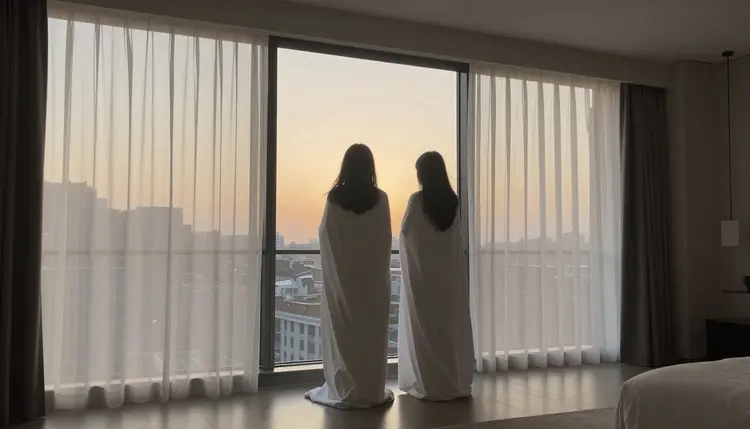
Dawn works the same way at the other end of a scene. Soft light through a window, after the main action rather than during it, gives a clip somewhere to land instead of cutting off mid motion, and it reuses the same setting plus light approach from every step above.
New accounts on Picasso IA start with free credits that work across the full catalog, including LTX 2.3 Pro and Picasso Video, so a setting can be tested on both before committing to one for a longer scene. Current plans and what each one includes live on pricing rather than being repeated here, since the numbers change more often than this page does.
What makes a video prompt feel like it has mood?
Three things a bare pose never provides on its own: a named setting, a specific light source, and one small motion happening besides the main action. A prompt built around those three reads as a scene instead of a frozen pose, and it is why a candlelit room or a rain streaked window outperforms a plain description of two bodies with no setting at all.
Which models are confirmed for this kind of video?
Six models across the whole Picasso IA catalog are confirmed to generate adult content directly, without a filter stepping in: Seedream 4.5, Qwen Image 2, Recraft V4.1 Pro, Picasso Image Editor Pro, Picasso Video and LTX 2.3 Pro. For motion specifically, LTX 2.3 Pro and Picasso Video are the two to use, since both hold a setting and a light source steady across several seconds instead of losing them after the first frame.
Can I plan the setting with a still image before generating video?
Yes. Seedream 4.5 or Recraft V4.1 Pro can lock in a setting, a light source and a pose as a still image first, and that same description can then be reworked into a motion prompt for LTX 2.3 Pro or Picasso Video once the mood looks right.
Do I need to describe the setting in a lot of detail?
No. Naming where the light comes from, what the setting is and one small motion happening in it is usually enough. Adding more adjectives to the bodies in the scene tends to help less than adding one more concrete detail about the setting or the light source.
What happens if a mood driven adult prompt goes to a model that is not confirmed?
The model applies its own safety filter and rejects the prompt regardless of how the setting is described. Picasso IA shows a message explaining the content is not supported by that model and offers to switch to one of the six confirmed models, carrying the same prompt over so it does not need to be retyped.
Can the same setting be reused across more than one clip?
Yes. Keeping the same description of the setting and the light source across separate generations on LTX 2.3 Pro or Picasso Video is how a rooftop, a fireplace or a jazz bar scene stays consistent across more than one shot instead of looking like a different place each time.
Are real people or celebrities allowed as characters in these scenes?
No. Every character generated this way has to be a fictional adult, invented from a text description, never the likeness of a real, identifiable person and never anyone who could be read as underage, and the setting around them does not change that rule. This applies at 18+ only, across every one of the six confirmed models.
Does the choice of lighting change how explicit or subtle a scene looks?
Yes, noticeably. Low, warm light from a single source, a candle, a fireplace, moonlight through a window, tends to read as suggestive and intimate rather than clinical, while flat, even light with no named source reads as far more literal. Choosing the light source is one of the more direct ways to control that tone.
Can more than one setting appear in a single prompt?
It is usually cleaner not to. One setting, one light source and one small motion per clip tends to produce a steadier result than a prompt trying to describe two different places at once, and a longer scene is better built as a second clip in a different setting rather than one prompt covering both.
Is there a free way to try LTX 2.3 Pro or Picasso Video before paying?
Yes. New accounts on Picasso IA start with free credits that work across the catalog, including LTX 2.3 Pro and Picasso Video, so a setting can be tested on both before deciding whether to subscribe. Current plans live on pricing.