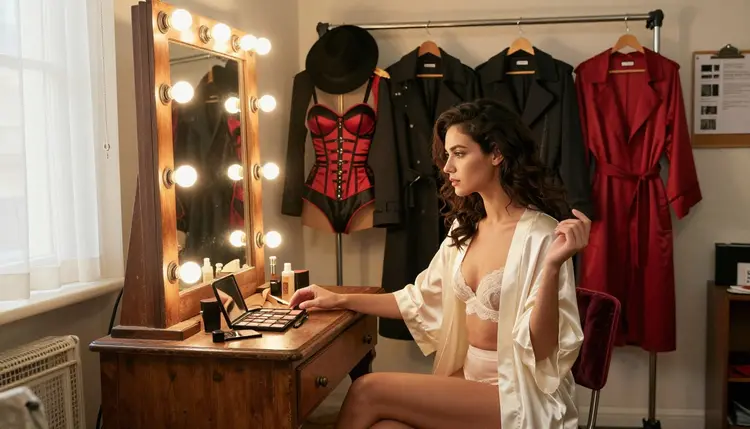
A costume shoot rarely finishes on the model it started on. The illustration engine that nailed the first pose refuses the fifth prompt, the photoreal model that rendered perfect skin cannot hold a costume with four separate pieces in one frame, and the model that would turn the finished set into a short clip lives in a different tab entirely. Out of Picasso IA's catalog of 488 AI models, six are confirmed to generate adult content with no content filter, and a real project usually crosses two or three of them before it is done.
This page covers all six: what each one is actually good at, the five-step routine for moving a project from one to another without losing a prompt or an hour of work, and the rules that apply no matter which model is open.
Switching models mid-project is not a failure state. It is closer to changing lenses partway through a shoot: the subject and the plan stay the same, only the tool changes because the next shot asks for something the last one could not give it. On Picasso IA, every model lives inside the toolkit, and the prompt box carries over when a generation moves from one model to the next, so a switch costs a few seconds, not a rewritten brief.
A typical uncensored project starts with a concept, tests it on the model best suited to the look, and then moves to a second or third model as the project's needs change: a costume becomes too detailed for the first model to hold together, a still image needs to become a short clip, or a nearly finished piece needs one small fix rather than a full re-generation. Six models across the catalog are confirmed to generate adult content with no content filter, and knowing which one covers which job is most of what makes a mid-project switch painless.
The rest of this page walks through those six models, the five-step switching routine, and the handful of rules that apply to every one of them.
Six models in the catalog run with no content filter on adult prompts, out of 488 total, and each one earns its place on this list for a different reason.
| Model | Type | Best for | Try it |
|---|
| Recraft V4.1 Pro | Image | Illustrated, comic and anime-style pieces | Recraft V4.1 Pro |
| Seedream 4.5 | Image | Photoreal skin, fabric and studio light | Seedream 4.5 |
| Qwen Image 2 | Image | Multi-piece costumes that need to hold together | Qwen Image 2 |
| Picasso Image Editor Pro | Image editor | Fixing a hand, a strap or a prop after the fact | Picasso Image Editor Pro |
| Picasso Video | Video | Turning a finished still into motion | Picasso Video |
| LTX 2.3 Pro | Video | Cinematic video from a scene description | LTX 2.3 Pro |
Four of the six draw or edit a still image and two generate video, which is the split that decides most mid-project switches: a concept usually opens on one of the four image models, and only moves to Picasso Video or LTX 2.3 Pro once the still is already approved. Other names in the wider catalog, Seedance, Seedream 5, Qwen Image 2512 and Vidu among them, are untested for this kind of work and worth trying on their own terms, but none of them carry a confirmed filter-free claim, so a project that needs to stay open on adult prompts is safer starting and staying on the six above.
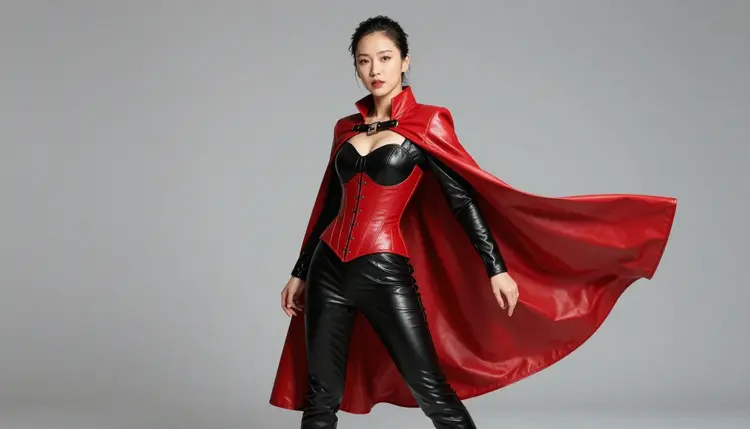
Moving a project from one model to another follows the same five-step routine regardless of which two models are involved.
- Keep the prompt, change the model. Copy the prompt that worked, open a different model in the toolkit, and paste it in before changing a single word; most briefs need no rewriting at all, only a new engine to run on.
- Watch for the refusal, not just the result. A Content Not Supported by This Model message means the current model is not one of the six confirmed ones for this kind of prompt, and the fix is switching, not rewording the request to slip past it.
- Match the model to what the shot actually needs. An illustrated finish points to Recraft V4.1 Pro, a photoreal one to Seedream 4.5, and a costume with several pieces that must survive together to Qwen Image 2.
- Carry the character sheet forward, not just the prompt. Keep the exact wording for hair, outfit and pose in a note as the project moves between models, so a later switch back does not have to be reverse-engineered from a saved image.
- Finish where the piece already is. Send the closest result to Picasso Image Editor Pro for a small fix, or to Picasso Video or LTX 2.3 Pro if the piece is moving to video, instead of restarting the whole brief on a new model.
Four situations account for most mid-project switches. A refusal is the most obvious one: the model in use is not among the six confirmed for adult content, and it stops the generation instead of drawing it. A style mismatch is the second: an illustrated brief run on a photoreal model, or the other way around, produces a technically valid image that is not the one the project needed. A costume or scene with several specific parts, armor, a cape and a prop together, is the third, since some models hold four details in one frame better than others. Turning a finished still into a short clip is the fourth, and it is a deliberate move to Picasso Video or LTX 2.3 Pro rather than a failure of the image model at all.
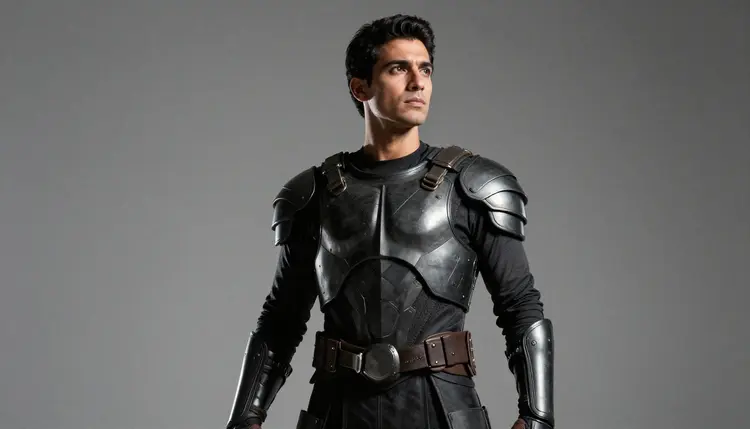
Switching is the sanctioned move in every one of those cases, and it beats rewording a refused prompt with euphemisms to try to sneak it past the same filter that just stopped it. That approach is not supported on Picasso IA, it usually produces a worse result even on the rare occasion it works, and the six confirmed models exist specifically so a fictional adult brief has an honest generation path instead of one it has to trick its way into.
Switching models does not change what any of them are allowed to generate, and the same short list of rules travels with the project from the first model to the last.
Every character in every generation is a fictional adult, eighteen or older, no matter which of the six models made it. Picasso IA is an 18+ platform: no real person's likeness without their explicit consent, no public figures, and nothing resembling a minor in any costume, pose or style; prompts that cross those lines are refused, and switching to another model does not open a way around that.
Generations are private by default, not posted or shared anywhere by the act of creating them. A project that moves across three models in one afternoon stays exactly that private the whole way through; what happens to a finished piece afterward, where it gets shared and under what local law, stays the responsibility of the person who made it.
Every model on the toolkit charges its own credit cost, so a project that touches three of the six confirmed models spends against three separate rates rather than one flat price. A still image from Recraft V4.1 Pro, Seedream 4.5 or Qwen Image 2 sits toward the cheap end of what a generation costs, an edit pass through Picasso Image Editor Pro is smaller still, and a video clip through Picasso Video or LTX 2.3 Pro costs more than any of the still images that led up to it, worth budgeting for before a whole set gets turned into motion.
New accounts start with free credits, enough to test a brief across two or three of the six models and run an edit pass before spending anything further, which is the same range most mid-project switches actually need. Current plans and per-model pricing live on the pricing page, kept separate from this page since they change more often than it does.
Do I lose my prompt when I switch to a different model?
No. The prompt box carries over when a generation moves from one model to another inside the toolkit, so switching from, say, Recraft V4.1 Pro to Seedream 4.5 means pasting the same brief into a new engine, not rewriting it from scratch. A brief written with real costume or scene detail tends to transfer cleanly since it names the same colors, fabric and pose either model would need.
Which of the six models should I start a project on?
Start with the model that matches the finish you want. Recraft V4.1 Pro for an illustrated or comic-style look, Seedream 4.5 for a photoreal one, and Qwen Image 2 when the scene has several specific pieces, like armor plus a cape plus a prop, that all need to appear together in one frame.
What does it mean for a model to be confirmed filter-free?
It means that model, unlike most of the wider 488-model catalog, is one of six specifically confirmed to generate adult content with no content filter blocking a fictional adult prompt. Every character shown across the six is a fictional adult, eighteen or older, and the confirmation is about the model's behavior, not a loosening of that rule.
Why did my prompt work on one model and get refused on another?
Only six models in the catalog are confirmed filter-free for adult content; the rest, including several well-known names elsewhere on the internet, apply a filter tuned for a general audience that can refuse the same fictional adult prompt a confirmed model would generate without trouble. A refusal on one model is a reason to switch to one of the six, not to reword the request.
Can I turn a finished image into a video without starting over?
Yes. Picasso Video and LTX 2.3 Pro are both confirmed filter-free and both generate video, so an approved still from any of the four image models can move straight into either one and come out as a short clip, no new prompt or fresh concept required.
Is switching models the same as jailbreaking a filter with clever wording?
No, and the two are treated very differently. Switching models moves a fictional adult prompt to one of the six models actually built to generate that kind of content; rewording a refused prompt with euphemisms to slip past a filter is unsupported on Picasso IA and usually produces a worse image even when it happens to work.
Are Seedance, Sora, Veo, Kling or other well-known models confirmed filter-free?
No. None of those names, or others like GPT Image 1, DALL-E 3, Seedream 5 or Qwen Image 2512, carry a confirmed filter-free claim on Picasso IA. They may be worth trying for other kinds of work, but a project that needs to stay open on adult content is safer built on the six confirmed models above.
Do I need to re-verify my age every time I switch models?
No, age verification is set once at the account level, not per model. Every model on the toolkit, including all six confirmed for adult content, sits behind the same 18+ account gate, and switching between them mid-project does not add a second check.
Does switching models cost extra credits?
Switching itself costs nothing; only the generations do, and each model charges its own rate. A project that runs a prompt on two or three of the six models to compare results spends the credit cost of each attempt, the same as running that many generations on a single model would.
What happens to a character's identity when I switch models partway through a project?
Nothing changes automatically, so it has to be carried by hand: keep the exact wording for hair, outfit and pose in a note as the project moves between models, and paste that same description into the new model's prompt rather than relying on the image alone to remind the model what the character looked like.