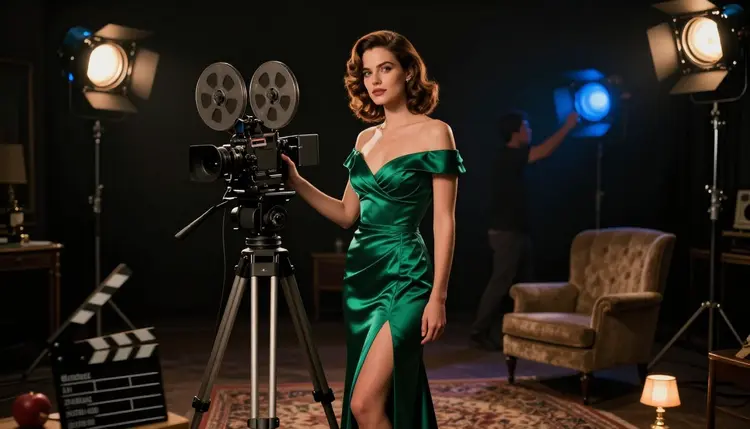
Type a suggestive scene into Vidu and the result is often softened, rewritten, or blocked outright, with no explanation of what in the prompt triggered it. LTX 2.3 Pro, built by Lightricks and sitting inside Picasso IA's own catalog, is one of only six models across the whole platform confirmed to generate adult video with no content filter standing between a written scene and the finished clip. It renders straight from a text prompt, no starting photo required, up to 4K resolution at 50 frames per second.
This page covers why LTX 2.3 Pro earns that confirmed status, what actually makes a cinematic NSFW clip work when there is no source image to lean on, a five step walkthrough to a finished video, an honest look at where Vidu stands on the same question, and the rules that apply no matter which platform renders the scene.
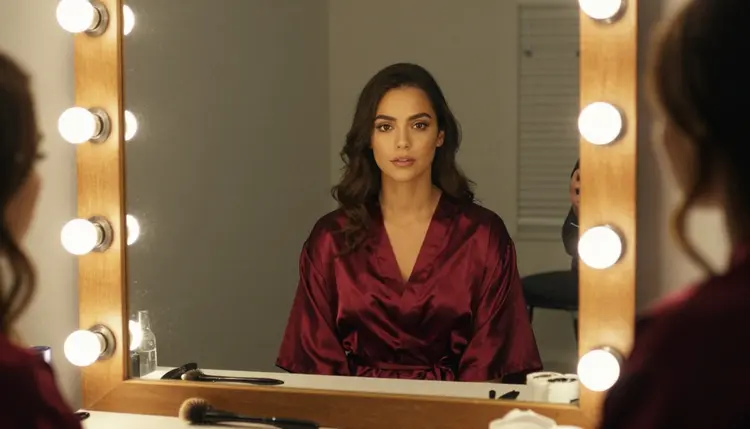
LTX 2.3 Pro is a text-to-video model listed at LTX 2.3 Pro. Describe a scene, a fictional character, and a camera move, and it renders the clip directly, up to 4K resolution at 50 frames per second, adult and suggestive scenes included, nothing rewritten or quietly softened before the render starts. A still image or an audio clip can also seed a generation when one already exists, but unlike an image-to-video model, LTX 2.3 Pro never requires one.
That confirmed status is not something LTX 2.3 Pro holds alone. Here is the complete list of six models Picasso IA has actually tested and confirmed run with no content filter, by what each one generates.
For video specifically, that gives two confirmed starting points rather than one. LTX 2.3 Pro is the pick when nothing exists yet and a scene needs to be written straight from a blank page. Picasso Video is the pick when a still image is already in hand and only needs to move. Vidu, worth saying plainly, sits outside that list entirely: a separate product built and moderated by its own company, with its own account system, tested on its own platform, not on ours.
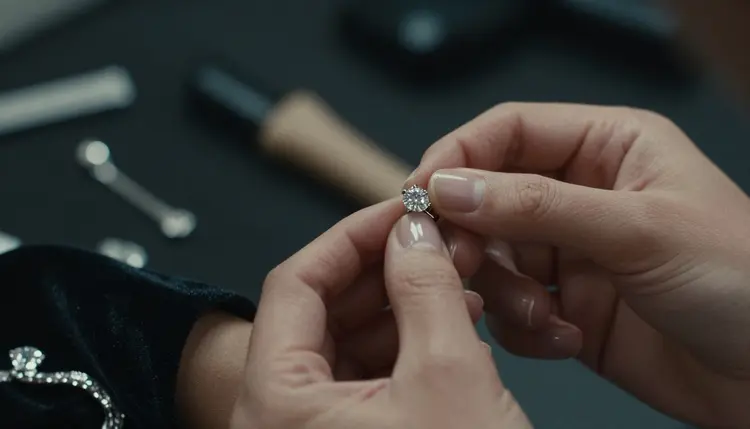
Because LTX 2.3 Pro renders a scene from nothing but text, the entire clip, the setting, the characters, the camera, the mood, has to live in one prompt. That is the opposite of an image-to-video model, where the composition is already locked in and only the motion needs describing. Here, the composition is exactly what needs describing.
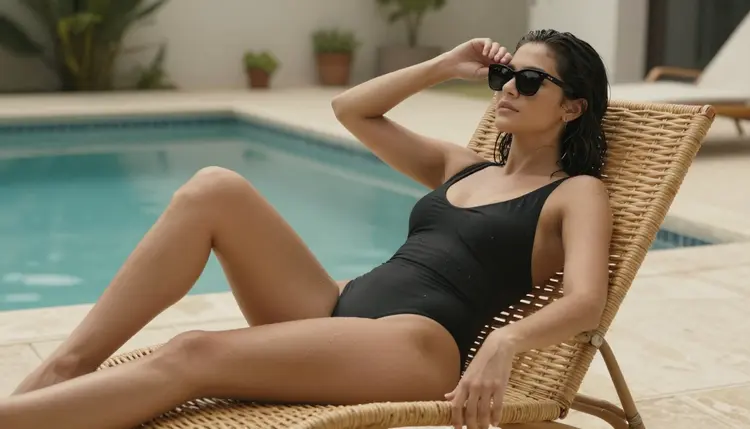
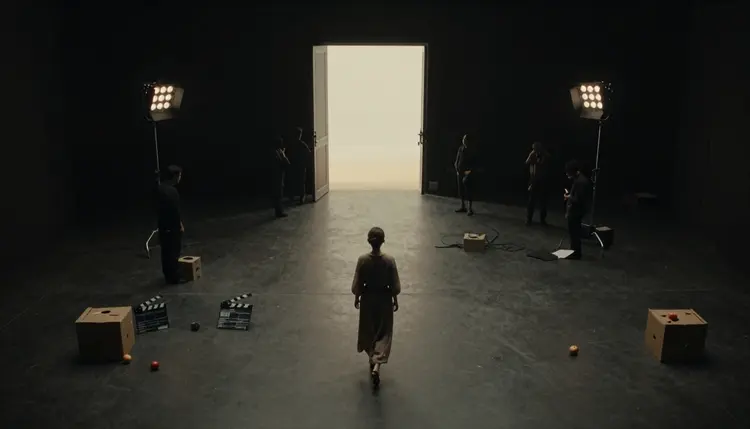
Camera language earns its keep more than almost anything else. A wide establishing shot of a soundstage, a slow dolly toward a subject, a close-up on a hand fastening an earring: naming the shot type gives the model something concrete to frame, rather than leaving the camera position to chance. Setting does similar work, since a backstage dressing room, a lit vanity mirror, or a poolside deck on an outdoor set each tells the model where the light comes from and what fills the background, before a single character is even described.
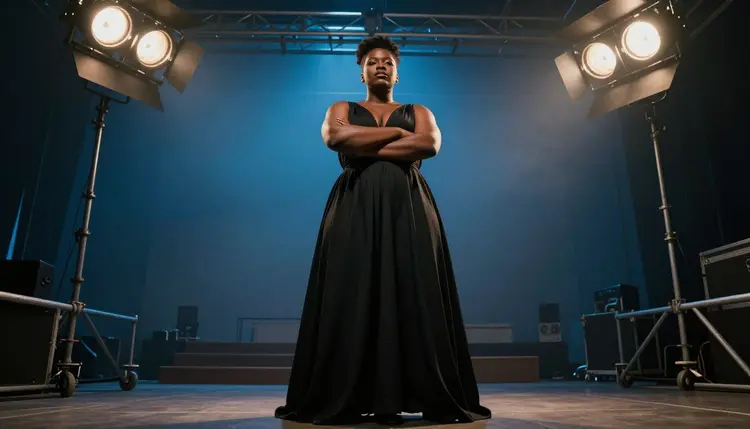
Wardrobe and mood carry the rest. A silk robe, a black gown, a red dress catching sunlit window light: naming the fabric and the color gives the model something concrete to render, and it reads as intimate and cinematic rather than plain. A vague word like alluring describes an effect, not a garment, and leaves the actual look to chance.
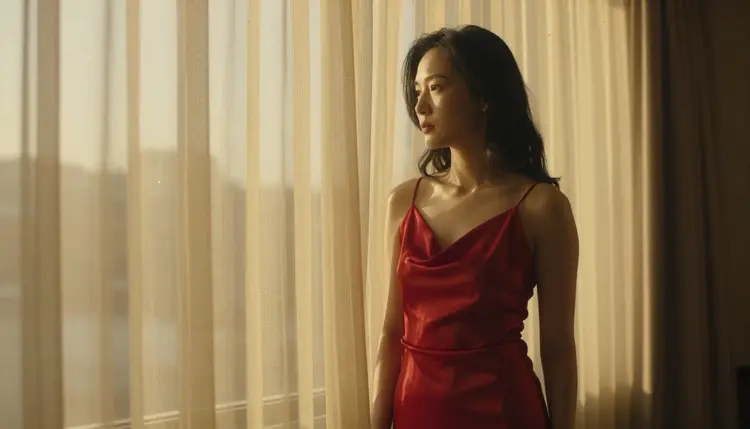
Resolution and frame rate are both adjustable up to 4K at 50 frames per second, and credit cost scales with whichever combination gets picked. A shorter, lower resolution draft is the efficient way to confirm a scene and a camera move read the way intended, before spending more credits on the full resolution version of the same clip.
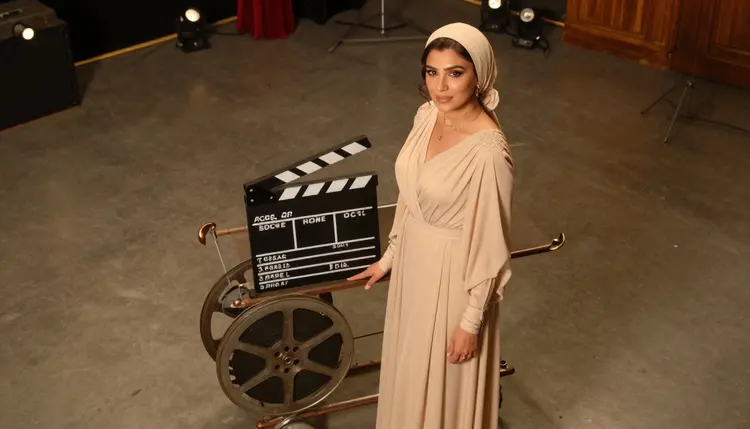
Building a finished, uncensored clip from a blank prompt follows the same five steps every time.
- Write the Scene as One Prompt. Describe the character, the setting, the camera shot, and the mood together in a single detailed prompt, since LTX 2.3 Pro renders directly from text with no starting image required.
- Open the Toolkit and Select LTX 2.3 Pro. Go to the toolkit, choose LTX 2.3 Pro from the text-to-video models, and paste the finished prompt in.
- Choose a Resolution and Frame Rate to Start. Pick a shorter, lower resolution pass first to confirm the scene reads correctly before spending credits on a longer or higher resolution version.
- Generate a Draft and Retake Any Part That Is Off. Use the retake option to redo just the section that missed, a hand, a turn, a piece of fabric, instead of regenerating the whole clip from scratch.
- Extend the Clip Once the Scene Works. Use the extend option to lengthen a clip that already reads right, rather than writing a second prompt and hoping the two clips match.
Vidu, the video platform from Shengshu Technology, deserves a fair hearing rather than a dismissal. Holding one character's identity across several reference images at once, and rendering dialogue, ambient sound, and lip sync together with the video in a single pass, are both real strengths, and its anime leaning, stylized motion is rated well by reviewers who test across platforms. For a recurring character built from an existing set of reference photos, that workflow does something LTX 2.3 Pro was not built to do.
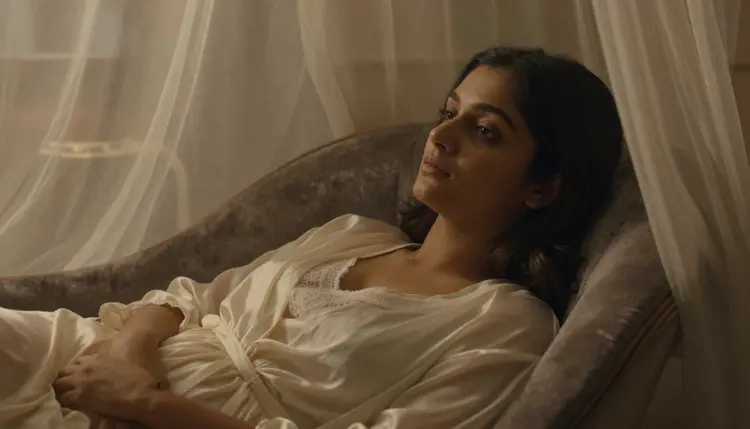
None of that answers the question this page set out to cover, though. Vidu is a separate platform, built and moderated by its own company, and nothing here can honestly confirm how its policy treats a mature or suggestive prompt, since that has not been tested on Vidu's own service. Assuming it behaves one way or another based on reputation alone is a guess, not a fact, and a guess is a poor thing to spend a generation on. Vidu is genuinely worth trying for its reference-driven strengths; it is simply not, on the record here, a confirmed uncensored pick.
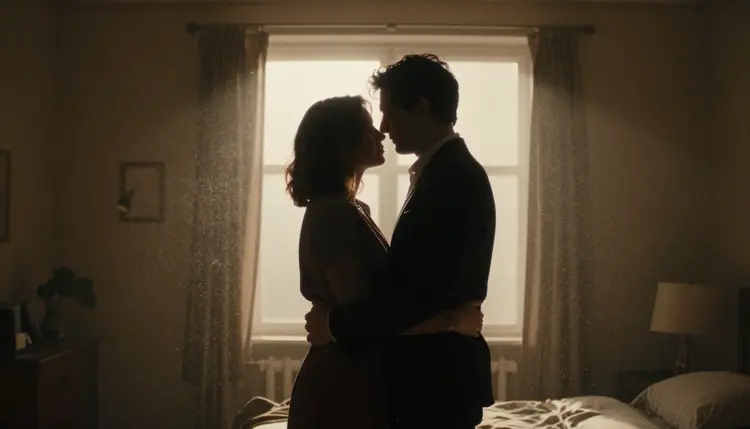
That is exactly the gap LTX 2.3 Pro closes for a scene written from scratch. There is nothing to test and nothing to guess at, since it is already one of the six models Picasso IA has confirmed generates a mature scene directly, at up to 4K resolution, straight from a prompt.
Everything on this page is for adults, eighteen and over, and every character in a generated clip, on LTX 2.3 Pro or anywhere else in the catalog, has to be a fictional adult. No real person's likeness, no public figure, and no one resembling a real individual used without that person's consent. A minor, or anyone made to look like one, is never an acceptable subject, in any style, and a prompt attempting either is refused and treated as a violation of the platform's terms.
Privacy holds by default, too. A clip generated on LTX 2.3 Pro stays tied to the account that made it and is never shown to another user or published anywhere unless that account chooses to share it. Confirming a model has no content filter changes what kind of scene it will render, not who it will render or who else gets to see the result.
LTX 2.3 Pro is priced dynamically, by the resolution and duration actually chosen for a given clip, rather than a single flat fee that applies no matter what settings are picked. Two people writing the same scene can land on two different costs simply because one picked a longer, higher resolution pass and the other did not, which is expected rather than a pricing error.
New accounts start with free credits, enough to run the five steps above and confirm a scene works at a lower resolution before spending on a longer or sharper version. Current numbers, plan tiers, and anything active for new signups live on the pricing page, kept current there rather than printed here where a figure would eventually go stale.
Does LTX 2.3 Pro really generate NSFW video with no content filter?
Yes. LTX 2.3 Pro is one of six models in Picasso IA's catalog confirmed to generate adult video content directly, with nothing blocking or softening a mature prompt before the clip renders.
Do I need a starting image to use LTX 2.3 Pro?
No. LTX 2.3 Pro renders straight from a text prompt with no source image required, though a still image or an audio clip can also seed a generation when one already exists.
Is Vidu part of Picasso IA's catalog?
No. Vidu is a separate video platform built by Shengshu Technology, with its own app, its own account system, and its own moderation. It is not one of the models inside Picasso IA, which is why this page compares the two products rather than describing a switch between them.
Does Vidu filter adult or suggestive prompts?
That is genuinely not confirmed here. Vidu's moderation policy is set and enforced on Vidu's own platform, and Picasso IA has not tested a mature prompt against it. Whether it filters, softens, or allows a given scene is a question only Vidu's own service can answer.
What resolution and frame rate does LTX 2.3 Pro support?
Up to 4K resolution at 50 frames per second, adjustable down for a cheaper, faster draft. Credit cost scales with whichever combination gets chosen for the final render.
What do retake and extend actually do?
Retake redoes one part of an already generated clip, a hand, a turn, a piece of fabric, without starting the whole scene over. Extend lengthens a clip that already reads correctly, so a finished scene can run longer without a second, separately written prompt.
Can LTX 2.3 Pro turn an audio clip into video?
Yes. Alongside text and image starting points, LTX 2.3 Pro supports audio-to-video generation, turning an existing audio clip into a matching video.
Can I generate a clip of a real person or a celebrity?
No, on any model, confirmed or not. Every character has to be fictional and adult, eighteen and over. Real people, public figures, and anyone resembling a real individual without their consent are never acceptable subjects.
How much does an LTX 2.3 Pro generation cost?
It is priced dynamically by the resolution and duration chosen, so there is no single flat number. New accounts get free credits to start, and current, exact pricing lives on the pricing page.
Which other models are confirmed uncensored besides LTX 2.3 Pro?
Five others: Seedream 4.5, Qwen Image 2, Recraft V4.1 Pro, and Picasso Image Editor Pro for images, and Picasso Video for image-to-video. Together with LTX 2.3 Pro, that is the complete list of six models Picasso IA currently confirms run with no content filter.