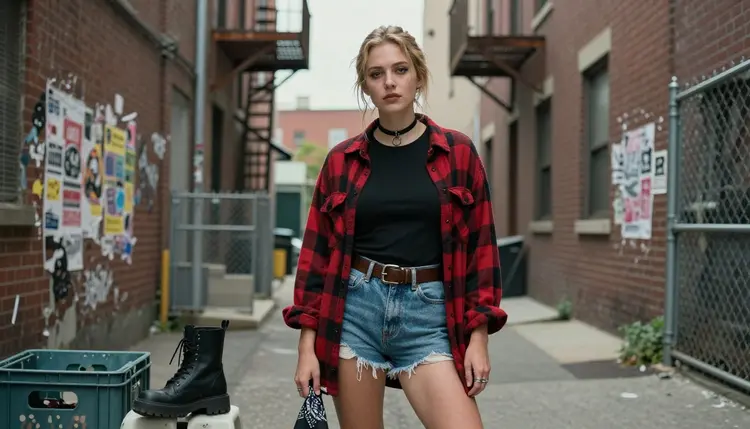
Grunge never really left, it just waits for someone to shoot it right: a flannel shirt hanging open over a tank top, boots scuffed from actual walking, eyeliner smudged instead of painted on, a brick wall behind it that has seen better decades. That look sits right on the edge of what most AI image models will touch. An open flannel or a close crop on smoky eyeliner reads as adult content to a filter the moment the prompt gets specific, and the request gets refused before the mood even lands. Recraft V4.1 Pro does not have that problem. It is one of six models on Picasso IA confirmed to run with no content filter, and it renders the gritty, lived-in detail a 90s grunge scene needs instead of smoothing it into something generic.
This page covers why Recraft V4.1 Pro fits the 90s grunge aesthetic, nine looks worth trying from alley walls to foggy streets, the five steps from a blank prompt to a keeper, and the rules that apply to every image it makes. Every character on this page is a fictional adult, eighteen and over.
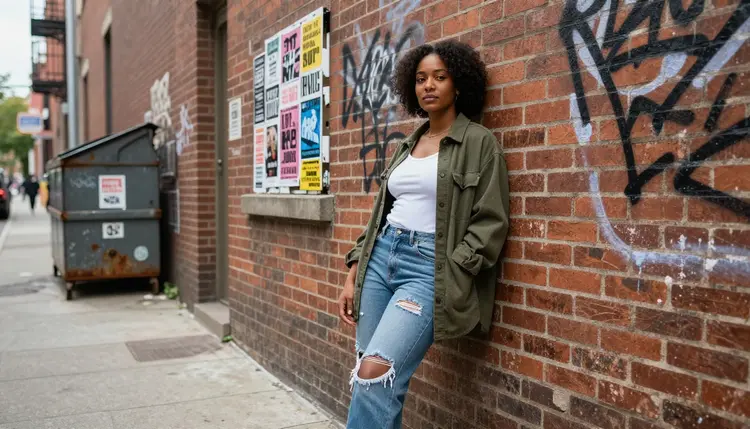
Most of the 488 models in the Picasso IA catalog apply a content filter, and that filter treats a half-open flannel shirt, a close crop on a choker necklace, or two characters standing close against a mural about the same way it treats anything else it reads as suggestive. It does not know grunge from any other style, it pattern-matches the wording, so a prompt describing torn denim and smudged eyeliner can get refused for the same reasons a far more explicit one would. When that happens, Picasso IA shows a "Content Not Supported by This Model" message and carries the prompt over to a model built to run it, so nothing typed gets lost. Recraft V4.1 Pro is one of those models, and it is confirmed filter free: a grunge prompt runs the same way any other prompt does, no rewording, no softening a phrase to sneak it past a filter that is not there.
It shares that status with five other models, but the 90s grunge look specifically is where Recraft V4.1 Pro is worth reaching for first. Seedream 4.5 leans toward a hyper realistic photographic finish, useful when a brief is closer to a real photograph than a styled shoot. Qwen Image 2 is the open source pick when a prompt stacks several separate elements at once, a fence, a payphone booth, two characters, a specific light. Picasso Image Editor Pro edits a grunge shot you already have instead of generating one from scratch, useful for fixing a hand or swapping a background after the fact. Picasso Video and LTX 2.3 Pro handle video, for animating a still into a short clip or generating motion directly. Recraft V4.1 Pro is the one to reach for when the brief calls for texture and grit rendered with intent: worn flannel weave, chipped nail polish, brick and chain link, the kind of detail that makes a 90s grunge scene read as lived in rather than costumed. See the full catalog for everything else the app offers.
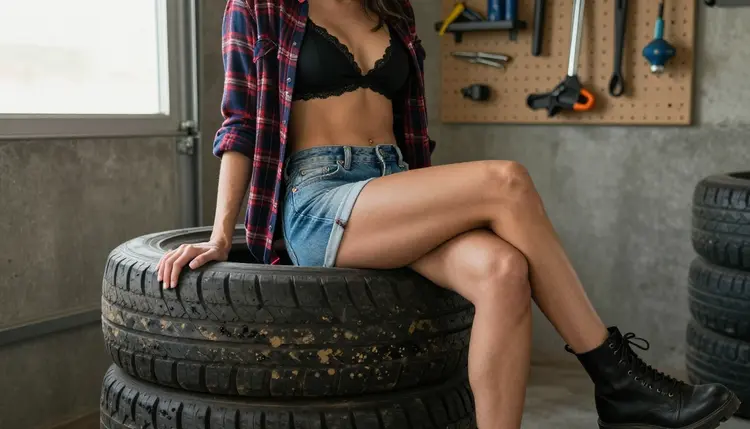
90s grunge is not one outfit repeated against a different wall, it is a whole catalog of settings, textures and attitude, and Recraft V4.1 Pro covers most of it convincingly from a single prompt. A few looks worth trying:
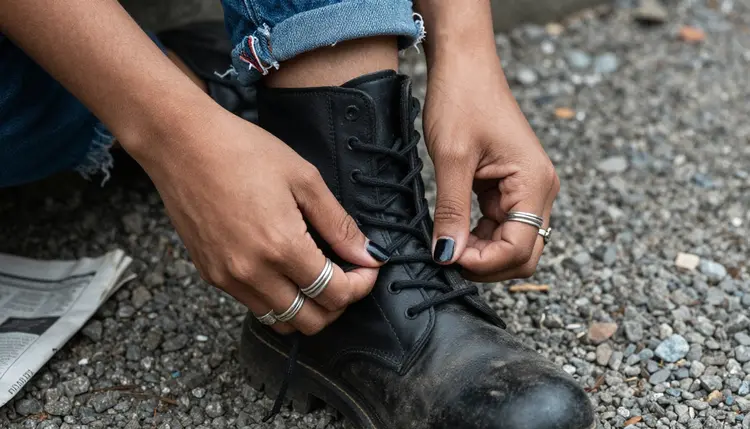
A close-up on hands lacing a scuffed black combat boot on loose gravel turns a small, ordinary motion into the kind of detail that sells the whole aesthetic. Naming the material, worn leather, frayed laces, gravel underfoot, gives the model something concrete to render instead of a vague grunge shoes instruction.
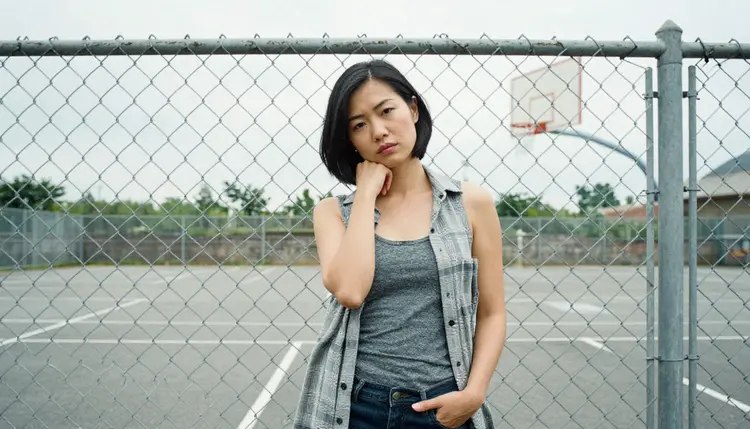
A figure standing against a chain-link fence near a basketball hoop places the outfit in a real neighborhood instead of a studio backdrop, and the fence itself becomes part of the composition, casting a shadow pattern across an open flannel that a plain wall never would.
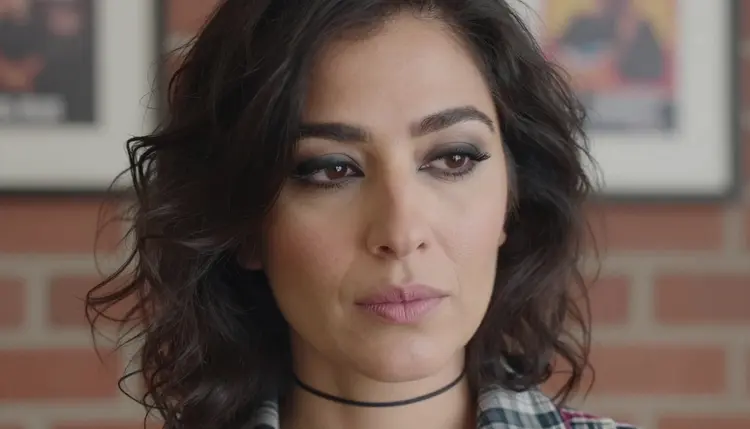
A close portrait built around smoky eyeliner and a black choker strips the scene back to the face, and it is where Recraft's attention to texture shows most directly: the smudge at the lash line, the way a choker sits against skin, an expression that reads as unposed rather than styled for a photo shoot.
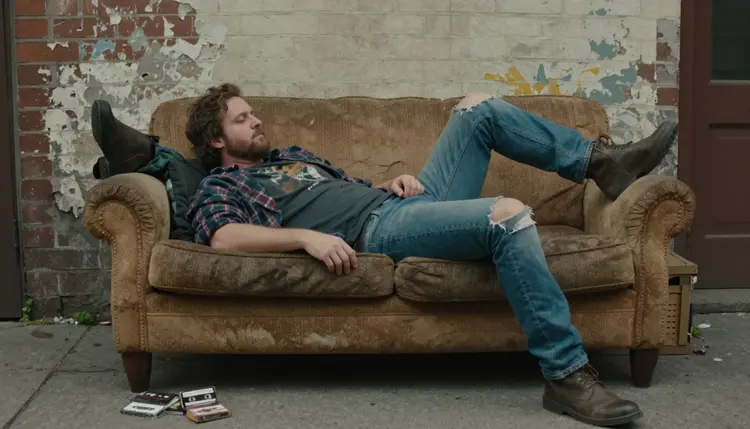
A figure reclining on a worn couch dragged outside a brick building adds a whole scene rather than a single subject, and it tests how well the model holds a mismatched, lived in composition together, sagging upholstery, brick texture, an outdoor setting that reads as improvised rather than staged.
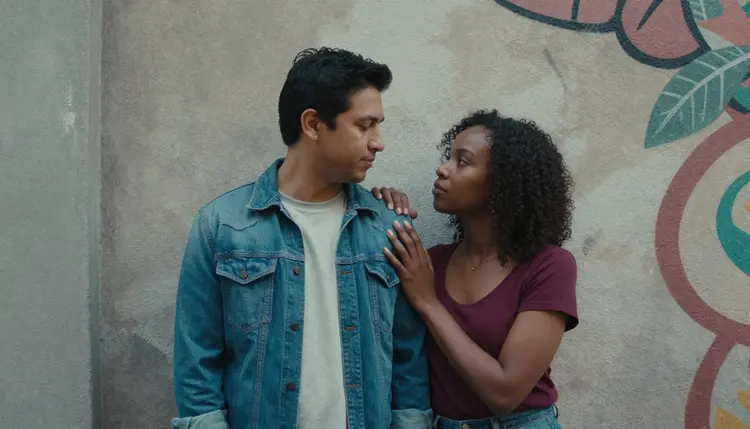
Two characters standing close, foreheads nearly touching, against a painted mural wall is the hardest kind of shot to render convincingly, since it asks the model to keep two figures consistent while holding a close, quiet distance between them. The mural behind them adds color and texture without competing with the moment itself.
Getting a usable result on the first or second try comes down to picking the right model, writing a specific prompt and knowing what to adjust when the output is close but not quite right. Here is the process from an empty prompt box to a finished image.
- Write the scene in plain, concrete words. Name the subject as a fictional adult character, then the wardrobe, the setting and the light: a fictional woman in an open flannel shirt, leaning against a graffiti covered brick wall, overcast daylight.
- Open Recraft V4.1 Pro in the toolkit. Go to the toolkit and select Recraft V4.1 Pro from the text to image models, or start directly from its model page.
- Add wear and texture to the wardrobe. Grunge lives in the damage: frayed denim hems, a stretched out flannel collar, chipped nail polish, a boot sole coming loose. Naming these is what separates a generic dark outfit from one that actually reads as 90s grunge.
- Generate and review the result. Check pose, proportions and whether the setting matches what you wrote, since Recraft V4.1 Pro will not soften or block the adult elements of the prompt.
- Refine with a follow up prompt if needed. Adjust one or two details at a time, lighting, outfit, expression, and regenerate rather than rewriting the whole prompt from scratch, which tends to move the whole image rather than just the part you wanted changed.
A vague prompt gets a generic result even from a model with no content filter in the way. The filter is not what limits the result at that point, the prompt is. A few things that consistently help with a 90s grunge scene:
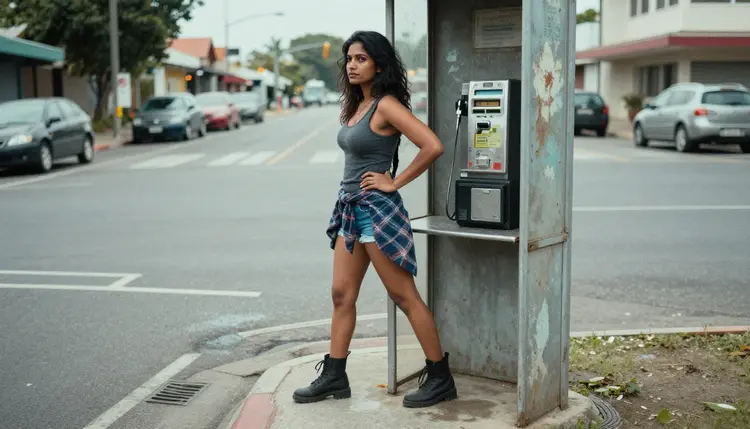
State the character is an adult and fictional near the start of the prompt, not as an afterthought. Name materials directly: faded flannel, cracked leather, tarnished silver jewelry, since grunge clothing alone reads as generic. Set the light source rather than writing moody lighting: overcast daylight, a single streetlamp, fog rolling down a residential street. Describe the setting with the same specificity as the wardrobe: a graffiti alley, a chain link fence, a garage full of stacked tires, a roadside payphone booth. Pick a pose and expression word, not just an emotion: leaning against a wall, tying a boot, a downward gaze, a half smile. Reference an era detail if you want a specific look: a band tee, ripped tights, a flannel tied at the waist rather than worn buttoned. Keep the sentence structure simple even when the prompt is long, since a list of clear details outperforms one dense, run on sentence.
| Vague prompt | Specific prompt |
|---|
| Grunge woman, dark, sexy | Adult fictional woman, open flannel over a tank top, leaning against a graffiti brick wall, overcast light |
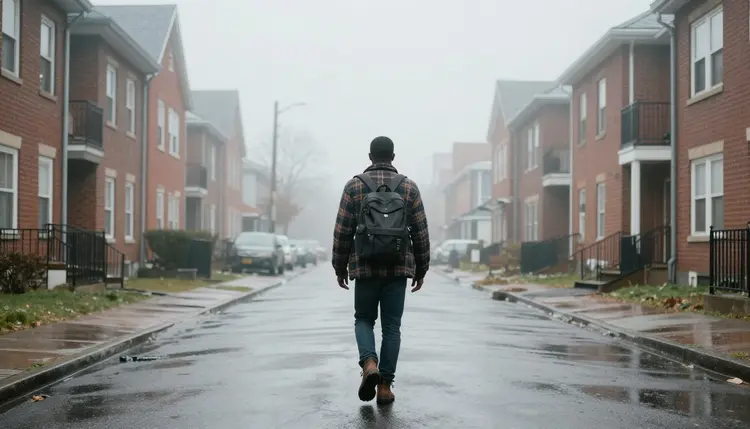
| Grunge scene | Foggy residential street at dusk, cracked sidewalk, single porch light |
| Dark romantic grunge art | Adult fictional couple, foreheads close, standing against a painted mural, streetlight from the side |
Every model on Picasso IA, filtered or not, operates under the same rule: adults only, eighteen and over, and every subject must be a fictional adult character. No real person's likeness runs on this platform without that person's own consent, and no public figure or celebrity is permitted at all. No minor, and no character made to look like one, in any style, regardless of how the prompt is phrased or what era or aesthetic is applied. Recraft V4.1 Pro having no built in filter changes what kind of adult content it will render, it does not change who that content can depict. Accounts that generate content outside these rules can be restricted.
Generations stay private by default: what you create is tied to your account, not posted anywhere or shown to other users, unless you choose to share it yourself. Most of the models on Picasso IA apply their own content filter and will refuse a prompt flagged as adult. When that happens, Picasso IA shows a "Content Not Supported by This Model" message rather than a silent failure, and recommends switching to one of the six confirmed filter free models, carrying your existing prompt over so you do not have to retype it. That is the sanctioned path when a model blocks you: switch to a model built to handle the request, not rewrite or disguise the prompt to slip past a filter on a model that was not built for it.
New accounts on Picasso IA get free credits to try generations, including Recraft V4.1 Pro, before committing to a paid plan. That is enough to test whether the model's output matches what you have in mind for a grunge character or scene before deciding whether to subscribe.
Beyond the free credits, pricing covers the paid plans, from starter tiers up through higher volume options, and the cost shown for a Recraft V4.1 Pro generation is visible before you generate, so there is no surprise deduction after the fact. If your grunge project also needs video rather than a still image, Picasso Video and LTX 2.3 Pro are the two confirmed filter free video models, and both draw from the same account credits, so there is one balance to track rather than separate subscriptions per model.
Is NSFW 90s grunge art allowed on Picasso IA?
Yes, within the same rule that covers every adult generation on the platform: the subject must be an adult and fictional. Grunge and dark alt themes are not treated differently from any other adult art style, so the same limits apply, eighteen and over, invented characters only.
Does Recraft V4.1 Pro filter out adult prompts?
No. Recraft V4.1 Pro is one of six models on Picasso IA confirmed to generate adult content directly, with no content filter blocking or softening the prompt. It is still bound by the platform wide rule that subjects must be adult and fictional.
Can I generate a real person in grunge art?
No. Recraft V4.1 Pro and every other model on Picasso IA are restricted to fictional characters. Do not use a real person's name, likeness or any identifying description, including public figures, and never a description that could be read as a minor.
What happens if a different model blocks my prompt?
If you try an adult prompt on a model that applies a content filter, Picasso IA shows a "Content Not Supported by This Model" message and recommends switching to one of the six confirmed filter free models, carrying your prompt over automatically so you do not need to retype it.
Do I need a paid plan to use Recraft V4.1 Pro?
New accounts get free credits to try it first. Beyond those, generating with Recraft V4.1 Pro draws from your account's credit balance the same way any other model does, and current plan options are listed on the pricing page.
Which other models can generate NSFW content?
Five others alongside Recraft V4.1 Pro: Seedream 4.5, Qwen Image 2, Picasso Image Editor Pro, Picasso Video and LTX 2.3 Pro. These six are the only models on Picasso IA confirmed to generate adult content without a content filter.
Can Recraft V4.1 Pro also generate video?
No, Recraft V4.1 Pro is a text to image model and only returns still images. For adult video content, including motion added to a grunge scene, use Picasso Video or LTX 2.3 Pro, the two confirmed filter free video models.
How specific should my grunge prompt be?
More specific than a general description like grunge and sexy. Name the character's fictional status and age as an adult, then the wardrobe wear, lighting source and setting in concrete terms, since specific prompts consistently produce more usable results than short, generic ones.
Where do my generated images go after I create them?
Every image you generate, including with Recraft V4.1 Pro, is saved to your account's generation history, where you can revisit, download or continue working from it later without starting a new prompt from scratch.
Can I refine or re edit an image I already generated?
Yes. Rather than rewriting a full prompt from scratch, change one or two specific details, such as lighting, outfit or pose, and regenerate. Small, targeted changes tend to preserve the parts of the image that were already working.