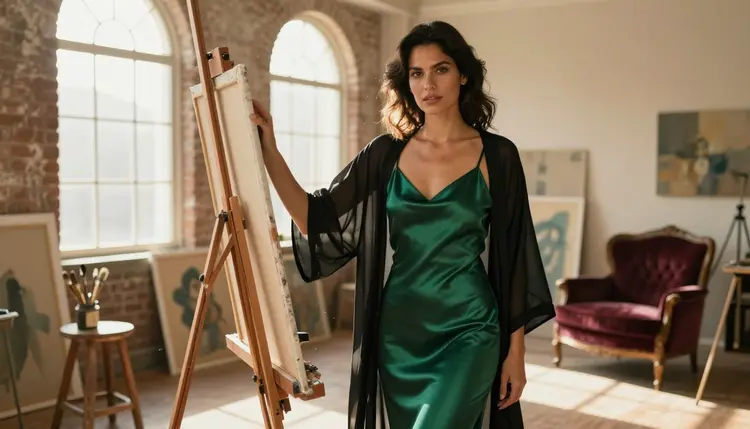
Digital art built around adult themes runs into the same wall on almost every generator: a content filter that blocks the prompt before a single pixel renders. Recraft V4.1 Pro is one of only six models on Picasso IA confirmed to generate NSFW content with no safety filter standing in the way, and it happens to be the one built specifically for illustration rather than photography, which is exactly what most digital artists are looking for.
This guide is built for illustrators, character artists, and comic creators who want spicy, mature artwork without fighting a filter on every prompt. It covers what Recraft V4.1 Pro actually renders well, a five-step workflow to get from an empty canvas to a finished piece, prompting technique specific to illustration work, and the rules every generation on the platform follows regardless of which model is chosen.
Most image generators, including some of the biggest names in the space, ship with a hard content filter tuned to block anything adult before it reaches the render step. That is a reasonable default for a general-purpose tool, but it turns illustration work, which leans into suggestive poses, romantic scenes, and mature themes as a normal part of the craft, into a dead end. Recraft V4.1 Pro is one of six models on Picasso IA confirmed to generate NSFW content directly, with no filter standing between the prompt and the finished image.
What sets it apart from the other five is the medium it targets. Recraft V4.1 Pro was built for illustration, not photorealism: character sheets, comic panels, pin-up style pieces, book covers, and concept art. For a digital artist building a personal portfolio, a webcomic, or reference sheets for an original character, that focus matters more than raw photographic fidelity.
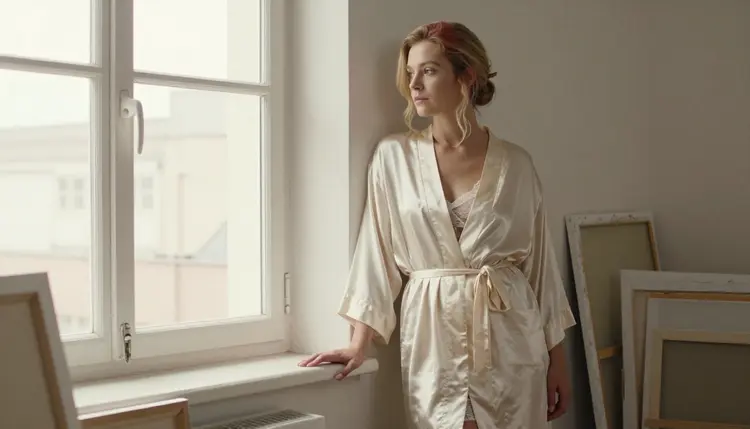
The rest of this page walks through what the model handles well, a five-step workflow, prompting technique for illustration-grade results, and the platform rules that apply to every generation. For the full lineup beyond these six, the model catalog lists everything Picasso IA offers, each with its own generation page.
Recraft V4.1 Pro's strengths line up closely with what illustration and character work actually demands:
- Consistent linework across a style. Anime, semi-realistic, painterly, and flat digital-illustration styles all render with a steady visual language, so a character keeps the same look across a full set of poses instead of drifting between generations.
- Fabric and material rendering. Silk, velvet, satin, sheer fabric, and skin all pick up distinct texture and light behavior, which is most of what separates artwork that reads as tactile from artwork that reads as flat.
- Pose and composition control. The model follows explicit instructions on pose, camera angle, and framing closely, useful for the dynamic or intimate compositions illustration work often calls for instead of a static front-facing pose.
- Palette accuracy. Named colors carry through reliably across a batch of images, which matters when building a consistent character across a full set or a comic page with recurring elements.
Recraft V4.1 Pro is one piece of a small confirmed-filter-free set on Picasso IA. Each of the other five is built for a different job rather than standing in as a substitute:
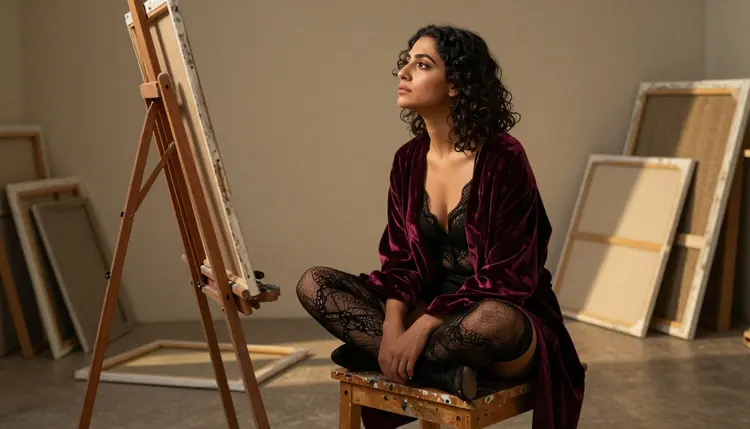
If a piece needs a photographic look rather than an illustrated one, Seedream 4.5 is the closer fit. If there is an existing reference image to edit rather than a scene to generate from scratch, Picasso Image Editor Pro handles that instead. For illustration-grade character and concept art, Recraft V4.1 Pro is the strongest of the six.
Generating a piece with Recraft V4.1 Pro follows the same workflow as any other model on Picasso IA. Here is the full path from a blank prompt box to a finished illustration.
- Open the toolkit and select Recraft V4.1 Pro. Go to the toolkit, choose text-to-image as the mode, and pick Recraft V4.1 Pro from the model list, or generate straight from its model page.
- Describe the character, pose, and mood in one prompt. Write out the character concept, what they are wearing, the pose, and the emotional tone in a single, specific prompt rather than a vague one.
- Set the art style and framing. Add a style keyword (anime, painterly, semi-realistic digital art) and a framing instruction (close-up, three-quarter shot, full body) so the model composes the piece the way it is pictured.
- Choose resolution and generate. Pick an output resolution in the toolkit and run the generation. Recraft V4.1 Pro typically returns a result within a few seconds to under a minute.
- Review, refine, and export. Check the result against the prompt, adjust wording for anything off, such as the pose, the mood, or a color, regenerate if needed, and download the finished piece directly from the generation panel.
Every generation draws from the account's credit balance, shown before the run is confirmed.
A handful of adjustments make a real difference in how a prompt reads to this model specifically:
- Build an original character instead of naming a copyrighted one. Describe the archetype, such as a masked vigilante, a court painter's muse, or a rain-soaked detective, along with hair, build, and wardrobe details, and the model renders a consistent, fully original result instead of guessing at a character it never learned.
- Name the fabric, not just the color. "Cream robe" renders very differently from "cream silk robe with a loose sash." The material tells the model how light should move across the surface, which is most of what makes a piece look tactile instead of flat.
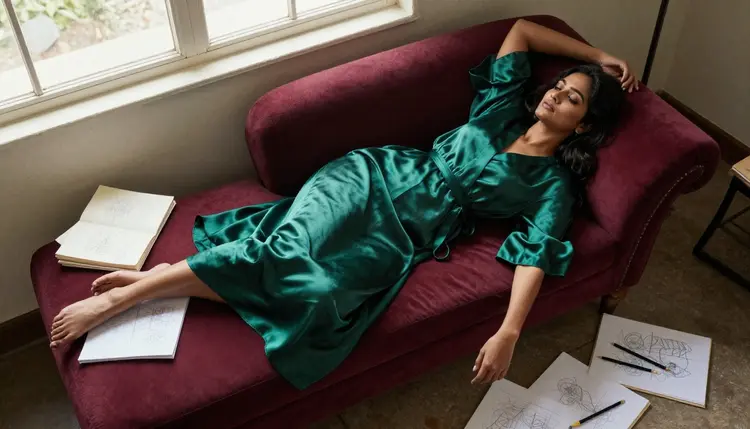
- Separate pose, wardrobe, and setting. Structure the prompt as character and wardrobe first, then pose and camera angle, then background and lighting. One long jumbled sentence covering all three tends to produce a muddled composition.
- State the style keyword early. Putting "anime style" or "painterly digital illustration" near the front of the prompt carries more weight than tacking it on at the end.
- Iterate one variable at a time. If a result is close but not right, change a single thing, such as the pose, the lighting, or the framing, and regenerate rather than rewriting the whole prompt. It is faster to isolate what actually worked.
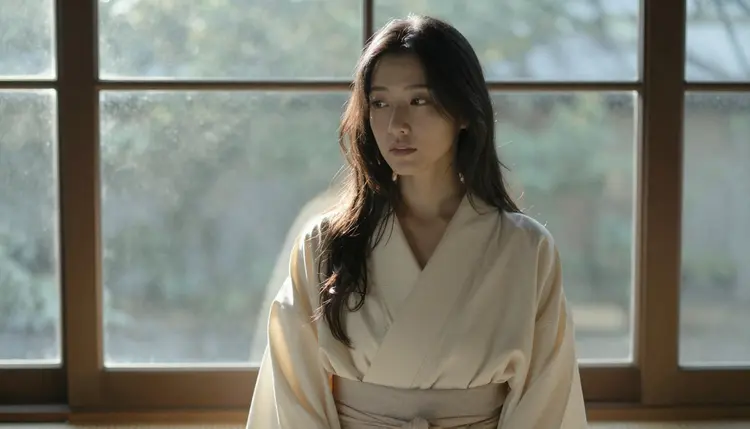
Keep the prompt readable as a sentence a person could say out loud. Recraft V4.1 Pro follows natural sentence structure at least as well as it follows a comma-stuffed keyword list, and a readable prompt is far easier to adjust on the next attempt.
Every image generated on Picasso IA, on Recraft V4.1 Pro or any other model, stays inside the same boundary: this is an 18+, adults-only platform, and every character has to be a fictional adult. No real person's likeness, no public figure, and nothing that resembles a minor, whether the request comes through a text prompt or an uploaded reference image. This is not a soft guideline, it is the line the platform enforces on every generation, and it holds even when the art style is stylized or exaggerated.
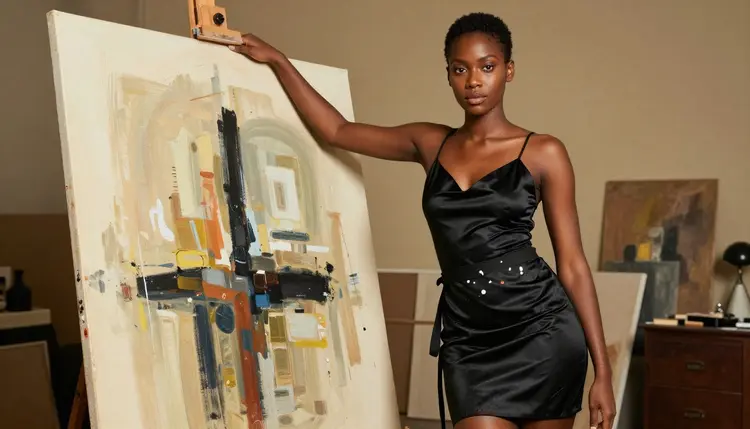
Privacy matters here too. Generations are tied to the account that made them, not surfaced publicly or shared with other users by default, and nothing about building a personal, mature portfolio requires making that work visible to anyone else.
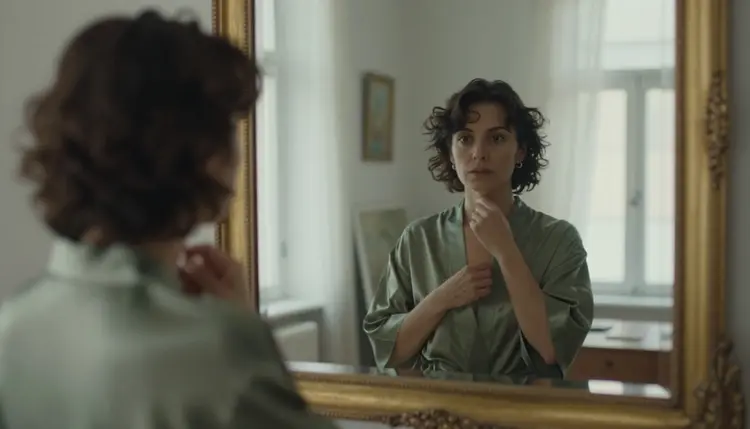
It is worth knowing what happens on a model outside the confirmed six. Most other models on Picasso IA run their own content filter and refuse a flagged adult prompt outright. When that happens, the app shows a "Content Not Supported by This Model" message and offers to switch to one of the six confirmed models, carrying the prompt over so nothing has to be retyped. That is the supported path. Disguising a prompt to slip past a filter is not; switching to a model actually built for the content, like Recraft V4.1 Pro, is the direct route.
Every new Picasso IA account starts with free credits, enough to try Recraft V4.1 Pro and judge the quality of its output before committing to anything paid. Credits are shared across the whole catalog, so the same balance covers this model, the other five confirmed filter-free models, and every other tool on the platform.
Beyond the free credits, pricing lists the available subscription tiers and their monthly credit allowances, from lighter plans for occasional use up to higher tiers built for regular generation across image and video. There is no separate paywall specific to NSFW generation; access to Recraft V4.1 Pro works the same way it does for every other model, and the exact credit cost for a chosen resolution is always shown in the toolkit before a generation is confirmed.
Other models on the platform beyond the confirmed six can sometimes render mature themes depending on the exact prompt, but their behavior is not guaranteed and not something this page promises. For a digital artist who wants a result that will not get intercepted by a filter mid-project, the six confirmed models, with Recraft V4.1 Pro leading for illustration work, are the reliable choice.
Is Recraft V4.1 Pro actually uncensored for NSFW art?
Yes. It is one of six models on Picasso IA confirmed to generate NSFW content directly, with no safety filter blocking the request. It handles a mature illustration prompt the same way it handles any other prompt, in one pass.
Can I generate art of a real person or celebrity?
No. Picasso IA does not allow generating a real person's likeness or a public figure on any model, including Recraft V4.1 Pro. Every character has to be a fictional adult, and this rule is enforced platform-wide, not per model.
Why did my prompt get refused on a different model?
Most models outside the confirmed six run their own content filter and refuse a flagged adult prompt automatically. When that happens, Picasso IA shows a "Content Not Supported by This Model" message and suggests switching to one of the six confirmed models, carrying the prompt over so nothing is lost.
Which other models on Picasso IA are confirmed filter-free besides Recraft V4.1 Pro?
The other five are Seedream 4.5, Qwen Image 2, Picasso Image Editor Pro, Picasso Video, and LTX 2.3 Pro, covering realistic images, prompt-driven generation, editing, and video.
Does Recraft V4.1 Pro work for a photorealistic look, or only illustration?
Its core strength is stylized illustration, anime, painterly, and flat digital-art styles, though it can push toward a semi-realistic look. For a fully photorealistic image, Seedream 4.5 is the stronger pick on Picasso IA.
How much does an NSFW illustration cost to generate?
The credit cost depends on the chosen resolution and is always shown in the toolkit before the generation is confirmed. Full plan details and monthly credit allowances are on the pricing page.
Do I need a paid subscription to try Recraft V4.1 Pro?
No. New accounts get free credits that can be spent on Recraft V4.1 Pro or any other model. A subscription adds a larger monthly allowance but is not required to try the model.
Is there a limit to how explicit the artwork can be?
The platform does not layer an extra filter on top of Recraft V4.1 Pro's own output. The constraint that always applies is the content rule itself: this is an 18+, adults-only platform, every character has to be a fictional adult, and nothing may resemble a minor or a real, identifiable person.
Can I keep a character consistent across multiple pieces?
Yes, within the limits of a text-to-image model. Keep the character, wardrobe, and color description identical across prompts and vary only the pose or scene, and Recraft V4.1 Pro keeps the style close enough to read as the same character, though pixel-level consistency is not guaranteed.
Is my generated art kept private?
Generations are tied to the account that made them and are not made public or shown to other users by default. Building a personal, mature portfolio with Recraft V4.1 Pro does not require sharing any of it.