Every beginner on Picasso IA asks the same question first: which model actually generates NSFW art instead of blocking the prompt. The honest answer is that only six models out of 488 in the catalog are confirmed uncensored, and for someone starting out, one of them is easier to use well than the rest. Seedream 4.5 takes a plainly worded prompt and returns a photoreal result on the first try more often than any other confirmed model, which is exactly what a first session needs. There is no trick, no special phrasing and no workaround to learn first, only a model choice that decides whether the prompt is generated or filtered.

This guide explains why Seedream 4.5 is the easiest entry point, introduces the five other confirmed models it sits alongside, walks through five steps to a first image, lays out the rules that apply to every generation, and closes with tips that turn a rough first attempt into a clean one. Every character described here is a fictional adult, and every generation stays private to your account by default.
Most image models on Picasso IA apply a safety filter somewhere in the pipeline, and a suggestive or adult prompt sent to one of them comes back rejected or quietly softened. Seedream 4.5 does not do that. It reads an adult prompt the same way it reads any other prompt and generates it directly, which removes the single biggest source of frustration for someone trying this for the first time: typing a careful prompt and getting a refusal instead of an image.

Beginners tend to pick a model by reputation rather than behavior, and that is where most first sessions go sideways. A model can be excellent at portraits and still filter every adult prompt it receives, and there is no way to tell which is which without testing each one. Seedream 4.5 removes that guesswork for a first attempt: describe a scene in plain, comfortable language, mention wardrobe and pose rather than anything explicit, and the result matches what was actually asked for. It also tends to handle skin tones, fabric texture and natural light more consistently than the other confirmed models, which matters more for a first result than for someone who has already learned to compensate for a model's quirks. None of this means Seedream 4.5 is the only model worth learning long term, only that it is the most forgiving place to build the habits that carry over to everything else on this page.
Picasso IA runs 488 models across the full catalog, and exactly six of them are confirmed to generate NSFW content directly, without a filter stepping in. These are the only six worth relying on for adult work. Every other model on the site, including well known names, is not confirmed to behave the same way and should be treated as filtered until proven otherwise.
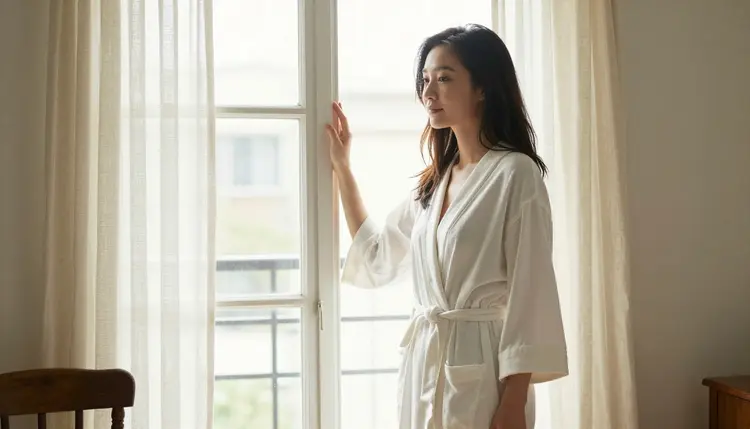
For a first session, Seedream 4.5 is the one to open. Qwen Image 2 is worth trying once the basics feel comfortable, since it offers more flexibility with less predictable results. Recraft V4.1 Pro is the pick for anyone who wants an illustrated look instead of a photograph. The other three cover editing an existing image and turning a still into motion, and both are better suited to a second or third session than a first one, once a prompt style that works has already been found.
Getting a clean result on a first try comes down to following the same five steps every time, not luck. Here is the sequence to use with Seedream 4.5.

- Open the toolkit and select Seedream 4.5. Go to the toolkit and choose Seedream 4.5 from the model list, since it is the confirmed model built to handle a first adult prompt without rejecting it.
- Describe the character in plain language. Write the character's build, hair and wardrobe first, using comfortable words like intimate or suggestive rather than anything explicit, so the model has a clear adult subject to work from.
- Set the scene, light and camera angle. Name the setting, the time of day and the framing in one or two sentences, since a vague prompt tends to return a generic, less convincing result.
- Generate and look closely at the result. Run the prompt and check hands, proportions and the edges of any fabric, which are the first details that can look slightly off on a first pass.
- Adjust the wording instead of starting over. If something is close but not quite right, change one detail in the prompt and generate again rather than rewriting the whole request from scratch.
Picasso IA's NSFW generation is for adults only, 18 and over, and every account confirms this before it can use the six confirmed models. That boundary is not a formality layered on top of the feature; it is the condition the whole feature is built around.
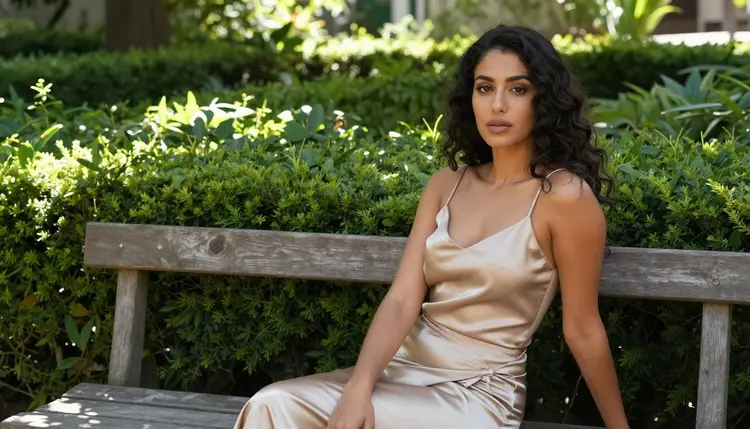
Every character generated through Seedream 4.5 or any of the other five confirmed models has to be fictional and adult, described from a prompt rather than based on a real, identifiable person. Do not name a real individual, do not reference a celebrity or public figure, and do not describe anyone who could read as underage regardless of how the prompt is worded. None of the six confirmed models change what is allowed. They only change whether an adult prompt reaches generation instead of being filtered before it starts.
On the privacy side, generations made through your account stay private to that account by default. Nobody browsing Picasso IA sees what another user generated, and nothing about that changes because the prompt happens to be an adult one rather than any other kind.
A first attempt with any new model is rarely the best result that model can produce, and Seedream 4.5 is no exception. A few habits close most of that gap quickly.
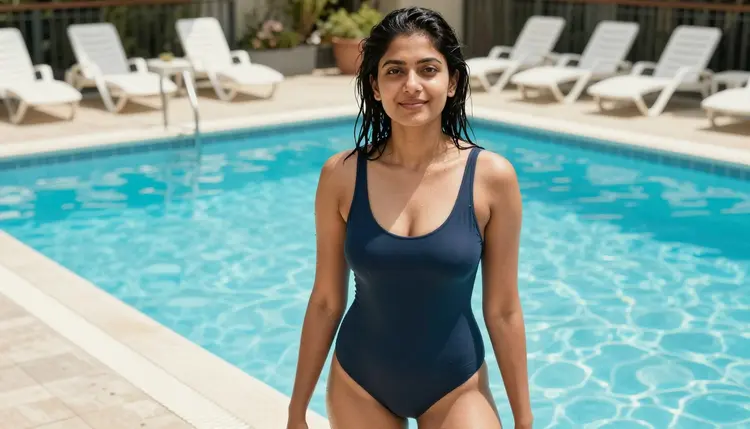
Keep the prompt to one clear idea per generation rather than stacking several scenes or characters into a single request, since Seedream 4.5, like every image model, handles one coherent idea more reliably than several competing ones. Mention lighting explicitly, since "soft morning light" or "warm evening light" does more for a convincing result than piling extra adjectives onto the character description. If a hand or a fabric edge comes out slightly wrong, that is normal for a first pass and not a sign that the model or the prompt is broken. Saving a prompt that worked well is worth doing too, since a short, reliable phrasing for lighting or pose can simply be reused the next time rather than rebuilt from memory.

Once a prompt style feels comfortable on Seedream 4.5, the same habits carry over cleanly to Qwen Image 2 or Recraft V4.1 Pro if a different look is wanted later, and to Picasso Video or LTX 2.3 Pro once the goal shifts from a still image to motion. None of that requires learning a new approach from zero. It is the same five steps, applied to a different confirmed model.
Picasso IA runs on one credit system shared across every model in the catalog, including the six confirmed for adult content, so there is no separate paywall to unlock NSFW generation specifically. New accounts start with free credits, which is enough to test Seedream 4.5 across a handful of prompts before deciding whether to subscribe.
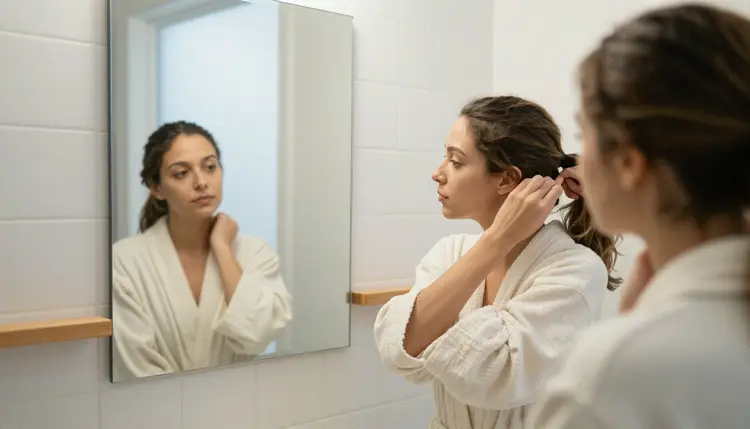
Image and video models draw down credits at different rates, and for some models the resolution or length selected changes the cost. Seedream 4.5, as an image model, sits toward the lower end of that range, which is one more reason it suits a first session better than either confirmed video model. That makes it practical to run several attempts back to back while learning how the model reads a prompt, rather than treating every generation as something to get right on the first credit spent. Full current numbers and what each plan includes live on pricing rather than being repeated here, since they change more often than this page does.
Which model should a complete beginner try first?
Seedream 4.5 is the one to open first. It is one of six models on Picasso IA confirmed to generate NSFW content directly, and it returns a usable result from a plainly worded prompt more consistently than the other confirmed models, which is exactly what a first session needs.
Is NSFW generation on Picasso IA limited to adults?
Yes. Every account confirms it is 18 or over before it can use the six confirmed models, and every character produced through them has to be a fictional adult, never anyone who could read as a minor.
Do I need to reword my prompt to avoid getting blocked?
No. If Seedream 4.5 or one of the other five confirmed models filters something unexpectedly, the fix is checking the prompt for wording that reads as more than suggestive, not disguising the same request to sneak past a filter.
Which six models are actually confirmed to be uncensored?
Seedream 4.5, Qwen Image 2, Recraft V4.1 Pro, Picasso Image Editor Pro, Picasso Video and LTX 2.3 Pro. Every other model in the 488 model catalog is not confirmed to behave the same way with an adult prompt.
Can I use a real person's face in a prompt?
No. The six confirmed models exist to generate fictional characters from a text description, not to reproduce a real, identifiable person's likeness, whether a celebrity, a public figure or anyone else.
Are my generations private?
Yes. Generations made through your account stay private to that account by default, and that does not change based on whether the prompt happens to be an adult one.
What happens if I send an adult prompt to a model that isn't confirmed?
The model applies its own filter and the prompt gets rejected. Picasso IA shows a message pointing toward the six confirmed models instead, and the same prompt carries over so it does not need to be retyped.
Is there a free way to try this before paying?
Yes. New accounts start with free credits that work across the catalog, including Seedream 4.5, so a first prompt can be tested before deciding whether to subscribe. Current plans are listed on pricing.
How is Seedream 4.5 different from the other confirmed image models?
Seedream 4.5 aims for a photoreal look and handles a plainly worded first prompt more predictably. Qwen Image 2 is more flexible but less predictable, and Recraft V4.1 Pro produces an illustrated result instead of a photograph.
Can a first image be turned into a video later?
Yes. Picasso Video and LTX 2.3 Pro are the two confirmed models for adult motion, and both work from the same kind of prompt used for a still image, so a scene generated with Seedream 4.5 can be reworked as a motion prompt once the basics feel comfortable.