"High resolution" on an NSFW image is not really about the pixel count printed on a spec sheet. It is whether the result survives a close look: skin that keeps its texture instead of turning waxy, lace that keeps its weave instead of smearing into a grey blur, a strand of hair that stays a strand instead of dissolving into the background. Seedream 4.5 is one of six models on Picasso IA confirmed to run with no content filter, and among those six it is the one built for exactly this kind of fine, photographic detail.
This page compares what the six filter-free models actually deliver on detail, walks through a five-step process for getting the sharpest result out of Seedream 4.5, covers the prompting habits that make a real difference in how much detail survives, and closes with the rules every fictional adult character in frame has to follow.
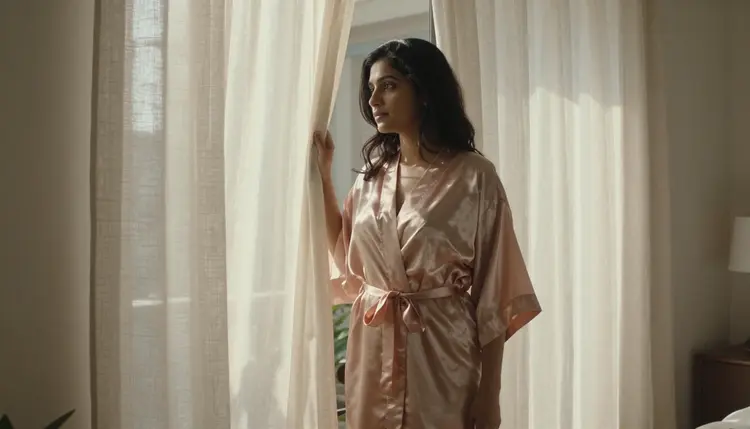
Most of the 488 models in the Picasso IA catalog run a content filter, and it catches an intimate or suggestive prompt well before resolution ever becomes the question. Try one on a filtered model and the app returns a Content Not Supported by This Model message, then offers to carry the prompt to a model that will actually run it. Seedream 4.5 is one of those alternatives, confirmed filter free, and it happens to also be the sharpest, most photographic of the group.
It shares that filter-free status with five other models, each with its own strength rather than its own version of the same one. Qwen Image 2 is the open-source pick when a prompt stacks several separate details in one line, strong on following a complex brief but not built around the same photographic finish. Recraft V4.1 Pro is for illustration and stylized art, a different goal entirely from a sharp photographic close-up. Picasso Image Editor Pro edits an image that already exists rather than generating one from a blank prompt, useful once a nearly right result just needs one detail fixed. Picasso Video and LTX 2.3 Pro handle motion, not stills. Seedream 4.5 is the one to reach for first when the goal is a still image with detail that holds up under a close look. See the full catalog for everything else the app offers.
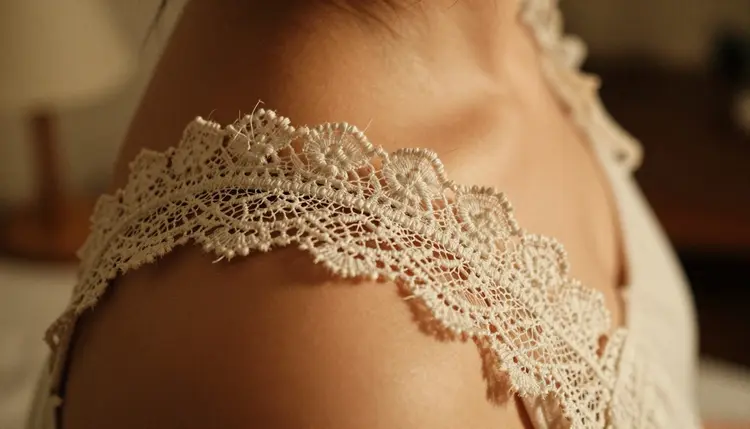
Seedream 4.5's rendering leans hyper-realistic by default, which is exactly what a high-detail brief needs: a real material reads as that material instead of a generic approximation of it, and a texture stays legible at a size larger than a phone screen. That single trait, more than any setting or toggle, is what separates a soft, forgettable result from one worth keeping.

A pixel count on its own says very little. An image can be technically large and still look soft, with a blurred background standing in for detail the model never actually generated. What separates a genuinely high-detail result from a merely big one is whether the fine things survive: individual hair strands rather than a solid mass, the weave of lace rather than a flat pattern, a catchlight in an eye rather than a dead pupil, the grain of skin rather than an airbrushed plastic sheen.
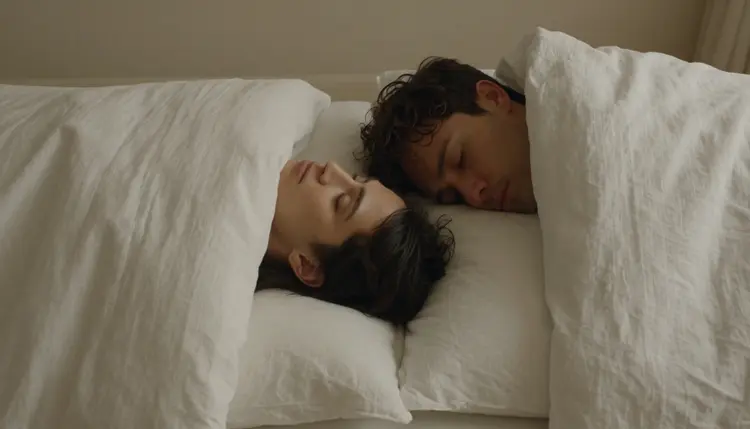
Lighting is the other half of it. A single, clearly named light source, a lamp, a window, candlelight, gives the model something to render shadow and highlight against, and shadow and highlight are what make a texture read as three-dimensional instead of flat. A scene lit by nothing in particular tends to come back soft everywhere, because there is nothing for fine detail to catch against.

Among the six filter-free models, this kind of fine, photographic detail is specifically Seedream 4.5's lane. Recraft V4.1 Pro is sharp in its own way, but as line work and flat color rather than photographic texture, a different kind of detail for a different kind of image. Qwen Image 2 holds up well across a complex scene with many separate elements, though its finish reads less photographic than Seedream 4.5's by default. For a single subject rendered at the kind of detail that rewards zooming in, Seedream 4.5 is the one built for the job.
Getting a sharp, detailed result is less about a hidden setting and more about a short, repeatable process.
- Name the exact materials in the scene. Silk, ivory lace, brushed velvet, satin sheets, a specific material gives the model something concrete to render, and a vague word like spicy gives it nothing to work from.
- Open the toolkit and select Seedream 4.5. Picking the filter-free, detail-focused model before writing the prompt avoids spending a first generation on a model that either refuses it or renders it soft.
- Generate a batch and zoom into each one, not just the thumbnail. A thumbnail hides exactly the kind of softness that matters here, so judge the set at full size before picking a favorite.
- Keep the sharpest result and change one variable. Adjust the light, the material, or the framing rather than rewriting the whole prompt, and compare the new batch against the one you already kept.
- Review the full-size image before saving, hands and fabric edges first. These are where an otherwise sharp image tends to fall apart, on Seedream 4.5 as on any model.
Distance changes how much detail actually matters. A close, cropped shot, a shoulder, a collarbone, a hand, asks the model to render fine texture at a scale where every flaw or every success is obvious. A wider, full-body shot spreads the same detail budget across a bigger frame, so it reads as sharp even when any one part of it is slightly softer up close. Deciding which one the brief actually needs, before writing the prompt, is worth more than any other single choice.
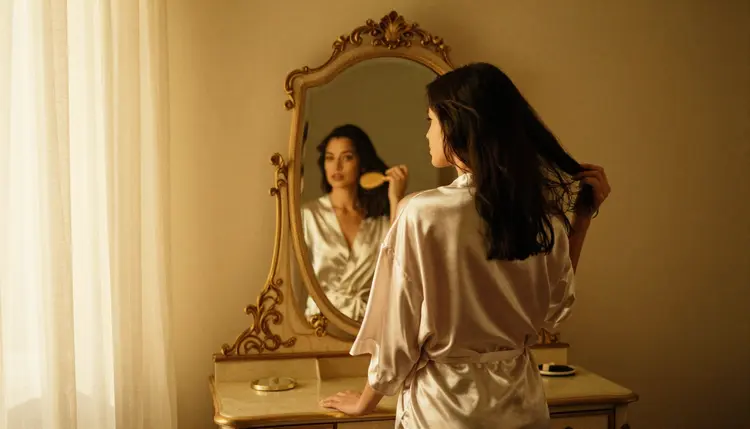
Reflective and fine surfaces are a useful test of how much detail a model is really holding onto. A mirror, glass, or a strand of loose hair either stays coherent or turns to mush, and that is a fast way to judge a batch at a glance. The same goes for fabric under raking light: rumpled satin or a wrinkled sheet catches shadow in a way flat fabric never will, and that shadow is where texture actually lives.

Keep every prompt to one scene rather than a sequence of moments, since asking for too much at once tends to blur all of it together rather than rendering any one part sharply. And treat the first batch as a draft: comparing a handful of variants side by side and changing one variable at a time gets to a genuinely sharp keeper faster than one long prompt chasing everything at once.
This applies regardless of how sharp or detailed a result is: everything generated here is for adults, eighteen and over, and every character must be a fictional adult character. No real person's likeness, with or without a claimed resemblance, and no public figure at all. No minor, and no character made to look like one, in any style or at any level of detail. Prompts that cross these lines are refused, and attempting them violates the platform's terms.

A sharper, more photographic result does not change any of this. Higher detail is a rendering quality, not a different set of rules, and the same limits apply to Seedream 4.5 as to any other model in the catalog. Generations also stay private by default, visible only in your own account unless you choose to share or download them, so testing a batch for sharpness before picking a favorite does not put anything on public view.
Generations on Picasso IA are paid for with credits spent per image, not a separate subscription tier for each model. A new account starts with free credits, enough to run the five-step process above across a few batches before deciding whether to buy more. Image generations sit toward the cheap end of what the app offers, well below the cost of a video generation.

Exact credit amounts and plan pricing change as the catalog evolves, so current numbers live on the pricing page rather than printed here where they would go stale. Comparing a small batch zoomed in and changing one variable at a time is the efficient way to spend those credits, on Seedream 4.5 or any other model in the catalog.
Does Seedream 4.5 really generate high resolution NSFW images with no content filter?
Yes. Seedream 4.5 is one of six models on Picasso IA confirmed to run with no content filter, alongside Qwen Image 2, Recraft V4.1 Pro, Picasso Image Editor Pro, Picasso Video, and LTX 2.3 Pro. An intimate or suggestive prompt runs the same way any other prompt does, and every character generated must still be a fictional adult, eighteen and over.
What actually counts as high resolution for an AI generated image?
Pixel dimensions are only part of it. What matters more is whether fine detail survives a close look: individual hair strands, the weave of lace, a catchlight in an eye, the grain of real skin rather than a flat, airbrushed surface. An image can be technically large and still read as soft if that detail was never actually generated.
Which of the six filter-free models has the sharpest photographic detail?
Seedream 4.5 is the one built for it. Qwen Image 2 is stronger at following a prompt that stacks many separate details in one line, and Recraft V4.1 Pro is sharp in its own way as illustration and line work, but for a photographic, single-subject image rendered at fine detail, Seedream 4.5 is the pick among the six.
Do I need to upscale a Seedream 4.5 image afterward to get a sharp result?
No extra step is required for the detail itself; the sharpness comes from the prompt and the model, not from a separate upscaling pass. What matters more is naming materials and light sources specifically and reviewing a batch at full size rather than as thumbnails, since that is what actually determines how much detail is in the image to begin with.
Why do hands or fabric edges sometimes look wrong even in a high detail image?
Hands, overlapping fingers, and complex fabric like lace or draped satin are difficult for every image model, filtered or not, and a higher level of detail elsewhere in the frame does not fix that on its own. Checking hands and fabric edges at full size before saving is worth doing on every generation, not only when something looks obviously off.
Is Seedream 4.5 free to use on Picasso IA?
New accounts start with free credits, which cover several generations before anything needs to be purchased. Beyond that, generations are paid for with credits rather than a flat subscription per model, and how far a given amount goes depends on current pricing, kept up to date on the pricing page rather than stated here.
Can I generate a real person or a celebrity for extra realism?
No. Every subject must be a fictional adult character, eighteen and over. A real person's likeness, including a celebrity or any other public figure, is not permitted, with or without a claimed resemblance, and prompts that attempt it are refused and violate the platform's terms regardless of which model is running.
What if I want an illustrated style instead of a photorealistic one?
Seedream 4.5 leans photographic even when a prompt asks for a drawn look, so it is not the right tool for that brief. Recraft V4.1 Pro is built for illustration and stylized art, and it is also filter free, which makes it the better pick when sharp line work matters more than photographic texture.
Can I edit a Seedream 4.5 image afterward to fix one detail?
Yes. If a hand or a fold of fabric comes out wrong in an otherwise sharp result, Picasso Image Editor Pro can adjust just that area with a plain instruction instead of a fresh generation from scratch. It also runs with no content filter, so an adult image can be edited the same way it was generated.
Can a high resolution NSFW image become a video?
Yes, as a separate step. Picasso Video can animate a finished image into a short clip, and LTX 2.3 Pro generates cinematic video directly from a prompt; both run with no content filter. Settling on a sharp still image first is the more efficient order, since an image generation costs less than a video one.