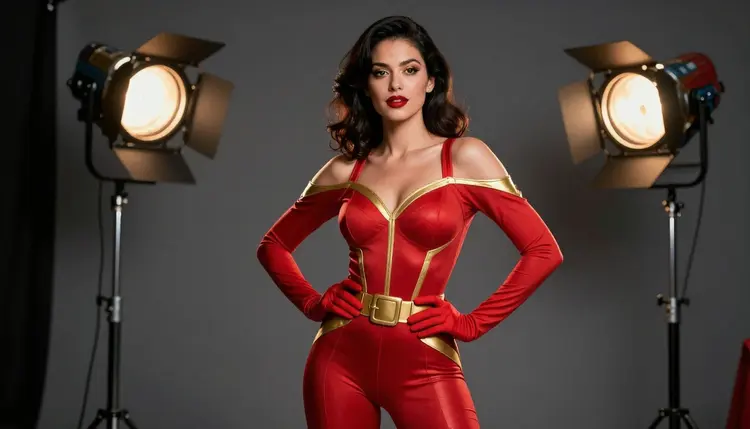
Illustration style asks an AI model to draw a character rather than photograph one: flat color blocks, a clean ink line, and a deliberate palette instead of a camera's exposure and grain. For a flirty or adult leaning piece, that changes what an image can say without any of it reading as a photograph of a real person. Recraft V4.1 Pro is one of six models on Picasso IA confirmed to run with no content filter, and its comic, anime, and pin-up rendering makes it the natural lead for a mature illustration brief instead of a photoreal one.
This page covers why Recraft V4.1 Pro is the strongest illustration pick among the six confirmed models, what actually holds an illustrated look together across a full set of characters, a five step process from a costume idea to a finished piece, and the rules every fictional adult in frame has to follow.
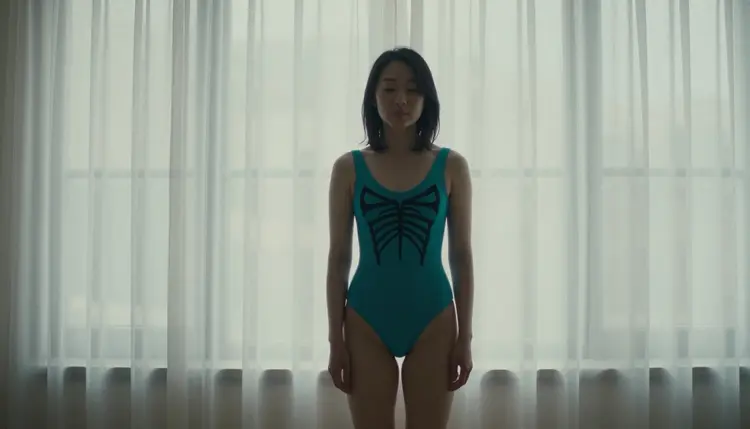
Most of the 488 models in the Picasso IA catalog run a content filter tuned for a general audience, and a mature illustration built around a fitted costume, a bare shoulder, or a suggestive pose is exactly the kind of prompt that filter exists to catch. Try it on a filtered model and the app returns a Content Not Supported by This Model message, then offers to carry the same prompt to a model that will actually draw it. Recraft V4.1 Pro is one of those alternatives, confirmed filter-free, and it is built as a design and illustration engine rather than a photorealism one: bold ink outline, flat color fill, and a costume sense that reads a fabric name the way a photographic model reads a lens.
It shares that filter-free status with five other models, each suited to a different part of an illustration project. Seedream 4.5 is the pick when a brief wants to look like a photograph rather than a drawing, a convention floor shot instead of a comic panel. Qwen Image 2 holds together a costume with several specific pieces in one prompt, a cape, a glove, and a color scheme that all need to survive the same generation. Picasso Image Editor Pro fixes a hand or a buckle on a piece that is already close to right. Picasso Video and LTX 2.3 Pro turn a finished illustration into a short clip instead of leaving it as a still frame. Recraft V4.1 Pro is the one to open first whenever the brief calls for a drawn, comic, or pin-up finish rather than a photographic one. The rest of the catalog covers everything else the app offers.
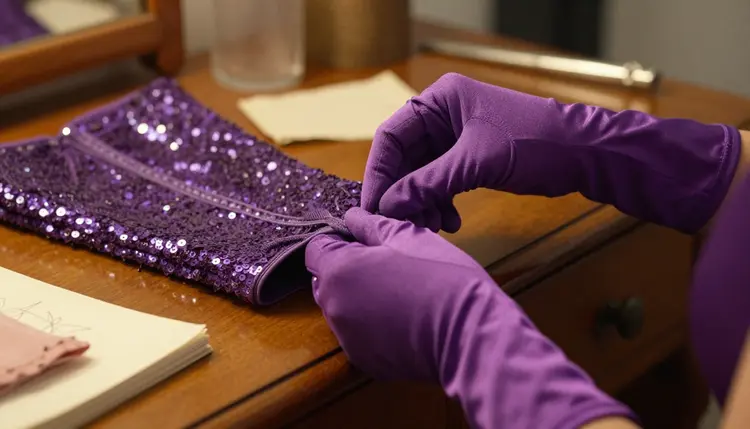
An illustrated character almost never lives in one image. A costume idea that only works in a single polished panel is an incomplete brief; planning a small set of looks around one character, three to nine pieces sharing the same palette and line weight, gives an artist something that reads as one style instead of five unrelated drawings.
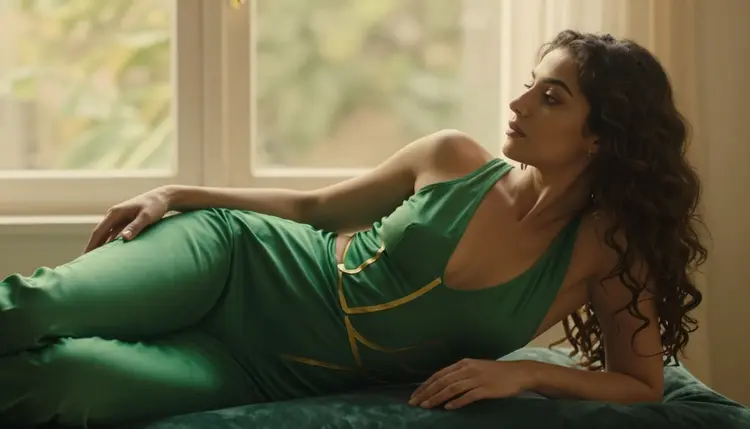
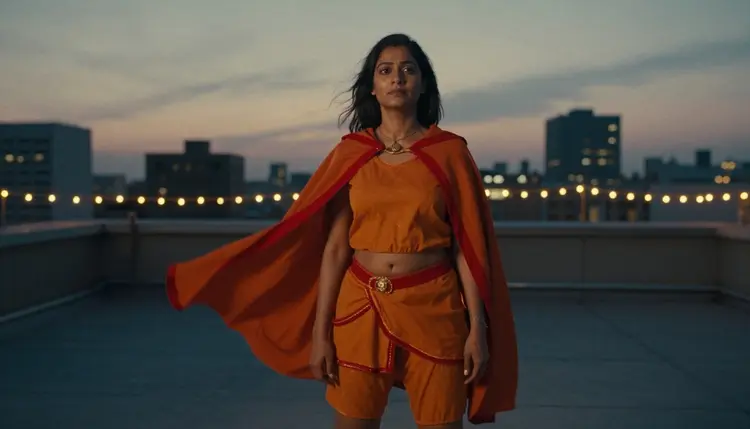
Color does more of the work than pose in illustration style. One dominant hue per costume, teal, deep purple, emerald, burnt orange, sunflower yellow, reads instantly and gives each character a visual signature a reader can recognize across a whole set. A background that competes with the costume for attention undercuts it; a plain sunlit window, a bare studio floor, or a rooftop at dusk keeps the eye on the character instead of the scene around them.
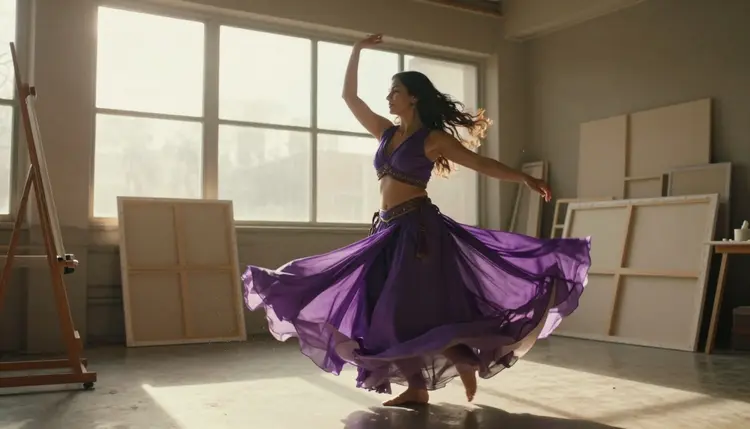
Motion and pose carry a second layer of identity. A twirl mid motion reads as playful and alive in a way a static stance cannot. A caped figure standing tall against a dusk skyline reads as heroic. A reclining pose on a velvet chaise by a window reads as relaxed and intimate rather than posed for action. Naming the pose in the same breath as the costume, rather than leaving it to the model to guess, is what keeps a set of drawings from all reading the same.
Consistency across a set matters as much as any single frame. The same ink line weight, the same rough saturation level, and a costume language that stays recognizable from one generation to the next is what turns a handful of separate images into a style a reader would call an illustrated series rather than a folder of unrelated pictures.
Turning a character idea into a finished illustration, rather than a single lucky generation, takes a short amount of planning before the first prompt.
- Fix the Costume and the Palette First. Give the character one dominant color, a fabric, and a defining piece, a cape, gloves, sequins, before writing anything else, so every image generated for the set reads as the same invented character.
- Name the Pose and the Setting in the Same Line as the Costume. A twirl in a sunlit studio, a recline on a chaise, a stance on a dusk rooftop; naming all three together gives Recraft V4.1 Pro one scene to draw instead of a generic portrait.
- Open the Toolkit and Select Recraft V4.1 Pro. Picking the filter-free illustration model before writing the prompt avoids spending a first generation on a model that refuses the brief outright.
- Generate a Small Batch and Compare Line Quality. A handful of variants from one prompt shows whether the ink line, the color fill, and the costume details all came through cleanly across the set.
- Send the Favorite to Picasso Image Editor Pro for a Finishing Pass. Fix a glove, straighten a cape line, or clean up a buckle on the closest result, then download it and check the edges of the frame before calling it done.
Fabric and material carry more of an illustration's identity than pose does. Sequins, latex, velvet, a caped cloth that catches wind: naming the exact material gives Recraft V4.1 Pro something concrete to render as flat color and line rather than leaving the look to chance. A vague word like flirty on its own describes a feeling, not a costume, and leaves the actual design up to guesswork unless it is paired with a fabric, a color, and a pose.
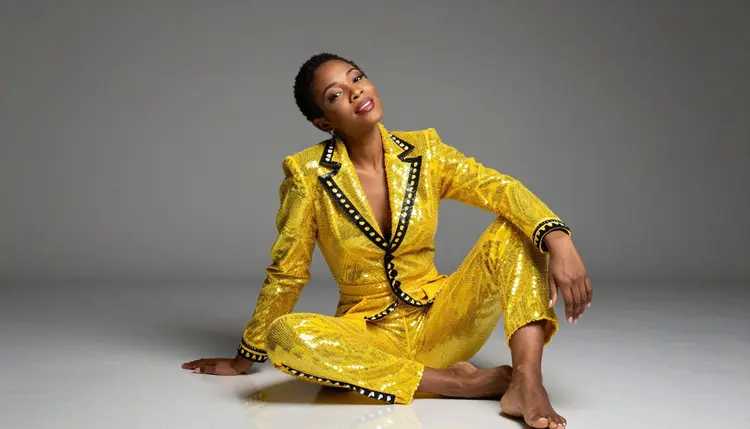
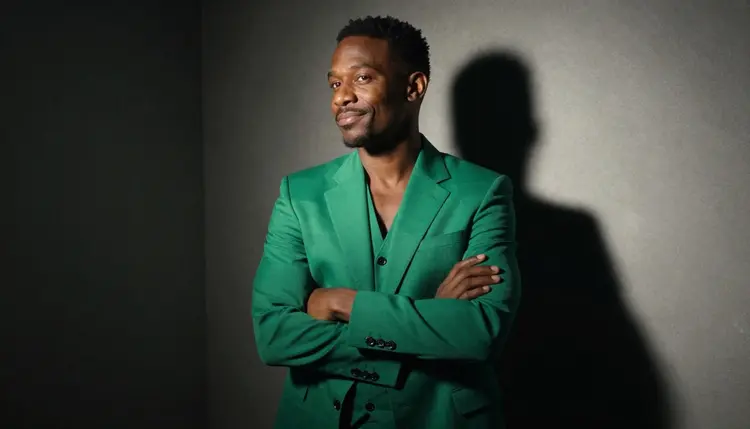
Setting and prop choices reinforce a costume's mood without competing with it. A vintage convertible under a pin-up pose reads as playful and retro. A dim studio backdrop behind a tailored blazer reads as sleek and confident. Naming one clear setting, rather than several at once, keeps the composition simple enough for the line work to stay the focus.
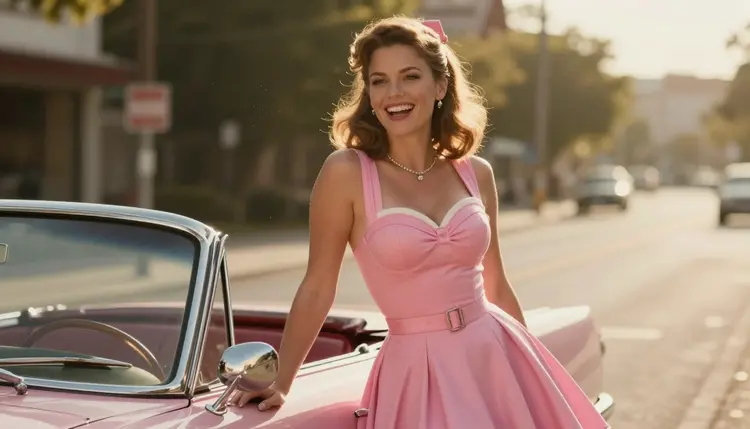
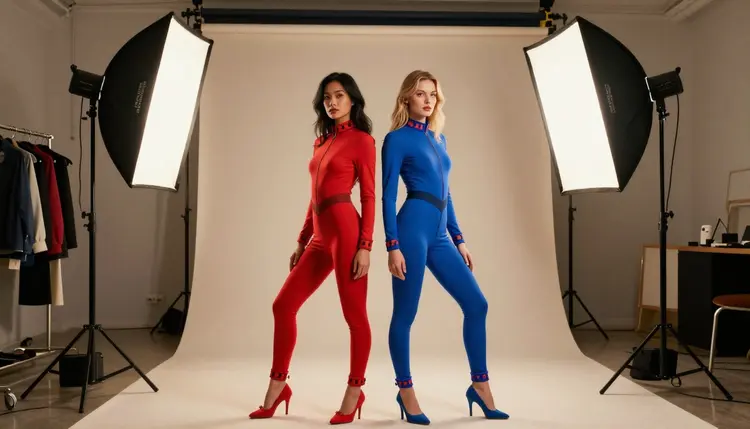
Illustration style is not limited to one gender or one character per frame. A tailored blazer in a saturated color reads exactly as well on a male character as a caped costume does on a female one, and two characters in contrasting costumes standing together, one warm color, one cool, is a natural way to close out a set once each individual look is settled.
A short reference table for prompting an illustration:
| Say this | Instead of this | Why it helps |
|---|
| a fictional woman in a teal sequined costume, twirling, sunlit studio | a hot illustration | gives Recraft V4.1 Pro a concrete costume, pose, and setting instead of a vague mood |
| emerald costume, reclining on a velvet chaise, soft window light | a flirty drawing | names the exact fabric, pose, and light instead of leaving all three to chance |
| caped figure, orange and gold, standing on a rooftop at dusk | a dramatic character | gives the model a specific silhouette and a light condition to draw against |
| pink pin-up dress, leaning against a vintage car, warm afternoon light | a retro pin-up | reads as a complete scene rather than a style label alone |
Every illustration generated here is for adults, eighteen and over, and the character in frame must be entirely fictional: an invented person, not a real artist or public figure, and never drawn to resemble a real person without their consent. No character that reads as a minor, in any costume or style. Prompts that cross these lines are refused, and attempting them violates the platform's terms.
Recraft V4.1 Pro running with no content filter changes what kind of adult illustration it will draw, not who it can be drawn of. The rule against real people and minors applies on every model in the catalog, filtered or not, illustrated or photographic.
Generations on Picasso IA stay private by default, visible only in your own account unless you choose to download or share them, so testing several costumes and poses before settling on a final look does not put anything on public view. What gets published or printed afterward is still governed by local law and by the rules of whatever platform or venue displays it.
Generations on Picasso IA are paid for with credits spent per image, not a separate subscription tier for each model. A new account starts with free credits, enough to run the five step process above across a small set of costumes before deciding whether to buy more. Illustrated image generations sit toward the cheap end of what the app offers, well below the cost of a video generation through Picasso Video or LTX 2.3 Pro.
Exact credit amounts and plan pricing change as the catalog evolves, so current numbers live on the pricing page rather than printed here where they would go stale. Fixing a costume and palette first, then generating a small batch to compare line quality, is the efficient way to land on an illustration worth keeping.
Does Recraft V4.1 Pro really generate NSFW illustration style art with no content filter?
Yes. Recraft V4.1 Pro is one of six models on Picasso IA confirmed to run with no content filter, alongside Seedream 4.5, Qwen Image 2, Picasso Image Editor Pro, Picasso Video, and LTX 2.3 Pro. Every character generated must still be a fictional adult, eighteen and over, regardless of which of the six models draws it.
What's the difference between Recraft V4.1 Pro and Seedream 4.5 for illustration style art?
Recraft V4.1 Pro is an illustration and design model: bold ink outline, flat color fill, and a comic or anime finish. Seedream 4.5 is a photoreal model that renders skin, fabric, and light the way a camera would capture them. A costume brief naming a line weight and a color palette belongs in a Recraft V4.1 Pro prompt, and a brief naming a lens and a lighting setup belongs in a Seedream 4.5 prompt instead.
Can I generate an NSFW illustration in an anime or comic style specifically?
Yes. Naming the style directly in the prompt, anime, comic panel, or pin-up illustration, steers Recraft V4.1 Pro toward that exact rendering rather than a generic drawn look. Pairing the style name with a costume, a pose, and a setting in the same prompt is what produces a consistent result across a full set of characters.
What happens if a filtered model refuses my illustration prompt?
The generation stops and a Content Not Supported by This Model message takes the image's place, and the app recommends switching to one of the six confirmed models, carrying the original prompt over. Switching models is the fix, not reworking the costume description with euphemisms to slip past the filter that just refused it.
Can illustration style art feature a male character instead of a female one?
Yes. The same approach, a fixed costume, a named pose, and a clear setting, works the same way for a male character as it does for a female one, and a tailored blazer or a caped costume reads just as well regardless of who is wearing it.
Can a finished illustration be turned into a short video?
Yes. Picasso Video and LTX 2.3 Pro are both confirmed filter-free and both generate video, so a finished Recraft V4.1 Pro illustration can move into either one and come out as a short clip instead of staying a still frame. Both sit inside the toolkit alongside the image models above.
Does Nano Banana or another well known model generate NSFW illustration art?
Nano Banana is not on the confirmed list, and like most models built for a broad audience it applies a safety layer that can flag and refuse a mature illustration prompt. The same applies to other familiar names like Seedance, Sora, Veo, Kling, GPT Image 1, and DALL-E 3; none are confirmed filter-free, so none should be relied on for the kind of prompt this page describes.
How do I keep a character's costume and colors consistent across a whole set?
Write the costume description, the dominant color, and any defining piece, a cape, gloves, sequins, the same way in every prompt, and vary only the pose or the setting. Reusing that fixed description is what keeps a whole set of illustrations reading as the same character rather than a different design each time.
Why do costume details like gloves or capes sometimes render incorrectly?
Layered fabric, gloved hands, and flowing capes are some of the harder shapes for any illustration model to draw cleanly, filtered or not. Removing a content filter changes what a model will attempt to draw, not how well it handles complex costume geometry. A simpler pose on the first pass, then a follow-up edit through Picasso Image Editor Pro naming the exact piece to fix, is what actually solves it.
How much does an illustration cost, and are there free credits to start?
A single illustration sits toward the cheap end of what any image generation costs on Picasso IA, and a video clip through Picasso Video or LTX 2.3 Pro costs more than a still image. New accounts start with free credits, enough to test a costume across a couple of poses and run a full edit pass before spending anything further. Exact current prices are on the pricing page, since plans change more often than this article does.