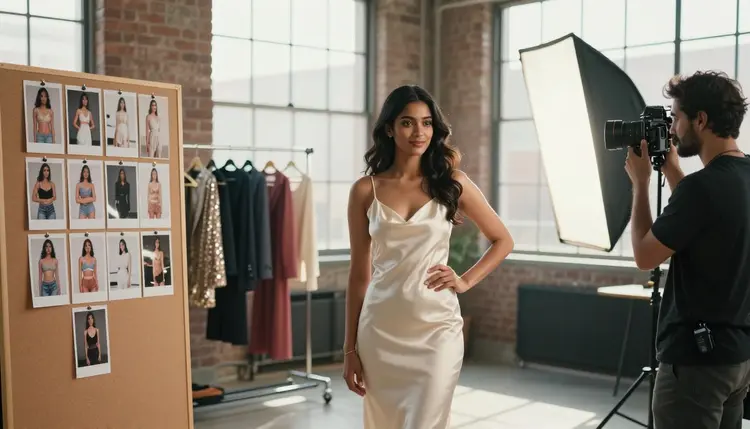
A portfolio has one job: prove a model can hold four or five different looks in a single sitting, glamour, swimwear, eveningwear, and something more artistic, without booking a studio, a stylist, or a second shoot day. Seedream 4.5 and Recraft V4.1 Pro are two of six models on Picasso IA confirmed to run with no content filter, and between a photoreal lead and an illustrated alternative they cover the two registers most comp cards actually need.
This page compares all six confirmed models, breaks down what a portfolio set has to cover to read as a real range rather than one repeated photo, walks through a five-step process from a character brief to a laid-out comp card, and closes with the rules every fictional adult in frame has to follow.
One line before anything else, since it governs every example on this page: every model shown here is a fictional adult, eighteen or older. No real person's likeness, no influencer, no public figure, and nothing that could read as a minor, in any look or wardrobe.
Most of the 488 models in the Picasso IA catalog carry a content filter, and a portfolio brief built around lace lingerie, a satin slip dress, or an open silk robe is exactly what that filter exists to catch. Run a prompt like that on a filtered model and the app returns a Content Not Supported by This Model message, then offers to carry the same prompt to a model that will actually generate it. Seedream 4.5 is one of six confirmed alternatives, and its photoreal, editorial rendering is why it leads this page: skin, fabric, and studio or window light come out the way an actual photographer's set would produce them, which is exactly what a comp card needs to look credible.
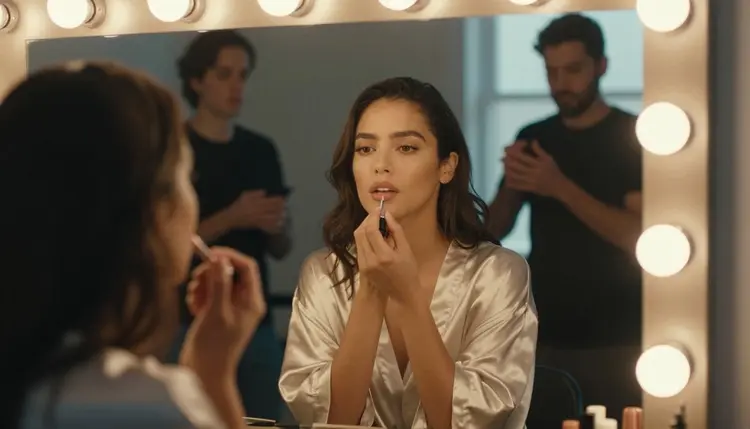
Recraft V4.1 Pro sits beside it as the second confirmed pick for this page, better suited to the one look a portfolio often needs that is not photographic: an illustrated cover page, a stylized graphic, or a pin-up-style header for the finished set. It reads flat color and clean line the way Seedream 4.5 reads skin and fabric, and it is one of the same six models across the catalog confirmed to run with no content filter.
The other four confirmed models round out a full portfolio workflow. Qwen Image 2 holds several details in one prompt at once, useful for a look stacking a specific gown, a location, and a light source together. Picasso Image Editor Pro fixes a hand, a strap, or a fold of fabric on a frame that is otherwise the keeper. Picasso Video and LTX 2.3 Pro turn a finished look into a short clip for a reel instead of leaving it a still image. All six sit inside the toolkit, next to the full catalog.
A portfolio that actually books work shows range, not one polished shot repeated five times in different colors. A casting contact or a client wants to see a model hold at least four different registers: intimate and soft, confident and glamorous, formal and composed, and something candid that shows a personality rather than just a pose.
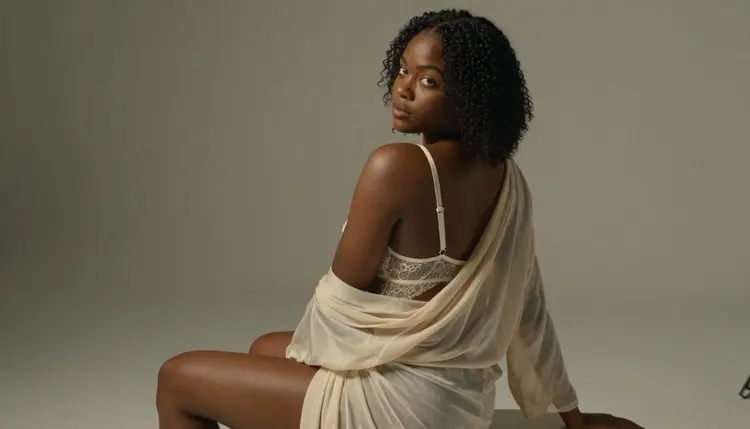
Lingerie and loungewear cover the intimate register, shot with soft, directional studio light rather than a flat flash. Keeping the backdrop simple puts the attention on wardrobe and expression instead of a busy setting.
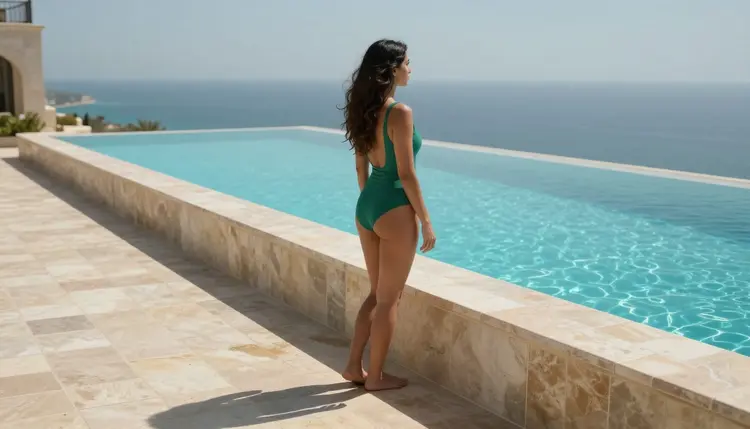
Swimwear against a bright outdoor setting, a poolside or a similar location, covers the confident, glamorous register, and daylight does more of the work here than any studio setup could.
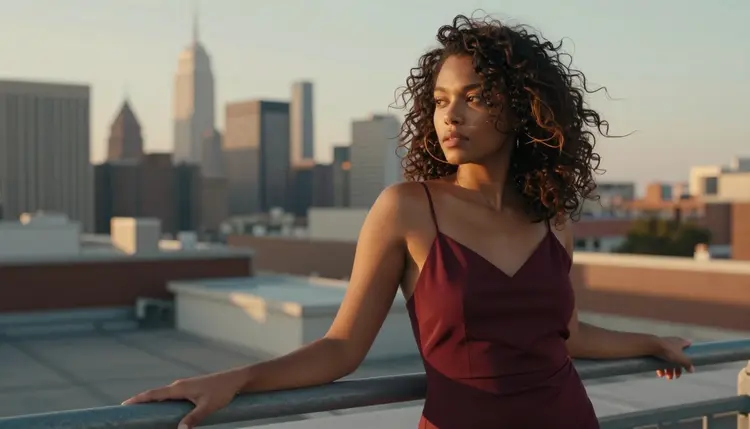
An evening slip dress at golden hour, on a rooftop or another elevated setting, covers a third register, lifestyle glamour that reads as aspirational rather than staged.
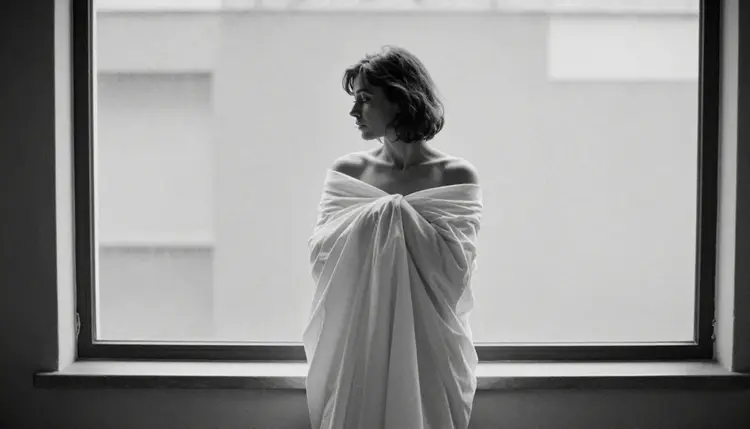
A black and white silhouette, shot as a wrapped-sheet portrait rather than a literal wardrobe look, rounds the set out with something artistic, the kind of frame a client tends to remember after the color images start to blur together. Four registers, four different lights and settings, one consistent fictional model across all of them: that combination is what separates a working portfolio from a folder of near-identical photos.
Turning a character idea into a laid-out comp card follows the same five steps regardless of how many looks the final set includes.
- Define the Portfolio's Range. Pick the registers this set needs before writing a single prompt, intimate, glamorous, formal, and something candid or artistic, so the finished set reads as range rather than one look repeated.
- Lock the Model as One Consistent Fictional Adult. Write a fixed description, hair color, build, and one signature detail such as a birthmark or a haircut, and reuse it word for word in every prompt so every look reads as the same invented person.
- Open the Toolkit and Match the Model to Each Look. Seedream 4.5 for a photoreal look, Recraft V4.1 Pro for an illustrated cover page or a stylized graphic instead.
- Generate Each Look as Its Own Small Batch. Keep the character description fixed and change only the wardrobe, the location, and the light from look to look, generating three or four variants of each before picking a favorite.
- Edit and Lay Out the Comp Card. Send the strongest frame from each look to Picasso Image Editor Pro to fix a strap, a hand, or a stray fold, then arrange the finished set into a single portfolio page or comp card layout.
Wardrobe and material carry more of a portfolio's identity than pose does. Ivory lace, a satin gown strap, a sapphire evening fabric: naming the exact material and color gives the model something concrete to render, and a specific material reads as considered rather than generic.
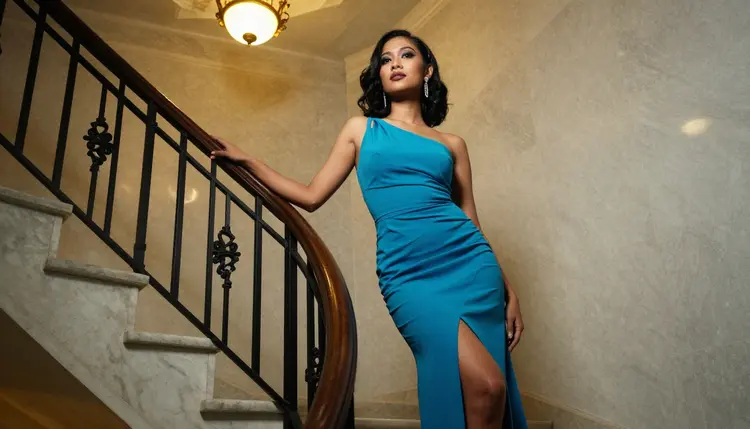
Location and light decide the register as much as wardrobe does. A marble staircase under warm evening light reads as formal and composed. A rooftop at golden hour reads as aspirational. A plain studio backdrop with soft, directional light reads as intimate. Naming one of these clearly, instead of a vague word like elegant, gives the model something exact to build the whole frame around.

A candid, in-motion moment, walking through a wheat field or turning mid-laugh, reads as lifestyle rather than posed, and rounds a set out with a frame that feels caught rather than staged. A short reference table for prompting a portfolio look:
| Say this | Instead of this | Why it helps |
|---|
| ivory lace lingerie, soft directional studio light | a hot lingerie photo | names the exact material and light instead of a vague mood |
| sapphire satin gown, descending a marble staircase | a glam evening photo | gives the model a concrete wardrobe, location, and pose |
| candid laugh, mid-stride through a wheat field | a fun outdoor photo | reads as caught in motion rather than posed |
| burgundy slip dress, rooftop at golden hour | a pretty sunset photo | ties wardrobe, location, and light into one specific scene |
Every look generated for a portfolio runs under the same short set of rules as any other adult generation on Picasso IA, and the number of looks in a set changes none of them.
Every model in frame is a fictional adult, eighteen or older. No real person's likeness without their explicit consent, including an existing model, an influencer, or a public figure, and nothing involving a minor or anyone made to look like one, in any look or wardrobe. Prompts that cross these lines are refused by the models and violate the platform's terms.
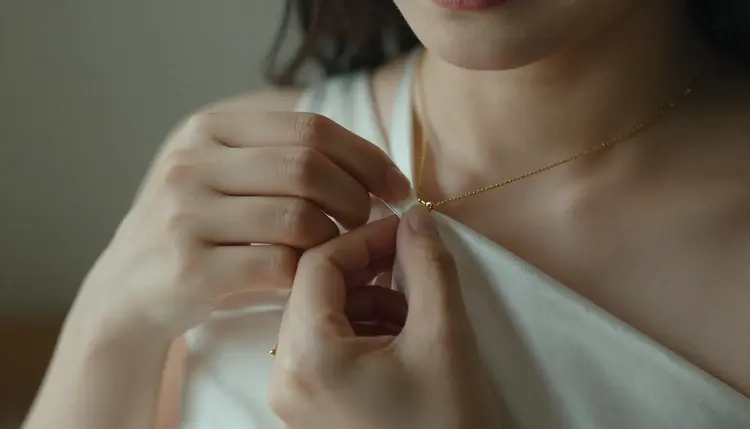
An uncensored model is not a flawless one. Jewelry, a gown strap, and a hand resting on fabric are some of the harder details for any image model to render cleanly, filtered or not, so check those details, not only the pose, before calling a look finished.
Generations on Picasso IA stay private by default, visible only in your own account unless you choose to download or share them, so testing several looks before finalizing a set does not put anything on public view. What gets shared afterward, submitted to a casting contact or posted publicly, is still governed by local law and by whatever platform receives it.
Building a portfolio spends credits the same way any other generation on Picasso IA does, and a single image sits toward the cheap end of what the app charges. A short clip through Picasso Video or LTX 2.3 Pro costs more than a still image, worth knowing before turning a finished look into video for a reel.
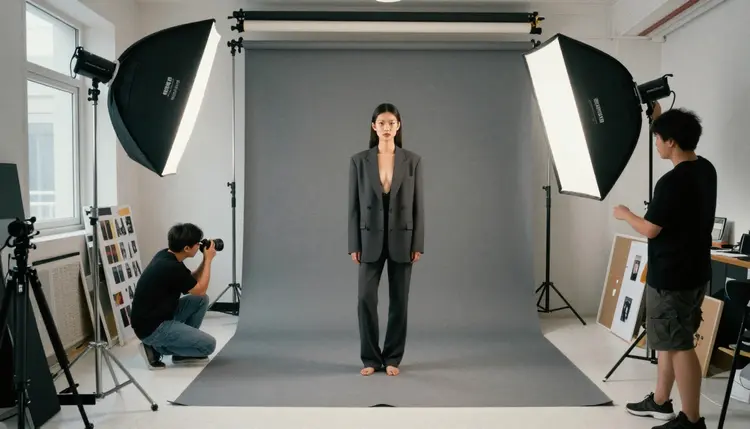
New accounts start with free credits, enough to test a handful of looks across both Seedream 4.5 and Recraft V4.1 Pro and run an edit pass before spending anything further. Current plans and exact prices live on the pricing page, kept there since they change more often than this page does.
Which model should I use to build an NSFW portfolio on Picasso IA?
Start with Seedream 4.5 for a photoreal look across lingerie, swimwear, and evening wardrobe; it is one of six models confirmed to run with no content filter, and its editorial rendering is built for exactly this kind of set. Reach for Recraft V4.1 Pro instead for an illustrated cover page or a stylized graphic look, the one register Seedream 4.5 is not built for.
Does Seedream 4.5 really have no content filter for portfolio images?
Yes. Seedream 4.5 is one of six models across the catalog confirmed to generate adult content with no content filter, alongside Recraft V4.1 Pro, Qwen Image 2, Picasso Image Editor Pro, Picasso Video, and LTX 2.3 Pro. Most other models, including several well-known names, are not on that confirmed list and may refuse a portfolio prompt outright.
What's the difference between Seedream 4.5 and Recraft V4.1 Pro for a portfolio?
Seedream 4.5 is a photoreal model: skin, fabric, and studio or window light rendered the way a camera would capture them, the right choice for most of a comp card. Recraft V4.1 Pro is an illustration and design model, better suited to a drawn cover page or a stylized graphic look than to a photographic one. A portfolio built entirely from photos rarely needs Recraft V4.1 Pro at all; a set that wants one illustrated cover page does.
How many looks should a portfolio set include?
There is no fixed number, but four to six looks across different registers, intimate, glamorous, formal, and something candid or artistic, is enough to show real range without padding the set with near-duplicates. A client remembers a set for its variety, not its length.
Can the portfolio include artistic black and white images?
Yes. A black and white silhouette or a wrapped-sheet portrait is a common way to round out a set with something more artistic than the color, wardrobe-driven looks, and both Seedream 4.5 and Recraft V4.1 Pro handle black and white the same way they handle color, simply by naming it in the prompt.
Does Nano Banana or another well-known model generate NSFW portfolio images?
Nano Banana is not on the confirmed list, and like most models built for a broad audience it applies a safety layer that can flag and refuse a portfolio prompt built around lingerie or an open robe. The same applies to other familiar names like Seedance 1.5 Pro, Vidu, Leonardo AI, and Qwen Image 3 Pro; none are confirmed filter-free, though any of them is worth a try for the parts of a shoot that are not adult content at all.
What happens if a model refuses a portfolio prompt?
The generation stops and a Content Not Supported by This Model message takes the image's place, and the app recommends switching to one of the six confirmed models, carrying the original prompt over. The fix is switching models and running the same prompt again, not reworking the wardrobe description with euphemisms to sneak past the filter that just refused it.
Can I generate a portfolio of a real model or influencer?
No. Every model in frame on Picasso IA must be a fictional adult, eighteen or older, and a real person's likeness needs explicit consent that a public figure's fame cannot substitute for; both are refused by the models and forbidden under the platform's terms. This includes uploading a real photo of an existing model into Picasso Image Editor Pro for a touch-up, since the edit is still built on that likeness.
How do I keep the same character consistent across every look?
Write a fixed description, hair color, build, and one signature detail, and reuse that exact wording in every prompt for the set, changing only the wardrobe, location, and light from look to look. The more specific and repeated that base description is, the more the finished set reads as one consistent character rather than five different people.
How much does a portfolio set cost, and are there free credits?
A single portfolio image sits toward the cheap end of what any image generation costs on Picasso IA; a video clip through Picasso Video or LTX 2.3 Pro costs more than a still image. New accounts start with free credits, enough to test a handful of looks across both confirmed models and run a full edit pass before spending anything further. Exact current prices are on the pricing page, since plans change more often than this article does.
Seedream 4.5 and Recraft V4.1 Pro are already sitting in the toolkit with the rest of the full catalog. Open it, lock the character description, and generate the first look on the free credits that come with a new account.