Skin is the hardest thing an AI image model has to get right, and it is the first thing a viewer's eye checks in any close or suggestive scene. A good result holds up under a close look, pores across a cheek, the faint sheen where light catches damp skin, a tan line that sits a shade lighter than the skin around it. A weak one collapses into the smooth, waxy look that gives an AI image away in half a second. That gap is what this page is about: which model on Picasso IA renders skin realistically enough to survive a close-up, and how to prompt it so the result actually holds together.
The short answer is Seedream 4.5. It is one of six models on Picasso IA confirmed to run with no content filter, and of those six it is the one built specifically for a photographic, hyper-realistic look, exactly what convincing skin detail requires. This page covers why it wins on skin texture specifically, a five-step workflow from a blank prompt to a keeper, where the other five uncensored models fit instead, and the rules that apply to every image the app makes.
Most of the 488 models in the Picasso IA catalog apply a content filter that refuses a close, suggestive scene the moment skin becomes the subject rather than the background. When that happens the app shows a Content Not Supported by This Model message and carries the prompt over to a model that will actually run it, so nothing typed gets lost. Seedream 4.5 is one of those alternatives, and it is confirmed filter free: an intimate, skin-forward scene runs the same way any other prompt does, no rewording, no softening a phrase to sneak it past a filter that simply is not there.
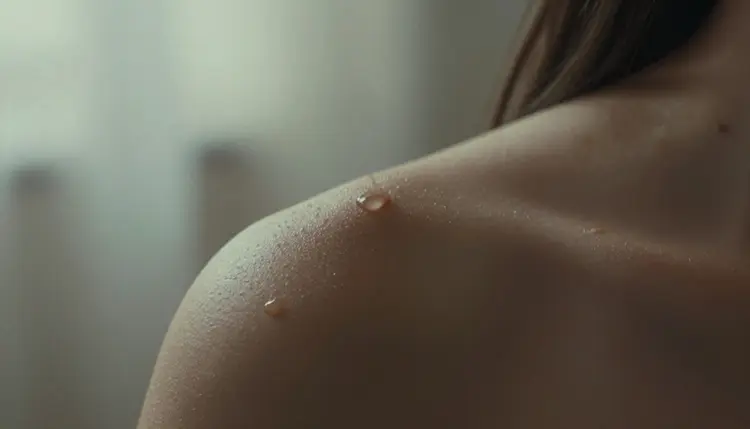
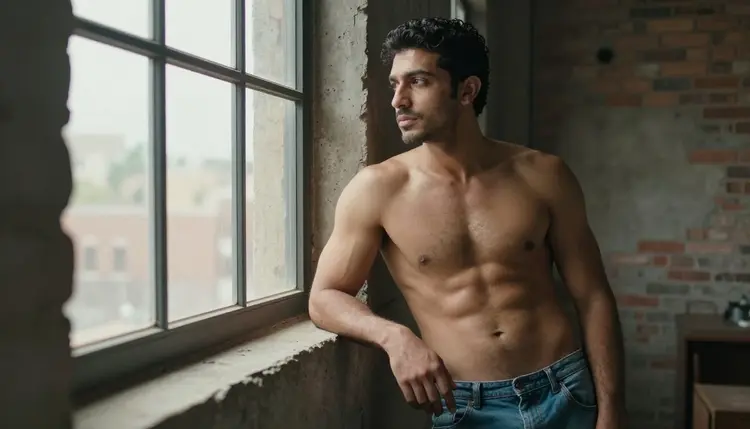
Skin specifically is where it separates itself from the rest of the catalog. Seedream 4.5 renders the small things a real photograph shows and most models flatten away: the faint texture of pores across a cheek, the way light pools and fades across a shoulder, the slightly different tone where a tan line meets untouched skin, the sheen of a damp or lightly oiled surface. Those details are what make an image read as a photograph instead of a render, and they hold up even when the shot is close enough that there is nowhere for a weak render to hide.

Three things separate skin that reads as real from skin that reads as rendered: light behavior, surface texture, and small imperfection. Real skin is not one flat color, it is translucent enough that light scatters slightly beneath the surface before bouncing back, which is why a cheek lit from one side looks warmer near the light and cooler in shadow instead of evenly lit all over. A model that understands this paints a gradient, not a fill.
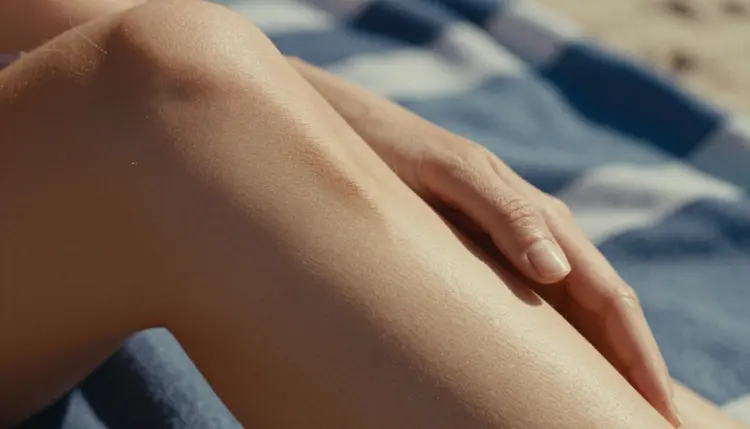
Texture is the second piece. Pores, fine hair, the faint creases at a knuckle or an elbow, these are not decoration, they are what stops skin from looking like a smooth plastic render. Seedream 4.5 keeps this texture even in a well-lit scene, where a weaker model tends to smooth everything into a single glossy surface the moment the light gets brighter.
The third piece is the small imperfection: a freckle, a slightly uneven tan, a bead of water that has not spread evenly, a faint vein at a wrist. Naming one of these in a prompt gives the model something concrete to render, and a single well-placed detail like that does more for realism than any general instruction to make the skin look realistic.
The path from a blank prompt to an image whose skin holds up under a close look is short, and it is the same loop whether this is a first generation or a fiftieth.
- Describe the Skin, Not Just the Subject. Name the light source, the skin tone, and one texture detail such as a freckle, a tan line, or damp skin, before describing the pose or the setting.
- Open the Toolkit and Select Seedream 4.5. Choose it from the text-to-image list before typing the prompt, since starting there avoids wasting a generation on a model that will not run a skin-forward scene at all.
- Generate a Batch of Four and Compare Skin Texture Side by Side. Look specifically at how each version renders pores, light falloff across the shoulder or cheek, and the edge where skin meets fabric.
- Zoom Into the Closest Result Before Iterating Further. Check for the smooth, waxy look that signals a weak render, then adjust the prompt's light or texture wording rather than rewriting the whole scene.
- Save the Keeper and Reuse Its Wording as a Template. Once a version holds up under a close look, keep its phrasing as a base for the next scene instead of starting from a blank prompt again.
Light does more for convincing skin than any other single word in a prompt. Name the source and the time of day rather than reaching for an adjective: golden hour on the beach, a single warm lamp at night, soft window light at midday. A model that knows where the light is coming from renders the shadow and the highlight it actually casts across skin, rather than guessing at an even, flat glow.
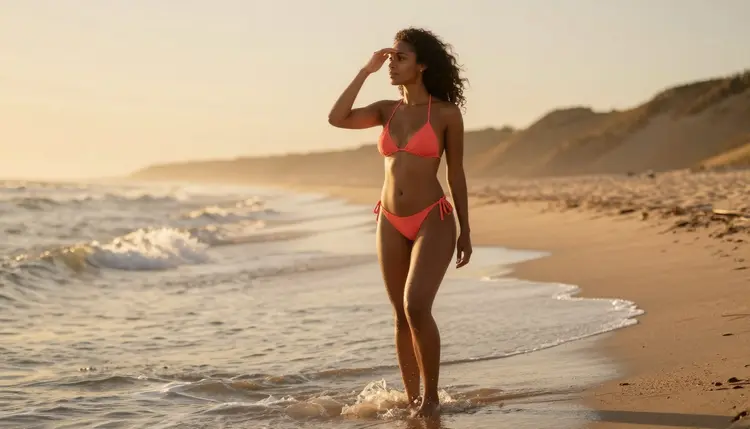
Name materials next to the skin, not just the skin itself. A hand on sun-warmed skin, damp skin after the ocean, skin with a faint tan line at the shoulder, each of these gives the model a concrete surface to reason about, rather than an abstract instruction to make it realistic. The same applies to props touching skin directly, a wet hand, a swimsuit strap, a bedsheet, since the point of contact is exactly where a weak render tends to blur into a single flat color.
Keep every character fictional, and describe them as such in your own head even when the word fictional is not typed into every prompt: invented names, invented features, nothing built to resemble someone real. Ask for one scene, not a sequence, since a prompt chasing three moments at once tends to blur the skin detail in all three. And treat the first batch as a draft, not a final answer, since comparing a small set side by side and changing one variable at a time reaches a keeper faster than a longer and longer single prompt ever does.
Seedream 4.5 shares its filter-free status with five other models on Picasso IA, and each is built for a different job than photorealistic skin. Qwen Image 2 is the open-source pick when a prompt lists five or six separate things at once, useful for a busy scene rather than a close, texture-focused one. Recraft V4.1 Pro is for illustration and stylized art, a painted or comic-style figure rather than a photograph, so it is the better tool the moment the brief calls for a drawn look instead of realistic skin.
Picasso Image Editor Pro edits a photo already generated instead of starting fresh, useful for fixing a hand or adjusting one area of skin after the fact rather than regenerating the whole scene. Picasso Video and LTX 2.3 Pro handle motion, animating a still into a short clip or generating video directly, and skin that looked convincing as a photograph tends to hold up across a few seconds of movement too. All six are confirmed filter free, and none of the other 480-odd models in the catalog carry that guarantee, so a scene that gets refused elsewhere is worth trying on one of these six before giving up on it.

See the full catalog for everything else the app offers beyond these six.
This is stated plainly because it matters more than any prompting tip: everything on this page is for adults, eighteen and over, and every subject generated must be a fictional adult character. No real person's likeness, with or without a claimed resemblance, and no public figure at all, since a real person's skin and face are not fictional no matter how the prompt is worded. No minor, and no character made to look like one, in any style or scene. Prompts that cross these lines are refused, and attempting them violates the platform's terms.

Seedream 4.5 having no content filter does not change any of this. Removing the filter that blocks adult content in general is not the same as removing the rules about whose likeness can be generated or how old a character must read as, and those rules hold regardless of which of the six models is running the prompt.
Privacy is the default, not an extra step: a generation stays tied to the account that made it, and nothing typed into a prompt or produced from it is shared publicly by Picasso IA. What happens after an image leaves the account, where it is posted and to whom, is governed by local law and by the rules of whatever platform it lands on, so legal to generate is not the same as allowed to publish.
Does Seedream 4.5 really generate NSFW images with no content filter?
Yes. Seedream 4.5 is one of six models on Picasso IA confirmed to run with no content filter, alongside Qwen Image 2, Recraft V4.1 Pro, Picasso Image Editor Pro, Picasso Video, and LTX 2.3 Pro. A close, intimate prompt runs on it the same way any other prompt does, with no need to reword or disguise anything to get past a filter that simply is not there.
Why is Seedream 4.5 specifically better for realistic skin than other models?
Skin depends on how a model handles light, texture, and small imperfection, and Seedream 4.5 is built for exactly that photographic, hyper-realistic look rather than a stylized or illustrated one. Pores, tan lines, and the way light pools across a shoulder read convincingly because the model treats skin as a real, translucent surface instead of a flat color fill.
What lighting works best for realistic skin detail?
Naming a real light source, golden hour, a single warm lamp, soft window light at midday, does more for convincing skin than any adjective attached to the subject. A model that knows where the light is coming from can render the shadow and highlight it actually casts, which is most of what makes skin read as photographed rather than generated.
Is Seedream 4.5 free to use on Picasso IA?
New accounts start with free credits, which cover several generations before anything needs to be purchased. Beyond that, generations are paid for with credits rather than a flat subscription per model, and how far a given amount of credits goes depends on current pricing, kept up to date on the pricing page rather than stated here.
Can I generate a real person's skin or likeness with Seedream 4.5?
No. Every subject on this page must be a fictional adult character, eighteen and over, with no real person's likeness and no public figure permitted, claimed resemblance or not. Prompts that attempt this are refused and violate the platform's terms regardless of which model is running.
Why does skin sometimes still look smooth or plastic in my results?
Even a strong model can flatten skin when a prompt only says realistic without naming any actual texture, since that word alone gives it nothing concrete to render. Naming one specific detail, a freckle, a tan line, a bead of sweat, along with a real light source usually fixes it faster than repeating the word realistic in a longer prompt.
What if I want a painted or illustrated look instead of realistic skin?
Seedream 4.5 leans toward photographic realism even when a prompt asks for a drawn style, so it is not the right tool for that brief. Recraft V4.1 Pro is built for illustration and stylized art, and it is also filter free, which makes it the better pick for a painted or comic-style figure instead of a photograph.
How many images should I generate before I get a realistic skin result?
There is no fixed number, but three or four rounds of generating a small batch, picking the closest result, and changing one variable is a normal distance to something worth keeping. A single very long prompt chasing perfection on the first try usually takes longer than a few short rounds of iteration.
Can I edit a Seedream 4.5 image after generating it to fix the skin?
Yes. Once an image is close but not quite right, Picasso Image Editor Pro can adjust it directly, smoothing an odd patch or fixing a hand with a plain instruction instead of a fresh generation from scratch. It is also filter free, so a close or intimate image can be edited the same way it was generated.
Can a realistic skin image become a video?
Yes, through a separate step. Picasso Video takes a still image and animates it into a short clip built from that frame, and LTX 2.3 Pro generates cinematic video directly from a prompt, both running with no content filter. The efficient order is to settle on a still image first, since a round of image generation costs less than a round of video, and only animate the frame already decided as a keeper.