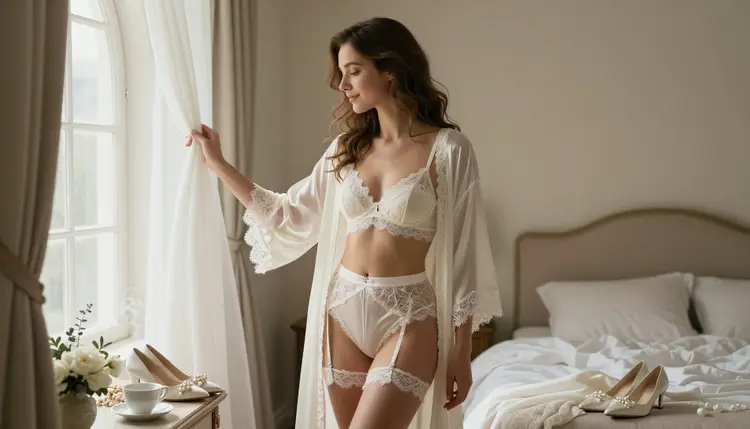
Bridal lingerie is one of the most requested romantic scenes on Picasso IA, and Seedream 4.5 is the model built to handle it without flinching. Lace, satin, sheer tulle and skin tone all render with a photographic softness instead of the flat, waxy look a filtered model produces when it tries to soften an intimate scene on its own. Seedream 4.5 sits on a short list of six models confirmed to generate this kind of content with no content filter at all, and this page shows exactly what that looks like in practice.
What follows is nine scene ideas built around a wedding day mood, a five step process that takes a blank prompt box to a finished image, a set of prompting habits that make the results read as natural rather than staged, and the rules every generation on Picasso IA runs under. One line before any of that, since it governs every example on this page: every woman shown here is a fictional adult built from a text prompt, never a real photograph and never a real person.
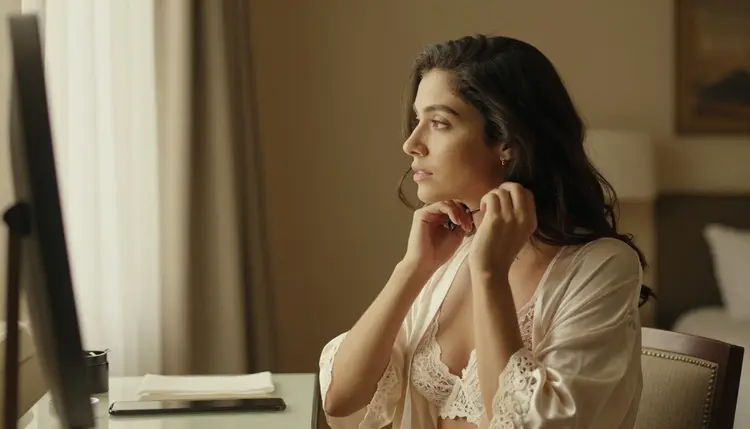
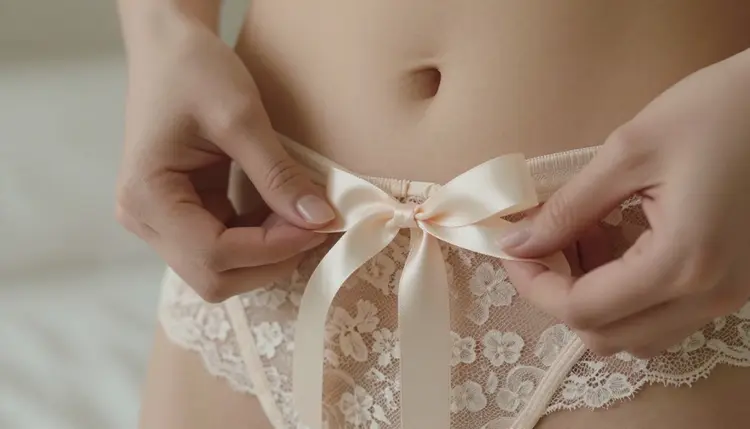
Most of the roughly 490 models in Picasso IA's catalog were trained for a general audience, and their safety layer treats a bridal lingerie prompt the same way it treats any other scene flagged as adult: it blocks the prompt before an image ever renders, robe or otherwise. Seedream 4.5 is one of six models confirmed to skip that step entirely, and it is a particularly strong pick for this kind of scene because of how it handles fine fabric next to skin. Lace keeps its scalloped edge instead of blurring into a texture, a satin ribbon holds its sheen under soft light, and tulle stays sheer without turning the whole frame hazy. Skin tone reads consistently across a full range of complexions too, which matters for a scene built around a close, warmly lit moment.
These are the six models on Picasso IA confirmed to run with no content filter today, so it is always clear which door is actually open before a generation gets spent on it.
This list does not change often. When it does, it is because a model provider opens access or a newer release earns confirmation through the same manual testing every other name on it went through, not because a marketing claim says so.
Every other model in the full catalog still runs its own filter and can refuse a bridal lingerie prompt it reads as adult, no matter how carefully the prompt is worded. When that happens, Picasso IA shows a plain Content Not Supported by This Model message and offers to switch to one of the six models above, carrying the original prompt over so nothing typed is lost. A couple of newer names in the catalog, Seedance 2.5 and Qwen Image 2512 among them, are untested for this kind of romantic scene and worth trying once Seedream 4.5 has covered the basics, but neither one is confirmed filter free the way the six models above are.
A bridal lingerie prompt reads best when it names a concrete moment from the morning of a wedding rather than a generic pose. The five looks below are a reliable starting point, each pairing a specific room with a specific action so Seedream 4.5 has something exact to build from.
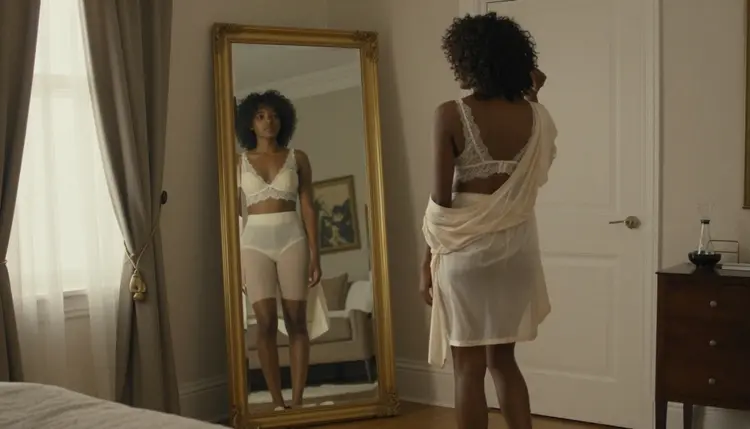
A quiet moment at a tall mirror, checking a reflection in ivory lace before the dress goes on, is a good test of how a model handles a full length figure and a soft, indirect light at the same time.
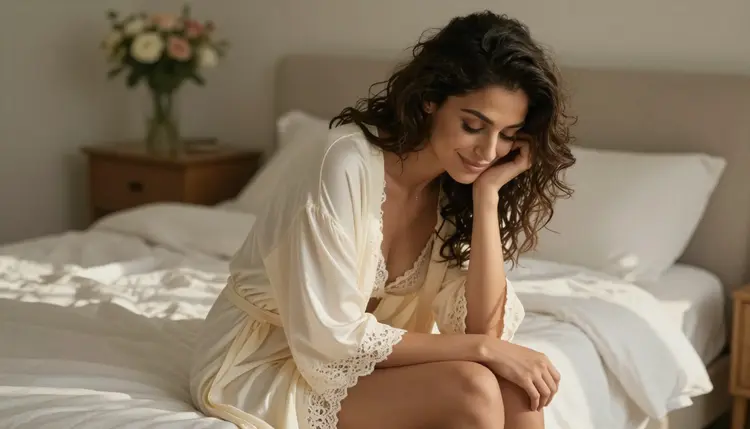
A sunlit bed, sitting on the edge of it with a relaxed, genuine smile, trades the formal mirror pose for something warmer, and the morning light does a lot of the mood setting on its own.
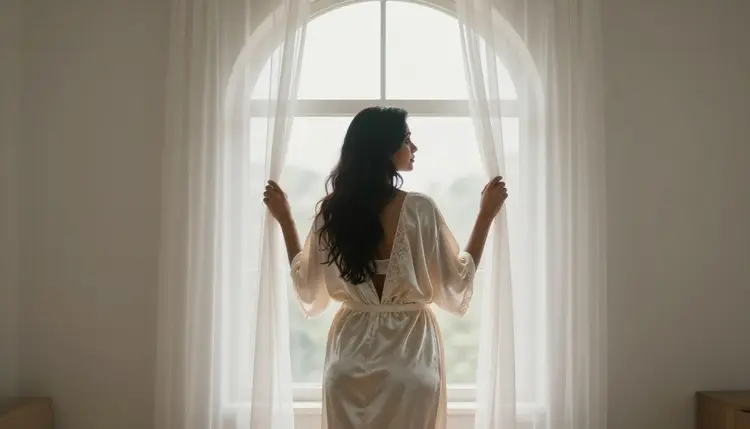
A silk robe at an arched window, opening the curtains to let the first light in, is a softer and more suggestive scene than it sounds on paper, since a robe half open does more of the work than a fully visible outfit would.
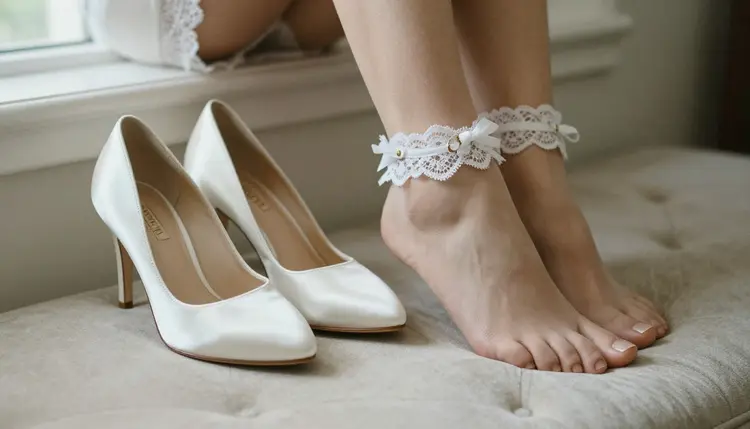
A close, detail focused shot, satin heels set beside bare feet with a lace garter, is worth trying on its own as a smaller, quieter image rather than a full figure scene, and Seedream 4.5 tends to hold that kind of fine detail together well.
A velvet chaise by a window, relaxed rather than posed, rounds out the set with a scene that feels caught mid moment instead of arranged for a camera.
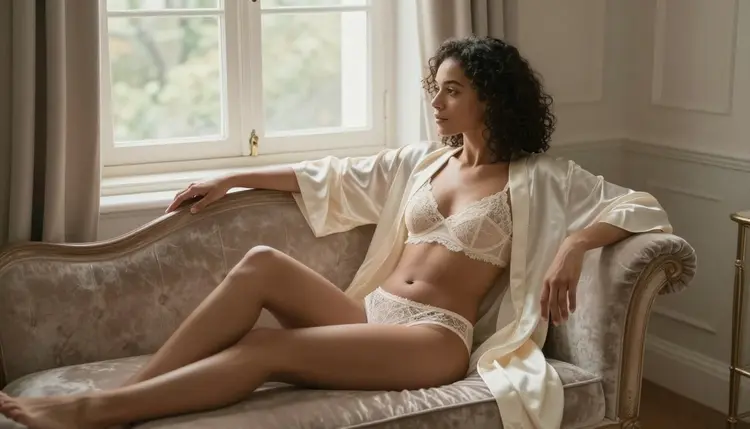
None of these looks need to be explicit to land as intimate or flirty. A robe, a garter or a lace hem does more suggestive work than an image trying to show everything at once, and a partly covered scene like this also tends to render more cleanly since the model has fewer difficult edges to get right. Across all five, the wedding day setting does most of the storytelling on its own, a mirror, a window, a chaise, so the outfit only has to complete a scene rather than carry it alone.
Getting from a blank prompt to a finished image follows the same five steps regardless of which look above is the starting point.
- Open Seedream 4.5 in the Toolkit. Go to the toolkit and select Seedream 4.5, or land on it directly from Seedream 4.5.
- Set the Scene Before the Outfit. Name the room, the light and the mood first, a vanity mirror, a sunlit bed, an arched window, then describe the lace, satin or robe on top of it.
- Name the Fabric and Finish. Ivory lace, a satin ribbon, sheer tulle and a lace garter each render differently, so pick one on purpose instead of leaving it vague.
- Generate a Small Batch and Compare. A handful of variants from the same prompt shows what the model is reading correctly and what still needs adjusting.
- Refine One Detail at a Time. Change the pose, the light or a single wardrobe detail and generate again rather than rewriting the whole prompt from scratch.
That write, generate, review, refine loop is the same one experienced users run through several times per scene, and Seedream 4.5 tends to reward a second or third pass more than one long, overloaded prompt.
A few habits make a real difference in how natural the output ends up looking.
- Name the fabric specifically. Chantilly lace, charmeuse satin and soft tulle all catch light differently, so pick the one that matches the mood in your head rather than a generic descriptor.
- Lead with the light. Morning window light, a warm vanity bulb and late afternoon sun each change how skin and fabric read, so choose one on purpose.
- Keep a recurring look consistent. If the same fictional bride appears more than once, repeat her hair color, build and the exact lace pattern every time so the results stay recognizably her.
- Treat the first result as a draft. A small, targeted wording change usually moves a decent image to a genuinely good one faster than rewriting the whole prompt.
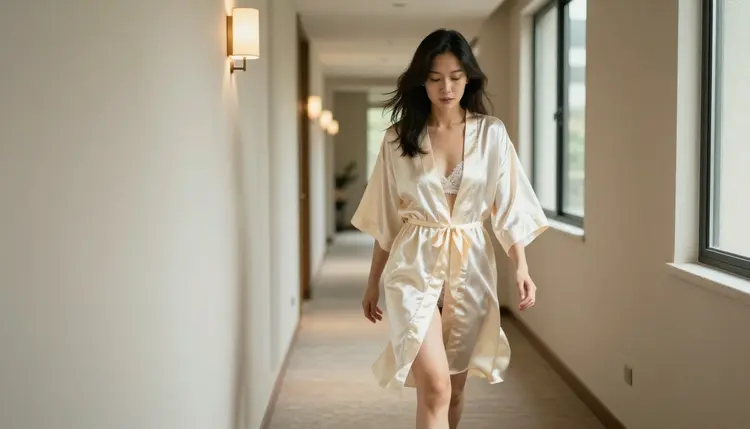
A hotel corridor scene, walking in a robe toward the light at the end of it, works well as a transitional image between a getting ready moment and a more posed one, and it is a good example of how much movement in a robe adds compared to a static pose.
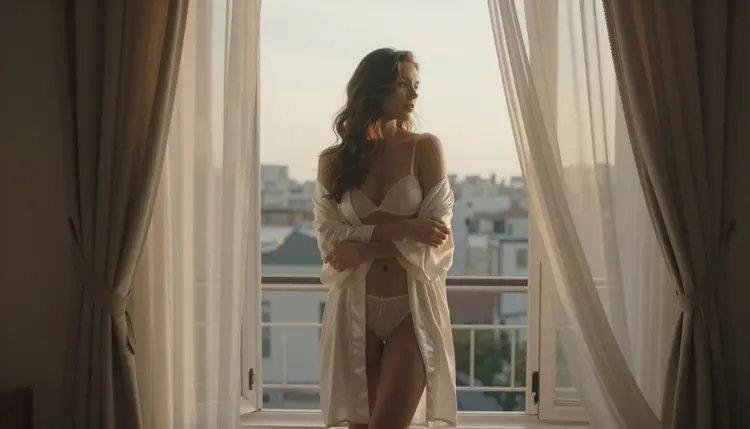
An open window at sunset is a strong closing shot for a set, warm light and a quiet pose, and it pairs naturally with the vanity mirror scene at the start of a session if a full sequence is the goal. Together, the nine looks above cover a full morning, getting ready, a quiet mirror moment and a closing shot at the window, so they work individually or as a set generated in one sitting.
Bridal lingerie art on Picasso IA runs under the same short set of rules as every other adult generation on the platform. Generating this kind of content requires being 18 or older, and everything produced here is meant for adult, fictional use only.
Every woman shown is a fictional adult built from a text prompt. No real person's likeness without their explicit consent, no public figures, and nothing involving a minor or anyone made to look like one, regardless of the scene, the outfit or the style requested. Prompts aimed at any of those are refused by the models and go against the platform's terms. These rules apply the same way regardless of the scene or the model used to generate it, on this page and every other one on Picasso IA.
Prompts and generations stay private by default. Nothing created here is posted or shared anywhere without a deliberate choice to do so, and where a finished image ends up after that is the responsibility of the person who made it, under their own local law and whatever platform they choose to post it to.
New accounts on Picasso IA start with free credits, enough to try a handful of bridal lingerie prompts across a couple of the looks above before spending anything. Seedream 4.5 draws from the same credit balance as every other model on the platform, and the exact cost of a generation depends on settings like resolution.
There is no separate charge for adult content specifically. A bridal lingerie image costs the same as any other image built on the same model. Free credits and how they refill are explained in full on the pricing page, and nothing about bridal lingerie art draws down credits any faster than a landscape or a product shot on the same model. Current plans and exact prices are kept there too, since that page changes more often than this one does.
Is Seedream 4.5 really uncensored for bridal lingerie scenes?
Yes. Seedream 4.5 is one of six models on Picasso IA confirmed to generate adult content with no content filter, and it handles fine fabric like lace and satin particularly well. Most other models in the catalog still run their own filter and can refuse a bridal lingerie prompt regardless of how it is worded.
Do I need a subscription to try this?
No. New accounts start with free credits that cover a handful of generations across Seedream 4.5 and the other confirmed models, and a subscription only makes sense once generating often enough that per credit pricing would cost more than a plan. Current tiers are listed on the pricing page.
Can I generate a fully realistic look or a more stylized illustrated one?
Seedream 4.5 leans toward photographic realism, soft light and true fabric texture. For a more illustrated or painterly look instead, Recraft V4.1 Pro is the better starting point, and it is also confirmed to run with no content filter.
Will my generated images have a watermark?
No. Generations from Seedream 4.5 and the other confirmed models come back without a watermark, full resolution and ready to save right away.
How private are my prompts and generated images?
Prompts and generations are not shared or posted anywhere by default. They stay tied to the account that created them unless that person chooses to share or post them elsewhere.
Can I turn a bridal lingerie image into a short video?
Yes. Picasso Video and LTX 2.3 Pro are both confirmed filter free and both generate video, so a scene built as a still image in Seedream 4.5 can move into either one for a short clip.
What happens if a bridal lingerie prompt gets refused on a different model?
Picasso IA shows a Content Not Supported by This Model message and offers to switch to one of the six confirmed models, carrying the original prompt over so it does not need to be retyped.
Can I use a reference photo to guide the pose or the room?
Seedream 4.5 generates from a text description rather than a reference photo. To edit or adjust an existing image instead, use Picasso Image Editor Pro.
Is this kind of bridal lingerie art explicit?
No. The scenes on this page, a robe, a vanity mirror, a sunlit bed, are suggestive and romantic rather than explicit, and that same tasteful standard applies across every example Picasso IA publishes.
What happens if a prompt asks for a minor or a real person?
It is refused. Every character generated on Picasso IA must be a fictional adult, eighteen or older, with no real person's likeness used without consent and nothing resembling a minor, in line with the platform's terms.
Seedream 4.5 is already sitting in the toolkit with the rest of the full catalog. Open it, describe a room, a light and an outfit in one prompt, and run the first bridal lingerie generation on the free credits that come with a new account.