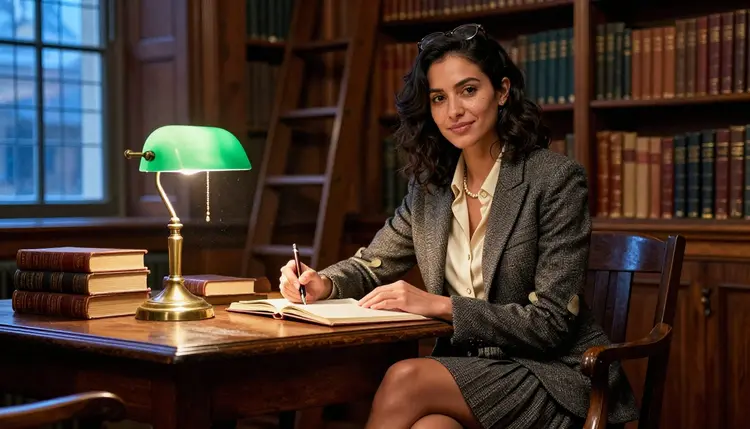
Tweed blazers, candlelit libraries, ink-stained fingers turning the pages of a book two centuries old. Dark academia is one of the most requested aesthetics for character art on Picasso IA, and it is also one that a filtered model handles badly: the moment a prompt pairs quiet intimacy with a hint of longing, a filtered model tends to either refuse outright or return something so stiff it loses the mood entirely. Recraft V4.1 Pro is one of six models on Picasso IA confirmed to generate NSFW content directly, with no safety filter standing between your prompt and the finished scene.
This page walks through why Recraft V4.1 Pro suits the aesthetic, the visual details that make a scene read as dark academia rather than a generic library photo, the five steps from a blank prompt to a finished image, and the prompting habits that keep the mood consistent across a set. Every character described here is a fictional adult, eighteen or older, written for a moody, romantic scene and nothing more than that.
Picasso IA runs prompts through a catalog of close to 500 models, and most of them apply a content filter that blocks an adult prompt before it ever renders. Ask a filtered model for a suggestive scene set in an old library, a loosened tie, a hand resting over another's on a closed book, and it will often refuse the whole prompt rather than notice how tame the actual request is. Recraft V4.1 Pro skips that filter entirely, which matters for dark academia specifically because the aesthetic lives in suggestion, a look held a second too long, a top button left undone, rather than anything explicit.
Recraft V4.1 Pro is one of six models on Picasso IA confirmed to run with no content filter, alongside Seedream 4.5, Qwen Image 2, Picasso Image Editor Pro, Picasso Video, and LTX 2.3 Pro. For this particular aesthetic, Recraft V4.1 Pro tends to be the strongest starting point because it renders illustrated and painterly styles as naturally as photographic ones, and dark academia leans on both: a candlelit oil-painting look works as well as a grainy film photograph of the same library, and the model follows whichever one the prompt asks for instead of forcing a single house look.
The other five models have their own strengths outside this specific look. Seedream 4.5 leans photographic and hyper-realistic, useful if the brief calls for a photo rather than a painted scene. Qwen Image 2 tracks a long, detail-heavy prompt closely, useful once a scene has several props to keep straight, a decanter, a stack of letters, a particular ring. Picasso Image Editor Pro edits a finished image rather than generating a new one, so it is the tool for fixing one detail once a scene is close. Picasso Video and LTX 2.3 Pro turn a still into a short clip, for a candle flame that flickers or a page that turns. See the full catalog for everything else the app offers beyond these six.
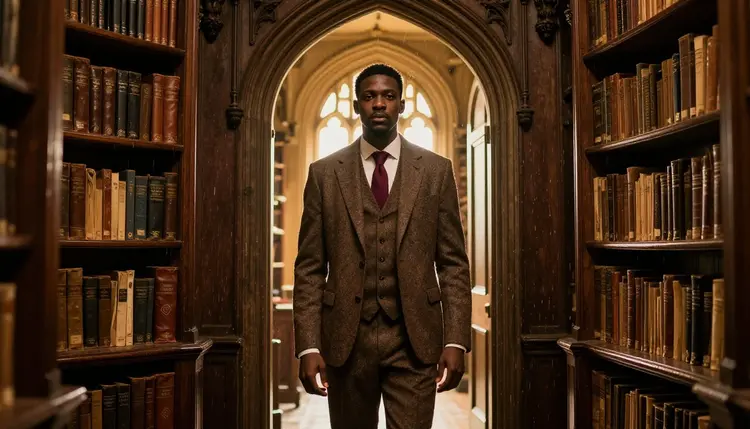
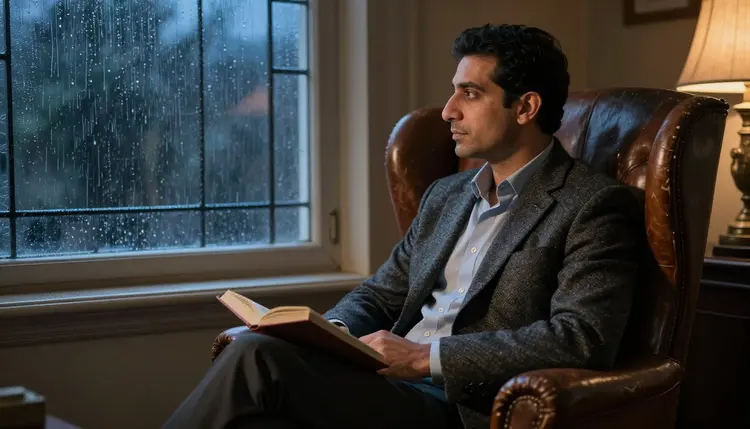
Wardrobe is where the aesthetic lives or dies. Tweed, wool, and corduroy in muted browns, greens, and burgundies read as dark academia instantly, while anything bright, synthetic, or contemporary breaks the mood on sight. A loosened necktie, a waistcoat with the top button undone, a blazer with elbow patches, round wire-frame glasses pushed up into hair, these details do more for the aesthetic than any pose or expression could on its own.
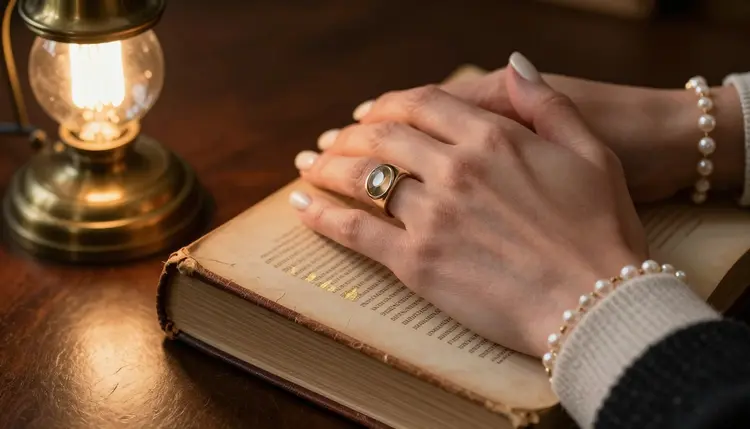
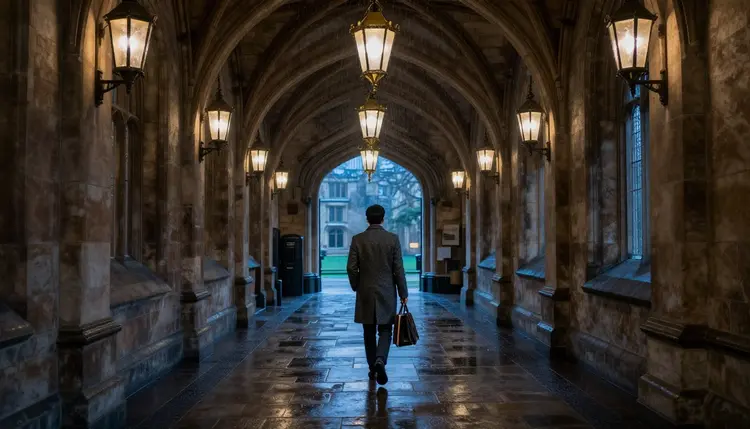
Setting matters just as much as wardrobe. An old library with tall shelves and a rolling ladder, a private study lit by a single desk lamp, a stone corridor lined with arched windows, a reading room where dust catches the light, these are the backdrops that carry the mood. Props reinforce it further: an open book with handwritten margin notes, a brass candlestick with real wax drips, a fountain pen resting on a half-finished letter, a pair of glasses set down on a closed journal.
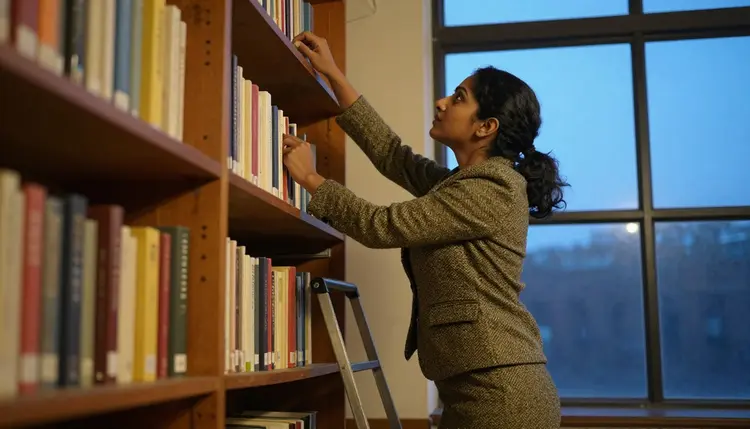
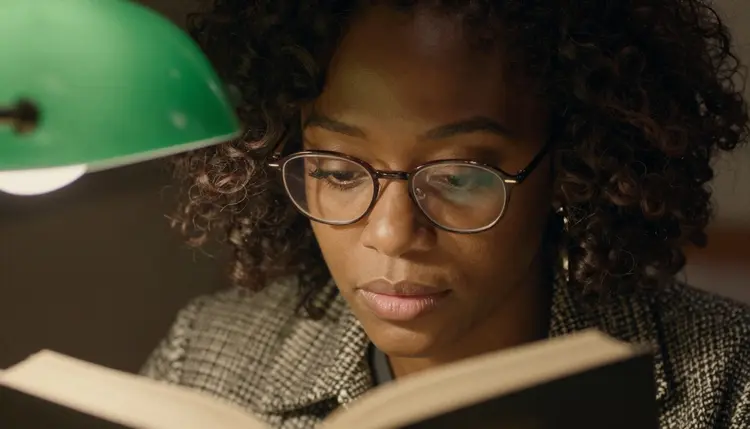
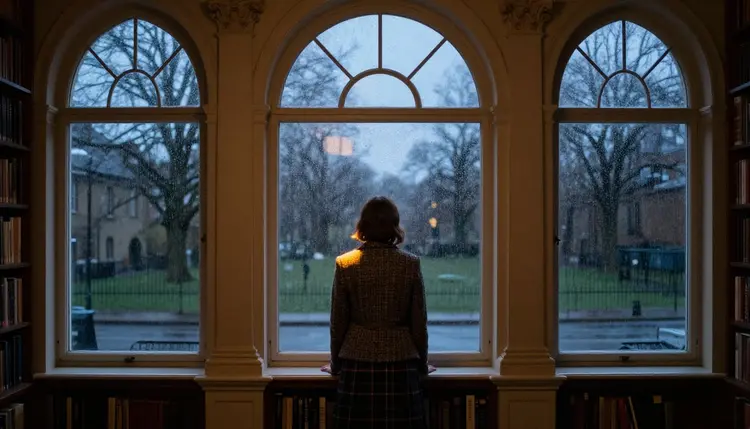
Light is the third pillar, and it is the one that separates a convincing scene from a flat one. Warm lamplight against a dark room, a single candle throwing long shadows across a desk, grey rain-light through a tall window, late afternoon sun cutting low through library stacks, each of these gives the model a clear source to render around instead of guessing at a generic bright room. A scene lit like an ordinary office photo, no matter how carefully the wardrobe and props are described, rarely reads as dark academia, so naming the light is not optional if the mood matters.
Getting from a blank prompt to a finished dark academia scene takes five short steps, and none of them require a workaround, since Recraft V4.1 Pro does not block the prompt in the first place.
- Open Recraft V4.1 Pro in the toolkit. Find it through the toolkit or go straight to Recraft V4.1 Pro, where it sits with the app's other text to image models.
- Describe the fictional adult character and the wardrobe first. Name the character as a fictional adult, then the tweed, the loosened tie, the round glasses, before adding pose or setting, since the wardrobe is what fixes the aesthetic in place.
- Set the scene and the light source. Add the library, study, or corridor, and name the light directly, candlelight, lamp light, grey window light, rather than leaving it implied.
- Generate and check the mood, not just the composition. Look at whether the wardrobe, props, and light actually read as dark academia together, not only whether the image is technically well formed.
- Refine the one detail that is off. Adjust a single element and generate again, or send the image to Picasso Image Editor Pro for a smaller fix instead of starting the whole prompt over.
Name the fabric and the color together instead of leaving either vague. Worn brown tweed, dark green corduroy, burgundy wool, each of these reads as more specific and more convincing than a bare word like vintage or academic, and a specific fabric and color pairing does more for the aesthetic than a long list of adjectives about the person wearing it.
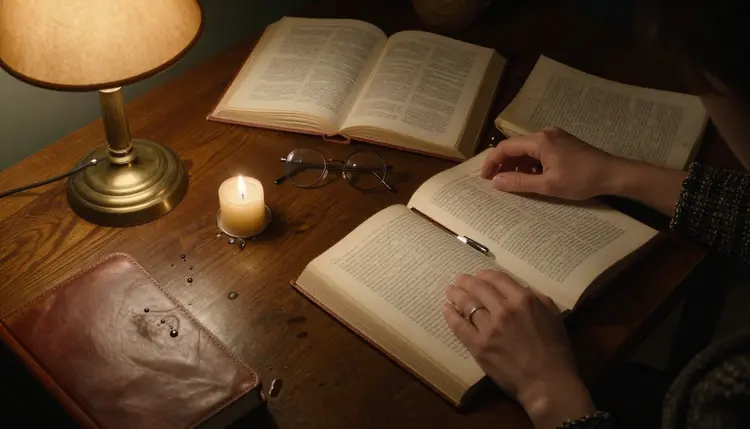
Write the light before the pose. Single candle on a desk, warm lamp glow against dark wood paneling, cold grey light through a rain-streaked window, naming the source and its color gives the model something concrete to build the whole scene around, and a well-described light source tends to matter more to the final mood than the pose itself.

Keep every character clearly fictional and clearly adult in the prompt itself, an invented name, an invented field of study, nothing built to resemble anyone real. Lean the intimacy into a look, a hand resting over another's, a collar undone by one button, rather than a pose staged for anything explicit, since suggestion is what makes the aesthetic work and it is also what keeps an image well inside what the platform allows. If a set needs several matching images, settle on the wardrobe and light that worked in the first prompt and reuse those same terms across the next few, changing only the pose or the prop, instead of rewriting the whole description each time. A short phrase establishing the fictional, adult setting up front, a private study, a grown scholar, removes guesswork for the model and for anyone reviewing the result later.
Every character generated through Recraft V4.1 Pro, or through any of the other five uncensored models, has to be a fictional adult, eighteen or older, with nothing about the face, body, or wardrobe written to suggest otherwise. No real person's likeness is allowed either, no celebrity, no public figure, and no attempt to resemble someone real without their consent, regardless of how the prompt is worded or which model renders it.
Recraft V4.1 Pro running with no content filter changes what kind of scene it will render, not who it will render. The rules about age and identity apply above the model itself, and a prompt written to work around them is refused and treated as a violation of the platform's terms, the same as on any other model in the catalog.
On privacy, a generation stays tied to the account that made it by default. Nothing is published anywhere or shown to other users unless that account chooses to share it, so a dark academia scene made for a private project stays private until you decide otherwise.
Generations run on credits rather than a subscription tied to one model. A new account starts with a set of free credits, enough to work through the five steps above across a few tries before deciding whether to buy more, and an image generation sits at the cheaper end of what the catalog costs compared with video.
Exact credit amounts shift as the catalog grows, so current numbers live on the pricing page rather than printed here where they would go stale. The efficient way to spend them matches the workflow above: describe the wardrobe and light clearly, generate a small batch, and adjust one detail at a time instead of trying to nail everything in a single long prompt.
Is Recraft V4.1 Pro really uncensored for dark academia scenes?
Yes. Recraft V4.1 Pro is one of six models on Picasso IA confirmed to run with no content filter, so a suggestive prompt set in a library or study renders the same way any other prompt does, with nothing to reword first.
What makes a scene read as dark academia instead of just a library photo?
Wardrobe, setting, and light together do the work. Tweed and wool in muted tones, an old library or private study, and a warm lamp or candle light source do more for the aesthetic than pose or expression alone.
Can I generate a real person or a celebrity in a dark academia scene?
No. Every character generated here has to be a fictional adult, eighteen or older, with no real person's likeness, celebrity or otherwise, and no attempt at a resemblance without consent.
What happens if I try this prompt on a model that is not confirmed filter free?
Most of the catalog applies a content filter and will refuse a flagged prompt outright. Picasso IA shows a message about it and offers to switch to one of the six confirmed uncensored models, carrying the prompt over automatically so nothing typed is lost.
Which other models can generate this kind of scene?
Five others are confirmed filter free: Seedream 4.5, Qwen Image 2, and Picasso Image Editor Pro for editing, plus Picasso Video and LTX 2.3 Pro for turning a finished still into a short clip.
Do I need to pay before trying Recraft V4.1 Pro?
No. A new account starts with free credits that cover several generations, and current pricing beyond that is kept up to date on the pricing page rather than stated here.
What wardrobe details work best for this aesthetic?
Worn tweed, wool, or corduroy in brown, green, or burgundy, a loosened tie, an undone waistcoat button, and round wire-frame glasses read as dark academia more reliably than a vague word like vintage or academic.
Can I turn a finished image into a short video?
Yes. Picasso Video and LTX 2.3 Pro can animate a finished still into a short clip, a candle flicker or a page turning, and both run with no content filter as well.
Can I edit a scene after generating it?
Yes. Picasso Image Editor Pro can adjust a finished image directly, fixing a prop or a light source with a plain instruction instead of a new generation from scratch, and it is also one of the six confirmed uncensored models.
How explicit can a dark academia prompt actually be?
The aesthetic works best through suggestion, a look held a beat too long, a collar undone by one button, rather than anything explicit, and every character in it must stay a fictional adult, eighteen or older, with nothing built to resemble a real or underage person.