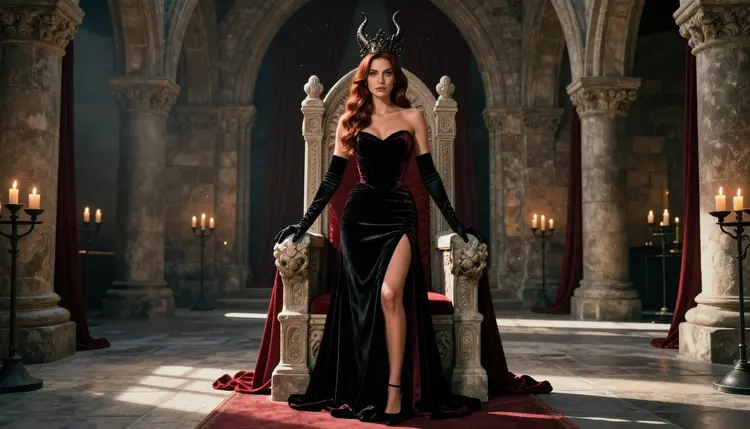
A demon queen is a costume story told in a single frame: a tall horned crown, a gown cut in black satin and crimson velvet, a stone hall lit by candles. It is flirty and a little dangerous, and it works because every element is a clear visual instruction. That makes it a good fit for an image model that follows design language closely. This page shows how to make NSFW demon queen art with Recraft V4.1 Pro inside Picasso IA, which prompts to type, and what to check before you save a result.
Everything here is for adults and about fictional characters. The queen is a mature woman, the wardrobe is glamour and boudoir style, and the mood is suggestive rather than explicit. If you want a related look first, the fantasy art page covers a wider set of mythic costumes, and the goth art page leans into darker palettes.
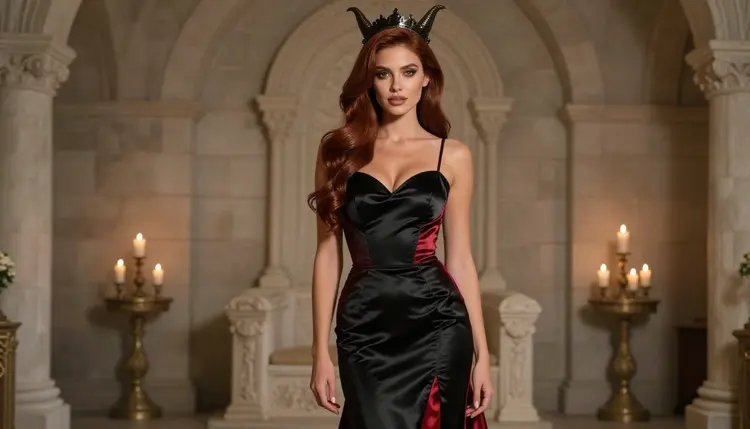
The demon queen look is built from a short list of parts. There is the crown, with horns that curve up or back. There is the gown, usually black with a second color for contrast, and crimson is the classic choice. There is the set: stone arches, a throne, a long carpet, candles or braziers. And there is the attitude, which comes from posture and light more than from any prop. When a prompt names those parts plainly, the picture reads at once as a ruler of a dark court.
Recraft V4.1 Pro is listed in the catalog as a model for print-ready images at 2K, and it is known on Picasso IA for illustration and design. That strength matters here. A horned crown is a designed object with edges, a pattern and a material, and the model tends to keep those shapes tidy instead of melting a crown into the hair. Fabric folds, glove seams, lace edges and carved stone are the kind of detail it handles well, so you spend less time fixing small things afterward.
It is also one of the six models that Picasso IA has confirmed for adult prompts. Confirmed means the app tested adult prompts against that exact model repeatedly and watched it generate instead of reject. It is not a published setting from the maker, who can change it at any time, so the label describes our own testing and nothing more. The policy page that explains the term is what confirmed means.
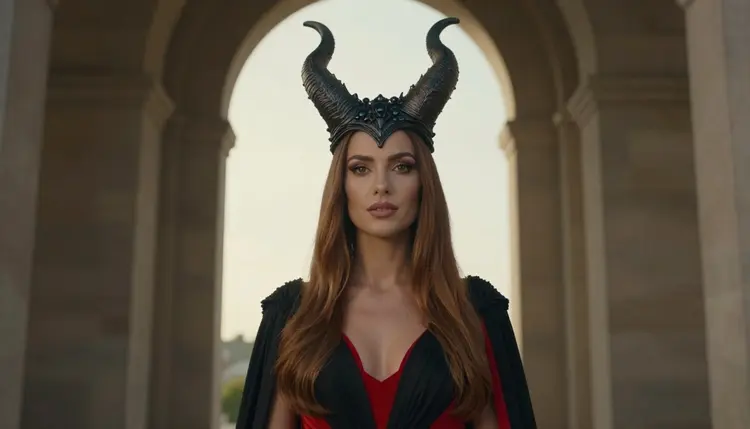
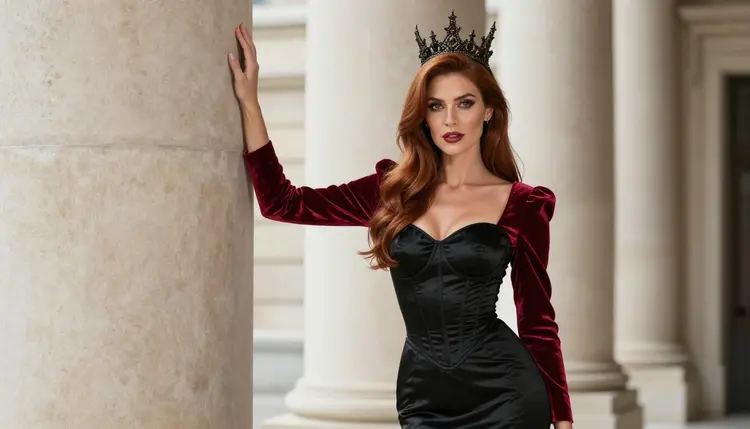
The pictures on this page show the same woman in each frame: a glamour model in a black and crimson gown, with long hair, polished makeup and a horned crown. Writing your own prompts around one consistent description of the character is the easiest way to get a set of images that feel like one photo shoot.
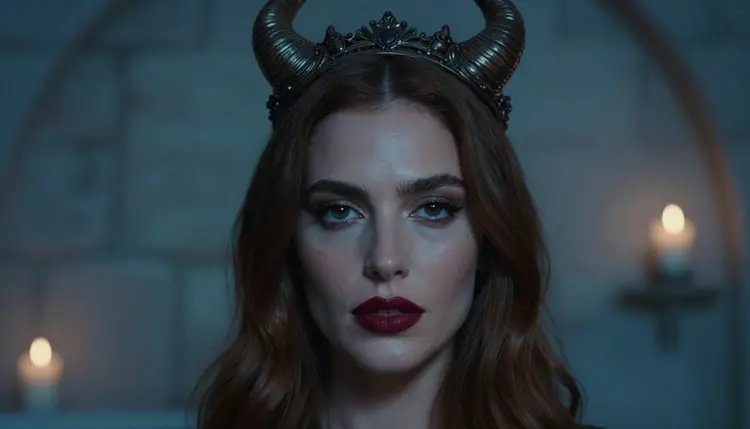
A last point about why this look suits illustration-minded models. A demon queen is not a realistic person in a realistic place. She is a character, and the picture should feel staged: strong silhouette, deliberate color blocking, a clear light source. Recraft is comfortable with staged images, so you can write the prompt like a set designer and a costume designer rather than like a documentary photographer.
Six models are confirmed in Picasso IA: three for images and three for video. For a demon queen still, the image models are the starting point, and the video models are what you reach for when you want the cape to move or the candles to flicker. Each name below links to its model page.
If your goal is a polished, designed poster look, stay with Recraft V4.1 Pro. If you prefer a more photographic finish with a real lens feel, try Seedream 4.5 with the same wardrobe and set description. The two models read the same prompt differently, and having both in your routine gives you more choice per scene.
Beyond the six confirmed models, the rest of the catalog is untested. That is not a warning. It means Picasso IA has no verdict either way, so a model such as Qwen Image 2 or Seedream 5 is worth a try if you want a different rendering of the same crown and gown. Treat those as experiments and keep a confirmed model as your fallback. You can browse everything in the full catalog.
The flow is the same each time, and it is short. Plan on a few rounds of generation per scene, because the first result is usually a draft of the idea rather than the final frame.
- Open the toolkit and pick the model. Go to the toolkit, choose text to image and select Recraft V4.1 Pro. Keep the aspect ratio wide if you want a throne room with room to breathe.
- Describe wardrobe and setting. Name the gown, its colors and its fabric, then the crown and the hall. For example: black satin gown with crimson velvet sleeves, a tall horned crown, a stone throne room with arches and candles.
- Set the light and mood. Pick one light source and say it: warm candle light, cool blue hour through a window, or late side light. Add the mood in two words, such as regal and flirty.
- Generate and review. Look at the crown first, then the hands, the glove seams, the fabric folds and the face. Check that the horns are symmetrical and attached to the crown.
- Refine or switch. Fix one small thing with Picasso Image Editor Pro, or run the same prompt in Seedream 4.5 for a different finish.
These ideas are written as starting points. Each names a wardrobe, a setting, a light and an angle, so you can paste one, change a color or two, and see what comes back. Keep the character a mature adult in every prompt and keep the wardrobe on the glamour side.
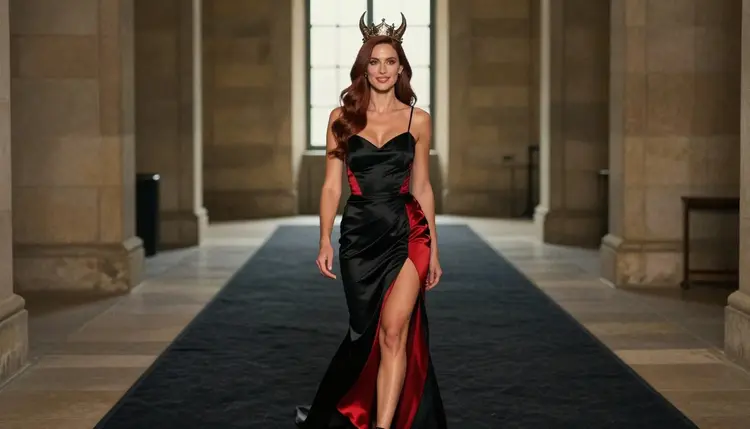
The first idea is the full-length throne room portrait. A woman in a fully lined black satin gown with crimson velvet detail stands at the center of a stone hall, tall horned crown, hands relaxed at her sides. Candles line the arches, the camera is at eye level, and the light comes from the side. This is the safest first prompt because it shows the whole costume and the set at once.
The second is the profile by the window. She stands in side view next to a tall arched stone window, the crown outlined against pale afternoon light, the silhouette carrying the picture. Ask for late-afternoon side light and a shallow depth of field so the stone behind her softens. It is a quiet, elegant frame that works well as a cover image.
The third is the close-up of the crown and lips. Frame tight on the face, with crimson lipstick, defined eyebrows and a sculpted dark crown with swept horns. Cool blue-hour light gives the skin a calm tone, and the crimson then becomes the only warm accent. Use this one to test how well the model renders the crown material.
The fourth is the walk down the carpet. She strides along a long dark carpet in a stone hall in a flowing black gown, three-quarter view, soft daylight from high windows. Ask for a little movement in the fabric. It gives the image the feel of a candid frame from a fashion film rather than a still pose.
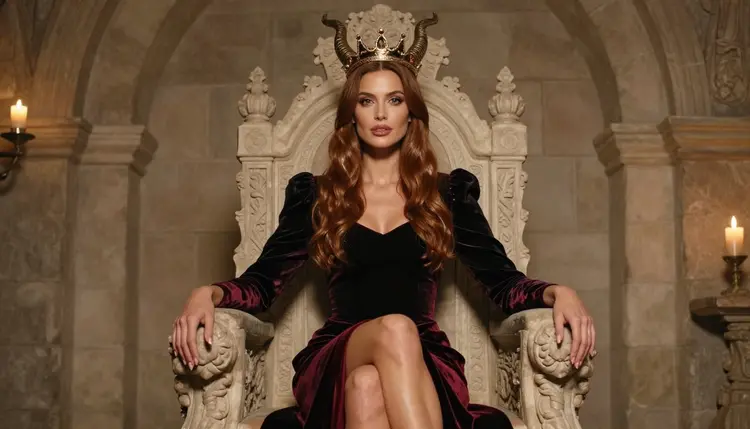
The fifth is the seated throne portrait. She sits upright on a carved stone throne in a crimson velvet gown, knees together, one arm along the throne arm, warm candle light from below. Seated frames show the gown as a shape, so describe the skirt volume and the carved details of the throne.
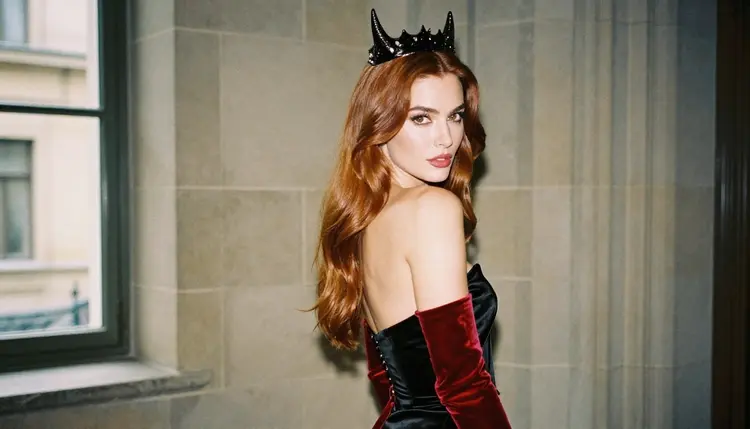
The sixth is the over-the-shoulder shot of the train. Camera behind her, a black satin gown with a long crimson velvet train, soft window light from the left, her face turned just enough to show the cheek and the curve of the horn. The train is the subject, so write down how it falls on the stone floor.
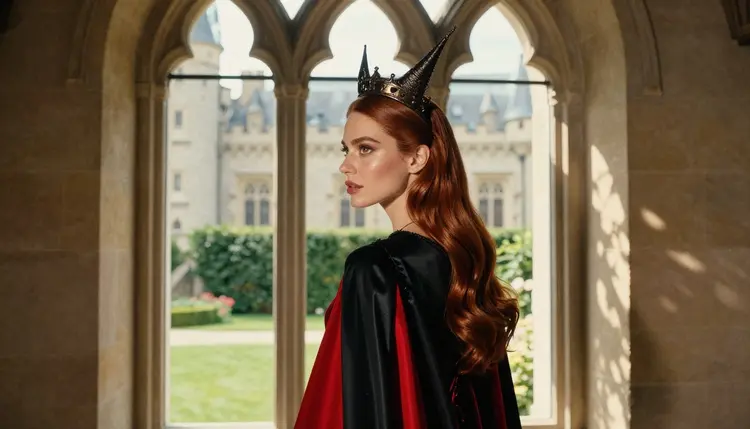
The seventh is the courtyard window. She looks out through a tall arched window at a courtyard in dappled shade, the crown catching a little light, her expression calm. This is a mood frame: the set and the light matter more than the costume, so keep the gown description short and spend words on the shade pattern.
The eighth is the waist-up corset shot. A black satin corseted gown with crimson velvet sleeves and a tall horned crown, medium framing, soft daylight, a confident look at the lens. It is a good frame to check the stitching, the seam lines and the symmetry of the sleeves.
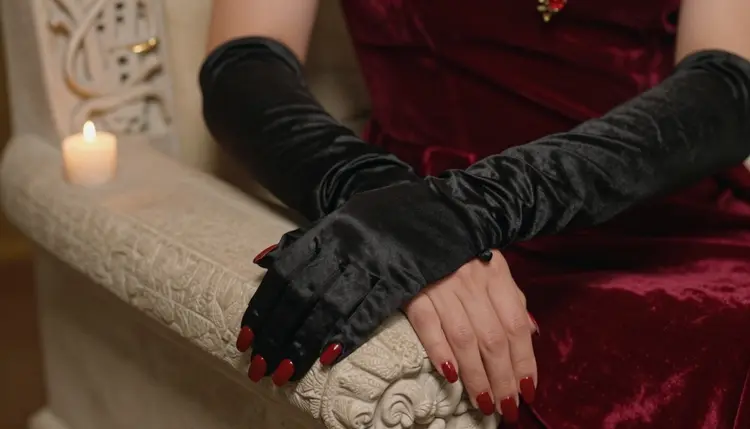
The ninth is the detail of the glove. Exactly one hand in a black satin glove, crimson nails, resting on the arm of a stone throne next to a lit candle, warm lamp-like light, tight macro framing. Specifying one hand in the prompt avoids the extra fingers and the extra hands that tend to show up in busy details.
This section is the shortest and the one that matters most. Picasso IA's adult content on this page is for people who are 18 or older. If you are not an adult, this page and the models it covers are not for you.
Every character you make here must be a fictional adult. Do not use a real person, a celebrity or anyone you can identify, and do not describe anyone who could read as a minor. Write the character as a mature woman or man, give her an adult wardrobe, and review each result with the same rule in mind. If an image reads wrong, discard it and start again.
What you generate is private by default: it is tied to your account and is not published or shown to other people. That is the default of the product, and what you do with the files afterward is your decision, so keep to the same rules when you share them anywhere.
A new account can try a small free trial on selected models, which include Picasso IA Image, Picasso IA Editor Pro, Picasso IA Video and Seedance 2.5 Lite. Recraft V4.1 Pro is not part of that trial list, so check the pricing page for how credits work on each model before you plan a long session. Credits vary by model and by options such as resolution, and that page is where plans and prices live.
Models marked with the infinity tag in the catalog do not spend credits on the plans that include unlimited generation. In this page's set, Picasso Image Editor Pro, Picasso IA Video and Seedance 2.5 Lite carry that tag, which makes them handy for the many small revisions a demon queen scene usually needs.
For ideas that share the same kind of wardrobe and set, try the cosplay art page for costume-led prompts or the ice queen fantasy page for a cold counterpart to the crimson court. Other models in the catalog are untested for adult prompts: they are worth a try, not confirmed either way, and a confirmed model is the right fallback when one does not work.
Which models are confirmed for demon queen art?
Six models are confirmed in Picasso IA: Seedream 4.5, Recraft V4.1 Pro and Picasso Image Editor Pro for images, and LTX 2.3 Pro, Picasso IA Video and Seedance 2.5 Lite for video. For stills of a horned queen, start with Recraft V4.1 Pro. Confirmed refers to Picasso IA's own repeated testing of adult prompts, not to a setting from the maker.
Why use Recraft V4.1 Pro for this look?
The catalog lists it for print-ready images at 2K, and it is strong on illustration and design. A demon queen depends on designed objects such as a crown, a gown and carved stone, and the model keeps those shapes clean. That means fewer repairs after generation and a finish that holds up if you want to print the image.
How should I word a demon queen prompt?
Name the parts in order: the woman as a mature adult, the gown with its fabric and colors, the horned crown, the set, the light and the angle. For example: a woman in a black satin gown with crimson velvet sleeves and a tall horned crown, stone throne room, candle light, eye-level full-length shot. Short, concrete phrases work better than long strings of adjectives.
Can I put two characters in one scene?
Yes, but keep the prompt clear about who is who: a queen on the throne and a consort standing beside her, each with their own wardrobe line. Both must be fictional adults. If the result mixes up the two outfits, generate again with more distinct colors. The fantasy art page has more ideas for pairs in mythic costume.
What happens when a model refuses a prompt?
Picasso IA shows a message titled "Content Not Supported by This Model". It recommends models that accept adult prompts and carries your prompt over, so you do not retype anything. Pick a confirmed model from the list and run the same prompt again, adjusting a wardrobe word if needed.
Is this only for adults and fictional characters?
Yes. The section is for people 18 or older, and every character must be a fictional adult. Do not use a real or identifiable person, and do not describe anyone who could read as a minor. If a generated image looks wrong on that point, delete it and rewrite the prompt with a clearly mature character.
Are my generations private?
Generations are private by default. What you create is tied to your account and is not published or shown to others. Keep the same care when you decide to share an image elsewhere, since the privacy default applies to the app and not to copies you post.
Can I turn a demon queen image into a video?
Yes. Use Picasso IA Video for text or image to video, LTX 2.3 Pro for 4K video from text, or Seedance 2.5 Lite for clips listed up to 10 seconds. Describe a small motion such as a cape moving or candles flickering, and keep the same wardrobe words.
How do I fix one detail without redoing the whole image?
Open the image in Picasso Image Editor Pro and describe only the change: a crown horn that is uneven, a glove seam, a hand that looks off. The editor works on an existing image, so the rest of the scene stays as it is. It is marked unlimited with the infinity tag in the catalog.
Can I try this before paying?
A new account has a small free trial on selected models, but Recraft V4.1 Pro is not one of them. You can try the trial models first, and the pricing page explains how credits work for the others. The toolkit is where you pick the model and see the options before you generate.