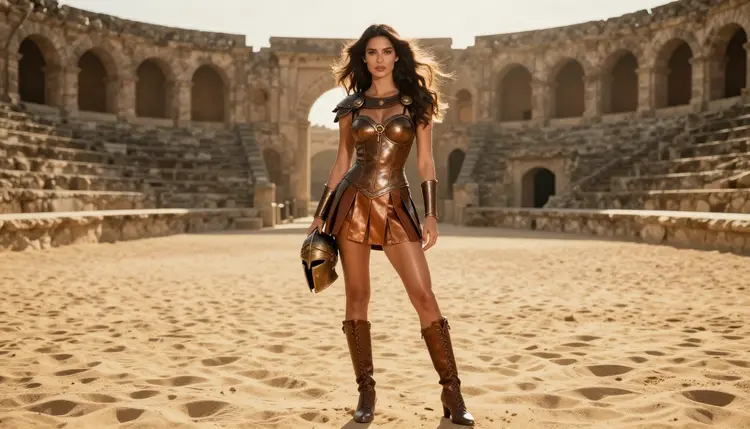
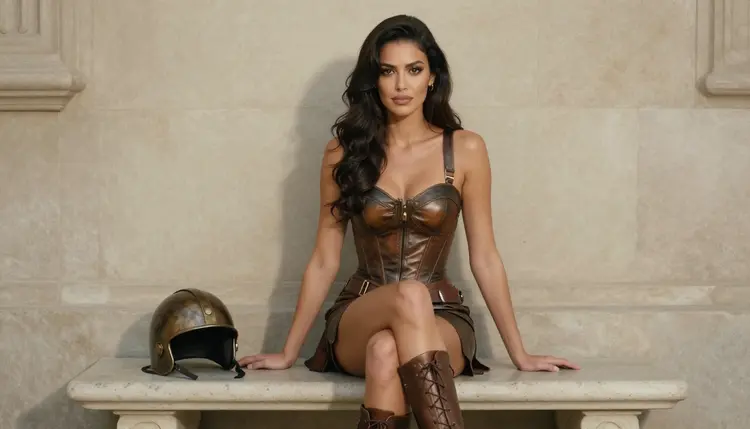
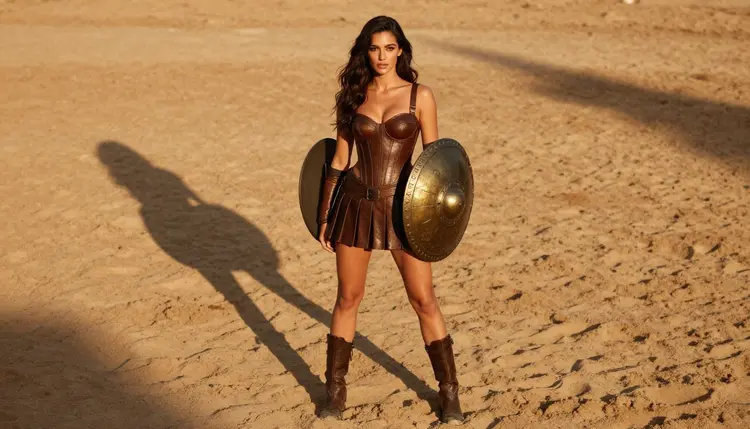
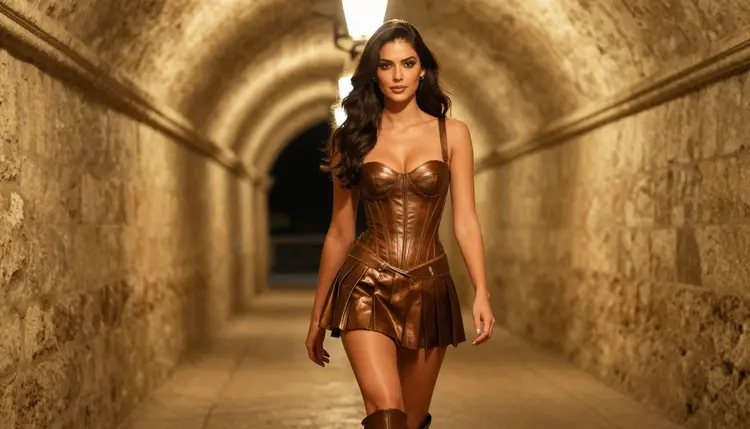
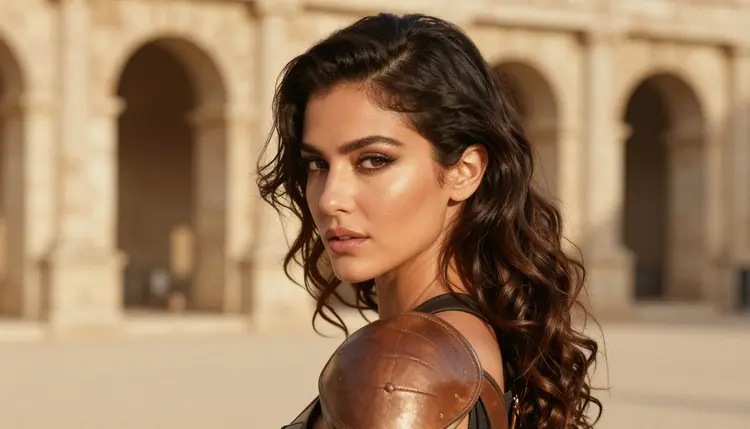
Gladiator art is a costume genre with a long visual memory: bronze that catches the sun, leather straps worn smooth, sand the color of honey and a crowd of stone arches behind the subject. On Picasso IA you can bring that world into an adult glamour frame. The woman wears a fitted bronze-and-leather bodice with the chest fully covered, a short pleated skirt, arm bracers and laced boots. The mood is confident, warm and flirty, never violent and never explicit.
This page is built around Recraft V4.1 Pro, one of the models in the Picasso IA catalog that has been tested repeatedly with adult prompts and generates them. You will see which prompts work for this look, how to set the light, and what to do when you want a video or a small edit afterward. Everything here is for adults and about fictional characters only.
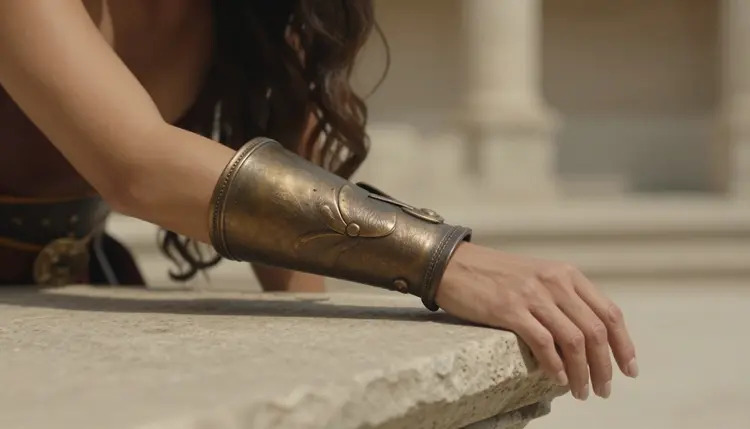
The gladiator look lives in its materials. Bronze has a hard highlight and a soft shadow, leather has stitching and scuffs, and pleated tan cloth moves differently from either. A model that draws clean edges and keeps surface detail makes these textures read as a costume built for a fashion shoot instead of a blur of brown. According to its catalog title, Recraft V4.1 Pro makes print-ready images at 2K, and it is the model Picasso IA lists for illustration and design. That combination suits a costume genre: buckles stay crisp, helmet crests keep their shape and the stone arches behind the subject do not melt into noise.
Recraft V4.1 Pro is also confirmed on the Picasso IA list, which means adult prompts were tested against it again and again and it generated them instead of rejecting them. That is a statement about our own tests, not a published setting of the model's maker, who can change it at any time. If you want to know what the label covers, the other pages of this section go deeper, and the same logic applies to every model named below.
The look enters through wardrobe, props, set and light, never through anything explicit. A bronze helmet held under one arm tells the story of a gladiator. So does a round shield, a leather band holding back dark hair and sand dust floating in a shaft of low sun. The woman in the pictures of this page stays covered by the bodice in every frame, and that restraint is part of the appeal: the costume does the talking, and the pose stays calm and self-assured.
If you like this kind of period costume with a different era, the neighboring pages are worth a look: NSFW fantasy art with Recraft V4.1 Pro pushes the same wardrobe logic toward elves and armor, and NSFW Greek goddess art keeps the ancient world but swaps leather for draped fabric.
For this look the image models matter most, and the video models come in when you want the arena to move. The table lists the models Picasso IA has confirmed with adult prompts. Pick Recraft V4.1 Pro first for the costume art itself, and move to a neighbor when you want a different finish.
Seedream 4.5 is the natural second stop if you want skin, sand and light to look like a photograph instead of a polished design. The same prompt often works in both, so you can compare the two reads of the costume side by side. The catalog also holds hundreds of other models. Most of them are untested for adult content: they are worth a try, and a result in either direction says nothing about them until you run it. Browse the full catalog and treat anything outside the table as an experiment.
The flow is short. You describe the costume, the sand and the light, generate, look closely and refine. The steps below assume you are logged in and ready to write the first prompt.
- Open the toolkit and pick the model. Go to the toolkit, choose text to image and select Recraft V4.1 Pro from the model list.
- Describe wardrobe and setting. Write the bodice, skirt, bracers and boots, then the arena: pale sand, weathered stone arches, a tall gate in shadow.
- Set the light and mood. Name one light source such as golden hour backlight and add a calm, confident expression so the frame reads as glamour, not combat.
- Generate and review. Check the hands, the buckles, the pleats of the skirt and the face. If a strap melts or a hand has the wrong shape, change one phrase and run it again.
- Refine or switch. Fix a single detail with Picasso Image Editor Pro, or try Seedream 4.5 for a photoreal read of the same prompt.
These ideas are written as starting points. Copy one, swap the details and keep the line about the covered bodice if you want the same tone as the pictures here. Each one names wardrobe, set, light and angle, which is what the model needs to build a coherent frame.
The helmet at the hip. A wide frame of an adult woman with long dark-chestnut waves standing in the middle of a sunlit arena, a bronze crested helmet held under one arm, fitted bronze-and-leather bodice covering the chest, short pleated tan skirt, laced boots. Golden hour backlight from behind her shoulder, eye-level 50mm look, sand dust in the air.
One hand and a helmet. A macro detail of exactly one hand in a supple leather arm bracer resting on a bronze helmet on a stone ledge. Soft warm side light, shallow depth of field, arena stone blurred in the background. This is a good first test because it checks bronze, leather and fingers in a single small frame.
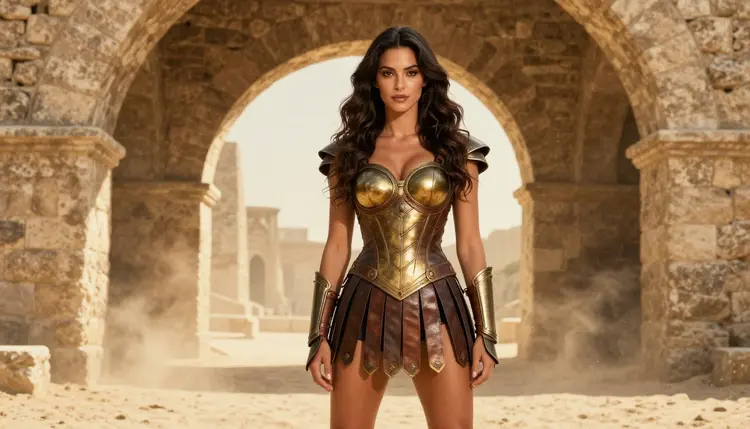
The archway. A three-quarter view of the woman in a tall stone arena archway, legs together, confident gaze, sunlit sand glowing behind her. Ask for soft golden daylight from the side and a 35mm eye-level look so the arch frames her without swallowing her.
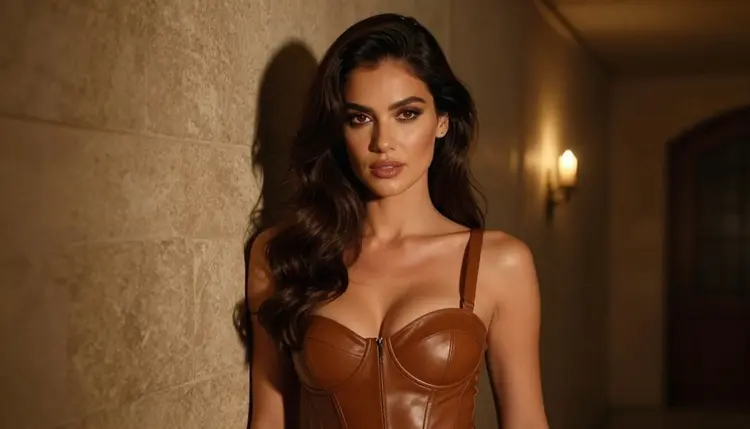
The candlelit corridor. A waist-up portrait in a stone corridor under the stands, lit only by warm flickering candles. The bodice is bronze with high structured straps, the expression sultry and direct. Ask for deep soft shadows and fine film grain.
The bench between rounds. The woman seated upright on a stone bench, knees together, the bronze helmet beside her and her hands relaxed in her lap. Soft diffused daylight and a plain sunlit wall keep the focus on the costume and the calm face.
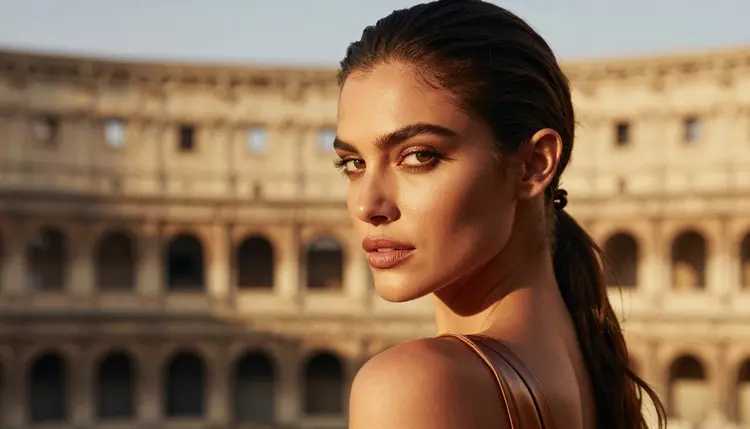
The dusted portrait. A tight portrait with dark hair tied back by a leather band, a bronze shoulder guard just visible at the frame edge and a light film of arena dust on the cheek. Late-afternoon side light and an 85mm look give a shallow, intimate depth.
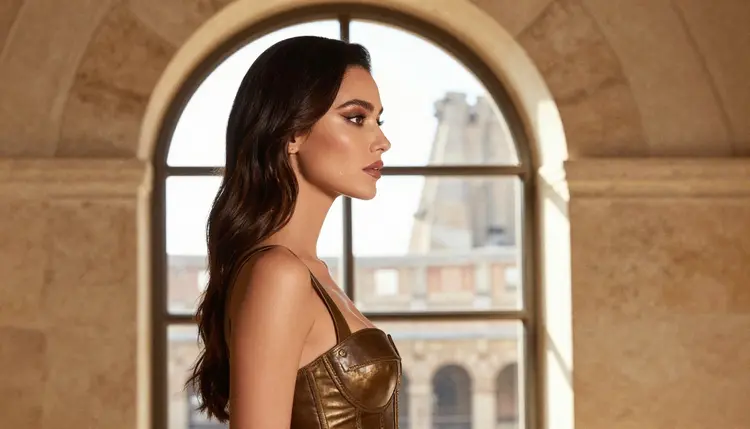
The window above the sand. A profile at an arched stone window, looking out at the empty arena, warm light across her face and hair. Quiet frames like this one balance the more powerful costume shots when you build a series.
The walk out of the tunnel. The woman walking toward the camera through a torch-lit stone tunnel, bright arena light glowing at the far end. Ask for torchlight on the leather and a 35mm lens so the tunnel walls lead the eye.
Rules for This Page
Everything on this page is for adults only. You must be 18 or older to use the NSFW tools of Picasso IA, and the content here is made for adult audiences. If you are not an adult, close the page.
Every character you create is a fictional adult. Never use a real or identifiable person, never describe anyone who could read as a minor, and keep the age of your character clearly adult in the prompt. The woman in these pictures is a mature adult in costume, and your own prompts should read the same way.
What you generate is private by default: it is tied to your account and is not published or shown to others. You decide what to keep, what to delete and what to share outside the app.
A new account can try a few generations for free on selected Picasso IA models, so you can test a gladiator prompt before you decide anything. The small free trial covers Picasso IA Image, Picasso Image Editor Pro, Picasso IA Video and Seedance 2.5 Lite, and it does not extend to the whole catalog. Plans and what each generation costs live on the pricing page, where credit use is explained by model and by options such as resolution or duration.
Models marked with the infinity tag in the catalog do not spend credits on the plans that include unlimited generation. Picasso Image Editor Pro, Picasso IA Video and Seedance 2.5 Lite carry that tag, which makes them practical for the edit and the motion test once your arena frame is ready.
Outside the confirmed list, two models are related to this look and worth a try, both untested for adult content. Qwen Image 2 is a text-to-image model you can run with the same prompt, and Picasso Video (Pruna P-Video) is a video model for turning a frame into motion. Untested means exactly that: nothing is confirmed either way, and a refusal from one of them is not a verdict on the look. If it happens, the app proposes models that accept adult prompts and carries your prompt over.
When your gladiator series is ready, a different era can give the collection variety. NSFW cosplay art borrows the same tailoring logic for fan costumes, and NSFW steampunk art swaps bronze for brass and gears. Each one keeps the same promise: adult, fictional and covered by design.
Which models can I use for adult gladiator art?
The confirmed list holds Recraft V4.1 Pro, Seedream 4.5 and Picasso Image Editor Pro for images, and LTX 2.3 Pro, Picasso IA Video and Seedance 2.5 Lite for video. Confirmed means Picasso IA tested adult prompts against that model repeatedly and saw it generate. Every other model is untested, worth a try, and not confirmed either way. See the full catalog.
Why use Recraft V4.1 Pro for this look?
Its catalog title describes print-ready images at 2K, and Picasso IA lists it for illustration and design. Gladiator costumes are all edges and surfaces: buckles, stitching, pleats and bronze. A model that keeps those clean is a good fit, and it is also on the confirmed list for adult prompts. Try Recraft V4.1 Pro first.
How should I word the prompt?
Start with the costume piece by piece, then the set, then one light source, then the angle. Name the materials: bronze, tan leather, pleated cloth, arena sand. Add a line such as chest fully covered by the bodice to keep the tone glamorous. Skip long lists of adjectives; concrete nouns give you more control than praise words.
Can I put two characters in one scene?
Yes, but start with one. Two adults in one arena frame need clear instructions about who stands where and what each one wears, and costume details can blend. Generate the woman alone first, then try a pair in the same light. For a different tone with a second character, the NSFW cosplay art page has ideas.
What happens if a model refuses my prompt?
The app shows a message titled "Content Not Supported by This Model". It recommends models that accept adult prompts and carries your prompt over, so nothing has to be retyped. You can also change the wording yourself, for example by focusing on wardrobe and light, and run it again.
Are the characters adults and fictional?
Yes. This page is for adults only, 18 and over, and every character is a fictional adult. Never use a real or identifiable person, and never describe anyone who could read as a minor. If a prompt does not meet that line, do not run it.
Are my generations private?
They are private by default. What you create is tied to your account and is not published or shown to others. You choose what to keep, delete or share outside Picasso IA, and the app does not post your gladiator frames anywhere for you.
Can I turn a finished frame into a video?
Yes. Picasso IA Video turns a text prompt or an image into a short clip, and LTX 2.3 Pro makes 4K video from text. For a quick motion test of the same arena scene, try Seedance 2.5 Lite. Describe slow movement, such as dust drifting or hair lifting in a breeze.
How do I change one detail without redoing the whole image?
Open the frame in Picasso Image Editor Pro and describe the change: a different strap color, a cleaner buckle or a tidier hand. The model edits the existing image, so the composition and the light stay where they were. It carries the infinity tag in the catalog.
Can I try this before I pay?
A new account gets a small free trial on selected models, which includes Picasso IA Image, Picasso Image Editor Pro, Picasso IA Video and Seedance 2.5 Lite. Recraft V4.1 Pro is not part of that trial, so check the pricing page for how credits work before you generate with it, and open the toolkit when you are ready.