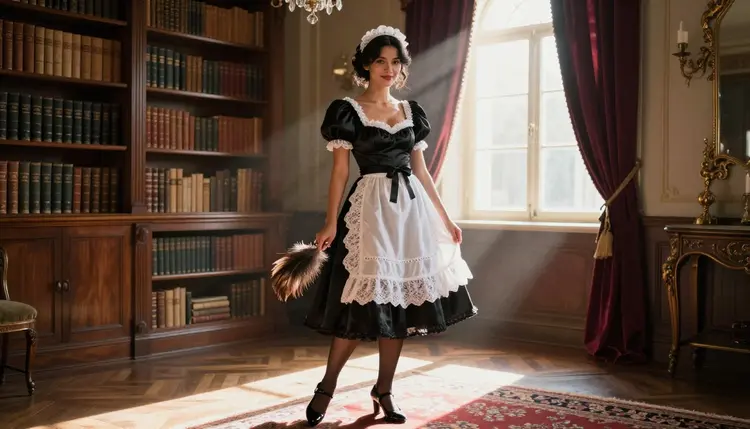
The maid costume is one of the oldest, most recognizable looks in adult art: a fitted bodice, a short black skirt, a white lace apron and cuffs, and a pose that reads as equal parts poise and invitation. It photographs well in almost any setting, from a marble foyer to a cluttered library, and it gives a character an instant, readable silhouette without a single word of backstory. On Picasso IA, Recraft V4.1 Pro is one of six models confirmed to generate this kind of NSFW content directly, with no safety filter standing between a detailed prompt and the finished image.
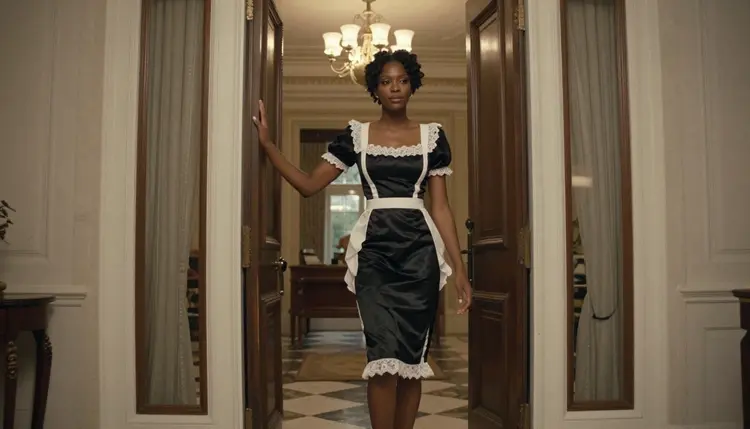
This page covers what makes Recraft V4.1 Pro the right pick for the look, a five-step workflow for generating maid costume art with it, prompting tips that make the costume and the setting read correctly, the rules every generation on this platform follows, and the ten questions readers ask most before trying it themselves.
Most image models sold today carry a hard content filter that blocks an adult prompt before it reaches the render pipeline. That is fine for a product mockup, but it rules out maid costume art almost entirely: the genre leans on fitted fabric, an exposed collarbone and shoulder, and a flirty pose, and a filtered model rejects all three on sight. Recraft V4.1 Pro is one of only six models on Picasso IA confirmed to generate NSFW content directly, without a filter standing between the prompt and the output.
That matters for this costume specifically because it lives in a gray zone many filtered models refuse outright: a fitted corset top, a skirt short enough to move in, sheer stocking detail, or a fully suggestive pose bent over a shelf or reclined on a chaise. Recraft V4.1 Pro renders all of it in one pass, with the same prompt adherence and lighting control it applies to a safe-for-work request.
Recraft V4.1 Pro's other strength for this genre is illustration-grade material rendering: lace, satin ribbon, starched cotton and dark velvet each pick up light differently, and the model tracks that difference instead of flattening every fabric into the same gray sheen. For everything else the platform offers beyond these six models, the full catalog lists every model with its own generation page.
Recraft V4.1 Pro is a text-to-image model built around illustration and character work rather than pure photorealism, and its strengths line up well with maid costume scenes specifically:
- Costume construction. A fitted bodice, a pleated skirt, a starched apron and a headpiece render as separate, distinct pieces instead of one flat texture, so the costume reads as something a character is actually wearing.
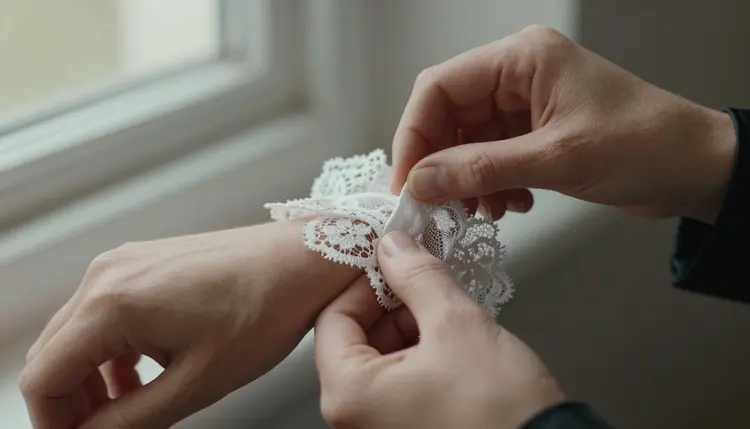
- Fabric and material detail. Lace trim, satin ribbon, sheer stocking and dark velvet each pick up light differently, and the model keeps that difference consistent across a full set of images.
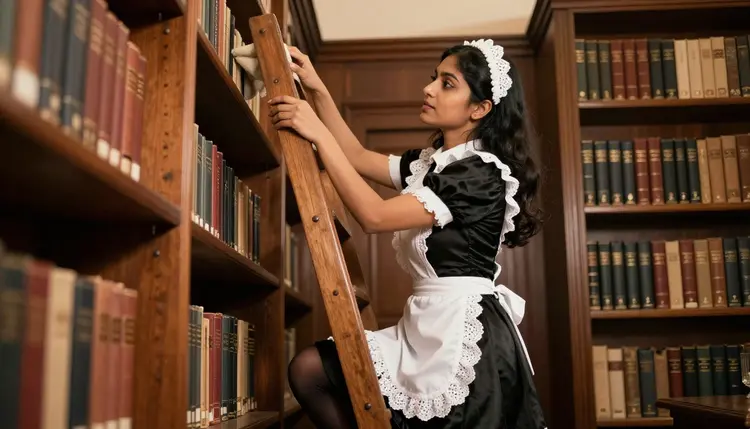
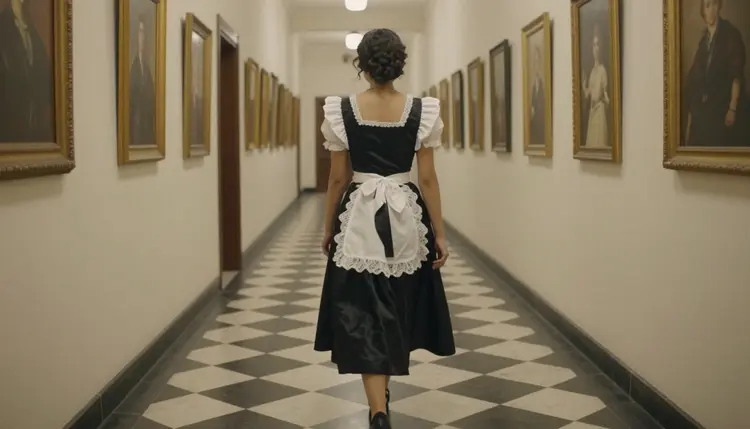
- Setting variety. A grand foyer, a library ladder, a curved staircase or a kitchen counter all render with correct scale and perspective, so the costume can move through a full narrative rather than sitting in front of a plain backdrop.
- Pose and framing control. The model follows an explicit pose, camera angle and framing instruction closely, which matters for the mix of poised and playful poses this genre typically calls for.
Recraft V4.1 Pro is one piece of a small confirmed set on Picasso IA, and each of the other five is built for a different job rather than standing in as a substitute:
If the goal is a fully photorealistic look instead of an illustrated one, Seedream 4.5 is the closer fit. If there is a reference image to edit rather than generate from scratch, Picasso Image Editor Pro handles that directly.
Generating a maid costume image with Recraft V4.1 Pro follows the same workflow as any other model on the platform. Here is the full path from an empty prompt box to a finished image.
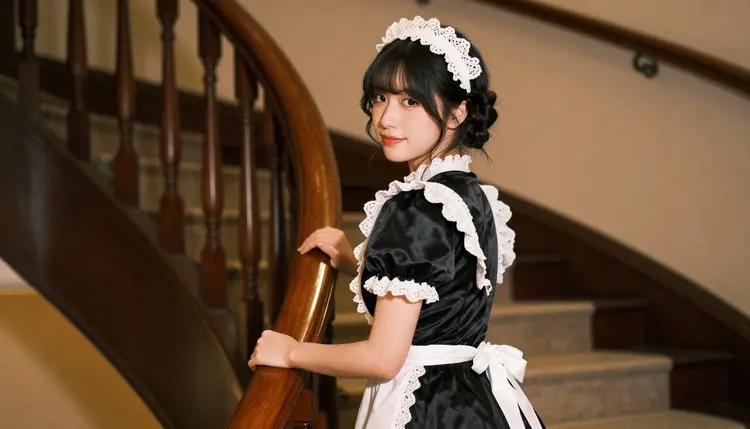
- Open the toolkit and select Recraft V4.1 Pro. Go to the toolkit, choose text-to-image as the mode, and pick Recraft V4.1 Pro from the model list, or generate straight from its model page.
- Describe the costume and the character in detail. Write the character concept, each costume piece, its material and color, and the pose in one prompt. The more specific the costume description, the closer the render lands to what was pictured instead of a generic guess.
- Set the scene, the art style and the framing. Add a setting such as a library, a staircase or a kitchen, a style keyword such as photoreal, semi-realistic or painterly, and a framing instruction such as full body, three-quarter shot or close-up, so the model composes the shot correctly before it renders.
- Choose resolution and generate. Pick the output resolution in the toolkit settings and run the generation. Recraft V4.1 Pro typically returns a result within a few seconds to under a minute depending on load.
- Review, refine and download. Check the result against the prompt, adjust wording for anything that came out wrong such as a costume detail, a pose or the lighting, regenerate if needed, then download the final image directly from the generation panel.
Every generation draws from the account's credit balance, shown before the run is confirmed.
A few adjustments to how the prompt is written make a real difference with this specific costume:
- Name the costume pieces, not just "maid costume." A fitted black bodice, a pleated white apron, lace cuffs and a small lace headpiece gives the model far more to work with than the genre name alone.
- Separate costume from pose from setting. Keep the prompt structured as character and costume first, then pose and camera angle, then background and lighting. A single jumbled sentence covering all three tends to produce a muddled composition.
- Use the setting to carry the mood. A grand foyer reads as formal and composed, a library ladder reads as playful, a velvet chaise with a tea tray reads as leisurely. Naming the room does most of the storytelling work on its own.
- Name materials, not just colors. "White apron" renders very differently from "starched white cotton apron with scalloped lace trim." The material keyword tells the model how light should behave on the surface.
- State the style keyword early. Putting "photoreal" or "semi-realistic digital painting" near the start of the prompt has more influence on the render than adding it as an afterthought at the end.
- Iterate in small steps. If a generation is close but not right, change one variable such as the pose, the setting or the costume color, and regenerate rather than rewriting the whole prompt at once.
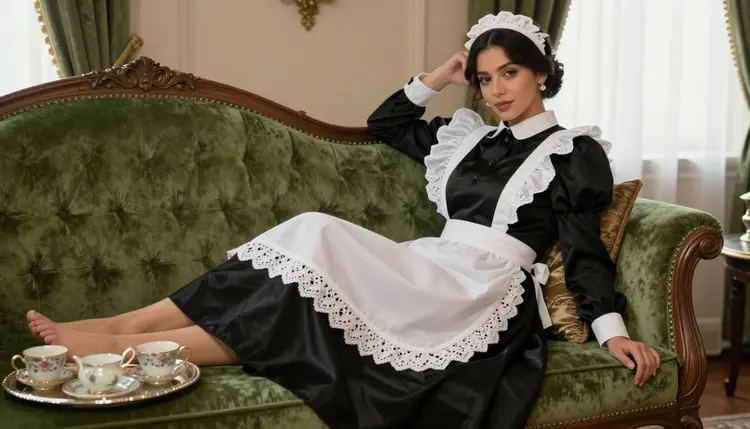
Every image generated on Picasso IA, on Recraft V4.1 Pro or on any other model, stays inside the same boundary. This is an 18+ platform: every character shown has to read unmistakably as an adult, with nothing that could be mistaken for a minor. Every character is also fictional. No real person's likeness and no public figure gets generated without their consent, whether the request comes through a written prompt or an uploaded reference image. This is not a soft guideline, it is the line the platform enforces on every generation, maid costume or otherwise.
Generations also stay private by default. What gets created in the toolkit belongs to the account that made it and is not published, shared or surfaced anywhere else on the platform unless that account chooses to do so.
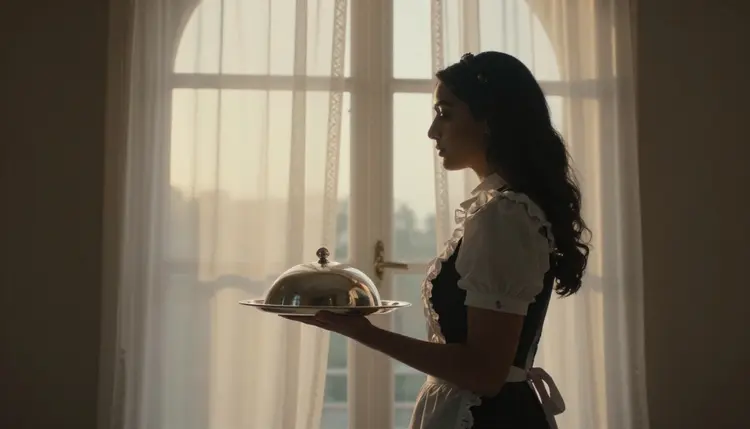
It is also worth understanding what happens on a model outside the confirmed six. Most other models on Picasso IA run their own content filter and refuse a flagged adult prompt outright. When that happens, the app shows a message that the content is not supported by that model and suggests switching to one of the six confirmed models, carrying the prompt over automatically. That is the supported path. Switching to a model actually built for the content, like Recraft V4.1 Pro, is the direct route to the result being asked for.
Every new Picasso IA account starts with free credits, enough to try Recraft V4.1 Pro and see the quality of its output before committing to a paid plan. Credits are shared across the whole catalog, so the same balance covers this model, the other five confirmed models, and every other tool on the platform.
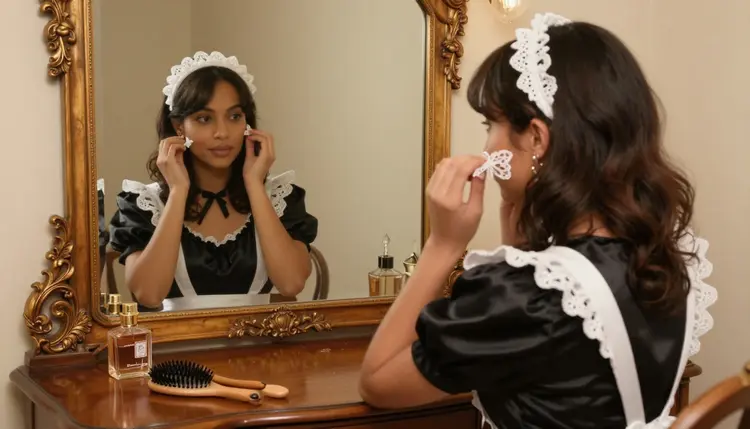
Beyond the free credits, pricing lists the available subscription tiers and their monthly credit allowances, from lighter plans for occasional use up to higher tiers built for regular generation across image and video. There is no separate paywall or add-on specifically for NSFW generation: access to Recraft V4.1 Pro and the credit cost per image work the same way they do for every other model, and the exact cost for the chosen resolution is always shown in the toolkit before a generation is confirmed.
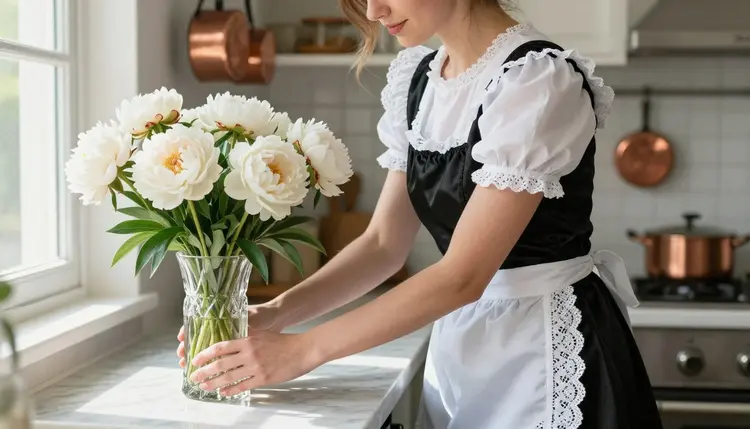
A maid costume scene works equally well as a single still or as the first of a set: the same character description carried across several prompts, with only the pose, the room or the camera angle changed, builds a full narrative instead of one isolated image.
Is Recraft V4.1 Pro actually uncensored for maid costume art?
Yes. Recraft V4.1 Pro is one of six models on Picasso IA confirmed to generate NSFW content directly, with no safety filter blocking the request. It handles a detailed maid costume prompt the same way it handles any other prompt, in one pass.
Can I generate a maid costume image of a real person?
No. Every character generated on Picasso IA has to be fictional and every character has to read as an adult; no real person's likeness or public figure is generated without consent, on Recraft V4.1 Pro or any other model, and this rule is enforced platform-wide.
Why did my maid costume prompt get refused on a different model?
Most models outside the confirmed six run their own content filter and refuse an adult prompt automatically. When that happens, Picasso IA shows a message that the content is not supported by that model and suggests switching to one of the six confirmed models, carrying the prompt over so no work is lost.
Which other models on Picasso IA are confirmed filter-free besides Recraft V4.1 Pro?
The other five are Seedream 4.5, Qwen Image 2, Picasso Image Editor Pro, Picasso Video and LTX 2.3 Pro, covering realistic images, prompt-driven generation, editing and video.
Does Recraft V4.1 Pro work for a realistic photography look, or only illustration?
Its core strength is stylized, illustration-grade rendering, though it can push toward a semi-realistic look with the right prompt. For a fully photorealistic maid costume photograph, Seedream 4.5 is the stronger pick on Picasso IA.
Can I upload a reference photo of a costume and have Recraft V4.1 Pro recreate it?
Recraft V4.1 Pro generates from a text prompt rather than an uploaded image. For an existing photo that needs direct editing, like adjusting a costume detail on a picture already on hand, Picasso Image Editor Pro is built for that.
How much does an NSFW maid costume image cost to generate?
The credit cost depends on the chosen resolution and is always shown in the toolkit before the generation is confirmed. Full plan details and monthly credit allowances are on the pricing page.
Is there a limit to how suggestive the costume scene can be?
The platform does not add an extra filter on top of Recraft V4.1 Pro's own output, but the content rule always applies: this is an 18+ platform, every character is a fictional adult, and nothing resembling a minor or a real person without consent is generated.
Do I need a paid subscription to try Recraft V4.1 Pro?
No. New accounts get free credits that can be spent on Recraft V4.1 Pro or any other model. A subscription from pricing adds a larger monthly allowance but is not required to try the model.
Can I keep the same maid character consistent across several images?
Yes, within the limits of a text-to-image model. Keeping the character, costume and color description identical across prompts and varying only the pose or the room keeps Recraft V4.1 Pro's output close enough to read as the same character, though pixel-level consistency is not guaranteed.