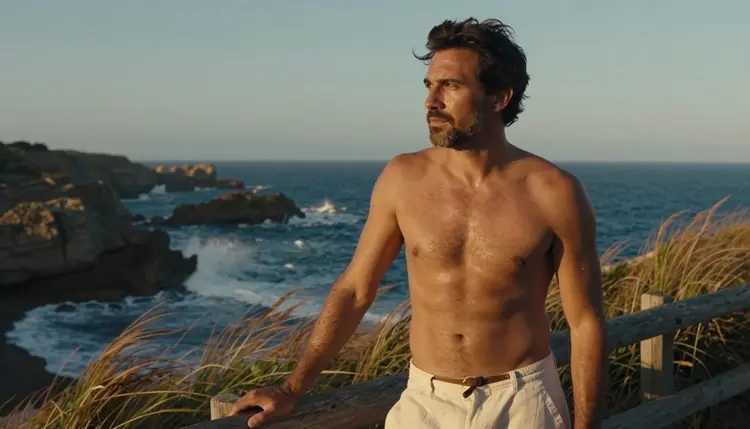
Most NSFW catalogs are built around one default: a female subject, with a male character treated as an afterthought bolted onto the same prompt template. Picasso IA runs 488 models total, and two of them are confirmed to generate adult male characters with no content filter and actually get the anatomy, the build, and the expression right: Seedream 4.5 for a photoreal result and Recraft V4.1 Pro for an illustrated one.
This page compares those two leads against the four other uncensored models in the catalog, walks through the five-step process from a character brief to a finished image, and covers the rules every fictional adult character follows on this platform.
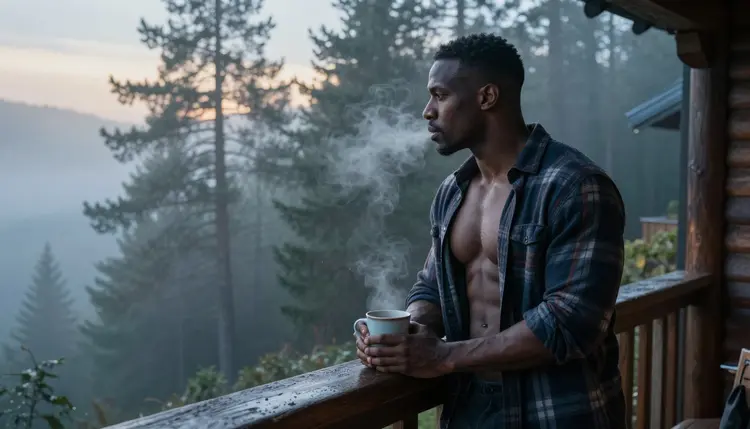
Seedream 4.5 is the strongest pick when a male character needs to read as a photograph: real skin texture, natural light, and proportions that hold up at full size instead of drifting toward a generic, overly smooth look. It is one of six models across the catalog confirmed to run with no content filter, so a prompt describing a shirtless build or an intimate bedroom scene generates the same way a plain portrait does, instead of triggering a refusal the way it would on most general-audience models.
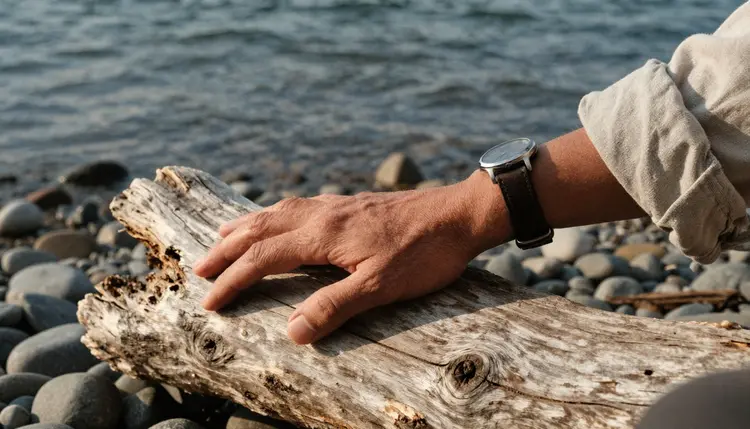
Recraft V4.1 Pro is the second lead, and it covers the other half of the brief: a drawn, comic, or anime-style man rather than a photographic one. It was built as an illustration and design engine, so it reads a jawline, a hairstyle, and a color palette the way it reads any other design instruction, and it shares the same confirmed filter-free status as Seedream 4.5. Between the two, most male character briefs on Picasso IA are covered before reaching for anything else. Both sit inside the toolkit, next to the full catalog.
Six models in the catalog run with no content filter on adult prompts, out of 488 total. That is a small slice, and most models here, including several well-known names, are tuned for a general audience and will refuse an adult male character prompt before it renders.
| Model | Type | Best for male characters | Try it |
|---|
| Seedream 4.5 | Image | Photoreal build, skin, and natural light | Seedream 4.5 |
| Recraft V4.1 Pro | Image | Illustrated, comic, and anime-style men | Recraft V4.1 Pro |
| Qwen Image 2 | Image | Prompts stacking several build and wardrobe details | Qwen Image 2 |
| Picasso Image Editor Pro | Image editor | Fixing a hand, a jawline, or a fold of fabric | Picasso Image Editor Pro |
| Picasso Video | Video | Turning a finished character into motion | Picasso Video |
| LTX 2.3 Pro | Video | Cinematic video built directly from a scene prompt | LTX 2.3 Pro |
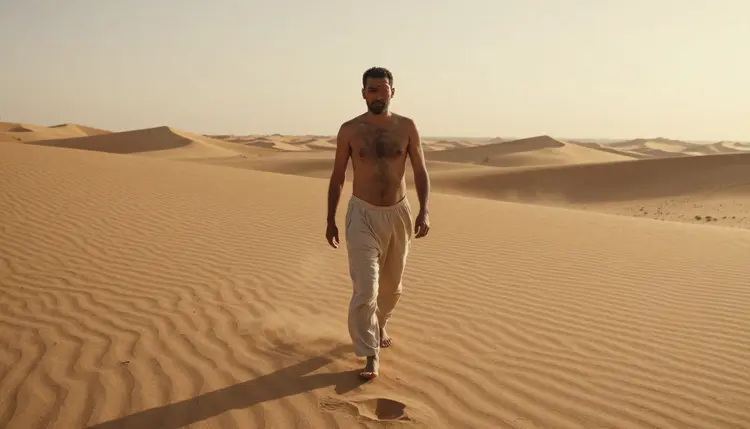
Seedream 4.5 and Recraft V4.1 Pro carry the most weight on this page because they cover the two main styles a male character brief asks for, but the other four fill in the rest of the workflow: a prompt with several details, a fix on a finished image, or turning a still character into a short clip. A few familiar third-party names, Seedance, Sora, and Vidu among them, are not on this confirmed list; they may be worth trying as an alternative, but treat any adult result from them as untested rather than guaranteed, since none carry the filter-free confirmation the six models above do.
A male character reads as a real person, not a generic template, when the prompt gives the model a specific build, a specific setting, and a light source to render, rather than a single adjective like handsome. Naming an age range, eighteen or older, a body type, a jawline shape, and a hair color and length gives the model one consistent invented person to draw, and that same description can be reused across a whole set of images so the character stays recognizable from one generation to the next.
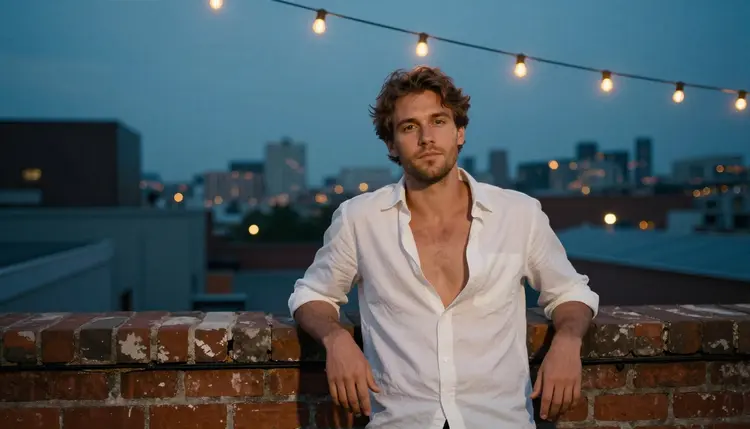
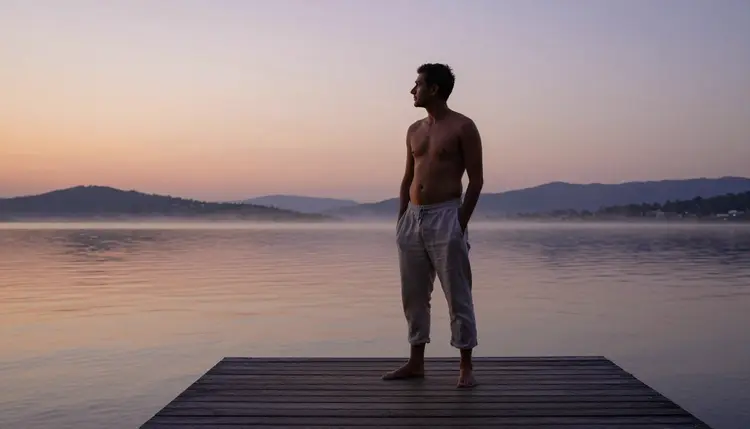
Setting does as much work as the character himself. A misty cabin balcony at dawn reads as quiet and grounded. A brick rooftop at dusk reads as urban and a little wistful. A desert dune at sunset reads as adventurous and cinematic. Naming one of these clearly, instead of leaving the background as an afterthought, gives the whole frame a mood instead of a floating figure on a blank void.
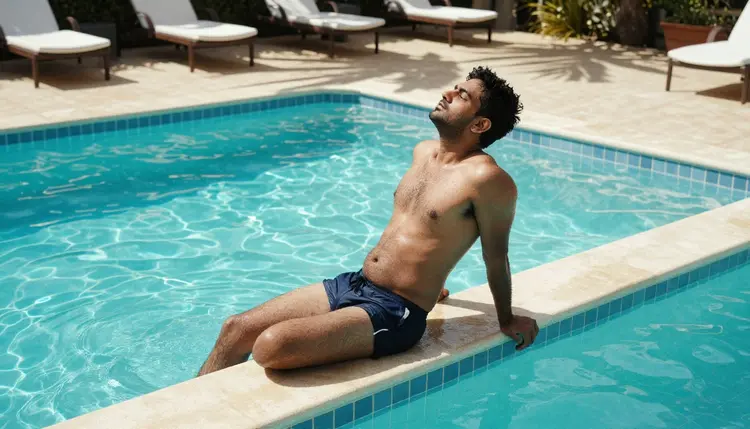
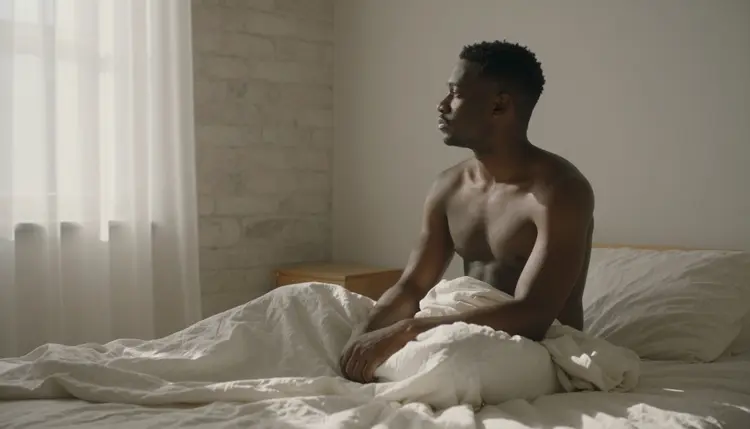
Wardrobe, or the deliberate absence of it, carries the rest of the read. An open flannel shirt, swim trunks by a pool, or a sheet pulled loosely across a bed each sets a different register: rugged, relaxed, or intimate. Naming the exact fabric and how much skin is actually shown, rather than a vague word like hot, is what keeps the result matching the brief instead of drifting toward whatever the model guesses.
Building a male character that actually looks like the same person across several images follows a short, repeatable process.
- Define the Character's Build and Age. State an adult age, eighteen or older, a body type, a jawline shape, and a hair color and length so the model has one consistent invented person to render, not a fresh guess each time.
- Choose Seedream 4.5 or Recraft V4.1 Pro. Pick Seedream 4.5 for a photoreal result or Recraft V4.1 Pro for an illustrated one, since both are confirmed to run with no content filter on an adult prompt.
- Write the Scene Around the Character. Name a location, a light source, and an outfit or its absence in the same line as the build, so the prompt reads as one photograph rather than a portrait floating on nothing.
- Generate a Small Batch and Compare. A handful of variants from one prompt shows which proportions, expression, and pose actually read best before spending more time on any single direction.
- Refine with Picasso Image Editor Pro. Send the strongest result to the editor to fix a hand, a jawline, or a fold of fabric, then download the finished character.
Male character art on Picasso IA runs under the same short set of rules as every other adult generation on the platform, and none of them bend for a stronger build or a more detailed brief.
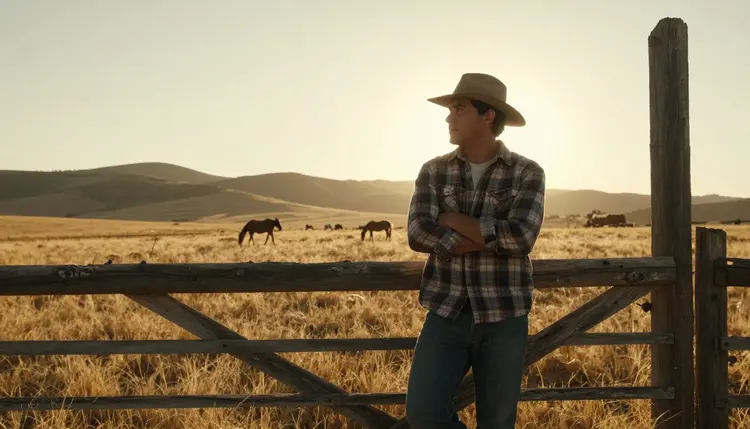
Everything on this page is for adults only, eighteen and over. Every character shown or generated must be a fictional adult, invented rather than modeled on anyone real: no real person's likeness without explicit consent, no public figures, and nothing that reads as a minor regardless of build, pose, or wording. Prompts that cross these lines are refused by the models and violate the platform's terms.
Generations stay private by default, visible only in your own account unless you choose to download or share one, so testing a build across several prompts before settling on a final character does not put anything on public view. What happens after a character leaves your account, where it gets posted and to whom, is still governed by local law and by whatever platform hosts it.
Generating a male character spends credits the same way any other image generation does on Picasso IA, and a single result sits toward the cheap end of what the app charges. A short video clip through Picasso Video or LTX 2.3 Pro costs more than a still image, worth knowing before turning a finished character into motion.
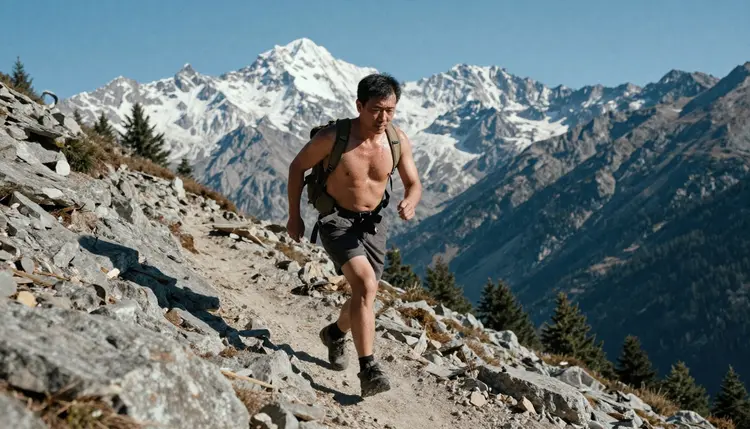
New accounts start with free credits, enough to test a character build across both Seedream 4.5 and Recraft V4.1 Pro and run a full edit pass before spending anything further.
Exact current prices live on the pricing page, kept separate from this article since plans change more often than the page itself does.
Which model is best for NSFW male character art on Picasso IA?
Start with Seedream 4.5 for a photoreal result or Recraft V4.1 Pro for an illustrated, comic, or anime-style one. Both are confirmed to run with no content filter on adult prompts, and every character generated with either must be a fictional adult, eighteen or older.
What's the actual difference between Seedream 4.5 and Recraft V4.1 Pro for a male character?
Seedream 4.5 renders like a camera: real skin texture, natural light, and photographic proportions. Recraft V4.1 Pro renders like a design tool: clean line work, flat color, and a comic or anime finish. A brief naming a lens and a light setup belongs with Seedream 4.5; a brief naming a line style and a color palette belongs with Recraft V4.1 Pro.
Are there other confirmed uncensored models besides these two?
Yes, four more. Qwen Image 2 handles prompts stacking several build and wardrobe details in one line, Picasso Image Editor Pro fixes a finished image, and Picasso Video and LTX 2.3 Pro both turn a still character into a short clip. All six, together, cover the full workflow from a first draft to a finished piece.
Does Nano Banana or another well-known model generate NSFW male characters?
Nano Banana is not on the confirmed list, and like most models built for a broad audience it applies a filter that can refuse an adult male character prompt regardless of wording. The same applies to other familiar names like Sora, Veo, Kling, and DALL-E 3; none are confirmed filter-free.
Can I use Seedance or Seedream 5 for an uncensored male character?
They are not on the confirmed filter-free list, so treat any adult result from them as untested rather than guaranteed; they may be worth trying as an alternative, but Seedream 4.5 and Recraft V4.1 Pro are the two models actually confirmed to run with no content filter on this kind of prompt.
What happens if a model refuses my male character prompt?
The generation stops and a Content Not Supported by This Model message takes its place, and the app offers to carry the same prompt over to one of the six confirmed models. Switching models is the intended fix, not rewording the brief with euphemisms to slip past a filter that just refused it.
Can I generate a male character based on a real person?
No. Every character must be entirely fictional, and a real person's likeness needs explicit consent that this workflow does not provide; public figures are excluded outright. This rule holds on every model in the catalog, filtered or not, and applies equally to a character built to resemble a minor, which is refused regardless of the stated age in the prompt.
How do I keep the same male character consistent across several images?
Write the build description once, age, body type, jawline, hair color and length, and reuse that exact wording in every prompt, changing only the scene, the outfit, or the pose. That fixed description is what keeps a set of images reading as one invented person instead of a different man each time.
Why do hands or faces sometimes render incorrectly?
Hands, jawlines, and props like a mug or a fence rail are some of the harder details for any image model to render cleanly, filtered or not. Removing a content filter changes what a model will attempt, not how well it handles complex anatomy. A simpler pose on the first pass, then a follow-up edit through Picasso Image Editor Pro naming the exact detail to fix, solves most of it.
How much does a male character cost to generate, and are there free credits?
A single image sits toward the cheap end of what any generation costs on Picasso IA; a video clip through Picasso Video or LTX 2.3 Pro costs more than a still image. New accounts start with free credits, enough to test a build across both Seedream 4.5 and Recraft V4.1 Pro before anything needs to be purchased. Exact current prices live on the pricing page.