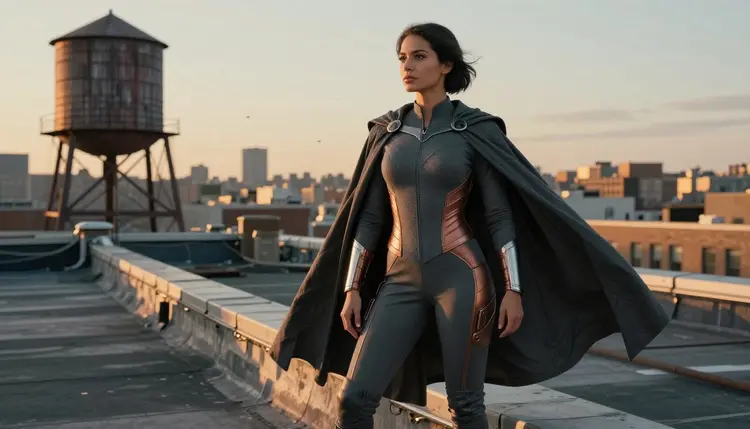
A superhero costume built from scratch, a cape with real weight, a fitted adult cut suit, a metal chest emblem, is one of the harder prompts to get right on a filtered model. Ask for a caped hero in a tight, suggestive suit and most image generators either refuse the prompt outright or flatten the material into something generic. Recraft V4.1 Pro, one of six models on Picasso IA confirmed to generate NSFW content with no safety filter, treats that prompt the same way it treats any other one: describe the costume, the pose and the setting, and it renders in one pass.
This page covers how to design an original superhero identity, a five step workflow for generating the costume art with Recraft V4.1 Pro, prompting advice specific to capes, armor and emblem work, and the rules every generation on the platform follows. Every hero here is fictional and every model in the image is an adult. No recognizable character, no real person, nothing that could read as a minor.
Most image models ship with a filter that blocks any prompt read as adult before it reaches the render step. That is fine for a product photo, but a superhero costume prompt often needs a fitted bodysuit, a low cut cowl, or a cape draped in a way meant to read as suggestive rather than a children's costume, and a filtered model either refuses the prompt or waters the result down. Recraft V4.1 Pro is one of only six models on Picasso IA confirmed to generate NSFW content directly, no safety filter standing between the prompt and the image.
That matters for superhero costume work specifically because the genre sits in a gray zone many filtered models will not touch: a fitted suit with a plunging cut, a torn cape after a fight scene, thigh high boots as part of the uniform, or a fully adult framing of the hero. Recraft V4.1 Pro renders all of it with the same prompt adherence it applies to any safe for work request, and it keeps material, lighting and pose consistent across a full set of images of the same character.
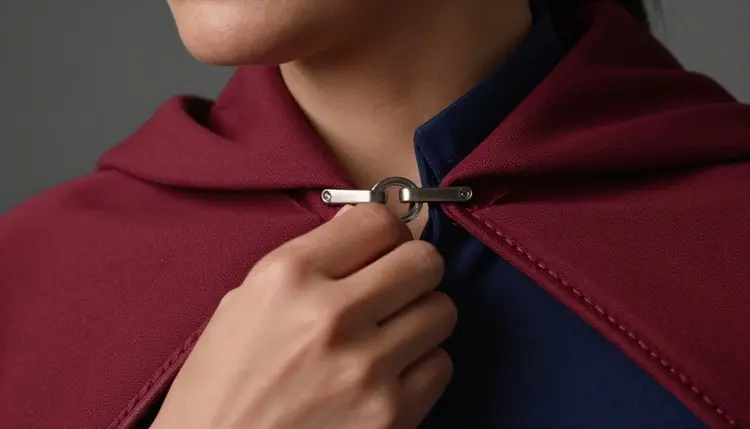
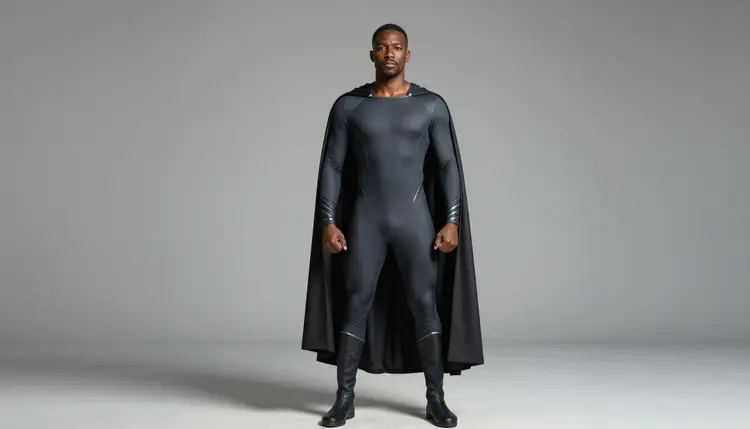
If the costume calls for full photorealism instead of an illustrated finish, Seedream 4.5 is the closer pick. Recraft V4.1 Pro stays strongest when the goal is stylized, illustration grade superhero art with sharp linework and confident material rendering. For everything else the platform offers, the full catalog lists every model with its own generation page.
Recraft V4.1 Pro is a text to image model built around illustration and character work rather than pure photorealism, and that focus lines up directly with what a superhero costume needs.
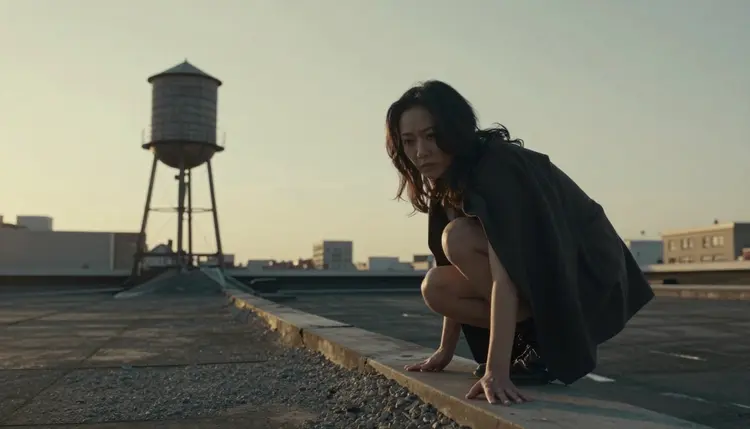
- Cape and fabric physics. A cape draped still, torn from a fight, or spread wide in the wind renders with correct weight and shadow instead of looking like a flat cutout.
- Distinct material rendering. Matte spandex, glossy latex panelling and brushed metal accents each read with their own texture and light response on the same suit.
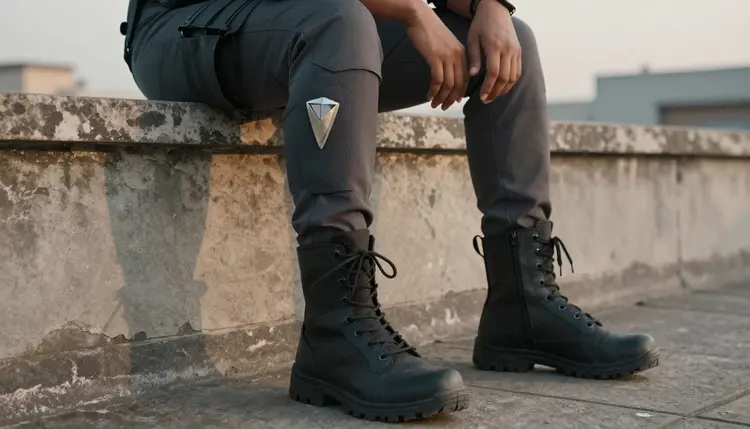
- Emblem and insignia detail. An original chest emblem or shoulder mark stays sharp and legible instead of smearing into a blob at a distance.
- Pose and camera control. A crouch on a ledge, a full sprint, or a hover mid air follows explicit instructions instead of defaulting to a static front facing stance.
- Consistency across a set. Hair color, build, mask style and suit color stay close across multiple generations of the same hero, useful for building out a full character sheet.
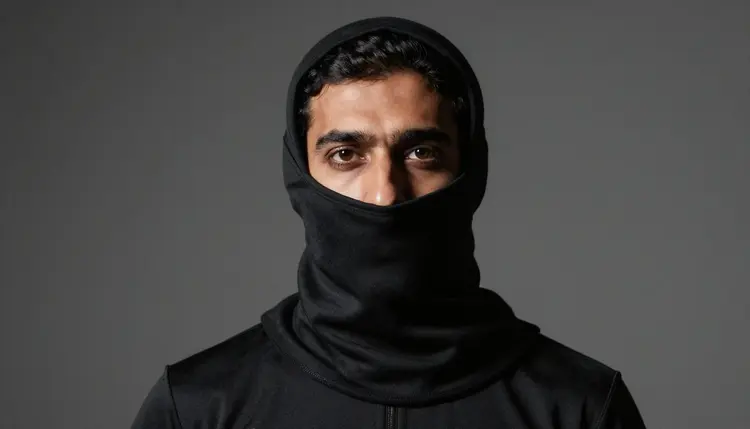
Because the costume, not a copied character, carries the design, the same workflow applies whether the hero leans classic, a cape and a chest emblem, or modern, tactical panelling with a minimal cape and a full face cover.
Generating a superhero costume image with Recraft V4.1 Pro follows the same workflow as any other model on the platform. Here is the full path from a blank prompt box to a finished image.
- Open the toolkit and select Recraft V4.1 Pro. Go to the toolkit, choose text to image as the mode, and pick Recraft V4.1 Pro from the model list, or start straight from its model page.
- Design an original hero and costume. Write out the character's build, the cape, the suit cut, the emblem and the color scheme in one prompt, described from scratch rather than borrowed from an existing character.
- Set the pose and camera framing. Add a pose instruction, crouched on a ledge, mid stride, cape spread in the wind, and a framing note, full body, three quarter shot, close up on the emblem, so the model composes the shot before it renders.
- Choose resolution and generate. Pick the output resolution in the toolkit settings and run the generation. Recraft V4.1 Pro typically returns a result within a few seconds to under a minute depending on load.
- Review, refine and download. Check the render against the prompt, adjust wording for anything off, the cape shape, the emblem, the pose, regenerate if needed, then download the finished image from the generation panel.
Every generation draws from the account's credit balance, shown before the run is confirmed.
A few adjustments to the prompt make a real difference for superhero costume work specifically.
- Build an original hero rather than naming an existing one. Describe the archetype, a night patrol vigilante, a solar powered flyer, a tech armored duo, along with build, hair, eye color and costume, rather than typing a trademarked name the model was never meant to reproduce.
- Name the suit material, not just the color. "Blue suit" renders very differently from "matte blue spandex with a raised rubber emblem." The material tells the model how light should sit on the surface.
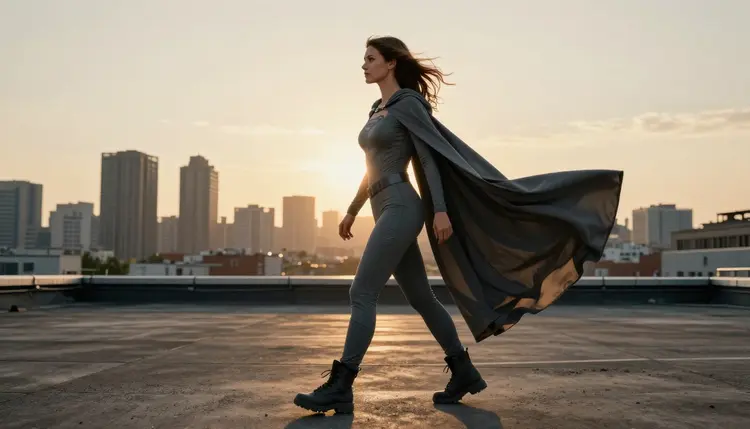
- Describe the cape separately from the suit. A cape has its own weight and motion, so give it its own line: length, fabric, and whether it sits still, blows in the wind, or hangs torn from a fight.
- Keep the emblem simple and describe it directly. A short, clear shape, a lightning bolt, a stylized bird, a geometric mark, renders sharp. A long paragraph describing a complex crest tends to blur.
- State the art style early in the prompt. Putting "anime style" or "semi realistic digital painting" near the start carries more weight than adding it as an afterthought at the end.
- Iterate one variable at a time. If a render is close but not right, change the pose, the cape, or the color alone and regenerate rather than rewriting the whole prompt.
Every image generated on Picasso IA, on Recraft V4.1 Pro or any other model, stays inside the same boundary: the platform is 18+ only, and every character in a superhero costume image is a fictional adult. No real person's likeness, no public figure and nothing that could read as a minor, on any model, in any costume, with or without a mask covering the face.
An original superhero identity, built from an archetype rather than a trademarked character, is exactly what this workflow is for. Keep the hero's name, emblem and costume distinct from an existing franchise, and the result stays both true to the genre and clear of any real character or copyrighted property.
Generations stay tied to the account that made them and are not made public unless actively shared, so a costume design in progress is not visible to anyone else by default.
Most models outside the confirmed six run their own filter and refuse a costume prompt read as adult, showing a message that the content is not supported by that model and suggesting a switch to one of the six confirmed models, carrying the prompt over automatically so the work is not lost.
Every new Picasso IA account starts with free credits, enough to try Recraft V4.1 Pro on a first superhero costume design before committing to a paid plan. Credits are shared across the whole catalog, so the same balance covers this model, the other five confirmed models, and everything else on the platform.
Beyond the free credits, pricing lists the available plans and their monthly credit allowances, from lighter plans for occasional use up to higher tiers built for regular generation. There is no separate paywall for NSFW generation: access to Recraft V4.1 Pro and the credit cost per image work the same as for any other model, and the exact cost for the chosen resolution shows in the toolkit before the run is confirmed.
Is Recraft V4.1 Pro actually uncensored for superhero costume art?
Yes. Recraft V4.1 Pro is one of six models on Picasso IA confirmed to generate NSFW content directly, with no safety filter blocking the request, and it handles a fitted, adult framed superhero costume the same way it handles any other prompt.
Can I generate a costume based on a specific superhero from an existing comic or movie?
No. Picasso IA does not allow recreating a real, trademarked character's likeness on any model. Build an original hero instead, described by archetype, build and costume rather than by name, and the result stays clear of any existing franchise.
What counts as an original superhero costume design?
A hero built from an archetype rather than a copied character: a chosen build, hair and eye color, a cape or the deliberate absence of one, a suit cut and material, and an emblem designed from a simple shape rather than a reproduced logo. Describing those elements directly gives Recraft V4.1 Pro everything it needs without leaning on an existing character.
Can I create two characters in matching superhero costumes in the same image?
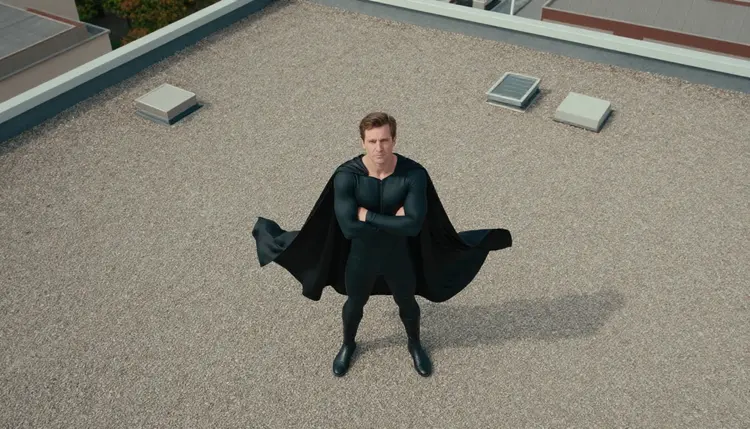
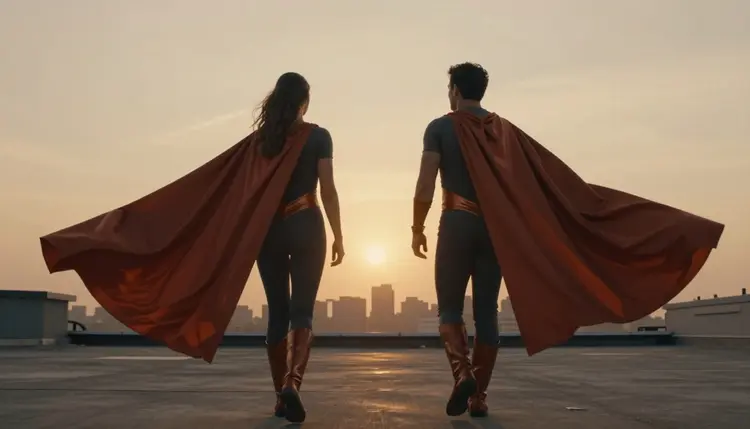
Yes. Describe both characters, their costumes and their pose relative to each other in one prompt, such as two heroes standing side by side on a rooftop. Every character in the scene still has to read as a fictional adult, in line with the platform's 18+ rule.
Why did my superhero costume prompt get refused on a different model?
Most models outside the confirmed six run their own filter and refuse a prompt read as adult automatically. Picasso IA shows a message that the content is not supported by that model and suggests switching to one of the six confirmed models, carrying the prompt over so the work is not lost.
Which other models on Picasso IA are confirmed filter free besides Recraft V4.1 Pro?
The other five are Seedream 4.5, Qwen Image 2, Picasso Image Editor Pro, Picasso Video and LTX 2.3 Pro, covering realistic images, prompt driven generation, editing and video.
Does Recraft V4.1 Pro handle metal armor and cape physics well?
Yes. Naming the material directly, brushed metal plating, a heavy wool blend cape, gives the model what it needs to render correct light behavior and drape, which is most of what makes armor and a cape look tactile instead of flat.
How much does an NSFW superhero costume image cost to generate?
The credit cost depends on the chosen resolution and always shows in the toolkit before the run is confirmed. Full plan details and monthly credit allowances are on the pricing page.
Is my generated superhero costume content private?
Yes. Generations are tied to the account that made them and are not made public unless actively shared.
Can a finished superhero costume image be turned into a video?
Yes. Picasso Video and LTX 2.3 Pro both take a costume image as a starting frame and animate it, useful for a cape catching the wind or a hero turning toward the camera.