The first cold morning of the year does something to a wardrobe: the cardigans come out, the mugs get heavier, and every window fogs at the edges. That shift, soft knitwear, steam rising off cocoa, a fire cracking behind a couch, is one of the easiest moods to ask an AI model for and one of the hardest to get exactly right, because the whole scene lives in texture and light rather than one obvious detail.
This page is about generating that look on Picasso IA, adults only and fictional characters only. Seedream 4.5 leads the six models across the catalog confirmed to generate adult content with no content filter, and it is the strongest starting point for a cozy autumn scene: knit texture, warm window light, skin that reads like a photograph rather than a render. Compare all six confirmed models, follow the five-step process from a scene idea to a finished image, and see the short list of rules that applies to every piece on this page before writing a first prompt.
Sweater weather is a mood built from small, repeatable signals: a knit texture close enough to see the stitch, a mug held in both hands, breath fogging in cold air, window light gone soft and gold by late afternoon. None of that needs a dramatic pose or an elaborate setting, which is exactly why it is such a strong subject for an AI model. A prompt that names the knit, the drink, the light source, and the window gives Seedream 4.5 almost everything it needs to fill in the rest convincingly.
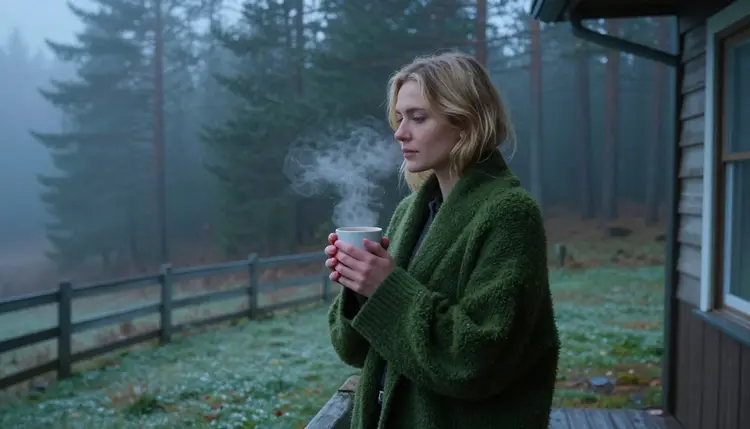
The look also holds up across a wide range of settings: a porch at first light, a living room rug in front of a fire, a forest path scattered with leaves. Cardigans, turtlenecks, and oversized knits photograph well from a distance and up close, so a scene can lean wide and atmospheric or move in tight on a detail like a sleeve pulled over a hand.

The intimacy in these scenes is suggested rather than shown: a shared blanket, a hand around a mug, a forehead resting against another. Adult, fictional, and tasteful is the brief for every example on this page, and Seedream 4.5's photoreal rendering is what makes that restraint still feel warm rather than flat.
Seedream 4.5 is the lead pick for this aesthetic because it renders knit texture, skin, and warm indoor light the way a camera would capture them, not the way an illustration engine draws them. A stitch pattern on a cardigan, the slight sheen of firelight on a face, the soft blur of a window behind a subject: these are photographic details, and Seedream 4.5 is one of only six models across Picasso IA's catalog confirmed to generate adult content with no content filter.

Seedream 4.5 is not the only tool for a sweater weather scene, though. A stylized or illustrated take, a painterly cardigan sketch rather than a photograph, is a job for Recraft V4.1 Pro instead, and a scene with several specific elements that all need to survive one generation together, a patterned sweater, a particular mug, a fire in the background, tends to hold together well on Qwen Image 2. Picasso Image Editor Pro fixes a hand or a fold of fabric on a result that is already close, and Picasso Video or LTX 2.3 Pro turn a finished still into a slow, cozy clip.
| Model | Type | Best for sweater weather | Try it |
|---|
| Seedream 4.5 | Image | Photoreal knitwear, skin, firelight and window light | Seedream 4.5 |
| Recraft V4.1 Pro | Image | Illustrated or painterly cozy scenes | Recraft V4.1 Pro |
| Qwen Image 2 | Image | Scenes with several specific elements in one prompt | Qwen Image 2 |
| Picasso Image Editor Pro | Image editor | Fixing a hand, a mug, or a fold of fabric after the fact | Picasso Image Editor Pro |
| Picasso Video | Video | Turning a finished scene into a slow, ambient clip | Picasso Video |
| LTX 2.3 Pro | Video | Cinematic autumn video from a scene description | LTX 2.3 Pro |
All six are confirmed filter-free out of the catalog's full lineup, so a cozy prompt that reads as adult is not the exception here, it is what these six are built to handle.
Getting from an idea to a finished cozy image follows the same short loop regardless of which model opens it.
- Name the knitwear first. Say the exact garment, a ribbed cardigan, a chunky turtleneck, a shawl, and its color; the knit is the detail that sells the whole mood.
- Set one light source. Firelight, a frosted window, or a porch at dusk each read completely differently, so pick one and let it shape every shadow in the prompt.
- Add a small prop and a gesture. A mug, a blanket, a hand tucked into a sleeve gives the scene something to do instead of a static pose.
- Generate a batch on Seedream 4.5 and compare. A handful of variants from one prompt shows whether the knit texture and the light are both landing before spending more time refining.
- Send the keeper to Picasso Image Editor Pro. Clean up a hand, straighten a sleeve, or sharpen the steam rising off a mug, then download the finished piece.
A two-person prompt for this aesthetic works best when the contact is small and specific: foreheads touching, a hand resting on a shoulder, two mugs on the same windowsill. Naming the exact gesture keeps the result reading as tender rather than staged, and it gives Seedream 4.5 a clear physical anchor instead of a vague instruction like a romantic couple.

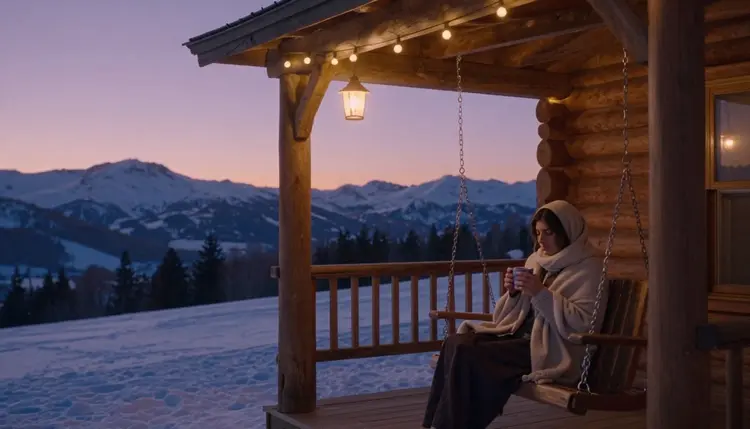
A solo scene leans on stillness instead: a blanket pulled up to the chin, a window fogged at the edges, a gaze turned outward rather than at the camera. These quieter prompts tend to render cleanly on the first try because there is only one subject and one light source for the model to reconcile.

Outdoor scenes trade the fireplace for falling leaves and long shadows. A walking pose reads better than a standing one here, since it gives a cardigan or coat natural movement and lets the background blur the way a real lens would.
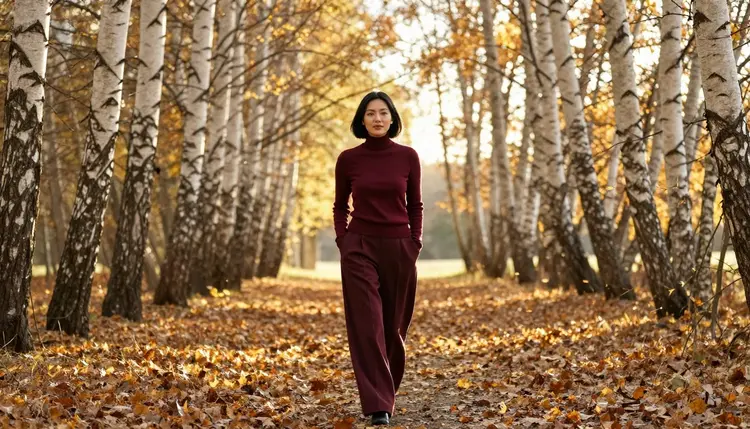
Back indoors, a rug in front of a fire is one of the most reliable settings in this whole aesthetic: warm, directional light, a natural place to sit, and a knit texture that catches the glow better than almost anything else.

A couple shot from behind, walking arm in arm through gold and orange leaves, sidesteps a common problem with two-person prompts: faces do not need to match perfectly when neither one is turned to the camera, so the scene renders cleanly more often.
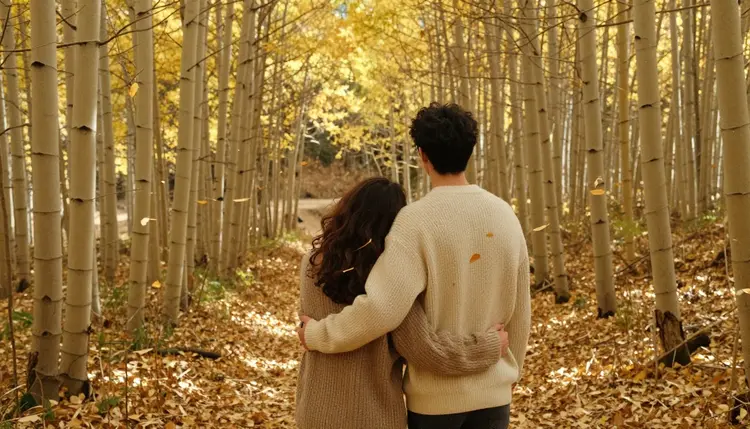
Every example above stays inside the same brief: adult, fictional, and suggested rather than shown. The next section covers exactly what that means in practice.
Most places to generate this kind of scene hand over one model and one outcome. Picasso IA's catalog holds 488 models, and a cozy prompt refused by one is not a dead end: the app shows a Content Not Supported by This Model message and recommends switching to one of the six confirmed models, carrying the original prompt over so nothing typed gets lost. Switching models is the sanctioned move here, not rewording a prompt with euphemisms to slip past a filter that just refused it.
Names like Nano Banana, Seedance 1.5 Pro, and Leonardo AI are familiar from elsewhere in the catalog, and none of them sit on the confirmed list for this kind of content. They are worth trying as an alternative for the parts of a project that are not adult, a plain autumn landscape or a product shot, but for the scenes on this page they are untested and may simply refuse the prompt.
A finished still does not have to stay a still, either. A Seedream 4.5 image can move into Picasso Video or LTX 2.3 Pro, both confirmed filter-free, and come out as a slow, ambient clip: steam still rising off a mug, a fire still flickering, a few seconds of motion instead of a frozen frame.
Rules and Limits for Cozy Season Content
A cozy setting does not loosen any of the platform's rules, so the same short list applies here as everywhere else on Picasso IA.
This page and every example on it is for adults only, eighteen and older, and every character shown is fictional. No real person's likeness without explicit consent, no public figures, and nothing involving a minor or anyone who could be mistaken for one, regardless of how the scene is styled. Prompts that cross these lines are refused by the models and are not permitted under the platform's terms.
Knitwear renders well but is not flawless: a cable pattern, a hand tucked into a sleeve, or a mug held at an odd angle are some of the harder details for any image model to get exactly right on the first try, filtered or not, so check the small details before calling a generation finished.
Privacy is the default. Prompts and generations on Picasso IA are not published, shared, or used to train other people's results without the account holder's own choice, and nothing on this page requires uploading a real photo to work. What a finished piece is used for afterward, and whether it can be posted anywhere else, is governed by local law and by that other platform's own rules, not by Picasso IA's.
Which model should I use for sweater weather AI art?
Start with Seedream 4.5 for a photoreal cardigan, turtleneck, or fireside scene; it is one of six models across the catalog confirmed to run with no content filter on adult prompts. Reach for Recraft V4.1 Pro instead for a painterly or illustrated version of the same mood, or Qwen Image 2 when the scene has several specific elements that all need to survive one generation together.
Does Seedream 4.5 really have no content filter for cozy adult prompts?
Yes. Seedream 4.5 is one of six models across the catalog confirmed to generate adult content with no content filter. Most other models, including several well-known names, are not on that confirmed list and may refuse an adult cozy prompt outright.
What is the difference between Seedream 4.5 and Recraft V4.1 Pro for this look?
Seedream 4.5 is a photoreal model: skin, knit texture, and firelight rendered the way a camera would capture them. Recraft V4.1 Pro is an illustration and design model, better suited to a painterly or comic-style cardigan sketch than a photographic one. A prompt naming a lens and a light source belongs with Seedream 4.5; a prompt naming a line style and a color palette belongs with Recraft V4.1 Pro.
Can a finished sweater weather image become a video?
Yes. Picasso Video and LTX 2.3 Pro are both confirmed filter-free and both generate video, so a Seedream 4.5 image can move into either one and come out as a short, ambient clip instead of staying a still frame. Both live inside the toolkit with the four image models above.
Does Nano Banana or another well-known model generate this kind of scene?
Nano Banana is not on the confirmed list, and like most models built for a broad audience it applies a safety layer that can flag and refuse an adult cozy prompt. The same applies to other familiar names like Seedance 1.5 Pro and Leonardo AI; none are confirmed filter-free, and any of them can refuse a prompt the six confirmed models would generate.
What happens if a model refuses my prompt?
The generation stops and a Content Not Supported by This Model message takes the image's place, and the app recommends switching to one of the six confirmed models, carrying the original prompt over. The fix is switching models and running the same prompt again, not reworking the description with euphemisms to sneak past the filter that just refused it.
Can I generate a scene with a real person or a celebrity?
No. Every character on this page and every one a reader generates through it must be a fictional adult, eighteen or older; a real person's likeness needs explicit consent, and public figures are excluded entirely. Both are refused by the models and forbidden under the platform's terms, including uploading a real photo into Picasso Image Editor Pro for an edit, since the edit is still built on that likeness.
How do I describe knitwear so the model gets it right?
Name the specific garment rather than a general theme: a ribbed cardigan or a chunky turtleneck, its exact color, the light source, and one small prop like a mug or a blanket. A prompt like cream ribbed cardigan, firelight, mug of cocoa gives the model something concrete to build; a vague instruction like a cozy sweater photo leaves too much to guess.
Why do hands and mugs sometimes render wrong?
A hand wrapped around a mug, fingers tucked into a sleeve, or steam rising off a hot drink are some of the harder shapes for any image model to draw cleanly, filtered or not. Removing a content filter changes what a model will attempt, not how well it handles fine detail. A simpler pose on the first pass, then a follow-up edit through Picasso Image Editor Pro naming the exact detail to fix, is what actually solves it.
How much does a sweater weather image cost, and are there free credits?
A single image sits toward the cheap end of what any generation costs on Picasso IA, and a short clip through Picasso Video or LTX 2.3 Pro costs more than a still image. New accounts start with free credits, enough to test a scene across a couple of models and run a full edit pass before spending anything further. Exact current prices are on the pricing page, since plans change more often than this article does.
Seedream 4.5 is already sitting in the toolkit with the rest of the full catalog. Open it, describe the cardigan and the light in one line, and run the first cozy prompt on the free credits that come with a new account.