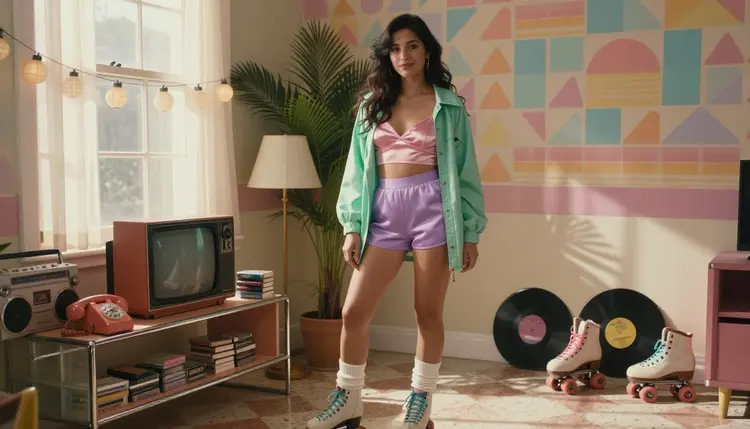
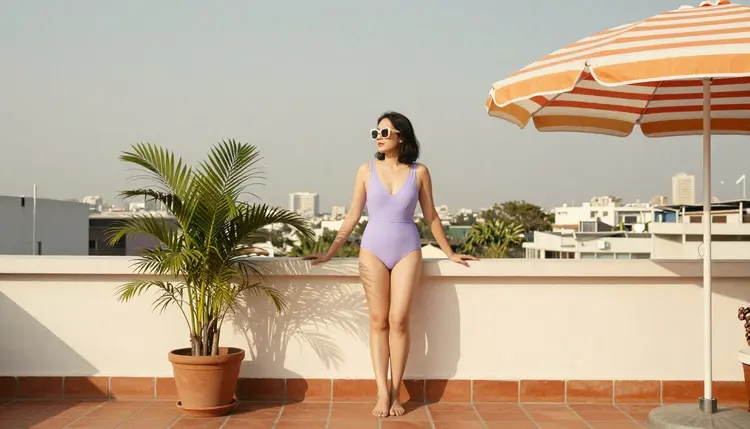
A chrome jukebox dial under a woman's fingers, a lilac swimsuit against a sunset railing, a mint convertible parked outside a diner that never left 1987. Vaporwave sells its mood through wardrobe, props and a set built out of pastel signage and checkerboard floors, not through a digital glow layered over a photo afterward. Qwen Image 2 is one of six models on Picasso IA confirmed to generate NSFW content without a safety filter standing in the way, and it renders that whole aesthetic as straight photography: real light, real fabric, real skin, dressed in a look rather than lit by an effect.
This page covers why Qwen Image 2 suits vaporwave specifically, the five steps to prompt a clean scene, nine scene ideas built around wardrobe and set rather than neon rendering, and the rules every image on this page has to follow: 18+ only, fictional adults only, and private by default.
Vaporwave as a look is mostly a costume and location problem: pastel diners, chrome trim, checkerboard floors, roller rinks, arcade cabinets, convertibles with fins. None of that needs a neon glow effect painted over the image to read as the era, and asking a model to add one usually pushes the whole photo toward a flat, digital-art look instead of a photograph. Qwen Image 2 is confirmed to generate NSFW content directly on Picasso IA, no rewording or filter workaround required, and it holds a photographic finish while following a detailed wardrobe and set description, which is exactly what this aesthetic needs.
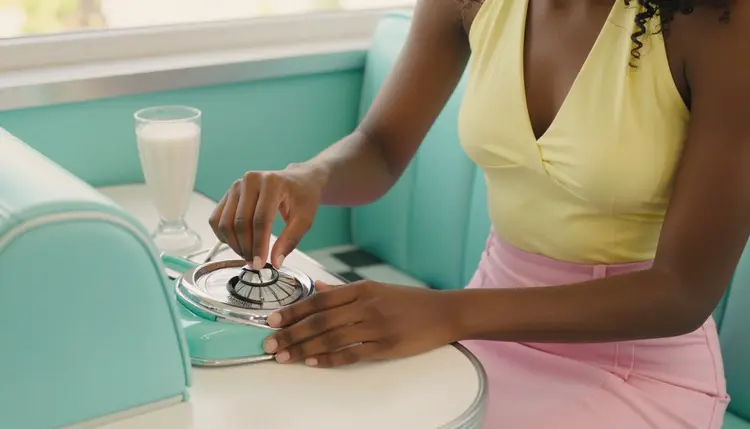
The trick with vaporwave prompts is naming the era through objects and clothing rather than reaching for words like glow or neon in the prompt itself. A chrome jukebox, a diner booth in mint and pink vinyl, a swimsuit cut like it came out of a 1980s catalog: each of those details tells Qwen Image 2 what decade and mood to render without pushing it toward a synthetic light effect. The result reads as a real photograph someone could have taken on a real set, which holds up better than a stylized render once the scene turns more suggestive.
For anyone starting from an existing photo instead of a blank prompt, Picasso Image Editor Pro edits it directly, useful for swapping an outfit's color or adjusting a pose once the composition already works.
Picasso IA runs close to 500 models, and most of them apply a safety filter that refuses an adult prompt outright. Only six are confirmed to generate NSFW content without that filter stepping in, and Qwen Image 2 is the one pinned to this page because it holds photographic detail in wardrobe and set without drifting toward an illustrated or over-rendered look.
Every other model on the site, including names that come up often for adult prompts like Seedance 2.5 and Seedream 5 Lite, is not confirmed to behave the same way. They are untested for this kind of content and worth a try on a prompt that does not depend on one of the confirmed six, but treating them as filter free is a guess, not a fact this page can stand behind.
Getting a clean, era-accurate result comes down to five steps, in this order.
- Open Qwen Image 2 in the Toolkit. Go to the toolkit and select Qwen Image 2 from the model list, since it is the confirmed uncensored model this page is built around.
- Describe the wardrobe first. Name the swimsuit, the bomber jacket or the robe before anything else, since the outfit does most of the work of placing the scene in the era.
- Name the set and the props next. A diner booth, an arcade cabinet, a checkerboard rink floor or a chrome jukebox tells Qwen Image 2 where the scene happens without a single mention of glow or neon.
- Generate and review the result. Run the prompt and check the hands, the fabric folds and the background props, the details most likely to slip in a set-heavy scene.
- Refine with the image editor if one detail is off. Send the result to Picasso Image Editor Pro to fix a single detail instead of regenerating the whole scene from scratch.
Vaporwave covers more ground than one poolside shot. These nine ideas, all generated for this page with Qwen Image 2, show the range a single wardrobe-and-set approach can cover once the location and the outfit change.
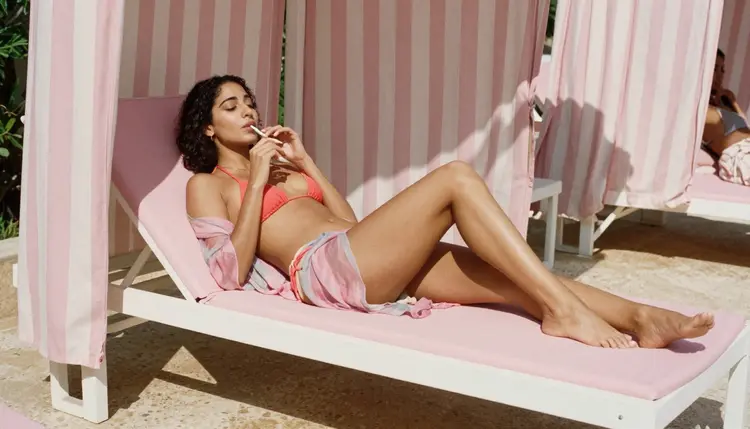
A poolside cabana scene leans on the lounger and the coral bikini to set the mood, no glow effect required: pink vinyl cushions, a striped umbrella and warm afternoon light do the era's work on their own, and Qwen Image 2 holds the fabric texture and skin tone convincingly in full sun.
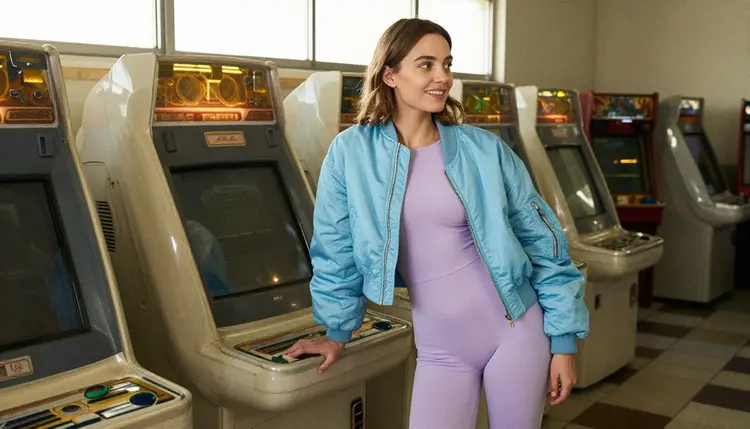
An arcade scene trades skin for wardrobe and setting: a pastel bomber jacket, a row of cabinet machines with real screen glow rather than a painted-on filter, and a candid smile instead of a posed look. It is one of the easiest vaporwave scenes to keep suggestive rather than explicit, since the jacket and the arcade carry the whole mood.
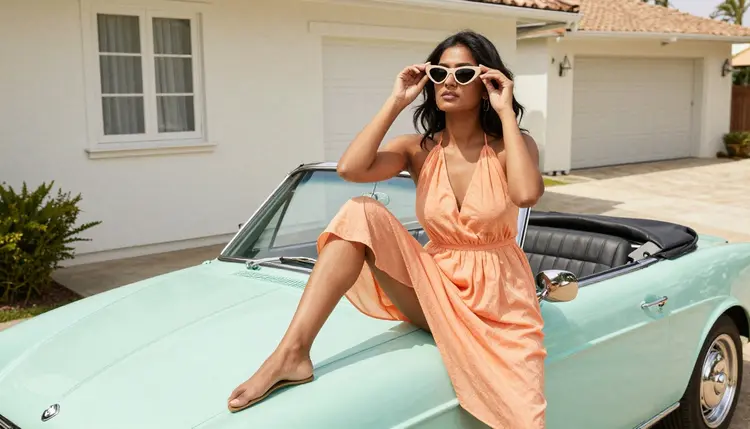
A convertible scene works as a centerpiece shot: the mint paint, the chrome trim and a pastel dress read as an era on their own, and naming the car's color and the dress's cut gives Qwen Image 2 a clear anchor for the whole composition instead of a vague roadside description.
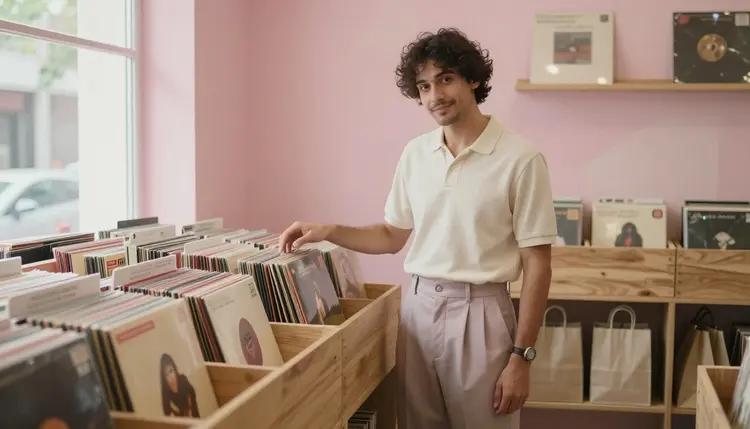
A record store scene with a male character, browsing vinyl under warm pink lighting, follows the same rule as any single-character prompt: name the wardrobe, the shelving and the light before describing a pose. For a two-character scene, describe each figure separately before describing what they do together, or the model tends to blend their features into one person, a technique the couples art guide covers in more depth.
Every image generated through this page has to follow the same limits, regardless of how nostalgic or suggestive the scene is. Picasso IA's NSFW generation is 18+ only, and every character in a scene, whether centered in a diner booth or standing beside an arcade cabinet, has to read as a clear adult in age, build and context. Nothing that could be read as a minor is allowed, no matter how the wardrobe or the setting is described.
Every figure in a vaporwave scene must also be fictional. No real, identifiable person, celebrity or public figure can be described or implied, with or without consent, and a fictional frame never excuses a prompt that reads as underage. These limits apply to Qwen Image 2 and to every other confirmed model on this page equally.
Generations made on Picasso IA are private by default: what gets prompted and generated here is not surfaced publicly or shared without being asked for, which matters for content built around a suggestive, nostalgic mood like this one.
New accounts on Picasso IA start with free credits, enough to test Qwen Image 2 on a vaporwave prompt before deciding whether the look is worth building out further. Image and video generations draw down credits at different rates depending on the model and, for some, the resolution selected. Current plans and numbers live on pricing rather than being repeated here, since they change more often than this page does.
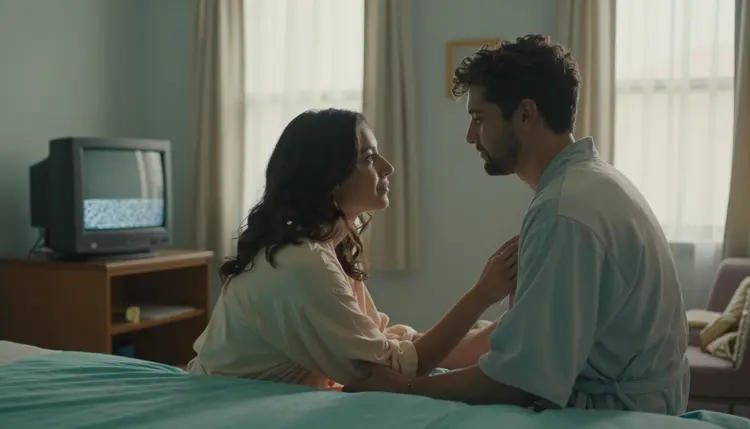
A motel room scene pairs matching robes with warm lamplight instead of a wide diner or arcade set, and works well as a quieter, more intimate closing shot for a series that opened with a busier location like a pool deck or a record store.
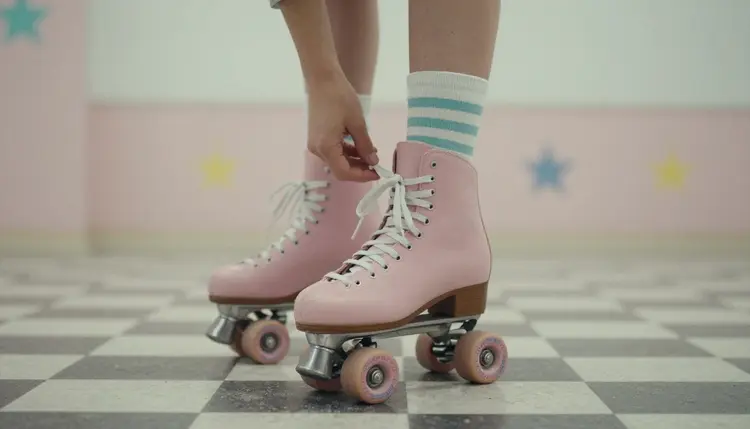
A close, still-life style shot, hands lacing a pair of roller skates on a checkerboard floor, works as an opener or a transition between scenes: nothing about a full figure is described at all, only the props and the floor, which makes it one of the simplest ways to establish the setting before moving to a portrait.
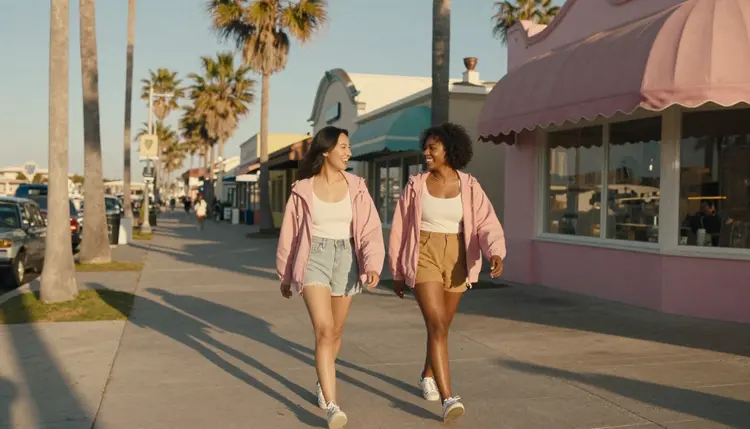
A boardwalk walk closes a series on a wider shot: two figures in matching windbreakers, palm trees and a pastel sky read as the era without a single suggestive detail in the prompt, useful for anyone who wants a gallery that opens or closes on something more relaxed than the poolside or motel scenes.
Beyond the six confirmed models, a handful of others are untested for vaporwave scenes specifically but worth a try if the confirmed six do not fit a particular prompt: Seedance 2.5, Seedream 5 Lite, LTX 2.5 Fast and Recraft V4.1 Utility Pro all sit in the wider catalog. None of them carry a confirmed uncensored claim the way Qwen Image 2 does, so treat a result on any of them as a guess rather than something this page can promise.
Is Qwen Image 2 actually uncensored for vaporwave art?
Yes. Qwen Image 2 is one of six models on Picasso IA confirmed to generate NSFW content directly, without a safety filter rejecting the prompt, and it holds photographic detail in wardrobe and set without pushing the image toward a neon-rendered look.
Which other models are confirmed uncensored besides Qwen Image 2?
Five more: Seedream 4.5, Recraft V4.1 Pro, Picasso Image Editor Pro, Picasso Video and LTX 2.3 Pro. Together with Qwen Image 2 that is the full confirmed list across Picasso IA's catalog, and every other model should be treated as filtered until proven otherwise.
Do I need to mention neon or glow in the prompt to get a vaporwave look?
No. Naming the wardrobe, the props and the set, a diner booth, a chrome jukebox, a pastel bomber jacket, does more to place a scene in the era than asking for a neon or glow effect, which tends to push the result toward a flat digital render instead of a photograph.
Can I generate this kind of vaporwave scene with Seedance 2.5 or Seedream 5 Lite instead?
You can try, but neither is confirmed uncensored the way Qwen Image 2 is, so treat a result on Seedance 2.5, Seedream 5 Lite or any other untested model as worth a try rather than something guaranteed to work.
Are the characters in these images real people?
No. Every image on this page is 18+ and strictly fictional: no real, identifiable person, celebrity or public figure is depicted, and every character has to read as a clear adult with nothing that could suggest a minor.
Can I put two characters, like a couple, in one vaporwave prompt?
Yes, and it follows the same rule as any two-character prompt: describe each figure separately before describing what they do together, which the couples art guide covers in more depth.
What happens if I send this kind of prompt to a filtered model by mistake?
The model applies its own safety filter and refuses the prompt. Picasso IA shows a message explaining the content is not supported by that model and points to the six confirmed models instead, carrying the same prompt over so it does not need retyping.
Is my generation history private?
Yes. Generations on Picasso IA are private by default, and that applies to vaporwave scenes the same way it applies to any other prompt made on the six confirmed models.
Can I turn a vaporwave portrait into a video?
Yes. Picasso Video and LTX 2.3 Pro are the two confirmed models for adult motion, and both can pick up the same wardrobe, set and props described in a Qwen Image 2 prompt and carry them into a moving scene.
Is there a free way to try Qwen Image 2 before paying?
New accounts start with free credits that cover a handful of generations across the catalog, including Qwen Image 2, enough to test a vaporwave prompt before deciding whether to subscribe. Current plans are listed on pricing.