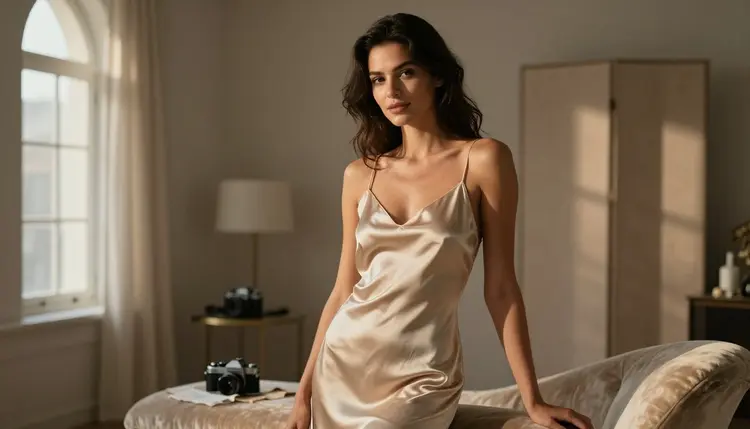
A generation that comes out nine tenths right rarely needs a brand new prompt, it needs a fix, and that single difference is where Picasso Image Editor Pro and Qwen Image 2 actually pull apart from each other.
This page compares the two for exactly that job, correcting a shot that is almost there instead of starting over, using the two models from Picasso IA's catalog of roughly 490 that are confirmed to run with no content filter. No invented benchmark, no percentage pulled from nowhere, just what each editor is actually built to fix and when to reach for the other one instead.
Every photo below shows a fictional adult character, eighteen and over, used only to show what each kind of fix looks like once it is finished.
Most of the catalog behind Picasso IA applies some form of content filter, and that filter cannot always tell a swimsuit shot from anything more suggestive, so it can refuse a perfectly ordinary edit halfway through. Six models are the exception, confirmed to run with no content filter: Seedream 4.5, Qwen Image 2, Recraft V4.1 Pro, Picasso Image Editor Pro, Picasso Video and LTX 2.3 Pro. Picasso Image Editor Pro and Qwen Image 2 are two of those six, and both apply to a photo already on hand, not only to one written from a blank prompt.
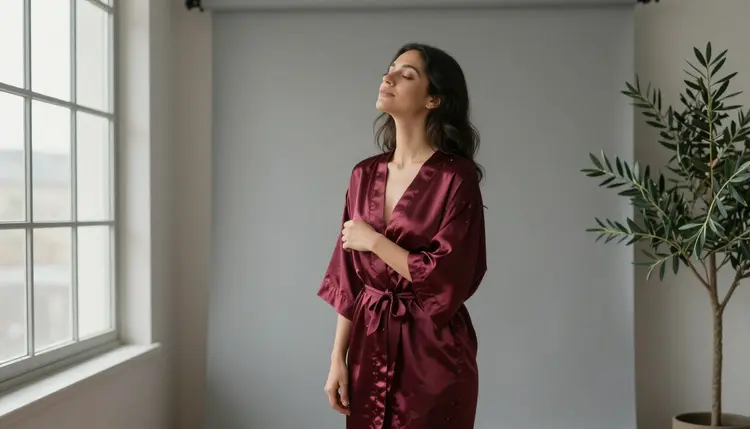
That confirmed status matters more for a fix than for a first generation. A first attempt that gets filtered just means writing the prompt again from a clean slate, but a fix that gets filtered mid edit can strip the very detail being corrected, the robe color, the fabric, the pose, and hand back a version that drifted further from the goal instead of closer to it. Neither editor does that here.
A fix is any change that should leave most of the photo alone: recoloring a robe, smoothing a wrinkled hem, correcting a hand, swapping a plain backdrop for a window or a mirror, adjusting the light without touching the pose. A full regeneration is a new photo that happens to reuse the same idea, a different framing, a different setting, a character built again from a fresh description. Picasso Image Editor Pro and Qwen Image 2 can both do either job, they just do not do it the same way.
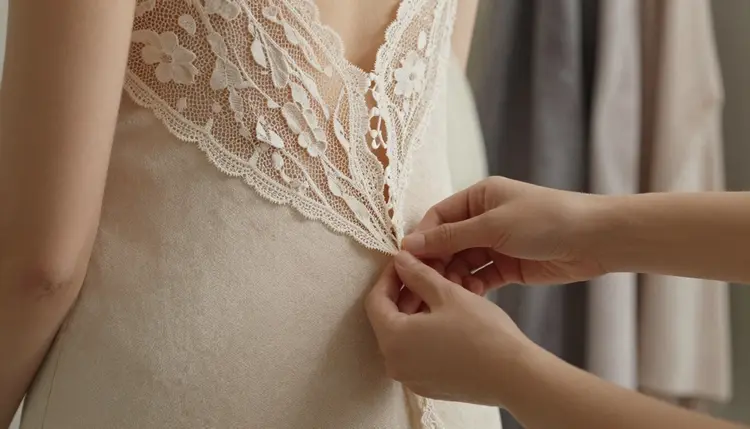
Picasso Image Editor Pro reads an uploaded photo plus a short instruction and changes only what the instruction names, closer to retouching than to redrawing. Qwen Image 2 reads a detailed text prompt and holds together several instructions inside it at once, which makes it strong at a fix that is really a rebuild, a different outfit, a different setting, the same character carried across into it.
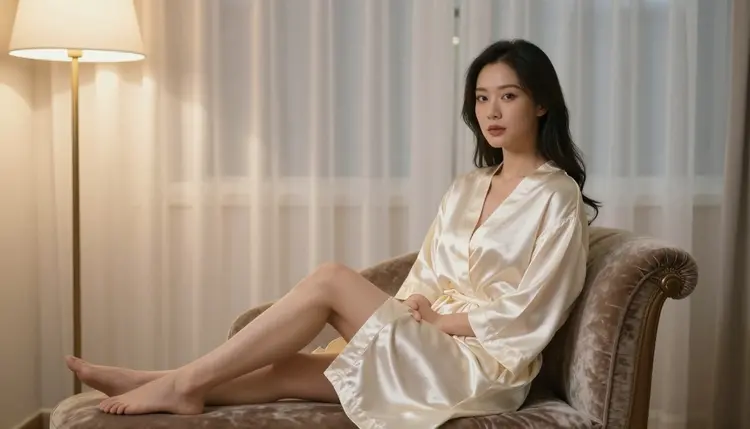
Neither approach is the right one in general. The correct editor depends on how much of the photo actually needs to move.
The same five steps apply whether the fix is a small correction or something closer to a full rebuild.
- Start From The Real Shot. Upload the generation that almost worked instead of writing a brand new prompt from zero, so the face, the pose and the lighting already liked stay locked in place.
- Name The One Thing That Is Wrong. Write the edit as a short, specific instruction, change the robe to emerald silk, smooth the lace trim, fix the hand, rather than a full scene description.
- Pick The Editor For The Job. Send a small, local correction to Picasso Image Editor Pro and send a bigger style or setting change to Qwen Image 2, since each model is built for a different size of fix.
- Check The Untouched Areas First. Compare the new version against the original before anything else, the face, the background and the pose should match unless the change asked for them to move.
- Run A Second Pass If Needed. Feed the fixed image back in for a smaller follow up correction, since a second short edit almost always beats one long, crowded instruction.
Skip the second pass in step five and most fixes still look one edit away from finished, that extra round is usually what closes the gap.
Picasso Image Editor Pro is the better pick whenever the rest of the photo is already right and only one detail is wrong. Start with a plain reference shot, a swimsuit against a studio backdrop is a common one, and describe the single change: swap the swimsuit for an emerald silk robe and keep the pose and the studio light exactly as they are.
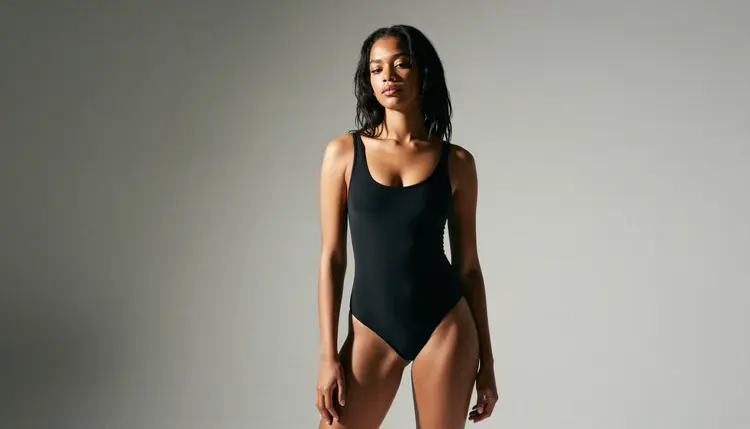
The result keeps the face, the pose and the background locked while the one named detail changes, which is what makes it read closer to retouching than to a new generation.
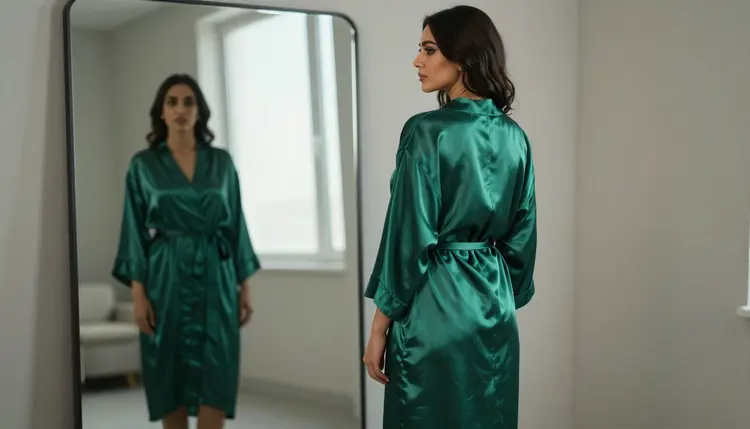
It also holds up across a short chain of small fixes: smooth the lace trim, then adjust the light, then correct a hand, without the character drifting between rounds the way a full prompt rewrite tends to drift. Where it struggles is a change big enough to touch the whole frame at once, a new setting, a new time of day and a new outfit together, since naming that many changes in one instruction tends to blur the parts that were meant to stay the same. That size of fix belongs to Qwen Image 2 instead.
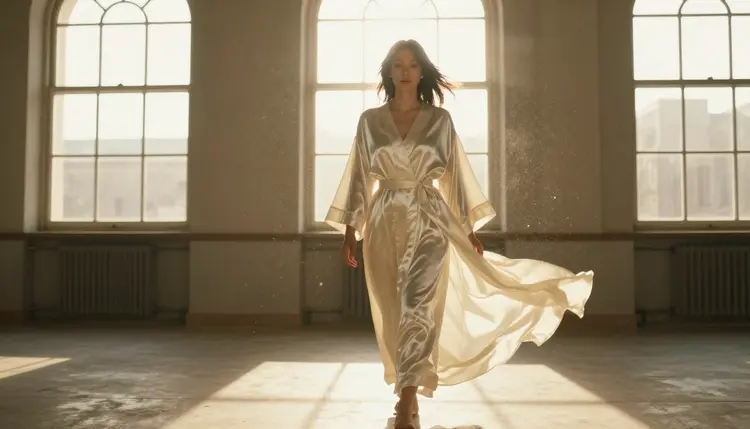
Qwen Image 2 is the better pick once the fix is really several changes at once, a new setting, a new garment and a new mood in the same pass, the kind of edit that reads more like a rebuild than a retouch. Its strength is holding a prompt together when it lists several things at the same time without losing any of them, so a request for a satin slip, a vanity mirror and softer evening light all land together instead of one detail winning and the rest fading out.
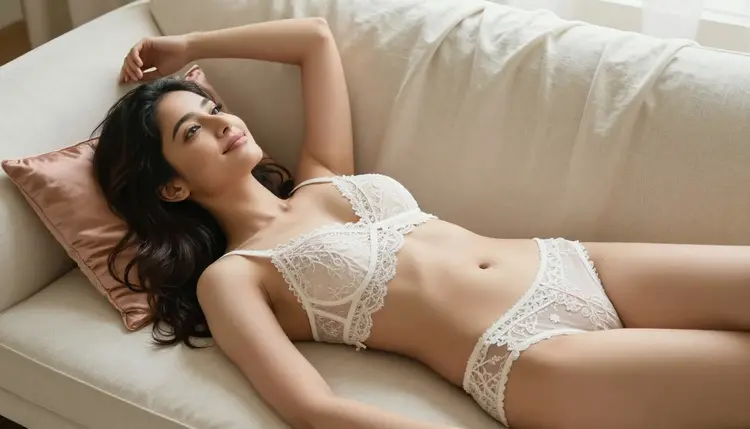
A reference photo still anchors the character, the face and the general build carry across even though the setting and the outfit change completely, so the fix reads as the same person in a new scene rather than a stranger standing in for her.
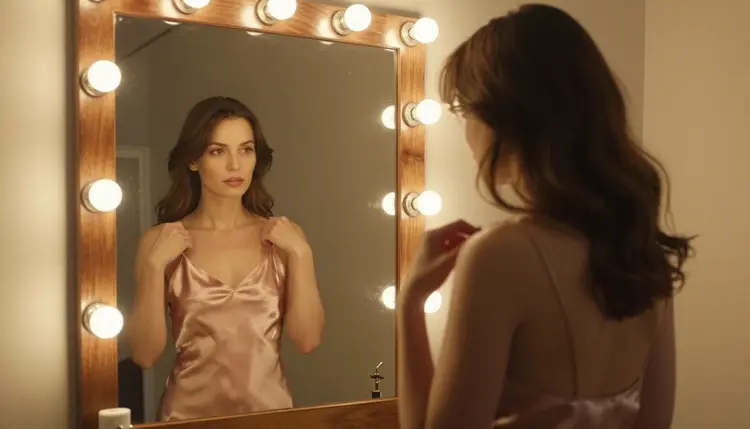
It also handles a male subject or a second character in the frame as reliably as it handles the first, useful whenever a fix means adding a scene partner rather than only correcting an existing one.
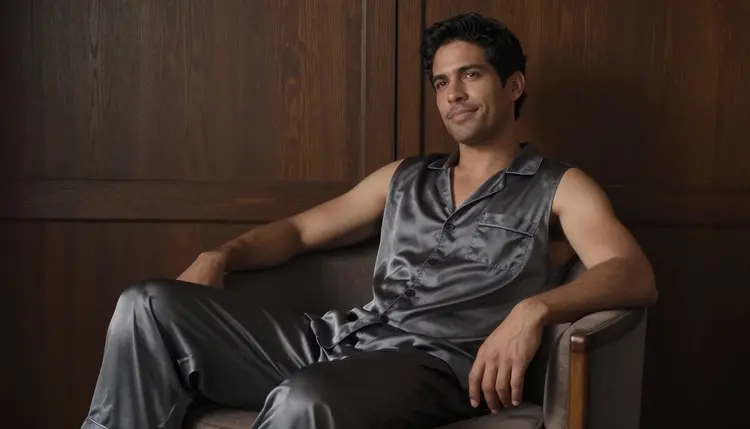
Where it struggles is the opposite case, a single tiny correction on an otherwise finished photo, since rewriting a full prompt for one small change is more effort than the fix is worth. That narrow case belongs to Picasso Image Editor Pro instead.
Picasso IA is an 18+ platform, and fixing a photo here follows the same limits as generating one from scratch. Every character in every example on this page is a fictional adult, and that is the only kind of result either editor is meant to produce, there is no path on Picasso IA for a minor in any style. There is also no path for a real, identifiable person edited without their consent, so do not upload a photo of someone else and ask either model to make it more intimate. Uploads used for a fix are processed for that edit and are not published anywhere on the site by default, a photo sent in stays private unless the result is saved or shared on purpose. Break these limits and the account loses access to both editors, no exceptions and no second uncensored pass.
Is Picasso Image Editor Pro or Qwen Image 2 better for fixing an NSFW photo?
Neither one is better across every fix, it depends on the size of the change. Picasso Image Editor Pro wins a small, local correction, one wrong detail on an otherwise right photo, while Qwen Image 2 wins a bigger change that touches the outfit, the setting and the mood together in the same pass.
Can I upload my own generated image to fix it?
Yes, both editors take an uploaded photo as their starting point rather than only a blank prompt. Upload the generation that came out almost right, describe the one thing to change, and the rest of the photo stays as close to the original as the size of that change allows.
Will a fix keep the same face across several edits?
Picasso Image Editor Pro keeps the face fixed by default since it only changes what the instruction names. Qwen Image 2 keeps the face close but not identical once the setting or the outfit changes completely, since it is rebuilding more of the frame at once.
What counts as too big a change for a single fix?
A request that touches the outfit, the setting, the lighting and the pose all at once is usually too much for one instruction, on either editor. Splitting it into two or three smaller passes, following the five steps above, keeps each result closer to what was actually asked for.
Are Picasso Image Editor Pro and Qwen Image 2 really uncensored?
Yes, both sit on the short list of six models on Picasso IA confirmed to run with no content filter, alongside Seedream 4.5, Recraft V4.1 Pro, Picasso Video and LTX 2.3 Pro. Every other model in the catalog should be treated as filtered until it earns that same confirmation.
Is the content on this page actually explicit?
No. Every example on this page stops at suggestive, robes, lingerie and swimwear rather than anything explicit, and that is the line held across every NSFW page on the site. Picasso IA is an 18+ platform and every character shown is a fictional adult, never a minor and never a real person edited without consent.
Can I fix a photo of a real person?
Only with that person's own consent, and never if they could be a minor. Picasso IA has no path for editing a real, identifiable person without their agreement, on either Picasso Image Editor Pro or Qwen Image 2, and an account that tries loses access to both.
Does a fix cost the same as a new generation?
Pricing follows the same credit system across the catalog rather than a separate rate for edits, so check the current cost on the model page before running a fix. A short chain of small fixes usually costs less overall than repeatedly regenerating from a full prompt.
What happens to a photo uploaded for editing?
It is processed for that specific edit and is not published anywhere on the site by default. The result belongs to the account that made it, to save, download or share, and nothing uploaded appears on Picasso IA unless it is posted on purpose.
Which editor should a first time user try first?
Start with Picasso Image Editor Pro on a small, obvious correction, a wrong color or a stray detail, since a single named change is the easiest way to see how closely it holds the rest of the photo. Move to Qwen Image 2 once the fix wanted is closer to a new scene than a correction.