If you edit photos with text prompts, you have probably heard of Qwen Image Edit. In Picasso IA it comes in two catalog entries, Qwen Image Edit Plus and Qwen Image Edit, and both do the same kind of job: you give them a picture, you write what should change, and you get the picture back with that change applied. The question this page answers is a narrow one. Will they handle an adult glamour edit, such as a new hair color or a different satin outfit on a fictional woman? The honest answer is that nobody here knows yet, and this page shows you how to find out in a few minutes without wasting an evening.
Both models are marked untested in the Picasso IA catalog. That is not a warning and it is not a promise. It means we have no verdict: they may generate your adult prompt, they may refuse it, and the result can change from one prompt to the next. What you get on this page is a clear way to test, a plain description of what a refusal looks like, and a fallback that is already confirmed, so you are never stuck with a blocked prompt.
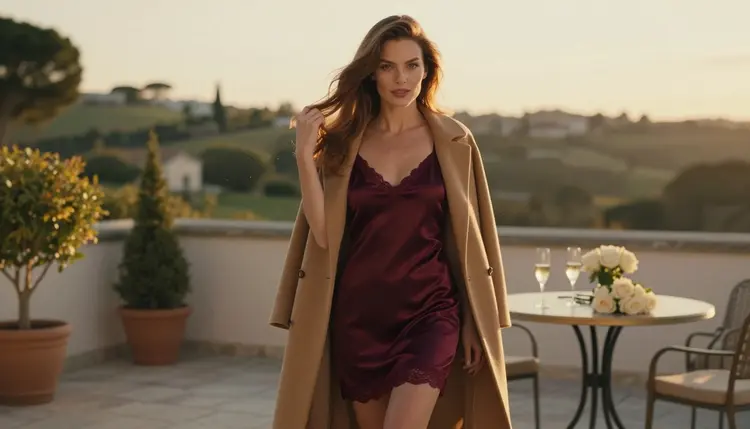
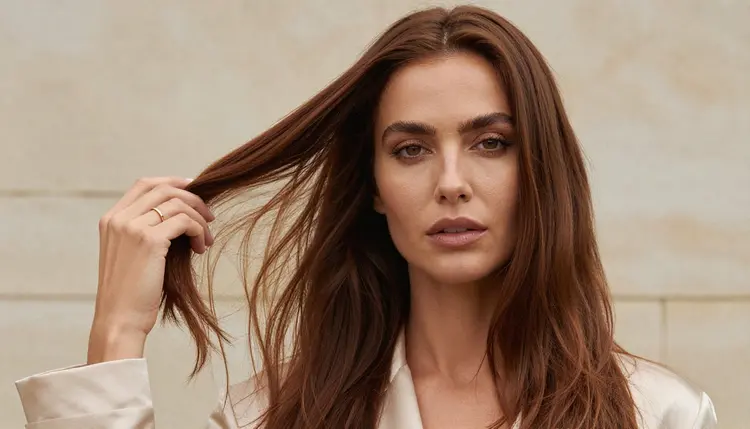
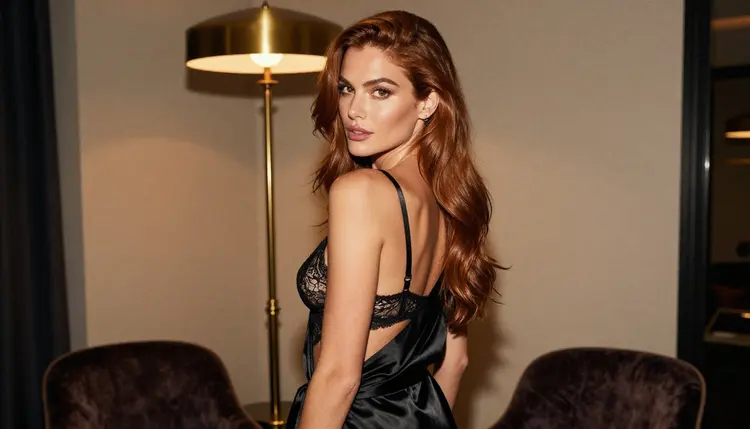
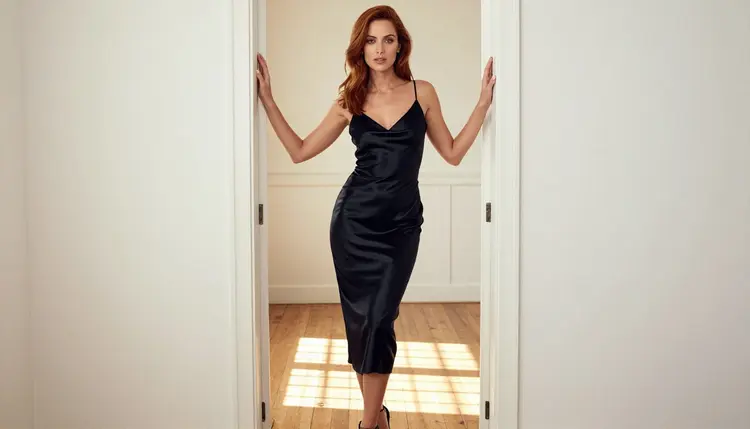
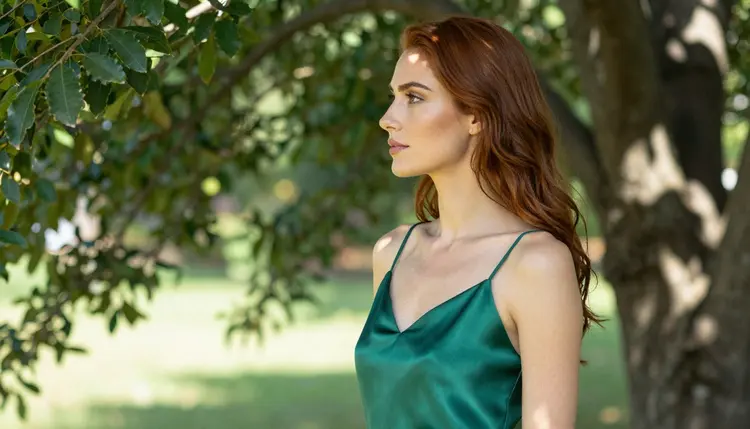
Everything here is for adults and about fictional adults. The pictures on this page show one glamour model in satin slips, robes and coats, shot like raw fashion photography. The tone is flirty, romantic and suggestive, never explicit.
The catalog title of the main model reads "Qwen Image Edit Plus: AI Photo Editing Online". It sits in the text-to-image category of the full catalog, even though its job is editing an existing picture. The sibling entry is titled "Qwen Image Edit: Change Photos with Text Prompts". Those two titles are the only things this page claims about them: they edit photos online, and you steer the edit with text. We do not list speeds, limits or output sizes, because the catalog titles do not state them.
Why would someone want an edit model for glamour work instead of generating a new picture from scratch? Because an edit keeps what you already like. If you have a portrait where the pose, the face and the light are right, a text-to-image model will give you a new face every time. An editor keeps the frame and changes one thing. The theme of this page is exactly that: close-up edits of an adult, where the hair color changes or the outfit changes and the rest of the picture stays put.
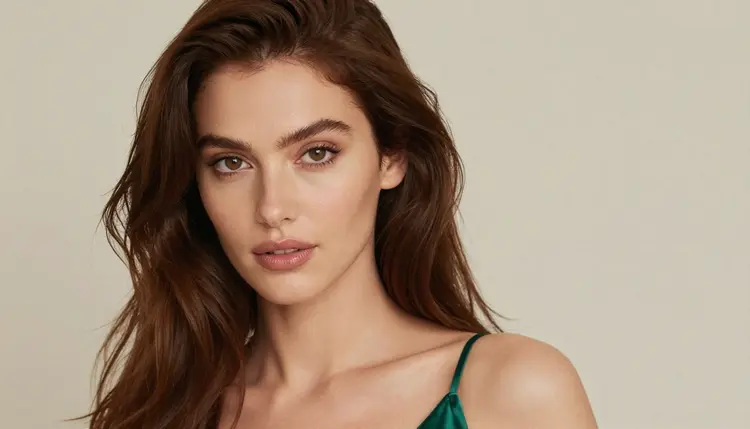
Typical edits people try with a model like this are small and specific. Chestnut hair becomes platinum blonde. A black satin robe becomes an ivory slip. A plain top becomes an emerald corset top. A warm lamp-lit room becomes a cool blue-hour window scene. Each one is a single instruction, and the shorter and clearer it is, the easier it is to read the result and judge whether the model followed it.
Qwen Image Edit Plus is a model made by Alibaba Qwen. This page says nothing about that company's content rules, because Picasso IA does not publish them and we do not guess at them. What matters for you is the behavior inside Picasso IA, and that is what the next section is about. Picasso IA is not affiliated with Alibaba Qwen.
In the Picasso IA catalog, a model is called confirmed only after adult prompts were tested against that exact model repeatedly and we watched it generate instead of reject. The list of confirmed models is short and named. Everything else in the catalog, including both Qwen edit models, is untested. Untested is not the same as filtered. We never call an untested model filtered, and we never call it filter-free. It simply has no verdict, and the verdict can differ between a hair color change and an outfit change, between a close-up and a wide frame.
Confirmed is also not a published setting of the model's maker. A maker can change how a model behaves at any time, which is why the confirmed list reflects what Picasso IA saw when it tested, not a guarantee written in stone. If you want the longer explanation of that wording, read what confirmed means in the section on content moderation.
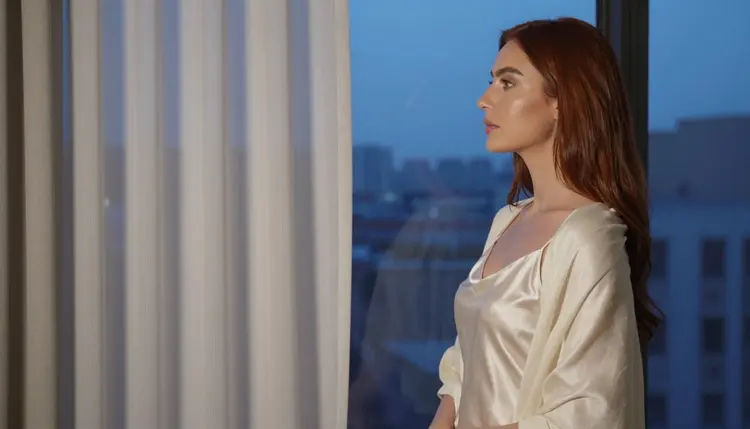
So how should you treat an untested model? As a worthwhile first try, not as a bet. A first try costs you one generation. If the model produces the edit you asked for, you have a new tool for this kind of work and you can keep going. If it does not, Picasso IA tells you so in plain words and points you to models that are confirmed. You lose a few minutes at most.
It helps to keep your expectations realistic about edit models in general. They work on a source picture, so your result depends on that picture as much as on the prompt. A sharp, well-lit portrait gives the model something clean to work with. A blurry or heavily cropped picture gives it less. When a first edit looks off, change the source or tighten the sentence before you decide the model cannot do it.
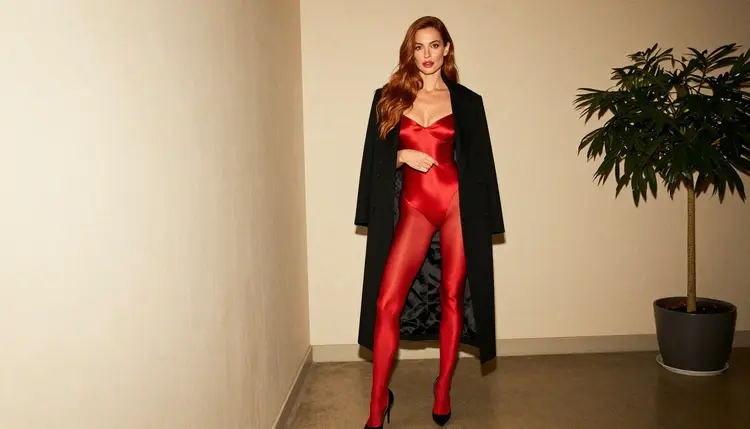
The routine below takes only a few minutes and works for any untested model, not just this one. Read the steps once, then run them with a picture of your own, made from a fictional adult.
- Open the model in the toolkit. Go to the toolkit, choose the image category and select Qwen Image Edit Plus, or open its catalog page and start from there.
- Write a clean adult prompt. Attach one source picture of a fictional adult and describe a single change, for example "change the hair to platinum blonde, keep the face, the pose and the lamp light".
- Generate and read the result. Look at the face, the hair edge and the fabric. If the edit is right, save it and try the next change.
- Recognize the refusal message. If the model rejects the prompt, Picasso IA shows a message titled "Content Not Supported by This Model" instead of a picture.
- Switch with one tap. The message recommends models that accept adult prompts and carries your prompt over, so you pick one and generate without retyping.
That is the whole loop. Notice what is missing: no trial and error across a dozen settings, no copying your text into another window. The prompt travels with you.
When the untested model does not deliver, you want a confirmed one ready. The table below lists the confirmed models, each linked to its catalog page, with what it is best for and the format it produces. For edit work like the theme of this page, the first row is the natural next step.
How do you choose between them for this kind of work? Start from the job. If you already have the picture and want to change the hair or the outfit, use Picasso Image Editor Pro, which is built for editing and is the closest match to what the Qwen models do. If you would rather write the whole scene from scratch and want photographic detail, use Seedream 4.5. If the look you want is closer to an illustration or a printed poster, Recraft V4.1 Pro fits. And once you have a still you like, the video models can bring it to life: Picasso IA Video accepts an image as the starting frame, LTX 2.3 Pro makes 4K video from text, and Seedance 2.5 Lite is the quick option for short clips.
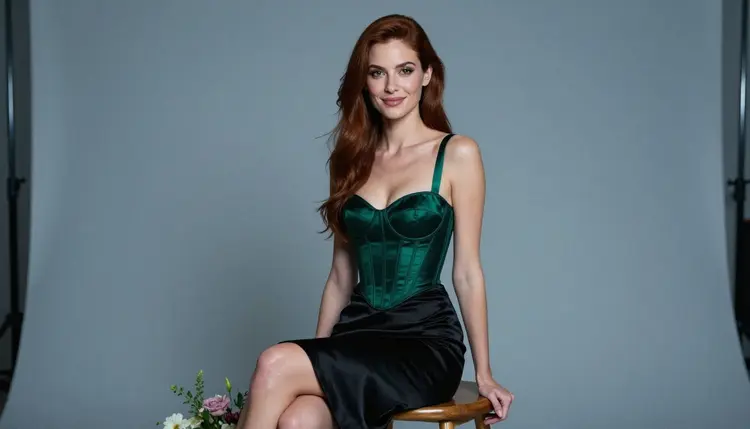
A practical habit that saves time: keep a short note with the exact edit sentence that worked in a confirmed model. Because edits are small, the same sentence often carries over to other source pictures. Change the hair, keep the pose, keep the light. Reusing a good sentence is faster than inventing a new one each time.
Picasso IA is for adults only. This page and the models on it are for people who are 18 or older, and the content you create is meant for adult audiences. If you are not an adult, this is not the place for you.
Every character must be a fictional adult. Do not use a photo of a real or identifiable person, and never describe anyone who could read as a minor. Source pictures should be images you made or images of fictional characters. This rule applies to every prompt, every edit and every model, confirmed or untested.
What you create is private by default. Generations are tied to your account and are not published or shown to other people. You decide what to do with the results.
A new account can try a small free trial on selected models. It covers Picasso IA Image, Picasso IA Editor Pro, Picasso IA Video and Seedance 2.5 Lite, so the confirmed editor in the table above is part of it. The trial does not cover the whole catalog, and Qwen Image Edit Plus is not part of it. Details live on the pricing page.
Models carrying the infinity tag in the catalog do not spend credits on the plans that include unlimited generation. Picasso Image Editor Pro, Picasso IA Video and Seedance 2.5 Lite carry it. Qwen Image Edit Plus does not, so each generation with it uses credits, and the amount varies by model and by options such as resolution. The pricing page explains how credits and plans work.
If you like the Qwen family and want to compare, there are related untested models to try as well. Qwen Image Edit is the sibling edit model. For pictures from text rather than edits, read the pages on Qwen Image 3 and Qwen Image 2512. Each is untested too, so the same five-step routine applies. You can also browse the full catalog for other models.
Does Qwen Image Edit Plus work for NSFW edits?
Nobody can promise that. It is untested in Picasso IA, which means no verdict either way. Try one clean prompt with a fictional adult in the toolkit and read the result. If it refuses, a confirmed model is one tap away with your prompt carried over.
What happens if the model refuses my prompt?
Picasso IA shows a message titled "Content Not Supported by This Model". It recommends models that accept adult prompts and carries your prompt over, so you switch without retyping anything and can generate again right away.
Which models are confirmed?
Seedream 4.5, Recraft V4.1 Pro and Picasso Image Editor Pro for images, and LTX 2.3 Pro, Picasso IA Video and Seedance 2.5 Lite for video. The table above links each one. Everything else in the catalog is untested, not filtered.
Can I edit a photo of a real person?
No. Every character must be a fictional adult. Do not upload or describe a real or identifiable person, and never anyone who could read as a minor. This rule applies to every model on Picasso IA, whether it is confirmed or untested, and the whole section is 18+ only.
Is there any content with minors allowed?
Never. Picasso IA is for adults only, and every character must be a fictional adult. No one who could read as a minor may appear in a prompt, a source picture or a result. If a picture could read that way, do not use it.
How do credits and plans work for this model?
Each generation costs credits that vary by model and by options such as resolution. Qwen Image Edit Plus does not carry the infinity tag, so it uses credits. The pricing page explains the plans and how unlimited generation works on the models that carry the tag.
Can I turn an edited picture into a video?
Yes, with the confirmed video models. Picasso IA Video starts from an image or from text, and Seedance 2.5 Lite makes short clips. LTX 2.3 Pro makes 4K video from text. Save your edit, open one of them in the toolkit and attach the picture.
What does the catalog say about the edit options?
Only the titles: "Qwen Image Edit Plus: AI Photo Editing Online" and "Qwen Image Edit: Change Photos with Text Prompts". They say these models edit photos online and take text instructions. We do not state output sizes, speeds or limits that the catalog does not list.
Are my edits private?
Yes. Generations are private by default: they are tied to your account and are not published or shown to other people. Keep your source pictures fictional and adult, and what you make stays between you and your account.
Is there a free trial?
A new account can try a small free trial on selected models: Picasso IA Image, Picasso IA Editor Pro, Picasso IA Video and Seedance 2.5 Lite. It does not cover the whole catalog or the Qwen models. See the pricing page for details.