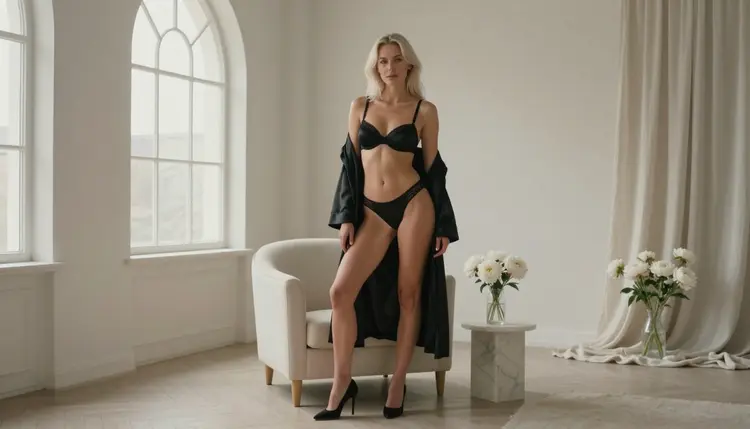
If you have been generating adult glamour pictures on Promptchan and you want a second place to work, this page is a practical map. It explains what Picasso IA offers for the same job, which models to open first, how to rebuild a workflow step by step and where the two services differ. Everything here is about fictional adult characters in provocative but never explicit pictures: lingerie, satin robes, swimwear, boudoir light and implied intimacy.
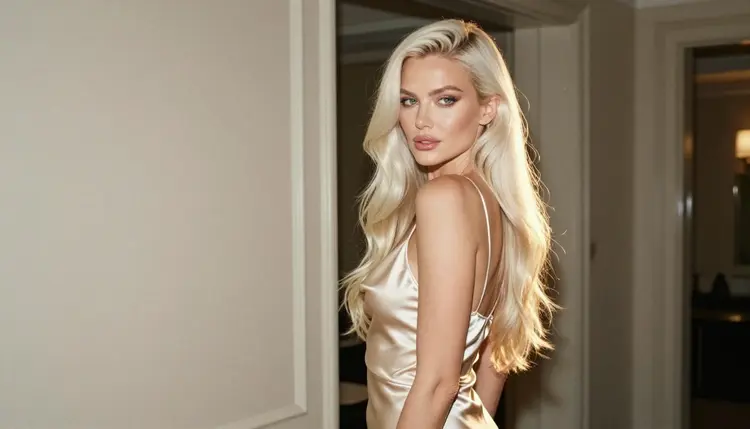
You do not need to abandon anything. Many people keep one generator for quick drafts and use another when a prompt needs a different model, a different look or a short video clip. Picasso IA runs in the browser, so there is nothing to install, and the toolkit lets you move between image and video models without leaving the page. Picasso IA is not affiliated with Promptchan. The comparison below uses only general descriptions of that service and is written to help you decide, not to push you away from it.
Promptchan is an AI image generator that also offers text-to-video and chat features, and it is oriented toward adult, NSFW creative content. That positioning is the reason many readers land on it first, and it is also the reason some of them go looking for a second option. The motives are usually practical, not dramatic.
If its filters or its workflow do not fit a particular prompt, you want another model to try. A single generator ships with a limited set of looks, and a prompt that works in one place can come out flat in another. Having several models behind one account means you can send the same wardrobe, pose and lighting description to a different engine and compare the results side by side.
If you want to see the same character in video, the route matters as well. Some people prefer to make a still first, judge the face and the fabric, and only then turn it into a clip. In Picasso IA that is a normal path: make the image with a photoreal model, keep the reference, and send it to a video model in the toolkit.
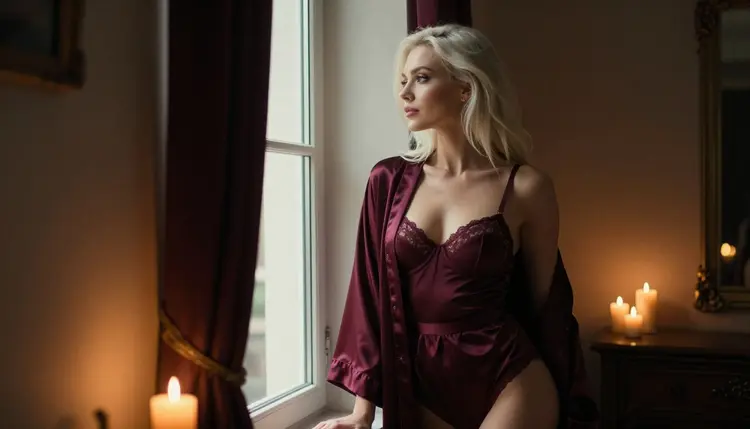
If you want finer control over the picture itself, an editor helps. Picasso IA includes an image editor model that works on an existing picture, so you can change a robe color, soften a shadow or clean up a background without starting over. And if you simply want a different aesthetic, from film-grain photography to clean print-ready illustration, the catalog has models built for each of those looks.
None of these reasons says anything bad about Promptchan. They describe what a second tool is for. Keep what works for you there, and use Picasso IA for the jobs where a wider choice of models, or a video step after the image, saves time. For a side-by-side view, the Picasso IA vs Promptchan comparison goes through the differences in a plain format.
Picasso IA makes images and videos of fictional adult characters. It does not run chat companions or role-play conversations, so if your use of Promptchan is mostly the chat side, read the section about what carries over before you move anything. For pictures and clips, the picture is different: you get hundreds of models in the full catalog, and a short list of them has been tested by Picasso IA with adult prompts.
Those tested models are called confirmed. Confirmed means Picasso IA ran adult prompts against that exact model repeatedly and watched it generate instead of reject. It is not a published setting from the maker of the model, and a maker can change its rules at any time, so treat it as a practical result, not a guarantee. The page what confirmed means explains the test in detail. These are the models to open first:
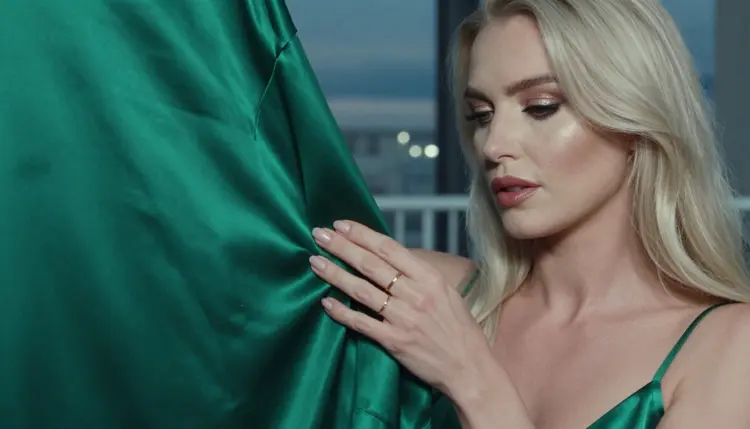
Models marked with the infinity tag do not spend credits on the plans that include unlimited generation. Details are on the pricing page. A new account can also try a few generations for free on selected models, a small free trial that covers Picasso IA Image, Picasso IA Editor Pro, Picasso IA Video and Seedance 2.5 Lite.
What happens if a model says no? Every model in a large catalog has its own rules. When one cannot process your prompt, Picasso IA shows a message titled "Content Not Supported by This Model". It recommends models that accept adult prompts and carries your prompt over, so you do not retype anything. You pick one of the suggestions and continue from the same text.
Every other model in the catalog is untested. That is not a warning and it is not a promise: it means Picasso IA has not run the adult prompt check on it, so the result is open. Qwen Image 2 and Picasso Video (Pruna P-Video) are in that group, along with many others. They are worth a try when you want a different look, and the refusal message above is your safety net if one declines.
The steps below turn a typical Promptchan session into a Picasso IA session. They work whether you start from a written idea or from a picture you already like. Keep your character description handy, because the first step reuses it.
- Bring the character idea. Copy the description you already use: hair, eyes, makeup, build and the adult age you want, mid twenties or older. Write one fictional adult, never a real person and never anyone who could read as a minor. If you have a reference picture you made yourself, attach it in the toolkit and it gets an @1 badge that you can mention in the prompt.
- Pick the model. Open Seedream 4.5 for a photoreal still, Recraft V4.1 Pro for an illustrated or print-ready look, or the Picasso IA Image Editor Pro to change a picture you already have. Models that accept several inputs show the badges, and Picasso IA translates your references to the syntax each model expects.
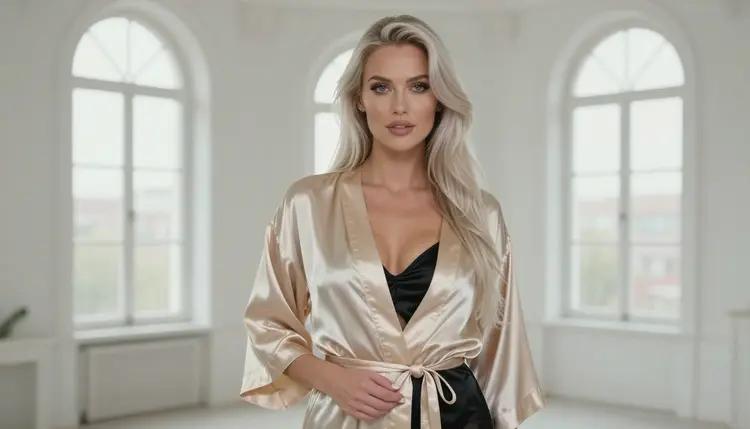
- Describe wardrobe, light and pose. Name the garment and its fabric (black satin slip, belted champagne robe, red satin bodysuit), the room, the light (golden hour backlight, candlelight, soft studio daylight) and the lens (85mm f/1.8 for portraits, 24mm f/2.8 for full length). Describe mood and posture, not anatomy.
- Generate and refine. Make a first image, look at the face, hands and fabric, then change one thing at a time: the light, the camera angle or the garment color. The editor model is useful for small fixes without rerunning the whole prompt.
- Extend to video. Send the best still to Picasso IA Video, Seedance 2.5 Lite or LTX 2.3 Pro and describe the movement in one sentence, such as a slow turn toward the window or a robe moving in a breeze.
Two habits save the most time. Keep a short text file with your character description and your two or three favorite light setups, and paste them in at the start. And change only one variable between runs. If you alter the garment, the room and the lens together, you will not know which change helped.
Your prompts carry over. A description of a woman in a satin robe by a window at dusk is just text, and any image model can read it. The wording may need small adjustments, because each model weighs words a little differently: one responds to lens names, another to the garment, a third to the room. Treat your first run in a new model as a calibration pass.
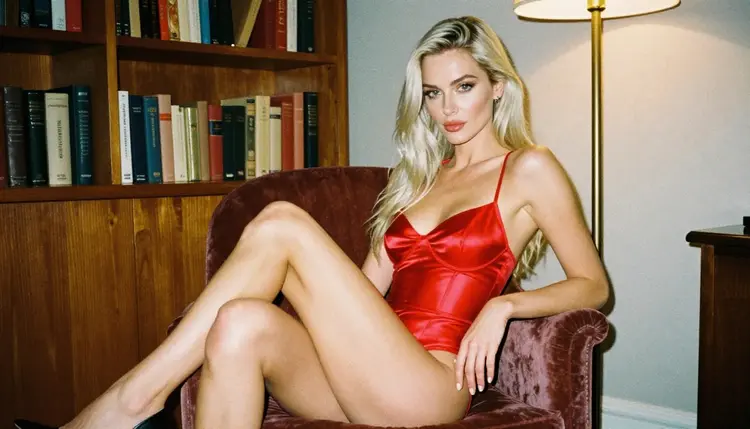
Your character idea carries over as well, but consistency works through references, not through a saved profile. In the toolkit you attach pictures of the character and refer to them in the prompt with their badges. That keeps hair, face and styling close from one picture to the next. It is a prompt and reference technique, so expect to guide it, not to press a button that locks a face.
The still-to-video path carries over and is arguably easier here, because video models sit in the same toolkit as the image models. You can make a portrait, keep the result and use it as the starting frame of a clip. The clip behaves like any video model output: short, focused on one movement, and best when you describe a single action.
What does not carry over is the chat. Picasso IA does not offer a chat companion, voice conversations or a persistent character who talks back. It produces pictures and videos of fictional adults. If chat is the part you use most, that part stays where it is, and Picasso IA works as the picture and video side of your setup.

One more difference is that you choose the engine each time. That is more control, and it is also one more decision. If you are not sure where to begin, start with Seedream 4.5 for stills and Picasso IA Video for clips, then branch out once you know what you like.
If you want to see how other readers handle a similar switch, these sibling pages cover related ground: the Candy AI alternative for readers leaving a companion app, the SoulGen alternative for images and video for another generator, and the Seedream 4.5 NSFW images guide for a closer look at the first model on the list.
Picasso IA is for adults only. You must be 18 or older to use the adult side of the toolkit, and the pictures and clips you request are meant for adult audiences. If you are not 18, this part of the site is not for you.
Every character must be a fictional adult. Do not request a real or identifiable person, a celebrity or anyone you know, and never describe anyone who could read as a minor. Prompts that name a real person, or that point to someone under age, go against the rules of the product and should not be written in the first place.
Your generations are private by default. What you create is tied to your account and is not published or shown to other people. You decide what to do with the files afterward, and the same adult-only, fictional-only rule applies to anything you share yourself.
An honest comparison has to say where the other service fits better. Promptchan is built around adult creative content, and it combines image generation with text-to-video and chat features in one product. If you want the chat part of that mix, Picasso IA does not replace it, because Picasso IA makes pictures and videos and nothing else in the chat category.
It is also a sensible choice if you already have a routine there that works. Switching has a cost: you rewrite prompts, you learn new models and you rebuild your reference pictures. If your current setup gives you the results you want, there is no need to move. Its rules can change, as the rules of any service can, so check its current rules and read what it publishes before you rely on any particular behavior.
Picasso IA fits better when you want to choose between models, edit a picture you already have, or push a still into a video through the same account. A small free trial on selected models lets you test that without commitment, and the pricing page explains how plans and the unlimited tag work. For a structured side-by-side, open the Picasso IA vs Promptchan page.
Many people end up using both: one for the chat features and quick drafts, the other for model choice, editing and video. That is a normal way to work, and nothing in Picasso IA stops you from combining tools. Try a few prompts in the toolkit, compare the output with what you are used to, and keep whatever serves your project.
Other pages in this section may help while you decide. The OurDream alternative and the Character AI NSFW alternative with images describe how the companion-app category relates to picture making. The Midjourney alternative for NSFW art, the SeaArt alternative and the Leonardo AI NSFW alternative cover other image generators.
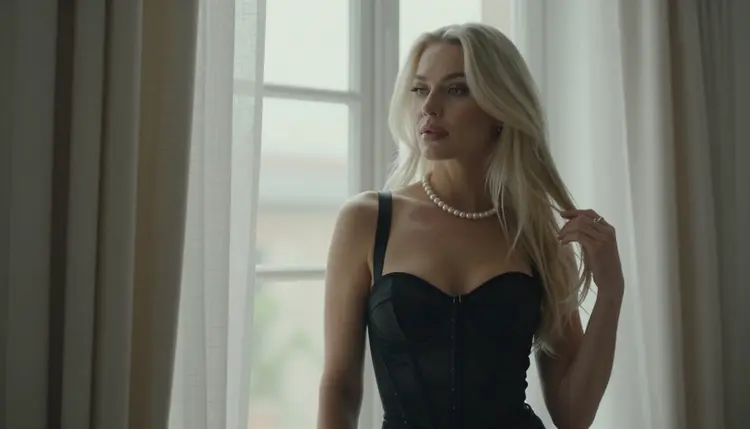
What is Picasso IA and how does it relate to Promptchan?
Picasso IA is a browser app for generating images and videos with hundreds of models, including several that have been tested with adult prompts. It is an independent product and is not affiliated with Promptchan. You can use it as a second place to create fictional adult glamour pictures, or as your main one.
Is Picasso IA a chat companion like some adult apps?
No. Picasso IA makes pictures and videos of fictional characters. It has no chat companion, no voice conversation and no character that talks back. If you use another service for chat, you can keep doing that and use Picasso IA for the image and video side of the project.
Which models should I try first for adult glamour images?
Start with Seedream 4.5 for photoreal portraits and Recraft V4.1 Pro for illustrated or print-ready looks. Both are confirmed, which means Picasso IA tested adult prompts against them repeatedly and watched them generate. Use the Image Editor Pro to adjust a finished picture.
Can I turn an image into a video?
Yes. Make the still first, then open Picasso IA Video, Seedance 2.5 Lite or LTX 2.3 Pro in the toolkit and describe one movement. Seedance 2.5 Lite is listed for clips up to 10 seconds, and LTX 2.3 Pro makes 4K video from text.
What does "confirmed" mean on this site?
It means Picasso IA tested adult prompts against that exact model repeatedly and watched it generate instead of reject. It is not a published setting from the model maker, who can change its rules at any time. The page on what confirmed means has the full explanation.
What happens if a model refuses my prompt?
The app shows a message titled "Content Not Supported by This Model". It recommends models that accept adult prompts and carries your prompt over, so you do not retype anything. Pick a suggestion and continue. Models outside the confirmed list are untested, so a refusal on one of them is simply a cue to try another.
Can I use my Promptchan prompts in Picasso IA?
Yes, a prompt is plain text. Paste your character description, wardrobe and lighting, run it in a model such as Seedream 4.5, then adjust. Expect small differences, because every model reads wording in its own way. Change one element per run so you can see what helped.
Are my pictures private?
Yes. Generations are private by default: what you create is tied to your account and not published or shown to others. Anything you choose to share afterward is your decision, and the adult-only, fictional-only rule still applies to it.
Can I make pictures of real people or of anyone who looks like a minor?
No. Picasso IA is for adults aged 18 or older, and every character must be a fictional adult. Do not request a real or identifiable person, and do not describe anyone who could read as a minor. Keep prompts to invented adults in lingerie, swimwear, robes and glamour settings.
Is there a free way to try it, and where do I see plans?
A new account can try a few generations for free on selected models: Picasso IA Image, Picasso IA Editor Pro, Picasso IA Video and Seedance 2.5 Lite. It is a small free trial, not access to the whole catalog. The pricing page explains plans, credits and the unlimited tag.