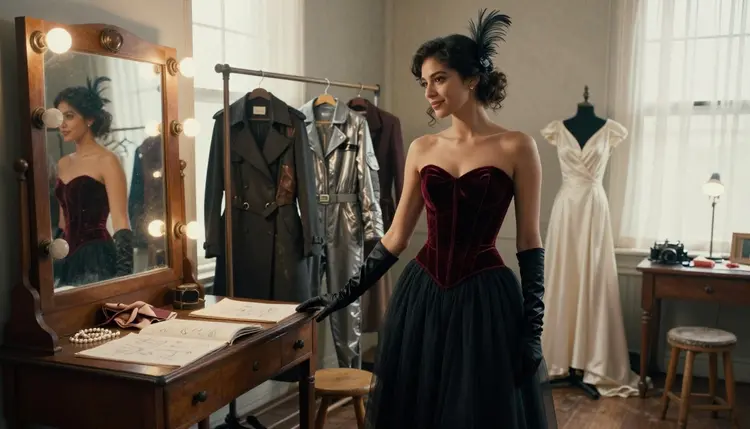
A blank prompt box is the hardest part of building an NSFW character. Genre, wardrobe, pose, lighting, mood, there are a hundred directions to take a single idea, and most people stall somewhere in the middle of deciding. This list skips that problem: ten ready to use NSFW character concepts, from a noir detective in a rain soaked alley to a queen holding court by candlelight, each one specific enough to type straight into a prompt box.
Every example on this page comes from Recraft V4.1 Pro, one of six models on Picasso IA confirmed to generate NSFW content directly, with no content filter standing between a prompt and the finished image. Wardrobe detail, moody lighting, a full scene setting, Recraft V4.1 Pro renders all of it in one pass instead of stopping at a refusal screen the way most of the catalog does.
Below are the ten concepts themselves, five steps to generate any of them, a short set of prompting notes, and the rules every character on this page follows: fictional, adult, and never based on anyone real.
Recraft V4.1 Pro is a text to image model built to follow a written prompt exactly, including scene, wardrobe, and mood details that a filtered model would flag and refuse outright. It shares confirmed filter free status with five other models on Picasso IA: Seedream 4.5, Qwen Image 2, Picasso Image Editor Pro, Picasso Video, and LTX 2.3 Pro. Everything else in the full catalog is not confirmed to skip the filter, so this page sticks to what is actually true about these six rather than guessing about the rest.
That matters for character concepts specifically because most of the ideas below lean on mood, wardrobe texture, and a full scene, a leather vest catching barn light, a velvet gown lit by candles, and a filtered model tends to reject that level of suggestive detail on sight rather than judge it case by case. Recraft V4.1 Pro renders the same prompt in one pass, no rewording or workaround required.
It also holds a look consistently across a whole concept. Once a character's face, wardrobe, and setting are locked into a prompt, generating a second angle or a close up variation keeps that same look, which is what makes it practical for building any of the ten ideas below into more than one image.
Ten ideas is plenty to work from, whether the goal is one striking image or a whole series with a shared mood. Each concept below names a wardrobe, a setting, and a mood, everything Recraft V4.1 Pro needs in a single prompt, plus the actual result so there is a target to prompt toward.
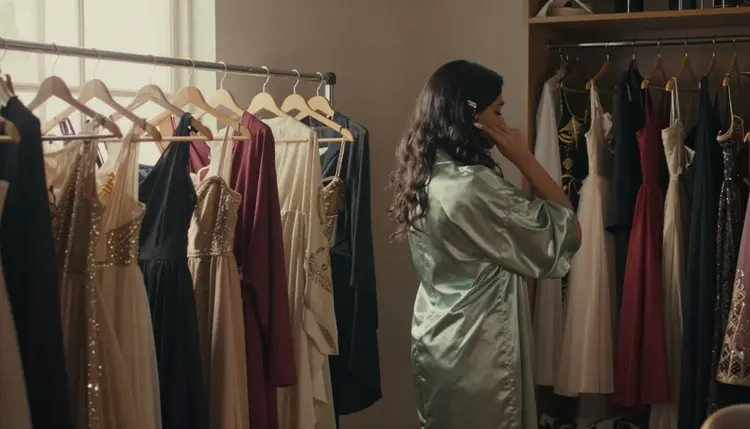
1. The Backstage Wardrobe Muse
A dressing room half full of costume options is its own kind of scene: a satin robe, racks of gowns waiting in the background, a character caught mid decision rather than fully dressed. It is an easy opener because the setting alone does most of the storytelling.
2. The Fantasy Ranger
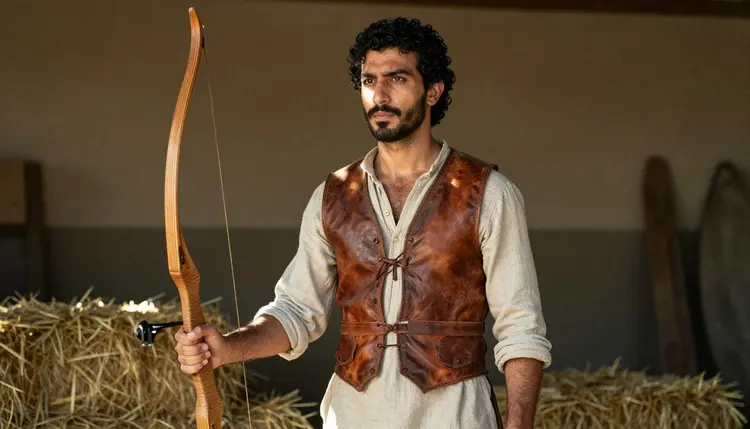
Leather vest, worn edges, a barn lit by late afternoon sun, this concept leans on texture more than color. A weathered archer reads as lived in rather than costumed, which is the detail that sells a fantasy character as someone with a history.
3. The Noir Femme Fatale
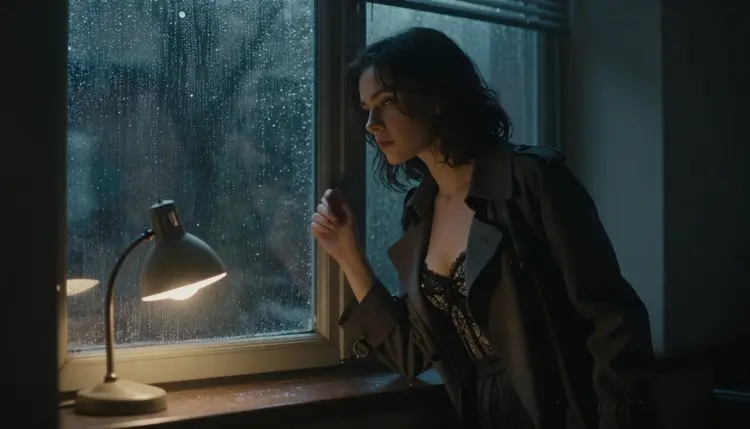
Rain on the glass, a trench coat left open over a lace bustier, this concept trades daylight for mood. It works best with a named light source, a streetlamp or a single window, since noir lives and dies on where the shadows fall.
4. The Bridal Romantic
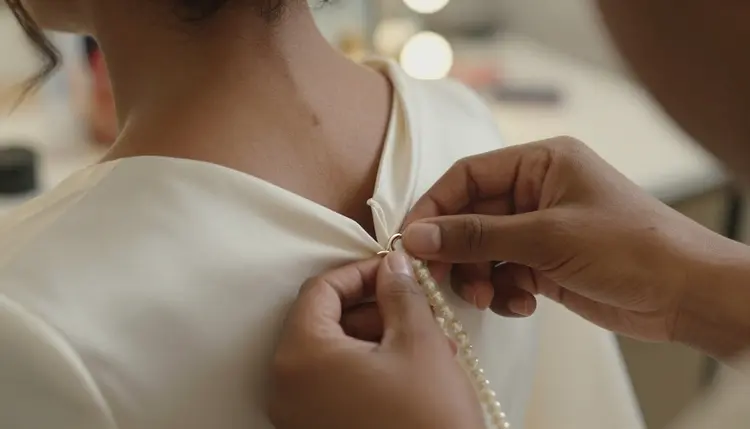
Not every concept needs a full body shot. A close up on hands fastening an ivory satin gown, pearl jewelry catching the light, says more about a wedding night character than a wide shot would, and it is a useful way to vary a series that would otherwise be all full body portraits.
5. The Retro Sci-Fi Astronaut
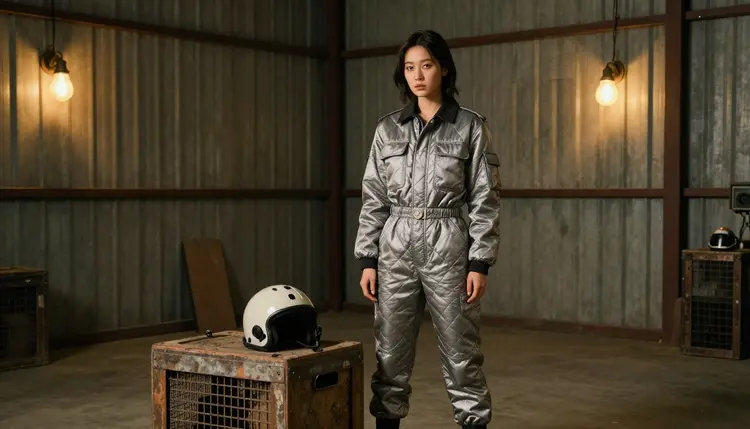
A silver jumpsuit against an industrial hangar set is a clean, high contrast concept that reads as playful rather than moody. It is also a good test of how well Recraft V4.1 Pro handles reflective material, since a metallic suit is a harder surface to render convincingly than fabric.
6. The Candlelit Queen
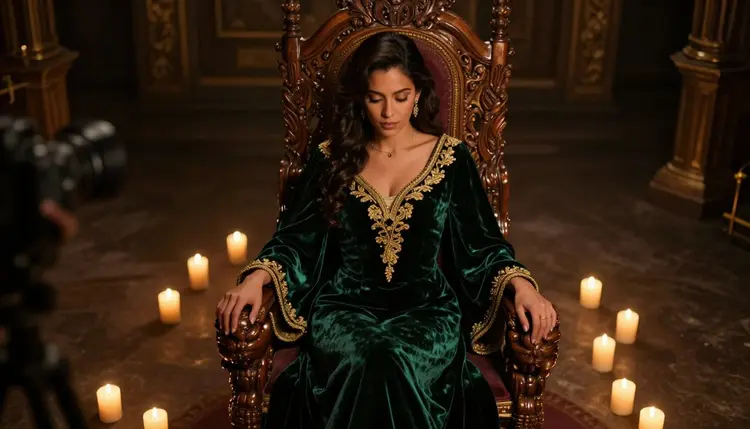
Emerald velvet, a wooden throne, candlelight instead of any modern light source, this concept is built for a fantasy or historical series. Naming the fabric and the light source directly, velvet and candlelight rather than just gown and dim room, is what keeps the mood from reading as generic.
7. The Noir Detective
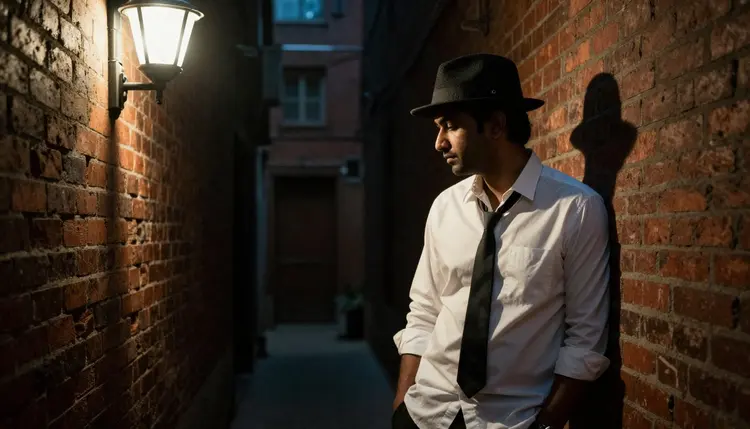
A fedora, a loosened tie, a brick alley, this is the male counterpart to the femme fatale above and pairs well with it in the same series. Keep the setting plain, one alley, one light source, and let the wardrobe carry the mood.
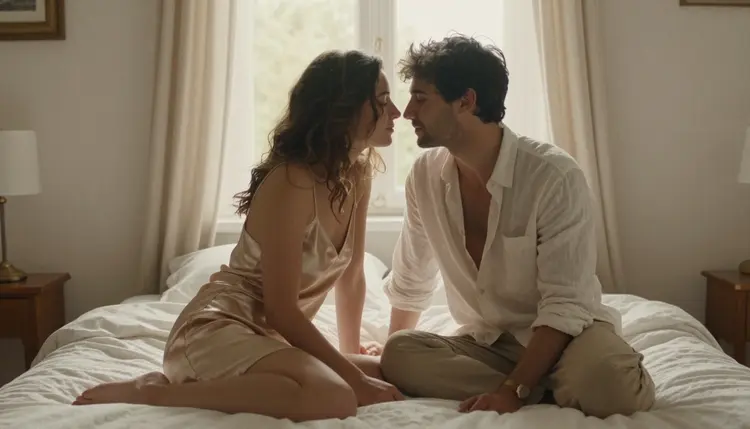
8. The Quiet Morning Couple
Silk sleepwear and a sunlit bed sit in a softer, more intimate register than most of the concepts above, a couple sitting close together rather than posed apart. It is a good reminder that romantic does not have to mean dramatic lighting or an elaborate setting.
9. The Gothic Vampire Countess
Not every concept needs a photo behind it to be worth trying first. Dark velvet, old stone architecture, a single candle or moonlight through a tall window, this one leans further into fantasy than any other idea on this list and is worth a prompt of its own.
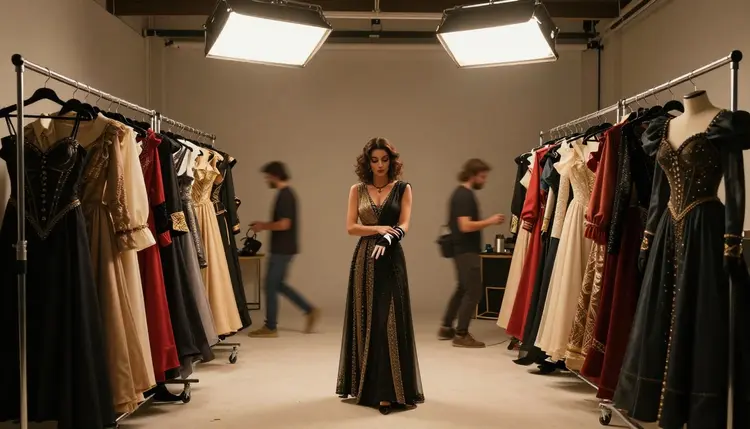
10. The Red Carpet Reveal
Back to the wardrobe rack to close the set: a beaded gown, more costume options waiting on either side, a character caught between one look and the next. Bookending a series this way, one wardrobe shot to open and one to close, gives a whole set of images a sense of before and after.
Every concept on this page uses the same workflow. None of it changes between a noir detective and a retro astronaut, only the words inside the prompt do.
- Open Recraft V4.1 Pro in the Toolkit. Find it through the toolkit or open it directly at Recraft V4.1 Pro, where it sits alongside the app's other text to image models.
- Pick One Concept and Name Its Wardrobe. Choose a single idea from the list above and describe the specific pieces, a leather vest, a beaded gown, rather than a general style word.
- Set the Scene and the Light Source. Name the setting and where the light is coming from, a barn at sunset, a single candle, since that detail does more for the mood than almost anything else in the prompt.
- Generate and Compare Against the Concept. Run the prompt and check the result against the mood you had in mind. A missing detail, like the wrong fabric or a flat background, is usually a one line fix.
- Refine or Build Out the Series. Send the result to Picasso Image Editor Pro for a touch up, or reuse the same character description for a second angle to start building a full set.
- Name the fabric, not just the garment. An emerald velvet gown renders differently than a plain gown.
- Give the light a source. A candle, a streetlamp, sunset through a barn door, each one changes the mood more than a color adjustment would.
- Keep one setting per prompt. Combining a barn and a throne room in the same description tends to blur both.
- Write the pose after the wardrobe. Describing what someone is wearing before how they are standing keeps the model from guessing.
- Reuse a prompt structure that works. Once a phrasing pattern produces the mood you want, keep the structure and swap in the next concept's details.
Every character on this page, and every character generated through Recraft V4.1 Pro or any other model on Picasso IA, must be a fictional adult, eighteen and older. That applies to wardrobe, pose, and setting alike: nothing here is written for, or should be used to generate, a real person's likeness, a public figure, or a character that reads as a minor in any style or setting.
Recraft V4.1 Pro running with no content filter does not change any of that. A missing filter removes the block on suggestive or mature material in general, not the separate rule about whose likeness can appear or how old a character has to look, and that rule holds across all six confirmed models, not just this one.
Generations on Picasso IA stay private by default. What gets made in the toolkit is tied to the account that made it, not shown anywhere public, and whether to share a result afterward, and where, is a choice the account holder makes on their own.
Recraft V4.1 Pro runs on the same credit system as the rest of Picasso IA. New accounts start with free credits, enough to try several of the ten concepts above before deciding whether to subscribe. From there, plans scale from a starter tier up through higher levels for people generating regularly, plus the option to buy credits directly instead. Full current pricing and what each plan includes are listed on the pricing page.
Is Recraft V4.1 Pro really uncensored for character concepts like these?
Yes. Recraft V4.1 Pro is one of six models on Picasso IA confirmed to generate NSFW content directly, with no content filter blocking a suggestive or mature prompt, which is why every concept on this page renders in one pass rather than stopping at a refusal.
Can I generate a character based on a real person?
No. Every character generated through Recraft V4.1 Pro, or any other model on Picasso IA, must be fictional and an adult, eighteen and older. A real person's likeness, a public figure, or a character written to look like a minor is not supported in any style or setting.
Do I need to describe the wardrobe in detail, or is a general style word enough?
Naming specific pieces works better than a general style word. An emerald velvet gown gives Recraft V4.1 Pro something concrete to render, where a phrase like fancy dress leaves too much for the model to guess.
Which of the ten concepts is the easiest to start with?
The backstage wardrobe muse or the noir detective are both good first tries, since each uses one plain setting and one light source rather than a full scene with several competing details.
Can any of these concepts be turned into a short video afterward?
Yes. Once a still is finished, it can be brought into Picasso Video or LTX 2.3 Pro, both confirmed filter free, to generate a short clip from it.
What happens if I try one of these prompts on a model that is not confirmed filter free?
Most other models in the catalog apply a content filter and will refuse a prompt this suggestive. When that happens, Picasso IA shows a message that the model does not support the content and offers to switch to a confirmed model instead, carrying the prompt over automatically.
Do I need to pay before trying Recraft V4.1 Pro?
No. New Picasso IA accounts start with free credits, enough to try several of the ten concepts above before deciding whether to subscribe or buy more credits.
Can I edit or touch up a character after generating it?
Yes. Picasso Image Editor Pro is built for exactly this, and it is also confirmed filter free, so a finished character can be refined without hitting a filter partway through the edit.
Can I build a full series around one character using several of these concepts?
Yes. Keep the character's face and defining features worded the same way across prompts, then swap in a new concept's wardrobe and setting for each image, and the series will read as one consistent character across every look.
Where can I find Recraft V4.1 Pro in the app?
Open it directly at Recraft V4.1 Pro, or browse to it through the toolkit or the full catalog alongside the rest of the catalog.