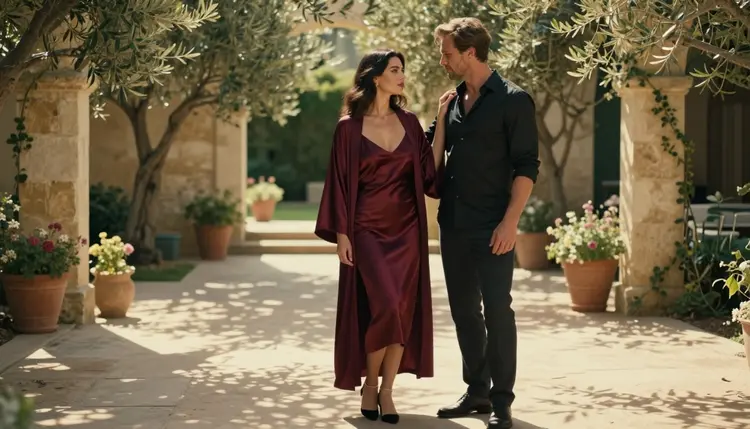
Couples art lives or dies on the pose. Two adults standing at the same distance, both looking at the camera, read as a stock photo. Two adults whose bodies lean toward each other, with one hand placed on purpose, read as a story. That small difference is what separates a flat render from a picture people keep.
This list gives you five poses for NSFW couples art that stay suggestive and never explicit: a forehead touch, an embrace from behind, a shared blanket, a slow dance and a window gaze. Each one comes with the wardrobe, the setting, the light and the lens wording to type, plus the model that fits it best on Picasso IA. Every pose assumes the same two fictional adults, a man and a woman, fully covered and close, in the style of a glamour or boudoir editorial.
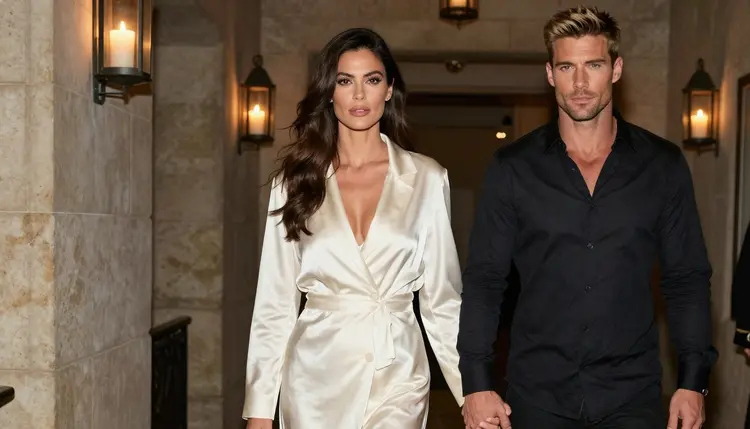
You do not need a long prompt to get these. You need a clear pose sentence, one light source and one lens. The sections below show where to put each of them, and the steps further down show how to test a pose in a few minutes before you commit to a full set. If you want a ready-made structure to paste your own details into, the NSFW prompt template for couples art is a good companion to this page.
The first three poses are about contact. Nothing moves, the two people simply hold a position, so the model has one job: get the hands, the faces and the fabric right. Photoreal image models do best here, and Seedream 4.5 is the one to start with, since its catalog title describes 4K images from text.
1. Forehead Touch. The woman and the man stand close with their foreheads together and their eyes closed or half closed. It is the quietest pose on the list and it works because there is almost nothing to get wrong. Write it as a tight portrait: late-afternoon side light, a 100mm macro lens at f/2.8, her dark-chestnut waves falling forward, his hand resting at the side of her neck. Dress her in a silk slip or a satin robe and him in an open linen shirt. The side light gives you a warm edge on one cheek and a soft shadow on the other, and the shallow depth of field keeps the background as plain colour.
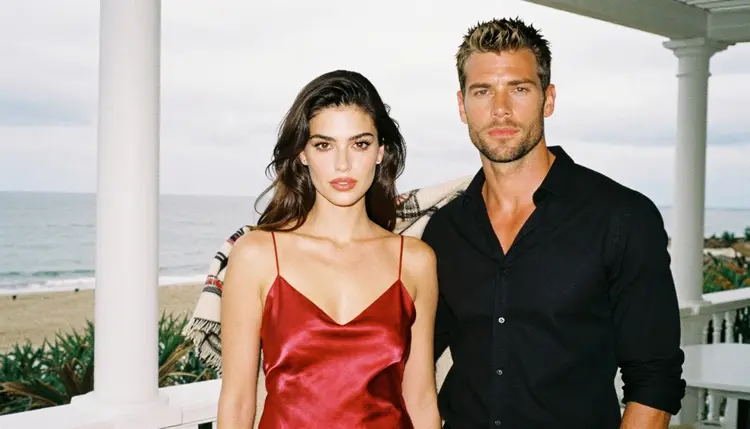
2. Embrace from Behind. He stands behind her with both arms around her waist, his chin near her shoulder, while she looks out to one side. Set it on a flowering terrace in golden hour backlight with a 35mm lens at f/2, so the light rims her hair and his shoulders. Her wardrobe can be a lace bodysuit under an open cardigan or a satin slip dress. The pose gives you implied intimacy without showing anything: the arms and the lean carry the mood, the fabric stays in place and the faces stay calm. In the prompt, name where his hands are, for example "both forearms crossed over her waist", because a model left to guess may bury a hand or add a finger.
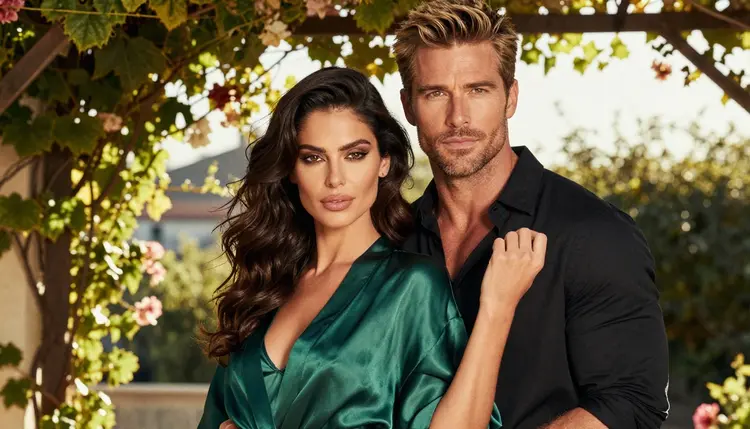
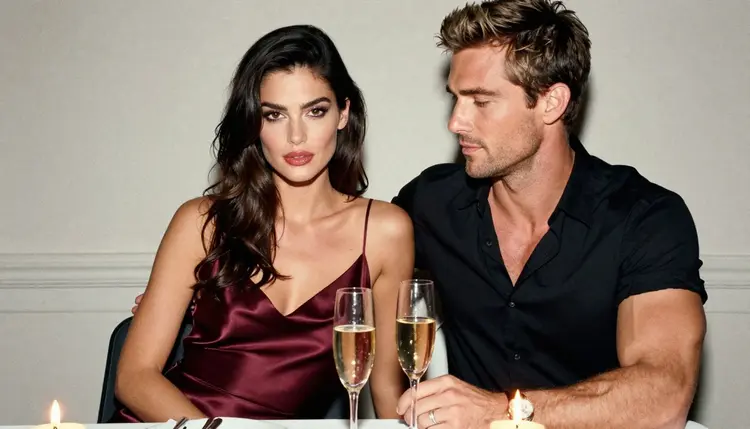
3. Shared Blanket. Both of them sit wrapped in one wool blanket on a seaside terrace, shoulders touching, the blanket pulled up to the chest line. Use overcast soft daylight and a 70mm lens at f/2.8, which flattens the faces and keeps skin tone even. This is the easiest pose to keep tasteful, because the blanket covers what the picture does not need to show. Add small props such as a glass of champagne, a lit candle in a glass jar or a knitted cuff at the wrist. If you want a second version, change only the setting (a stone hallway, a garden bench) and keep the pose sentence identical, so you can compare the two results fairly.
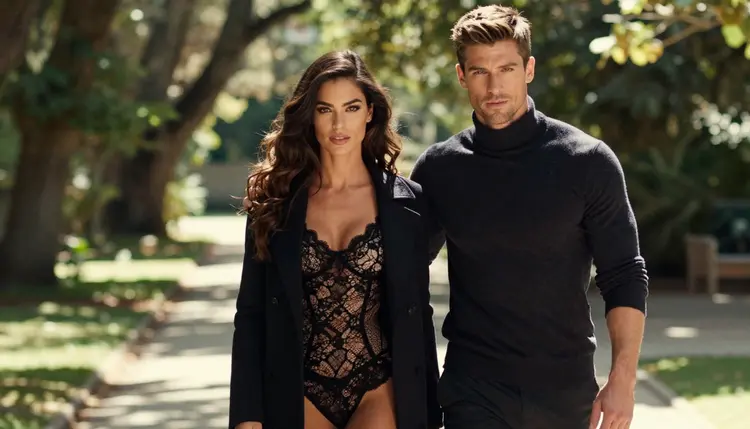
A quick note on the first three: they all work as a single image, and they also make good first frames for video. If you later want the blanket to move in the wind or the hair to lift a little, take the best still into Picasso IA Video, which the catalog lists for text or image to video. You can read a longer take on that handoff in the best NSFW AI generator for couples art page.
The last two poses add space between the pair, or movement. They are harder for any model, because two bodies in motion have more ways to overlap badly. Keep the prompt short, keep the frame wide enough to see both people from head to knee and avoid crowded backgrounds.
4. Slow Dance. The pair dances close in profile, silhouetted against a bright window, one of his hands at her back and one of hers on his shoulder. Use soft window light from the left and a 24mm lens at f/2.8 so the room shows as part of the frame. Dress her in a long satin gown with a low back, him in a dark shirt with the sleeves rolled. A silhouette is a useful trick here: when the faces are mostly shadow, the model has less detail to break, and the shapes of the two bodies do the work. Say "profile silhouette" and "no text, no reflection" in the prompt, and keep the floor simple, pale wooden boards or stone tile.
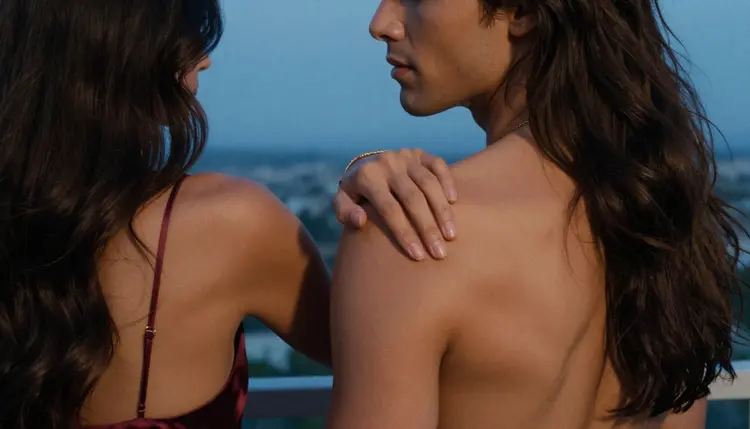
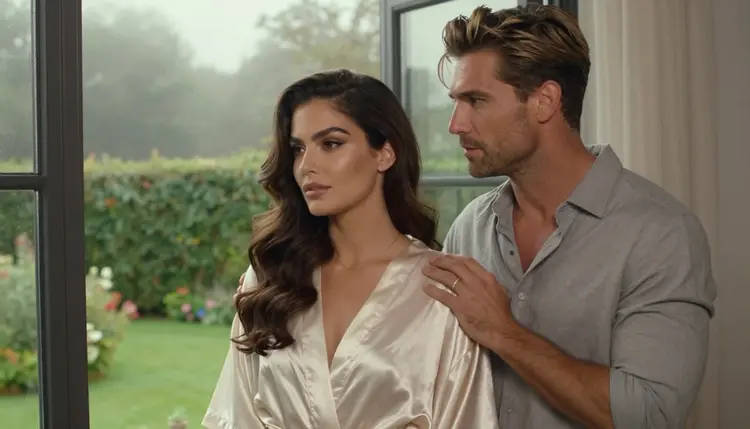
5. Window Gaze. Both of them stand at a tall window and look out at a misty garden, not at the camera. Overcast soft daylight and a 70mm lens at f/2.8 give you gentle, even light and a quiet mood. She wears a silk robe, he wears a loose white shirt, and a hand rests on the glass or on her shoulder. Because nobody looks at the lens, the pose is forgiving: small errors in the eyes go unnoticed, and the picture reads as a private moment. Do not ask for a mirror or a reflection in the glass, which is a common place for a model to duplicate or distort a face.
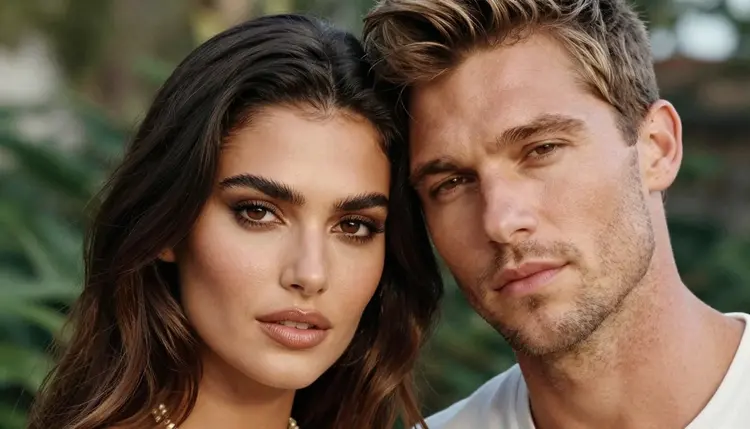
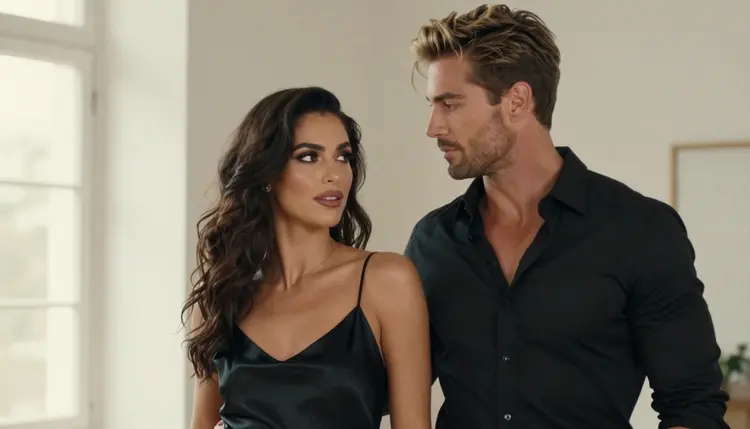
Together these two give you a contrast to the first three. Touch poses feel close and warm, motion and distance poses feel cinematic and a little wistful. A full set of couples art usually wants both, so you can build a short sequence: a wide window shot, a dance, then a close forehead portrait. If you want more subjects to pair with these, the top 21 NSFW AI art ideas to generate list has plenty of other themes, and the Seedream 4.5 couples art guide goes deeper into one model.
The method is short. It takes a few attempts, and every attempt teaches you something about how a model reads your pose sentence. Open the toolkit and follow these steps.
- Choose one pose. Pick a single pose from the list and write it as one plain sentence: who stands where, what each hand does, where each person looks.
- Add light and lens. Name one light source and one lens, for example "soft window light from the left, 24mm f/2.8". Two light sources in one prompt usually muddy the result.
- Pick a confirmed model. Start with a model marked confirmed in the table below, so a refusal is unlikely and you can judge the pose itself, not the model.
- Generate, then adjust one thing. Read the first result, change only one element in the prompt (the hands, the setting or the wardrobe) and generate again.
- Edit or animate the winner. Fix small flaws with the image editor, or turn the best still into a short clip with a video model.
Keep a note of the exact wording that worked. A pose sentence that gives a good result once will usually give a good result again with a different setting, which is how you build a consistent set.
On Picasso IA, "confirmed" means the app tested adult prompts against that exact model repeatedly and watched it generate instead of reject. It is not a published setting of the model's maker, who can change it at any time. For couples poses, the confirmed list looks like this.
| Model | Best for | Format |
|---|
| Seedream 4.5 | Photoreal couple portraits and wide scenes | Image, 4K from text |
| Recraft V4.1 Pro | Illustrated or designed couples art for print | Image, 2K, print-ready |
| Picasso Image Editor Pro | Fixing hands, wardrobe or background on an existing image | Image edit, unlimited tag |
| LTX 2.3 Pro | Moving a pose into a cinematic clip | Video, 4K from text |
| Picasso IA Video | Animating a still of the pair | Video, text or image, unlimited tag |
| Seedance 2.5 Lite | Short clips of a dance or a slow embrace | Video, listed up to 10 seconds |
For the touch poses, Seedream 4.5 is the natural first choice. For the dance, a short clip from Seedance 2.5 Lite or Picasso IA Video is where the pose starts to feel alive. If you want a second pass on a still, for instance to fix a hand that went wrong, Picasso Image Editor Pro takes the image back in and edits only what you ask.
Models outside this list are untested, not filtered and not filter-free. Qwen Image 2, Picasso Video from Pruna and Seedance 2.5 are examples that are worth a try, but nobody here has confirmed how they treat adult prompts. You can browse them in the full catalog. If one of them declines a prompt, the app shows a message titled "Content Not Supported by This Model", recommends models that accept adult prompts and carries your prompt over, so you do not retype it.
Picasso IA is for adults only. You must be 18 or older to use the NSFW section, and every pose on this page is written for adult viewers.
Every character is a fictional adult. Do not use a real or identifiable person in a prompt, do not describe a celebrity and do not write anyone who could read as a minor. If a prompt describes someone that way, rewrite it before you generate.
What you create is private by default: it is tied to your account and is not published or shown to others. Keep the work provocative and suggestive, with covered, implied intimacy, and treat the limits as part of the craft.
A new account can try a small free trial on selected models: Picasso IA Image, Picasso IA Editor Pro, Picasso IA Video and Seedance 2.5 Lite. That is enough to test one or two of the poses above before you decide anything. Details sit on the pricing page.
Models marked with the infinity tag in the catalog do not spend credits on the plans that include unlimited generation. Picasso Image Editor Pro, Picasso IA Video and Seedance 2.5 Lite carry that tag, which makes them practical for the many small retries that couples poses need. Other models spend credits that vary with the model and with options such as resolution or duration.
For next steps, build a five-image set from this list, one image per pose, with the same two characters and the same wardrobe palette. Then compare your set with the ideas in Top 15 NSFW cosplay ideas for AI art if you want to push the styling further, or read NSFW art: best AI generator to choose a model for the long run.
What makes a good NSFW couples pose in AI art?
A good pose has a clear point of contact, such as a forehead touch or a hand on a shoulder, plus a clear direction for each person's gaze. Keep it suggestive and covered, and describe where each hand rests in the prompt so the model does not guess.
Which model should I start with for couples poses?
Start with Seedream 4.5 for photoreal stills. It is confirmed for adult prompts on Picasso IA and its catalog title describes 4K images from text, which suits close portraits and wide scenes alike.
Can I turn a couples pose into a video?
Yes. Take your best still into Picasso IA Video or Seedance 2.5 Lite, both confirmed for adult prompts. A slow dance or a drifting blanket tends to work well as a short clip.
Why do hands go wrong in couples images?
Two bodies in contact give the model many overlapping hands and arms. Name each hand in the prompt, keep the frame simple and fix any leftover flaw afterwards with Picasso Image Editor Pro.
How long should the prompt be?
Short is fine. One pose sentence, one light source, one lens and one wardrobe line are enough. Add details only after you see the first result, and change one thing at a time so you know what caused the difference.
Are these images explicit?
No. The poses here are provocative and suggestive, with chests and body covered and intimacy only implied. Picasso IA is for adults and every character is a fictional adult, never a real person and never anyone who could read as a minor.
What happens if a model refuses my prompt?
The app shows a message titled "Content Not Supported by This Model", recommends models that accept adult prompts and carries your prompt over, so nothing needs retyping. You can also switch to a confirmed model from the table above.
Can I use a real person or a celebrity in a couples image?
No. Characters must be fictional adults. Do not use a real or identifiable person, and do not describe anyone who could read as a minor. Prompts that break this rule should be rewritten before you generate.
Are my couples images public?
No. Generations are private by default: they are tied to your account and not published or shown to others. What you do with a finished image afterwards is up to you, within the rules of the place where you share it.
Is there a free way to try these poses?
A new account gets a small free trial on selected models, including Picasso IA Video and Seedance 2.5 Lite. Models with the infinity tag do not spend credits on plans that include unlimited generation. See the pricing page for the details, and use the toolkit to start.