A costume is already a plan: a wardrobe, a few props, a place and a mood. That is why cosplay works so well as a subject for AI art. You do not have to invent a scene from nothing, you only have to describe the outfit and the setting clearly enough for the model to follow. This list gives you fifteen original costume ideas for adult, glamour-style pictures, and each one names the wardrobe, the location, the light and the camera angle so you can paste it into a prompt and adjust from there.
Every idea is an original or generic costume theme, never a copyrighted character. The woman in each picture is a fictional adult, and the tone is flirty and suggestive, never explicit. For stills we lean on Seedream 4.5 and Recraft V4.1 Pro, two models Picasso IA has tested with adult prompts and confirmed. If you want a longer read on one tool, the guide to NSFW cosplay art with Recraft V4.1 Pro goes deeper.
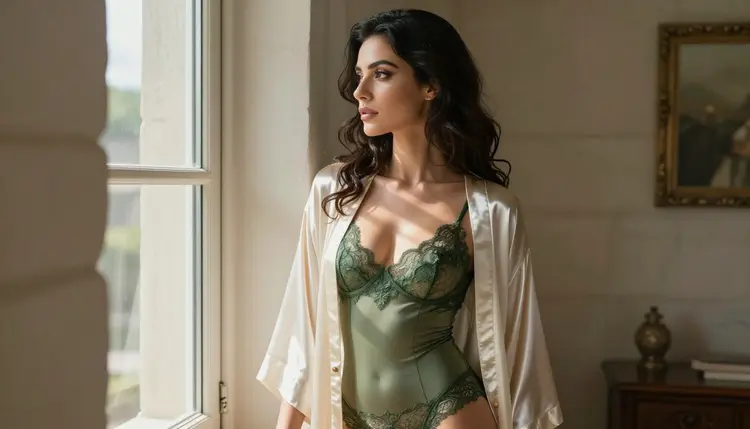
1. Sorceress in Ivory Satin. An ivory satin robe worn open over an emerald lace bodysuit, a staff of dark wood, a tall tower window behind her. Use hard morning sun through blinds and a 50mm lens at eye level, so the stripes of light fall across the fabric and the lace.
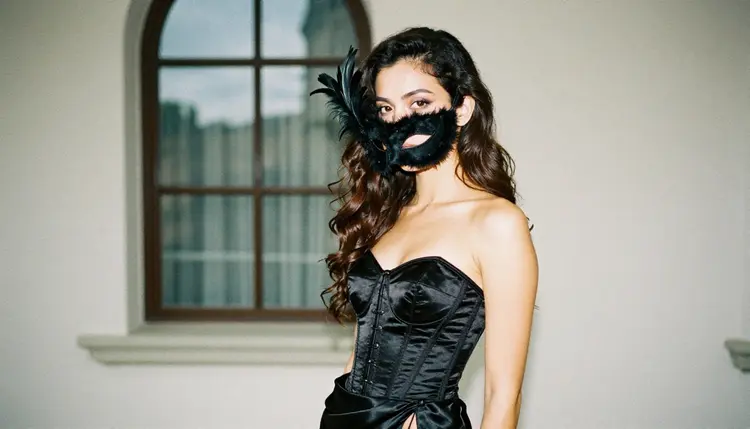
2. Masquerade Guest. A black satin corset, a slit skirt and a feathered mask held at arm's length. Shoot her in profile against an arched window with overcast soft daylight, so the shape of the mask and the line of the corset read as a clean silhouette.
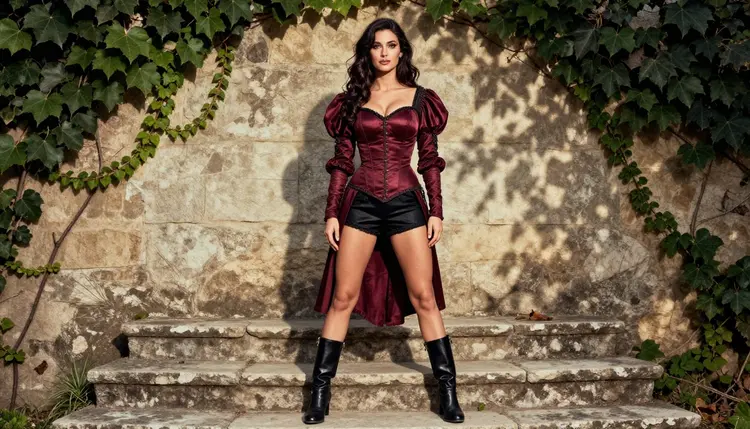
3. Medieval Warrior. A burgundy satin corset, black satin shorts and leather boots, standing on a worn stone step with one boot raised. Ask for a three-quarter view, ivy on the wall behind and dappled shade light. The pose is confident and a little playful, which suits the costume.
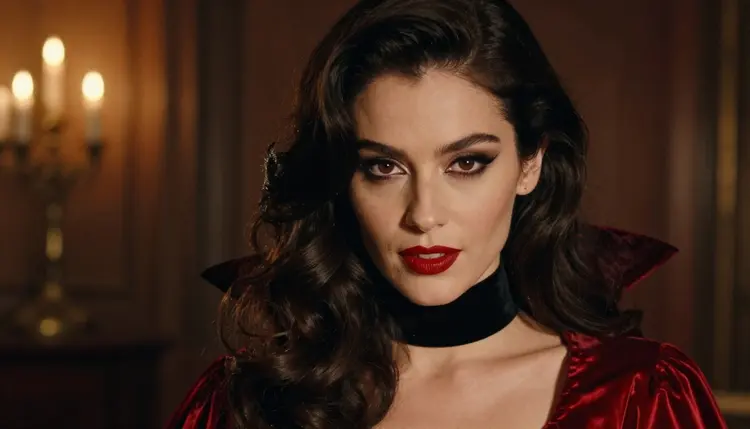
4. Vampire Countess. A high velvet collar, a red satin robe and candlelit tungsten light from one side. A tight close-up portrait works best here: dark lips, pale skin, a slow look toward the camera and deep shadows around the eyes.
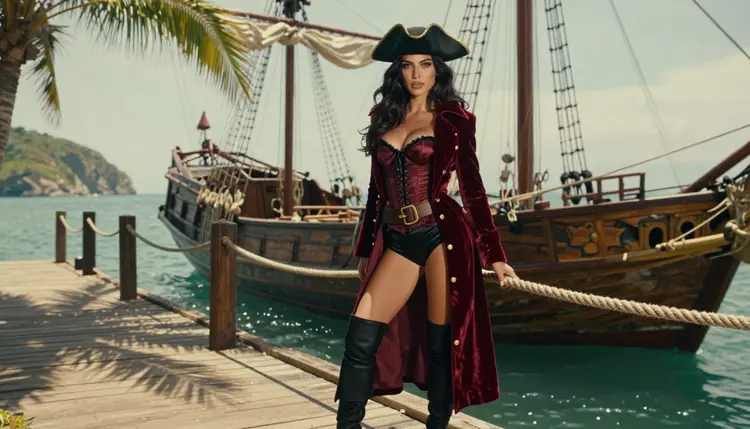
5. Pirate Captain. A burgundy satin corset, a red velvet captain's coat, thigh-high boots and a tricorn hat on a sunlit wooden pier with a sailing ship behind. A wide 24mm frame lets you keep the ship, the pier and the full costume in one picture.
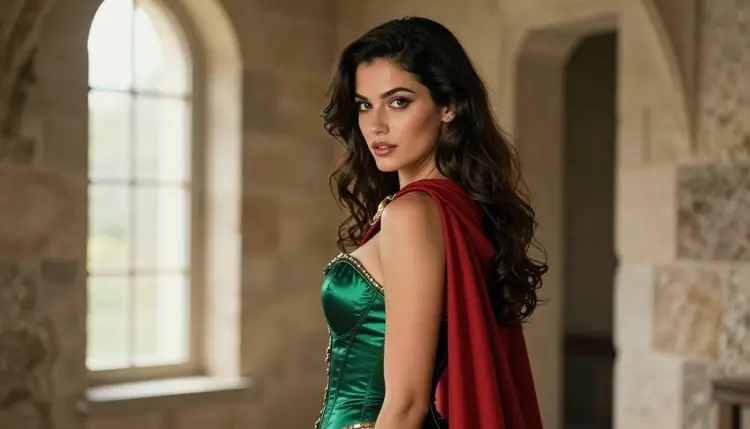
6. Forest Huntress. An emerald corset, a crimson cape and a leather bracer, standing in a stone doorway. Try an over-the-shoulder frame with soft window light from the left, so she glances back at the camera while the cape falls across one arm.
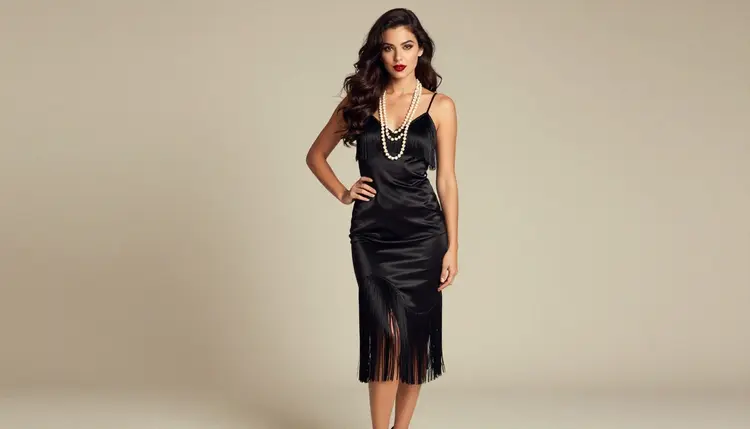
7. Twenties Flapper. A black fringed satin dress, long pearls and a beaded headband in a bright studio. Ask for a full-length standing frame in soft diffused daylight, and mention that the fringe is moving, which gives the dress a sense of dance without any extra props.
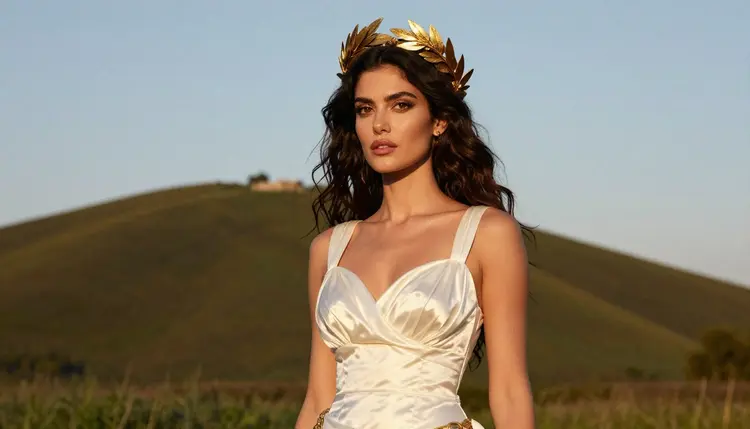
8. Roman Goddess. White satin draped and pinned at one shoulder, a gold laurel crown and gold arm cuffs. A waist-up shot at golden hour with the sun behind her gives a warm rim light on the hair and the fabric.
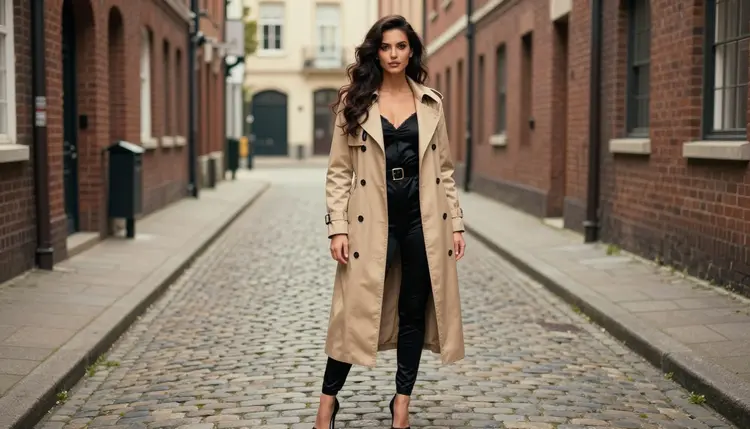
9. Noir Detective. A beige trench coat belted over a black satin bodysuit, a fedora and leather gloves on a cobblestone lane. A wide environmental portrait with dappled shade light keeps the street, the coat and the attitude in the same frame.
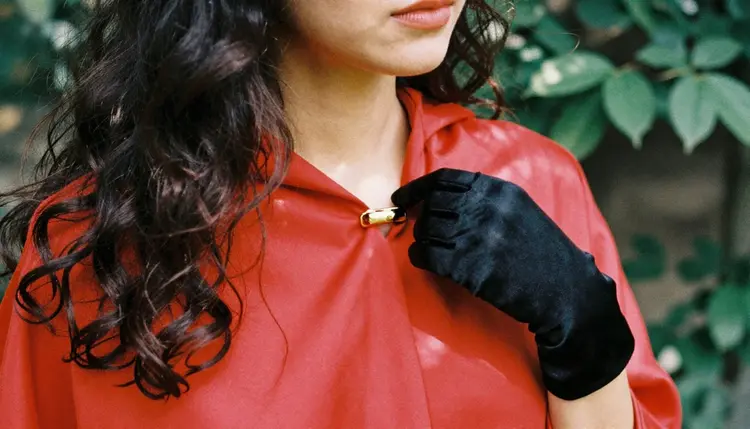
10. Winter Queen. A white fur-trimmed cape over a silver satin gown with a slit, a thin crown of frosted metal, a snowy courtyard. Use cool overcast light and a 50mm lens, and keep the face warm in tone so she stands out against the snow.
11. Desert Nomad. Sand-colored linen wraps, a layered gold necklace, a loose scarf and a low satin skirt on a dune at golden hour. A low camera angle and long shadows make the folds of the fabric the main subject.
12. Steampunk Aviator. Brass goggles pushed up into the hair, a leather corset with copper buckles, a short satin skirt and tall lace-up boots beside a vintage airship hangar. Warm tungsten light from a hanging lamp gives the metal a glow without tipping into sci-fi effects.
13. Sea Siren. A pearl-studded bikini top and a long iridescent skirt on wet rocks at the tide line. Ask for a medium shot in soft morning light, with sea spray in the air and real fabric texture rather than a fantasy tail.
14. Ronin Duelist. A black silk wrap jacket, a red sash, fitted trousers and a wooden practice sword, on the steps of a quiet courtyard temple. This is an original swordsman look, not a named character. Shoot it at eye level in early morning light with a slight mist.
15. Starship Explorer. A fitted silver jumpsuit unzipped at the collar, a utility belt, a transparent visor pushed up on the head and a plain metal corridor behind. Keep it generic: no logos, no emblems, no recognizable ship. Soft cool light from a panel overhead completes the look.
A cosplay prompt is easier to control when you build it in a fixed order. These five steps work for any of the fifteen ideas above and for costumes of your own.
- Pick one costume. Choose a single theme from the list and keep it original, with no brand names or named characters in the text.
- Describe the wardrobe. Name the fabric, the color, the cut and each accessory, for example burgundy satin corset, thigh-high boots, tricorn hat.
- Set the place and the light. Add one location and one light source, such as a pier at golden hour or a window with soft light from the left.
- Choose the frame. Say close-up, waist-up, over-the-shoulder or full-length, and add a lens such as 35mm or 85mm.
- Generate, then refine. Run the prompt in the toolkit, look at the result, and change only one detail at a time before you generate again.
Picasso IA keeps a list of models it has tested repeatedly with adult prompts. Confirmed means those tests generated instead of rejecting, and it is not a published setting of the model's maker, who can change it at any time. These are the six that fit cosplay work, one table for the whole set.
Every other model in the catalog is untested for adult prompts. That does not mean it is filtered, and it does not mean it is open: it means nobody here has checked it. If you want to try one, browse the full catalog and expect that it may accept or refuse a given prompt. When a model refuses, the app shows a message titled "Content Not Supported by This Model", recommends models that accept adult prompts and carries your prompt over, so you do not retype anything.
This section is short on purpose. The page is for adults only: you must be 18 or older to use it, and everything here assumes that.
Every character you create must be a fictional adult. Do not use a real or identifiable person, a celebrity or a friend, and do not write a prompt for anyone who could read as a minor. Costume ideas work best when the person is clearly a mature adult from the first word of the prompt.
What you generate is private by default: it is tied to your account and not published or shown to others. Keep it that way, and respect the rights of the people and the designers behind real costumes by staying with original themes.
A new account can try a small free trial on selected models: Picasso IA Image, Picasso IA Editor Pro, Picasso IA Video and Seedance 2.5 Lite. That is enough to test one or two of the ideas above before you decide anything. Models marked with the infinity tag do not spend credits on the plans that include unlimited generation, and the details are on the pricing page.
A good next step is to pick one costume, generate a still with Seedream 4.5, then send the result to Picasso Image Editor Pro to change the outfit or the background. After that, move the best picture to Picasso IA Video or Seedance 2.5 Lite and ask for a slow turn or a moving cape. If you want more concepts, read the best NSFW AI generator for cosplay art, how to plan a cosplay costume with AI concept art and the list of Halloween costume ideas. For motion, try the video prompt ideas, and for a wider list there is more AI art ideas to generate.
What is the best AI model for NSFW cosplay pictures?
For photoreal costume portraits, Seedream 4.5 is a strong first choice, and Recraft V4.1 Pro suits illustrated or print-ready looks. Both are confirmed by Picasso IA for adult prompts. Try one costume in each and keep the one whose style you prefer.
Can I use a real character from a movie or a game?
It is better not to. The ideas on this page are original or generic themes, such as a pirate captain or a vampire countess. Describing the outfit in plain words gives you the same mood without depending on a name that belongs to someone else.
How do I keep the costume consistent between pictures?
Reuse the same wardrobe words and the same description of the woman in every prompt, and change only the location, the light or the frame. In the toolkit you can attach a reference image, and each attached image gets an @1 or @2 badge you can mention in the prompt.
Can I turn a cosplay picture into a video?
Yes. Picasso IA Video accepts text or an image, and Seedance 2.5 Lite is listed up to 10 seconds. Both are confirmed. Start from a finished still and ask for one simple motion, such as a cape moving or a slow turn.
What does Content Not Supported by This Model mean?
It is the message the app shows when a model will not take a prompt. It recommends models that accept adult prompts and carries your prompt over, so you can switch models without retyping. Rewording the costume can also help.
Are the people in these pictures real?
No. Every character is a fictional adult, a mature woman created by the model. Never use a real or identifiable person, and never write a prompt for anyone who could read as a minor. This page is 18+ only.
Can I change the outfit of a picture I already have?
Yes, with Picasso Image Editor Pro, which edits an existing image and is marked with the infinity tag. Upload the picture, describe the new outfit or background and generate again. Use it only with fictional adult characters.
Which light works best for satin and velvet?
Soft window light and golden hour backlight show the sheen of satin without harsh reflections, while a warm tungsten lamp gives velvet depth. Name the light source in the prompt, for example soft window light from the left, and the model will usually follow it.
Is what I create private?
Yes. Generations are private by default: they are tied to your account and not published or shown to others. You decide what to do with the files afterward, and the adults-only, fictional-only promise still applies.
How much does it cost to try these ideas?
Each generation costs credits that vary by model and by options such as resolution or duration. A new account has a small free trial on selected models, and models with the infinity tag do not spend credits on plans that include unlimited generation. See the pricing page for the details.