A portrait rarely lives or dies on the outfit or the lighting. It lives or dies on the pose, the one choice that decides whether a picture reads as stiff and posed or as a moment someone was actually caught in. On Picasso IA, an AI generator with more than 480 models in its catalog and six of them confirmed to run with no content filter on adult prompts, pose is also the fastest way to turn a flat, generic prompt into a portrait that feels intimate, confident and alive.
This guide walks through six poses that hold up again and again in AI generated portraits: a reclining lean on a bench, a soft curl into a chaise, a silhouette framed by a window, a three quarter stance built for a studio backdrop, a glance thrown back over a shoulder, and a candid laugh caught mid motion. It also lays out the five steps from a blank prompt to a finished image, compares the six uncensored models by what each pose actually asks of them, and states the rules every generation on this page runs under.
One note before the first pose: every person pictured on this page is a fictional adult, eighteen or older. The full rules sit further down, but that line governs everything above it too.
Most people writing an adult portrait prompt spend their words on the outfit, the setting or the lighting, and leave the pose as an afterthought, a single adjective like sensual or elegant. A model reads a pose the same way a photographer does: it sets where the weight sits, which way the hips and shoulders turn against each other, where the hands land, and where the eyes point. Change only the pose in an otherwise identical prompt and the whole picture changes temperature, from cold and catalog like to warm and genuinely spicy.
A pose description that actually moves the needle covers a short list of specifics rather than one mood word:
- Weight and balance. Which leg or arm is carrying the body, and which side is relaxed.
- Torso and shoulder line. Square to the camera reads as confident and direct; turned away reads as candid or shy.
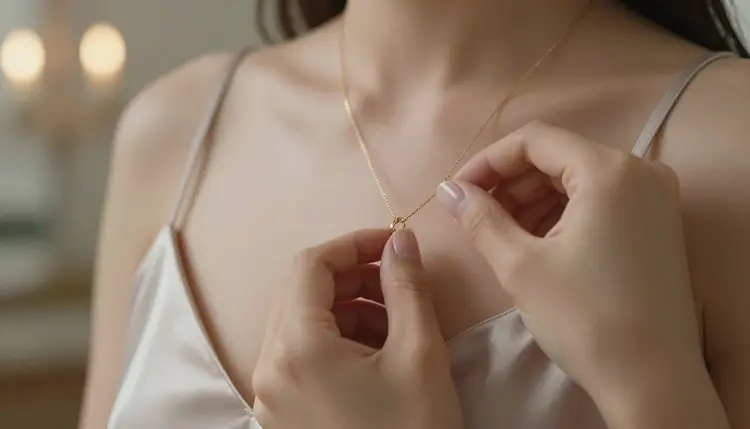
- Hands. Resting, gripping fabric, or adjusting a strap or a necklace; an idle hand reads as unposed in a way an empty one rarely does.
- Gaze. Straight into the lens, off to the side, or down and away, each one changes the entire mood of a portrait.
- Framing implied by the pose. A reclining pose asks for a wider frame; a glance over the shoulder asks for a closer one.
None of this needs technical camera language to work. Naming the pose in plain, physical terms, the way a director would talk a model through it, gives Picasso IA's uncensored models more to work with than a single mood word ever will.
Each of the six poses below is described the way it should be written into a prompt: the position, the weight, the hands and the gaze, in that order. Swap in whatever outfit, setting or model actually matches the brief; the pose itself is what makes each one work.
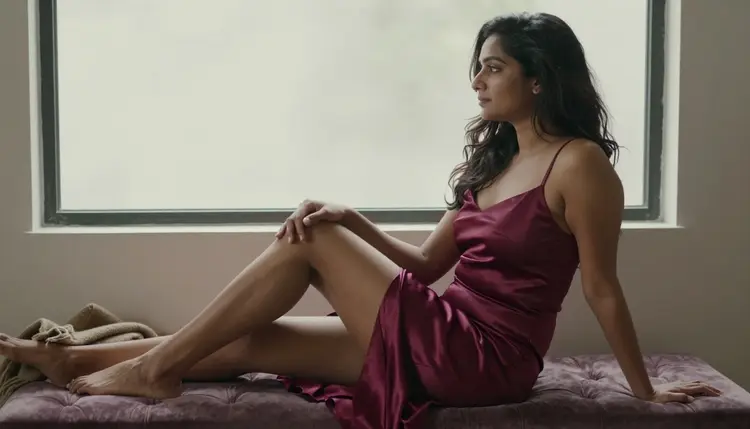
The Reclining Lean
Body stretched along a bench or a low seat, weight on one forearm, legs crossed at the ankle or loosely bent, head tilted just enough to break a straight line from shoulder to hip. It is the most forgiving pose on this list for fabric that drapes, satin, velvet, silk, since gravity does most of the work of making it fall naturally.
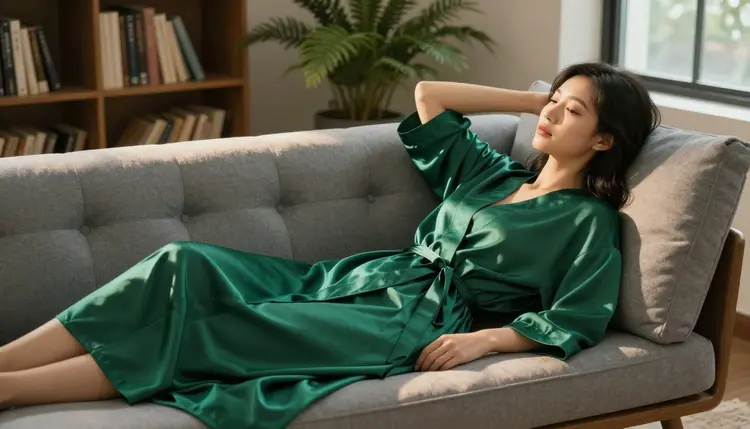
The Soft Chaise Curve
A tighter variation on the reclining lean: knees drawn up rather than extended, torso curved rather than straight, one arm draped along the backrest instead of bearing weight. It reads softer and more private than a full recline, which makes it a strong match for a robe or an unstructured layer that looks like it could slip.
The Window Silhouette
Standing at a three quarter angle to a light source, one shoulder forward, weight shifted onto the back leg, chin lifted slightly toward the light. Backlighting from a window or a doorway does the heavy lifting here, tracing the edge of the body and the coat or dress in a single clean rim of light.
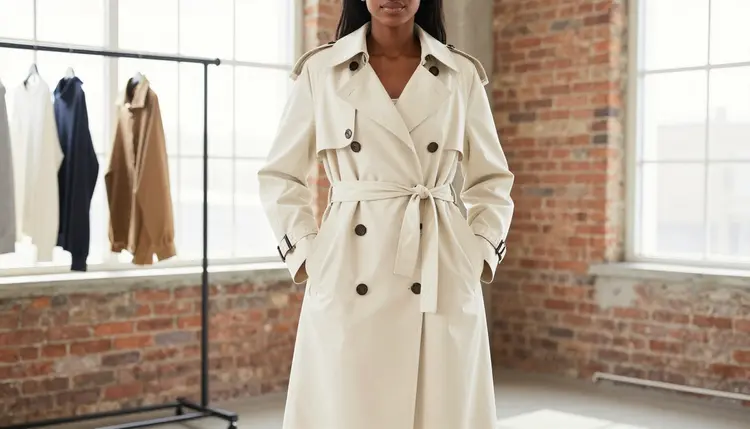
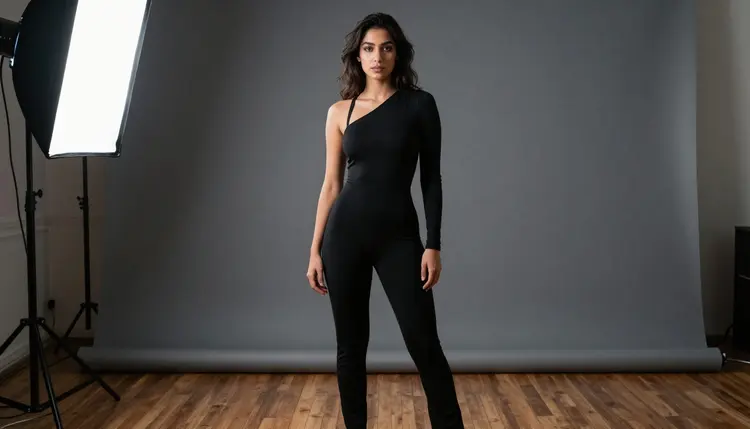
The Three Quarter Power Stance
Feet planted wider than the reclining poses, torso rotated roughly forty five degrees from the camera, one hand on the hip or in a pocket, chin level rather than tilted. It is the pose to reach for when the brief wants confidence over softness, and it holds up especially well against a plain studio backdrop where nothing competes with the line of the body.
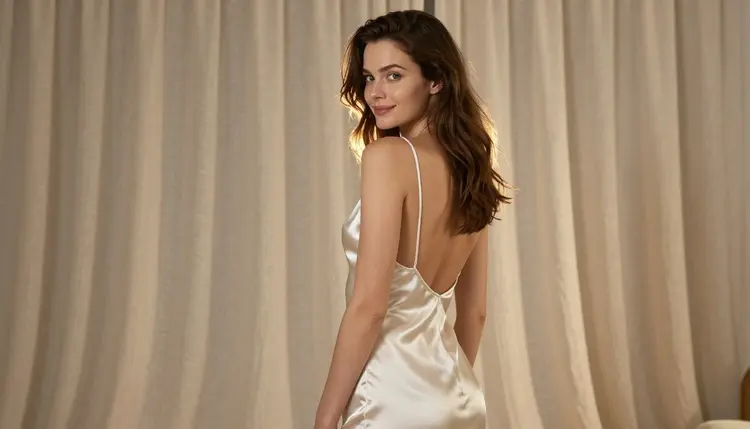
The Over the Shoulder Glance
Back or three quarter back to the camera, torso twisted so the face turns back over one shoulder, weight settled on the front foot. This is the pose that most reliably reads as a genuine, caught moment rather than a held one, because the twist through the spine is doing something a static, front facing pose cannot fake.
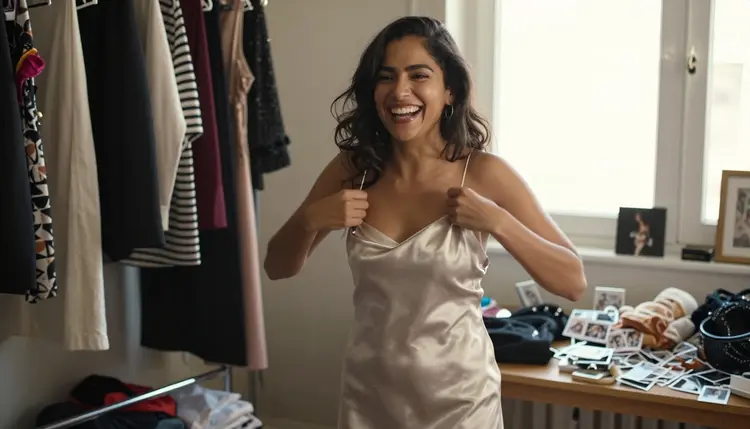
The Candid Laugh
Mid motion rather than held: a hand caught adjusting a strap or brushing back hair, head turned slightly off axis, mouth open in a real laugh rather than a closed smile. It is the hardest of the six to prompt well, since it asks a model to render asymmetry and motion instead of a clean static frame, but it is also the one that most consistently reads as intimate rather than staged.
Turning one of the six poses above into a finished portrait follows the same five step loop regardless of which uncensored model opens it.
- Write the pose before the outfit. Describe the body position, the weight, the hands and the gaze in plain physical terms, then layer the outfit, setting and lighting on top of that foundation.
- Open the toolkit and pick a model to match the mood. Seedream 4.5 suits a photoreal studio look, and Qwen Image 2 suits a pose whose outfit carries several specific details that all need to survive one generation.
- Generate a small batch and check the pose first. A handful of variants from one prompt shows whether the weight, the hands and the gaze all came through as written, before spending a second thought on the outfit or the background.
- Adjust one detail at a time. Keep the closest result, change the angle, the hand position or the gaze, and generate again rather than rewriting the whole prompt; three or four rounds is a normal distance to a keeper.
- Finish with an edit pass. Send the winning image to Picasso Image Editor Pro to straighten a hand, fix a necklace clasp or a strap, then download it and check the edges of the frame before calling it done.
Six models across Picasso IA's catalog are confirmed to generate adult content with no content filter, and each one suits a different pose from the list above.
Seedream 4.5 is the strongest pick for the reclining lean, the chaise curve and the window silhouette, since all three depend on how convincingly fabric, skin and light interact, and it is built for exactly that kind of photoreal rendering. Qwen Image 2 tends to hold up best on the three quarter power stance and any pose where the outfit carries several specific pieces, a jumpsuit's zipper, a belt, jewelry, that all need to appear together in one generation. Recraft V4.1 Pro is the pick when the brief wants an illustrated or stylized finish rather than a photograph, particularly for the over the shoulder glance rendered as a painterly piece instead of a photoreal one.
Picasso Image Editor Pro is less a generator than a finisher: it is the tool for fixing a hand that rendered wrong, straightening a necklace clasp, or cleaning up the fine detail work a first pass rarely gets perfect on the first try.
For motion, Picasso Video and LTX 2.3 Pro are both confirmed filter free and both turn a still pose, the candid laugh especially, into a few seconds of natural movement instead of a frozen frame.
Names like Qwen Image 3 Pro, LTX 2 Fast and Seedance 1.5 Pro show up often in the catalog too, but none of them are on the confirmed list; they are worth a try as an alternative once the six above have been tested, not a first choice for an adult portrait prompt. The same goes for third party names like Leonardo AI or Vidu: untested here, and not a substitute for the six models this page actually confirms.
Every pose on this page runs under the same short set of rules, and no outfit, setting or angle changes any of them.
This page and every model behind it are for adults only, eighteen and over, and every person shown here is a fictional adult built entirely from a text prompt. No real person's likeness without their explicit consent, no public figures, and nothing involving a minor or anyone made to look like one, regardless of how the pose or the outfit is described. Prompts that cross these lines are refused by the models and violate the platform's terms.
Nothing generated or uploaded here is used to train a model or shown to anyone else by default; a portrait a reader generates stays private to that account unless they choose to share it themselves.
An uncensored model is not a flawless one. Hands, jewelry clasps and the exact point where a strap meets skin are some of the harder details for any image model to get right on a first pass, filtered or not, so check those details, not only the overall pose, before calling a generation finished. And where a finished portrait ends up is the responsibility of the person who made it; local law decides what is legal to generate, and each platform sets its own rules for what it allows posted, and those two answers are not always the same one.
A few habits separate a portrait that looks alive from one that looks generated.
Light from one dominant direction beats even, flat lighting almost every time; naming where the light comes from, a window, a lamp, the sunset, gives a model a reason to add the small shadows that make skin and fabric look real instead of airbrushed. A profile or three quarter angle at golden hour is one of the most reliable combinations on this entire page, warm rim light doing most of the work a pose alone cannot.
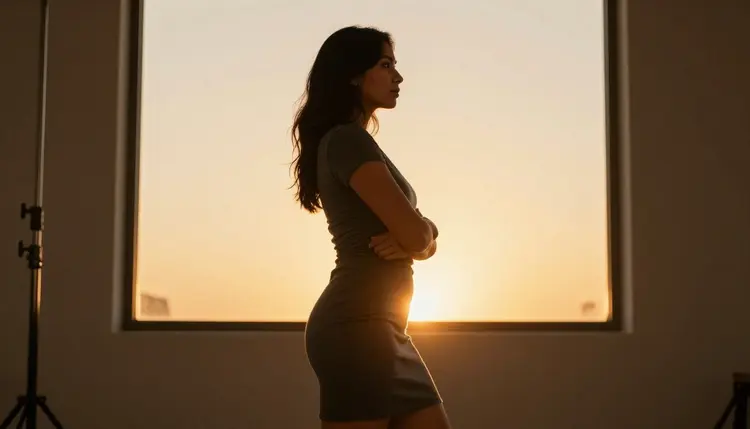
Fabric matters as much as the pose underneath it. Satin and silk hold light and show the shape of a pose more than cotton or wool do, which is why so many of the poses above are described with a specific fabric rather than just a dress or an outfit. A pose that reads flat in a loose, matte fabric often reads immediately once the fabric is named as satin, velvet or silk instead.
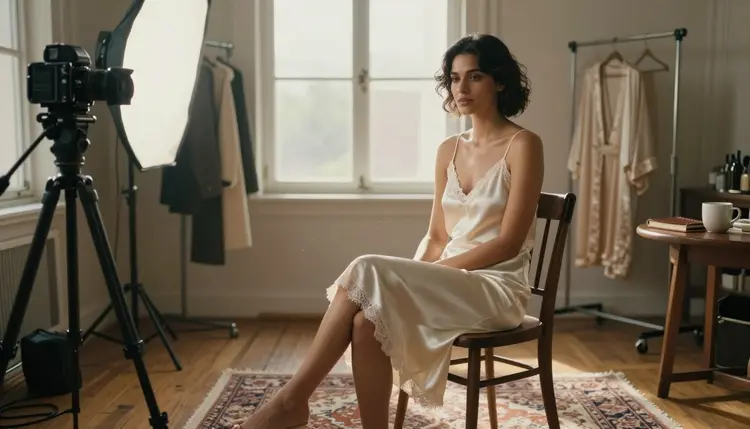
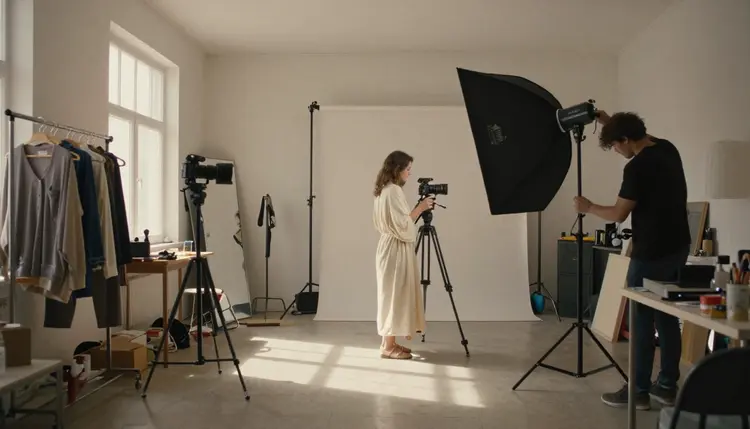
And a small studio detail that many prompts skip: naming the setting as a real working space, a studio with visible equipment, a stool, a light stand, a second person in frame, grounds the whole image the same way a real photo shoot would, even when the final crop only shows the portrait itself.
Which pose works best for a first attempt at an AI portrait?
The reclining lean is the most forgiving starting point, since gravity naturally makes draped fabric like satin or silk fall the way it would in a real photo, and the pose survives small prompt mistakes better than a standing or moving pose does.
Which of the six uncensored models should I use for portrait poses?
Seedream 4.5 is the strongest general pick for a photoreal portrait, since it renders skin, fabric and light the way a camera would; Qwen Image 2 is the better choice when the outfit carries several specific pieces that all need to appear together, and Recraft V4.1 Pro is the pick for an illustrated rather than photographic finish.
Does Seedream 4.5 really have no content filter for adult portrait prompts?
Yes. Seedream 4.5 is one of six models across Picasso IA's catalog confirmed to generate adult content with no content filter. Most other models in the catalog, including several well known names, are not on that confirmed list and may refuse an adult portrait prompt outright.
What happens if a model refuses my portrait prompt?
The generation stops and a message explaining that the model does not support the prompt takes the image's place; the fix is switching to one of the six confirmed models and running the same prompt again, not reworking the description with euphemisms to slip past a filter that already refused it.
Can a pose be turned into a short video instead of a still image?
Yes. Picasso Video and LTX 2.3 Pro are both confirmed filter free and both generate video, so a pose that started as a still image, the candid laugh especially, can move into either one and come out as a few seconds of natural motion.
Why do hands and jewelry sometimes render wrong?
Hands, clasps and the exact point where a strap meets skin are some of the harder details for any image model to draw cleanly, filtered or not; removing a content filter changes what a model will attempt, not how well it handles fine detail. A follow-up pass through Picasso Image Editor Pro naming the exact detail to fix solves this more reliably than regenerating the whole image from scratch.
Can I generate a portrait of a real person from a photo?
No. A real person's likeness needs their explicit consent, and public figures are excluded entirely; every portrait on this page is built from a fictional adult described in text, eighteen or older, and prompts asking for a real, identifiable person are refused by the models and against the platform's terms.
How specific does a pose description need to be?
More specific than a single mood word. Naming the weight, the torso angle, the hands and the gaze, in that order, gives a model something concrete to build a portrait around, the same way a photographer would direct a pose in a real session rather than just asking for confident or elegant.
Are my generated portraits private?
Yes. A portrait generated on Picasso IA is not used to train a model and is not shown to anyone else by default; it stays private to the account that generated it unless that person chooses to share it.
How much does a portrait cost to generate, and are there free credits?
A single portrait image sits toward the cheap end of what any generation costs on Picasso IA, and a short video clip through Picasso Video or LTX 2.3 Pro costs more than a still image. New accounts start with free credits, enough to test a couple of poses across different models before spending anything further, and current prices live on the pricing page.