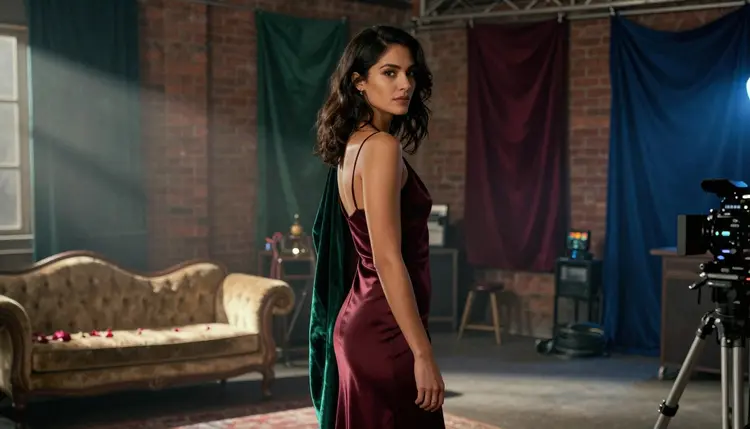
A still image sells a look. A video sells a feeling, the half second before a hand reaches for another, the way rain light moves across a window, the beat where someone actually laughs instead of posing for a camera. That gap is why an NSFW video generator earns its own place next to an image one instead of just replacing it.
Only two models on Picasso IA are confirmed to generate adult video with no content filter standing between a prompt and the render: LTX 2.3 Pro, which writes a clip straight from a text description, and Picasso Video, which takes a still image you already like and adds motion to it. This guide lines up six style ideas worth trying with either one, a five step process that works for all six, and the rules that keep every clip fictional and adult.
Most video models on Picasso IA, and on the wider market, run a content filter that reads a prompt for adult themes and refuses it before a frame renders, no matter how the scene is dressed up. A slow dance between two fictional adults trips that filter about as often as an explicit request would, since most filters cannot tell intimate from explicit; they simply block anything that reads as adult. Six models on the platform are confirmed to skip that filter entirely: Seedream 4.5, Qwen Image 2, Recraft V4.1 Pro and Picasso Image Editor Pro for stills, plus Picasso Video and LTX 2.3 Pro for motion. This guide is about the two video ones.
LTX 2.3 Pro is a text to video model: describe a scene, the light and a camera move, and it renders a short clip from that description alone, no starting image required. Picasso Video works the other way around, taking a still, generated on Picasso IA or uploaded, and animating it, adding a believable motion, a slow turn, hair shifting, fabric moving, to a look you already settled on. Neither one needs the other, but they pair well: lock in a character and a wardrobe with one of the four confirmed image models, then bring that exact still into Picasso Video, or skip the still entirely and write straight to LTX 2.3 Pro when the scene matters more than one fixed character.
Six style ideas below cover a wide emotional range on purpose, warm and romantic, tense and cinematic, bright and playful, so you can find the mood that fits before settling on a character and a wardrobe.
1. Slow Dance in Candlelight. Two fictional adults, forehead to forehead, turning slowly in a warm, candlelit apartment.
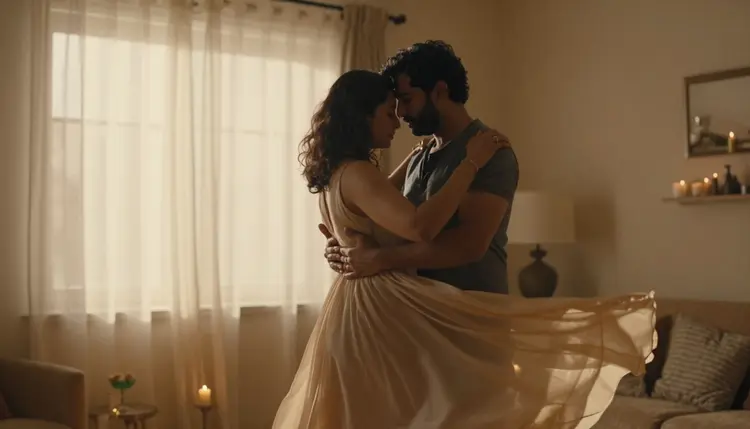
This is the style to reach for with LTX 2.3 Pro when the goal is closeness rather than a story: name the light source (a candle, a warm lamp), the motion (a slow turn, not a dance routine) and let the camera hold a static, waist up frame instead of moving around the couple. Picasso Video works just as well here if you already have a still of the two embracing and just want the flicker of candlelight and a slight sway added to it.
2. Rain-Streaked Window Tension. A profile lit hard against a rain-streaked window, one strong light source and a still, tense pose.
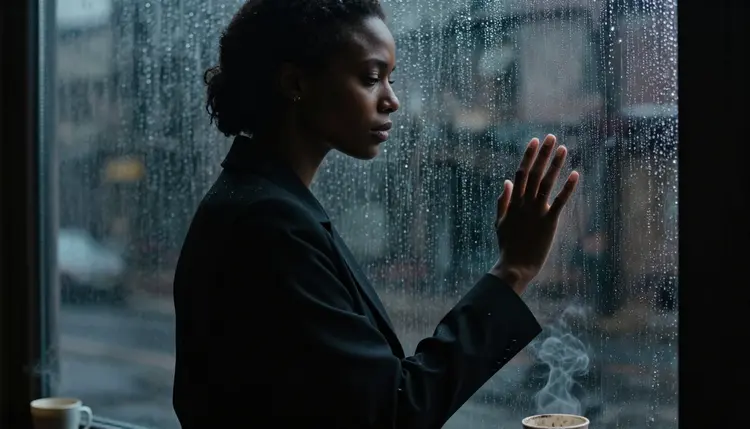
This reads as cinematic rather than domestic, and LTX 2.3 Pro handles it well once the prompt names the weather and the light direction clearly, rain outside, one warm lamp inside. A slow push in on the face sells the tension better than any camera move that pans around the room.
3. Sunny Rooftop Spin. A bright, joyful style built on movement instead of stillness, a sundress catching the light mid spin on a rooftop at midday.
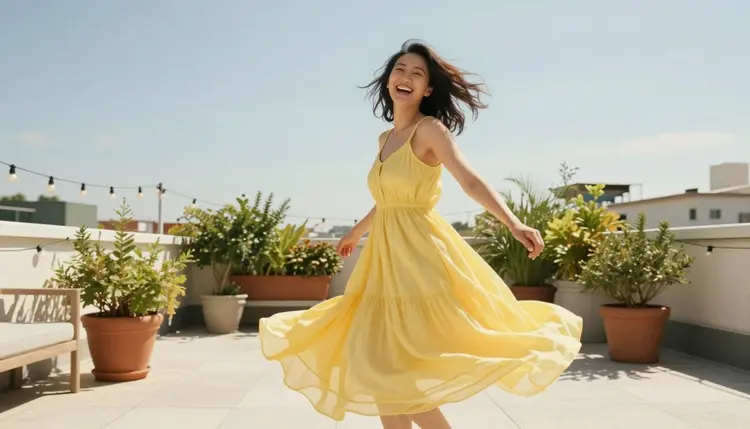
This one is a good test of LTX 2.3 Pro's motion, since fabric and hair have to move convincingly through a full turn rather than just sway in place. A clean, open background keeps the motion the clear focus of the clip instead of competing with a busy setting.
4. Foggy Alley Noir. A single figure under a streetlamp, fog rolling through a narrow alley, a mood piece more than a story beat.
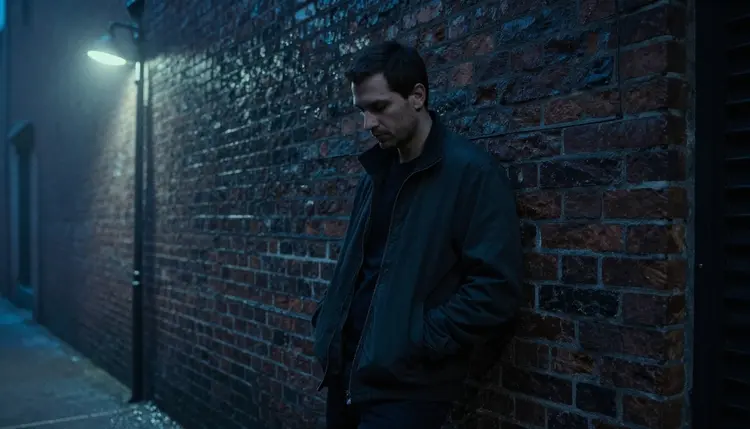
It rewards a restrained camera, a slow hold or a gentle push in, nothing that rushes past the fog and the light. Naming the streetlamp as the only light source in the prompt keeps LTX 2.3 Pro from defaulting to an evenly lit scene that loses the noir feel entirely.
5. Beach Boardwalk Daydream. A flowing white dress, a sunny boardwalk and an easy, unhurried walk, a soft, dreamy style that leans on wardrobe motion as much as the setting.
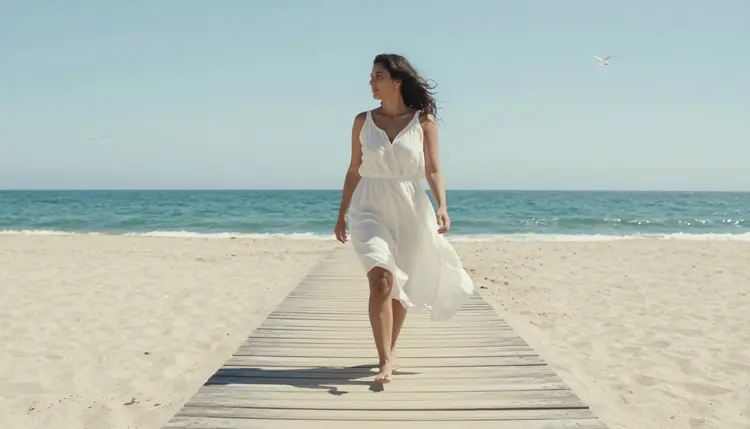
This one suits Picasso Video particularly well when you already have a still you like: turning a walking pose into an actual walk, the dress moving with each step, is exactly the kind of natural motion it was built to add to an existing image.
6. Intertwined Hands Close-Up. A close, lamplit crop on two hands intertwined on bed sheets, quiet and intimate rather than a full figure.
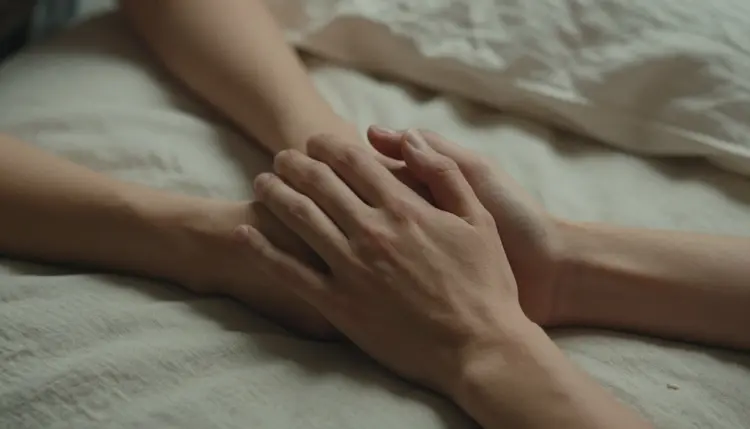
It is easier to render convincingly than a full body scene, since the model only has to hold two hands steady rather than an entire pose, which makes it a strong option for a shorter, lower cost draft while you are still deciding on a longer style.
A general video model has to be told what mood and camera behavior you want, since neither one is a default. A handful of habits keep a result closer to what you pictured on the first try.
Name the light source before anything else. Candlelight, a rain-streaked window, a single streetlamp, warm sunset light, whichever one applies, gives the model a concrete target instead of a vague mood word, and light is what most of these six styles actually hinge on.
State one camera move and stop there. A slow push in, a static hold, a gentle pan, a full turn, naming exactly one keeps the clip readable; combining several moves in one prompt tends to blur the shot rather than make it more dynamic.
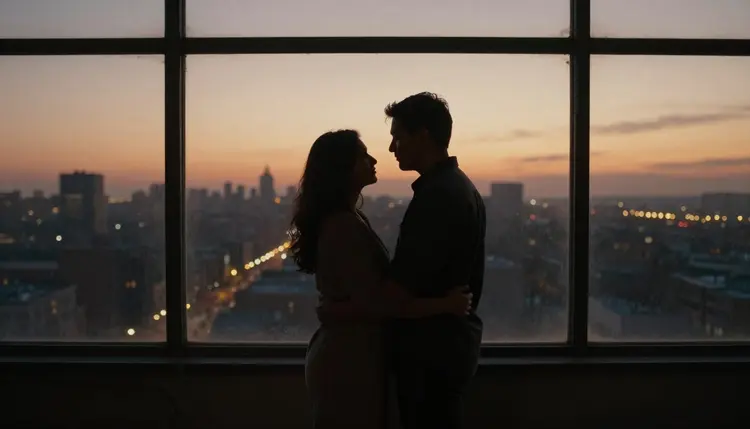
A backlit silhouette against a big window at sunset shows how far one light source and one held pose can carry a scene on their own: the couple barely moves, and the clip still reads as full of feeling.
A short reference table for prompting a style:
| Say this | Instead of this | Why it helps |
|---|
| candlelight and a slow turn | a romantic mood | gives the model a real light source and a real motion instead of a feeling |
| one static camera hold, waist up | a cinematic shot | keeps the frame readable instead of defaulting to a busy, moving camera |
| a rain-streaked window, one warm lamp inside | moody lighting | names the weather and the one light source driving the whole scene |
| a full turn, the dress moving with each step | a walking pose | tells the model exactly how the fabric and the body should move together |
Keep the wardrobe and the pose described the same way across drafts when a character needs to stay recognizable from one clip to the next, the same habit that keeps a still character consistent applies here too.
Every style above, and any other one worth trying later, comes together the same way inside the toolkit.
- Pick a Style and a Model. Decide whether to write straight to video with LTX 2.3 Pro or animate an existing still with Picasso Video, based on whether you are starting from scratch or already have a look you like.
- Write the Scene, the Light and the Move. Describe the setting, the light source and one clear camera move together, a slow push in, a gentle pan, a static hold, in the same prompt.
- Generate a Short Draft First. Render a shorter, lower resolution clip before committing credits to a longer version, so the mood can be checked before paying for length.
- Check Continuity Across the Clip. Watch whether the face, the wardrobe and the light stay consistent from the first frame to the last, since drift usually shows up on longer or busier moves.
- Refine One Variable and Generate Again. Adjust just the light, the pose or the camera move that is not landing, rather than rewriting the whole prompt, and run it again.
Most styles take two or three passes to land, especially the ones built on movement like the rooftop spin or the boardwalk walk. A small change to the camera direction usually fixes a clip that is close but not quite right.
Generating adult video on Picasso IA is restricted to users eighteen and older, on LTX 2.3 Pro, Picasso Video or any other model, and every account confirms this before anything in this category renders.
Every character in every style above is a fictional adult. Picasso IA does not generate anyone who could read as a minor, in any wardrobe, style or camera angle, and it does not generate a real, identifiable person, public or private, without that person's consent, regardless of which of the two confirmed video models is running the prompt.
Generations in this category stay private by default: a clip made here is visible only in your own account and is never pushed to a public feed unless you choose to share it yourself.
LTX 2.3 Pro is the better starting point when the scene matters more than one fixed character, the rain-streaked window, the foggy alley, any style you are exploring from a blank prompt rather than an existing image. Picasso Video is the better choice once a character and a wardrobe are already settled, on a still from Seedream 4.5, Qwen Image 2, Recraft V4.1 Pro or elsewhere, and the only thing left missing is motion.
Trying a style stays closer to a quick take on a small set than a big production: generate a short draft, watch it back, adjust one variable and go again, rather than planning the whole clip out before the first render. New accounts start with free credits, enough to try a handful of these six styles on both video models before spending anything further.
The rest of the catalog, including other video models, is untested for adult content and should not be assumed to skip the content filter the way LTX 2.3 Pro and Picasso Video do. If an untested model refuses a prompt, the toolkit carries it over automatically to one of the two that will run it. Credit cost for both scales with clip length and resolution and is shown before you generate, with current plan details on the pricing page.
Do LTX 2.3 Pro and Picasso Video really generate NSFW video with no content filter?
Yes. Both are confirmed to run with no content filter blocking fictional, adult scenes, alongside four image models: Seedream 4.5, Qwen Image 2, Recraft V4.1 Pro and Picasso Image Editor Pro. A prompt built around any of the six style ideas above runs the same way any other prompt does.
What is the actual difference between LTX 2.3 Pro and Picasso Video?
LTX 2.3 Pro writes a clip directly from a text description, with no starting image required. Picasso Video does the opposite: it takes a still image you already have, generated on Picasso IA or uploaded, and adds motion to it. Picking between them depends on whether you are starting from a blank prompt or an existing look.
Which of the six style ideas is easiest to start with?
The intertwined hands close-up and the candlelit slow dance tend to be the easiest, since both rely on a held pose and a single light source rather than a full body movement across the whole frame.
Can these video styles feature a real person or a celebrity?
No. Every character across all six styles must be a fictional adult, eighteen and over. Picasso IA does not generate a real, identifiable person's likeness without that person's consent, on LTX 2.3 Pro, Picasso Video or any other model.
Is there an age requirement for this category?
Yes. Generating adult video on Picasso IA is restricted to users eighteen and older, and every character it renders must read as a fictional adult, never a minor, in any of the six styles above.
How long does a clip take to render?
Render time scales with the duration and resolution chosen for the clip, with longer, higher resolution renders taking more time than a short draft. Progress can be watched directly inside the toolkit while a clip renders.
Can an existing still image become one of these video styles?
Yes. Picasso Video is built for exactly that: bring in a still you already like, from Seedream 4.5, Qwen Image 2, Recraft V4.1 Pro or elsewhere, and it adds motion, a turn, a step, fabric shifting, without changing the character or the wardrobe already settled on.
Are NSFW video generations visible to other users?
No. Generations in this category are private by default and are not shown on any public feed unless shared on purpose by the account that made them.
Do other models on Picasso IA also generate NSFW video without a filter?
No. LTX 2.3 Pro and Picasso Video are the only two video models confirmed filter-free for this category. Any other video model on the platform is untested for adult content and should not be assumed to behave the same way until tried directly.
How much does an NSFW video generation cost?
Cost scales with the clip's duration and resolution rather than a flat rate per style, and the exact number is shown in the generation panel before anything renders. New accounts start with free credits, enough to try several of the six styles above before anything needs to be purchased, and current plan details live on the pricing page.