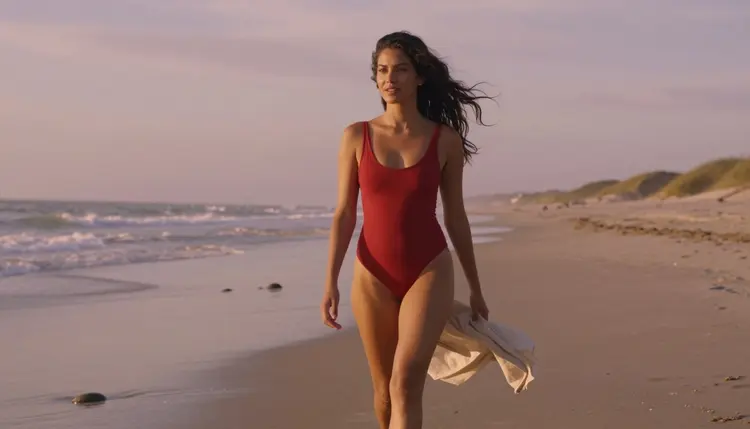
Type hot into a prompt box and the result looks like a stock photo audition: a stiff pose, a generic smile, lighting that goes nowhere. Type intimate, candlelit, and boudoir into the same box and the same model gives you a frame that actually reads as a real scene. The gap between those two results is not the model. It is the word choice.
This guide breaks down the seven prompt words that hold up across hundreds of test generations on Picasso IA, the five steps that turn one good word into a complete prompt, and the six models that are actually confirmed to render adult content without a filter cutting the request short. Read the rules section before you generate anything: every example described here is a fictional adult, and the same limits apply no matter which word or which model you choose.
Every word below earns its place because it gives the model something concrete to render, a texture, a light source, a pose, rather than a mood with no visual anchor. Mix two or three per prompt. Stacking all seven into one line reads as noise to the model and the output gets muddier, not better.
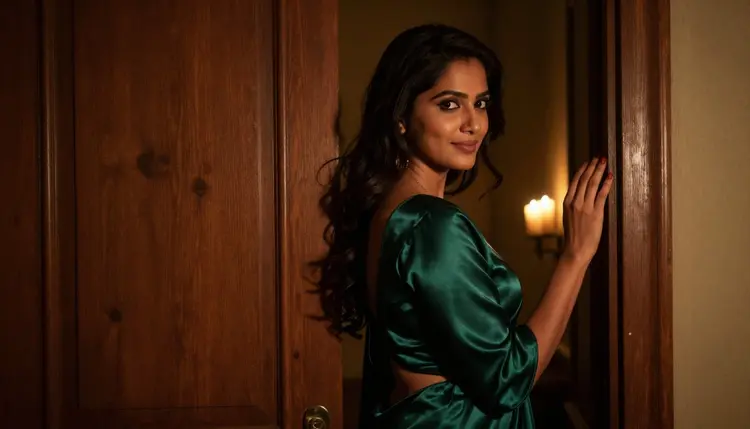
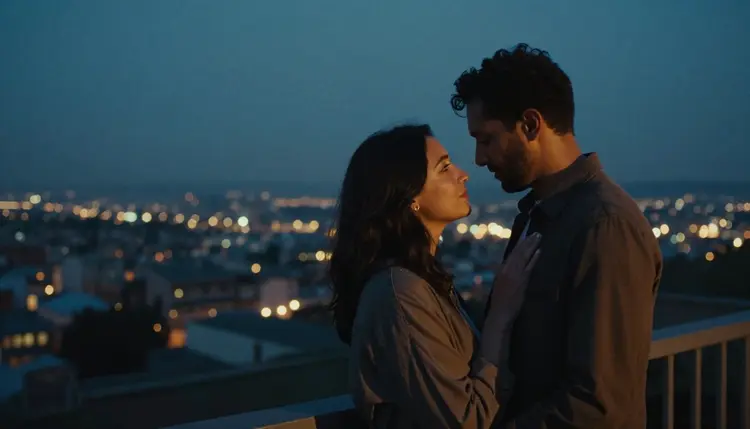
- Intimate. Signals closeness and a private setting rather than a posed studio shot. Works on its own or paired with a location like a bedroom doorway or a candlelit balcony.
- Sultry. Directs the expression and the posture: a lowered chin, a half smile, weight shifted onto one hip. Use it once per prompt, since a second mention just confuses the pose.
- Silky. A fabric word and a light word at the same time. It tells the model how a robe, a gown or a sheet should catch the light, and it reads as tasteful rather than clinical.
- Candlelit. A lighting word that does most of the mood work on its own. Warm, low, directional light reads as romantic and flattering across every one of the six confirmed models below.
- Boudoir. A recognized photography genre. Naming it tells the model the framing, the soft focus and the styling all at once, without you having to spell each one out.
- Bare shouldered. Specific about how much skin the shot shows, which keeps the result predictable. A vague instruction leaves the model guessing, and the guesses are inconsistent.
- Confident gaze. An expression word that keeps the result looking like a deliberate portrait instead of an awkward mid motion frame. Pairs well with any of the six above.

None of these seven words are explicit on their own, and that is the point. They describe fabric, light, pose and setting, the same vocabulary a photography brief would use, and the six confirmed models below turn that vocabulary into a finished, adult, tasteful frame.

A single vague adjective forces the model to guess at everything else: the lighting, the fabric, the pose, the framing. Every guess it makes is averaged from millions of training images, so the result lands in the middle of the road, technically fine, forgettable, occasionally off in the hands or the anatomy. Swap that one vague word for two specific ones from the list above, and the model has real anchors to work from instead of a guess.
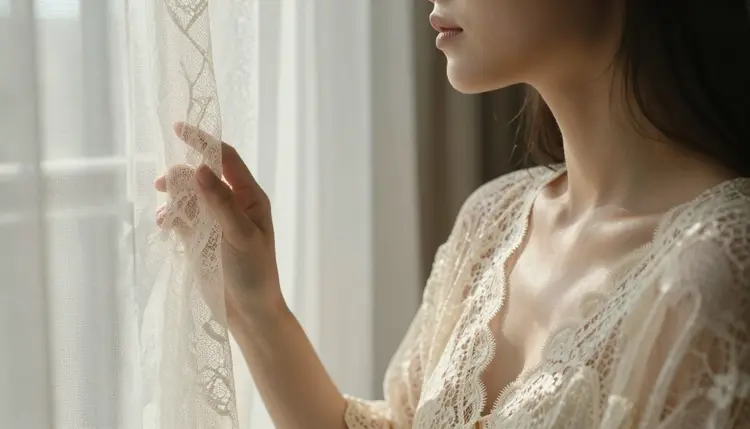
There is a second reason specific language works better here: it is also the language least likely to trip a filter unnecessarily. Clinical or overly explicit terminology reads as a flag to some models even when the intent is tasteful, while a word like silky, candlelit or boudoir describes the same scene through fabric, light and genre instead. That does not guarantee a result on every model in the wider catalog, since plenty of them block adult prompts regardless of phrasing, but among the six models confirmed to render this kind of content, specific wording produces noticeably fewer inconsistent or blocked results than generic or explicit phrasing does.
Turning one good word into a complete, working prompt takes the same five moves every time, regardless of the scene you have in mind.
- Start with the scene. Open the prompt with the location, the light and the time of day in one short clause, for example a candlelit bedroom at midnight or a sunlit window at dawn.
- Name the character in adult, fictional terms. State plainly that the subject is a fictional adult, describe build and styling in general terms, and never reference a real name or a real person.
- Drop in one or two of the seven words. Add intimate, sultry, silky, candlelit, boudoir, bare shouldered or confident gaze exactly where it describes the light, the fabric or the pose, not stacked together in a list.
- Set the camera and framing. Close up portrait, three quarter shot, soft focus, shallow depth of field: framing words keep the result reading as a deliberate photo rather than a random crop.
- Pick a model that will actually render it. Choose one of the six confirmed filter free models below rather than a general purpose one, or a perfectly written prompt still comes back blocked.

Run those five steps in order and the output stays consistent from one generation to the next, which matters once you start adjusting a single word at a time to fine tune the result.
Word choice only gets you halfway. The other half is picking a model that does not block adult content outright, no matter how the prompt is phrased. Out of the full catalog on Picasso IA, six models are confirmed to generate adult content directly, without a safety filter blocking the request: Seedream 4.5, Qwen Image 2, Recraft V4.1 Pro, Picasso Image Editor Pro, Picasso Video, and LTX 2.3 Pro.
The first four generate still images and read the seven words above well. Picasso Image Editor Pro can also edit an existing image rather than only creating one from scratch, which is useful for adjusting a pose or a fabric after the first result. Picasso Video and LTX 2.3 Pro turn the same kind of wording into a short clip instead of a still frame.
Every other model in the wider catalog applies its own content filter, and a beautifully specific prompt will still come back as unsupported on most of them. If that happens, the fix is to switch to one of the six models above and keep the exact same wording, not to reword the prompt to try to slip past a different model's filter.

Picasso IA restricts every adult generation to fictional, adult subjects only, and this page is written for adults aged 18 and over. Every character described here, and every character any of the six models above should generate, is invented: no real name, no real face and no public figure, and no one depicted without consent since none of them exist outside the generation. Anyone who could reasonably read as a minor is not permitted in any prompt, adult or otherwise, regardless of the wording used or the model chosen.

Privacy is handled the same way by default: what you generate is yours, Picasso IA does not use your prompts or your results to train other people's models, and there is nothing to install or configure to get that protection. If a prompt strays outside these limits, the safest fix is the one recommended throughout this guide: describe an invented character with invented traits, and let the seven words above do the descriptive work instead of anything that could be read as a real identity.
Once a prompt is working, resist the urge to rewrite the whole thing when a result comes back slightly off. Change one word at a time instead: swap silky for satin, candlelit for golden hour, or confident gaze for a softer expression, and regenerate. That keeps every other anchor in the prompt stable, so you can tell exactly which word moved the result.

It also helps to keep a short list of the combinations that worked for you, since the same two or three words tend to perform consistently once you have found a pairing you like on a given model. Credits are spent per generation across the whole catalog, including the six confirmed models above, so regenerating with one changed word is a cheaper way to fine tune a result than starting over from a blank prompt. New accounts start with a free allowance of credits to test this approach, and the current plans are kept up to date on pricing.
Once you have a combination you like, the toolkit keeps your last prompt and model selection ready for the next session, so refining a look does not mean starting from zero every time.
What makes a prompt word actually work for NSFW generation?
A word works when it gives the model a concrete visual anchor, a fabric, a light source, a pose or a setting, rather than a vague mood with nothing to render. Intimate, sultry, silky, candlelit, boudoir, bare shouldered and confident gaze all describe something the model can draw, which is why they hold up across repeated generations while a generic adjective produces inconsistent results.
Can I combine all seven words in a single prompt?
It is better not to. Two or three of the seven words paired with a clear scene description give the model focused direction, while stacking all seven into one line creates competing instructions and the output tends to get muddier rather than better. Pick the two words that matter most for the specific shot you want.
Which models are actually confirmed to render these words without blocking the prompt?
Six models are confirmed: Seedream 4.5, Qwen Image 2, Recraft V4.1 Pro, Picasso Image Editor Pro, Picasso Video and LTX 2.3 Pro. No other model in the wider catalog is confirmed to bypass its own content filter for adult prompts, however well the prompt is worded.
What happens if I use one of these words on a model that is not on the confirmed list?
Most other models apply their own filter and return a message that the content is not supported, regardless of how tastefully the prompt is phrased. Picasso IA carries the original prompt over automatically, so switching to one of the six confirmed models above does not require retyping anything.
Are any of these seven words explicit or against the rules?
No. Intimate, sultry, silky, candlelit, boudoir, bare shouldered and confident gaze all describe fabric, light, pose or genre rather than explicit content, which is exactly why they read as tasteful across every one of the six confirmed models instead of triggering an unnecessary block.
Do I need to describe a specific person for these words to work?
No, and you should not. Every subject described in a prompt on Picasso IA must be a fictional adult, invented rather than based on a real, identifiable person, and the seven words above are meant to describe an invented scene, not a real one.
Is there an age requirement for using this page or the models it describes?
Yes. This page and the adult generation features it describes are for users aged 18 and over, and every character any prompt describes must likewise read as a clearly consenting fictional adult, never someone who could be read as a minor.
How many credits does a typical prompt like this cost?
Cost depends on the model and, for video, the length of the clip, since Picasso IA uses one credits system across its entire catalog rather than a flat NSFW rate. New accounts receive a free allowance to test prompts like the ones on this page, and the current per model costs are kept up to date on pricing.
Can I use these words for video prompts as well as images?
Yes. Picasso Video and LTX 2.3 Pro, the two confirmed video models, read the same seven words the same way the four confirmed image models do, since they respond to fabric, light and pose descriptions rather than a different vocabulary for motion.
What should I do if a result does not match what I described?
Change one word at a time rather than rewriting the whole prompt. Swapping a single word, silky for satin or candlelit for golden hour, and regenerating shows exactly which part of the description moved the result, and the toolkit keeps the previous prompt on hand to edit rather than retype.